Customer Ratings & Reviews
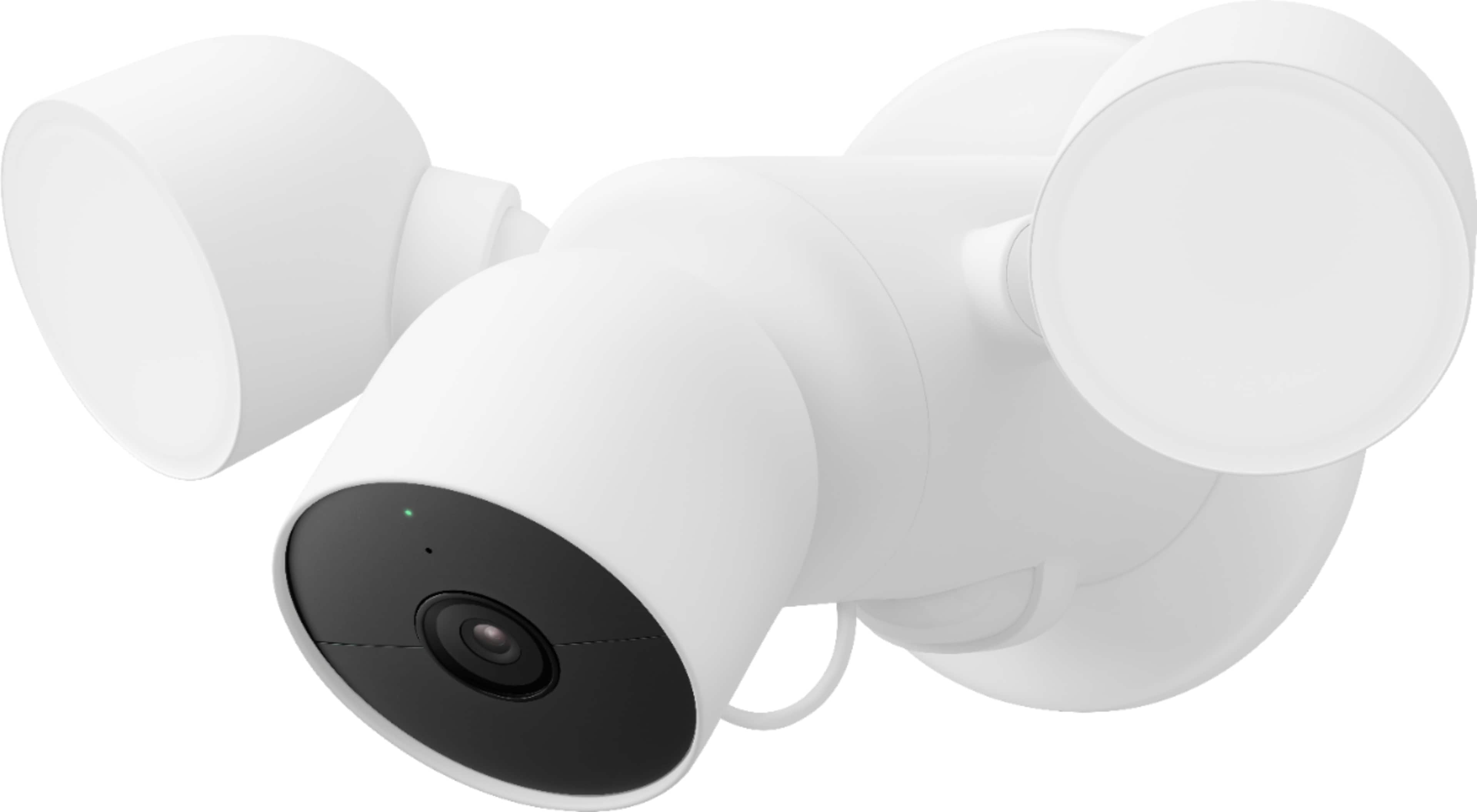
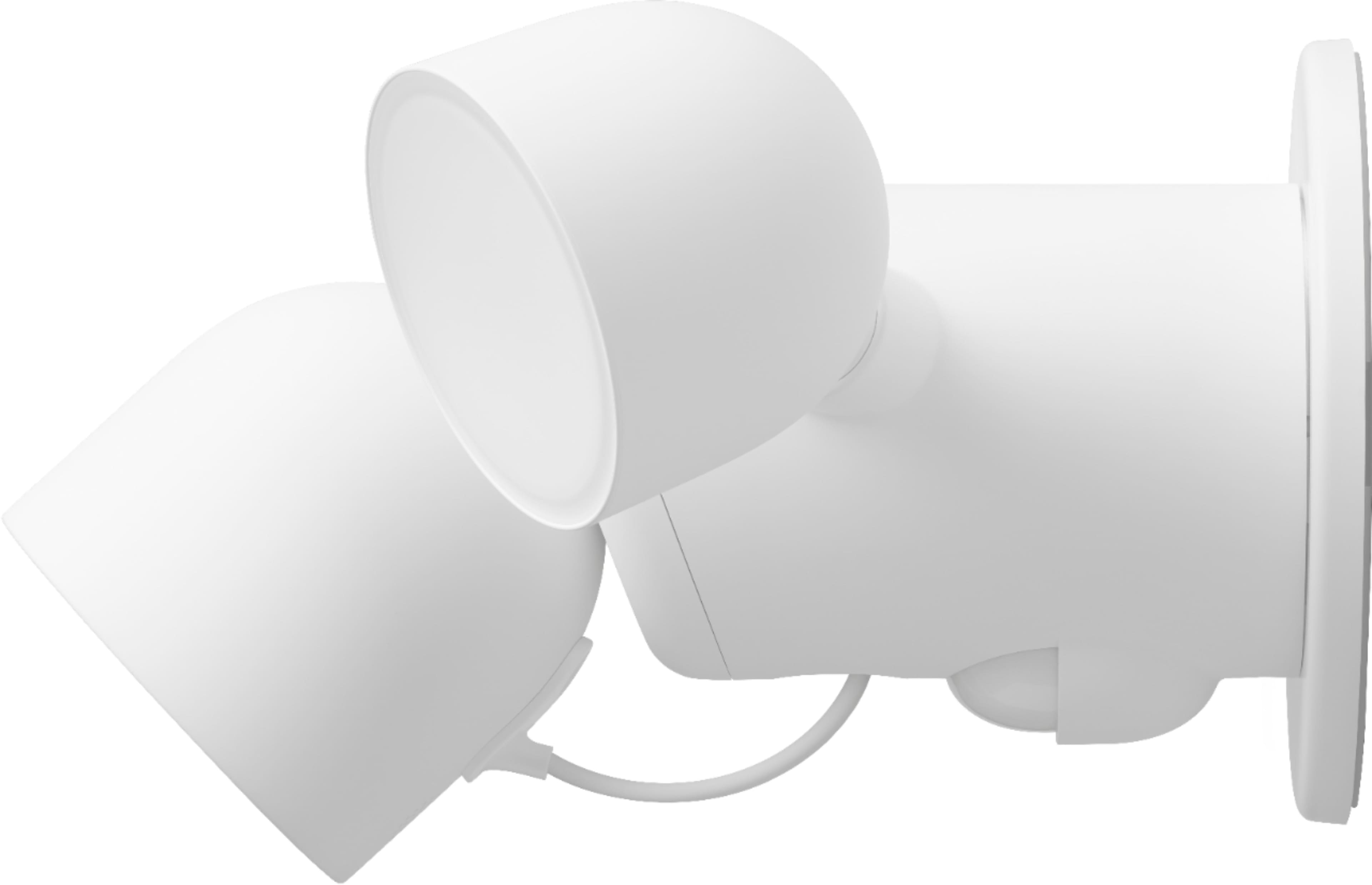
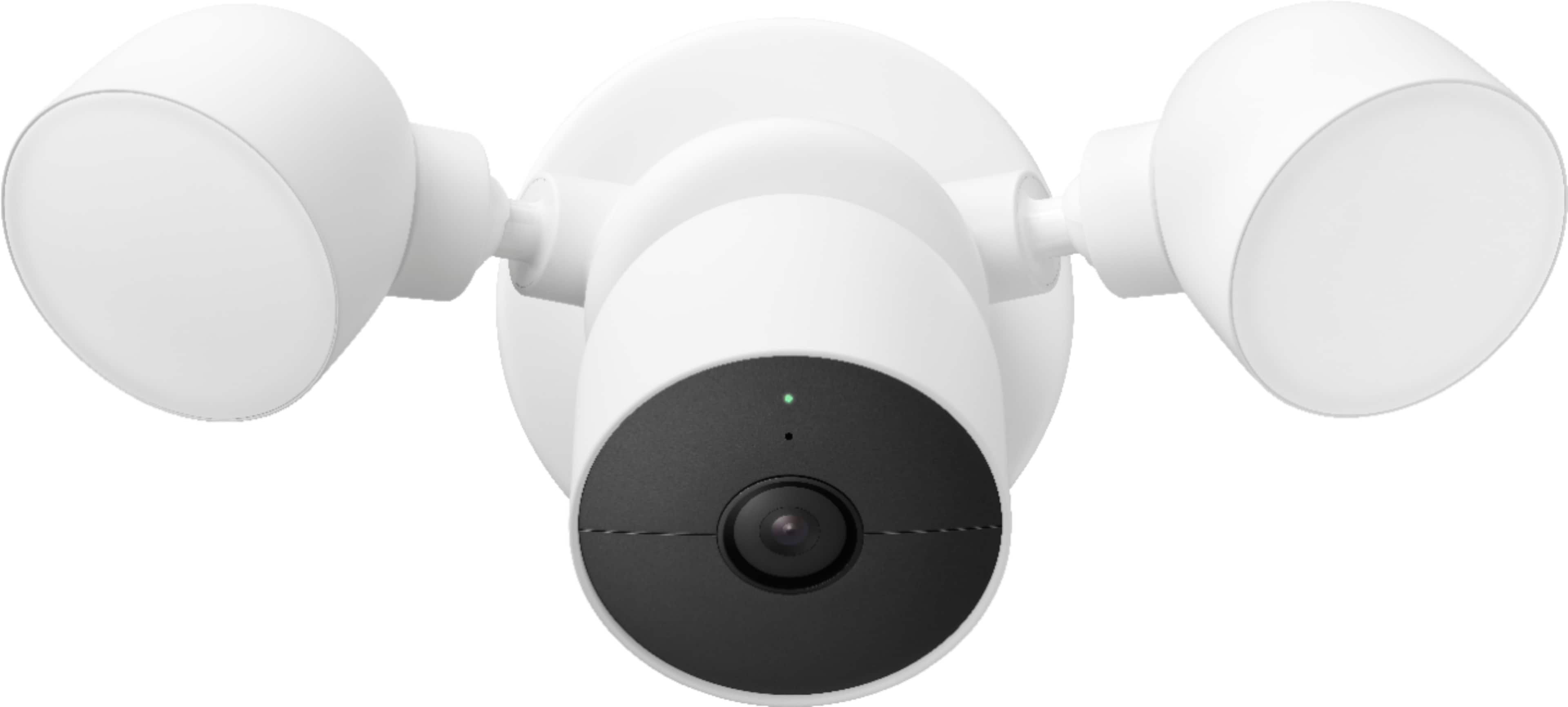
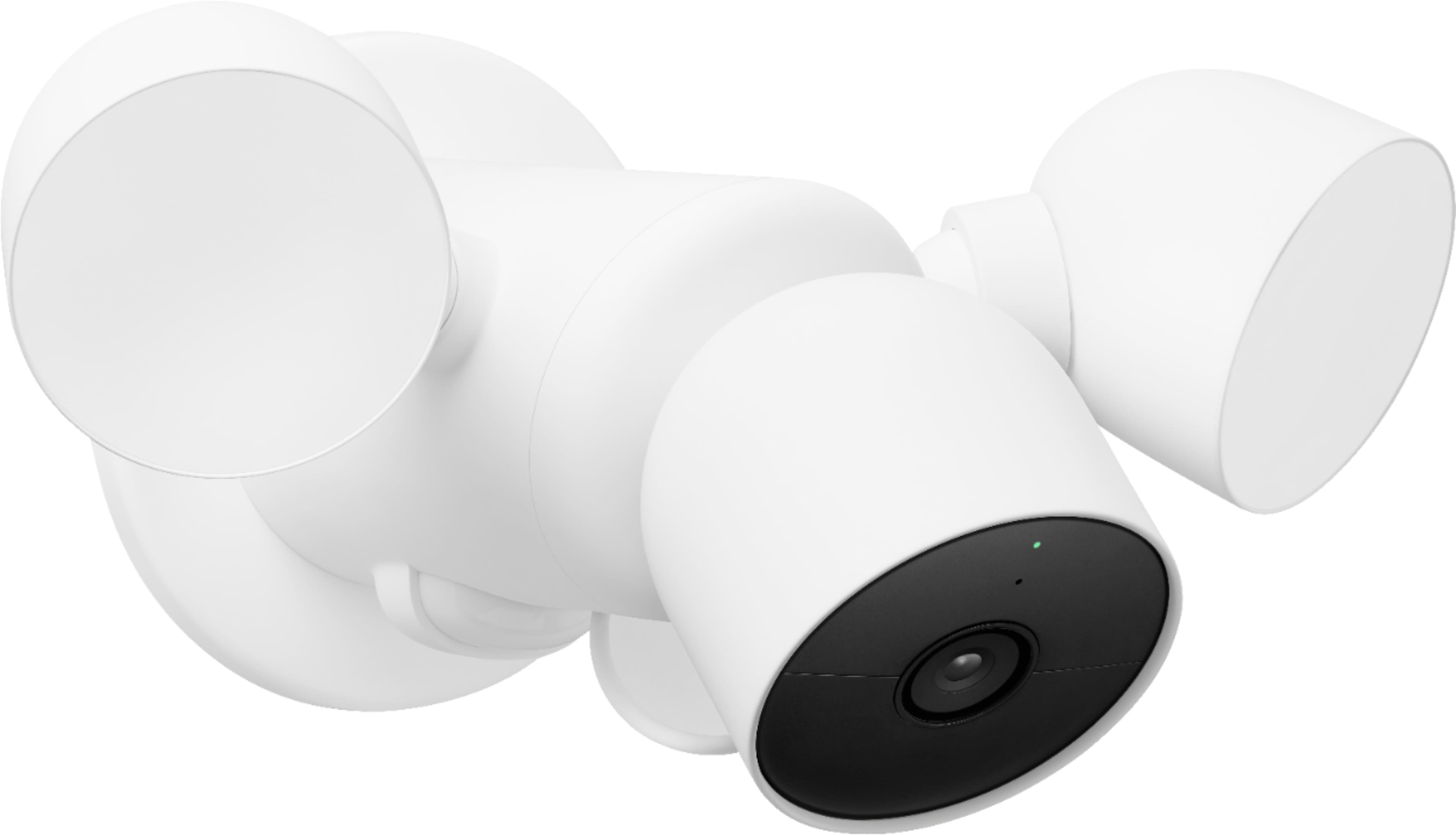

- Model:
- GA02411-US
- SKU:
- 11287559
Rating by feature
- Value
Rating 4.2 out of 5 stars
- Quality
Rating 4.6 out of 5 stars
- Ease of Use
Rating 4.5 out of 5 stars
to a friend
Trash
||Posted . Owned for less than 1 week when reviewed.This reviewer received promo considerations or sweepstakes entry for writing a review.The floodlight is the worst part. Worked for 2 days and then lost connection to lights and were never able to get back. Google is no help, Nest was better without them.
No, I would not recommend this to a friendBrand response from Nest Support
Posted .Hello Will, we appreciate you for posting your review on Nest Cam with floodlight. We're sorry to learn that your experience was less than ideal. We'd like to know more details about your connectivity issues with the lights so we can provide you with troubleshooting tips that may improve the performance of your device. If you're willing to give it another go, please reach out to our support team by visiting our Google Help page here: https://support.google.com/googlenest/gethelp


Great picture quality
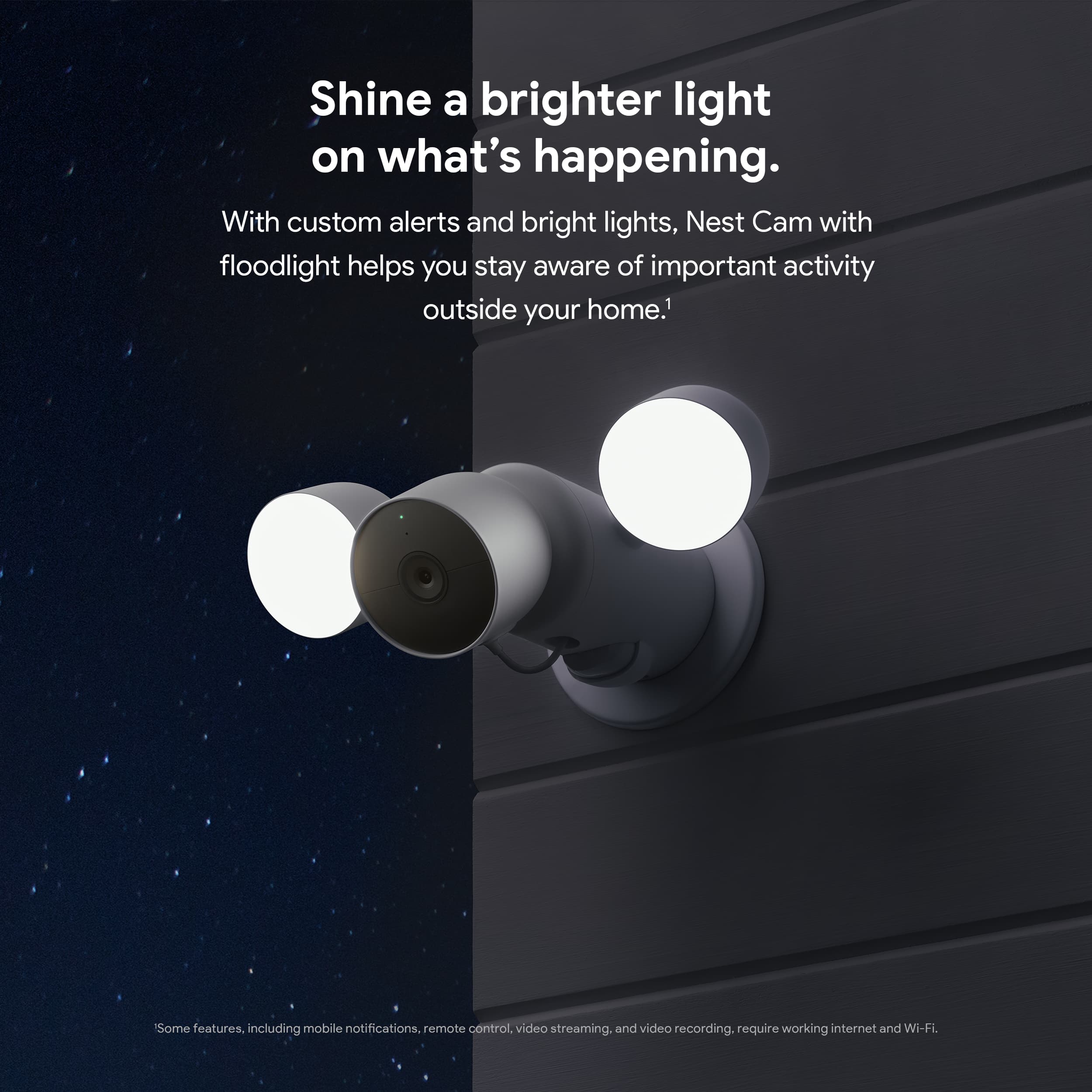
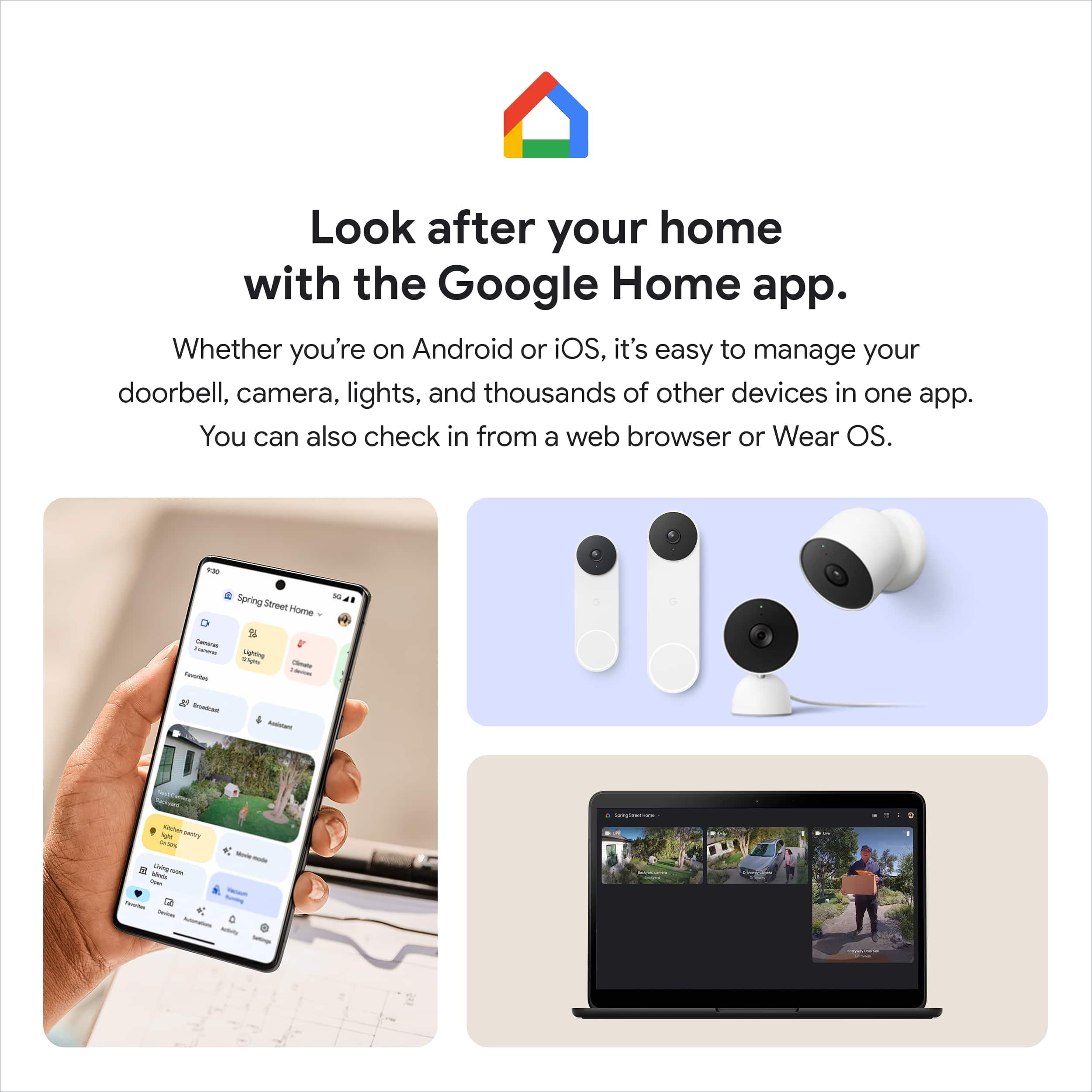
|Posted .This reviewer received promo considerations or sweepstakes entry for writing a review.This camera is replacing a different brand flood light camera and is a very nice upgrade. The install is easy and comes with everything you need to make it go smoothly. If you have installed a new light fixture before you can do this. After installing I was able to pair the camera/flood light with me google app fast and easy. The app will walk you through every step. My house runs on google home. So I’m use to the app. And love that I can see this camera on my google hub display. The flood lights are super bright. And light up my whole driveway and front yard. The camera records great crystal clear video. And picks up sound crazy good. I can hear my self talking very clearly at over 20 feet away. And I find the history easy to search through when looking at the events of the day. The unit it self feels nice and sturdy also looks good too. There are so many features I haven’t had time to play with yet. But right out of the box it’s working good for me so far. Picks up Motion as soon as I walk out the front door and picks up motion in the driveway and on the sidewalk too. You get a lot for this price point.
I would recommend this to a friendPoor transparency
||Posted . Owned for 2 weeks when reviewed.This reviewer received promo considerations or sweepstakes entry for writing a review.I am upset that i did not get clarification on all the issues that i would be facing just to even set this up. Really disappointed in the lack of explanation by the tech.
No, I would not recommend this to a friendBrand response from Nest Support
Posted .Hi Cowboyfan, thanks for sharing your feedback to let us know your issues with the Nest Cam with Floodlight, and we’re sorry to learn it’s a disappointing experience for you.
The Nest Cam with floodlight requires a connection to your home’s power that provides 100 to 240 V AC, 50/60Hz. If you need a junction box installed, if you need help installing the floodlight, or if you need to install the floodlight in an area that doesn’t have an existing power connection, we recommend contacting a pro. Visit this link to learn more about how to install it, that includes installation video: https://support.google.com/googlenest/answer/11003780
If help is needed, or for any concerns, please get in touch with us at your earliest convenience here: https://support.google.com/googlenest/gethelp
Don’t buy install
||Posted .This reviewer received promo considerations or sweepstakes entry for writing a review.Don’t ask them to install, they will charge you and then the person doesn’t show, can never get a hold of someone on the phone and when he finally does show tells you you need an electrician
I would recommend this to a friendBrand response from Nest Support
Posted .Hi there, thanks for posting your feedback. We apologize for the inconvenience that Nest Cam with floodlight has caused you, and that our support fell short in providing the help you needed.
Your feedback is important to us, and we’d like to help you the best way possible. We’ll also make sure to pass along the details of your feedback to the right team. For your support needs you may always contact our support team using this link: https://support.google.com/googlenest/gethelp
Would not recommend it.
||Posted . Owned for 3 weeks when reviewed.This reviewer received promo considerations or sweepstakes entry for writing a review.Poor. Difficult to operate. Changing settings requires searching levers of screens. Does not consistently notify when people walk in front of the gate.
No, I would not recommend this to a friendBrand response from Nest Support
Posted .Hi sljkdi, thanks for sharing your experience about Nest Cam with Floodlight. We’re sorry to learn that your experience with the device is less than ideal.
Your feedback is important to us, and your satisfaction is what drives us in improving our products and services. Delayed notifications can be caused by several reasons such as Wi-Fi network congestion, wireless interference with other Wi-Fi hotspots or devices nearby, and other Wi-FI settings. We suggest checking your mobile phone’s network connectivity, rebooting your Nest Cam with Floodlight or doing a factory reset.
If this doesn’t fix the issue, we may need to take a closer look at your device. You can always contact our support team, and we’d happy to help you here: https://support.google.com/googlenest/gethelp
Quick Setup and Fantastic Camera
|Posted .This reviewer received promo considerations or sweepstakes entry for writing a review.The Physical Setup The setup on this camera will be exceedingly easy for anyone comfortable working with 120 who has an existing "dumb" floodlight somewhere they want a camera. Luckily, most modern homes and even old ones have motion sensitive floodlights in places of concern, so hopefully that's you. One snag for me in this regard is that a downspout runs right through an ideal field of view. The housing for the part that mounts is rather large, probably 8-10 inches, and when replacing a soffit floodlight, this comes down and the camera mounts just beneath it. My options would be to move the camera (and electricity) or move the downspout. I've got more experience with the former, it's just on the to-do list now that I have it all setup and getting pretty decent angle, just not perfect. Take a look at obstructions and know how far down you're placing the camera before undertaking. Once everything was hooked up, I actually replaced the switch for the light with a USB-A/C outlet. This switch was at the front entryway, so now I have some phone chargers for guests there. Added bonus if your floodlight is on a switch-- think about what might fit well there instead of just a blank or cover. The Digital Setup The smart home setup, i.e., getting it to talk with other things in your house and function as a camera, went very smoothly. Each step had very clear directions within the app, required no reference to paper documentation, and had the device functioning normally within a few minutes of opening the app. My "smart home" is waiting for a bunch of these to play together in a more seamless way, but that's more to do with the fragmented nature the platforms. I suspect anyone with a google-exclusive smart home will find lots of neat tricks and automations to increase this device's utility more than I can at the moment. Setting up activity zones, playing with which notifications you want, and adjusting the brightness of the light were all very straightforward within the Google Home app. The Camera I've had a few smart home security cameras. Things have really improved since the last outdoor Nest camera. The image quality is just a lot better now. Additionally, it seems to be picking up audio without some of the "environmental" distractions. I haven't looked to see if it's using AI or some other audio enhancement, but it really sounds like it's honing in on the conversations and toning down things like wind, cars, and HVAC background. Having the unit sync more seamlessly with motion sensitive lighting has its obvious benefits. I'd handled this in the past with automations of 2 devices, and the "handoff" when things get bright can sometimes miss just what you need on tape. Reviewing footage, the switch between night vision and properly lit footage misses nothing. Finally, it seems like a lot of progress has been made on both the AI identification of vehicles, people, pets, etc., but also the notification system providing homeowner-relevant clips in a timely manner. Many of these devices take several, sometimes up to 20 seconds, to go from the "notification" to showing you what's happening. You get the loading wheel to look at in the meantime. At least while I'm home and/or have a reliable connection (even cellular 5G), the video loads very, very quickly. I don't find myself wondering whether it's important or not, it just shows you the video right away. I think this aspect might be the most important differentiator among these home security cameras. If you frustrate your users into not paying attention or otherwise disabling notifications, you're not providing a device to increase security, you're providing a toy that people will get tired of. Now I can see a notification, tap it once, see it immediately, and decide whether anything needs to be done (very very rare that I have to do anything). But when something does happen, I'll actually look instead of ignoring it, because I can quickly see them all.
I would recommend this to a friendNot Happy with camera
||Posted . Owned for 10 months when reviewed.This reviewer received promo considerations or sweepstakes entry for writing a review.I got these to add extra views and they always stop as soon as someone is in view it seems like they freeze and dont record!!!
No, I would not recommend this to a friendBrand response from Nest Support
Posted .Hi Carrie, thanks for posting a review about the Nest Cam with Floodlight, and we’re sorry to hear of your poor experience with the event detection feature.
Event detection and video recording depends on the camera settings that you select. You can change the settings like adjusting video quality, length of video clips, time between recorded events, and using activity zones to monitor specific areas. This link might be helpful for you: https://support.google.com/googlenest/answer/9250426
For further assistance, you’re always welcome to contact us at the following link: https://support.google.com/googlenest/gethelp
Bright Lights, Good Camera, So-So Automation
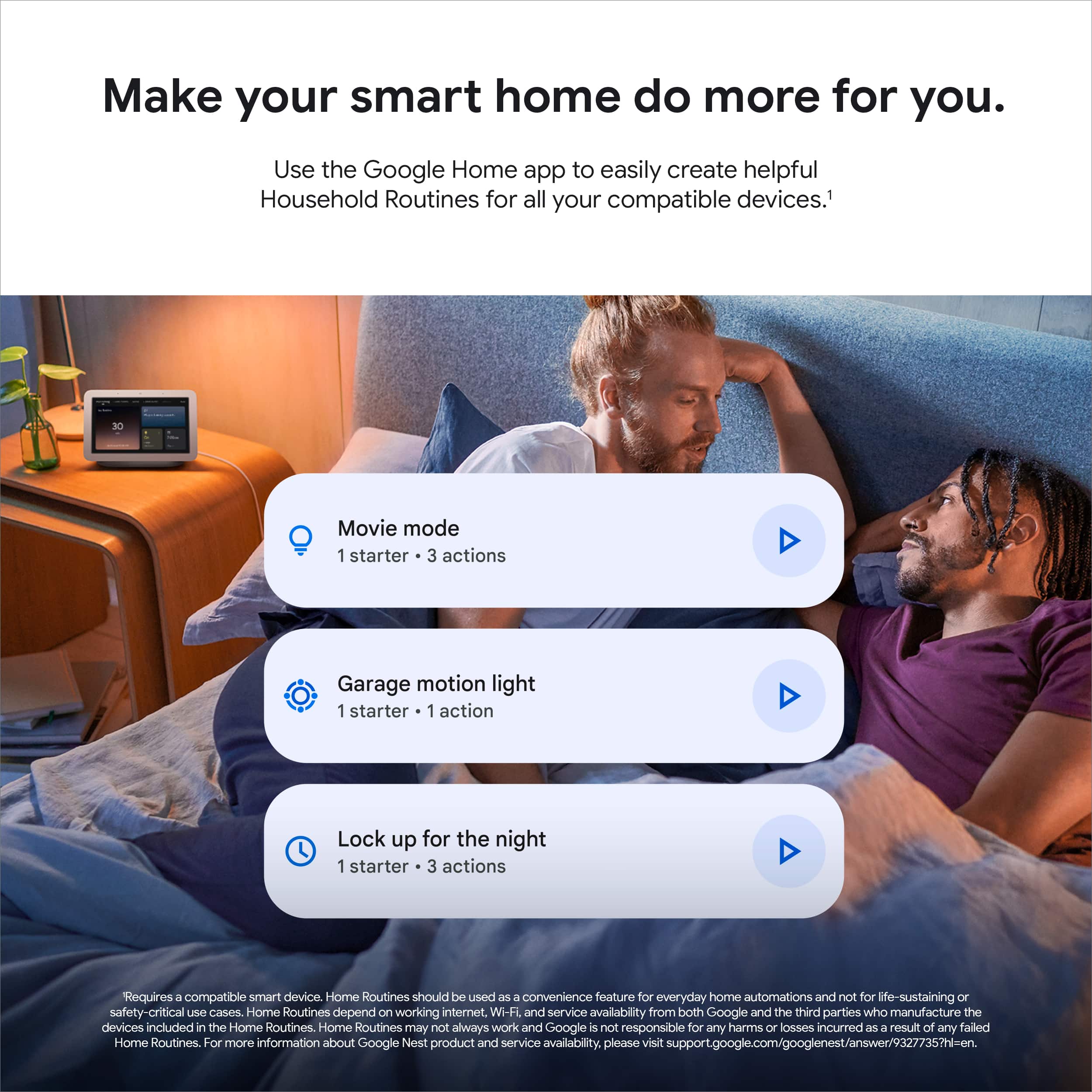
|Posted .This reviewer received promo considerations or sweepstakes entry for writing a review.The Google Nest Cam with Floodlight is a convenient combination of lighting and monitoring in one package. It was easy to install and set up, captures pretty good footage, and has smart notification settings. The two-way audio allows you to hear what’s going on and even talk to visitors (from up above, at least), and the Google Home platform allows for light control and video viewing from a phone or tablet. There are a few things about the way this product works with Google Home that I wish were better, but they are just annoyances, not really dealbreakers for me. I’ll start with the things I really like about this product: Installation (replacing an existing floodlight) was a lot easier than I expected. The instructions in the app (and accompanying videos) were very intuitive to follow. Almost everything I needed was right in the box, and worked as described in the instructions. There was a part of me that wished I had a printed installation guide as I climbed up the ladder, but that probably would have been more cumbersome than just following along, step by step, on my phone screen. Set up was also easy in the app. A few moments after I had the camera installed on the exterior of my house, it was on my WiFi network and I was controlling lights and viewing video footage on my phone via the Google Home app. I also like the ability to draw zones in the camera’s field of vision and set different rules for each one. Combined with the vehicle / person / animal recognition features, I can very specifically control what the camera does/does not record, and what I do/don’t get notifications for. Now, on to the things that frustrate me about the Google Nest Cam with Floodlight. First: There is no option to view the live stream or recorded videos from a PC. You can ONLY do this in the Google Home app on a mobile device. Even more frustrating is that you can’t even save recorded videos direct from Google Nest storage to your Google Drive account. The only way I have found to get a video file to my Computer is to first save it to my phone, then from there send it via email or manually upload it to a file sharing/storage service. Second: The floodlights come on when motion or other events are detected, but only using the most recent brightness level. We like to have the floodlights come on at a lower brightness level between sunset and late evening. After that, we only want them on in response to what the camera sees. That can all be done (either manually, or using automated routines in the Google Home app), but you can’t set different brightness levels for the two situations. So, if I am using 10% brightness for my mid-evening illumination, I’m stuck at 10% brightness when someone sneaks up my driveway in the middle of the night. Third: I have lots of home automation products, all connected to Google Home through the “Works with Google” interface. I was hoping there would be a way have the Nest Cam act as a trigger for Google Home routines. When we’re away from home and the Google Nest Cam with Floodlight detects a vehicle in our driveway, it activates the floodlights, starts recording, and sends me a notification. I’d really like to be able to create a routine that also uses that event to turn on a lamp or two, play some music, even activate another security camera I have elsewhere around the house. Unfortunately, Google Home routines cannot use the Nest Cam as a trigger. So, overall, this is a bright, customizable LED floodlight set up with a high-quality camera. It’s definitely an upgrade over my previous floodlight, and I’m confident that I’ll be able to capture activity around my house when I’m not around. But for someone like me who really enjoys accessing products and services from different platforms, and really taking advantage of home automation features, the Google Nest Cam with Floodlight comes up a little bit short. The good news is that all of my “don’t likes” could potentially be fixed with upgrades to the Google Home platform, and those do happen fairly often, so I’m optimistic…
I would recommend this to a friendCan be installed under an eave
||Posted . Owned for 1 month when reviewed.This reviewer received promo considerations or sweepstakes entry for writing a review.Had to return this item as it can not be installed under an eave upside down like floodlights. It has to be installed horizontal unlike floodlights.
No, I would not recommend this to a friendBrand response from Nest Support
Posted .Hi there CummingGa, thanks for letting us know about the issue. It's unfortunate that you had to return Nest Cam with Floodlight.
If you ever have a change of heart and reconsider using Nest Cam with Floodlight again, we'll do our best to provide you with a better experience. You may reach out our support team for any questions or support needs by visiting us here: https://support.google.com/googlenest/gethelp
Has connectivity issues
||Posted . Owned for 1 month when reviewed.This reviewer received promo considerations or sweepstakes entry for writing a review.Really disappointed in this camera. Every few days the live feature stops working. It still records video, but it will not allow a live view. Only way to fix is a full factory reset. Google support is abysmal and takes hours to get to any substantive advice after verifying your identify six ways to Sunday.
No, I would not recommend this to a friendBrand response from Nest Support
Posted .Hi Daniel, thanks for trying out Nest Cam with Floodlight. It's unfortunate to hear about your disappointing experience when viewing live video from your Nest Cam with Floodlight on the Home app, and we're sorry for the shortfall in helping you with your support needs.
If you allow us another opportunity, we'd like to take a much closer look at your Nest Cam with Floodlight and figure out what may be causing the issue. This will help us to offer you the best help to improve your experience. Our support channels are always open for your support needs. Please reach out once more to our support team here: https://support.google.com/googlenest/gethelp
Failed Installation
||Posted .This reviewer received promo considerations or sweepstakes entry for writing a review.Sadly had to return because the 2 times a geek squad were sent out to do installation were not able to perform the task that was required.
No, I would not recommend this to a friendBrand response from Nest Support
Posted .Hi Karl65, thanks for sharing your feedback with us about the Nest Cam with Floodlight, and it’s unfortunate to hear about the installation issue, and that you had to return it. We suggest reaching out to Best Buy if you still need help with the return. If you’d like to try the Nest Cam with Floodlight again in the future, and if you need help with installation, you can contact a pro. And for any questions or concerns, our dedicated is always available to help and guide you with using the Nest Cam with Floodlight effectively, here: https://support.google.com/googlenest/gethelp
Decent Floodlight camera but pricey
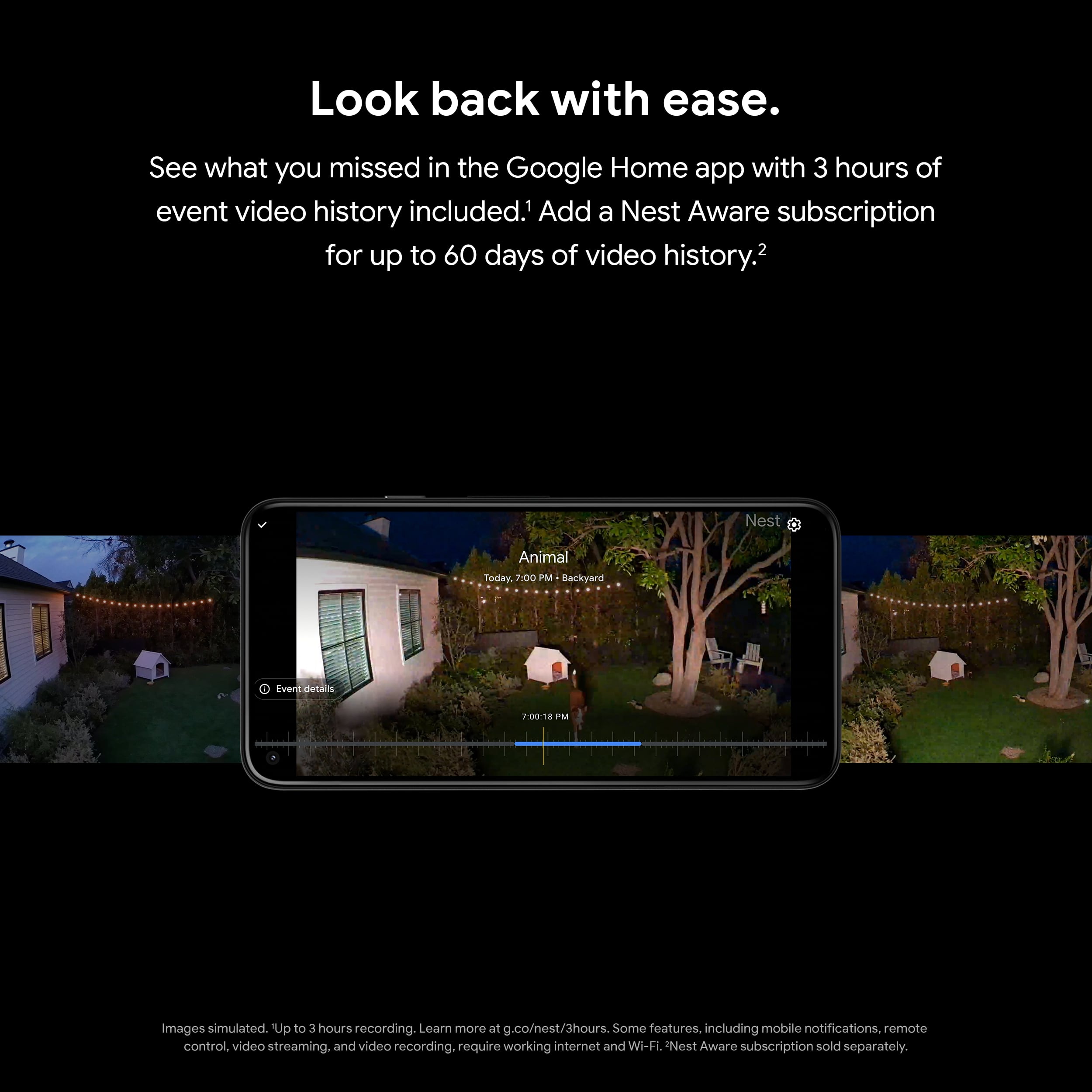
|Posted .This reviewer received promo considerations or sweepstakes entry for writing a review.Quick Review ------------------ It is a solid camera and works very well. You can setup zones for alerts, the light is pretty bright and the camera is clear and has a good night vision. The only downside being the 3 hour free recording (rolling) otherwise you will need to pay 6$ per month for storage. The quality is good but its pricey. What’s in the box ---------------------- ● Nest Cam camera ● Nest Cam floodlight ● Mounting plate with grounding screw ● Mounting plate cover ● 3 sets of 2 junction box screws ● 4 mounting plate screws ● Wire connectors ● Grounding wire ● Anti-theft screws ● S hook ● Hex key ● Quick start guide ● Safety & warranty document Installation -------------- Very quick, just replace your wired flood light (I think most of you have one) with this wired nest floodlight camera and you are good to go. Unlike your basic motion detecting floodlight, this also has a built in camera which can capture videos. Usage --------- You can download the google home app and customize the turn on/off time, adjust brightness and also schedule the timings when you want the light to go on and off. The camera has 180 degree motion sensor and when turned on, you can adjust the sensitivity as well. If your camera is facing the road, you may not want the camera and light to turn on when a car passes by. You can setup the zone for which you want the camera to record events and turn on flood lights. You can also use google home app to configure it to respond on voice commands, although I never use this feature. I like the home and away routines which works well with my nest smoke and co detector which detects whether I am home or away. I can configure the camera to send me alerts only when I am not home which is a cool feature. This way I am not having to monitor every little thing that moves around the camera.. If you subscribe to Nest Aware, you will get 60 days of event recording OR 10 days of 24/7 live recording which resides in google cloud. If you do not have a subscription, it will only record 3 hours' worth of event which I found a little disheartening and you cannot record videos locally. However if your wifi disconnects or lose power, the camera can still record events locally for a hr (Not an SD card) but this can be a fallback option which I found it really cool which may other branded cameras might be lacking! Overall this is a decent floodlight camera if you don’t mind the price.
No, I would not recommend this to a friendBad camera but good motion light
||Posted . Owned for 3 weeks when reviewed.This reviewer received promo considerations or sweepstakes entry for writing a review.Wifi doesn't connect light is too bright and image quality is bad
No, I would not recommend this to a friendBrand response from Nest Support
Posted .Hi Magic, thank you for posting your review here. We're sorry to hear that your experience with your Nest Cam with floodlights was less than ideal. We recommend that you open your Google Home app and select your floodlight. Then drag the slider to change how bright the floodlight is. We'd like to know more details about your setup so we can identify the cause of your connectivity issues. Please reach out to our support specialists and let us help you improve your experience. You can contact us on our Google Help page here: https://support.google.com/googlenest/gethelp
Awesome feature rich camera
|Posted .This reviewer received promo considerations or sweepstakes entry for writing a review.I’m constantly looking to add to my smart home setup and this is a great addition to it. I’ve actually been looking for a floodlight camera for my back deck area and hadn’t decided on which brand I wanted until I had a chance to get this one. First of all, the installation was a breeze. I’m a DIYer, so I’m familiar with installing this type of product but even a novice with a few tools can install this in under 30 minutes. I did watch the step-by-step video as I did the install just because I wanted to make sure there wasn’t anything I left out. I appreciated that this came with some security screws. They are actually just hex head screws instead of Phillips head which would be much easier to find if someone was interested in stealing the camera. I wasn’t overly confident in the mounting of the actual camera to the fixture though. The camera attaches to a very strong magnet on the fixture itself and much to my surprise, I have not had a single incident of it coming loose or any movement, even after several heavy rains and windy days. Once I had this mounted, the only real negative I can give this product had more to do with getting it connected to my WiFi. I already have a Nest Yale lock that I’ve been using for a couple of years, so it searched for the Nest Connect in order to get it connected to my WiFi. That took more than a couple of minutes, but once it connected everything was fine. The next thing about this floodlight is the quality of the camera and clarity even at night. The camera is HD quality and has some customization options within the app as far as balancing recording quality and bandwidth as well as, motion sensitivity, determining when the floodlight comes on, activity zones and so much more. Finally, the feature that I’ve unexpectedly come to appreciate the most is the battery backup feature. I have a pretty curious two-year old son, who has an affinity for turning off lights (wish I could everyone else in the house to do that). Under normal circumstances, he would get a cookie for saving dear old Dad a few coins on the electric bill, but this is obviously a light switch that needs to stay on. I was at work and checking the app and playing with the settings when I saw that the battery percentage was on. I had no clue what that meant since this was a hardwired light and didn’t run on batteries. I set a reminder to check it when I got home. When I got home, first thing I noticed was the light switch turned off. I had no idea that even with the switch off, it would continue recording and live streaming. This is an awesome feature in my opinion. Although after blocking the light switch with a childproof cover, I don’t think it will be a feature I use that often, it is nice to know I have a battery backup in case of an outage. I apologize for the lengthy review and since it was already pretty lengthy, I didn’t cover everything I could discuss about this light. I can same in summary that this is a feature rich, well thought out product that provides plenty of options for customization and security. This is an awesome product and I highly recommend it.
I would recommend this to a friendOKay
||Posted . Owned for 1 month when reviewed.This reviewer received promo considerations or sweepstakes entry for writing a review.Seems to be ok. The base is a little flimsy in my opinion.
I would recommend this to a friendBrand response from Nest Support
Posted .Hi there Erock, we appreciate you for sharing your insights about the Nest Cam with Floodlight and its base. It is sustainably designed with 41% recycled content across its plastic parts. Nest has long been focused on delivering quality products to our customers, which means obsessing over the details and ensuring products last a long time. That said, If ever you run into any concerns around the performance and features of the Nest Cam with Floodlight, simply let us know and we’ll do our best to help improve your experience: https://support.google.com/googlenest/gethelp
OK camera
|Posted .This reviewer received promo considerations or sweepstakes entry for writing a review.The Google nest floodlight cam is just ok. Compared to others out there it's a bit on the pricey side. One drawback in my opinion is having to have dedicated wiring for it. There is no option to use a regular 120v power socket. If you're mounting it in a place where there is no existing floodlight or wiring, be prepared to run some and factor that into your install time. Other than that, installation is fairly strait forward. If you're handy it shouldn't take more than a couple hours to mount and get it positioned. Another drawback is that while it's titles a nest cam, it doesn't use the nest app. It uses googles home app. Not a big deal, but can be a turn off for some. Why have a "Nest" product that isn't tied to your nest app? You have to have a google account to set it up. Again, not a big deal, but annoying to some. Subscription fee isn't outrageous for the basic package. The camera connect easily to Wi-Fi, but I'd recommend reading and familiarizing yourself with all the setup instructions first. It can take a while to get set up properly/ The nice thing is it's infinitely customizable. You can set up zones to record, set up routines, etc. Everything is pretty easy to control from the home app. The camera picture quality is excellent with videos being very sharp and clear. Why the 3 star rating? Partly price and needing dedicated wiring. I do recommend it, picture quality and ease of use being the primary reasons. You can watch live video
I would recommend this to a friendBrand response from Nest Support
Posted .Hi Crashphoenix, thanks for posting a review. We’re sorry to learn that Nest Cam with floodlight didn’t meet your expectations.
The Nest Cam with floodlight is exclusive in Google Home app. Our long term plan is to use the Google Home app as the one place you can control all of your favorite Nest and other smart home devices, as well as Google Assistant. In the near future, we’ll allow users to set up previous Nest devices and have full control in the Home app. Users with older cameras can view their camera feeds in the Google Home app alongside the new Nest Cams. Our team is working on bringing full functionality to the Google Home app so all of your cameras can be set up and controlled in one place.
Your feedback is important to us, as we are always working to improve our products and services. For further assistance, our support team is always here to help. Feel free to contact us here: https://support.google.com/googlenest/gethelp
Very well made and functional
|Posted .This reviewer received promo considerations or sweepstakes entry for writing a review.The quality put into this unit can easily be seen as soon as you open the box. It is well packaged, well-written instructions are available and all accessories needed for the wired setup are included. I am not that 'handyman' inclined but the installation only took me about 25 minutes. I could have it installed in less than 15 minutes but I took my time removing the current floodlight and making sure the connections were secure. Once you have it installed, all you have to do is connect it to the Google Home application and you are ready to go. Luckily, I already had a Google Home application so it was seamless. I am really impressed with the thoughtfulness put into how easy it is to adjust the floodlights and the camera. The magnetic connections were a great addition. This was the biggest issue I had with my old spotlight and this improves it in every way. The 1080p camera works great. I have some other 4k cameras and to me, they are overkill and do not work well if the network connection becomes weak. I have had no issues with the network connection on this unit. The picture is clear in bright even in low-light conditions. I really like how easily you can dim or brighten the lights from the app. 3 hours of recording is provided free of charge. I plan to upgrade to the Nest Aware subscription to increase this and feel it is well worth for the additional security. A key future of this camera is that it has onboard memory that will continue to record even if it loses the network connection. Recorded data will then be uploaded when the network connection is restored. This is the first camera I have with this feature and it is a great addition. The retail price falls very reasonably in with comparable units. When you factor in the quality, features, and support functions it is a great value. I plan to replace my additional floodlights and outdoor cameras with this model. Google provides multiple support options if you have questions during the installation or during use.
I would recommend this to a friendFlood Light with Intelligence
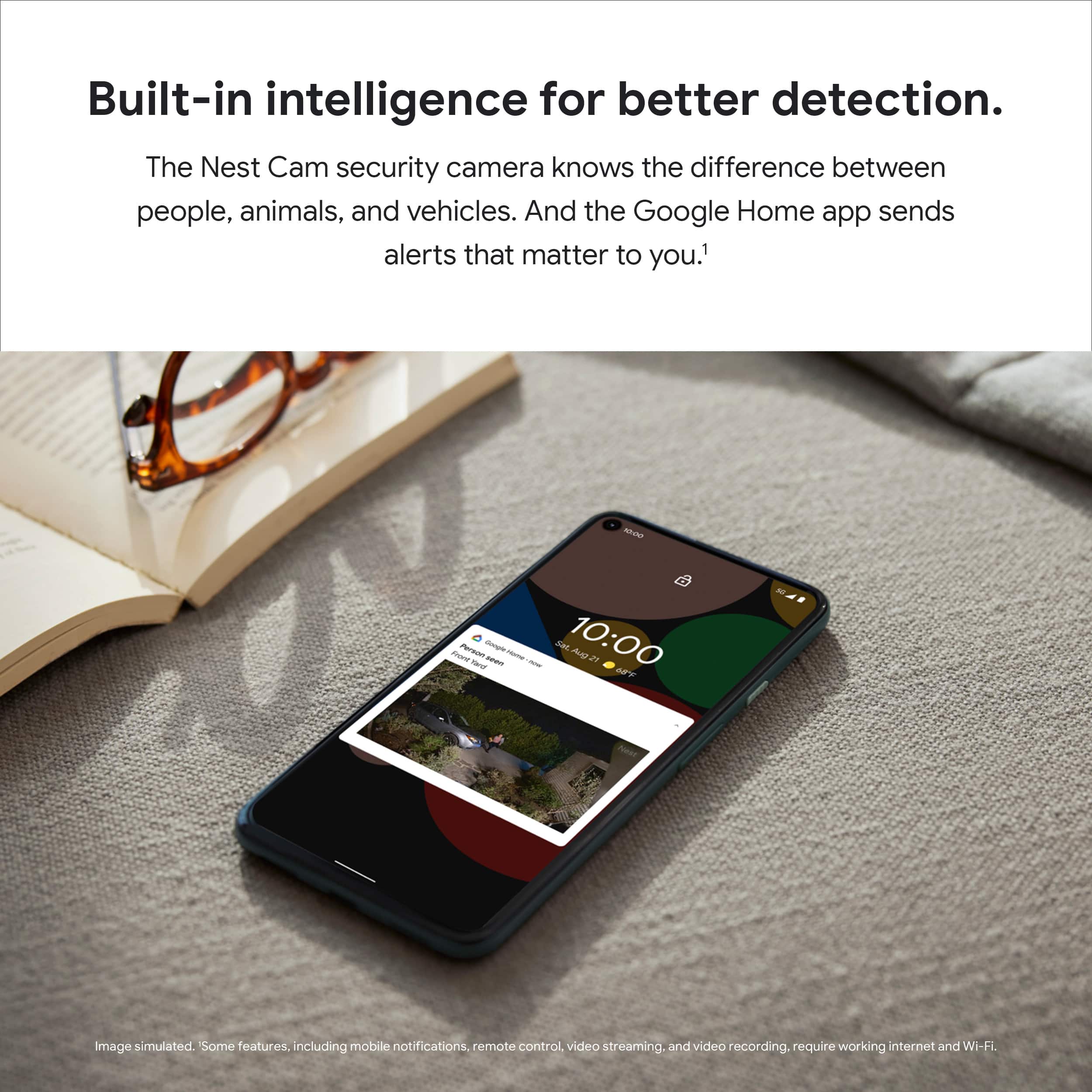
|Posted .This reviewer received promo considerations or sweepstakes entry for writing a review.The Google - Nest Cam with Floodlight is the perfect replacement for the standard flood light you have on your home or garage. Thanks to the standard wiring assembly, connecting the light is very easy. No additional wiring harness or conversion kits required (check that your existing light uses a standard wiring configuration). Integrating with the Google Home app is very simple. Make sure your light is in range of your wireless network. It only takes a few minutes to setup. The features offered through the Google Home app are pretty good. You can control the settings of the camera, manage alerts and view activity from the live feed. The Google - Nest Cam with Floodlight is built to last. Very durable design. Weather resistant. I am confident this device will last for years to come. I am planning to get another one for the other side of my home. The coverage area is impressive. The lights illuminate the entire yard and drive way to the garage (fairly large yard/parking area). I like knowing what's happening around my home, especially when I'm not home. The intelligence built into the the Google Floodlight is outstanding! I don't get false alerts for leaves blowing or other motion that is not important. We occasionally have deer in the area that are not shy about entering neighbors yards, therefore getting alerts on animal motion is helpful! Vehicles entering the property and people all trigger alerts which is great. I've never used a more intelligent monitoring system. The ability to distinguish between various motion is impressive. The camera on the Google - Nest Cam with Floodlight is clear and works well in various light conditions. I am particularly impressed with how well the camera works in low light conditions. Overall, I highly recommend Google - Nest Cam with Floodlight. It's easy to use, and provides added protection for your home. You will get the peace of mind of knowing what's happening around your home.
I would recommend this to a friendWall mounting only
||Posted . Owned for 1 month when reviewed.This reviewer received promo considerations or sweepstakes entry for writing a review.Can’t install under eaves. Had to be Wall mounted. Camera is the same as the Google security cameras but with lights.
No, I would not recommend this to a friendBrand response from Nest Support
Posted .Hello Onj20, thank you for sharing your review. We're sorry to hear that your experience with your Nest Cam with floodlight was less than ideal when it comes to where you can install the device. Your feedback here is appreciated and rest assured that we'll relay this to the right team. We'd like to improve on your overall experience so please don't hesitate to contact us on our Google Help page here: https://support.google.com/googlenest/gethelp
Google quality with needed subscription
|Posted .This reviewer received promo considerations or sweepstakes entry for writing a review.Overall this product is great. There are 2 exceptions that I'll get to later. Right out of the box, it's well build and sturdy. It looks good and no noticeable defects. Installation, is a breeze if you have any experience with installing lights. They even included a hook to support the camera while installing it alone. The app installation was a breeze as well. I have other nest products so I was fairly familiar. No issues connecting or setting up. The picture quality is good but not 4K which is fine. The sensitivity of the camera is excellent...highly recommend making custom settings or your camera depending on where it's aimed towards will be on all the time. So overall...I'm pleased with it. My only complaints are minor. First, is that you have to have a subscription of either $6 or $12 a month to fully utilize to see what is going on beyond 3 hours. Second, not 4K quality but not a huge deal.
I would recommend this to a friend