Customer Ratings & Reviews
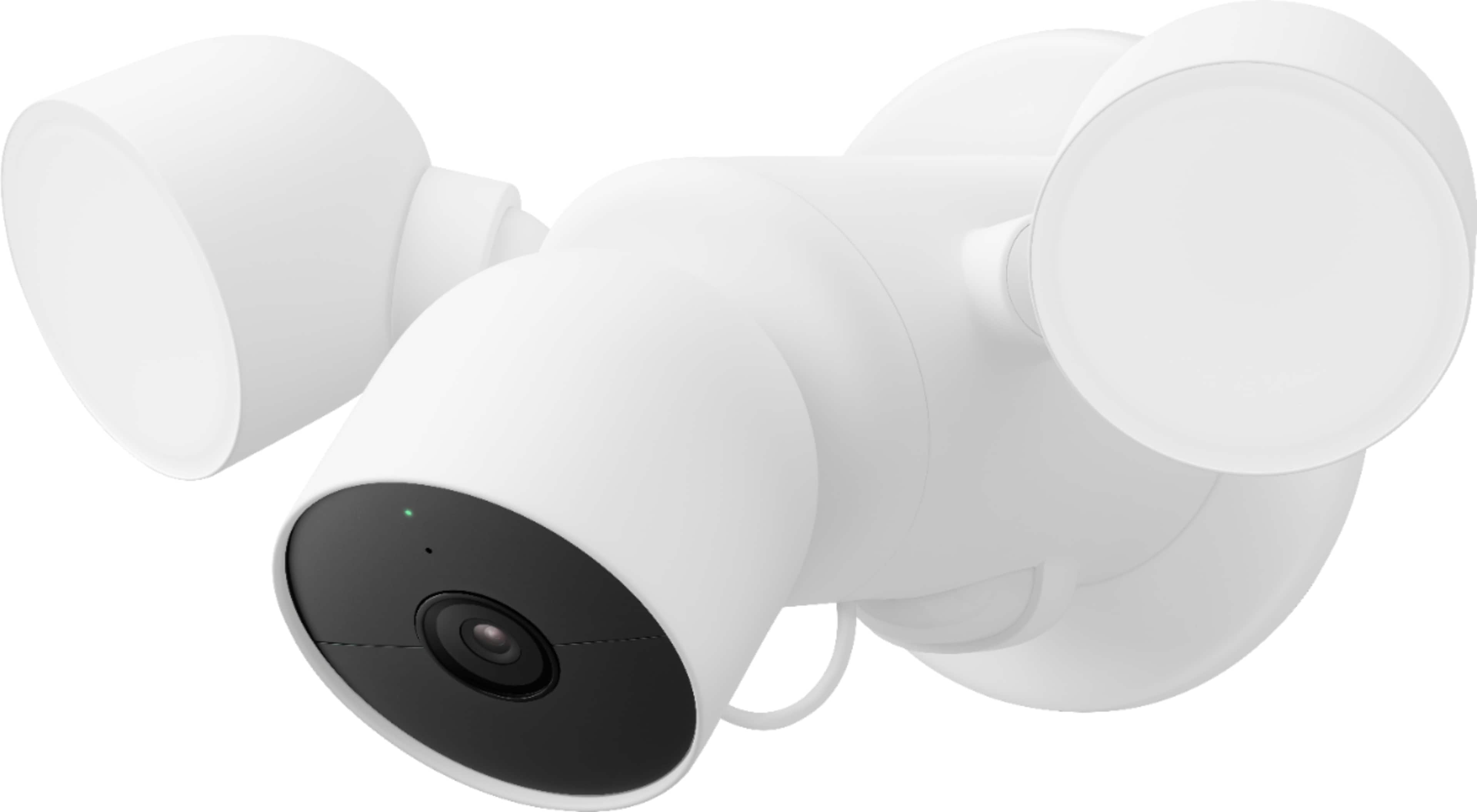
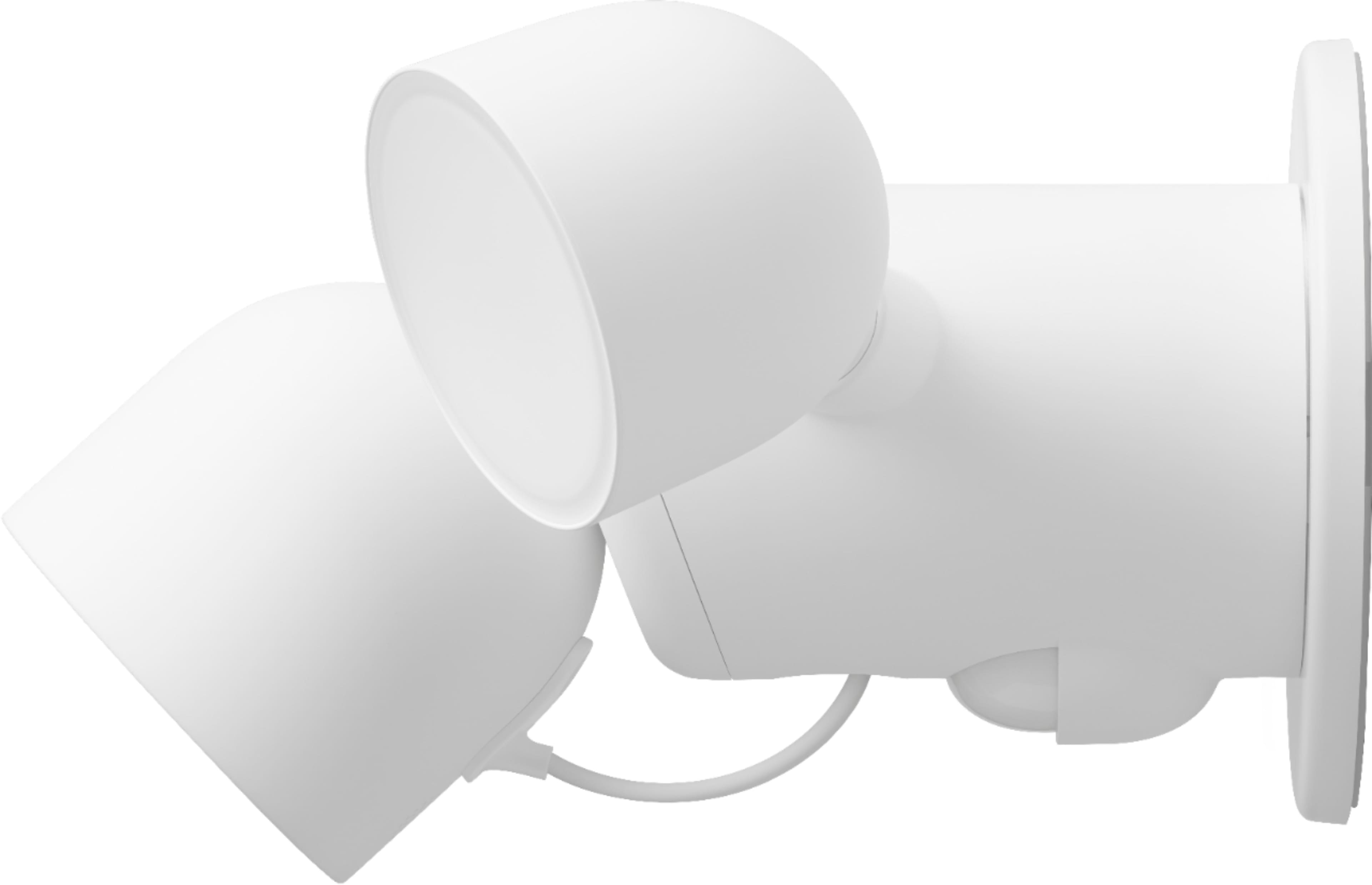
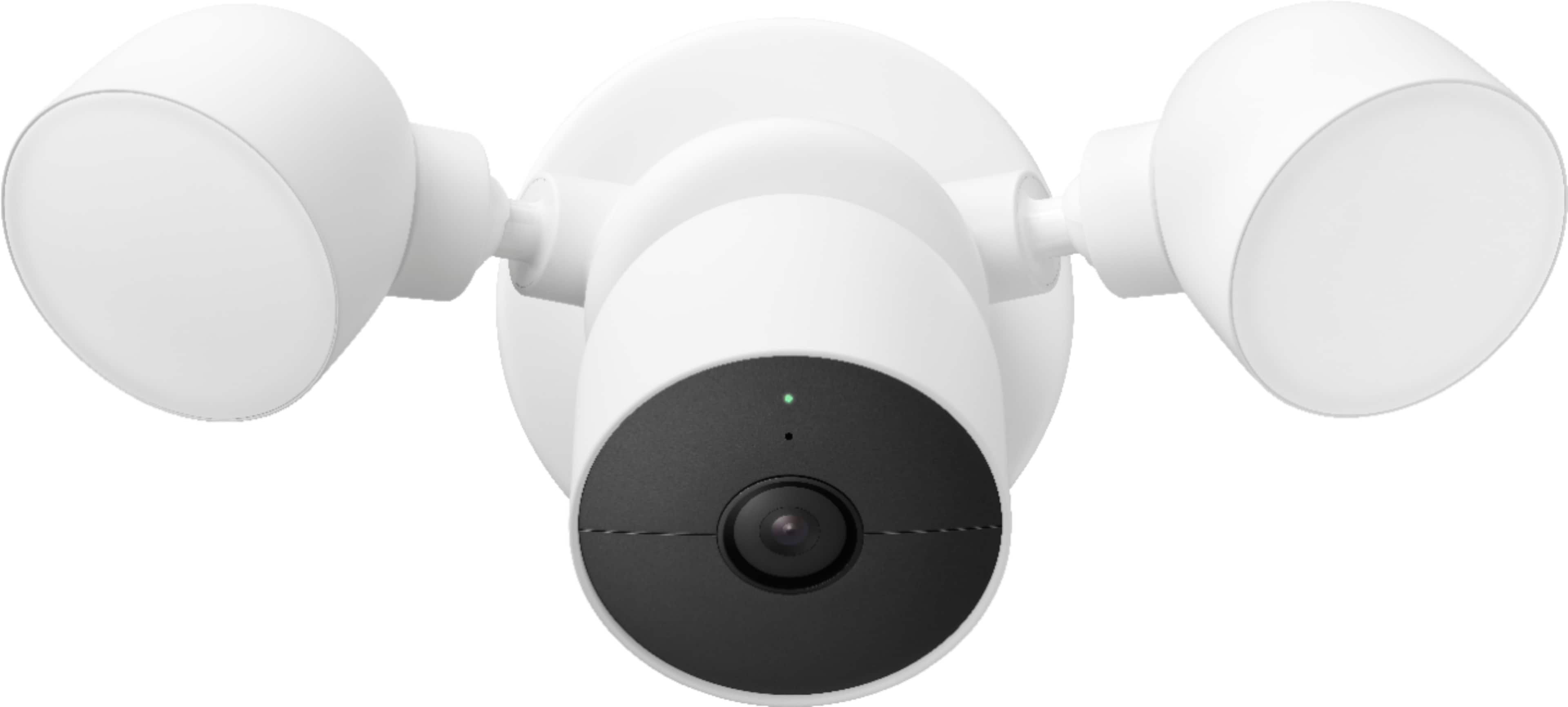
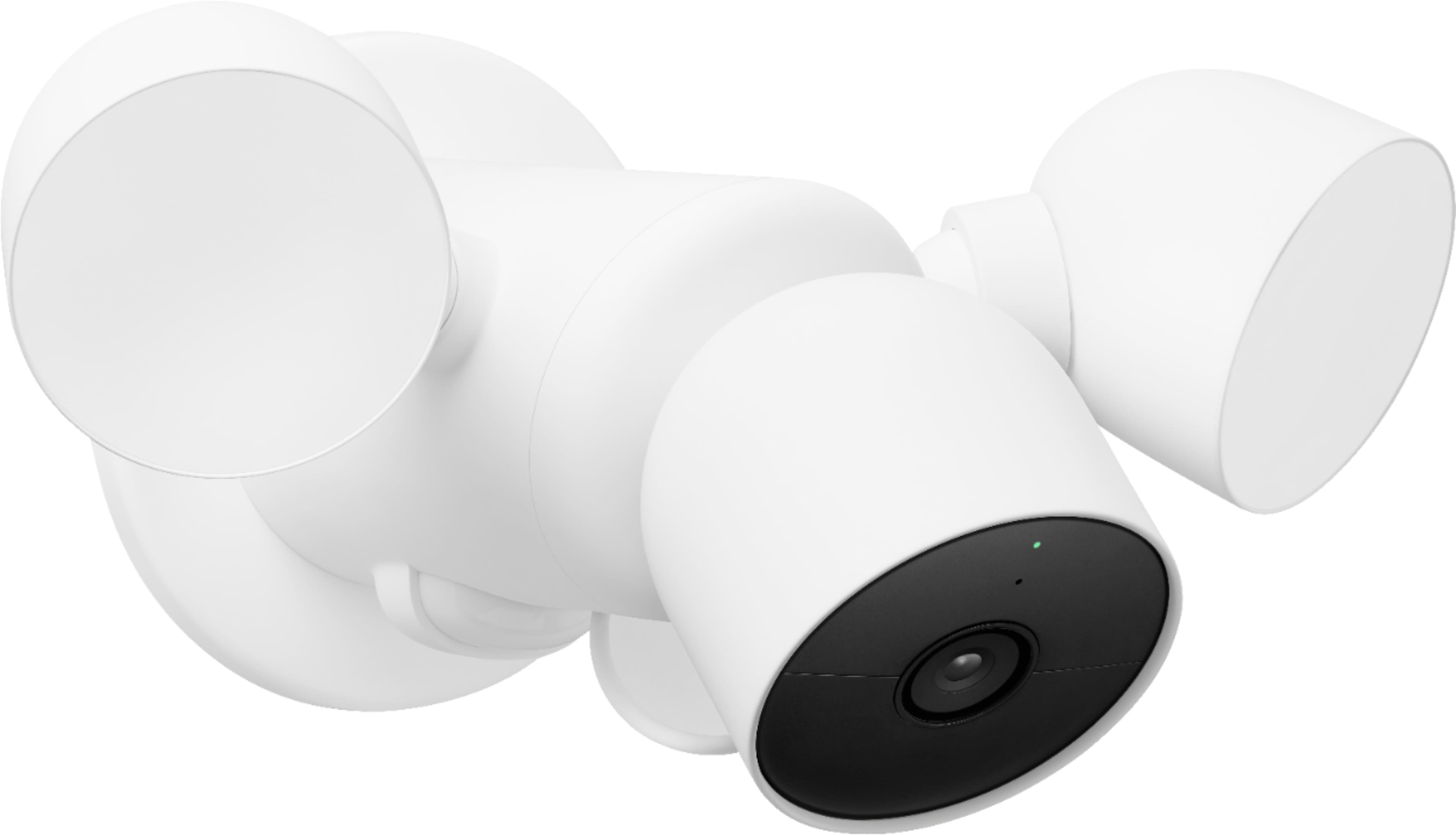
- Model:
- GA02411-US
- SKU:
- 11287559
Rating by feature
- Value
Rating 4.2 out of 5 stars
- Quality
Rating 4.6 out of 5 stars
- Ease of Use
Rating 4.5 out of 5 stars
to a friend
Great product
Posted .This reviewer received promo considerations or sweepstakes entry for writing a review.Great flood light/ sensitive camera I highly recommend it
I would recommend this to a friendIncompatible with Nest App, Not viewable on web
Posted .This reviewer received promo considerations or sweepstakes entry for writing a review.Not compatible with the Nest App or previous versions of the camera, and not viewable on the web from a desktop/laptop. Only works with the Google Home app on a phone. Absolute garbage.
No, I would not recommend this to a friendBrand response from Nest Support
Posted .Hi greenlifevt, we appreciate you for sharing your feedback about the Nest Camera with Floodlight and the Google Home app, and we’re sorry that it was an inconvenience for you.
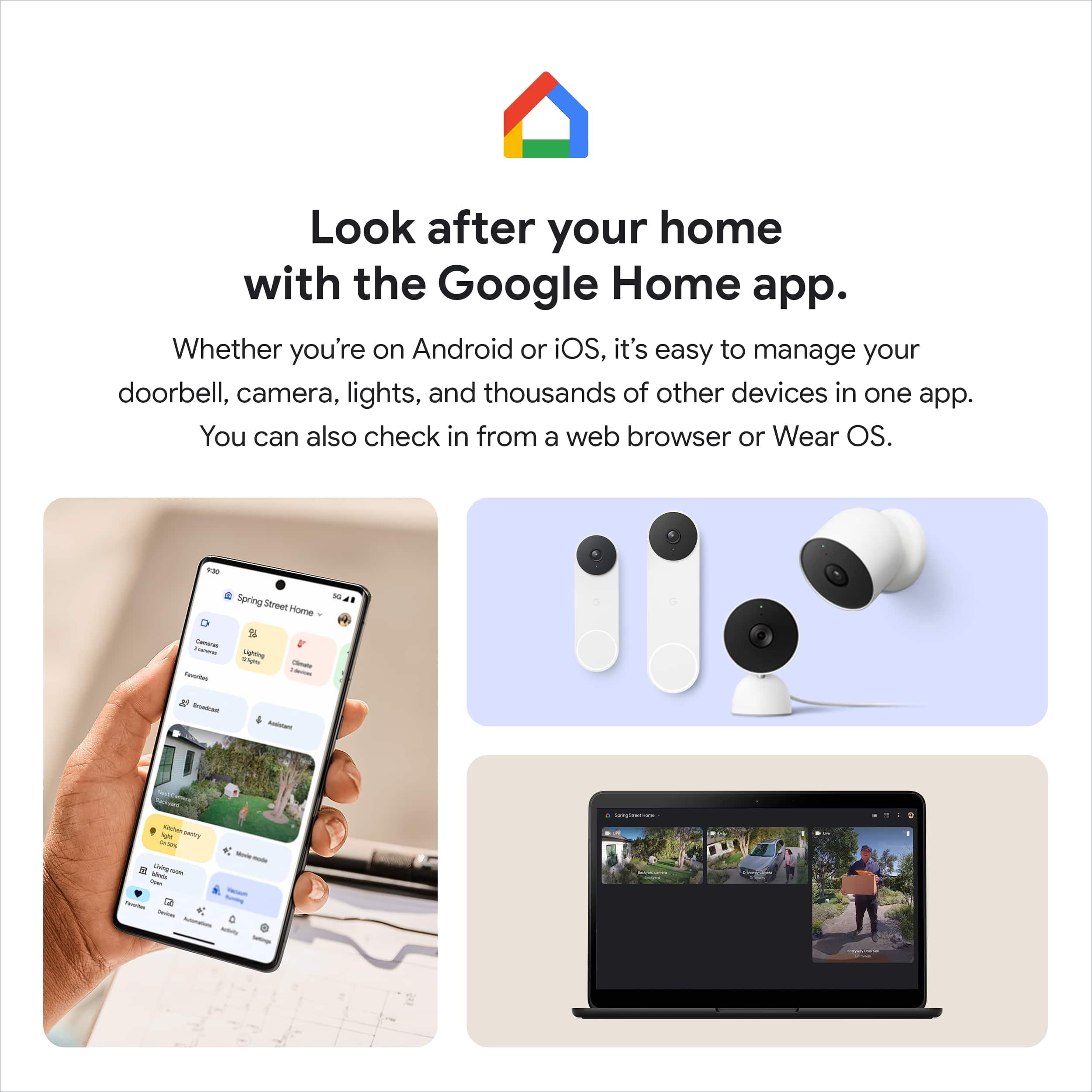
We’re aware that longtime Nest users enjoy viewing their Nest camera feeds from the Nest app and web app, however, our priority with this launch was building a complete experience for our new cameras and doorbell in the Google Home app. We chose to transition to the Home app because this app is designed for the future of the smart home, a single place to set up, manage, automate, and control your home. Most home devices are controlled across multiple apps, but we’re working on making the Google Home app the central controller across all your home devices, including Google devices and devices from other brands. And while the new Nest cameras and doorbells are exclusive to the Google Home app, users with previous versions of Nest cameras can view their camera feeds in the Google Home app alongside the new Nest Doorbell and Nest Cams.
Here are some benefits you can get by using the Google Home app with your Nest Cam with Floodlight:
- Automatic security protections such as Suspicious activity detection, 2-Step Verification and Security Checkup.
- Your Google Nest devices and services will work together. For example, if you have a Nest Cam and a Nest Hub, just say, ""Hey Google, show me the backyard camera” to cast your camera stream to your display without any additional setup.
- One account to sign into both the Nest and Google Home apps.
- Your homes and home members will be aligned across the Nest and Google Home apps.
Your feedback is important to us, and we'll make sure to share it with the product team, since we're always trying to find ways to improve our products and services. If you have any concerns about your Nest camera, or with using it effectively in the Home app, please let us know anytime here: https://support.google.com/googlenest/gethelp
Needs more work
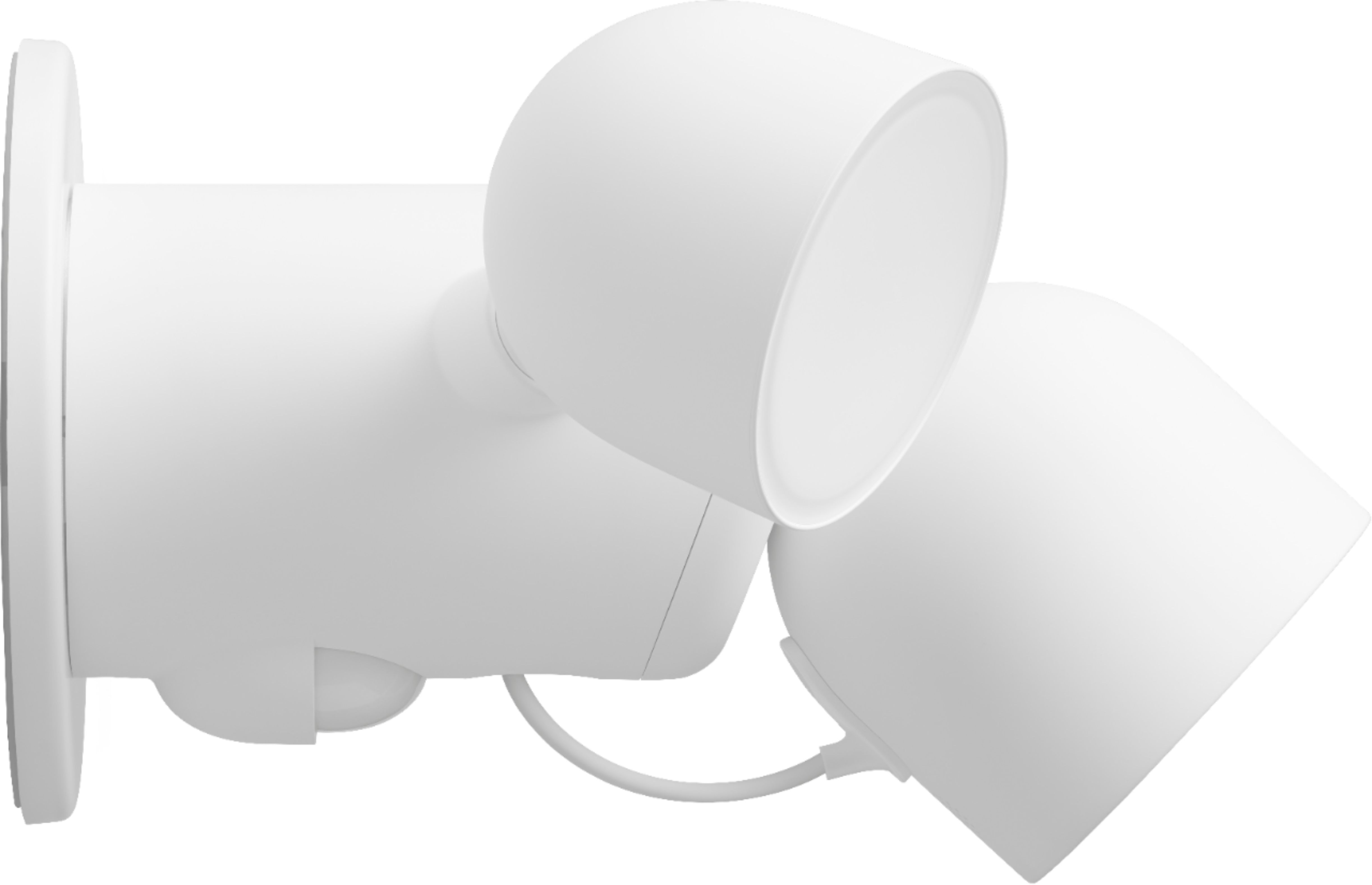
Posted .This reviewer received promo considerations or sweepstakes entry for writing a review.1. Camera and floodlight is very high priced in comparison to alternatives 2. when you hook a security cam to floodlights...the thing you dont do is put the dangly wire out there for criminals to snip with anything as small as a pocket knife of scissors...dumb design
No, I would not recommend this to a friendBrand response from Nest Support
Posted .Hi BDH1, thanks for sharing your insights. We´re sorry to hear about your disappointment with the wire connector for Nest Cam with Floodlights.
We´ve taken note of your feedback and we´ll make sure to pass this along to the right team, since we´re always on the look out for new ways to improve our products. In the meantime, if you need further help, we´d be happy to answer any questions or support needs you may have by reaching out to us here: https://support.google.com/googlenest/gethelp
Nest lover - Can't recommend new cameras
Posted .This reviewer received promo considerations or sweepstakes entry for writing a review.The bright minds at Google made it so people can longer use the new Nest products in the Nest app. They are forcing everyone to use the Google Home app for new cameras and the Nest app for others. The usability you came to love and rely is no more -beware. They have claimed this move will make things better...in the future when they get around to making a new app. No reason not to launch it in the Nest app and then migrate to a finished app later. Stay away.
No, I would not recommend this to a friendBrand response from Nest Support
Posted .Hi flug, we truly appreciate your feedback about the Nest Cam with floodlight, and we’re sorry to hear it’s a disappointment for you.
Our priority is giving our customers choice and making devices for every home, and we’re continuing to support the Nest App. New Nest cameras and doorbells are exclusive to the Home app because we wanted to create an integrated experience. Users with older cameras can view their camera feeds in the Google Home app alongside the new Nest Doorbell and Nest Cams. Our team is working on bringing full functionality to the Google Home app, so all of your cameras can be set up and controlled in one place. Also, using the Google Home app provides you with a lot of benefits including access to Google's trusted security platform and access to other Google tools and with seamless integration with other Google devices.
For any questions or concerns around the features and performance of the Nest Cam with floodlight, or with using it effectively in the Google Home app, let us know and we’d be happy to help: https://support.google.com/googlenest/gethelp
Does not work with Nest app
Posted .This reviewer received promo considerations or sweepstakes entry for writing a review.1) This camera does not work with Nest app [only GoogleHome]. 2) There is no way to view the camera on a desktop PC. 3) You can only download predetermined clips and not specific content. ….They are charging a premium for the Nest name without any of the benefits.
No, I would not recommend this to a friendBrand response from Nest Support
Posted .Hi DanB, thanks for sharing your feedback with us about the Nest cam with Floodlight, and we’re sorry to hear that it didn’t meet your expectations.
We’re aware that longtime Nest users enjoy viewing their Nest camera feeds from the Nest append web app. However, our priority with this launch was building a complete experience for our new cameras and doorbell in the Google Home app. Our teams are working on enabling the ability to set up and control older Nest cameras in the Home app so users will have one app to control all of their devices, and we’re working on bringing full functionality to the Google Home app as we want to create an integrated experience with other Nest and smart home devices.
Here are some benefits you can get by using the Google Home app with your Nest Cam:
- Automatic security protections such as Suspicious activity detection, 2-Step Verification and Security Checkup.
- If you have a Nest Cam and a Nest Hub, just say, "Hey Google, show me the backyard camera” to cast your camera stream to your display without any additional setup.
- One account to sign into both the Nest and Google Home apps.
- Your homes and home members will be aligned across the Nest and Google Home apps.
Also, you’ll have the ability to download multiple video clips that event video history automatically captures. If you have event video history, your Nest camera will automatically generate a video clip of the activity that you can download. If you have 24/7 video history and want to create a video clip of a specific event you will need to download one of the automatically generated video clips and edit using your phone’s native video editor.
We appreciate you for pointing these things out, and we’ll definitely share this with the right team to keep on working for improvements. And if you have any concerns about using the Nest Cam with Floodlight, or using the Google Home app effectively, please let us know anytime here and we’ll help you the best way we can: https://support.google.com/googlenest/gethelp
Garbage
Posted .This reviewer received promo considerations or sweepstakes entry for writing a review.This product is garbage. Don’t waste your money or time. Nest app and Google Home app are unworkable. Installation and set up should be seamless but nothing but headaches and still haven’t got it working. I watched numerous videos without success. Now I have an outdoor wall ornament.
No, I would not recommend this to a friendBrand response from Nest Support
Posted .Hi VictorH, thanks for sharing your feedback, we definitely want you to have a positive experience with your Nest cam with floodlight. As you already complete some basic troubleshooting, we recommend that you get in touch with us at your best convenience, we want to walk you through some more advanced troubleshooting: https://support.google.com/googlenest/gethelp?sjid=17811416974841254992-NC

Didn’t work for me
|Posted .This reviewer received promo considerations or sweepstakes entry for writing a review.I tried to install this floodlight and I wasn’t able to. The directions are fairly simple, but on my house I couldn’t get it to stay. Only giving a rating because it didn’t work for me. I can’t speak to the video quality.
I would recommend this to a friendBrand response from Nest Support
Posted .Hi there Lovetech0507, thanks for reaching out. We're sorry to hear about your difficult experience in setting Nest Cam with Floodlight.
If you haven't tried yet, you can find a detailed guide on how to set up your Nest Cam with Floodlight using this help link: https://support.google.com/googlenest/answer/11003780
We'd like to help you with your concern. Our support team would be happy to assist you and walk you through the setup process, and even some features for your Nest Cam with Floodlight. Please feel free to contact our support team here: https://support.google.com/googlenest/gethelp
not compatible with nest app. terrible.
Posted .This reviewer received promo considerations or sweepstakes entry for writing a review.This device works exclusively with the google home app which lacks the features of the nest app. If you already use the nest app with other cameras/doorbells, please know that this product will not show up on your nest app. you will have to use the dated, clunky google home app instead. terrible product with terrible support. a disgrace to the google name and absolutely not a nest product as it is so clearly labeled.
No, I would not recommend this to a friendBrand response from Nest Support
Posted .Hi Adam, thanks for your feedback. We´re sorry to hear about your frustrating experience with the Google Home app.
We wanted to make the Google Home app as the one place you can control all your favorite Nest and other smart home devices with the Google Assistant. Here are some benefits you can get by using the Google Home app with your Nest Cam with Floodlight:
- Automatic security protections, such as Suspicious activity detection, 2-Step Verification and Security Checkup.
- One account to sign into both the Nest and Google Home apps.
- Your homes and home members will be aligned across the Nest and Google Home apps.
Our support team would be happy to answer any questions you may have by reaching out to us here: https://support.google.com/googlenest/gethelp
Do Not Buy
Posted .This reviewer received promo considerations or sweepstakes entry for writing a review.Do NOT buy. Google as had two updates that have ruined the quality of the Google Nest Cameras. Google has run Nest into the ground sibce they bought them out. Getting rid of Nest secure and raising prices for Nest Aware was it for me. Horrible customer service.
No, I would not recommend this to a friendBrand response from Nest Support
Posted .Hello there, we're sorry to hear that your experience with Google Nest cameras and our support team has been disappointing. It's important to us that we provide you with the best help possible and identify the issues you’re having with the updates and find a better resolution for you. If you're willing, we'd like to have another go in assisting you with your concerns about the device.Please contact us on our Google Help page here: https://support.google.com/googlenest/gethelp
No Nest app integration, no online access
Posted .This reviewer received promo considerations or sweepstakes entry for writing a review.This device should not be labelled a Nest cam. You have to use this device within the google home app. It is not supported by the Nest app. You cannot access it via a web browser to save/export clips. The google app is several step backwards compared to the Nest app. Hopefully future updates will bring these features forward.
No, I would not recommend this to a friendBrand response from Nest Support
Posted .Hi JasonS, thanks for sharing your insights with us on Nest Cam with Floodlight. We're sorry to hear about your disappointment with the Google Home app.
We wanted to make the Google Home app the one place where you can control all your favorite Google Nest devices and other smart home devices with the Google Assistant. Here are some benefits you can get by using the Google Home app with your Nest Cam (Battery):
- Automatic security protections, such as Suspicious activity detection, 2-Step Verification and Security Checkup.
- Your Google Nest devices and services will work together. For example, if you have a Nest Cam with Floodlight and a Nest Hub, just say, "Hey Google, show me the backyard camera” to cast your camera stream to your display without any additional setup.
- One account to sign in to both the Nest and Google Home apps.
- Your homes and home members will be aligned across the Nest and Google Home apps.
If you're willing to try, you may set up your Nest cameras to the Google Home app. Check out this help article: https://support.google.com/googlenest/answer/9893532
We may need to have a closer look at the issue you are having with your posts on our Community channel, and see how we can provide you a better experience. Please reach out to our support team here: https://support.google.com/googlenest/gethelp
Do not buy
Posted .This reviewer received promo considerations or sweepstakes entry for writing a review.I bought 4 cameras. One never worked properly. I reachead out to Google and they refused tonrefund me. Buy any other camera in the market.
No, I would not recommend this to a friendBrand response from Nest Support
Posted .Hello there, Macben. Thank you for sharing your concerns about your Nest Cam with floodlight. We're sorry to hear that one of the cameras you received was defective. This is not the experience we want you to have. If you're willing, we'd like to check the limited warranty of your device and get another opportunity to help find a better resolution for your concern. Please contact us on our Google Help page for immediate support here: https://support.google.com/googlenest/gethelp
Horrible Product Beware
Posted .This reviewer received promo considerations or sweepstakes entry for writing a review.This product does not work with the Nest app! Only works with the Google Home app. The Google Home app is extremely buggy. Google’s customer service is horrible.
No, I would not recommend this to a friendBrand response from Nest Support
Posted .Hi Steve, thanks for sharing your views with us. We're sorry to hear about your disappointment with the move to the Google Home app for Nest Cam with Floodlight, and for and for having fallen short in providing your support needs.
The new Nest cameras and doorbells are exclusive to the Google Home app because we wanted to create an integrated experience with other Google Nest speakers and displays. We wanted to make the Google Home app as the one place you can control all your favorite Nest and other smart home devices with the Google Assistant. If you already have some Nest cameras installed in your home, you may transfer them to the Google Home app. Check out this help article for more information: https://support.google.com/googlenest/answer/9893532
If you will give us another shot, we'd like to work on providing you a better experience with your support needs. Please do not hesitate to contact us here: https://support.google.com/googlenest/gethelp