Customer Ratings & Reviews
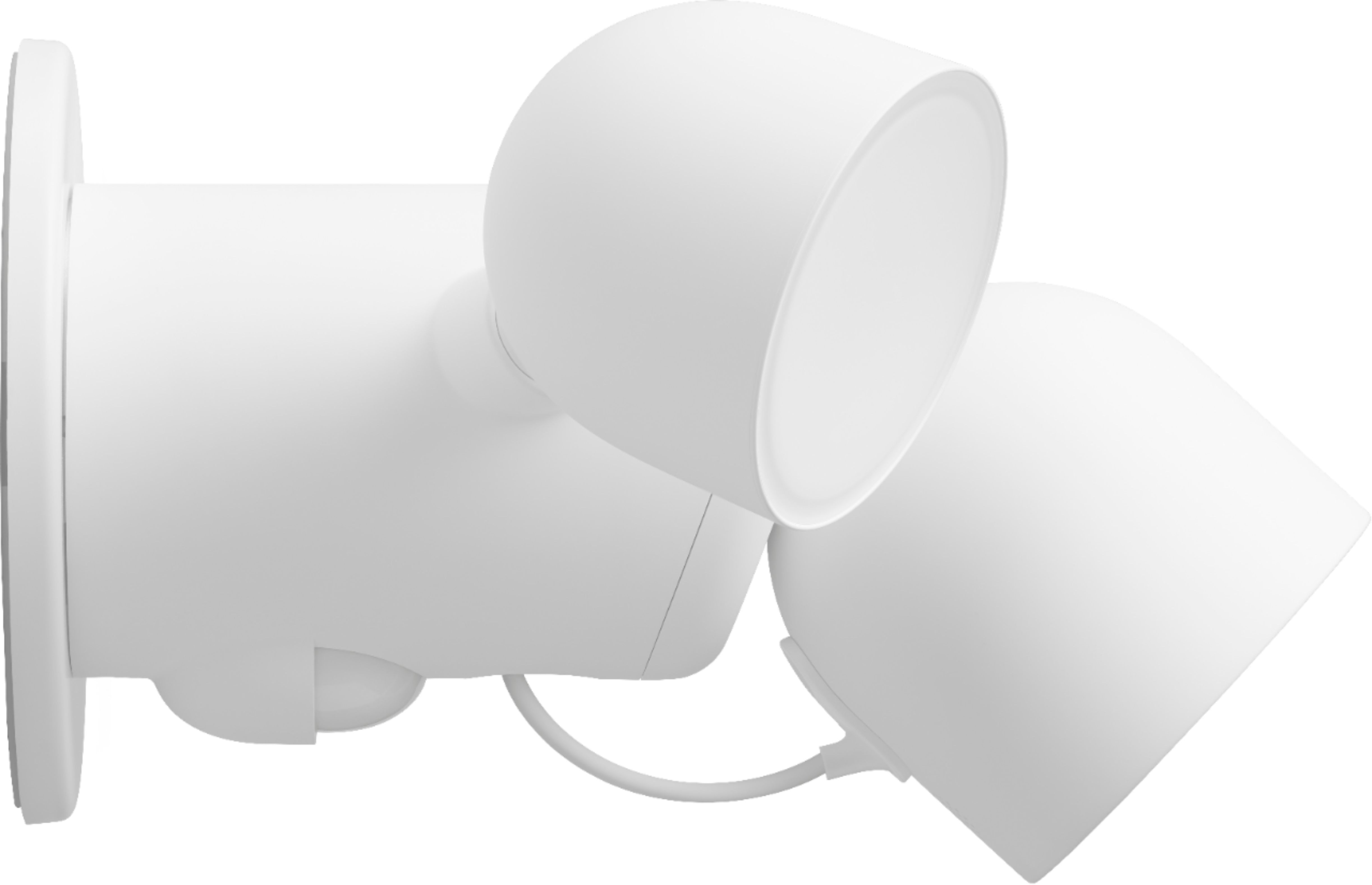
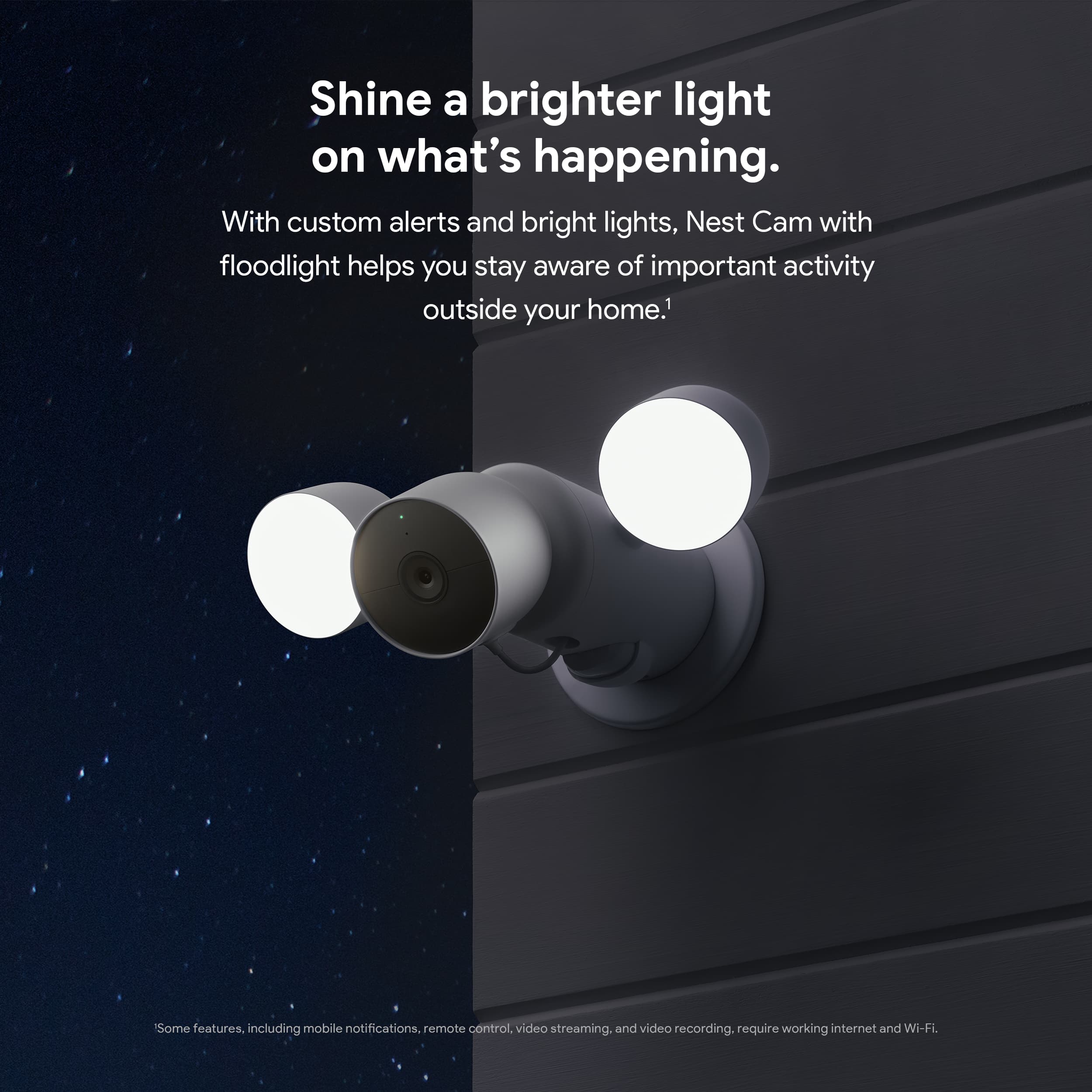
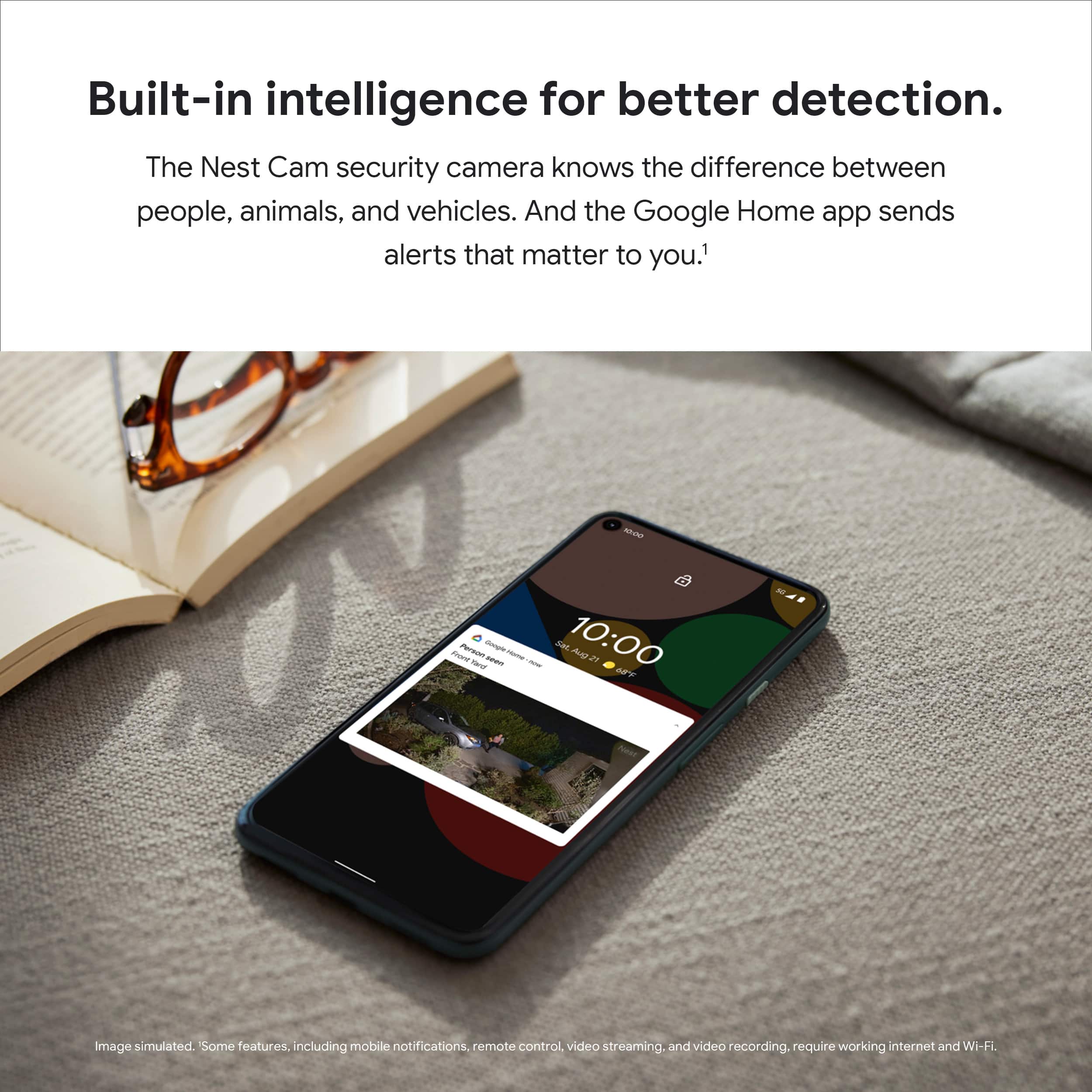
- Model:
- GA02411-US
- SKU:
- 6473270
Rating by feature
- Value
Rating 4.2 out of 5 stars
- Quality
Rating 4.6 out of 5 stars
- Ease of Use
Rating 4.5 out of 5 stars
Customers are saying
Customers praise the Nest Cam with Floodlight for its top-notch camera quality and ideal light brightness. Users also appreciate its ease of use and straightforward installation. However, some customers have expressed concerns about app compatibility and battery life.
This summary was generated by AI based on customer reviews.
Ok
||Posted . Owned for 2 months when reviewed.This reviewer received promo considerations or sweepstakes entry for writing a review.Love this thing. I find the wire nuts to be horrible though.
I would recommend this to a friendBrand response from Nest Support
Posted .Hi AncientAstro, thanks for choosing our Google Nest products and we're glad you're loving your Nest Cam with Floodlight. We're sorry for any unpleasant experience you had, setting it up. We recommend visiting our help page for detailed guides on the awesome features of Nest Cam with Floodlight using this link: https://support.google.com/googlenest/topic/9299925
If you still need further help with any concerns for your Nest Cam with Floodlight, you're always welcome to reach out to our support team by visiting us here: https://support.google.com/googlenest/gethelp
googe flood
||Posted . Owned for 11 months when reviewed.This reviewer received promo considerations or sweepstakes entry for writing a review.i like google home products i think they are a little overpriced though
I would recommend this to a friendAwesome product
||Posted . Owned for 1 month when reviewed.This reviewer received promo considerations or sweepstakes entry for writing a review.They work great I just have no idea how to do the face recognition
I would recommend this to a friendPerfect Black Friday gift
||Posted . Owned for 3 weeks when reviewed.This reviewer received promo considerations or sweepstakes entry for writing a review.This is just what my dad was looking for perfect Black Friday
I would recommend this to a friendProtect your family and home with NEST..!
||Posted . Owned for less than 1 week when reviewed.This reviewer received promo considerations or sweepstakes entry for writing a review.It does a very nice job with the view and the spotlights are bright.
I would recommend this to a friendGoogle flood light
||Posted . Owned for 2 months when reviewed.This reviewer received promo considerations or sweepstakes entry for writing a review.Good quality on this Google flood light I recommend 100%
I would recommend this to a friendReview
||Posted . Owned for 2 weeks when reviewed.This reviewer received promo considerations or sweepstakes entry for writing a review.Very happy with this item. I would recommend all day long.
I would recommend this to a friendYou must have a flood light already installed
||Posted . Owned for 3 weeks when reviewed.This reviewer received promo considerations or sweepstakes entry for writing a review.Great camera. But must be hardwired to your current flood light
I would recommend this to a friendNest security camera for outside!
||Posted . Owned for 2 weeks when reviewed.This reviewer received promo considerations or sweepstakes entry for writing a review.Another solid nest product. The design is simplistic and elegant. Integrates great into the nest app and googles ecosystem.
I would recommend this to a friendGreat product
||Posted . Owned for 2 weeks when reviewed.This reviewer received promo considerations or sweepstakes entry for writing a review.Does exactly what it says it does, also has a great build so it should be durable in all weather conditions!
I would recommend this to a friend- Cons mentioned:Compatibility
Not worth the price
||Posted . Owned for less than 1 week when reviewed.This reviewer received promo considerations or sweepstakes entry for writing a review.My flood light will not fit right because the way it has to twist on. The right lamps prevent it from twisting on wish there were a way to remove the lamps until installed.
No, I would not recommend this to a friendBrand response from Google Nest Support
Posted .Hey there, Camco. We’re sorry you ran into trouble installing your Nest Cam with Floodlight. You can remove the floodlights from the unit prior to installation — here’s how:
1. Power off.
2. Remove anti-theft screws (bottom, cord).
3. Unplug camera (removes floodlight from app).
4. Rotate floodlight clockwise to detach.
5. Hang floodlight temporarily with S hook.
6. Disconnect floodlight wires, secure power wires with wire nuts.
7. Set aside floodlight and S hook.
8. Remove caulk from mounting plate cover.
9. Unscrew and remove mounting plate cover.
10. Remove mounting plate screws and detach plate.
11. Disconnect grounding wire, secure remaining wire with wire nut.
If you need any extra hands, we’re here 24/7: https://support.google.com/googlenest/gethelp?
- Cons mentioned:App compatibility
disappointed
||Posted . Owned for 1 month when reviewed.This reviewer received promo considerations or sweepstakes entry for writing a review.Very disappointed that you have to use two apps, Nest and Home to control. Not intuitive. Nest aware is not useful. Overall disappointed with quality. Miss my Amazon Ring.
No, I would not recommend this to a friendBrand response from Nest Support
Posted .Hi there SenorArenas, thanks for sharing your insights with us. We're sorry to hear about your disappointment with having to use Google Home app for your Nest Cam with Floodlight, and the Nest app for your other Google Nest devices.
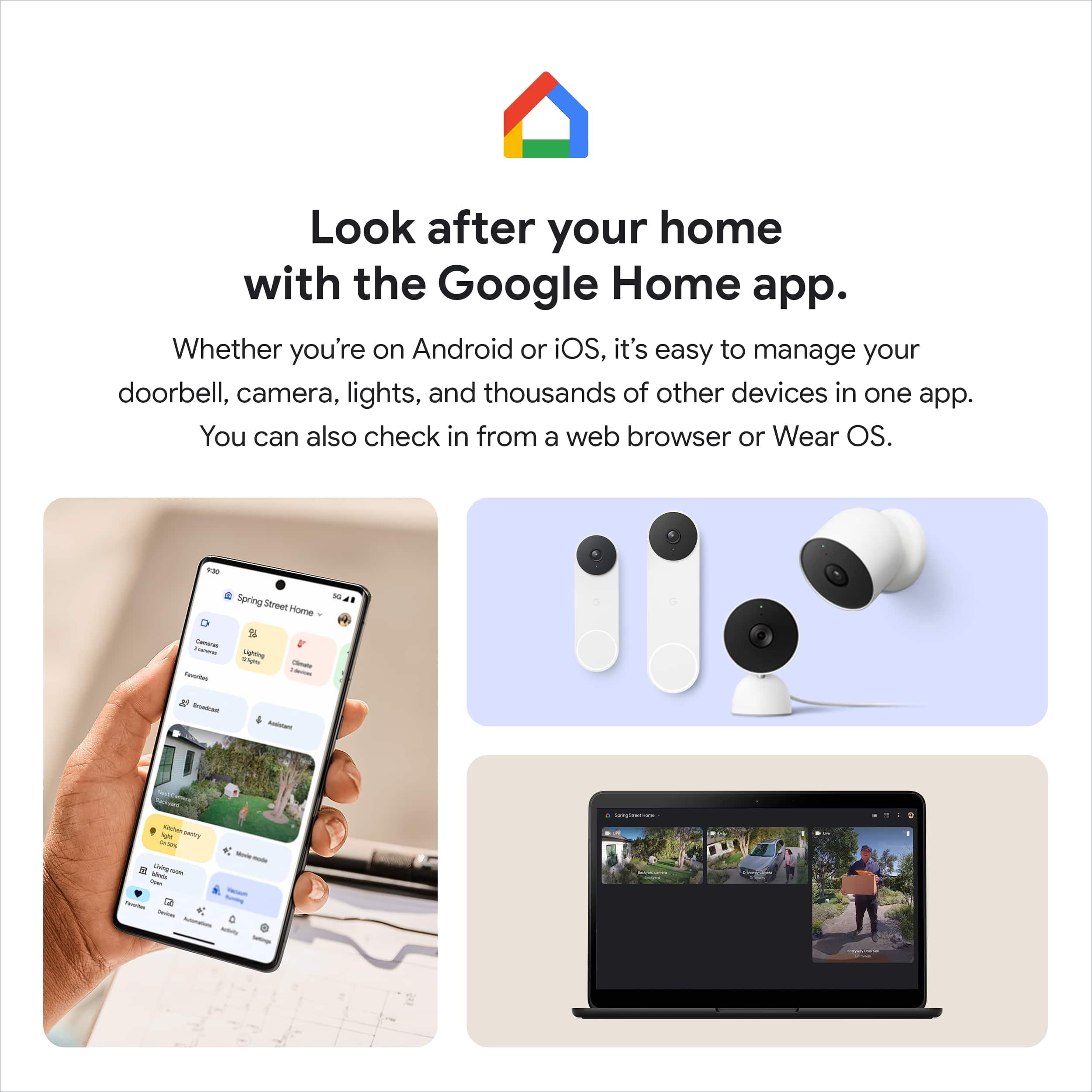
Nest Cam with Floodlight is exclusive to the Google Home app, since we wanted to make the Google Home app as the one place where you can control all your favorite Nest devices and other smart home devices with the Google Assistant. If you're having other Google Nest devices, like the Nest cameras, you may set them up with the Google Home app by referring to this help article: https://support.google.com/googlenest/answer/9893532
For the best experience using the full features of Nest Cam with Floodlight, we recommend getting the Nest Aware subscription, as it provides more value for your money with features that include 30 days of Video History, 24/7 continuous recording, access to clips and time lapses and even customizing your own activity zones. You won't ever have to worry about missing any events as these videos and clips are all saved onto the Cloud. All these features can be viewed and controlled at the tip of your fingertip using the Google Home App.
We're always looking for ways to improve your experience. For any other support concerns you may have, please reach out to our support team here: https://support.google.com/googlenest/gethelp
Awesome service
||Posted . Owned for less than 1 week when reviewed.This reviewer received promo considerations or sweepstakes entry for writing a review.I had an awesome experience with service and product. Thanks Best Buy!
I would recommend this to a friendIt’s great
||Posted . Owned for less than 1 week when reviewed.This reviewer received promo considerations or sweepstakes entry for writing a review.Works well. But entire unit will need replacing when bulbs fail. Electricians are expensive
I would recommend this to a friendBrand response from Nest Support
Posted .Hi Marie, we’re grateful for your feedback about the Nest Cam with Floodlight, and we’re glad that it works well. We hear your concerns about replacement options when bulbs fail, and that electricians are expensive.
Google does not provide, sell or receive compensation for installation services and the exact services you receive from an installer, even an installer listed on this site, is determined solely by the installer. If you want someone to install your Nest products for you, or if you have questions about what’s included with installation, what’s not included, and what to expect during installation, you can book an installation appointment. Check this link about Professional installation services: https://support.google.com/googlenest/answer/9232427
If you need another junction box installed, if you need help installing another floodlight, or if you need to install the floodlight in an area that doesn’t have an existing power connection, our first recommendation is to contact a pro. But you can also visit this link to learn more about how to install it yourself, that includes installation video: https://support.google.com/googlenest/answer/11003780
We’d be happy to share your feedback about replacement bulb options with the right team for consideration when working on improvements with our products and services. And if help is needed, here’s where you can find us ready for your support needs: https://support.google.com/googlenest/gethelp
Review
||Posted . Owned for 3 weeks when reviewed.This reviewer received promo considerations or sweepstakes entry for writing a review.Does not work with nest app over priced Lights need to be able point more direction
I would recommend this to a friendGreat lighting and camera quality
||Posted . Owned for 1 month when reviewed.This reviewer received promo considerations or sweepstakes entry for writing a review.This works perfectly is a great replacement for an old flood light.
I would recommend this to a friendGreat Camera
||Posted . Owned for 1 month when reviewed.This reviewer received promo considerations or sweepstakes entry for writing a review.Great camera. The only thing is it uses a lot of data.
I would recommend this to a friendBrand response from Nest Support
Posted .Hello Nest user, we’re grateful for your feedback, and we hear your concern about the data usage of Nest Cam with floodlight.
When you pick video quality and bandwidth settings, you set the maximum video quality for your camera. Your camera will automatically adjust video resolution and compression according to how much bandwidth is available. You only use download bandwidth when you watch video in the app over Wi-Fi. This typically requires the same amount of bandwidth it takes to upload the video. Your camera also uses a small amount of bandwidth to download software updates and other information from the Nest service. If you need your camera to use less data over the course of a month, you can try some of the things below:
- Lower the video quality and bandwidth settings so that your camera won't use as much data to upload video to the cloud.
- Use Home & Away Routines (Home app) or Home/Away Assist (Nest app) to turn your camera on and off automatically. This is especially useful if your camera has 24/7 video history, so that it doesn't constantly upload video to the Nest service.
- Some camera and doorbell models can also use camera schedules to turn on and off automatically to help reduce the amount of data used. Please note that It's not recommended to stream camera video with a mobile hotspot.
We’re always here to help. Feel free to let us know if you need one by contacting us at: https://support.google.com/googlenest/gethelp
great cam
||Posted . Owned for 1 month when reviewed.This reviewer received promo considerations or sweepstakes entry for writing a review.must have fast upload speed to have a good replay.
I would recommend this to a friendGoogle - Nest Cam with Floodlight - Snow Overall
||Posted . Owned for 1 month when reviewed.This reviewer received promo considerations or sweepstakes entry for writing a review.Purchased as a gift for someone. Heard no complaints!
I would recommend this to a friendDisappointed
||Posted . Owned for more than 2 years when reviewed.This reviewer received promo considerations or sweepstakes entry for writing a review.Overall, I would recommend that you consider almost any other competing product. Google has a well earned reputation for taking a successful product and ruining it. This is no exception. Video quality is dated, and there are plenty of technical issues to boot. These range from camera connectivity issues to videos not being accessible for a considerable period, if at all. Do yourself a favor and go with a competitor’s product.
No, I would not recommend this to a friendBrand response from Nest Support
Posted .Hi GregO. We understand the hard time you're having with your Nest Cam with Floodlight. We're here to help you get it working as expected. Feel free to contact us at your convenience. We'll be happy to help you troubleshoot the issue: https://support.google.com/googlenest/gethelp?sjid=6823863584220686885-NA