Customer Ratings & Reviews
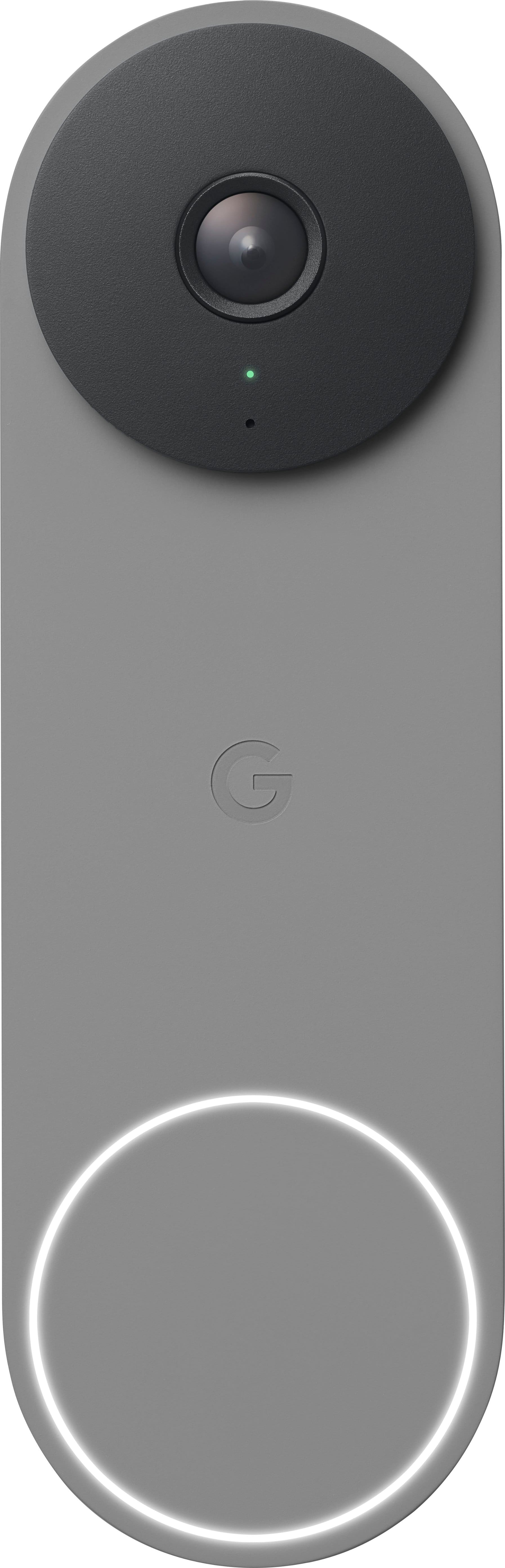
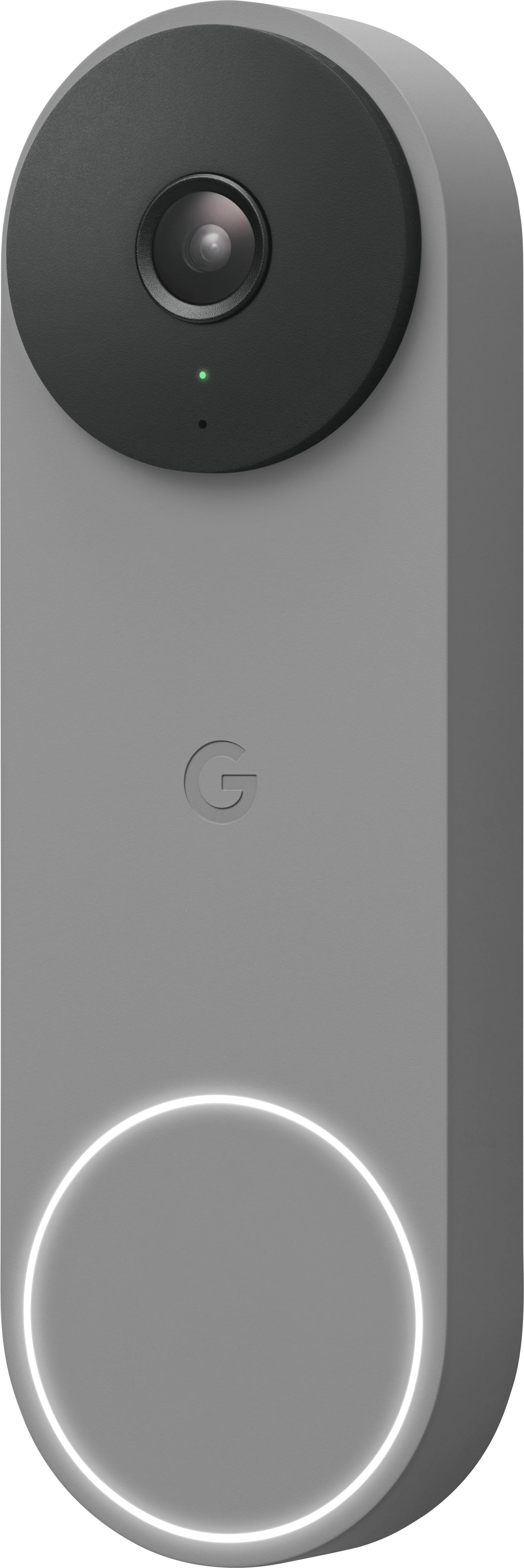

- Model:
- GA03696-US
- SKU:
- 11841847
Rating by feature
- Video Quality
Rating 4.6 out of 5 stars
- Mobile App
Rating 4.4 out of 5 stars
- Sound Quality
Rating 4.5 out of 5 stars
Very disappointed
||Posted . Owned for 2 weeks when reviewed.This reviewer received promo considerations or sweepstakes entry for writing a review.No one told me when it loses Wi-Fi you have to reset it in person. I bought it for an out of state condo. It lost Wi-Fi connection for no reason. I’ve had a ring for years and have never had to reset Wi-Fi or anything thing else. Huge disappointment and useless! Also the inside door bell made a constant buzzing sound. So I had to hear that or have no inside door bell. I chose not to hear the door bell also annoying. We used geek squad to install.
No, I would not recommend this to a friendBrand response from Nest Support
Posted .Hello there, KimC. We appreciate your feedback, and we’re sorry to hear about your experience with the Nest Doorbell (wired, 2nd gen). We can help investigate why the doorbell is behaving differently, but you need to have physical access to your device to troubleshoot. Contact us anytime for technical guidance here: https://support.google.com/googlenest/gethelp

- Pros mentioned:Video quality
Bad audio
||Posted . Owned for 1 month when reviewed.This reviewer received promo considerations or sweepstakes entry for writing a review.Camera and night vision is good, but the audio is terrible, you can't hear anything audible and it's just noise. If I could return it, I would
No, I would not recommend this to a friendBrand response from Nest Support
Posted .Hi Timm, thanks for sharing your feedback on Nest Doorbell (wired, 2nd gen). We appreciate that you find the camera and night vision great, but are sorry to learn of your poor experience with the audio.
You can adjust your Nest camera and doorbell audio settings to turn the microphone off or on, change the microphone sensitivity, and set up audio notifications. When the microphone is off, audio is not streamed or recorded. It's off by default during setup. Here’s what to expect when you turn audio recording off for your camera:
- Audio isn't saved with your camera’s recorded video, which means that any footage saved in your video history while audio recording was turned off don't have sound.
- You can still get audio in your camera’s live video stream.
- The app doesn't send you any sound alerts.
- Follow the app instructions for your camera or doorbell below to turn audio recording on or off.
You can also visit the links below that might help:
Change Nest camera and doorbell audio settings; https://support.google.com/googlenest/answer/9218407
Troubleshoot camera audio: https://support.google.com/googlenest/answer/9257101
We also have help always available for your support needs. Visit us anytime at the following link if additional assistance is required: https://support.google.com/googlenest/gethelp
2nd Generation worse than the 1st....
||Posted . Owned for 1 week when reviewed.This reviewer received promo considerations or sweepstakes entry for writing a review.2nd generation far worse than what we had If not thrown the old away it would be back up this returned. However the Nest Customer support it Tremendous....
No, I would not recommend this to a friendBrand response from Nest Support
Posted .Hello there, Misty. Thanks for sharing your experience with the Nest Doorbell (wired, 2nd gen), and with our customer service. We’re sorry to hear your expectations with the doorbell are not met. We understand you’ve already contacted us, but if additional help is still needed, please share with us your recent case reference so we can continue our investigation: https://support.google.com/googlenest/gethelp
DO NOT BUY
||Posted .This reviewer received promo considerations or sweepstakes entry for writing a review.Horrendous product. So faulty. Worst tech support service I've ever encountered. Camera broke down after less than 2 years but just outside of warranty date.
No, I would not recommend this to a friendBrand response from Google Nest Support
Posted .Hi there, BrianL. We’re sorry to hear your experience with the Nest Doorbell (Wired, 2nd Gen) and support team wasn't the best — we understand this can be frustrating. We’d like to look into your concerns further and get a solution for you. Reach out when you’re ready here: https://support.google.com/fitbit/gethelp?hl=en
- Cons mentioned:Connectivity
Would not work.
||Posted . Owned for 3 weeks when reviewed.This reviewer received promo considerations or sweepstakes entry for writing a review.Returned it. Could it make it work. Bought a Ring and all is well
No, I would not recommend this to a friendBrand response from Nest Support
Posted .Hi there, Rierman63. We're sorry to hear the Nest Doorbell (wired, 2nd gen) didn't work out for you. We appreciate you letting us know and choosing Ring instead. We regret your decision to return it. But if you have some questions, should you want to try the Google Nest devices in the future, you’re always welcome to contact us and we’d be happy to provide you with services and support here: https://support.google.com/googlenest/gethelp
- Pros mentioned:Design, Installation, Video quality

Nice Design. Great Hardware. Fantastic Software.
|Posted .This reviewer received promo considerations or sweepstakes entry for writing a review.I have been thinking about a “smart” doorbell for some time, and while I probably waited too long, it seems the tech has gotten even better. Beyond all the smarts, which I will comment on in a bit, I just really like the design here. I mean, it is a doorbell, but I just don’t really like the looks of most of the competition in the space. They are fine, I guess, but this has a more simple, clean, compact, and modern look to it. Kind of the like the rest of the products Google is putting out these days. Perfect for me. Further, it blends in better with the doorframe and looks more like it is part of the house than some random add on. It seems well-built and I imagine it should stand up for quite some time. Installation was one of the things holding me back from making the move sooner, and, honestly, after getting this in, I feel a little foolish for putting it off. I am sure each situation will be different, but it went a lot better than I was expecting. I would say it was about 25 minutes, but a lot of that was me going slow and making sure. Also, I more or less had a “plug and play” set-up that did not require a lot of work from me. They provided everything I needed (and some) with the kit (and a window decal lol). Again, take it with a grain of salt, and look into your own situation, but I think most should be ok doing it on your own. If you opt for a professional install, it should be a breeze for that individual. Once up, I was very impressed. Admittedly, when I saw the resolution specs, I was a little hesitant. Frankly, while Google excels in imagery, they have been a “little” behind in video, and I did not know what to expect. Well, I don’t have a lot of other experience here, but I think the picture looked great for what it is. Images are crisp and there is a nice tall and wide view. Day or night. I am sure there is some computational video work going on somewhere. Whatever it is, it looks great, and I am happy. I think where the doorbell really shines in on the software side. As I am already in the Google ecosystem, using the Home App is second nature to me, and I found everything familiar and easy to set-up, customize and use. That said, it is all pretty intuitive, and most should be able to pick it all up quickly. Everything here is done pretty well. It is definitely worth the time investment to go to the settings to get everything dialed in to how you really want the doorbell to work. Set up activity zones. Set up your notification settings. They give you a ton of control to get whatever level of notification/alert you want to deal with. I found all of the communications arrived quickly and in a timely manner, which having no experience in this space prior, was another thing I was a bit worried about. It is a non-issue. Hand in hand with how well the software works is what you actually get. I would say, out of the box, you get just about everything you are looking for. To their credit, a bit, Google does a pretty good job here. It would be great to have all of the premium features (familiar face detection, 30 or 60 days of video event history, etc…) added in, but I get it. They are there if you want or need them. If not, they are not truly needed, and the device excels as is out of the box. In the end, this is exactly what I was looking for. I am quite happy with it. The video looks good, detection works well, the notification/alert system is timely (and highly customizable), and the software is fantastic. Regardless of setup, I think it is a great choice, but if you are already invested into the Google Home ecosystem it’s really hard for me to recommend another choice. It integrates so well with other devices in the chain, it really makes for a nice cohesive setup.
I would recommend this to a friend Missing order
||Posted .This reviewer received promo considerations or sweepstakes entry for writing a review.I never revived my order and Best Buy refused to refund me
No, I would not recommend this to a friendNice
||Posted . Owned for 1 month when reviewed.This reviewer received promo considerations or sweepstakes entry for writing a review.Had some problems initially getting the camera to connect to our wi-fi, but once Spectrum replaced our 2-in-1 modem/router, all was resolved. We love this device!
I would recommend this to a friendEcosystem Trap Product
||Posted . Owned for 2 months when reviewed.This reviewer received promo considerations or sweepstakes entry for writing a review.Unlike the previous version, there's no Smart Device Management API access. That means you can't do anything with it outside of the Google ecosystem. You'll also suffer from limited features unless you purchase their cloud subscription. It's an ecosystem trap product.
No, I would not recommend this to a friendBrand response from Nest Support
Posted .Hi Rensew, thanks for sharing your feedback to let us know of your concern with the Nest Doorbell (wired, 2nd gen), and we hear your concerns about lacking Smart Device Management API access. We understand that having the ability to view and control your doorbell directly from your security provider’s app can be ideal for your needs. We’d be happy to share your feedback with the right team for consideration when working on improvements with our products and services. Meanwhile, you can also check this link for current news, updates, and announcements: blog.google/products/google-nest
For services and assistance, feel free to contact us at the following link and we’ll do our best to help: https://support.google.com/googlenest/gethelp
Video is bad for the cost, why not hd
||Posted . Owned for 1 month when reviewed.This reviewer received promo considerations or sweepstakes entry for writing a review.Why is video not hd yet? It is 2022 2023... For the cost and it being a new release it is crazy
No, I would not recommend this to a friendBrand response from Nest Support
Posted .Hello ILMGuy99, thank you for sending in your review. We can see that you're having some challenges with the video quality of your Nest Doorbell (wired). Please be advised that your device should provide you with HD, 960 x 1280 pixels, up to 30 FPS if you have a working broadband internet connection with at least 2 Mbps upload speed per camera. If you've met these requirements and are still getting video quality issues, then we recommend reaching out to our support team and allowing us to help you with finding a better resolution. You can contact us on our help page here: https://support.google.com/chromecast/gethelp
Bad camera result
||Posted . Owned for 2 weeks when reviewed.This reviewer received promo considerations or sweepstakes entry for writing a review.There are black spots in video when a person approaches the camera
No, I would not recommend this to a friendBrand response from Nest Support
Posted .Hi there, Attique. Thanks for bringing this issue to our attention. It's unfortunate to hear that you're seeing black spots on the video feed from your Nest Doorbell (Wired, 2nd Gen).
Over time, your video doorbell may collect dust, pollen, water spots, and other types of debris from its outdoor environment. Although Nest doorbells are designed to withstand the elements, there are cases where these factors may cause some spots and stains to build up on the lens of Nest doorbell. You can easily remove these stains by moistening a soft cloth with a little water and gently wipe the lens clean and wipe down the body. You could also use a drop of cleaning solution that’s made for cameras, eyeglasses, and other optics. You can then dry it up by gently wiping your camera’s lens and body with a soft, lint-free cloth. You can use compressed air to blow dust and particles off.
If cleaning doesn't help remove the black spots, we recommend contacting our support team for further assistance with issue here: https://support.google.com/googlenest/gethelp
Surprisingly useful
||Posted . Owned for less than 1 week when reviewed.This reviewer received promo considerations or sweepstakes entry for writing a review.Didn’t think it would be as useful as it’s been, besides seeing whose at the door
I would recommend this to a friendTerrible
||Posted . Owned for 1 month when reviewed.This reviewer received promo considerations or sweepstakes entry for writing a review.Terrible. I like the old next doorbell this wasn’t isn’t worth the money.
No, I would not recommend this to a friendBrand response from Google Nest Support
Posted .Hey there, We’re sorry to hear your experience with the Nest doorbell wired 2nd gen wasn’t the best. Your feedback is valuable and we’d like to hear more — share your thoughts with this survey: https://google.qualtrics.com/jfe/form/SV_2aStd8wsbcLGvwG
Best Door bell
||Posted . Owned for 2 weeks when reviewed.This reviewer received promo considerations or sweepstakes entry for writing a review.Smaller and works flawlessly - no issues at all with Doorbell Camera.
I would recommend this to a friend- Pros mentioned:Ease of use, Video quality
Great reliable video doorbell
|Posted .This reviewer received promo considerations or sweepstakes entry for writing a review.This review is for the Google - Nest Doorbell Wired (2nd Generation) - Snow. The install and setup up went very smoothly. If you have never changed out a doorbell before it is only two wires and it is low voltage. I used the supplied wedge bracket to angle the camera for the best view in my situation. After the install I opened my google home app and added the door bell very easily. There were some updates but didn’t take long at all. I installed this unit only hours before leaving for a funeral 1,000 miles away. I found the video quality to be quite well. And you can skip though the video history very easily. I still need to find tune the motion zone for the notifications. I like that I don’t get notifications for cars or animals passing by at night. I’m still playing with a feature called familiar faces. Where you can set up with people you know use this door and then you can get a notification telling you who is at the door. It has been good at telling me when the camera seen a person with a package. So after I could call my neighbors to move the package inside for me. And if you have a google hub like me this door bell works very well with it. Not only can you see who is at your door but you can also talk with them from wherever you are.
I would recommend this to a friend Google Nest Doorbell Wired (2nd Generation)
||Posted .This reviewer received promo considerations or sweepstakes entry for writing a review.Google best Nest Doorbell Wired (2nd Generation) - Snow yet!
I would recommend this to a friendNot happy!
||Posted . Owned for 3 weeks when reviewed.This reviewer received promo considerations or sweepstakes entry for writing a review.Not pleased at all. Cannot even hear the doorbell ring. This is the 2nd one I purchased!
No, I would not recommend this to a friendBrand response from Nest Support
Posted .Hello, TyleneF. We appreciate you for trying the Nest Doorbell (wired, 2nd gen), and thanks for sharing your feedback with us about your experience. We can imagine how hard you tried, and we’re sorry to hear it didn’t go well for you.
The new Nest Doorbell (wired, 2nd gen) needs to be powered by wires delivering 16 - 24 V AC, and at least 10 VA (in North America) or 12 - 24 V AC and at least 8 VA (in Europe). While the Nest doorbell can replace most wired doorbells, there are some cases where the doorbell system, including doorbell wires, either doesn’t give enough power or gives too much power. In some homes, you may need to upgrade your transformer to meet the doorbell's higher power requirements. On the other hand, some doorbell systems are incompatible like a traditional doorbell system that uses very little power, so it’s important to make sure that the wires and transformer (power supply) meets the required amount of power so the doorbell can record videos.
We’re always here to help improve your experience. Please visit us at the following link for troubleshooting guidance and assistance: https://support.google.com/googlenest/gethelp
Not as good as my original nest doorbell
||Posted . Owned for 1 week when reviewed.This reviewer received promo considerations or sweepstakes entry for writing a review.Would be nice if i didn’t have to convert to the google home app as i like Nest better. Camera quality doesn’t seem as good also.
No, I would not recommend this to a friendOlder version is waaay better!
||Posted . Owned for 3 weeks when reviewed.This reviewer received promo considerations or sweepstakes entry for writing a review.Older version is better, the camera is not wide for this version.
No, I would not recommend this to a friendBrand response from Nest Support
Posted .Hello there, EusaV. Thanks for posting a review about the Nest Doorbell (wired, 2nd gen). We understand that having a wider camera view can be ideal for you. However, unlike some other video doorbells, Nest Doorbell (wired, 2nd gen) has a 145° diagonal field of view at 3:4 aspect ratio. It is intended so you can see people from head to toe, and packages left on the ground.
While the newer model offers improved features like increased resolution, better night vision, and a sleeker design, we acknowledge the trade-off in field of view. We're constantly evaluating user feedback and exploring ways to optimize future models to balance desired features with a wider field of view. In the meantime, you may be able to adjust the viewing angle slightly within the Home app settings for better coverage depending on your porch layout. Or if possible, consider mounting the doorbell slightly higher or at a slight angle to capture a wider area.
If you have other concerns, please don't hesitate to reach out to our support team here: https://support.google.com/googlenest/gethelp
- Pros mentioned:Video qualityCons mentioned:Connectivity
Good Doorbell Camera, Installation Frustrations
|Posted .This reviewer received promo considerations or sweepstakes entry for writing a review.I was upgrading from the 1st gen Nest doorbell so the physical installation went pretty smoothly for the most part. Google provides a wire connector that bridges the wires between the house and the doorbell. However, room for the extra wires wasn't accounted for in the doorbell so you have to smash the wires as you install the doorbell. In the instructions that are explained in the Google Home app (Nest app is no longer supported for this Doorbell), it clearly states that the Chime Connector is required for the doorbell to work properly. After installing the Chime Connector (and verifying my transformer met the requirements), the doorbell would not ring the chime. I engaged with support and after some back and forth, they indicated just to leave the Chime Connector unconnected to make it all work. Very strange to say it's required, but then say it isn't. The second issue I encountered was that I had Nest Aware on the Gen 1 Nest doorbell. I found no way to transfer that to the Gen 2 doorbell. Contacted support and they said that the Nest Aware for 1st Gen is no longer supported and I would need to cancel that subscription and subscribe to the new Nest Aware. Again, zero information with the doorbell or in the app to indicate this. Overall the doorbell works well. The one issue I have (besides the installation ones mentioned above) is that a number of times when I am notified of an activity (person, animal, etc.) and I go to the app to view the event, I am given a message of "video isn't ready yet". Kind of frustrating honestly. The video provided by the doorbell seems to be fine and the field of view works well for my setup (but does seem to be diminished from the previous generation). Overall, the 2nd gen Nest doorbell works well, but if your first gen Nest doorbell still works, you won't see much benefit in upgrading.
I would recommend this to a friendBrand response from Nest Support
Posted .Hi bobcats9498, thanks for sharing the details of your feedback on Nest Doorbell (wired, 2nd gen), and we’re sorry to hear it didn’t meet your expectations.
Once a subscription has been assigned to a camera, it can’t be moved to a different one. But if you’re subscribed to the Nest Aware (2nd gen), it covers all cameras added on the same home structure. The maximum number of cameras per Home is 10. Since you can have a maximum of 5 Homes, you can hypothetically have 50 cameras among those 5 Homes, each with Nest Aware (2nd gen) attached to each Home structure and applied to each camera.
For the notification quality issue, here are some recommended troubleshooting steps that may help improve your experience with the doorbell:
- If you have a lot of open apps on your phone, they can slow down its overall performance. Try closing some apps, including the Home app, and then re-open it.
- If that doesn’t work, you can try restarting your phone or device.
- Check your network as your doorbell announcement/notifications can also be delayed by a slow network connection.
- Other devices in your home may be using a lot of bandwidth. You can temporarily stop a device’s bandwidth use manually by quitting an app or program, disconnecting it from Wi-Fi or ethernet, or by turning it off.
- The announcement/notifications can be delayed if your camera, phone, tablet or computer is connected to a Wi-Fi extender, which adds extra relay time to any device that’s using it. In this case, connect your camera directly to your Wi-Fi router to help reduce the delay.
You can adjust your cameras’ video quality that may improve the resolution. The higher the video quality setting you choose, the sharper and more detailed your footage can be, but it also uses more of your internet bandwidth. This setting lets you pick the maximum video quality for your cameras. But whichever level you choose, your camera will automatically adjust its resolution and compression according to how much bandwidth is available. Check this link to learn more: https://support.google.com/googlenest/answer/9218596
We’d be happy to share your feedback, about the installation, with the right team for future improvement. In the meantime, please feel free to let us know if you have concerns about the Nest doorbell by visiting us here: https://support.google.com/googlenest/gethelp