Customer Ratings & Reviews







- Model:
- T3017US
- SKU:
- 5852329
Rating by feature
- Value
Rating 4.5 out of 5 stars
- Quality
Rating 4.7 out of 5 stars
- Ease of Use
Rating 4.7 out of 5 stars
to a friend
Customers are saying
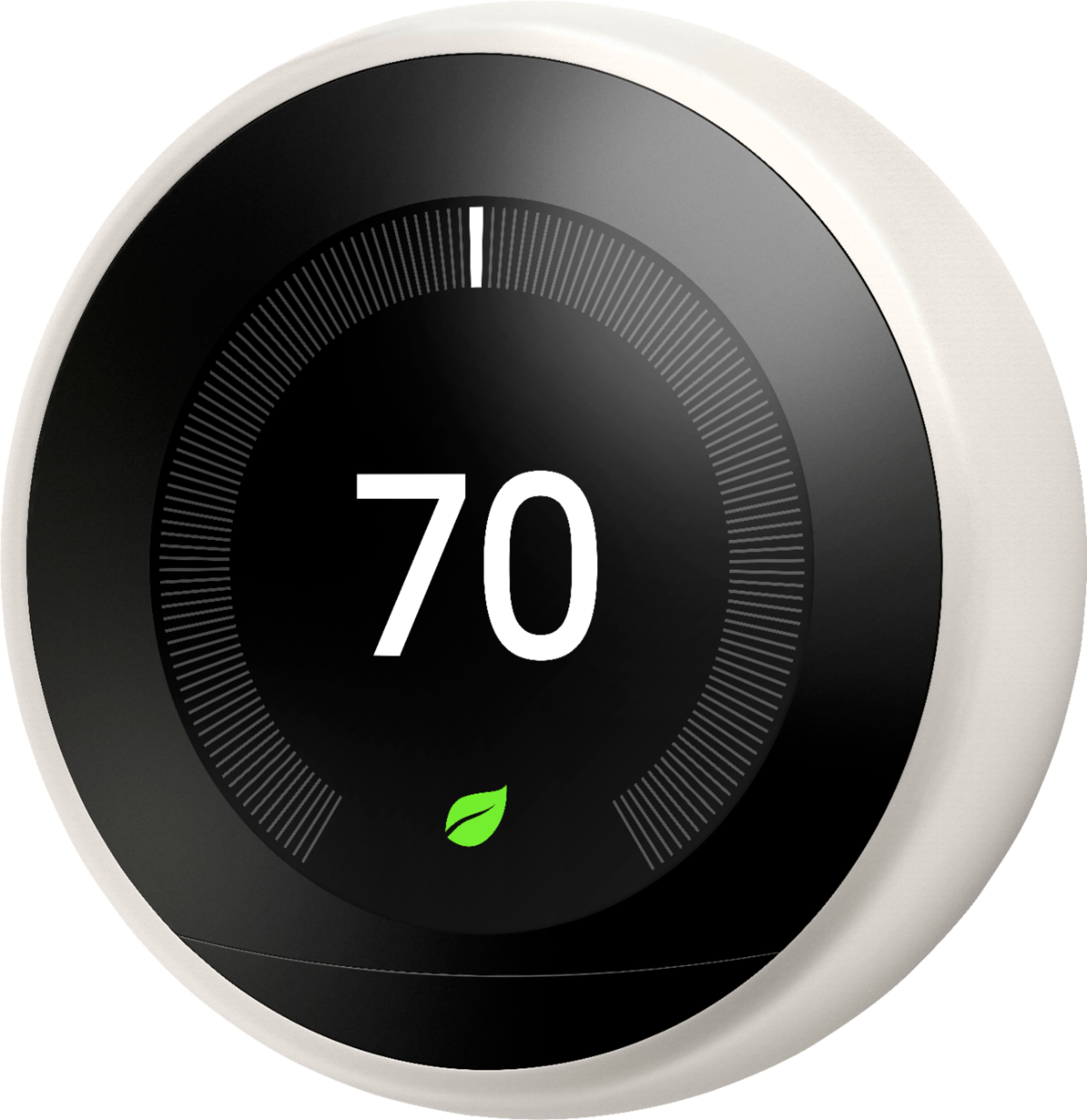
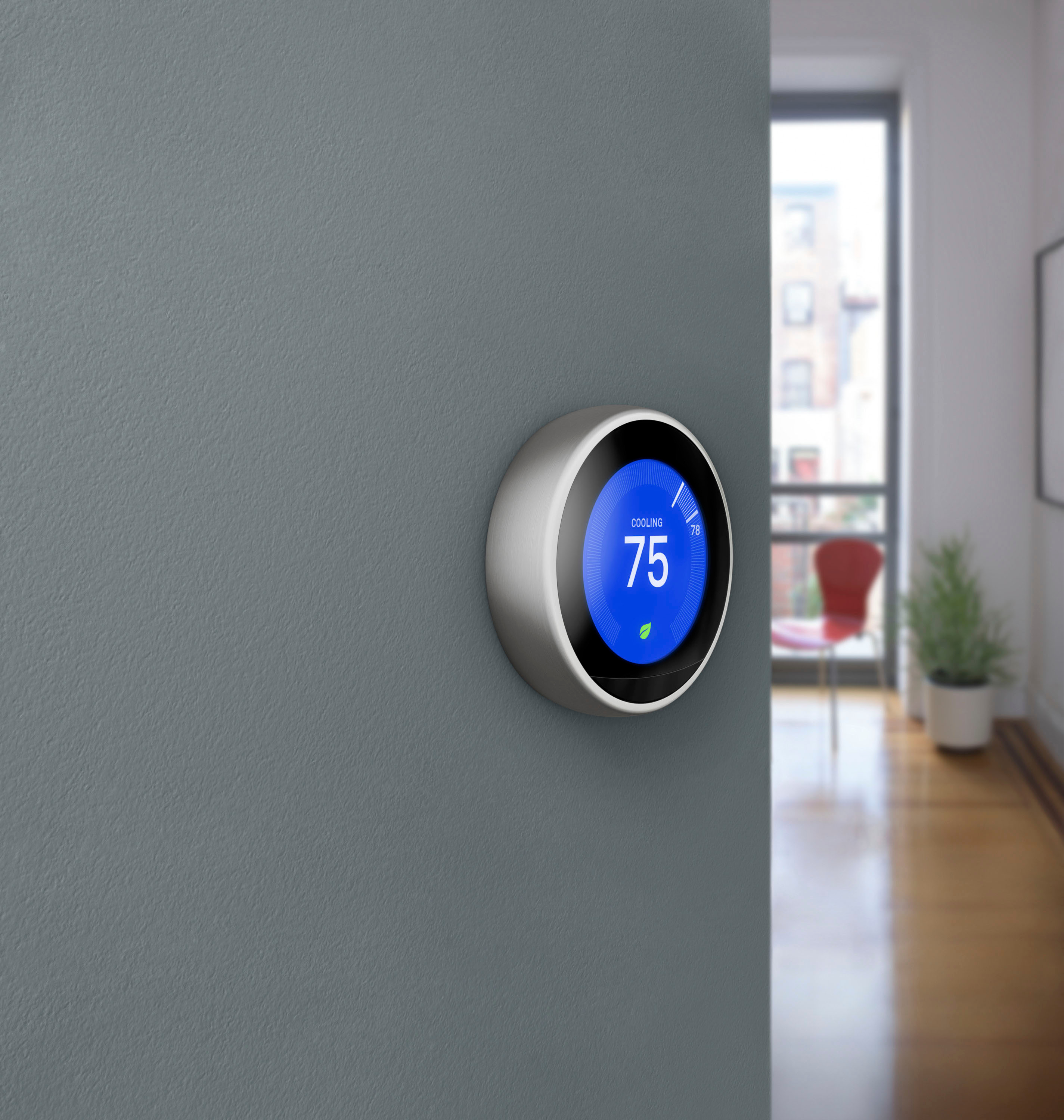
Customers find value in the Nest Learning Smart Wifi Thermostat's ease of use, overall performance, and remote control capabilities. Many appreciate the straightforward installation process and elegant design. However, some customers have reported compatibility issues with certain systems, while others have expressed concerns about battery life and fan control. A few users also desire a more intuitive scheduling interface.
This summary was generated by AI based on customer reviews.
Pays for itself
||Posted .This reviewer received promo considerations or sweepstakes entry for writing a review.With the money I will save on enerhy costs, this Nest will pay for itself.
I would recommend this to a friendLove it!
||Posted .This reviewer received promo considerations or sweepstakes entry for writing a review.Best purchase I have ever made. I love how it “learns” our habits.
I would recommend this to a friendLove love love this product
||Posted .This reviewer received promo considerations or sweepstakes entry for writing a review.We saved a ton of money on gas using the nest. The app is awesome.
I would recommend this to a friendLove it
||Posted .This reviewer received promo considerations or sweepstakes entry for writing a review.I have these in all 3 of our homes and love everything about them.
I would recommend this to a friendlast one
||Posted .This reviewer received promo considerations or sweepstakes entry for writing a review.I needed one more thermostat in the house. Glad I bought this one.
I would recommend this to a friendNot what I expected
||Posted . Owned for 1 month when reviewed.This reviewer received promo considerations or sweepstakes entry for writing a review.My house is sooo hot!! I will save some money but I will have sweat for it. I am returning. Doesn't want to cool. No matter the setting and contacting Geek squad it returns to 75 plus degrees. This is my second unit and I am returning it as well. I will go for non learning. Otherwise it looks good .
No, I would not recommend this to a friendBrand response from Nest Support
Posted .Hi MD2020, thanks for letting us know of your experience with the Nest Learning Thermostat and we’re sorry for the inconvenience this issue has caused you. We understand that you’re decided to return your thermostat, but if you’d like to consider trying it again, the information below might be helpful for you:
Thermostat changes its temperature automatically due to some factors like, schedule, learned habits (auto schedule), and Home/Away Assist which makes your thermostat go to ECO mode. You have an option to use it as a traditional programmable thermostat. You can manually set the temperature and create your schedules for the thermostat to follow. Here’s how:
With the Nest app:
- Open the Nest app and select your Nest thermostat.
- Select Settings and then Auto-Schedule.
- Tap the switch to turn it off.
On your thermostat:
- Press the display and choose Settings.
- Select Nest Sense.
- Select Auto-Schedule, and then Off.
We also suggest turning off your Home/Assist, and clearing the existing schedules by selecting Settings, then Reset, then Schedule and Reset again. If you’re willing, we can work together to find out what went wrong and we suggest contacting us anytime here: https://support.google.com/googlenest/gethelp
Love it
||Posted . Owned for 3 weeks when reviewed.This reviewer received promo considerations or sweepstakes entry for writing a review.This thing saved my life. Ny bill has been reduced to half.
I would recommend this to a friendGreat Thermostat
||Posted . Owned for 3 weeks when reviewed.This reviewer received promo considerations or sweepstakes entry for writing a review.Lots of great features and good quality thermostat.
I would recommend this to a friendWorks Great
||Posted .This reviewer received promo considerations or sweepstakes entry for writing a review.Helps you learn to shave your electric bill down and also works with Xfinity Home
I would recommend this to a friendWe love this Thermostat
||Posted .This reviewer received promo considerations or sweepstakes entry for writing a review.Easy to view, lots of features. I have two of them for my two units.
I would recommend this to a friendLooks good, works good
||Posted . Owned for 4 months when reviewed.This reviewer received promo considerations or sweepstakes entry for writing a review.Expensive but good. I like it much better than Ecobee, especially the bronze finish. It looks better on the wall and I also like the app better.
I would recommend this to a friendFantastic thermostat
||Posted .This reviewer received promo considerations or sweepstakes entry for writing a review.This is well worth the money I spent. Can use your phone app also. Great product.
I would recommend this to a friendGoogle WIFI Thermostat
||Posted . Owned for 1 month when reviewed.This reviewer received promo considerations or sweepstakes entry for writing a review.Installed for a couple of weeks. Still fighting with it. It turns down to 60 for some reason when we want it at 65 or 68. Some automatic setting that we have not yet figured out. Better documentation would be helpful.
No, I would not recommend this to a friendBrand response from Nest Support
Posted .Hello there, Anon. We appreciate your feedback, and we’re sorry to hear about your experience with using the Nest Learning Thermostat.
The Nest thermostat learns your preferences and routines, and it may adjust the temperature accordingly to save energy. But you have complete control over your comfort. You can easily switch to manual settings, create personalized schedules, or even turn off Auto-Schedule entirely. In the Nest app, simply go to Settings > Auto-Schedule and tap the switch to turn it off. Alternatively, on the thermostat itself, press the ring, choose Settings > Nest Sense > Auto-Schedule > Off. We also suggest turning off your Home/Assist, and clearing the existing schedules by selecting Settings > Reset > Schedule > Reset.
We'd be happy to help further if needed. Don't hesitate to contact us by visiting our support page here: https://support.google.com/googlenest/gethelp
Pretty Awesome
||Posted .This reviewer received promo considerations or sweepstakes entry for writing a review.Must say that works to perfection, took only a couple of days to sort itself and remember when to lower and raise the temperature. Installation was pretty simple, took about 10 mins, the longer part was making sure the cables were right.
I would recommend this to a friendGreat info and customer support
||Posted .This reviewer received promo considerations or sweepstakes entry for writing a review.Excellent phone customer support from Nest. Knowledgeable Best Buy staff.
I would recommend this to a friendEverything as advertised
||Posted .This reviewer received promo considerations or sweepstakes entry for writing a review.Have not had any issues with this but if you have a wife be warned........
I would recommend this to a friendEasy to install
||Posted .This reviewer received promo considerations or sweepstakes entry for writing a review.The NEST works great! Easy to install! And u can access it from ur phone!
I would recommend this to a friendLove the nest
||Posted .This reviewer received promo considerations or sweepstakes entry for writing a review.This is great for any house. I love it and would highly recommend
I would recommend this to a friendNest it just works
||Posted .This reviewer received promo considerations or sweepstakes entry for writing a review.Easy to install and very simple to setup. Make sure you have a common wire! I have the Nest Thermostat integrated to Nest Smoke detectors and cameras. Seamless integration via the app.Great product and hope it saves some energy costs in the long run.
I would recommend this to a friendgoogle thermostat
||Posted . Owned for more than 2 years when reviewed.This reviewer received promo considerations or sweepstakes entry for writing a review.Very good smart thermostat, I have been using this thermostat for a long time and I have never had any issues. Also works very well on the app.
I would recommend this to a friend