Customer Ratings & Reviews
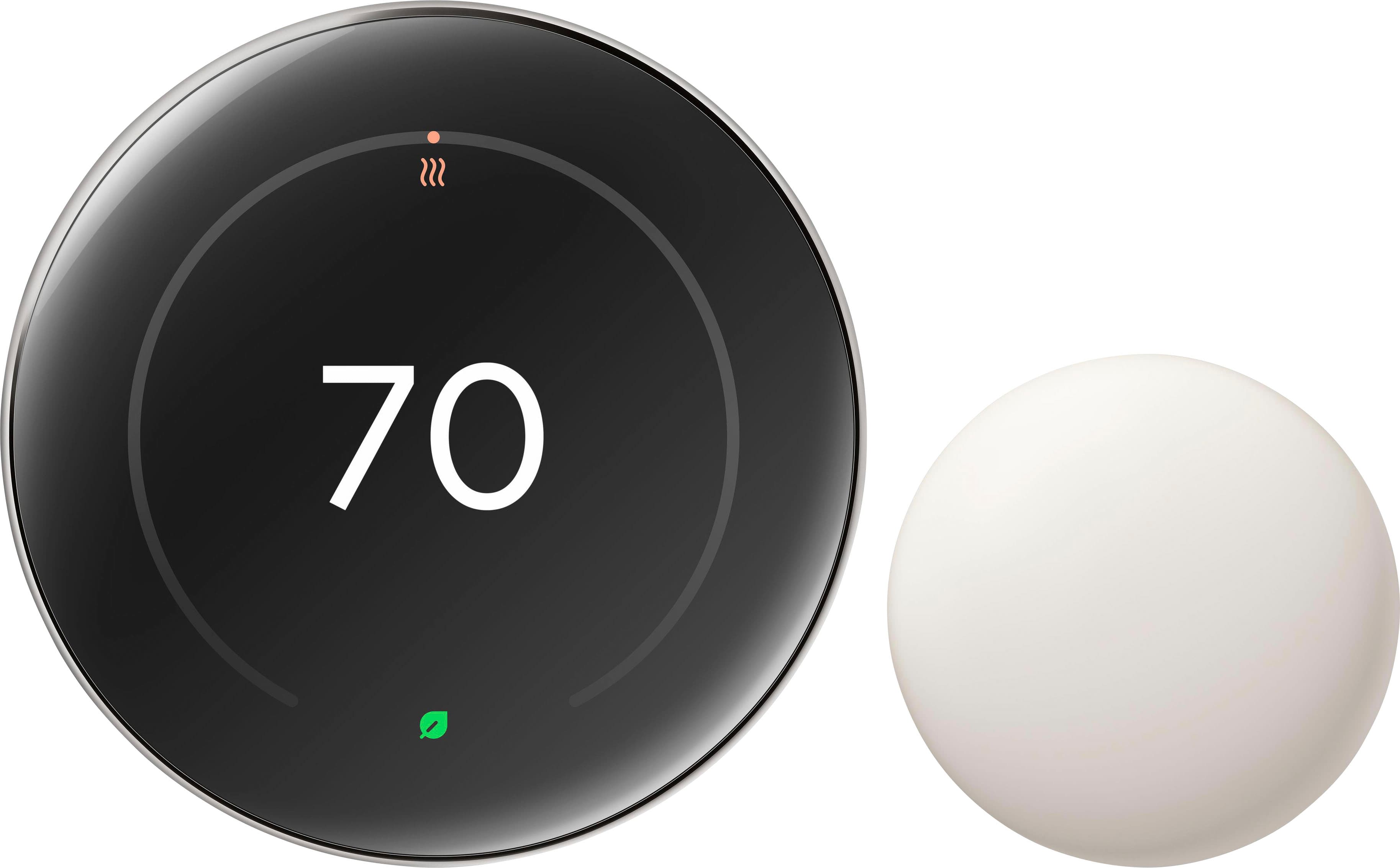
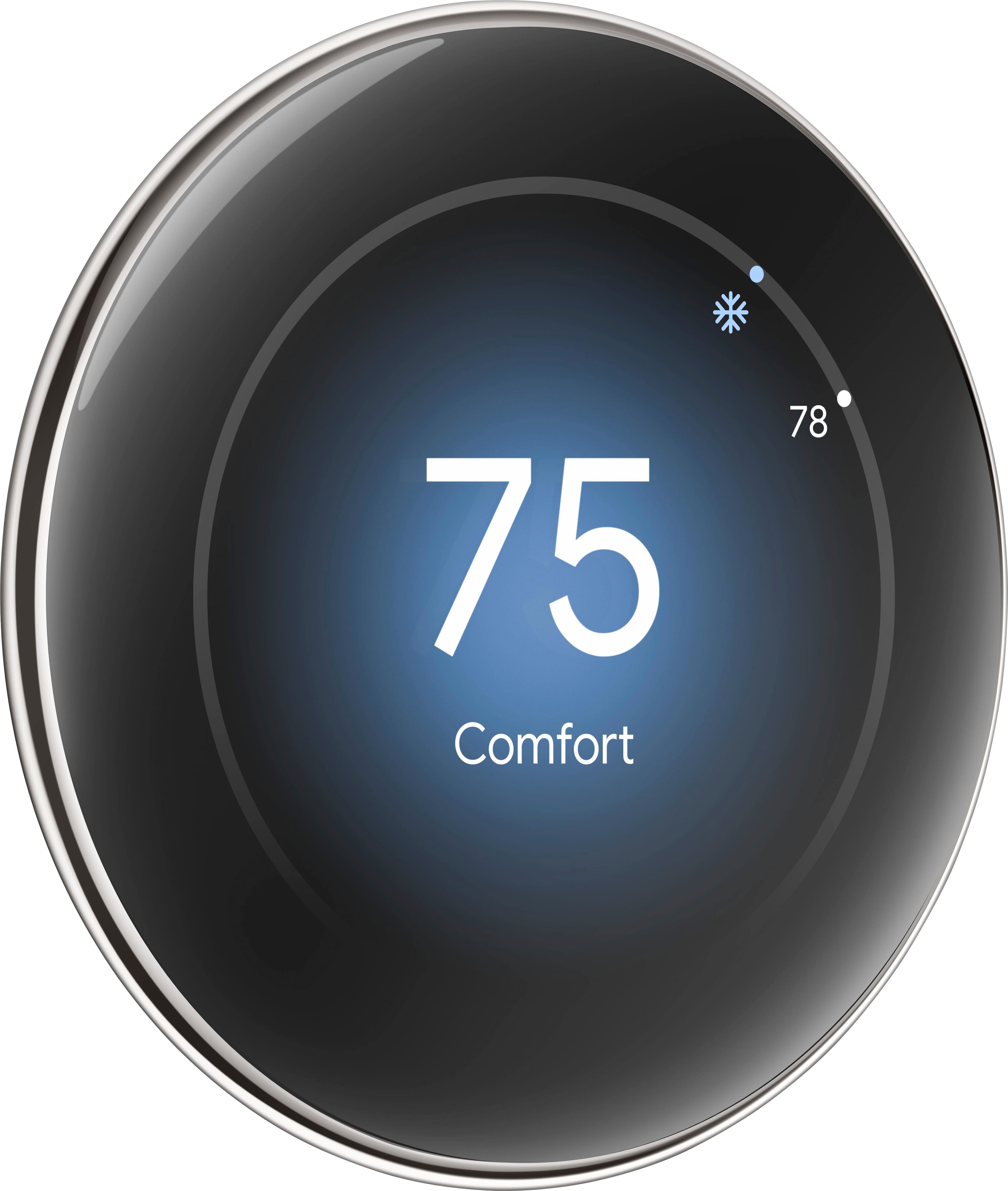
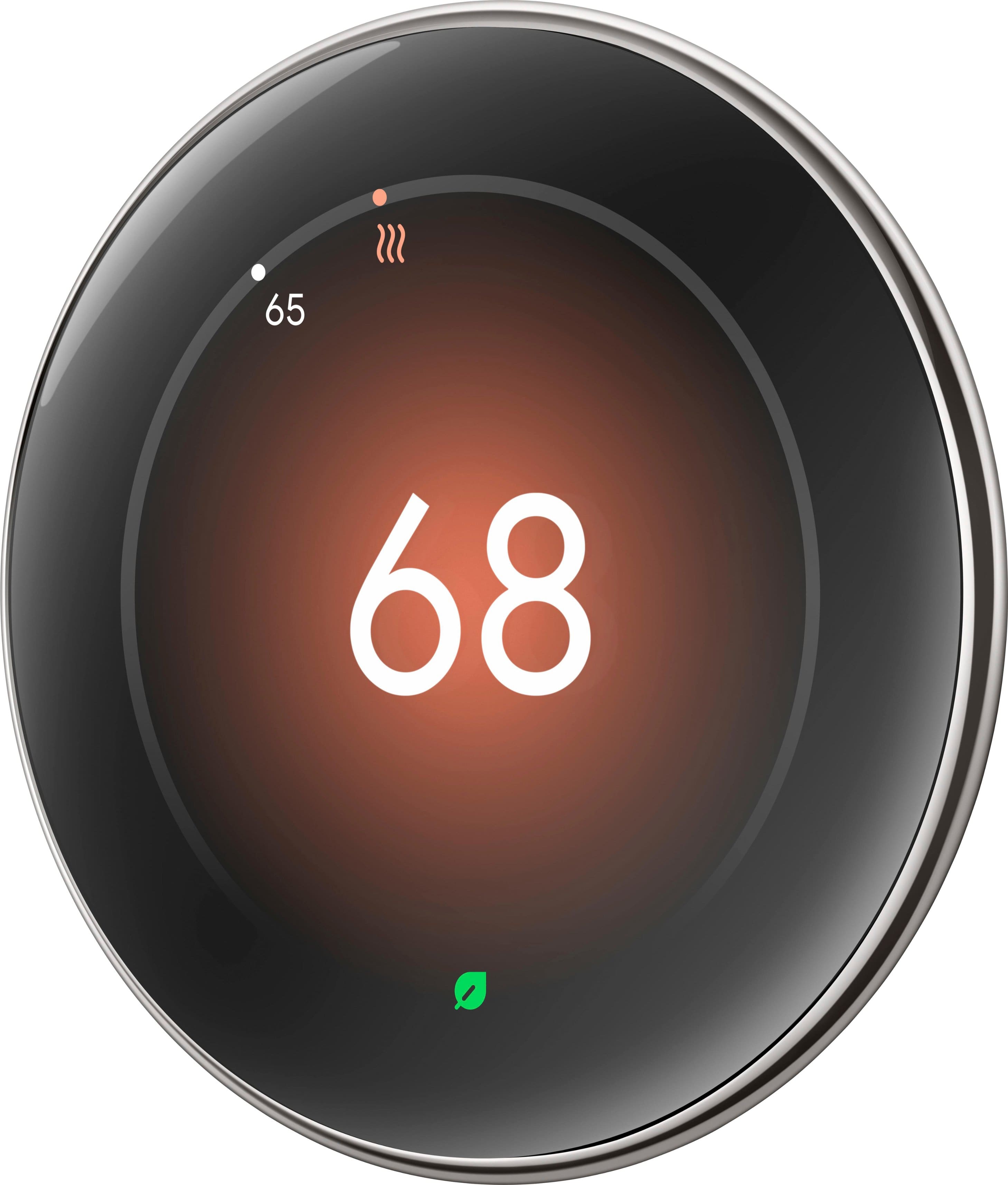
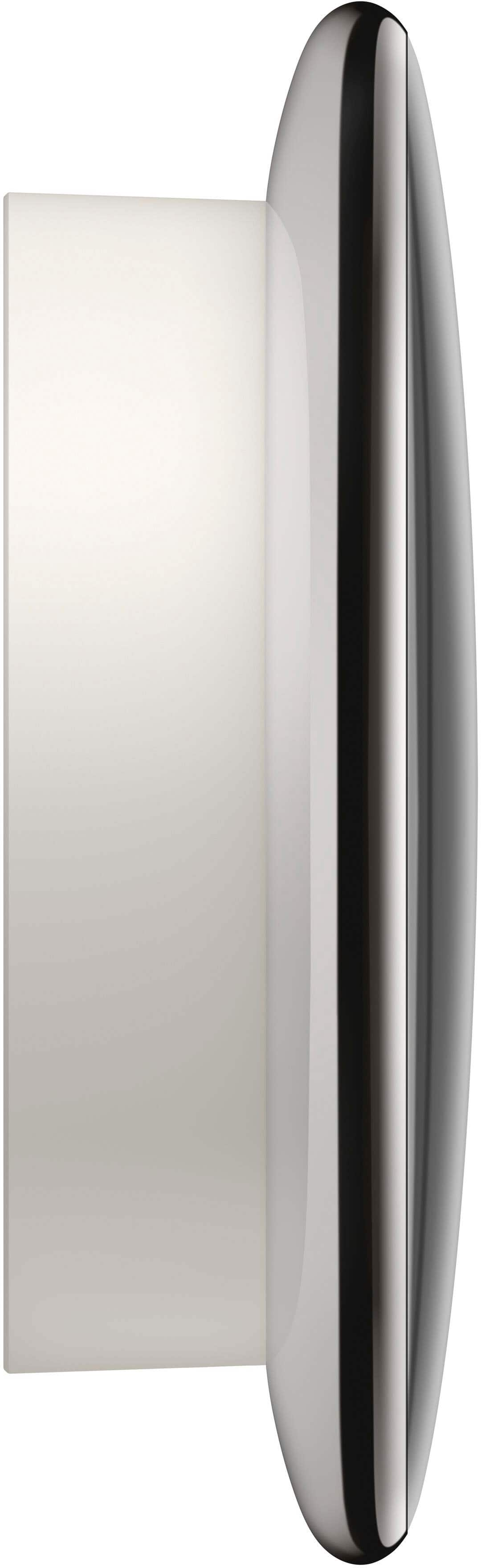



- Model:
- GA05551-US
- SKU:
- 12219911
Rating by feature
- Value
Rating 4.4 out of 5 stars
- Quality
Rating 4.7 out of 5 stars
- Ease of Use
Rating 4.7 out of 5 stars
to a friend
Zero support from google
Posted .This reviewer received promo considerations or sweepstakes entry for writing a review.Nest was a great company until google bought. There is zero active support for the Nest, all you can do is search for other people’s posts that have tbe same problem as you - and there are no solutions. This product is overpriced garbage and has cause me to waste money - the Nest does not follow scheduled settings and turns on AC needlessly. Avoid!
No, I would not recommend this to a friendBrand response from Google Team
Posted .Hi there. Thanks for sharing your experience about the trouble with your Nest Thermostat Gen 4 schedule. Your satisfaction is important to us, and we're committed to providing the best possible support.
To help us resolve this issue, please contact our support team at:
https://support.google.com/googlenest/gethelp?hl=en
They can assist you with troubleshooting and finding a solution.
Nest 4th Gen
Posted .This reviewer received promo considerations or sweepstakes entry for writing a review.Brightness is not adjustable, cannot use Nest app for thermostat controls, other than that it's a good upgrade from pervious gen.
I would recommend this to a friendBrand response from Nest Support
Posted .We wanted to let you know that we’ve started to roll out a software update to optimize how your Nest Learning Thermostat (4th gen) automatically adjusts screen brightness to deliver improved readability based on your environment, learn more here: https://support.google.com/googlenest/answer/15440543

Not a peoples brand
Posted .This reviewer received promo considerations or sweepstakes entry for writing a review.You won’t be able to set a target temperature because google doesn’t allow you, they’re control freaks. The range is 4 degrees, either too cold or too hot. Can’t make it automatically set around one temperature. Go with other brands.
No, I would not recommend this to a friendBrand response from Google Team
Posted .We appreciate the feedback on your Nest Learning Thermostat (4th gen), Miike. We hear you on wanting to get the temperature exactly how you want. The Nest Learning Thermostat (4th gen) has a maintenance band that allows the temperature in your home to change by a few degrees before turning your system on or off.
To adjust this setting, here is a quick guide to do so:
> Open the Google Home app.
> Select your thermostat.
> Tap Settings
> Tap Thermostat and then Advanced configuration.
> Adjust the heat temperature difference and cool temperature difference as preferred.
For more information on the maintenance band, here is the link: https://support.google.com/googlenest/answer/9233450?hl=en&ref_topic=9361874&sjid=13263823338859454227-NC