Customer Ratings & Reviews


- Model:
- GA01334-US
- SKU:
- 10189193
Rating by feature
- Value
Rating 4.5 out of 5 stars
- Quality
Rating 4.5 out of 5 stars
- Ease of Use
Rating 4.3 out of 5 stars
Customers are saying
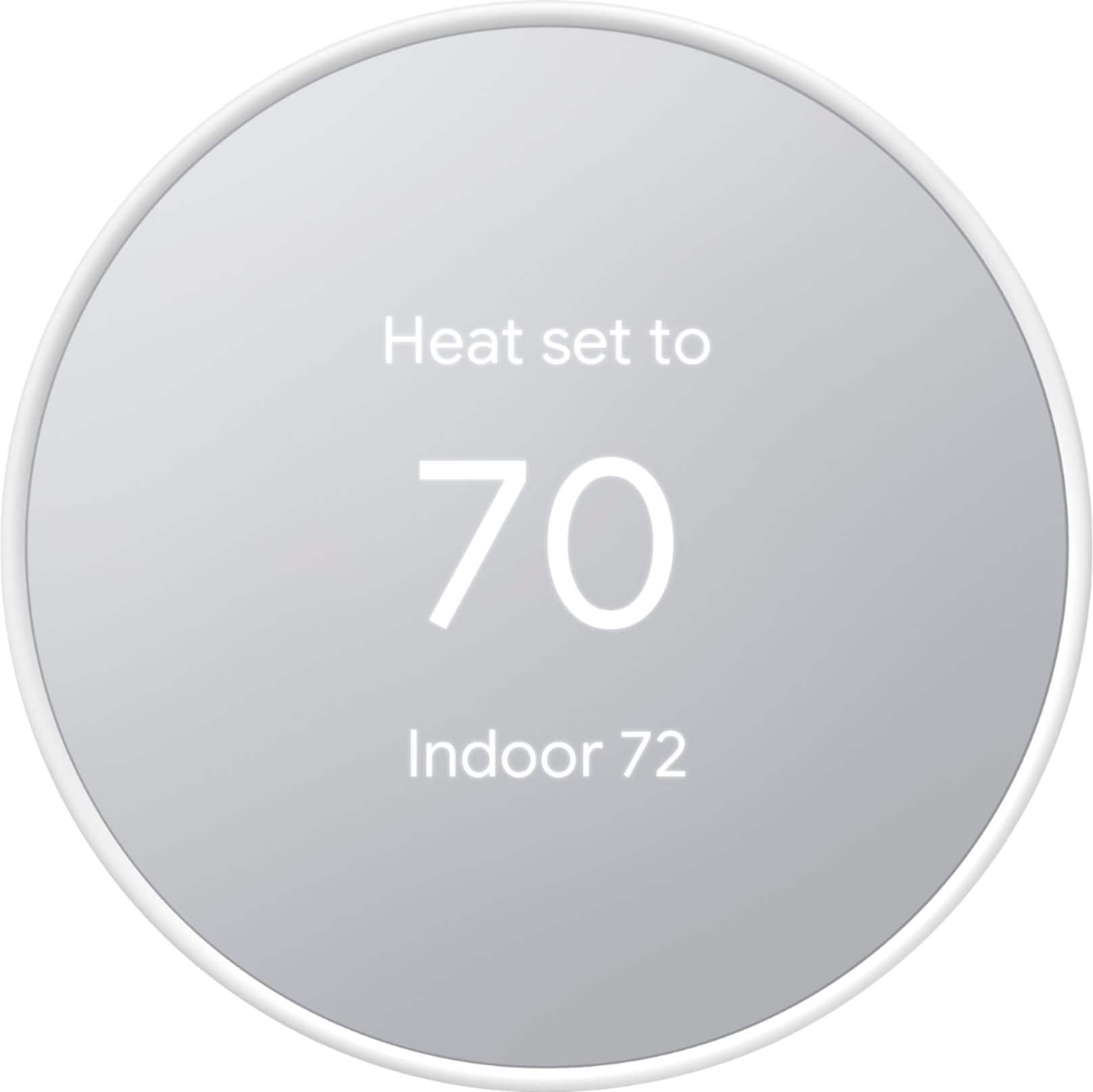
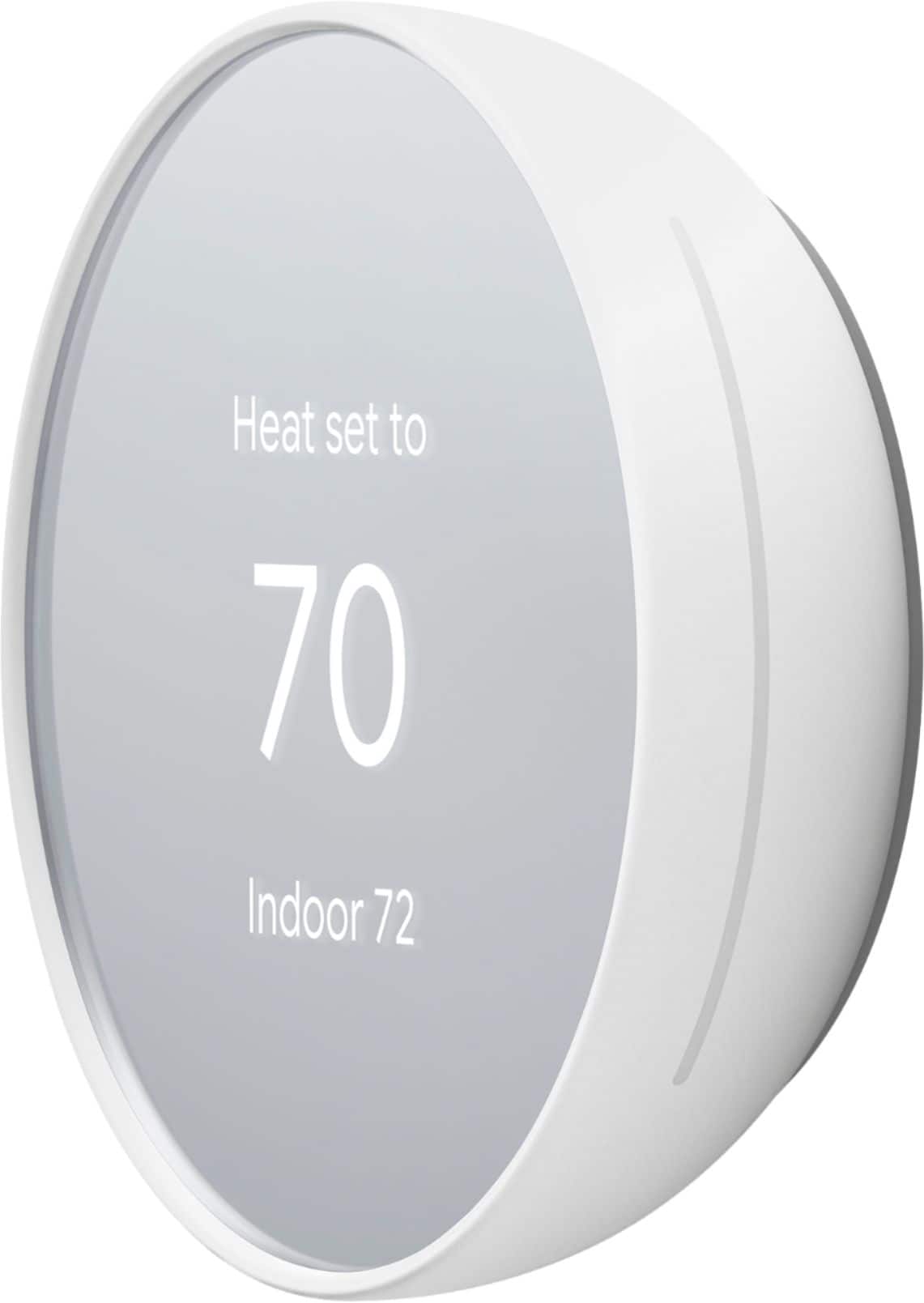
Customers frequently mention the Nest Smart Programmable Wifi Thermostat is easy to use and performs well overall. Installation is straightforward, and the remote control and scheduling features are appreciated, as is the sleek design. However, some customers have experienced connectivity and compatibility issues.
This summary was generated by AI based on customer reviews.
Looks good. Needs plate
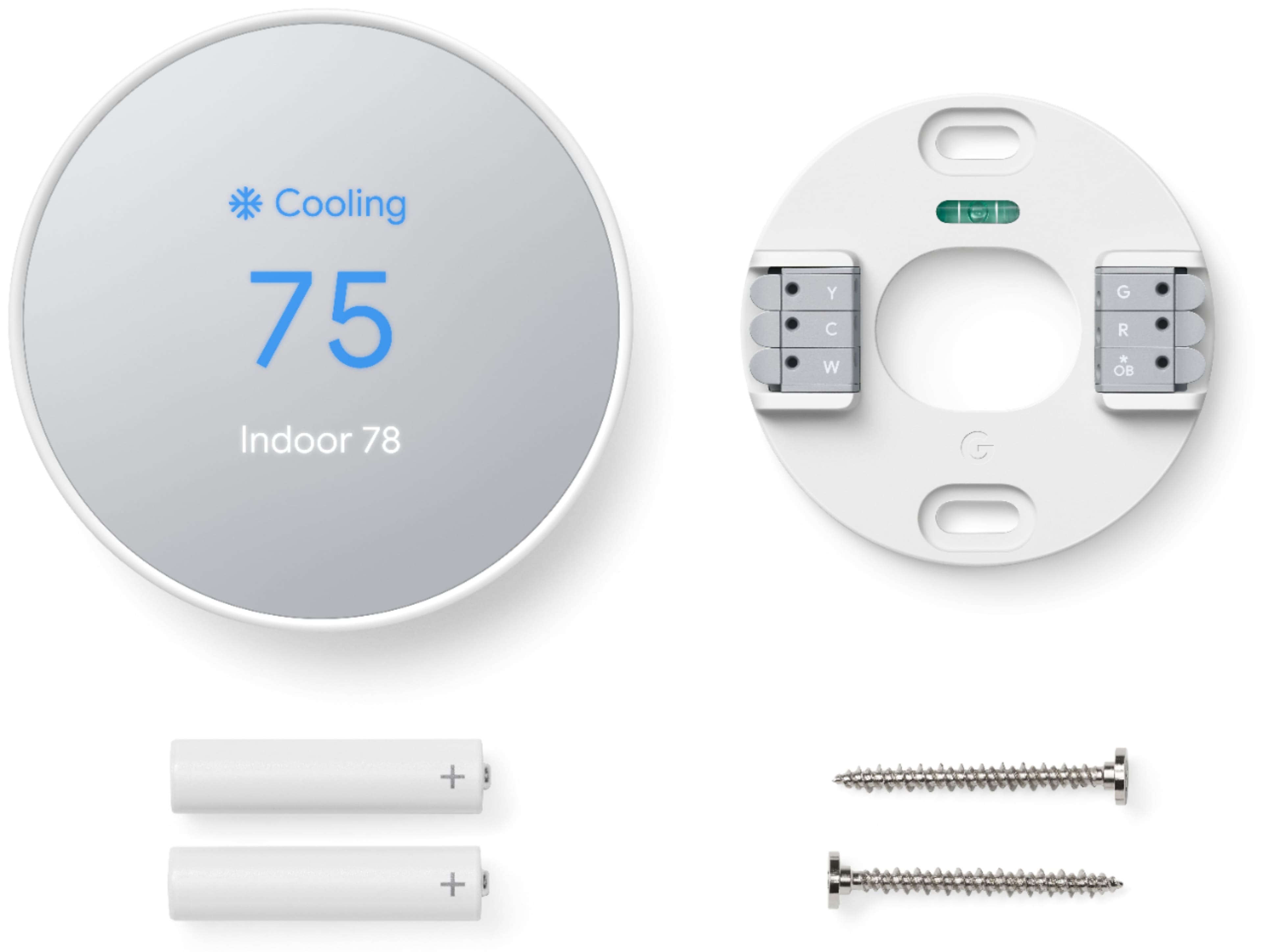
||Posted . Owned for 1 month when reviewed.This reviewer received promo considerations or sweepstakes entry for writing a review.The installation is just like any thermostat. The plate is pretty much a must and is not included. Not compatible with the temperature sensors.
I would recommend this to a friendlike it better than the learning thermostat
||Posted . Owned for 3 weeks when reviewed.This reviewer received promo considerations or sweepstakes entry for writing a review.sleak design and easy set up through app. only having to use the home app is a major plus. i adjuat the temp more on my phone than the device itself so it didnt mind that it didnt have to full dial
I would recommend this to a friendGood E-thermostat for first time users
||Posted . Owned for less than 1 week when reviewed.This reviewer received promo considerations or sweepstakes entry for writing a review.Good E-thermostat for first time users, got this for my parents and so far so good. Personally i like the older Nest learning thermostat more
I would recommend this to a friendEasy to Install and use with Google Home
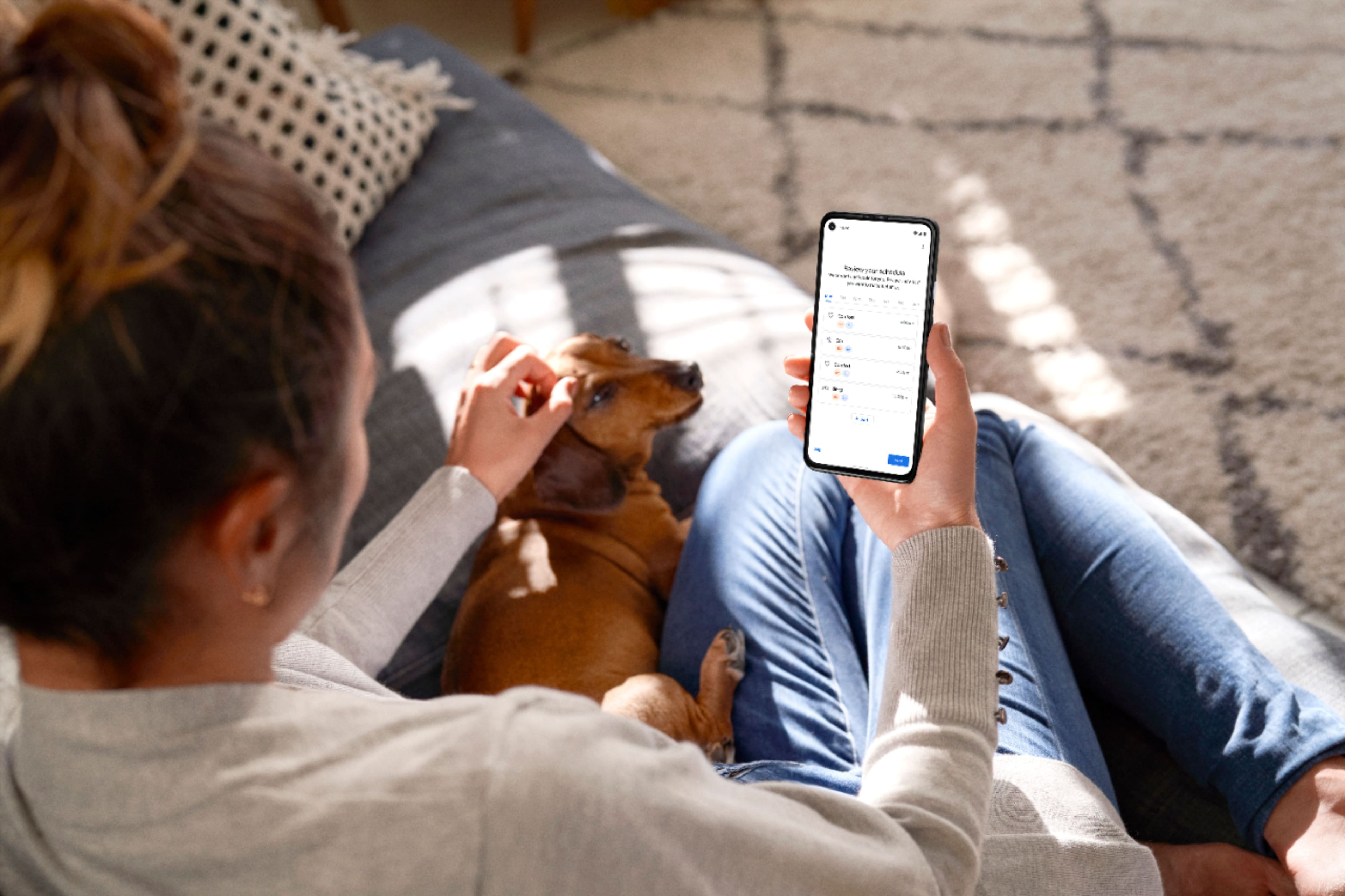
||Posted . Owned for 2 weeks when reviewed.This reviewer received promo considerations or sweepstakes entry for writing a review.Product is easy to install and to program with your Google Home app. The Google Home app walks you through the whole installation and programming process step by step with detailed illustration.
I would recommend this to a friendTime to get one of these!
||Posted . Owned for 2 weeks when reviewed.This reviewer received promo considerations or sweepstakes entry for writing a review.Always wanted one of these! Installed it myself and it works like a champ. There's currently a $75 rebate so it made this a no brainer! Even Brandon would spot this as a good deal!
I would recommend this to a friendNest Thermostat
||Posted . Owned for 1 month when reviewed.This reviewer received promo considerations or sweepstakes entry for writing a review.Not easy to use. Trial and error make it workable but not ideal unless you follow the preset options.
No, I would not recommend this to a friendBrand response from Nest Support
Posted .Hi there, MelAnn. Thanks for sharing a review. We’re sorry to hear of your difficult experience with using the Nest Thermostat.
When you manually adjust the temperature, the temperature will stick until the next scheduled temperature change. With a temperature preset, you can easily set a specific temperature that you repeatedly use a bit faster than manually adjusting the temperature dial. Besides using ready-made presets like Comfort, Eco, and Sleep, you can create custom presets. This is helpful for other times you might like a specific temperature that’s not included in your thermostat’s existing presets. Check this link to learn more: https://support.google.com/googlenest/answer/10178773
If you want to set your thermostat on temperature hold to maintain specific temperature for as long as you want, please see the steps below:
- In the Menu view, select Hold temperature.
- Select Current temp or Eco.
- Choose a time. You can scroll up and down to edit the time by half-hour blocks.
If you’re using the Eco preset, you can also choose None to hold the temperature indefinitely until you end the hold. For other presets, your thermostat can hold the temperature for up to 24 hours.
- Select Confirm.
If you want to make changes to the temperature but there’s a hold, the app or thermostat will tell you that you need to end the hold first.
Besides having online help available at Google Nest Help Center, we also have a dedicated team always ready to provide assistance through our support channels here: https://support.google.com/googlenest/gethelp
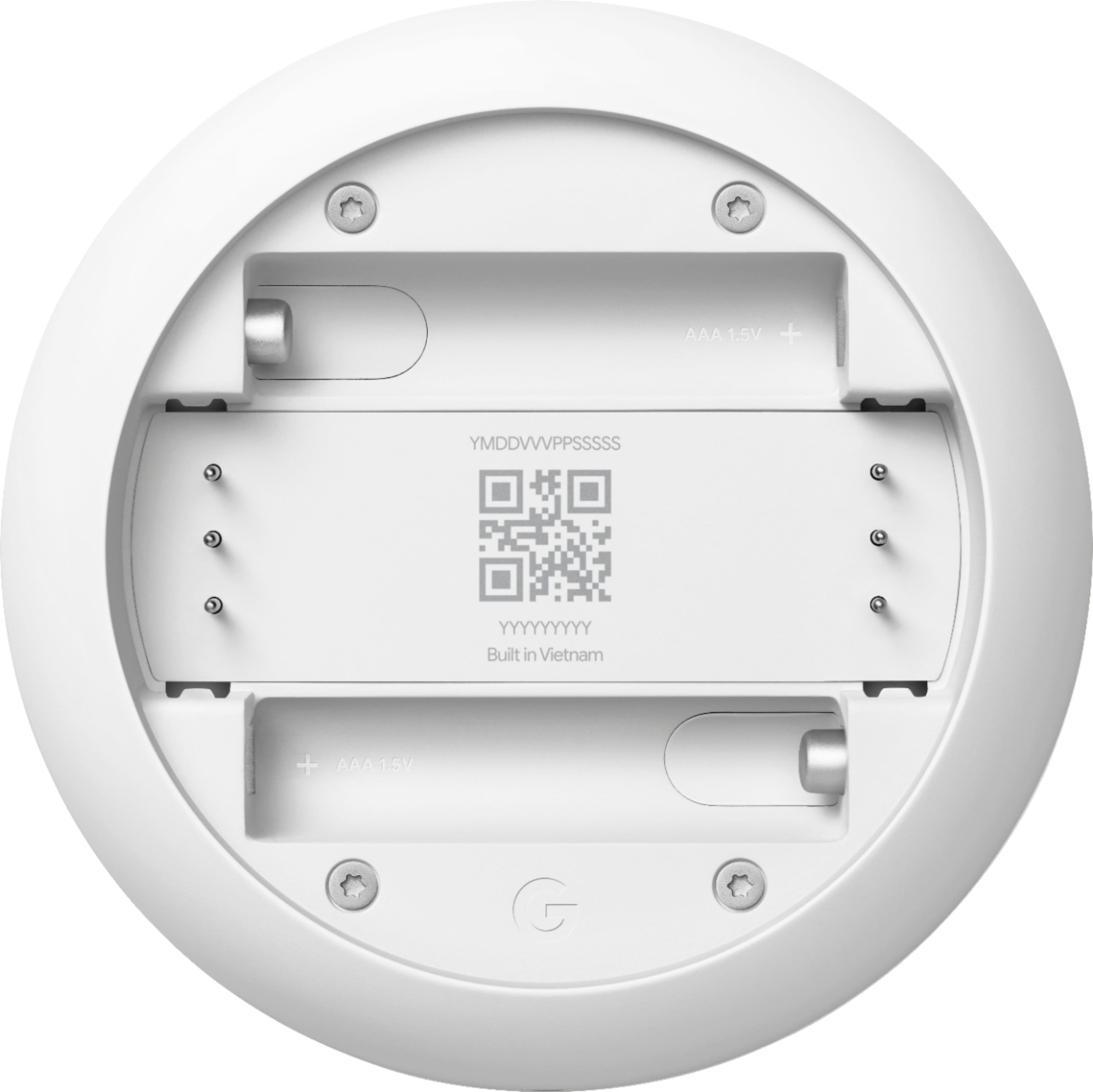
Batteries required
||Posted . Owned for 2 months when reviewed.This reviewer received promo considerations or sweepstakes entry for writing a review.I took it back. It probably would work ok but it needed s batteries and I want to avoid that thus I changed to the more expensive model.
No, I would not recommend this to a friendBrand response from Nest Support
Posted .Hi Taki, thanks for sharing your feedback. We're glad you chose Nest as your thermostat to provide comfort in your home, and we’re sorry to hear that Nest Thermostat variant didn’t work for you.
We value your feedback as we're always looking for ways to improve our products and services to meet our customer’s expectations. If you need further assistance, feel free to contact our support team. We’d be happy to help here: https://support.google.com/googlenest/gethelp
do not buy for replacement
||Posted . Owned for 6 months when reviewed.This reviewer received promo considerations or sweepstakes entry for writing a review.very bad experience, it's mot compatible with other thermostat at all
No, I would not recommend this to a friendBrand response from Google Nest Support
Posted .Hi there, MaxM. We’re sorry to hear you’re having compatibility issues with your Nest Programmable Thermostat. We have this great tool to make sure you’re getting the right model for your current system. Here’s a link to find what’s best for you: https://store.google.com/intl/en/widget/compatibility/thermostat/
We’re here if you need an extra hand: https://support.google.com/googlenest/gethelp?
LOVE!!!
||Posted . Owned for 2 weeks when reviewed.This reviewer received promo considerations or sweepstakes entry for writing a review.I had one of these at my last place and I HAD to get another one. Its easy to use and easy to install. I love that I can set the temperature from my phone if I am away too.
I would recommend this to a friendDisappointed Buyer
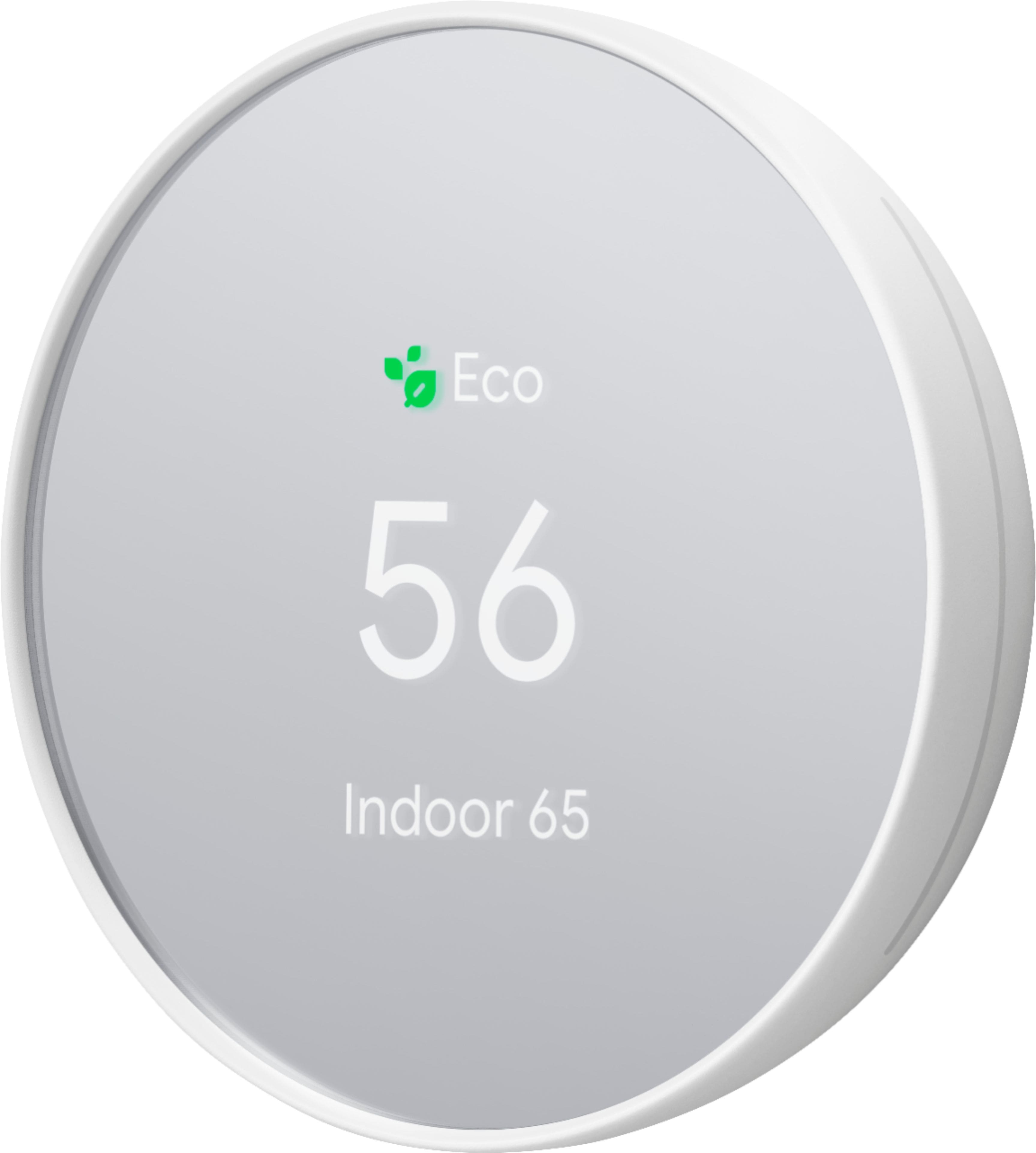
||Posted . Owned for 3 weeks when reviewed.This reviewer received promo considerations or sweepstakes entry for writing a review.I checked to make sure that these thermostats were compatable with my 24V wiring and after installation it did not work with Wi-Fi. Spoke with customer service and they advised the thermostats needed to be connected to a power source. Purchased two and still did not work. After almost an hour with customer service we removed the thermostats and will be returning them. Also these thermostats look like they are white front but they are mirrored.
No, I would not recommend this to a friendBrand response from Nest Support
Posted .Hi there, thanks for taking the time to share your feedback. We regret to hear about the unsuccessful installation of your Nest Thermostat.
Nest Thermostat works with most 24V heating and cooling systems, including furnaces, air conditioners, boilers, and heat pumps with either forced air or radiant delivery that has a maximum of 6 wires. We may be looking for possible incompatibility of Nest Thermostat with your HVAC unit. If you haven’t yet, we suggest to check the compatibility of your system using our compatibility checker: https://store.google.com/us/widget/compatibility/thermostat
If you need further assistance, feel free to reach out to us again anytime. We’d be more than happy to help you here: https://support.google.com/googlenest/gethelp
Awesome product worth every penny
||Posted . Owned for 1 year when reviewed.This reviewer received promo considerations or sweepstakes entry for writing a review.Smart thermostat's are simply amazing. these ones from google are excellent, the ability to set schedues and manage the temperature in my home remotely is so useful.
I would recommend this to a friendNice edition to the house
||Posted . Owned for 1 month when reviewed.This reviewer received promo considerations or sweepstakes entry for writing a review.Love it but the only thing i don't like is, you need to input home info. So google is now tracking me even more.
I would recommend this to a friendnot worth it
||Posted . Owned for 2 months when reviewed.This reviewer received promo considerations or sweepstakes entry for writing a review.it keeps losing connection with my wifi, it started randomly, the only way to get around this is to restart which will fix the issue for a few hours.
No, I would not recommend this to a friendBrand response from Nest Support
Posted .Hi myreview, thanks for sharing your feedback. It's unfortunate that your Nest Thermostat keeps disconnecting from your Wi-Fi network. We can only imagine how inconvenient this experience may have been for you. Please consider contacting our support team for further troubleshooting here: https://support.google.com/googlenest/gethelp
Junk
||Posted . Owned for 2 weeks when reviewed.This reviewer received promo considerations or sweepstakes entry for writing a review.Junk. At my old house we had the older neat thermostat and that was amazing. Wish I would have taken it with me. This one is junk. 1 - 2 times a week it disconnects from Google (not wifi) and I get an ERROR in the app. It tells me to check my wifi but the thermostat is still connected to wifi. I have reset it and it gets all the way through and then says "cannot connect with google." Kind of defeats the purpose of a smart thermostat if it can't even connect to the company that owns it.
No, I would not recommend this to a friendBrand response from Nest Support
Posted .Hi Anon12345846, thanks for making us aware of the issue. We apologize for the app disconnection and the error you get with your Nest Thermostat.
Here are some troubleshooting steps you can try out to fix the issue:
1. Make sure your home Wi-Fi is working.
2. Check the status of the Nest service by visiting https://status.nest.com/.
3. Check that you have the latest version of the Google Home app.
4. Restart your Nest Thermostat.
6. Restart your router.
7. Check for possible interference.
8. Reset your thermostat's connection.
9. Check for Parental controls or firewall security.
If the issue persists, we recommend contacting our support team for further troubleshooting and isolation here: https://support.google.com/googlenest/gethelp
Needs control wire
||Posted . Owned for 1 month when reviewed.This reviewer received promo considerations or sweepstakes entry for writing a review.I got this to help update my thermostat at my house. I didn't have the right wiring and I didn't want to do the renovation. I'm sure it might work well.
No, I would not recommend this to a friendBrand response from Nest Support
Posted .Hi Hotchick, thanks for choosing Nest Thermostat and for sharing your experience with us. To ensure your heating and cooling system´s compatibility with Nest Thermostat. We recommend using the Compatibility Checker tool: https://store.google.com/us/widget/compatibility/thermostat
Once you verify your system´s compatibility. You may contact our support team for further guidance. We can walk you through the installation and set up process for your Nest Thermostat, by simply reaching out to us here: https://support.google.com/googlenest/gethelp
I won't buy again and am going to return.
||Posted . Owned for 1 week when reviewed.This reviewer received promo considerations or sweepstakes entry for writing a review.Pretty awful product. It doesn't seem to sync up with the Nest app and it constantly throws my AC into eco mode when I do not want it to. In South Texas, that means I spend an hour or more trying to get the temperature back down to where I had it and enjoy it.
No, I would not recommend this to a friendCould be better
||Posted . Owned for 3 weeks when reviewed.This reviewer received promo considerations or sweepstakes entry for writing a review.Disconnects often from my router. It’s says it’s connected on the device and on the app it’s not available.
No, I would not recommend this to a friendBrand response from Nest Support
Posted .Hi Jpadil, thanks for bringing this issue to our attention. We're sorry to hear that you're experiencing connectivity issues with your Nest Thermostat.
Here are some recommended steps to help you with the issue:
- Ensure that your mobile phone, where the Nest/Home app is installed, is either connected to your Wi-Fi network, or that the mobile data is enabled.
- Try installing the Nest/Home app on another mobile phone or tablet device and login using the same Google account as your Nest Thermostat.
- Check for possible congestion in your Wi-Fi network. Removing some of your connected devices can help free up some bandwidth space. You may then check to see if you will still experience the same connectivity issue.
- You may also check for possible sources of interference such as the thick walls and appliances in your home.
If the issue is still persistent, please consider contacting our support team for further troubleshooting and isolation here: https://support.google.com/googlenest/gethelp
Smart thermostat
||Posted . Owned for 3 weeks when reviewed.This reviewer received promo considerations or sweepstakes entry for writing a review.Th wiis thing is awesome. I set a schedule and it does the rest for me. If we need to adjust, i just pull out my phone pull up the app and quickly adjust it
I would recommend this to a friendNot as user friendly
||Posted . Owned for 3 weeks when reviewed.This reviewer received promo considerations or sweepstakes entry for writing a review.No as user friendly as original. Hard to schedule temps for certain times and days. Have to pick between options (comfort, sleep, etc.)
No, I would not recommend this to a friendBrand response from Nest Support
Posted .Hi Doodguy, thanks for sharing your experience with using the Nest Thermostat. We’re sorry to learn of your difficulty with the temperature schedule, and that you find it not user friendly.
When you manually adjust the temperature, the temperature will stick until the next scheduled temperature change. With a temperature preset, you can easily set a specific temperature that you repeatedly use a bit faster than manually adjusting the temperature dial. Besides using ready-made presets like Comfort, Eco, and Sleep, you can create custom presets. This is helpful for other times you might like a specific temperature that’s not included in your thermostat’s existing presets. Check this link to learn more: https://support.google.com/googlenest/answer/10178773
We have help available for your needs. You can visit the Google Nest Help center for support articles, and you can contact us anytime through our support channels here: https://support.google.com/googlenest/gethelp
DO NOT RECOMMEND!
||Posted . Owned for 1 month when reviewed.This reviewer received promo considerations or sweepstakes entry for writing a review.Way more difficult set up and use than it needs to be! Nest app was great but with this thermostat you have to use google home app and it is not user friendly at all! Actually it’s so bad that we already bought a different thermostat! Why they changed this makes no sense. I would give this zero stars if I could!
No, I would not recommend this to a friendBrand response from Nest Support
Posted .Hi there, thanks for taking the time to share your feedback with us. We're sorry to hear that you had a difficult time setting up your Nest Thermostat, and for any disappointment you may be having with the Google Home app.
We wanted to make the Google Home app as the one place where you can control all your favorite Nest devices and other smart home devices with the Google Assistant. Here are some benefits you can get by using the Google Home app with your Nest Thermostat:
- Automatic security protections such as Suspicious activity detection, 2-Step Verification and Security Checkup.
- Your Google Nest devices and services will work together. For example, if you have a Nest Thermostat and a Nest Hub, just say, """"Hey Google, set the bedroom temperature to [#] degrees.""
- One account to sign into both the Nest and Google Home apps.
- Your homes and home members will be aligned across the Nest and Google Home apps.
We’d like to help you with any difficulty you may be having with Nest Thermostat, and see how we can improve it. Please do not hesitate to contact our support team here: https://support.google.com/googlenest/gethelp