Customer Ratings & Reviews


- Model:
- GA01334-US
- SKU:
- 10189193
Rating by feature
- Value
Rating 4.5 out of 5 stars
- Quality
Rating 4.5 out of 5 stars
- Ease of Use
Rating 4.3 out of 5 stars
Customers are saying
Customers frequently mention the Nest Smart Programmable Wifi Thermostat is easy to use and performs well overall. Installation is straightforward, and the remote control and scheduling features are appreciated, as is the sleek design. However, some customers have experienced connectivity and compatibility issues.
This summary was generated by AI based on customer reviews.
Not to easy to use and confusing :(
Posted .This reviewer received promo considerations or sweepstakes entry for writing a review.Not crazy about this fancy thermostat. I thought it was going be be great. 1. Said it would work with my wires and did not, had to pay more for a module. 2. Manual mode is not easy. Can't set hold for a specific temp, or choose comfort mode only eco. 3. Big hole in wall? Extra cost for backing plate. 4. Google home took a very long time to connect to. 5. Can use Google assistant to control the Google home thermostat function! 6. You cannot set it at a specific temperature hold, all has to be pre-programmed. Let's say your elderly Grandma's coming over and you want to warm up the house for 2 hours exactly while you were at the grocery store you can't set it for a certain temperature for 2 hours. Very dumb You would have to manually set the temperature up and then remember when it gets 2 hours to then turn it down. Not so smart thermostat. Then on top of that I was supposed to get these magical rebates from the electric company but when I registered device I said oh gosh at your house and your unit is not registerable for these extra awards. Hints for everyone: contact your electric company first and buy the thermostat through their link and not directly through a company that way you get the rebate I lost my $80 rebate because of this.
No, I would not recommend this to a friendBrand response from Nest Support
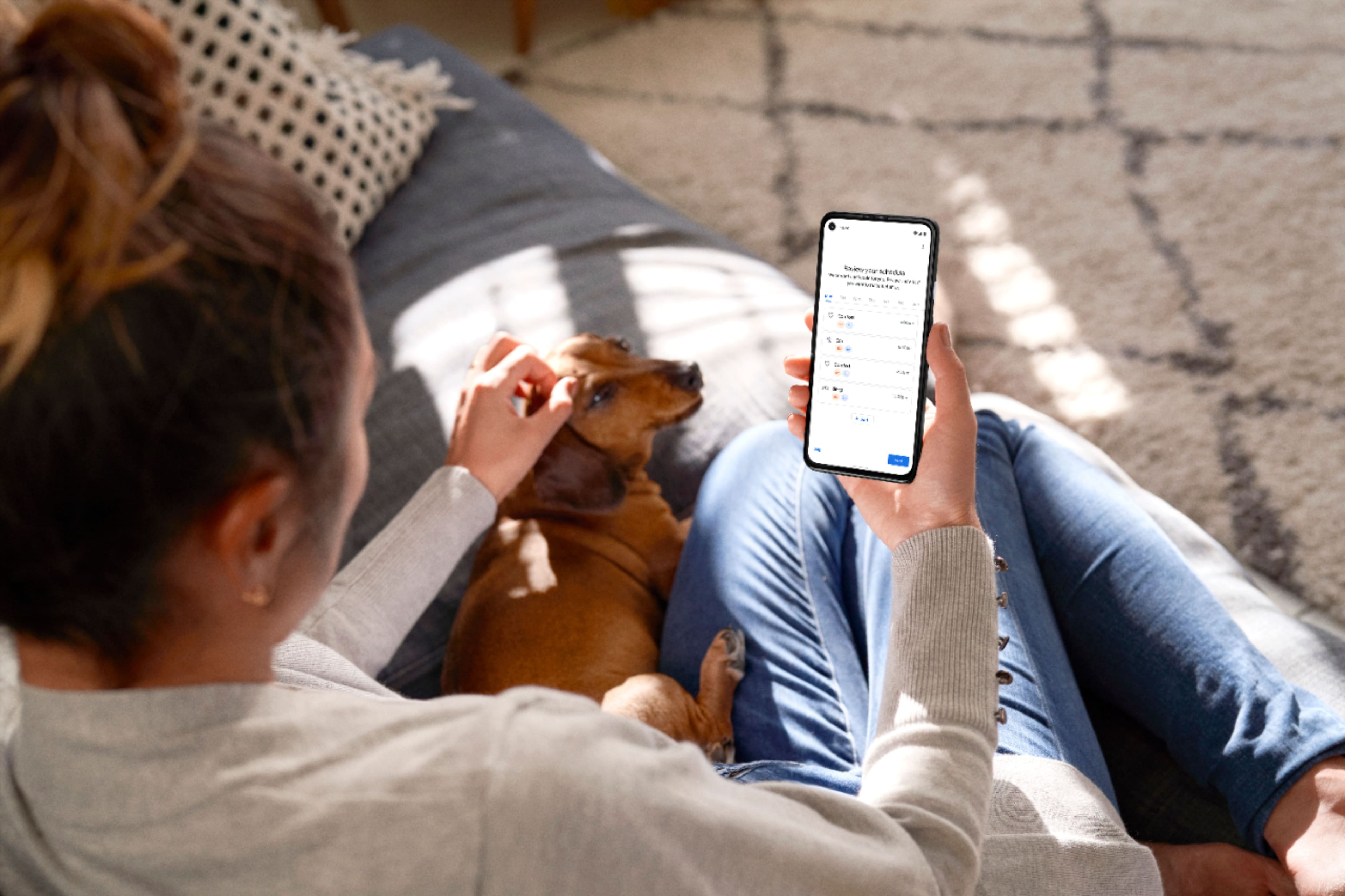
Posted .Hi SteveM, thanks for trying out Nest Thermostat. We appreciate that you had great expectations with it. However, we apologize for any disappointment you may be having with the points you shared with us. Other than using the Nest Thermostat display, we also recommend using the Google Home app to control and manage all the features. You can easily change temperatures using a compatible Android or iOS mobile phone or tablet device, even when you're not at home, as long both your Nest Thermostat and your mobile device are connected to the Internet.
We're glad to hear that you were able to control your Nest Thermostat using your voice commands with the Google Assistant. For additional commands that you can use, we recommend trying out the voice commands listed on this link: https://support.google.com/googlenest/answer/9325085
It's possible to set a hold temperature with the Nest Thermostat, for as long as you want. Here are the steps you can follow to set it up:
- Open the Home app > and then touch and hold your thermostat's tile.
- Make sure your thermostat is in Heat, Cool, or Heat • Cool mode before you try to start a temperature hold.
- Tap Hold temperature Hold temperature.
- Select the Current temp or the temperature preset you want your thermostat to hold.
Note: If the temperature you want doesn't appear, change your thermostat's current temperature to the one you want to hold. When you reopen the hold temperature settings, you'll be able to select the temperature you've just set.
- Select the end time you want the temperature to hold for.
- Note: If you're using the Eco preset, you can also choose None to hold the temperature indefinitely until you end the hold. For other presets, your thermostat can hold the temperature for up to 24 hours.
- Tap Start to begin the temperature hold.
Note: If you want to make changes to the temperature but there's a hold on the temperature, the app or thermostat will tell you that you need to end the hold first.
We understand that you may still have some questions in mind, and our support team would be happy to answer them and even walk you through some of the features. Please feel free to reach out to us here: https://support.google.com/googlenest/gethelp
garbage would be a generous word for this therm
Posted .This reviewer received promo considerations or sweepstakes entry for writing a review.Battery lasted three months then it became a fun paperweight. Actually I threw it out. Avoid at all costs save your hard earned money.
No, I would not recommend this to a friend