Customer Ratings & Reviews






- Model:
- GA02082-US
- SKU:
- 12015450
Rating by feature
- Value
Rating 4.5 out of 5 stars
- Quality
Rating 4.5 out of 5 stars
- Ease of Use
Rating 4.3 out of 5 stars
Customers are saying
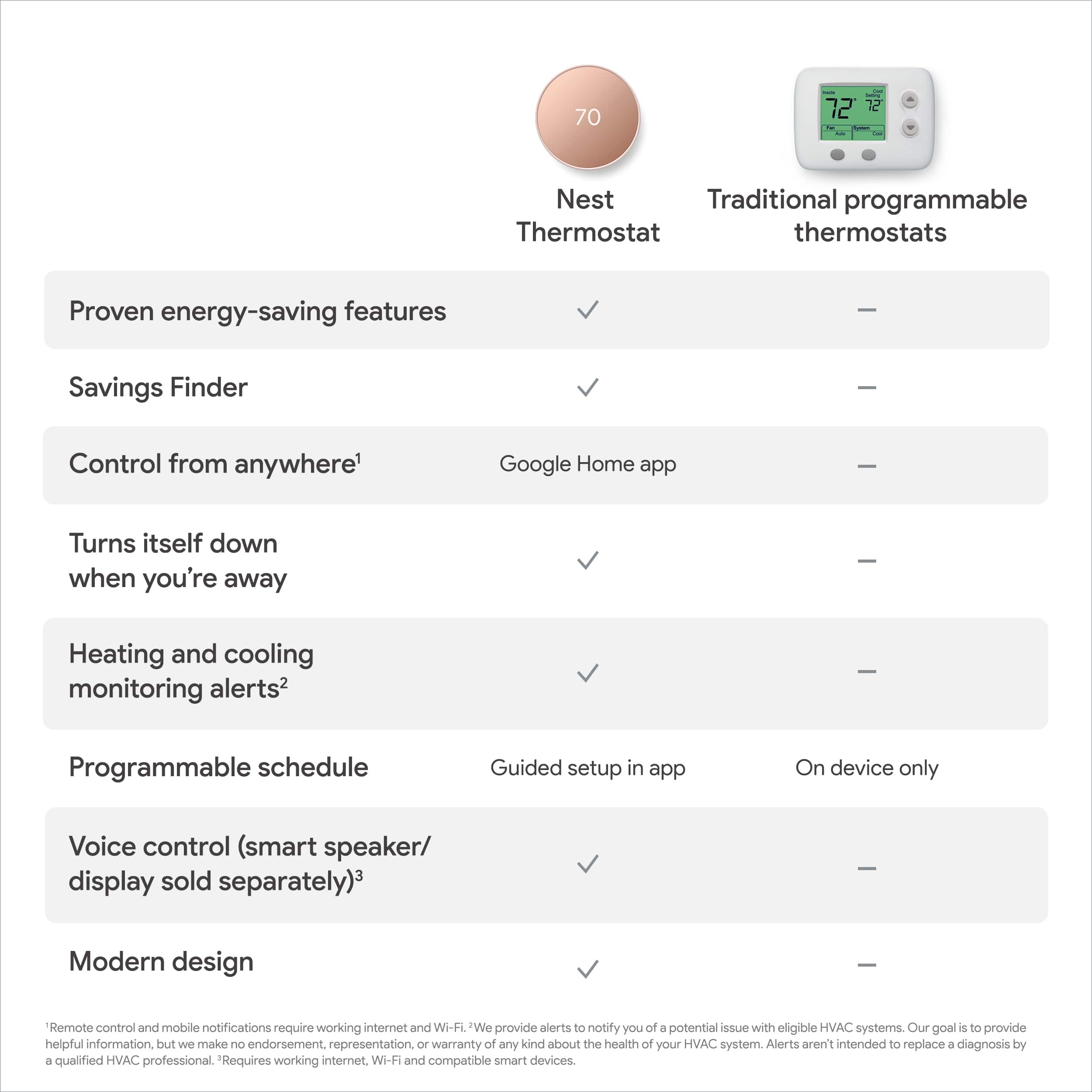
Customers appreciate the product's ease of use, overall performance, and straightforward installation, along with its remote control capabilities and sleek design. However, some users have reported intermittent connectivity issues and compatibility challenges. A few customers also expressed concerns regarding battery life and the user interface.
This summary was generated by AI based on customer reviews.
- Cons mentioned:Compatibility
Question if I would buy it Again.
Posted .This reviewer received promo considerations or sweepstakes entry for writing a review.I had the Nest for a couple years. I have had this for Google one for a year. I love the features but my new heater was not working well. None of the heater repair people know how to use it or will touch it. The two groups of heater repair people all bad mouth it. They ultimately said it was the source of the problems although there were two things found wrong after a year of trouble shooting. One said it does not support two stage heating. If you buy this you need to have repair people who know it. Good luck in finding them. Otherwise you are between a rock and a hard place as the saying goes .
No, I would not recommend this to a friendBrand response from Nest Support
Posted .Hey there, DniseM. Thank you for sharing your feedback on your experience with the Nest Thermostat. We understand your frustration regarding the challenges you faced with your heating system and finding compatible repair technicians. It's important to verify compatibility between Nest thermostats and your specific heating system before installation. You can use the Nest compatibility checker: https://store.google.com/intl/en/widget/compatibility/thermostat/ to confirm compatibility. This helps ensure smooth operation and avoids potential issues. If you have more questions and concerns, please feel free to reach out to our dedicated team of specialists on the Google Help Center here: https://support.google.com/googlenest/gethelp

- Pros mentioned:Overall performance
Nest Thermostat
Posted .This reviewer received promo considerations or sweepstakes entry for writing a review.Loving it! No regrets on my purchase!! I would highly recommend if you’re In the market for a smart thermostat❤️
I would recommend this to a friend - Pros mentioned:Overall performance
Only Thermostat HANDS DOWN!
Posted .This reviewer received promo considerations or sweepstakes entry for writing a review.Excellent Thermostat! This replaces old first generation Nest as we use NEST on all our properties.
I would recommend this to a friend - Pros mentioned:Ease of use
Google nest thermostat
Posted .This reviewer received promo considerations or sweepstakes entry for writing a review.Convenient and easy to manage. Really easy to install. 100% highly recommended
I would recommend this to a friend - Pros mentioned:Overall performance
Nest thermo
Posted .This reviewer received promo considerations or sweepstakes entry for writing a review.I think it is better than Nest 3rd generation. Highly recommend
I would recommend this to a friend - Pros mentioned:Installation
Great product
Posted .This reviewer received promo considerations or sweepstakes entry for writing a review.Great product. Easy to install, operate and save energy.
I would recommend this to a friend - Pros mentioned:Overall performance
Awesome place to buy from
Posted .This reviewer received promo considerations or sweepstakes entry for writing a review.It’s simply amazing I like it & I love it.. thank you
I would recommend this to a friend - Pros mentioned:Overall performance
Thermostat
Posted .This reviewer received promo considerations or sweepstakes entry for writing a review.This products works perfectly. It does exactly what it’s supposed to do.
I would recommend this to a friend - Cons mentioned:Connectivity
Buyer Beware
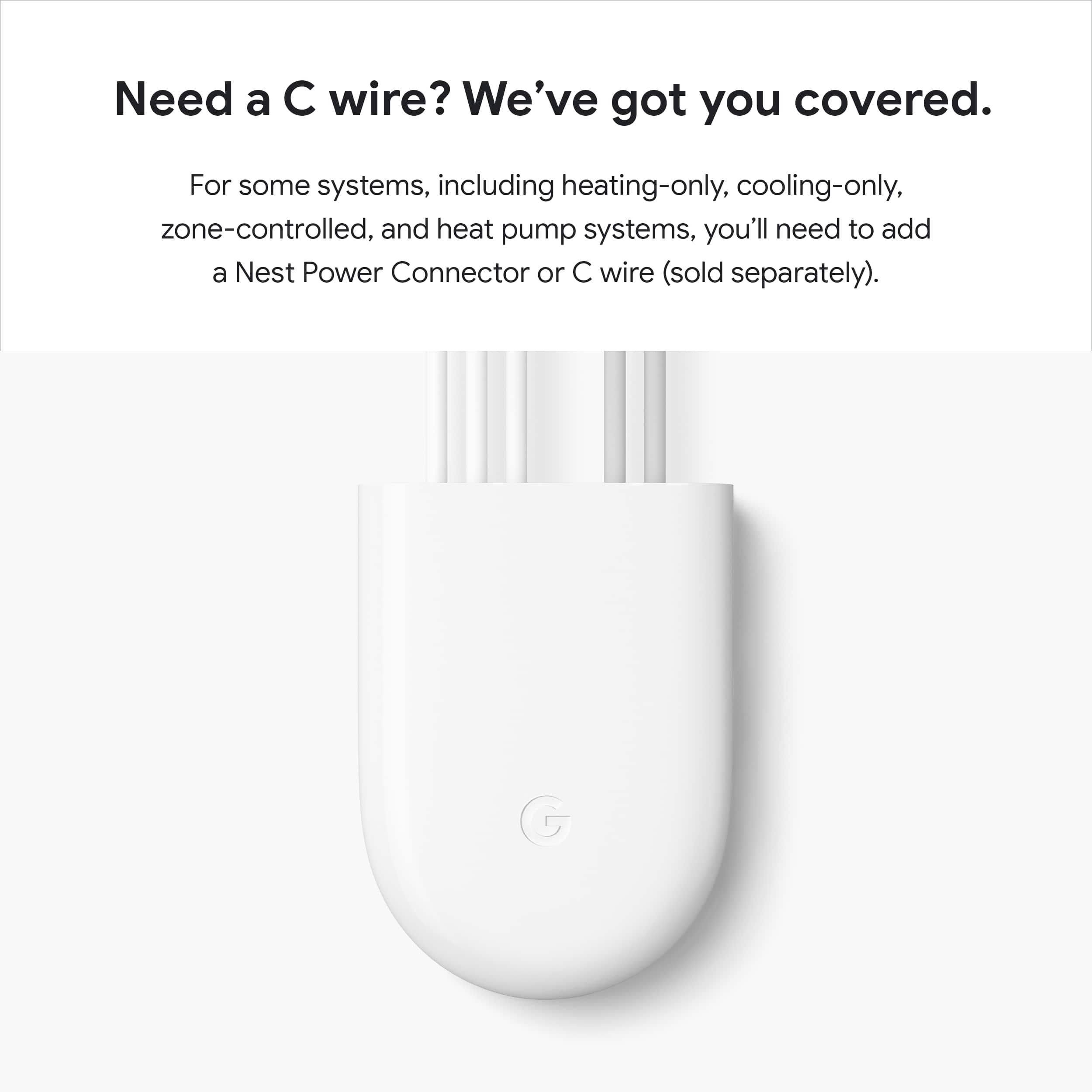
Posted .This reviewer received promo considerations or sweepstakes entry for writing a review.Review of new 2020 Nest Thermostat I bought this product through a discount program that my utility company had. I bought two of these thermostats to go along with 4 google nest "E" thermostats that I installed about a year ago. This product is far, far inferior to the nest "E" thermostats. I hired the same electrician to install it as the one that installed my 4 other nest thermostats. Very little, if anything, came in the way of installation instructions. No where does it say that you need a C wire which apparently I needed but did not know. Therefore, when installed, the thermostats gave us an error code. This error code meant that we needed more power - i.e. a C wire. However, no where does it tell you what the error code means. Certainly not in the none existent instructions. So we didn't know. The thermostat appeared to have power as it was registering temperature, etc. So I let my electrician leave (I was paying by the hour) and figured I could resolve any issues with nest support. WRONG I now have to call my electrician back to install 2 C wires. In addition, everything about this thermostat is cheap plus it comes with no mounting plate. This apparently is a $15 option which you have to buy separately. It is much more difficult to adjust and use vs the E thermostat plus it doesn't work with the Nest app (which I use and like for my google camera, doorbell and 4 other thermostats). Apparently you must use the google home app - a very poorly designed app. Google has regressed tremendously with the production of this thermostat. I thought very highly of Google and its products until I bought these two thermostats.
No, I would not recommend this to a friendBrand response from Nest Support
Posted .Hi there, thanks for sharing your experience with us. We’re sorry to hear that Nest Thermostat didn’t meet your expectations.
In most cases, Nest Thermostats can use your system’s heating and cooling wires to power itself. However, there are cases when your system won't be able to deliver the required power anymore, especially if you´re having multiple Nest thermostats or if your system isn´t properly maintained. Having a common (C) wire helps to deliver enough consistent power to your Nest thermostats.
If you´re willing to try, you may cross reference the error code on your Nest Thermostat by cross referencing it with his help page: https://support.google.com/googlenest/answer/9703359
We're hoping you will keep using your Nest Thermostat, and if ever you need help, please feel free to contact our support team here: https://support.google.com/googlenest/gethelp
- Cons mentioned:Connectivity
Wastes more money than it saves
Posted .This reviewer received promo considerations or sweepstakes entry for writing a review.Disconnects from Wi-Fi, automatically sets random temperatures even after all automations and schedules have been confirmed to be removed. I have this installed at an Airbnb that sees multiple vacant days per week. I set the temperature to 80°, check the next day, set to 70°. 19 hours of wasted air conditioning usage. This thing is running up my electricity bill more than any applicable in my home could.
No, I would not recommend this to a friendBrand response from Nest Support
Posted .Hello there, JordanF. We’re sorry to hear about your experience with the performance and connectivity of your Nest Thermostat. We’d like an opportunity to investigate and help you with your concerns. You’ll find our support team ready to assist you here: https://support.google.com/googlenest/gethelp
craizy
Posted .This reviewer received promo considerations or sweepstakes entry for writing a review.Goog product, I liked of calidad snd resistenc it has
I would recommend this to a friendWorks with systems without c wite
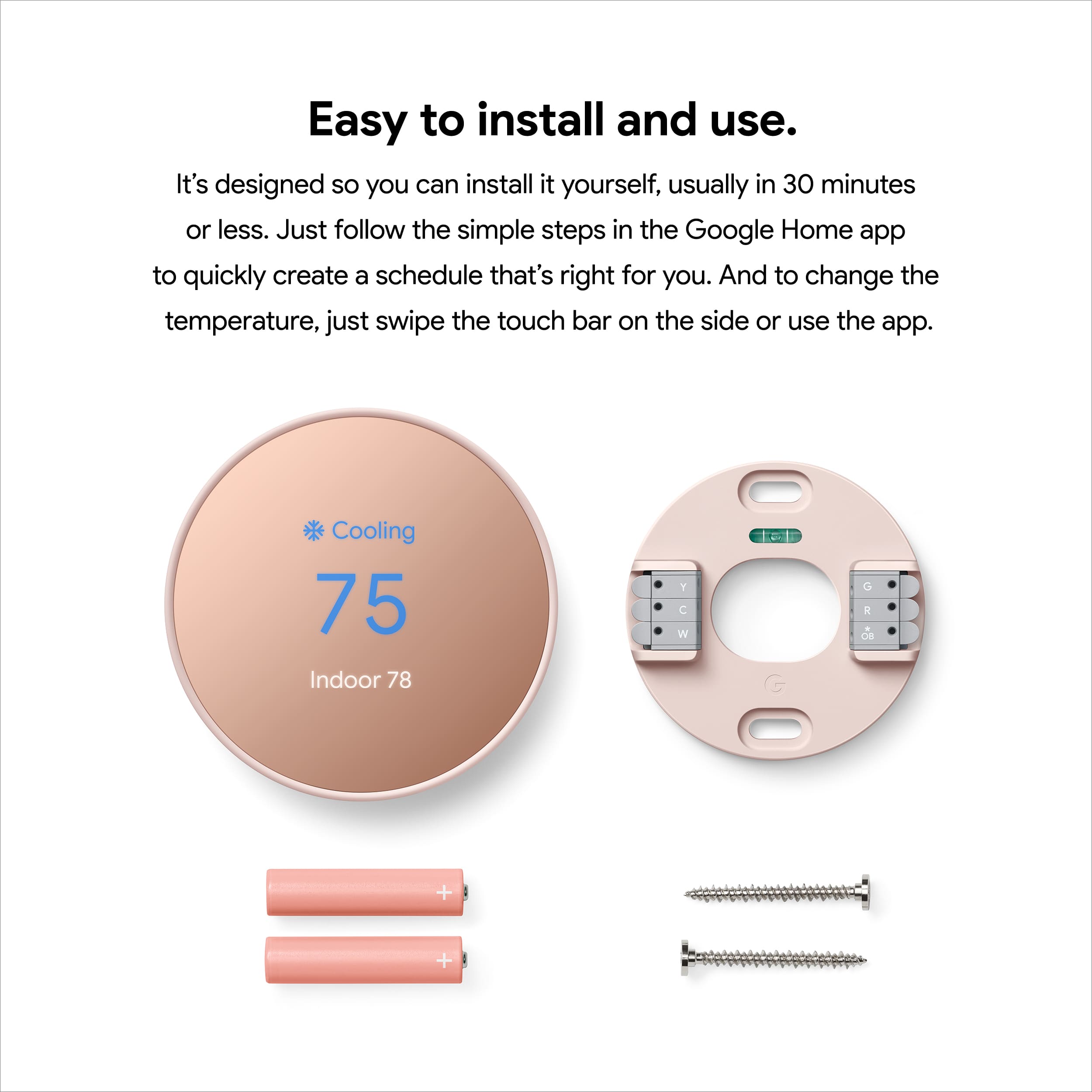
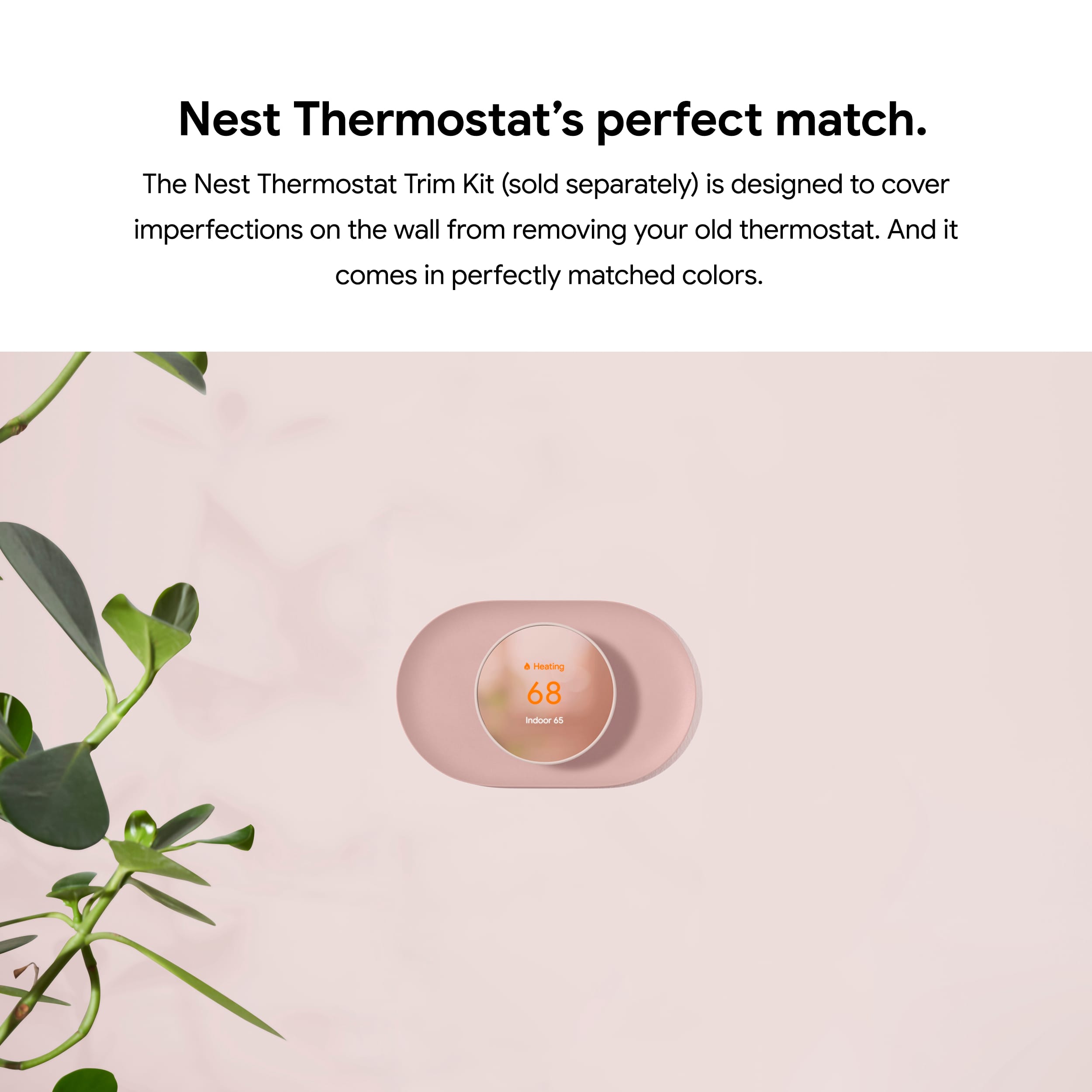
Posted .This reviewer received promo considerations or sweepstakes entry for writing a review.As long as your ac/heating system isnt old, this unit will work in systems that do not have a c wire. You MUST have y, w, g, and red. The AAA batteries powers the thermostat! I hope that helps! Oh - use the trim kit for large holes
I would recommend this to a friendTwo thumbs up
Posted .This reviewer received promo considerations or sweepstakes entry for writing a review.Very friendly user interface. I much prefer Nest thermostat E to Nest thermostat. The E is lockable which is handy in rental properties. Be aware of difference between thermostat and thermostat E. It’s a shame the E is going out of production.
I would recommend this to a friendWorth it
Posted .This reviewer received promo considerations or sweepstakes entry for writing a review.Love it! Bought it because our last one got rid of the phone service control. And this item helped us out being away from home again. And The Geek Squad will help install
I would recommend this to a friend- Pros mentioned:Overall performance
Decent if on sale
Posted .This reviewer received promo considerations or sweepstakes entry for writing a review.Pretty okay. Google gutting support number is BS but the item works okay.
No, I would not recommend this to a friendBrand response from Nest Support
Posted .Hi there, Flexyturner. We’re glad to hear your feedback that the Nest Thermostat works well for you, and we trust that you’re getting the most benefits out of its smart features. If you find yourself in a situation where immediate assistance is needed, simply let us know by contacting us through our support channels here: https://support.google.com/googlenest/gethelp
HVAC Professional?
Posted .This reviewer received promo considerations or sweepstakes entry for writing a review.Are you an HVAC Professional? No? Well good luck. If you have a recently built home, this will most likely just be plug and play. But unless you know wiring, because you won't find any answers to your questions online, this thing is a paperweight. They market things like this as easy to install, well that's a lie. I've returned mine. BTW no electrician will waste time installing this or it will turn into a rewiring from your HVAC that costs hundreds of dollars.
No, I would not recommend this to a friendBrand response from Google Nest Support
Posted .Hey there, feldman9000. We’re sorry the Nest Programmable Thermostat didn't work out for you. If you try Nest in the future, here’s a compatibility checker to make sure you get the best device: https://store.google.com/intl/en_us/widget/compatibility/thermostat/
Even though you returned it, we’d like to investigate further for you. When you get the time, reach out to us here: https://support.google.com/googlenest/gethelp?
Good smart thermostat
Posted .This reviewer received promo considerations or sweepstakes entry for writing a review.I like the nest brand been having it since the first one, the only think I didn’t like is it does not rotate no more.
I would recommend this to a friendgreat programmable Thermostat
Posted .This reviewer received promo considerations or sweepstakes entry for writing a review.great programmable Thermostat, It has a intelligence built in and learns through daily usage and adapt wit new settings.
I would recommend this to a friend- Cons mentioned:Connectivity
Stop!!! Do NOT buy this Nest thermostat!
Posted .This reviewer received promo considerations or sweepstakes entry for writing a review.If you’re hoping to control the Google Nest thermostat from your device, don’t look to the Google Nest App. Eventually, it will stop working. My Nest thermostat works but I can no longer control it with my phone. It no longer communicates with the Nest App and Google has no idea how to fix that problem. There are tens of thousands of angry Nest thermostat owners out there experiencing the same problem. Google has shown absolutely no interest in fixing this issue. It is hoping that you will buy all their products once you experience the convenience of controlling their Nest thermostat with your device, but it won’t last. At some point, your device will stop communicating with your thermostat because Google is not doing anything to update their Nest app in any significant way, and the same thing will happen with all your Google products. Buyer, beware!
No, I would not recommend this to a friendBrand response from Nest Support
Posted .Hi there Lucie, thanks for sharing your feedback with us. We’re sorry that you’re dealing with some inconvenience regarding your Nest Learning Thermostat. We understand how important it is to be able to control your Nest thermostat remotely.
We'd love to help you out with the issue if we could learn more about what exactly happened to cause this to your Nest Learning Thermostat. If you'd like to give us another chance to help you resolve the issues, please reach out to our support team here: https://support.google.com/googlenest/gethelp
- Cons mentioned:Connectivity
Constant Connectivity Problems
Posted .This reviewer received promo considerations or sweepstakes entry for writing a review.The nest thermostats are the most frustrating products I have ever encountered. If the wifi goes out for even a second the device disconnects. As the internet is still working, the device acknowledges that it is connected to the wifi but remains "offline" in the app until being manually restarted. Truly terrible design. Why would it not have been designed to automatically attempt reconnecting? It's insane that you expect people to have to manually restart it anytime there is a blip in the wifi. The nest doorbell is able to handle that just fine but the thermostats are a constant problem.
No, I would not recommend this to a friendBrand response from Nest Support
Posted .Hi Victoria, thanks for giving us time to share your feedback on the Nest Thermostat, and we’re sorry to hear it’s a frustrating experience for you. If you find yourself in need to reconnect your thermostat to your Wi-Fi again, please see the steps below that might help:
Please note that you’ll need access to your Nest Thermostat to update the network and password. You can’t update Wi-Fi information with the app:
- Open the Google Home app .
- Touch and hold your thermostat's tile.
- Tap Settings > Remove device.
- On your thermostat, go to Settings > Account > Disconnect.
- In the Home app , tap the Home icon at the top left of the home screen.
- Tap Set up device > New device.
- Choose a home > Select Thermostat (It may specify which thermostat, select Nest Thermostat).
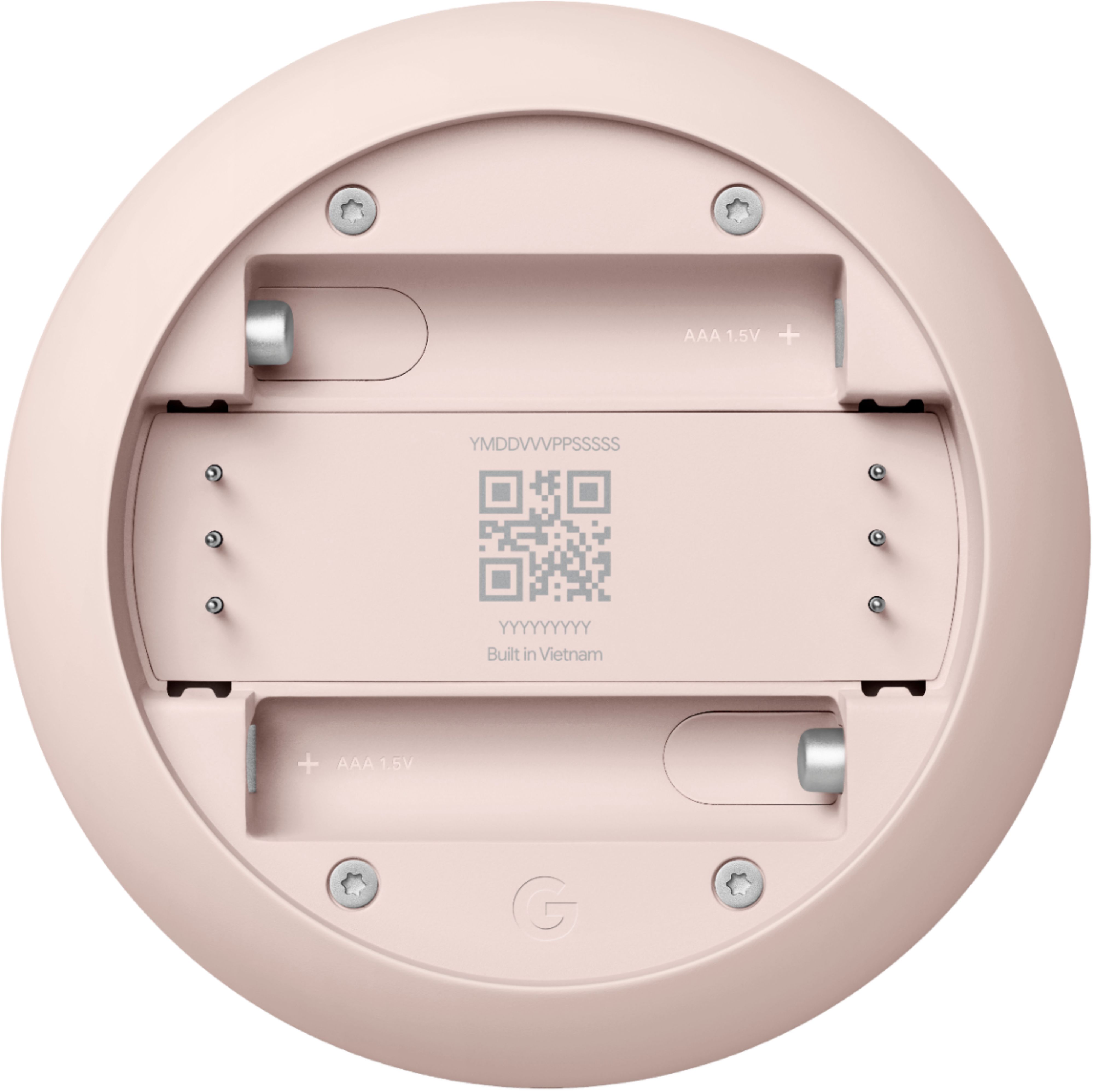
- Scan the QR code on the back of the thermostat display.
- When you reach the “Installing your thermostat” screen, tap ""Already installed”.
- You can then skip most of the usual setup steps until you reach the Wi-Fi setup step. When you get to the Wi-Fi setup step, enter the new password and network name.
If your network name doesn’t appear in the list of Wi-Fi networks, wait a few minutes while the app scans for networks. If your thermostat still can’t find your new network, go to the following article for more help: https://support.google.com/googlenest/answer/9240096
We’ll share your feedback with the right team for future improvements. And if you come across any concerns with using the thermostat effectively, simply let us know and we’d be happy to help: https://support.google.com/googlenest/gethelp