Customer Ratings & Reviews




- Model:
- GA02082-US
- SKU:
- 12015450
Rating by feature
- Value
Rating 4.5 out of 5 stars
- Quality
Rating 4.5 out of 5 stars
- Ease of Use
Rating 4.3 out of 5 stars
Customers are saying
Customers consistently note the product's ease of use and strong overall performance as significant advantages, further appreciating its straightforward installation, remote control capabilities, and sleek design. However, some users have experienced intermittent connectivity issues and compatibility challenges with certain systems. Minor concerns also include battery life and the user interface.
This summary was generated by AI based on customer reviews.
- Pros mentioned:Overall performance
Thermostat
||Posted . Owned for 3 weeks when reviewed.This reviewer received promo considerations or sweepstakes entry for writing a review.It looks nice and it’s smaller than I wanted. Also when I need to adjust the Temperature, it does not work as well, when I use my hand. But in my phone I have no problem adjusting the temperature.
No, I would not recommend this to a friendBrand response from Nest Support
Posted .Hi Vern,
Thanks for letting us know about your experience with Nest Thermostat. Sorry about the issue you’re experiencing when adjusting the temperature using the touch bar. We’d like to help you out right away.
If the touch bar doesn’t respond at all, you can follow the steps below to perform a manual restart on your thermostat:
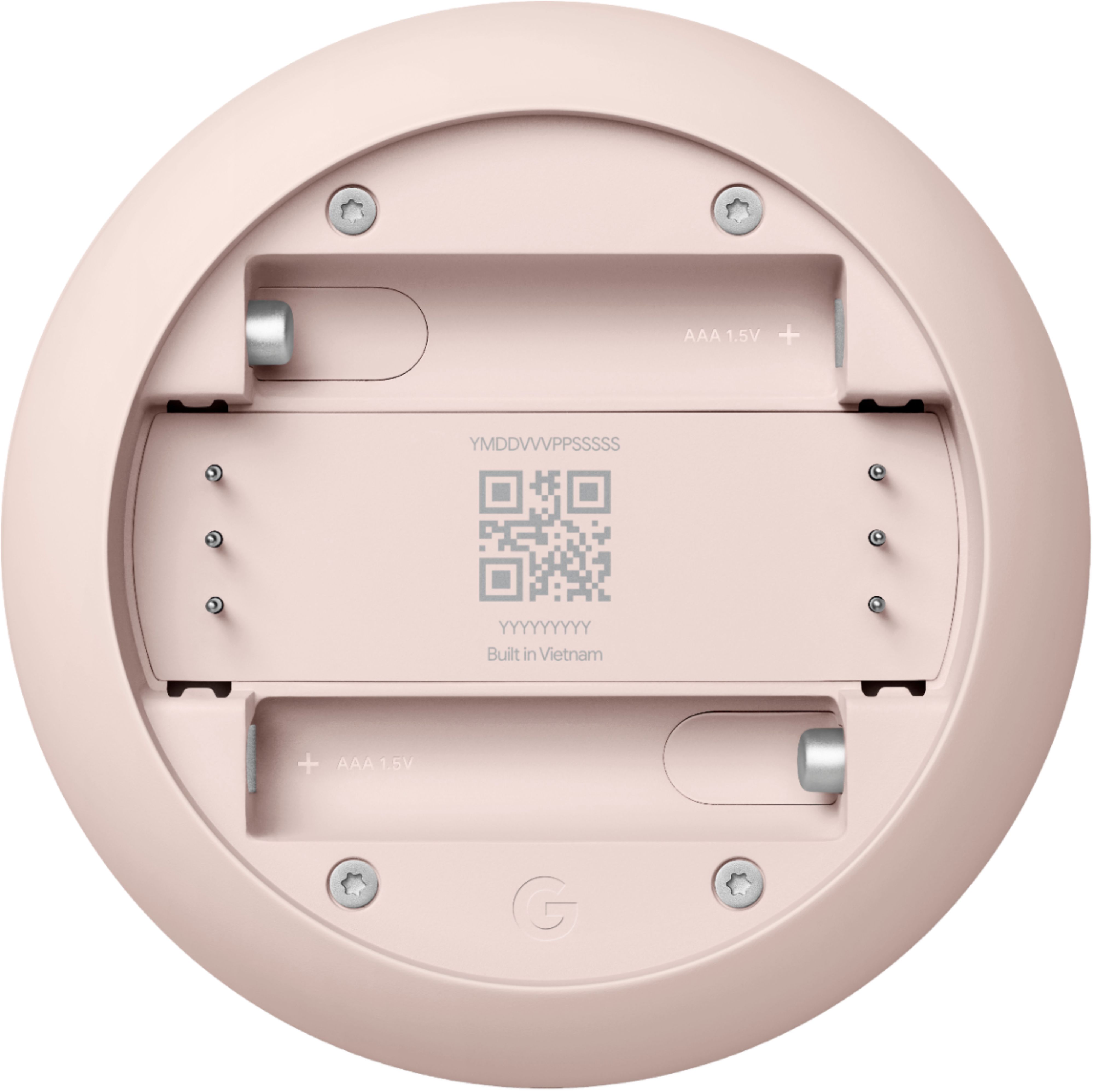
- Pull the thermostat off its base and remove both AAA batteries.
- Replace the batteries and press the thermostat onto the base until they hear it click into place. The thermostat will take a few moments to turn on and restart.
We'd like to learn more about why you’re unable to adjust the temperature using the touch bar and help you in the best way possible. If you're willing, you can get in touch with our support team and we'll help you troubleshoot the issue further. Please feel free to reach out to us here: https://support.google.com/googlenest/gethelp
Lower the AC right before you getting home
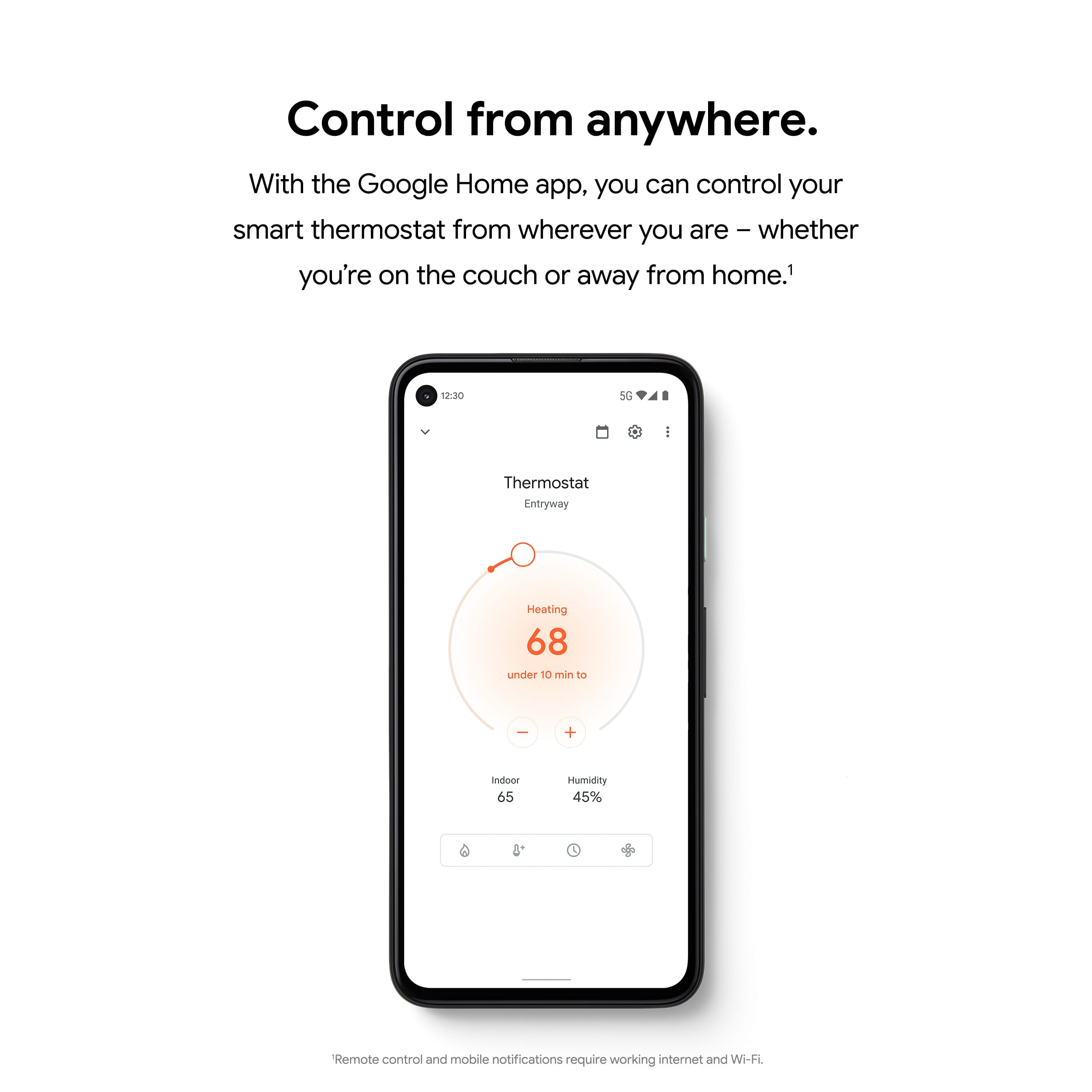
||Posted . Owned for 1.5 years when reviewed.This reviewer received promo considerations or sweepstakes entry for writing a review.Bought this thermostat to replace my failing Honeywell thermostat that came with my house. This thermostat has been working perfectly and even the accessibility with the use of smart phones is also great and perfect to cool down the house before I get home
I would recommend this to a friendWorks okay
||Posted . Owned for 11 months when reviewed.This reviewer received promo considerations or sweepstakes entry for writing a review.I have this thermostat for my upstairs unit and the Nest Learning one for downstairs. I like they learning unit better. If I could go back, I would buy the other one instead. It is smarter and has more features.
No, I would not recommend this to a friendBrand response from Nest Support
Posted .Hi Teka, thanks for sharing your feedback on your Nest Thermostat. We're sorry to learn that your experience with your Nest Thermostat was less than ideal when compared to your previous device. Your feedback on the features helps us understand your preferences better when it comes to the products and services we provide. If you need further assistance with your Nest Thermostat or have additional questions, please feel free to contact us on our Google Help page here: https://support.google.com/googlenest/gethelp
- Cons mentioned:Connectivity
Great when it works.
||Posted . Owned for 8 months when reviewed.This reviewer received promo considerations or sweepstakes entry for writing a review.When it's connected it works great but loses connection to their server at least once a day. Now it's sitting in drawer not being used.
No, I would not recommend this to a friendBrand response from Nest Support
Posted .Hi PatsfanPatsfan, thanks for the feedback you provided about the Nest Thermostat, and we’re sorry to hear of your poor experience with its connectivity. We can imagine the inconvenience this could have caused, and we understand that you have stopped using it anymore. We’re hoping for an opportunity to help you with your concern. Please contact us anytime here so we can guide you with proper troubleshooting procedures: https://support.google.com/googlenest/gethelp
Very handy to have
||Posted . Owned for 1 month when reviewed.This reviewer received promo considerations or sweepstakes entry for writing a review.A must have for multi-level homes unless you want to go up and down the stairs adjusting the temps. Wish these new units would sync with Nest app like my other units but I guess Google is shutting down the Nest app soon.
I would recommend this to a friend- Cons mentioned:Compatibility
Didn’t work with my thermostat
||Posted . Owned for 3 weeks when reviewed.This reviewer received promo considerations or sweepstakes entry for writing a review.It wasn’t compatible with my thermostat. It may have have damaged my a/c system.
I would recommend this to a friendBrand response from Nest Support
Posted .Hi there, Quez. Thanks for taking your time sharing your review on the Nest Thermostat. We're sorry to hear that your Nest Thermostat was not compatible with your existing system and may have caused damage to your A/C unit. We understand that this is a frustrating and concerning situation. If you suspect any damage to your A/C system, it's crucial to turn off the thermostat and consult a qualified HVAC technician immediately. They can assess the situation and ensure your A/C system is functioning safely and efficiently. If ever you change your mind and would still like to continue using your device, we recommend visiting the Nest Compatibiliy checker here: https://store.google.com/intl/en/widget/compatibility/thermostat to verify compatibility with your specific thermostat model and HVAC system. If you need more help and other concerns, please feel free to reach out to our dedicated team of specialists on the Google Help Center here: https://support.google.com/googlenest/gethelp
Love this thermostat
||Posted . Owned for 1 month when reviewed.This reviewer received promo considerations or sweepstakes entry for writing a review.I have 3 AC's and 3 furnaces in my new home. We installed these hoping to save money on utilities. They're amazing. The cost of heating my home this winter is cheaper than my old house which was 3 times smaller. Setting up the nest was pretty simple and setting the schedule was even easier. Definitely a must buy.
I would recommend this to a friendEasy and convenient
||Posted . Owned for 3 weeks when reviewed.This reviewer received promo considerations or sweepstakes entry for writing a review.I like how im able to control it from my phone or use alexa
I would recommend this to a friendGreat Thermostat
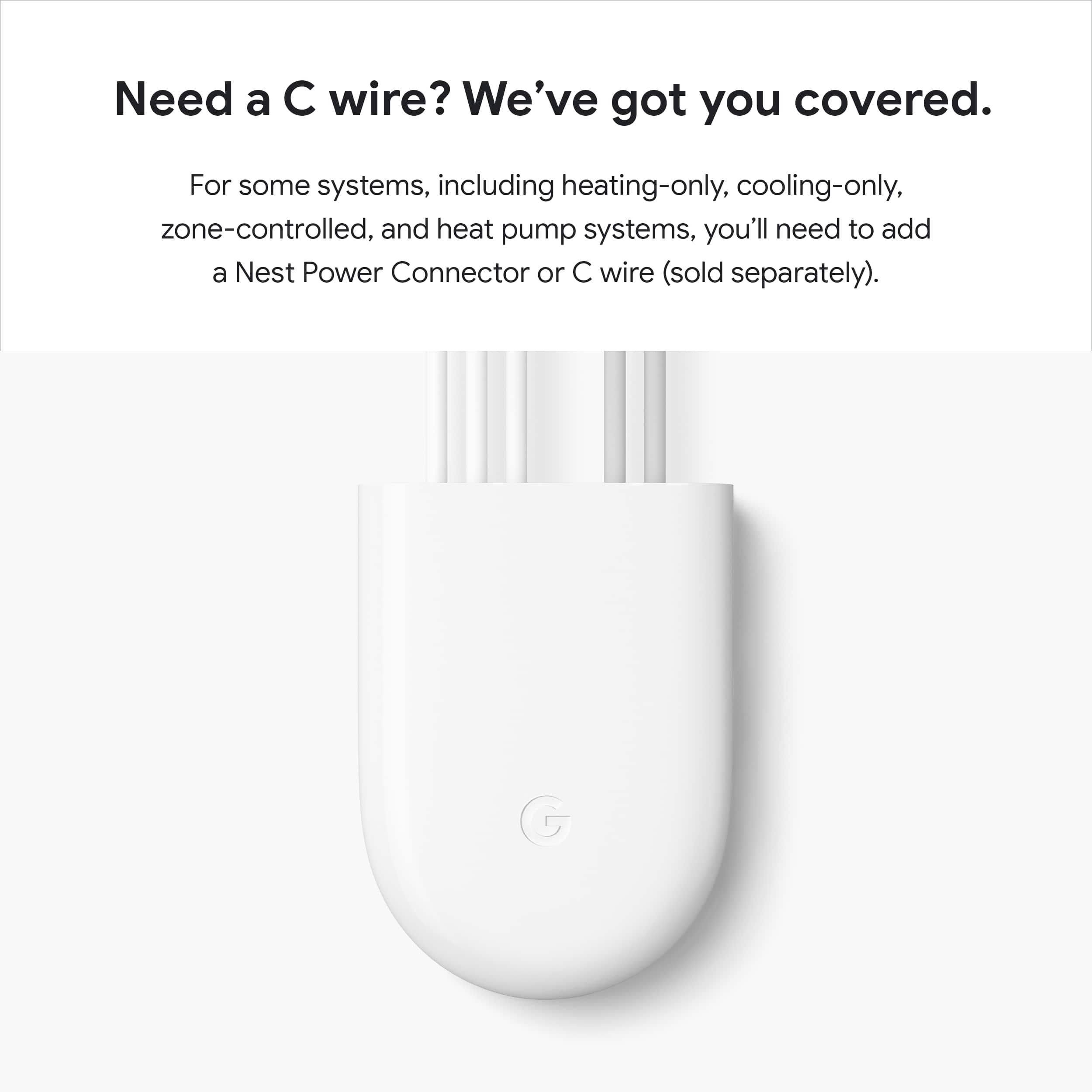
||Posted . Owned for 3 weeks when reviewed.This reviewer received promo considerations or sweepstakes entry for writing a review.I replaced an old thermostat, it was easy to install, including adding the adapter. Google home makes it easy to adjust temperature from anywhere along with history of usage.
I would recommend this to a friendAmazing
||Posted . Owned for 6 months when reviewed.This reviewer received promo considerations or sweepstakes entry for writing a review.This might be the best upgrade in my house so convenient it’s unbelievable
I would recommend this to a friendGreat smart thermostat
||Posted . Owned for 2 weeks when reviewed.This reviewer received promo considerations or sweepstakes entry for writing a review.Its works very well. I gave it 4 stars because one time it malfunctioned and ran the A/C all night but it has been perfect other than that.
I would recommend this to a friend- Cons mentioned:Connectivity
Google Nest is disappointing
||Posted .This reviewer received promo considerations or sweepstakes entry for writing a review.Had nest gen 2 and worked great. Installed Nest smart and it would not connect to wifi. You can not manually set it up either. Researched and have heard this is a common problem. Went with Ecobee premium and no issues.
No, I would not recommend this to a friendBrand response from Google Team
Posted .Hi there, Combs. Sorry you ran into trouble connecting your Nest Thermostat to your Wi-Fi network — we understand how frustrating that can be. Here are a couple of troubleshooting steps to get your device back on track:
1. Check for a W5 help code: If your thermostat can’t see any nearby Wi-Fi networks, including your own, you may have a W5 issue. To access Network settings, press the thermostat ring and open the Quick View menu. Then, select Settings and turn the ring until Network appears. If you see an Error - nest.com/w5 message on your thermostat, go to Troubleshoot a Nest thermostat W5 code.
2. Restart your thermostat: On your thermostat, go to Settings and then Restart. After your thermostat has finished restarting, use the Home app to try to connect again.
3. Restart your router: Sometimes a router restart can get your network to show up on your thermostat.
Here’s a link with more details: https://support.google.com/googlenest/answer/9249211?hl=en#zippy=;
If you still have problems, don’t hesitate to reach out to us: https://support.google.com/googlenest/gethelp?
Too much price
||Posted .This reviewer received promo considerations or sweepstakes entry for writing a review.Good yet too pricey for what it does. Another version is rippiff
I would recommend this to a friendBrand response from Google Team
Posted .Hi there, Nkri. Sorry the Nest Thermostat may not have been the best fit for you. Your insight is valuable and we’d like to hear more about your time with the device — when you get a second, talk to us here: https://support.google.com/googlenest/gethelp
Circles don't fit over rectangles
||Posted . Owned for 3 weeks when reviewed.This reviewer received promo considerations or sweepstakes entry for writing a review.It works but having to use Google home seems limited. Had WiFi issues and had to buy a separate bracket and backplate to fit it over the rectangle hole.
I would recommend this to a friendPretty solid thermostat.
||Posted . Owned for 1.5 years when reviewed.This reviewer received promo considerations or sweepstakes entry for writing a review.Love the programmable features but if you get the white one it could get dirty if you touch with dirty hands.
I would recommend this to a friendBest bang for the buck
||Posted . Owned for 1 week when reviewed.This reviewer received promo considerations or sweepstakes entry for writing a review.I decided to purchase this model over the nest learning thermostat because my home take 2 thermostats and 2 nest would be pricey. That being said, I am not disappointed at all! They are a scaled down version of the nest models but still offer 85% of all the same features.
I would recommend this to a friendGoogle Nest Thermostat
||Posted . Owned for 1 month when reviewed.This reviewer received promo considerations or sweepstakes entry for writing a review.We bit the bullet and got programmable thermostats. While they work pretty well, their performance is inconsistent when it comes to "pre-warming", in other words, raising the temperature in the main living area to a certain temp BY a certain time or starting to raise it to that temp AT a certain time. In other words, sometimes it will start pre-warming before our appointed 5:45 am time so that it is at the prescribed temp when 5:45 rolls around, and sometimes it starts the warmup AT 5:45, so that it is not up to temp til 6:00 or a bit later. Sort of annoying, and Google sent out replacements that did the same thing.
No, I would not recommend this to a friendBrand response from Google Nest Support
Posted .Hey there, DavidL. We’re sorry to hear your experience with the Early-On feature on the Nest Thermostat hasn’t been the best. Here’s some things to try to get it working just right:
1. Give it a few days to learn: Your thermostat takes a few days to learn how your home heats and cools. It won't preheat or pre-cool during this time to save energy.
2. Disable learning: When you turn off Auto-Schedule, your existing schedule will remain but your thermostat will stop learning from your future adjustments.
3. Restarting your thermostat: Restart your Nest Thermostat after disabling and then re-enabling the Early-On feature using either the thermostat or the app.
If you need any more support, reach out to us here: https://support.google.com/googlenest/gethelp?
Good buy
||Posted . Owned for less than 1 week when reviewed.This reviewer received promo considerations or sweepstakes entry for writing a review.Really cool thermostat. Only issue I can say is that the touch pad on the side isn’t the easiest to use but honestly don’t really adjust it thru the device much since have it to automatically adjust at certain times of the day.
I would recommend this to a friendCant ask for more
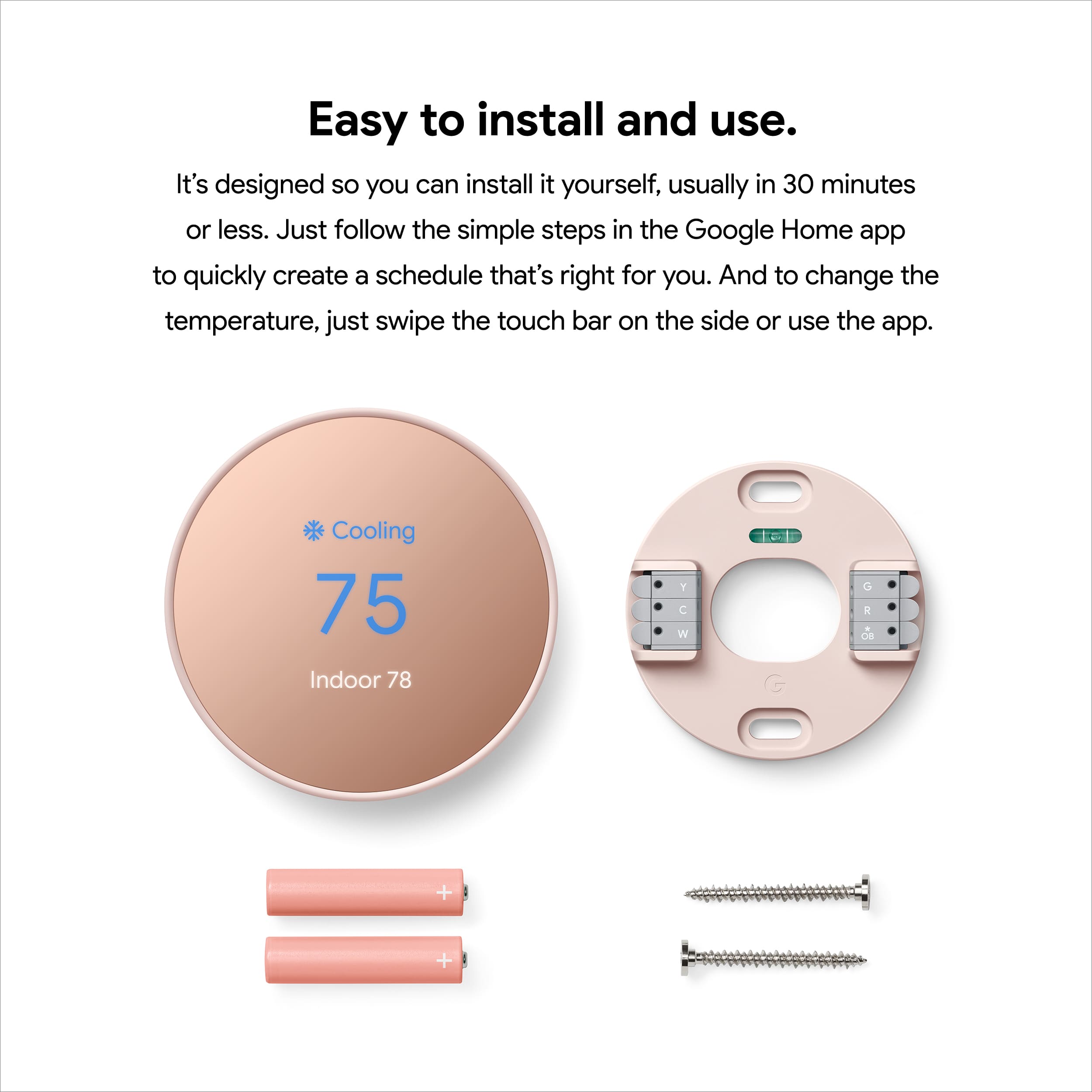
||Posted . Owned for 1 month when reviewed.This reviewer received promo considerations or sweepstakes entry for writing a review.Easy Install and Setup! Took less than 30 minutes for a first timer.
I would recommend this to a friendG-Suite Users - Warning
||Posted . Owned for 2 weeks when reviewed.This reviewer received promo considerations or sweepstakes entry for writing a review.G-SUITE USERS - ALERT If you have a GSuite account with Google, THIS STILL DOES NOT WORK. I know google has promised in the past to make the Nest thermostats work in GSuite. I was hoping that it was fixed with this new thermostat since it says its primarily setup with Google Home. Its not the case. Also annoying is the adjust and select functions that you "slide" your fingers on the right side and its not touch screen. The older Learning & E thermostats with the rotating ring were much easier to use. This was returned for an Ecobee3 that works just fine with Google Home and a GSuite account. Sorry Google.
No, I would not recommend this to a friendBrand response from Nest Support
Posted .Hi Kirk, thanks for posting your feedback. We’re sorry to learn that Nest Thermostat didn’t meet your expectations, and that you’re still unable to use your GSuite account for your Google and Nest devices.
We’ve taken a note of your feedback and we’ll make sure this gets passed along to the right team since we’re always looking for opportunities to improve our products and services. If you need assistance in the future, our support team is always here to help. Feel free to contact us anytime here: https://support.google.com/googlenest/gethelp