Customer Ratings & Reviews
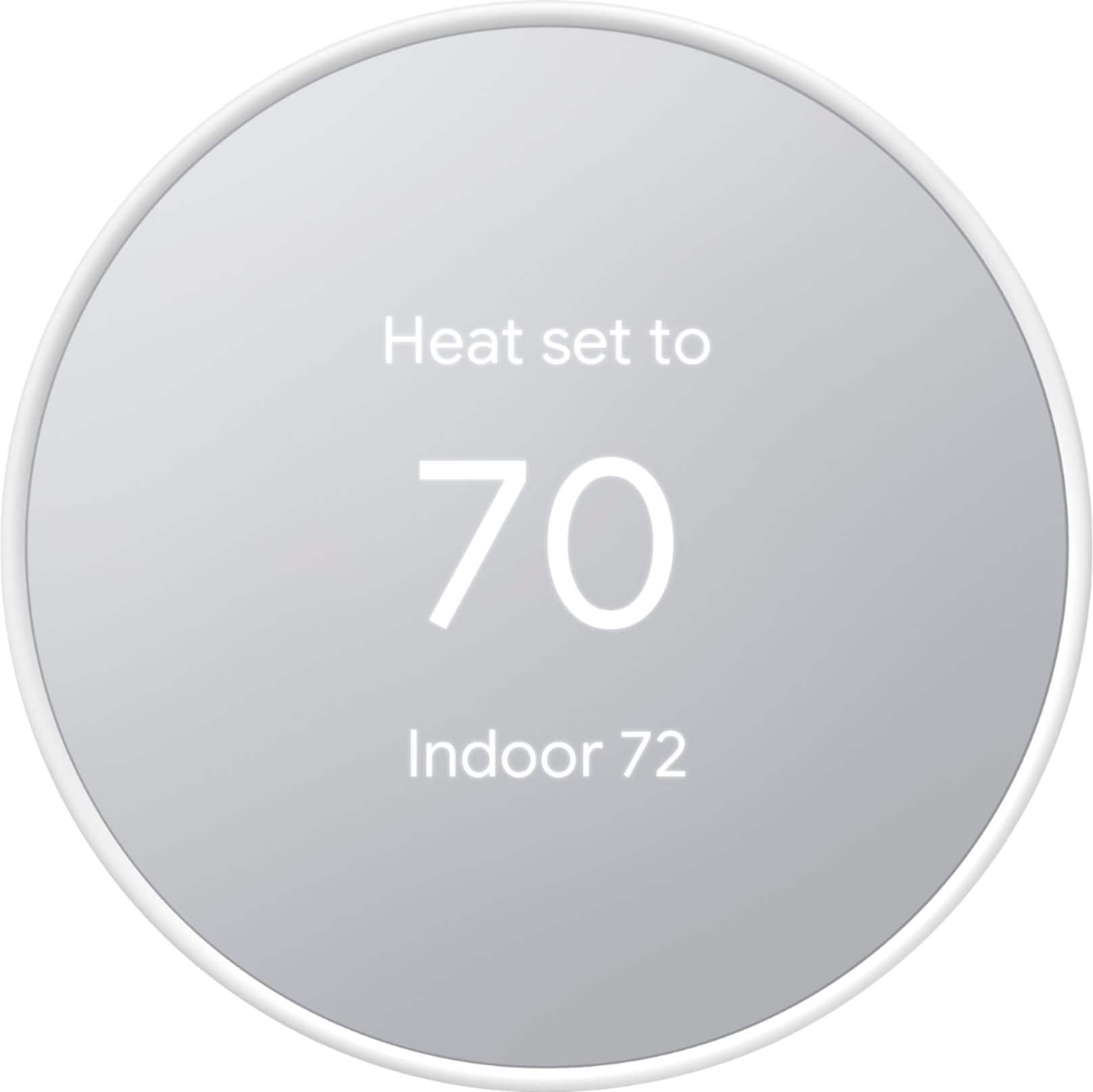
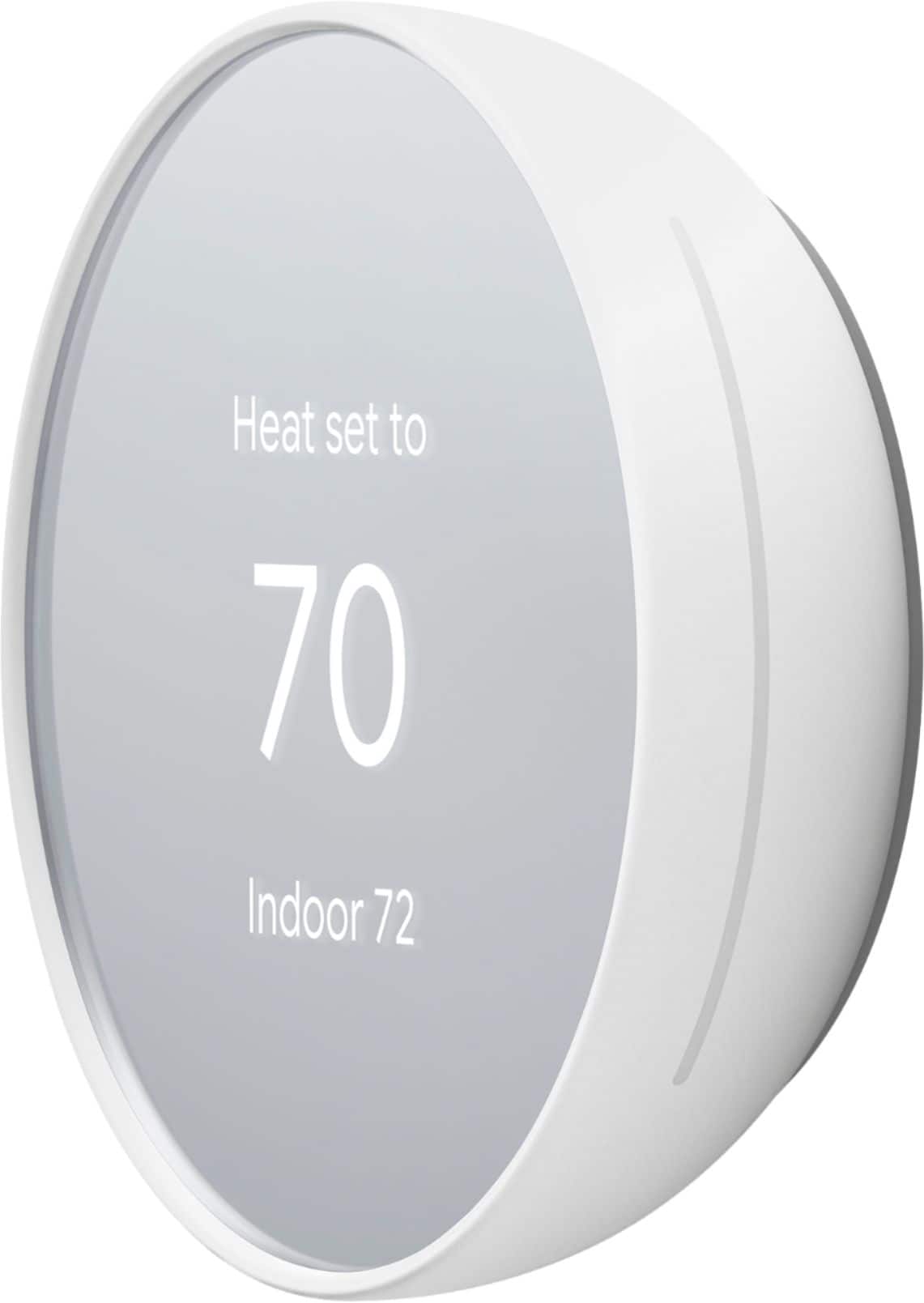


- Model:
- GA01334-US
- SKU:
- 6427015
Rating by feature
- Value
Rating 4.5 out of 5 stars
- Quality
Rating 4.5 out of 5 stars
- Ease of Use
Rating 4.3 out of 5 stars
Customers are saying
Customers are pleased with the product's ease of use, overall performance, and straightforward installation. They also appreciate its sleek design and convenient remote control features. However, some customers have experienced issues with connectivity and compatibility. A few users also raised concerns regarding battery life and the user interface.
This summary was generated by AI based on customer reviews.
Google take over
||Posted . Owned for less than 1 week when reviewed.This reviewer received promo considerations or sweepstakes entry for writing a review.I would have liked it better if it could still work with my Nest app. It forces you to use the Google home app. My other Nest devices can't be used on the Google home app. So now I have to use 2 different Apps to operate my Nest products. Very disappointing and inefficient....also the side touch-slide is awkward to use. The Nest E worked better
No, I would not recommend this to a friendBrand response from Nest Support
Posted .Hi JJWWPP, thanks for sharing your insights with us. We're sorry to hear about your disappointment with the Google Home app and Nest Thermostat.
Our long term plan is to use the Google Home app as the one place you can control all of your favorite Nest and other smart home devices, as well as Google Assistant. In the near future, we’ll allow users to set up previous Nest devices and have full control in the Home app. We've taken note of your feedback and we'll make sure to pass along this information to our product team since we're always on the look out for ways to improve our products and services. For any other support needs, please consider contacting us here: https://support.google.com/googlenest/gethelp
No Fan only
||Posted . Owned for 2 weeks when reviewed.This reviewer received promo considerations or sweepstakes entry for writing a review.The thermostat is fine EXCEPT that you can't turn on the fan without putting it in heat or cool mode.
No, I would not recommend this to a friendBrand response from Google Nest Support
Posted .Hi There,
We understand the importance of independent fan control. Check out this link for information on how to adjust your Nest thermostat's fan settings:
https://support.google.com/googlenest/answer/9296419
- Pros mentioned:Ease of use
Great product
||Posted . Owned for 2 weeks when reviewed.This reviewer received promo considerations or sweepstakes entry for writing a review.Seemless and easy install and setup. Great upgrade from previous unit
I would recommend this to a friend Stick with the Learning Thermostats
||Posted . Owned for 1 week when reviewed.This reviewer received promo considerations or sweepstakes entry for writing a review.Bought two Nest Learning thermostats along with this Programmable thermostat for our home. The two learning units installed flawlessly while this one was a pain. I even paid an election $100 to hook it up, but he could not get it to work either. He didn't recommend this leser Nest thermostat either. I returned this one today and re-installed the old basic unit.
No, I would not recommend this to a friendBrand response from Nest Support
Posted .Hi there BagelbyteGuy, thanks for sharing your experience with us. We’re sorry to learn that you had an installation issue with one of the Nest thermostats you purchased.
We value your feedback, as we’re always working to improve our products and services. The Nest Thermostat may not be compatible with your system. To confirm, you can check our online compatibility checker here: https://support.google.com/googlenest/answer/9246656
If you have any questions about your device, you can reach out to our support team. We’d be happy to assist you here: https://support.google.com/googlenest/gethelp
- Pros mentioned:Ease of use
Definitely recommend!
||Posted . Owned for 3 weeks when reviewed.This reviewer received promo considerations or sweepstakes entry for writing a review.Great product! Easy to install, easy to use, definitely worth it!
I would recommend this to a friend Low Cost
||Posted . Owned for 1 week when reviewed.This reviewer received promo considerations or sweepstakes entry for writing a review.No frills and cannot be used with temperature sensors.
I would recommend this to a friendBrand response from Nest Support
Posted .Hi there, Narc9er. Thanks for sharing your feedback on the Nest Thermostat, and we’re sorry to hear your expectations are not met.
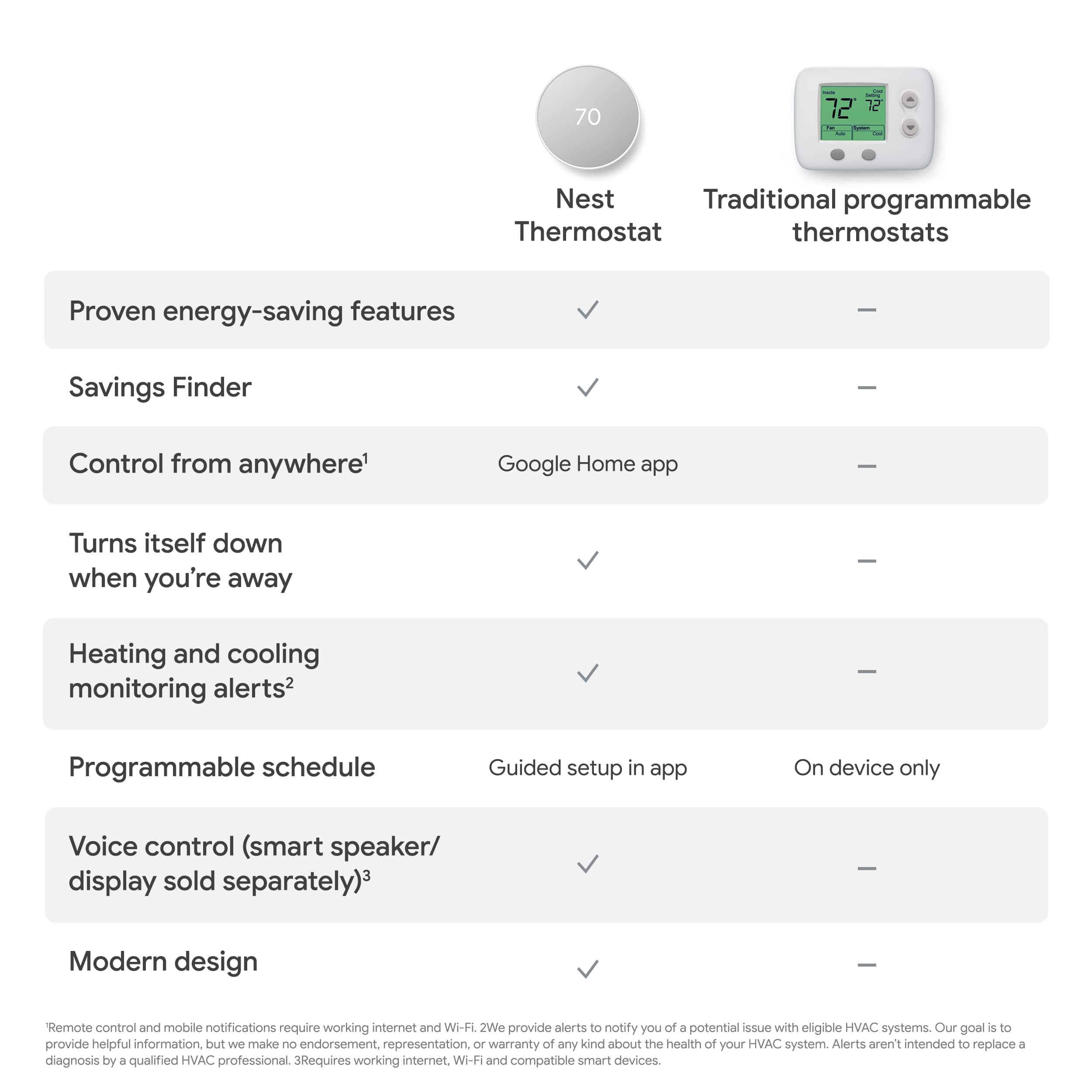
Our priority is giving our customers options and making devices for every home. Nest thermostats are designed to be more than just smart; they're also meant to be thoughtful and helpful parts of a home. And while every good quality product comes at a premium price, Google Nest worked on giving our customers a beautiful, yet affordable and easy-to-install thermostat for households that are interested in a smart thermostat without going over the budget.
We understand that having the ability to manage different room temperature settings remotely can be ideal for you. However, the Nest Temperature Sensor only works with the Nest Learning Thermostat, 3rd generation and Nest Thermostat E (US, Canada, Mexico).
We’d be happy to share this feedback with the right team for future improvements. For any other concerns, or if there’s anything we can help you with, let us know by visiting us at: https://support.google.com/googlenest/gethelp
- Pros mentioned:Ease of use
Excellent
||Posted . Owned for 3 weeks when reviewed.This reviewer received promo considerations or sweepstakes entry for writing a review.This is an excellent gift in this cold weather. Easy installation
I would recommend this to a friend - Cons mentioned:Compatibility
No two wire systems
||Posted . Owned for 2 weeks when reviewed.This reviewer received promo considerations or sweepstakes entry for writing a review.Will not work in a two wire system, without an additional power supply.
No, I would not recommend this to a friendBrand response from Nest Support
Posted .Hi AkBus,
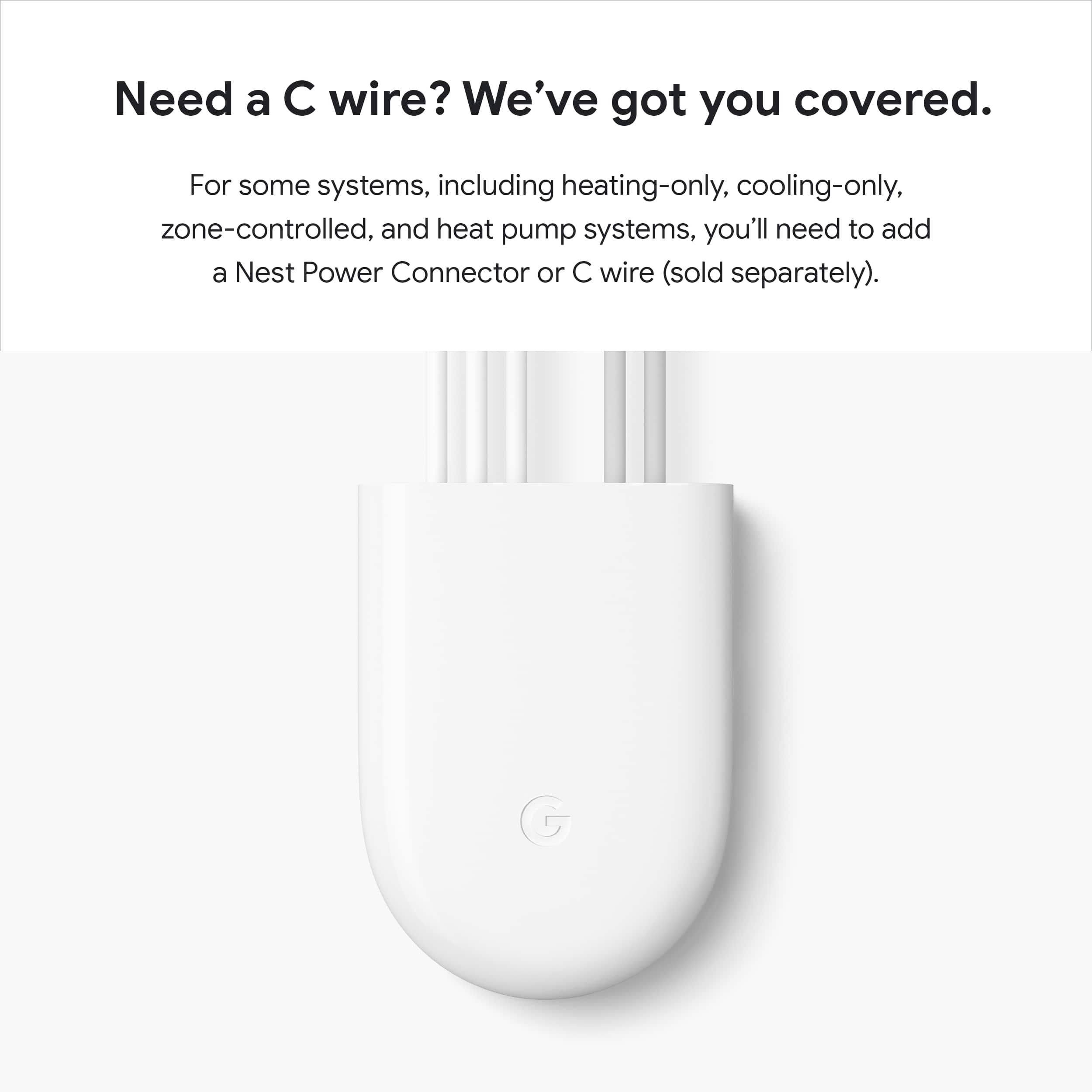
Oh no! We´re truly sorry to hear that your system needs a common (C) wire in order to work with Nest Thermostat.
Nest thermostats are designed to be able to work efficiently without the need of a power or common (C) wire when the heating and cooling wires of your system can deliver enough power to keep the thermostat's battery charged up. However, some heating/cooling wires can't deliver adequate power to Nest thermostats. In such cases, Nest thermostats need a common (C) wire that goes into the C terminal of the thermostat base. The next best step would be to contact a Nest Pro technician to check your system and install a common (C) wire if needed.
Our support team is always here to assist you if you have any further questions. You can contact us via the Google Nest support page here: https://support.google.com/googlenest/contactflow
Doesn't work to read humidity!
||Posted . Owned for 2 weeks when reviewed.This reviewer received promo considerations or sweepstakes entry for writing a review.I returned the first device I bought because the humidity reading was WAY OFF. Second device same deal! This product does not work out of the box. It adjusts AC just fine but can't read humidity. I have had other nest thermostats (early version) and they are accurate! This is either google's home ap at fault (the others are the old next ap) OR they are manufacturing crap since they took over NEST. Read the numerous complaints from others about the humidity reading before buying!
No, I would not recommend this to a friendNest thermostat
||Posted .This reviewer received promo considerations or sweepstakes entry for writing a review.It was complicated to setup and program. It also didn’t work right when I first hooked it up.
No, I would not recommend this to a friendBrand response from Nest Support
Posted .Hi there, thanks for taking the time to share your experience with us. We're sorry to hear that you’re having some difficulty setting up your Nest Thermostat.
Your feedback is important to us, and we’d like to hear more about your challenges so we can help you the best possible way. Please reach out to our support team to further assist you. We’d be more than happy to help here: https://support.google.com/googlenest/gethelp
Quirky to say the least.
||Posted . Owned for 1 month when reviewed.This reviewer received promo considerations or sweepstakes entry for writing a review.I assumed this would work like a regular learning nest but it doesn’t. Nobody knows how to use it. The 2 stars are because I can control/see the temp from my phone anywhere. Not a user friendly device. Pay more for the good model.
No, I would not recommend this to a friendBrand response from Nest Support
Posted .Hello there, Zeeeeeee. We appreciate your feedback, and we’re glad that you like the remote functionality of the Nest Thermostat. We’re sorry to hear that your experience has not exceeded your expectations.
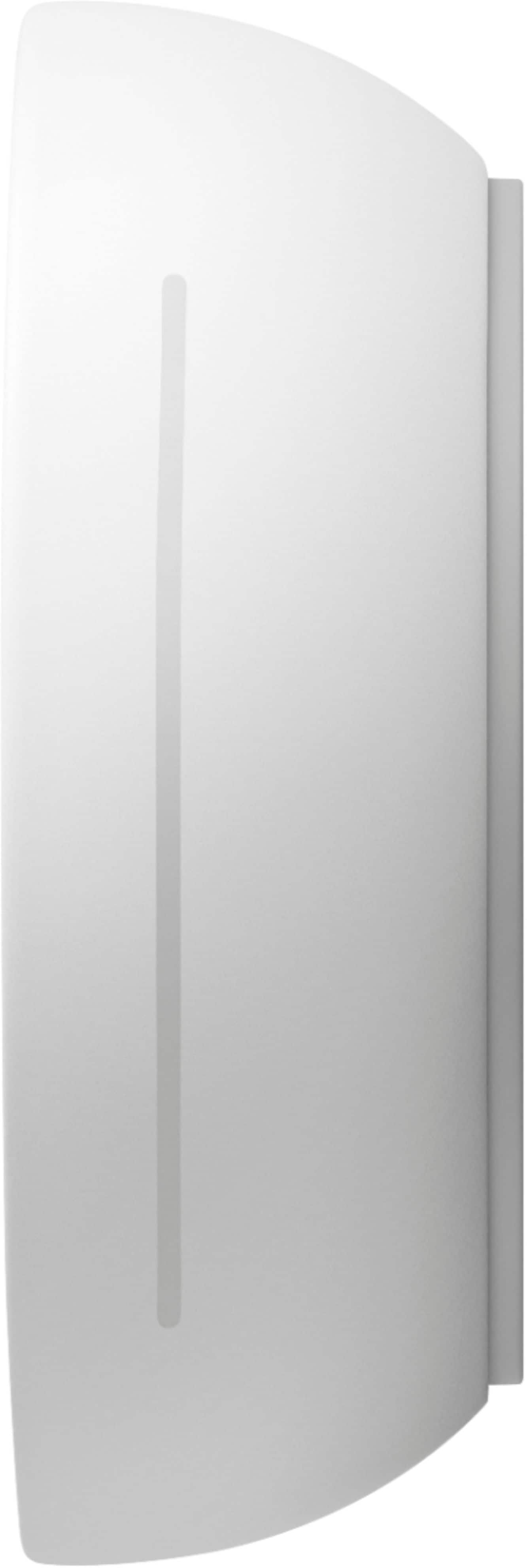
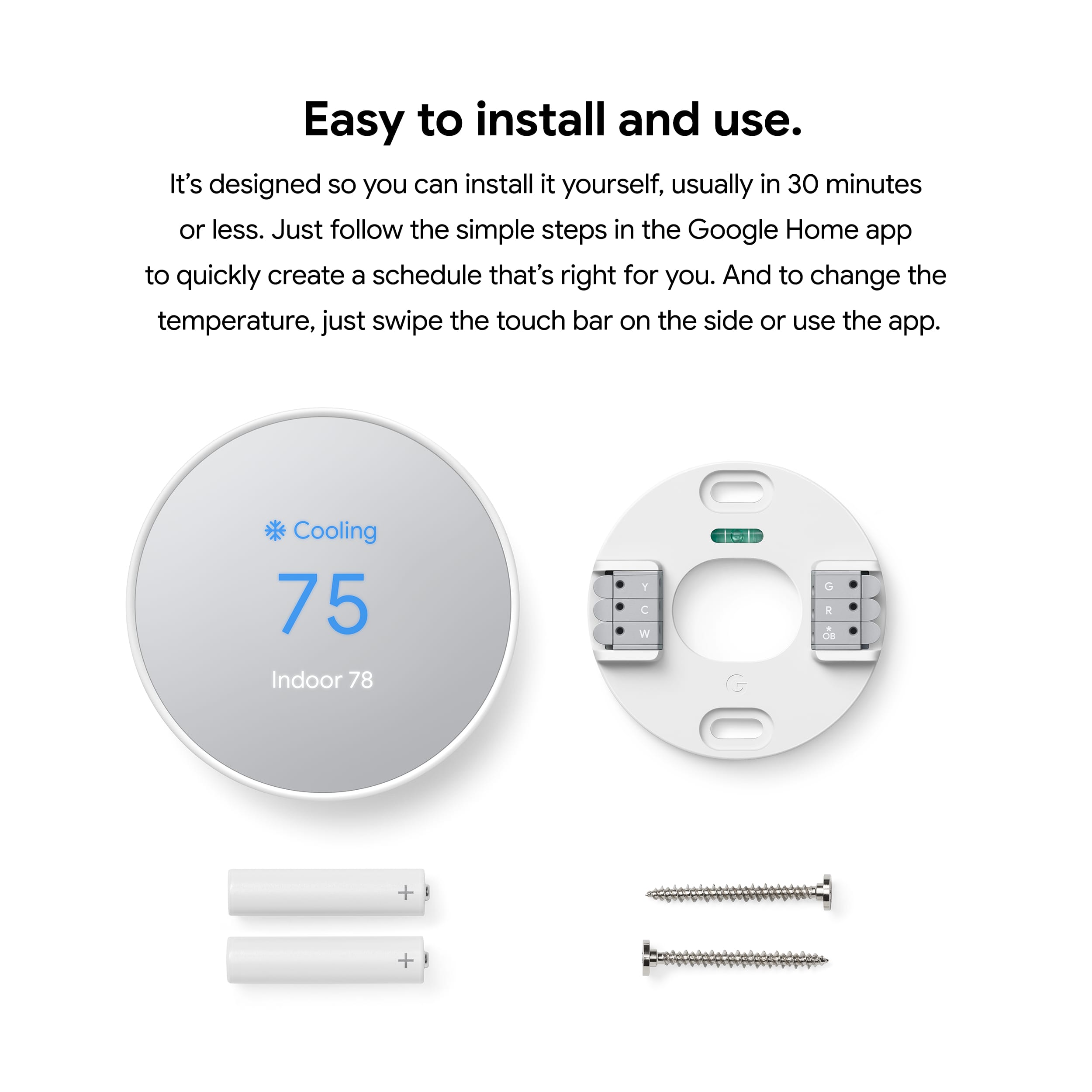
Since the Nest Thermostat doesn't have a touch screen, you can use the touch bar on the right side to control your thermostat. Swipe up to raise the temperature, swipe down to lower it, and tap to confirm. The display will show you how many minutes until your desired temperature is reached. Here’s how:
- Tap the touch bar to bring up the menu.
- Swipe up or down to select an option.
- Tap the touch bar again to confirm your selection.
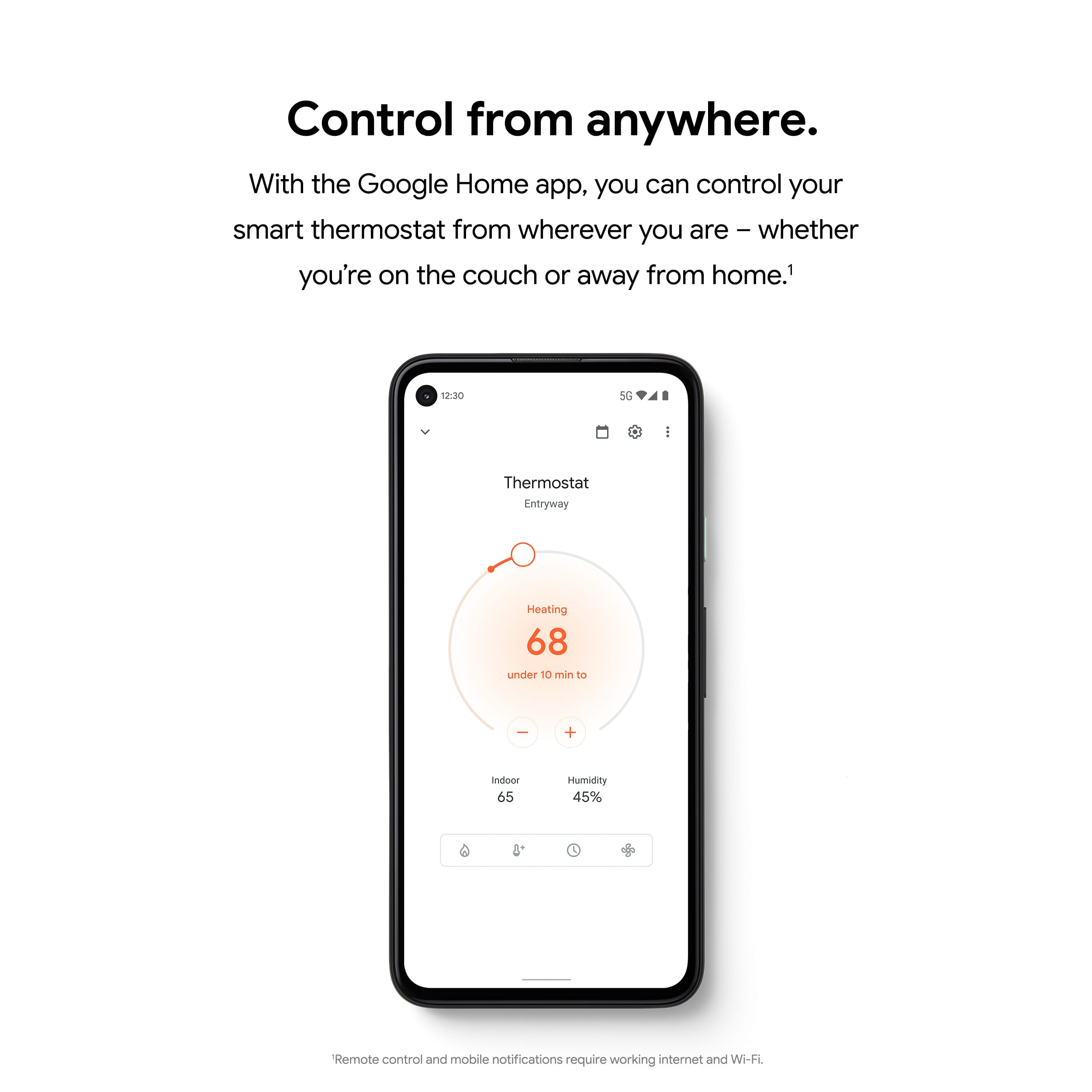
Also, you can control and manage the thermostat settings using the app even when you’re not at home if your thermostat and Home app (phone or tablet) are both online. The thermostat will show offline in the app if it’s not connected to your Wi-Fi, and you won’t be able to manage the thermostat settings using your phone or app. However, you can change the behavior of your Google Nest thermostat in its settings using the thermostat display. You can do things like change the temperature schedule, switch between Fahrenheit and Celsius, view technical information, and more. Check this out for more info: https://support.google.com/googlenest/answer/9244728
If you need help with using the thermostat effectively, feel free to contact us and we’d be happy to guide you, here: https://support.google.com/googlenest/gethelp
Don’t buy
||Posted . Owned for 2 months when reviewed.This reviewer received promo considerations or sweepstakes entry for writing a review.I liked it at first but it gets annoying when it changes degrees by itself.
No, I would not recommend this to a friendBrand response from Nest Support
Posted .Hi JayR, thank you for sending in your feedback. We're sorry to learn that you're experiencing some difficulties with your Nest Thermostat when it comes to automatic changes to your temperature. We recommend checking the temperature schedules that are set on your thermostat and removing them. This may help in keeping and holding the temperature to the specific degree you set it on. To remove a temperature schedule you can follow the steps below:
While viewing your thermostat’s schedule:
-Tap the day of the week that has the temperature you’d like to remove.
-Select the temperature you want to remove.
-Tap Delete. The temperature will be removed from the schedule for that day.
If you've done this already or if the issue still persists or is different from what you're experiencing, please don't hesitate to contact us on our Google Help page here: https://support.google.com/googlenest/gethelp
- Cons mentioned:Compatibility
It’s ok
||Posted . Owned for 1 month when reviewed.This reviewer received promo considerations or sweepstakes entry for writing a review.I wasn’t aware this one doesn’t work with the same systems as my other nest, so the day of a deep freeze this one wasn’t compatible. Spend the money and get the more expensive version of the nest.
No, I would not recommend this to a friendBrand response from Nest Support
Posted .Hi there, Nate. Thanks for trying out the Nest Thermostat. We're sorry to hear that your HVAC system isn’t compatible with the Nest Thermostat. We can only imagine how inconvenient this may have been for you, especially during a freezing day. We recommend contacting Best Buy to see if your Nest Thermostat is still covered by their return policy. Getting the full featured Nest Learning Thermostat should be able to cover your needs and work together efficiently with your other Nest thermostats. If you need further assistance, please do not hesitate to contact our support team here: https://support.google.com/googlenest/gethelp
Minimal options - Good style
||Posted .This reviewer received promo considerations or sweepstakes entry for writing a review.It was a good product but not like a nest learning Theemostat.
I would recommend this to a friendBrand response from Nest Support
Posted .Hi Skumar, thanks for your insights on Nest Thermostat. We'd appreciate it if you can share the details of your experience with us. This will give us a better idea on which features work best for you, and which features we can make improvements. If you're willing to try, please consider contacting our support team by visiting us here: https://support.google.com/googlenest/gethelp
- Pros mentioned:Overall performance
So pretty
||Posted . Owned for 2 weeks when reviewed.This reviewer received promo considerations or sweepstakes entry for writing a review.I love this more affordable option and it is so pretty!
I would recommend this to a friend - Cons mentioned:Compatibility
Did not work
||Posted . Owned for 2 weeks when reviewed.This reviewer received promo considerations or sweepstakes entry for writing a review.Did not work with the wiring in my unit. These should be Universal.
No, I would not recommend this to a friend - Pros mentioned:Overall performance
The Product is Great
||Posted . Owned for 2 weeks when reviewed.This reviewer received promo considerations or sweepstakes entry for writing a review.The Product is Great! Did me wonderz! merry christmas
I would recommend this to a friend - Pros mentioned:Installation
Great value
||Posted . Owned for 1 month when reviewed.This reviewer received promo considerations or sweepstakes entry for writing a review.Very easy to set up and connect to google plus apple
I would recommend this to a friend Do not buy
||Posted . Owned for 1 month when reviewed.This reviewer received promo considerations or sweepstakes entry for writing a review.Could not recommend less. Installed on brand new system and it cause very strange issues. AC tech suggested the Honeywell and we have had zero issues with it. Do not buy this. Also was unable to return to best buy as it didnt make it back within the 14 days. Was told either uprade to a membership or couldn't return. Thanks for that best buy
No, I would not recommend this to a friendBrand response from Nest Support
Posted .Hello there, Usfbull91. Thanks for taking the time to share your experience with the Nest Thermostat, and we're sorry to hear about the issues you encountered. We understand how inconvenient it is to face unexpected problems, especially with a new system. We are committed to improving the customer experience on our third-party platform and we’ll use your feedback to further strengthen our policies and processes. Meanwhile, we’d like to learn more about your concerns so we can explore potential solutions. We encourage you to contact our support team directly here: https://support.google.com/googlenest/gethelp
- Pros mentioned:Ease of use
Not as good as other thermostats.
||Posted . Owned for 3 weeks when reviewed.This reviewer received promo considerations or sweepstakes entry for writing a review.Installation is easy. Configuring in Google Home seems to be easy. However it just disconnected from the app and I had to configure again. It got disconnected again. Also the touch is not so smooth and consistent. Felt difficult to navigate to different menu options.
No, I would not recommend this to a friendBrand response from Nest Support
Posted .Hi Krishna, thanks for trying out the new Nest Thermostat. Sorry to hear that you’re experiencing connectivity issues and the touch bar experience was difficult.
If you don't mind, you can try resetting your thermostat's Wi-Fi settings by following the step below:
Keep in mind, you’ll need to remove your thermostat from your account in the Home app and then set it up again. You’ll be able to skip the installation process and much of the setup steps:
- In the Home app, tap your thermostat on the home screen.
- Select Settings > Remove.
- On your thermostat, go to Settings > Account > Disconnect.
- In the Home app, tap + at the top left of the home screen.
- Then select Set up a Nest product.
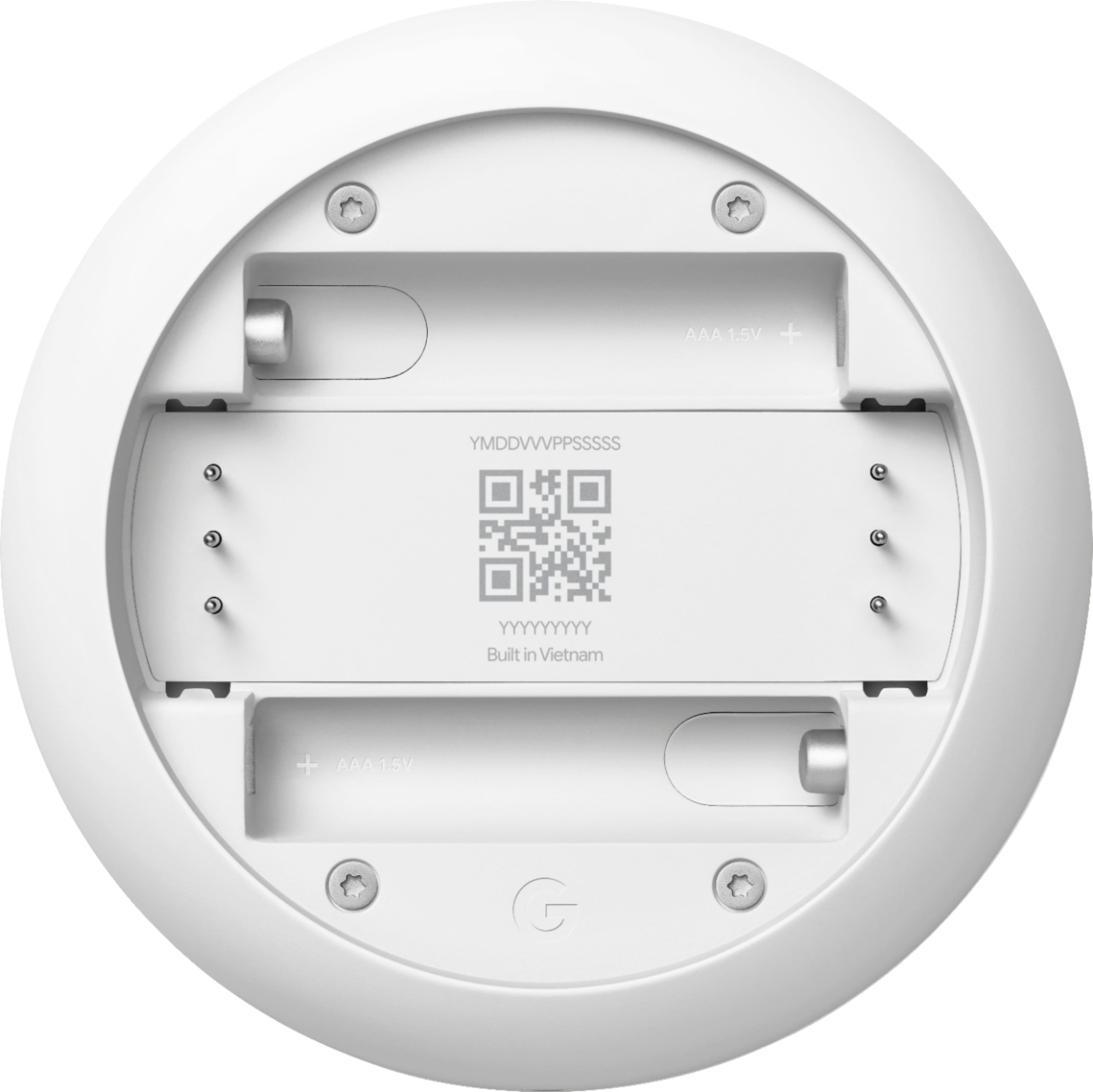
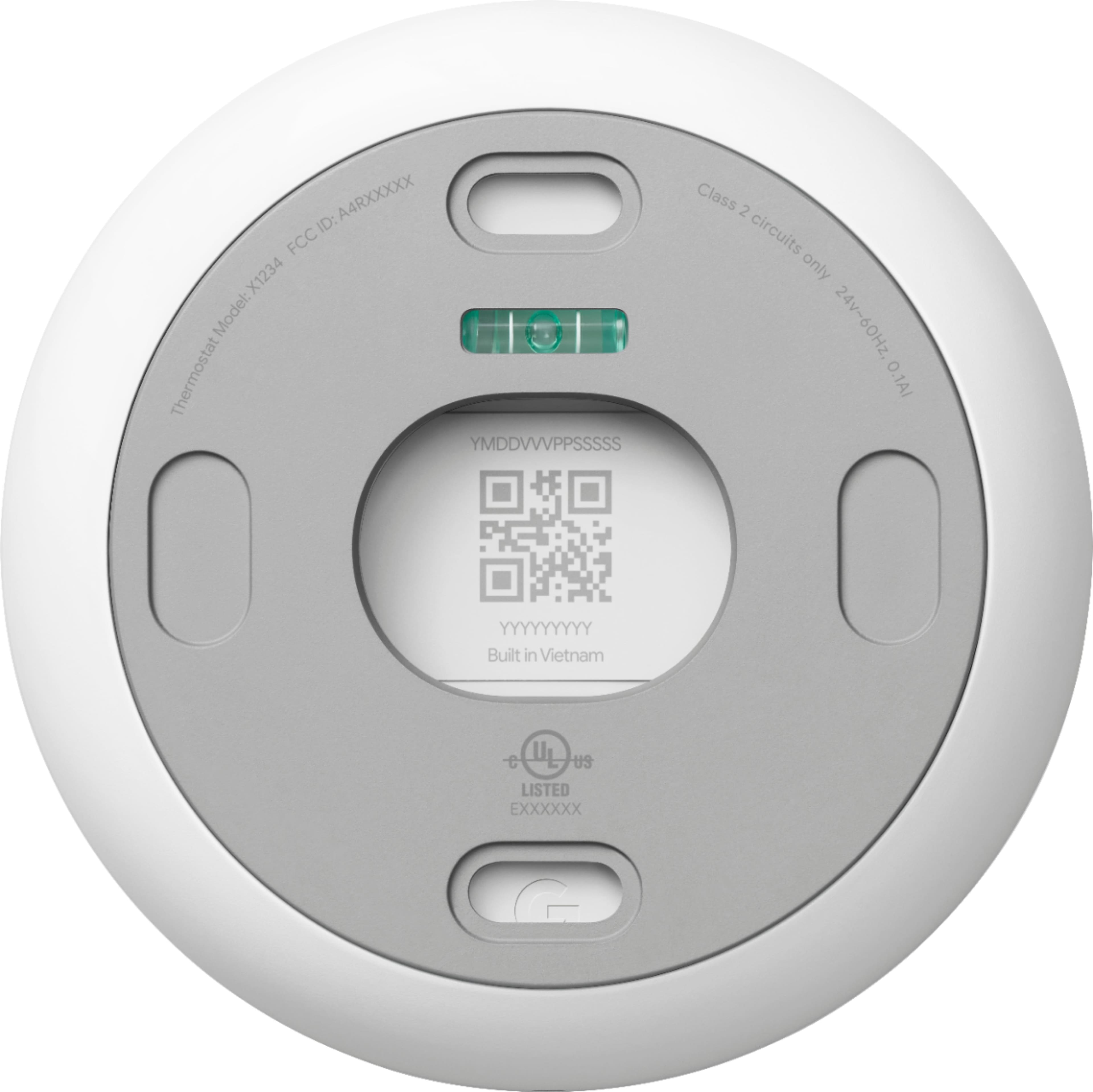
- Begin thermostat setup by scanning the QR code on the back of the thermostat display.
- When you reach the Get started screen, select Already installed.
- You can then skip most of the usual setup steps until you reach the Wi-Fi setup step. Here you can enter the new password and network name.
We always appreciate your feedback as it helps us improve our products and services. If you have any questions or concerns with your Google Nest products, please feel free to get in touch with us on the Google Nest Help page: https://support.google.com/googlenest/gethelp