Customer Ratings & Reviews
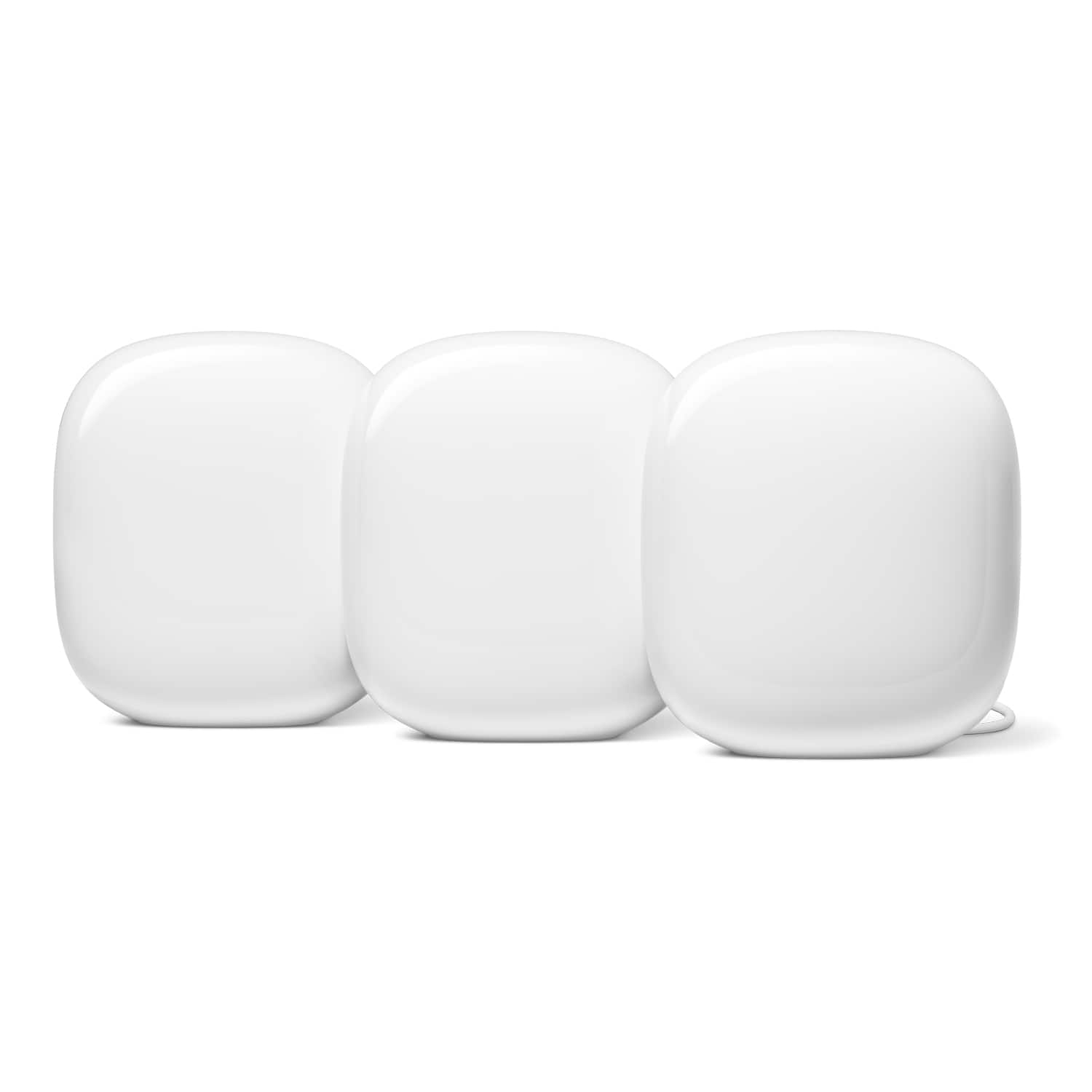
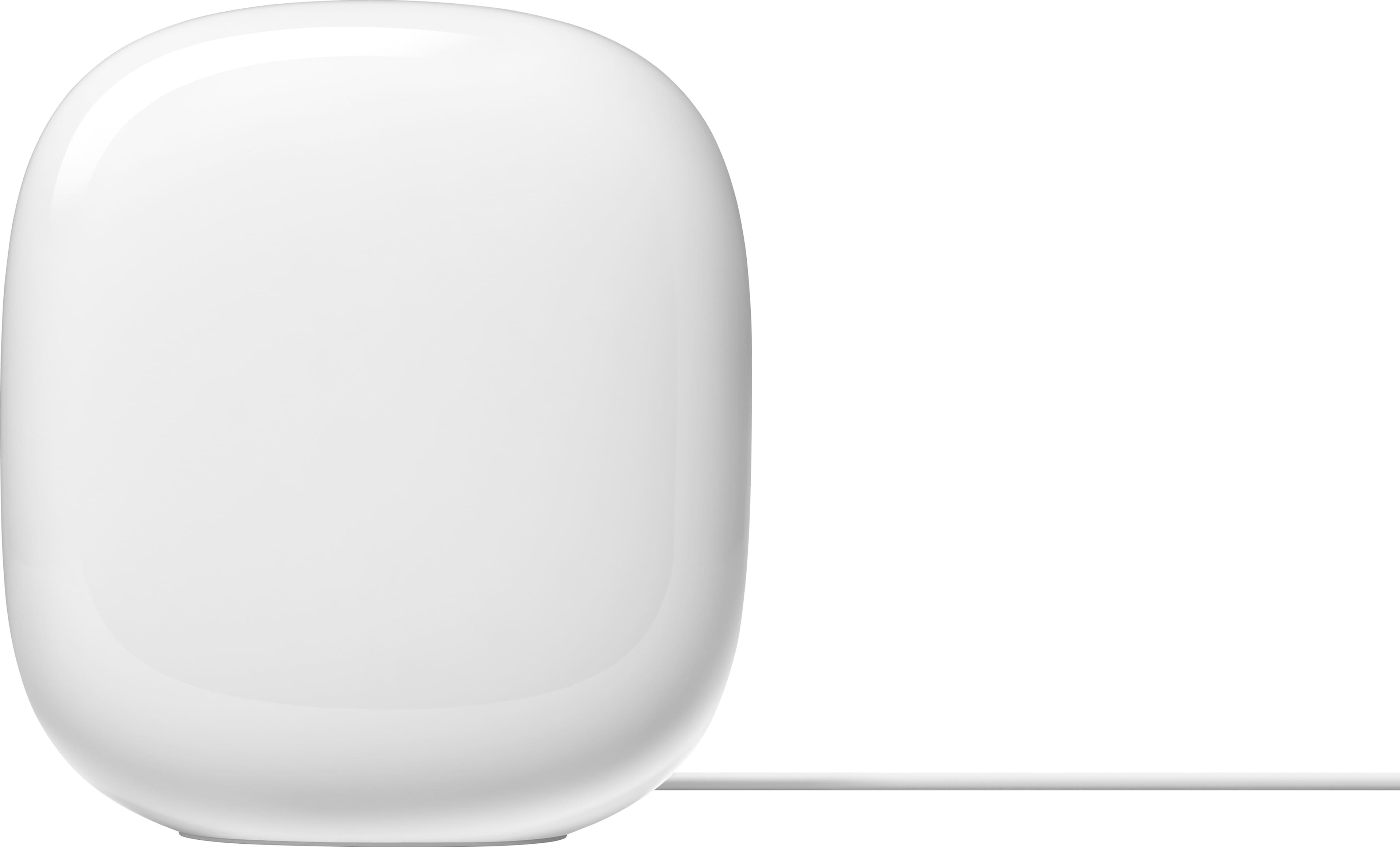
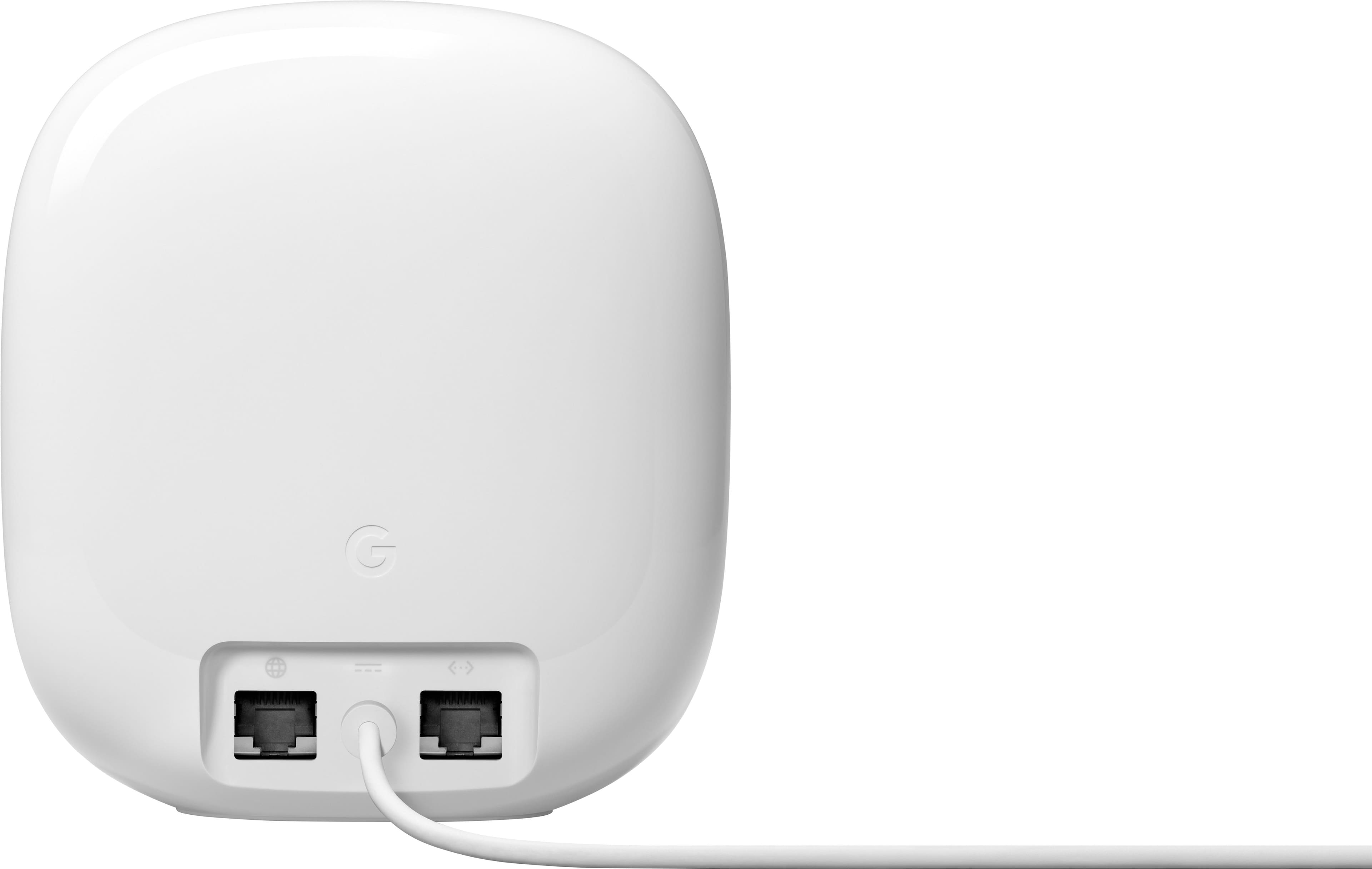




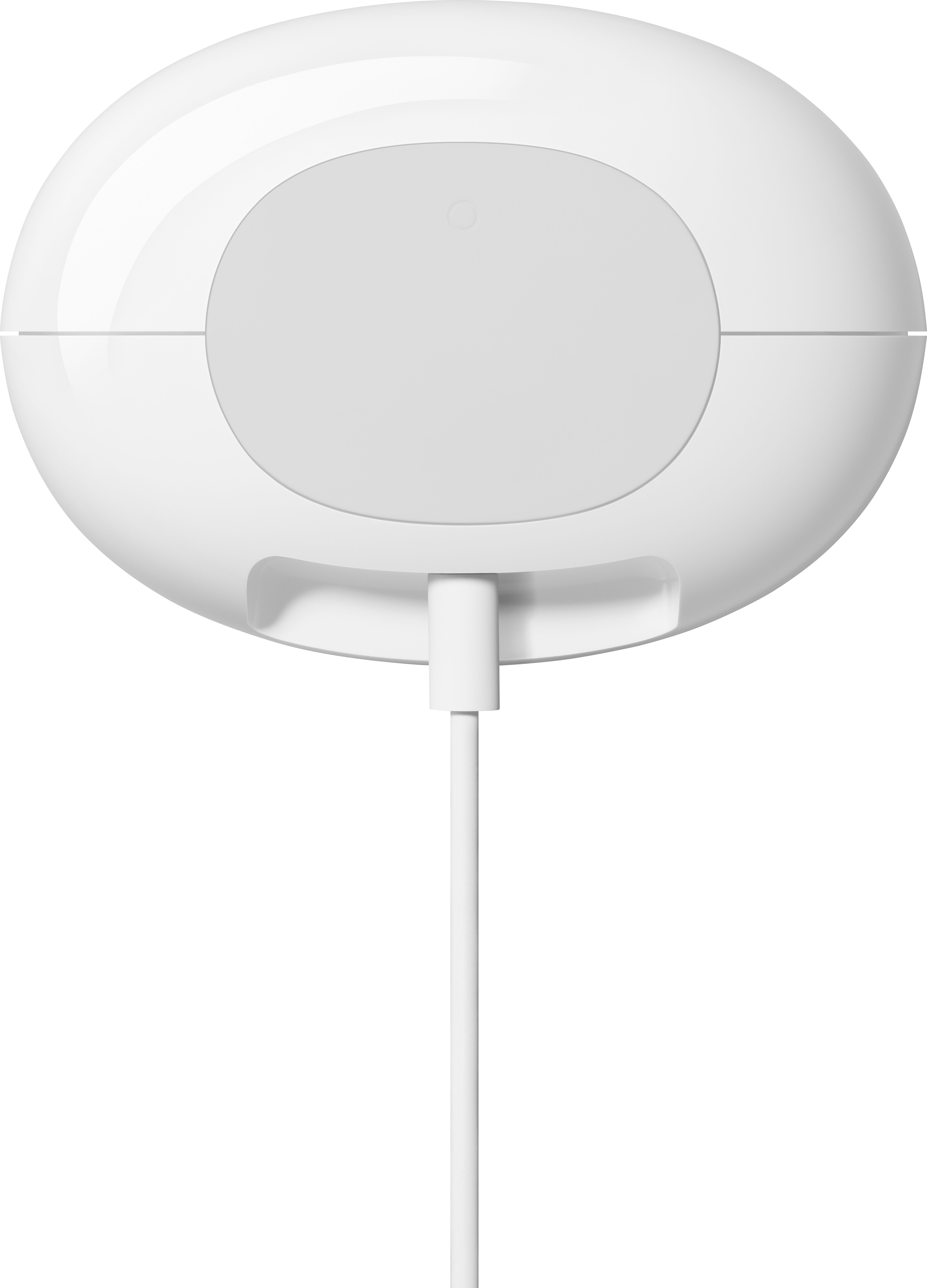






- Model:
- GA03690-US
- |
- SKU:
- 10145587
Customer reviews
Rating 4.3 out of 5 stars with 1595 reviews
(1,595 customer reviews)Rating by feature
- Setup4.6
Rating 4.6 out of 5 stars
- Range4.5
Rating 4.5 out of 5 stars
- Signal Strength4.4
Rating 4.4 out of 5 stars
- Pros mentioned:Ease of use, Overall performance
Rated 5 out of 5 stars
Mesh Network is a Solid Choice
||Posted . Owned for 6 months when reviewed.This reviewer received promo considerations or sweepstakes entry for writing a review.This was the best choice I have made in my home networking gear. Provides continuous connection, zero buffering and rock solid performance on both floors of my home. Set up was a breeze and it has performed flawlessly for nearly a year.
This review is from Google - Nest Wi-fi Pro 6e AXE5400 Mesh Router (3-pack) - Snow
I would recommend this to a friend - Pros mentioned:Overall performance
Rated 5 out of 5 stars
Great internet speeds
||Posted . Owned for 3 weeks when reviewed.This reviewer received promo considerations or sweepstakes entry for writing a review.Great product, I get like 224% of my internet plan. Prob just won’t buy from Best Buy again
This review is from Google - Nest Wifi Pro 6e AXE5400 Mesh Router (2-pack) - Snow
No, I would not recommend this to a friend - Pros mentioned:Coverage, Overall performance
Rated 5 out of 5 stars
Good wifi coverage for our businesses
||Posted . Owned for 9 months when reviewed.This reviewer received promo considerations or sweepstakes entry for writing a review.We use the google nests for several of our businesses and houses. They work seamlessly, and the app is easy to use to check the status of the devices. They provide good coverage, and if hardwired they work really well.
This review is from Google - Nest Wifi Pro 6e AXE5400 Mesh Router (2-pack) - Snow
I would recommend this to a friend - Pros mentioned:Speed
Rated 5 out of 5 stars
Great mesh network with good controls
||Posted . Owned for 1 month when reviewed.This reviewer received promo considerations or sweepstakes entry for writing a review.Bought and installed this in a new home where my garage and the living areas were further away from one another and the Nest Wifi Pro was able to get signal through different floors and walls so we can get updates to our Tesla. Installation was simple and the mesh network synced up without issue. Have not experience any drop outs while using the mesh router and speeds are fast (depending on your ISP). Also appreciate the simplicity of setting up a guest network.
This review is from Google - Nest Wi-fi Pro 6e AXE5400 Mesh Router (3-pack) - Snow
I would recommend this to a friend - Pros mentioned:Ease of use
Rated 5 out of 5 stars
Setting up a USABLE connected home
||Posted . Owned for 1 month when reviewed.This reviewer received promo considerations or sweepstakes entry for writing a review.East to setup! I went with Google Wifi Pro because of the 6e backhauling capability. This alleviates congestion over the 2.4 and 5g bands with wifi systems without a dedicated backhauling network. I also game and work from home with lots of UCaaS type traffic, so it's nice to be able to prioritize Gaming and call traffic. What I will say is this is for the set it and forget consumer. I've owned high end gaming routers and always liked the features to be able to make tweeks for my use, but what I found is it really makes no measurable difference (for me). I need whole home coverage and to be able to put LOTS of IOT devices on my network. In order to have good gaming quality and call quality though, no matter how good marketing says the router/mesh network is, if you put cameras on that network and you also have 4 apple TV's in the house, you WILL have a laggy network. You will notice it in quality of your streaming services. I found myself having to turn off my cameras and always on my kids for leaving the TV/IPADs running for background noise. Here's how I solved it! I setup 4 networks and 2 separate WIFI systems. I run the Google Nest WIFI and Google Nest WIFI Pro! The pro network runs my main network and the IOT network. This separates my thermostats, dishwasher, lights, Apple TV, etc from my computers and gaming devices. But this wasn't enough when I added cameras, so I created another "home" in Google Home and stood up my old Google Nest Wifi as a strictly camera network. I run ALL of this over a T-Mobile 5G network perfectly. By separating the traffic over multiple networks (and 2 Google Nest WIFI routers), it reduces the noisiness you will get when trying to shove signals from the 50+ devices (in my case) over a single router (even if you divide it over the 2 available networks). Using your guest network helped some, but I personally reached a point when devices were noticeably slow to respond (ie trying to see video in my sons room or search the internet, while the TVs are running and my wife is on a business call). Now, everything work great! You would think the 2 wifi systems would conflict, but the wifi systems are good at selecting wifi channels that are not congested... and I have the 2 router systems sitting right next to each other in each room. 3 Pro and 3 non-pro and no you can't connect them together.
This review is from Google - Nest Wi-fi Pro 6e AXE5400 Mesh Router (3-pack) - Snow
I would recommend this to a friend - Pros mentioned:Ease of use, Speed
Rated 5 out of 5 stars
For fast internet
||Posted . Owned for 6 months when reviewed.This reviewer received promo considerations or sweepstakes entry for writing a review.Great signal strength and very easy to set up and use! It works well with our 1gb internet.
This review is from Google - Nest Wifi Pro 6e AXE5400 Mesh Router (2-pack) - Snow
I would recommend this to a friend - Pros mentioned:Coverage
Rated 5 out of 5 stars
Great upgrade from old Google Nest system
||Posted .This reviewer received promo considerations or sweepstakes entry for writing a review.Significant upgrade from the older generation. I installed two of these in our 4,000-square-foot house spread across the first floor, and they work really well to cover the entire house, including upstairs, basement, and backyard.
This review is from Google - Nest Wifi Pro 6e AXE5400 Mesh Router (2-pack) - Snow
I would recommend this to a friend - Pros mentioned:Setup, Speed
Rated 5 out of 5 stars
Google Wifi - Easy to Setup and Use
||Posted . Owned for 1 month when reviewed.This reviewer received promo considerations or sweepstakes entry for writing a review.I bought the Google Wifi to replace my old Nest Wifi product. I had to do some moving of the wifi routers and test the internet speeds to gwt the optimal internet speeds, but it was worth it. I have upped my qifi feom about 72 Mbps to upwards of 350 Mbps on my 400 Mbps home internet. I am very pleased with this product! Additionally, the Google Wifi is easy to setup with its step by step inatructions and the easy to use Home app.
This review is from Google - Nest Wi-fi Pro 6e AXE5400 Mesh Router (3-pack) - Snow
I would recommend this to a friend - Pros mentioned:Ease of use, Setup
Rated 5 out of 5 stars
Great mesh router
||Posted . Owned for 1.5 years when reviewed.This reviewer received promo considerations or sweepstakes entry for writing a review.This mesh router set up just works. Easy set up using Google home app on your phone. And options are clear and easy to use. Using an actual lan wire ensure the other node has full bandwidth. Plus capability to buy more nodes is a plus.
This review is from Google - Nest Wifi Pro 6e AXE5400 Mesh Router (2-pack) - Snow
I would recommend this to a friend Rated 5 out of 5 stars
Fast and simple!!
||Posted . Owned for 8 months when reviewed.This reviewer received promo considerations or sweepstakes entry for writing a review.The Google home wifi products continue to impress me at every iteration. Even with the age of my older units, they continue to function flawlessly and I didn't think I'd get much out of an upgrade, but I'm happily surprised and impressed. Setup is still simple and being able to interconnect the routers together via hardwire to extend wireless simply is a huge plus to extend wireless to outbuildings and accessory structures. I love automated diagnostics and health checks to make sure all functions are operating correctly and it all reports right to the app! Excellent signal proportion and speeds!
This review is from Google - Nest Wifi Pro 6e AXE5400 Mesh Router - Snow
I would recommend this to a friend- Pros mentioned:Speed
Rated 4 out of 5 stars
Amazing value
||Posted . Owned for 2 months when reviewed.This reviewer received promo considerations or sweepstakes entry for writing a review.For a cheap mesh system this actually gets the job done. Much faster speeds than my previous Wifi 6 setup. The speeds through the 6e band are quite impressive. Range is also very impressive while the signal strength can be hit or miss, however even when it shows a couple bars, my speeds are rarely noticeably hindered.
This review is from Google - Nest Wifi Pro 6e AXE5400 Mesh Router (2-pack) - Snow
I would recommend this to a friend - Pros mentioned:Overall performance
Rated 4 out of 5 stars
Router
||Posted . Owned for 2 weeks when reviewed.This reviewer received promo considerations or sweepstakes entry for writing a review.Works great, wish it still have built in speakers at the mesh points though.
This review is from Google - Nest Wifi Pro 6e AXE5400 Mesh Router (2-pack) - Snow
I would recommend this to a friend - Pros mentioned:Coverage, Ease of use
Rated 5 out of 5 stars
Works great
||Posted . Owned for 3 weeks when reviewed.This reviewer received promo considerations or sweepstakes entry for writing a review.Two pack covers a 1800 square foot home and there is now drop of signal in the garage. Set up is easy
This review is from Google - Nest Wifi Pro 6e AXE5400 Mesh Router (2-pack) - Snow
I would recommend this to a friend - Pros mentioned:Speed
Rated 5 out of 5 stars
Excellent!!
||Posted . Owned for 1 month when reviewed.This reviewer received promo considerations or sweepstakes entry for writing a review.The updated Google Nest Mesh connection is much faster and greather than the previous version. Really recommended.
This review is from Google - Nest Wifi Pro 6e AXE5400 Mesh Router (2-pack) - Snow
I would recommend this to a friend - Pros mentioned:Overall performance
Rated 5 out of 5 stars
Great Mesh System
||Posted . Owned for 3 weeks when reviewed.This reviewer received promo considerations or sweepstakes entry for writing a review.Great Deal for Open Box. Looked brand new and has been working well.
This review is from Google - Nest Wifi Pro 6e AXE5400 Mesh Router (2-pack) - Snow
I would recommend this to a friend - Pros mentioned:Coverage
Rated 5 out of 5 stars
Works great!
||Posted . Owned for 6 months when reviewed.This reviewer received promo considerations or sweepstakes entry for writing a review.Got this after realizing one of the mesh routers needs to be hard wired to our home router. We weren’t getting Internet across our house, so these got us the full coverage we needed!
This review is from Google - Nest Wi-fi Pro 6e AXE5400 Mesh Router (3-pack) - Snow
I would recommend this to a friend - Pros mentioned:Coverage, Setup
Rated 5 out of 5 stars
New Google NEST
||Posted . Owned for 3 weeks when reviewed.This reviewer received promo considerations or sweepstakes entry for writing a review.Very easy to set-up and intergrate with the existing system. Provides excellent coverage around the house
This review is from Google - Nest Wi-fi Pro 6e AXE5400 Mesh Router (3-pack) - Snow
I would recommend this to a friend - Pros mentioned:Speed
Rated 5 out of 5 stars
Bought more for new install
||Posted .This reviewer received promo considerations or sweepstakes entry for writing a review.I boght a Nest wifi pro about a month ago and so pleased with it. So I decided to buy 3 Nest wifi pro in bundle for another install. They are great for fast connections and execellent wifi coverage.
This review is from Google - Nest Wi-fi Pro 6e AXE5400 Mesh Router (3-pack) - Snow
I would recommend this to a friend - Pros mentioned:Ease of use, Speed
Rated 5 out of 5 stars
Basically perfection
||Posted . Owned for 1 month when reviewed.This reviewer received promo considerations or sweepstakes entry for writing a review.I give it 5 stars on the simple setup by itself. I had the previous generation which was good but this version is better. We have not had any issues and everything is working perfectly. We also have Google Webpass. The speed and flawless system is fantastic. My wife works from home and I do once a week. No issues. Highly recommend.
This review is from Google - Nest Wifi Pro 6e AXE5400 Mesh Router (2-pack) - Snow
I would recommend this to a friend - Pros mentioned:Coverage, Ease of use
Rated 5 out of 5 stars
Great mesh solution
||Posted . Owned for 4 months when reviewed.This reviewer received promo considerations or sweepstakes entry for writing a review.It is literally plug and play. It is a great product and it sets up all buy itself. Just make sure if you are an AT&T customer to disable both 2.4 and 5 GHz transmitters from the AT&T router before you plug it in. It sets it's self up with just a few taps from the Google Home app. Definitely a must and it's coverage is great. I would say better than the Nighthawk.
This review is from Google - Nest Wifi Pro 6e AXE5400 Mesh Router (2-pack) - Snow
I would recommend this to a friend