Customer Ratings & Reviews

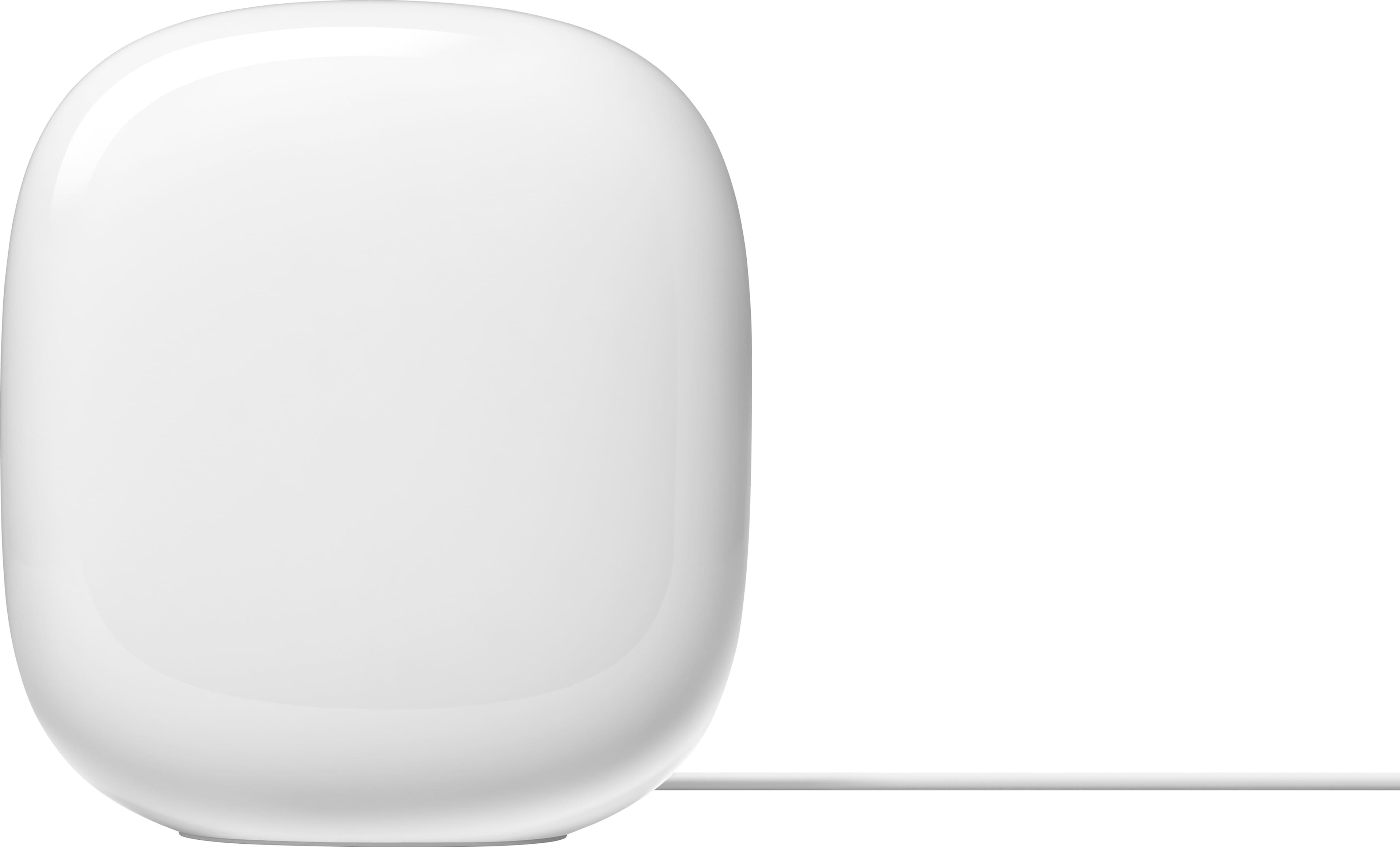










- Model:
- GA03690-US
- SKU:
- 10145587
Rating by feature
- Setup
Rating 4.6 out of 5 stars
- Range
Rating 4.5 out of 5 stars
- Signal Strength
Rating 4.4 out of 5 stars
- Pros mentioned:Ease of use, Speed
Perfect for our home.
||Posted . Owned for 3 weeks when reviewed.This reviewer received promo considerations or sweepstakes entry for writing a review.I have tried a bunch of extensions. They never worked properly in our house. The Wi-fi Pro 6e was installed in no time at all. Basically plug and play. They are placed in 3 different rooms. I now get MORE speed than I pay for. I get equal speed in every room in the house and even in my backyard.
I would recommend this to a friend - Pros mentioned:SetupCons mentioned:Connectivity
Setup was a nightmare…
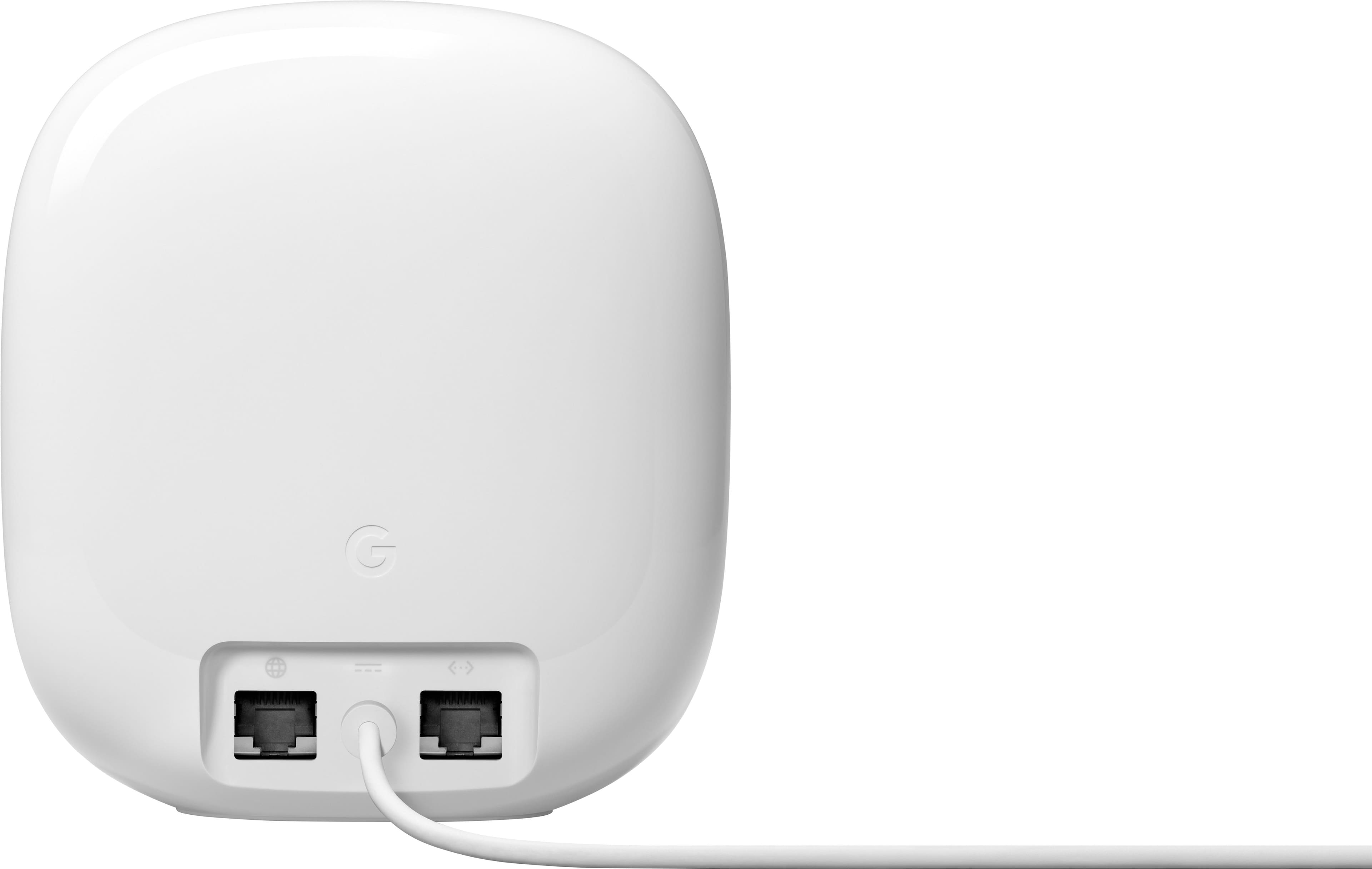
||Posted . Owned for 1 week when reviewed.This reviewer received promo considerations or sweepstakes entry for writing a review.Typically set up on this would be fairly simply, but I had a consistent error when trying to setup the second access point. It would say connection failure everytime I tried. After many hours of troubleshooting and searching Google, I found the solution. If you are setting up the second access point, and having connection issues, plug your second point in near your main router and connect them via ethernet (plug the ethernet into the one with the globe logo on the second access point). Try setup again and this should fix the problem. Apparently this is an iOS issue, that just hasnt veen fixed yet.
I would recommend this to a friendBrand response from Nest Support
Posted .Hello Lucas, thank you for sharing your review. We're sorry to hear that your experience with setting up your Nest Wifi Pro has been difficult. We appreciate you for taking time in finding a resolution on your end. We would still recommend that you reach out to our support specialists if you have additional concerns or need further assistance with your Nest Wifi Pro. Our team is always standing by to lend a hand. Please contact us on our Google Help page here: https://support.google.com/googlenest/gethelp

Stay Connected Everywhere!
||Posted .This reviewer received promo considerations or sweepstakes entry for writing a review.I needed to replace my older router system, and this has worked wonderfully! I get a great signal all over my house and all the way to my detached garage off the alley.
I would recommend this to a friend- Pros mentioned:Overall performance
Google works
||Posted . Owned for 3 weeks when reviewed.This reviewer received promo considerations or sweepstakes entry for writing a review.I had the previous model and it was working fine with a few drops here and there. That system was fried when my house was struck by lightning. When I chose this, it went on sale so it was a must buy for me. It has performed better and worth the buy, especially when its on sale. Must have!
I would recommend this to a friend - Pros mentioned:Coverage, Speed
Wi-Fi connections
||Posted .This reviewer received promo considerations or sweepstakes entry for writing a review.they have improved coverage and speed of all our devices.
I would recommend this to a friend - Cons mentioned:Connectivity
Monty
||Posted . Owned for 1 year when reviewed.This reviewer received promo considerations or sweepstakes entry for writing a review.Good product but drops out quite often. It’s annoying.
I would recommend this to a friend - Pros mentioned:Coverage, Ease of use
Google - Nest Wi-fi Pro 6e AXE5400 Mesh
||Posted . Owned for 1 month when reviewed.This reviewer received promo considerations or sweepstakes entry for writing a review.The google nest Wi-fi Pro works good. I like it because it provides good coverage through out my home and it was easy to set up. I also have the google nest learning thermostat and they work well together. I plan to add other google devices soon.
I would recommend this to a friend - Pros mentioned:Setup
Great Price to Performance Compared to Competitors
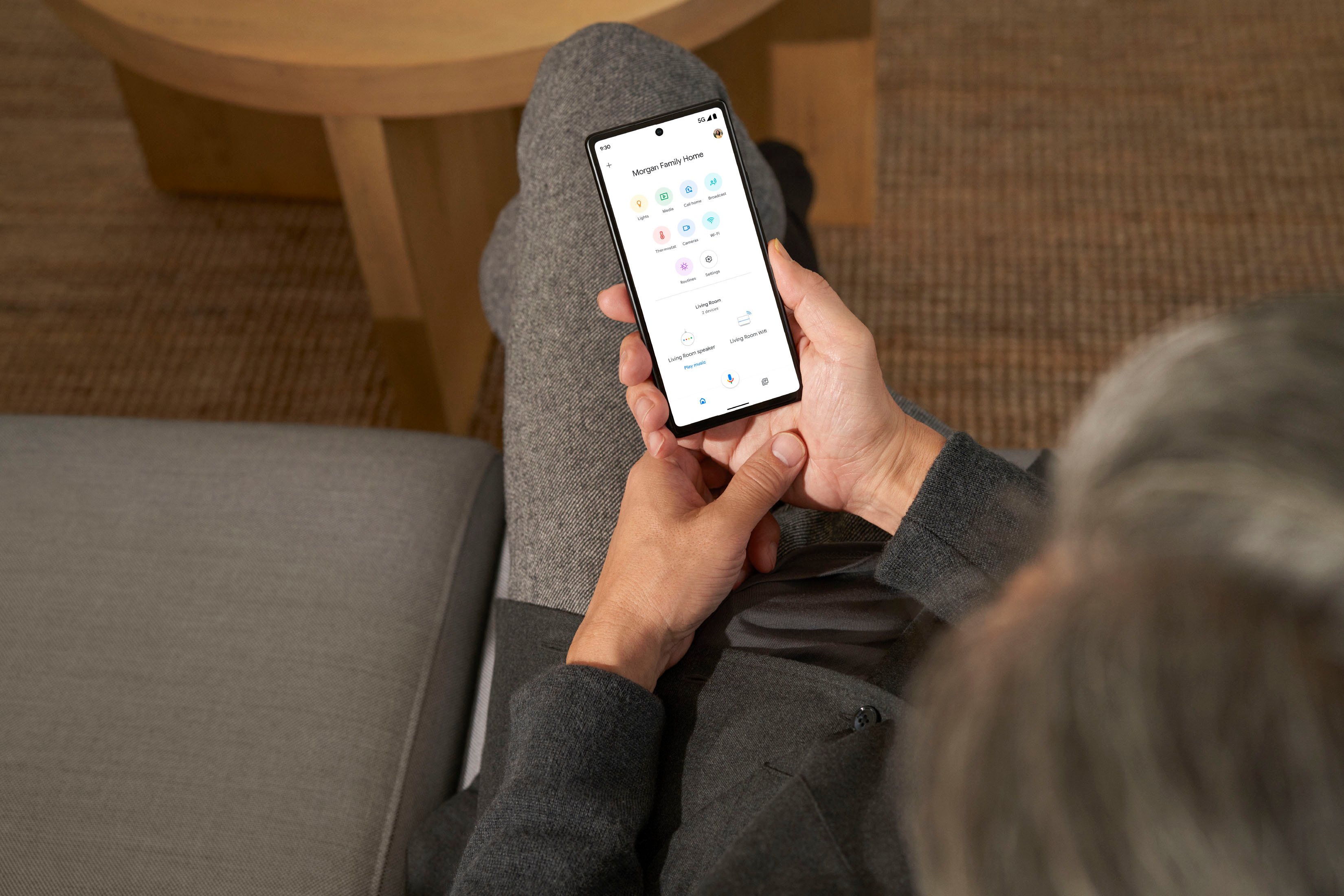
||Posted . Owned for 1 month when reviewed.This reviewer received promo considerations or sweepstakes entry for writing a review.Despite the small sq footage of my apartment, the layout makes it difficult to get a strong signal to all of my devices. Especially with two PC games running simultaneously, multiple WiFi security cameras, smart thermostats, and various other connected devices, these have greatly improved the speeds of my network overall. I used 5 around various parts of the house to replace the single access point provided by my ISP. I am now able to achieve gigabit speeds with no dead zones anywhere, and the setup is super simple with the Google Home app. It guides you through adding each device, and allows you to test the speed and mesh connection directly through the app. In addition, you can add all the members of your household, so that everyone has access without having to share an account. The ability to set up a guest network with a separate SSID and password may also be convenient to some. Each device also has the ability to hardwire into the access point, which I have found makes for a more reliable and slightly faster connection, though increases in speed doing so may vary depending on your wireless card.
I would recommend this to a friend - Pros mentioned:Coverage
Good mesh wifi
||Posted .This reviewer received promo considerations or sweepstakes entry for writing a review.Good coverage in my 4 storyhome with no signal drops.
I would recommend this to a friend - Pros mentioned:Setup
Great product, easy to setup, highly recommended.
||Posted . Owned for 1 week when reviewed.This reviewer received promo considerations or sweepstakes entry for writing a review.Coming from a nighthawk router, completely different experience with this google mesh. So much easier to setup and handle all the connected devices. Including Homepod, which they weren’t working great on nighthawk. Great range on wifi, my house is about 2400 sqft. I moved two of the three mesh Point in rooms with ethernet and hardwired and definitely gave it a big boost, not that it needed it.
I would recommend this to a friend - Pros mentioned:Overall performance
No lag!
||Posted .This reviewer received promo considerations or sweepstakes entry for writing a review.I’ve have this for a weak now and it’s hardwired straight To my ps5 and no lag at all!
I would recommend this to a friend - Pros mentioned:Speed
It works as I expected.
||Posted .This reviewer received promo considerations or sweepstakes entry for writing a review.So is working as I expected, the internet in my home now is fast than ever, the best thing is thar chou have the chance tonuse an internet cable in every unit to wired conect a gaming pc. The speed increase is the reason for my five stars score.
I would recommend this to a friend - Pros mentioned:Overall performance
Pricy but do the trick!! I would recommend
||Posted .This reviewer received promo considerations or sweepstakes entry for writing a review.These are working great as a mesh with my Starlink.
I would recommend this to a friend - Pros mentioned:Ease of use
Google nest mesh
||Posted . Owned for 3 weeks when reviewed.This reviewer received promo considerations or sweepstakes entry for writing a review.I had yhe old google nest mesh wifi, so glad I upgraded! Super easy set up and our range is so much further than before. I also like that the points don't have to be as close to eachother like the old nest points were.
I would recommend this to a friend Great product - better coverage and speed
||Posted . Owned for less than 1 week when reviewed.This reviewer received promo considerations or sweepstakes entry for writing a review.Very happy with purchase. Replaced a 5 year old TP-link router. Bought the 2 unit setup, with 1 placed in center of house near modem and 1 in a bedroom. First of all, installation was super easy - walked me through everything on the app on my iPhone. Everything worked without a hitch. Signal strength is better in many places in the house and dead spots gone. Downloads are faster. Connected one pc via Ethernet to the remote router in the bedroom and get download speed equal to my Verizon FIOS 300 max. We have not experienced any connection drops after using it for a week with remote work and streaming.
I would recommend this to a friend- Pros mentioned:Coverage, Speed
Change to a mesh system
||Posted . Owned for 1 month when reviewed.This reviewer received promo considerations or sweepstakes entry for writing a review.I really like the results of changing to the google nest pro WiFi mesh. It has really worked great and we have unbelievable speeds. We even have strong speeds out by our pool.
I would recommend this to a friend Great Product
||Posted . Owned for 2 weeks when reviewed.This reviewer received promo considerations or sweepstakes entry for writing a review.These have helped our reception of TV signals from Spectrum. Great product, easy to install
I would recommend this to a friend- Pros mentioned:Setup, Speed
Amazing
||Posted . Owned for 3 weeks when reviewed.This reviewer received promo considerations or sweepstakes entry for writing a review.The signal strength and speed is amazing. The setup was easy.
I would recommend this to a friend - Pros mentioned:Ease of useCons mentioned:Connectivity
Wifi router capable of mesh network
||Posted . Owned for 2 weeks when reviewed.This reviewer received promo considerations or sweepstakes entry for writing a review.Easy set up but requires google app. Limited ethernet ports. Good range
I would recommend this to a friendBrand response from Nest Support
Posted .Hey there, helios025. Thanks for taking the time to post a review about the Nest Wifi Pro. Our goal is to provide a great user-experience, and your feedback helps us better understand our customers’ preferences and needs.
Using the Google Home app provides you with a lot of benefits including access to Google's trusted security platform and access to other Google tools and with seamless integration with other Google devices. A single place to set up, manage, automate, and control your home, including devices from other brands.You'll be able to do things like update your network settings, manage parental controls, and run speed tests in the Google Home app. After you add your Wifi devices and settings to the Google Home app, the app will allow you to use the Google Assistant to do things like pause Wi-Fi, check your internet speed, and show your guest Wi-Fi password on Nest displays. You can also add a point to your existing network. Learn more using this link: https://support.google.com/googlenest/answer/9547597
If you find yourself in need to add LAN ports, having a switch will allow you to expand your networking system with additional Ethernet ports, which enables you to hardwire more devices to your network.
For other concerns, please let us know by visiting us anytime here: https://support.google.com/googlenest/gethelp
Great WiFi once setup is complete
||Posted .This reviewer received promo considerations or sweepstakes entry for writing a review.Working great for the past month providing strong signal for all my IoT devices throughout a 2500 sq ft area. A few user interface issues during setup but once up, no issues.
I would recommend this to a friend