Customer Ratings & Reviews











- Model:
- GA03690-US
- SKU:
- 6520782
Rating by feature
- Setup
Rating 4.6 out of 5 stars
- Range
Rating 4.5 out of 5 stars
- Signal Strength
Rating 4.4 out of 5 stars
Customers are saying
Customers express satisfaction with the product's impressive speed, ease of use, and overall performance, highlighting its great coverage, range, and simple setup. Many also appreciate its strong signal strength and sleek design. However, some customers have reported issues with connectivity. Additionally, a few users noted concerns regarding its compatibility with older routers and its price.
This summary was generated by AI based on customer reviews.
- Pros mentioned:Coverage, Speed
Blazing Fast Wi-Fi
||Posted . Owned for 3 weeks when reviewed.This reviewer received promo considerations or sweepstakes entry for writing a review.Great coverage around my House!! I finally able to feel the 1Gbps internet in my devices!
I would recommend this to a friend - Pros mentioned:Ease of use
Best router I have found
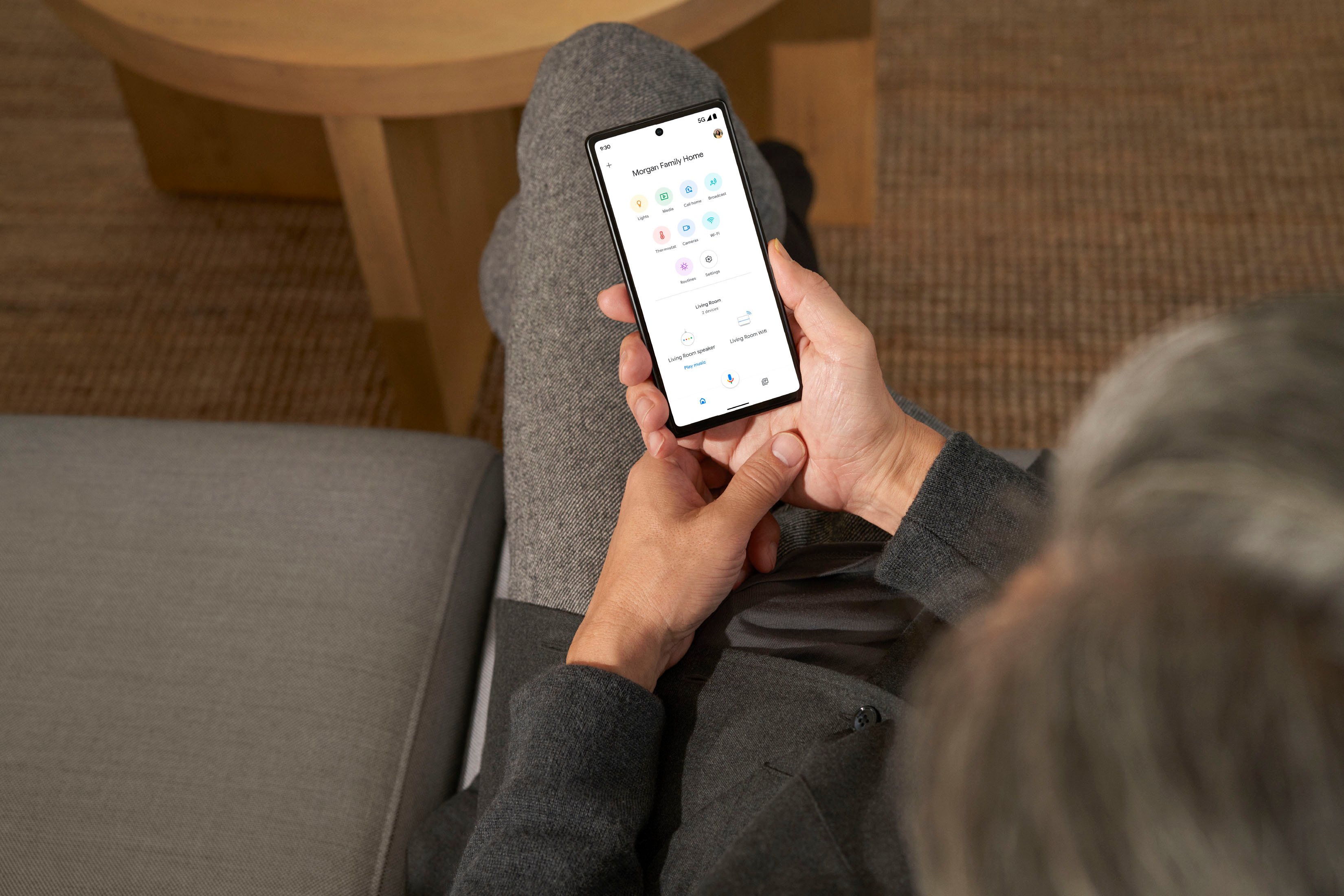
||Posted . Owned for 2 months when reviewed.This reviewer received promo considerations or sweepstakes entry for writing a review.Easy to set up via Google Home App. Replaced router with extenders- good job in reaching far corners of the house.
I would recommend this to a friend - Cons mentioned:Connectivity
Bless this Mesh
||Posted . Owned for 1 month when reviewed.This reviewer received promo considerations or sweepstakes entry for writing a review.Great product. I was getting a weak connection upstairs with my old WiFi. So, I did some research online, then went in to Best Buy and a blue shirt guy helped me decide on this one. Total Tech came and set it up for me (not sure I would have been able to hook it up on my own). I have one plugged in downstairs at the cable modem, and one plugged in upstairs in my home office. Now I'm getting the strong, secure WiFi connection I need. These look really nice, too.
I would recommend this to a friend - Pros mentioned:Speed
Nest wifi pro
||Posted . Owned for 1 month when reviewed.This reviewer received promo considerations or sweepstakes entry for writing a review.Nest wifi pro is a good router but nothing drastically different from Nest wifi. Speeds will be similar if you are connecting 1 to the modem router and others as wifi points. On the downside no Google home speakers in any of the points. wifi 6e speeds are better but depends on if one can really take advantage of same.
I would recommend this to a friendBrand response from Nest Support
Posted .Hi there, Anurag. Thanks for the feedback. We’re glad that you find the Nest Wifi Pro good, but we’re sorry to learn that your experience has not exceeded your expectations. We also hear your concern about the speaker functionality, however, after thorough research and feedback from customers and retail partners, we’ve learned users appreciate a dedicated networking system. Removing the Google Assistant speaker allows us to expand our reach and offer Nest Wifi Pro at a more affordable price point.
The placement of your Wi-Fi router and points is vital to have reliable Wi-Fi throughout your home. As a general rule, points work best when they’re no more than two rooms away from each other. For example, if the far end of your house has weak Wi-Fi, don’t put a Wifi point in that exact spot. Instead, put it part way in that direction. Try to place it in an elevated position like on a shelf.
You can also try these steps below that may help:
- Move the connected device closer to your Wifi router or point.
- Repositioning the points to avoid obstructions like walls, doors, and aquariums can improve performance.
- Make sure all unused devices are off and not draining bandwidth with large downloads.
- Check for possible sources of interference such as microwave ovens, refrigerators or other equipment.
- Run a mesh test to confirm placement of your Wifi points.
If additional help is needed, don’t hesitate to contact us here: https://support.google.com/googlenest/gethelp
- Pros mentioned:Coverage, Setup
Simple as it should be
||Posted . Owned for 1 week when reviewed.This reviewer received promo considerations or sweepstakes entry for writing a review.Easy setup, good coverage and it doesn't have to look like a stealth aircraft.
I would recommend this to a friend Good strength
||Posted . Owned for 3 weeks when reviewed.This reviewer received promo considerations or sweepstakes entry for writing a review.So far this item is good I would not say great because my issue was having getting service in my driveway. I have an electric car and trying to do the updates my wifi was not reaching. It reach now but still not that strong.
I would recommend this to a friend- Pros mentioned:Speed
Great wifi
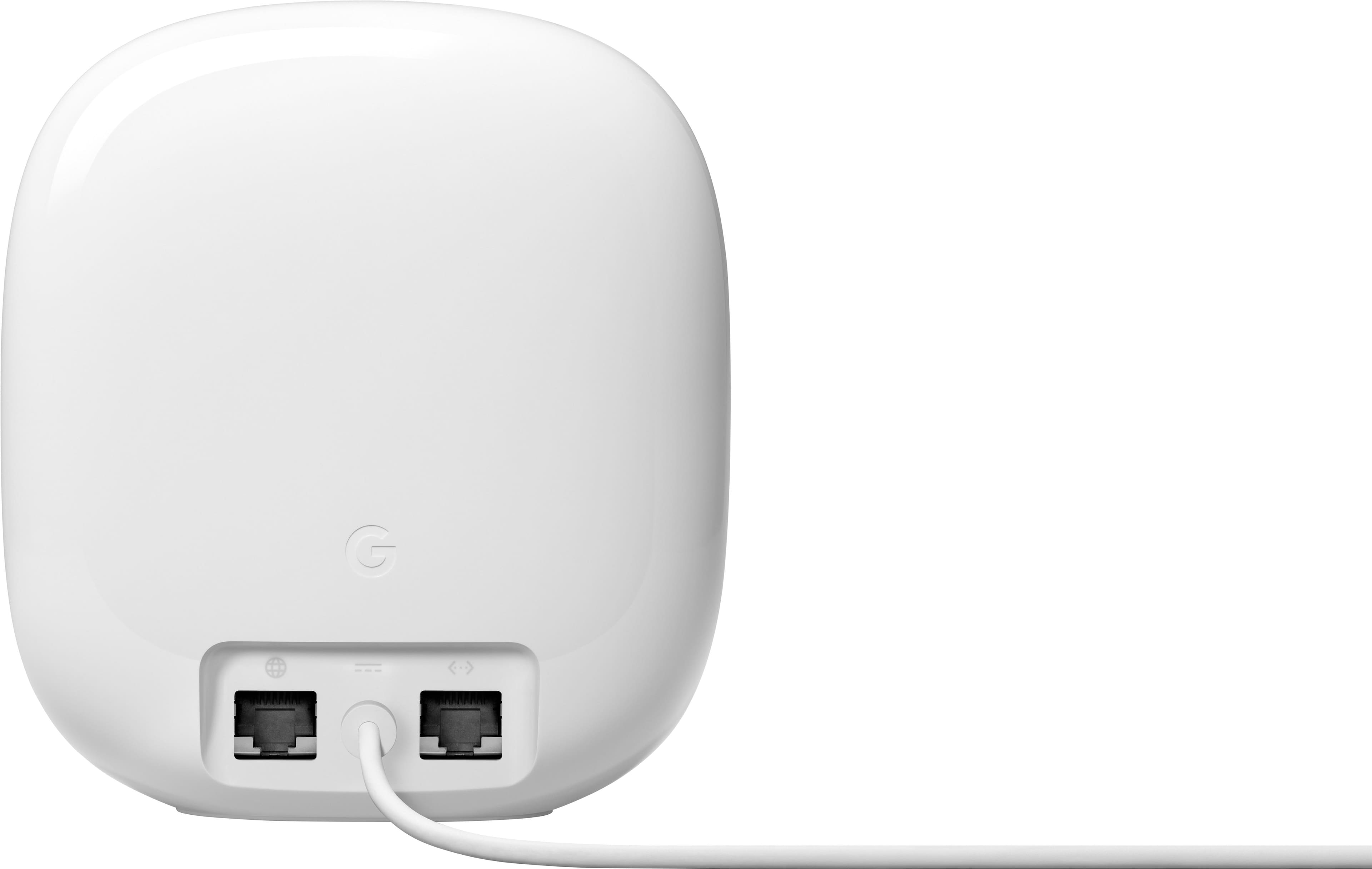
||Posted . Owned for 3 weeks when reviewed.This reviewer received promo considerations or sweepstakes entry for writing a review.Great WiFi coverage and fast. The only thing that would help would be having status lights on the Ethernet ports.
I would recommend this to a friend - Pros mentioned:Coverage, Ease of use
Mesh network
||Posted . Owned for 2 months when reviewed.This reviewer received promo considerations or sweepstakes entry for writing a review.Easy to set up this mesh network. The wifi network area seems larger than advertised.
I would recommend this to a friend - Pros mentioned:Overall performance
Google nest
||Posted . Owned for 3 weeks when reviewed.This reviewer received promo considerations or sweepstakes entry for writing a review.Great product and kudos to Best Buy for doing such a hood job with there open box items
I would recommend this to a friend - Pros mentioned:Coverage, Ease of use
Google mesh network upgrade for HOME WIFI
||Posted . Owned for 1 month when reviewed.This reviewer received promo considerations or sweepstakes entry for writing a review.Excellent coverage in my house. Easy to in install even for a tech novice. Affordable and a great buy!
I would recommend this to a friend - Pros mentioned:Coverage
Great coverage
||Posted . Owned for 1 week when reviewed.This reviewer received promo considerations or sweepstakes entry for writing a review.Great coverage in a two story house. Was able to connect all wireless devices with no issues.
I would recommend this to a friend - Pros mentioned:Coverage, Setup
Wifi extender that works well.
||Posted . Owned for 3 months when reviewed.This reviewer received promo considerations or sweepstakes entry for writing a review.These are very good and setup easily. They also look very nice. The coverage is excellent.
I would recommend this to a friend - Pros mentioned:Setup
Very happy with our purchase
||Posted . Owned for 3 weeks when reviewed.This reviewer received promo considerations or sweepstakes entry for writing a review.This purchase replaced a very old 2nd generation Google wifi pod system. The set up was easy, and connecting our nest hubs and our google audio speaker, as well as our smart home devices was seemless. This NEST PRO 6E system is great and would highly recommend if you are looking to upgrade.
I would recommend this to a friend - Pros mentioned:Speed
Bad attempt at 6E
||Posted . Owned for less than 1 week when reviewed.This reviewer received promo considerations or sweepstakes entry for writing a review.Installation is not easy, the software seems to not know much about the link between nodes/routers, after you get past that internet is good at main router but it seems that nodes only connect to main router and not between them therefore you get slower speeds constantly in different spots, eero is way better at managing connections, and is mostly on sale so i would just get eero or something more stable
No, I would not recommend this to a friendBrand response from Nest Support
Posted .Hi JLGC, thanks for the feedback you provided about the Nest Wifi Pro. We’re sorry to hear that your experience with the setup, and with the performance, is less than ideal.
It is important to check the placement of your Wi-Fi router and point, which are vital to have reliable Wi-Fi throughout your home. As a general rule, points work best when they’re no more than two rooms away from each other. For example, if the far end of your house has weak Wi-Fi, don’t put a Wifi point in that exact spot. Instead, put it part way in that direction. Try to place it in an elevated position like on a shelf.
It may also be helpful to try the following steps to see if the Wi-Fi performance will improve:
- Move the connected device closer to your Wifi router or point.
- Repositioning the points to avoid obstructions like walls, doors, and aquariums can improve performance.
- Make sure all unused devices are off and not draining bandwidth with large downloads.
- Check for possible sources of interference such as microwave ovens, refrigerators or other equipment.
- Run a mesh test to confirm placement of your Wifi points.
We’re always here to help. Simply let us know if further assistance is required: https://support.google.com/googlenest/gethelp
Google stick to Software
||Posted . Owned for 3 months when reviewed.This reviewer received promo considerations or sweepstakes entry for writing a review.For anyone thinking about whether you should buy this Google Wi-fi Pro 6e or the Eero Pro 6e, I will tell you which one is the best. I had the experience and opportunity to use both and let's begin. I used these Google Wi-fi Pro 6e (3 pack) for about 2 months and even though you get wifi the range is not too good. I was thinking it was on my end until I decided to buy the Eero Pro 6e and instantly my internet range, and performance skyrocketed. Using Google strictly on Wi-fi my downloads were about 18mbps, Using Google as a wired mesh connection my downloads were 20mbps. Not very good at all either way. Now, switching to Eero Pro 6e my wi-fi speeds were around 184mbps, When I tried the wired mesh connection with Eero Pro 6e my speeds went to 526mbps almost triple my speeds. The range I was getting using Google was I could walk out my door outside and that's it. Using Eero I can go down the street around the block and then some before I lose connection. I get full wifi bars on all my devices using Eero and no one complained since getting the Eero. I have over 5,000 square feet of home and I used 4 Eero Pro 6e. I am really enjoying and glad I got the eeros now. Google Wifi pro 6e is okay and it's not bad and cheaper than the Eero but Eero pro 6e is by far a better product than Google. I used them both and can confidently say which one is better.
No, I would not recommend this to a friend- Pros mentioned:Ease of use
Wi fi extender and mesh
||Posted . Owned for 3 weeks when reviewed.This reviewer received promo considerations or sweepstakes entry for writing a review.Easy to install and great range. Covers the whole house
I would recommend this to a friend - Cons mentioned:Connectivity
It's Okay
||Posted .This reviewer received promo considerations or sweepstakes entry for writing a review.No Output for Cat5. Easy to setup. Good range of signal
I would recommend this to a friendBrand response from Google Nest Support
Posted .Hey there, Indoree. Happy to hear you had an easy time setting up your Nest Wifi Pro and its range is good for you. That said, we hear you on wanting to connect a CAT5 cable to it. The Nest Wifi Pro includes an Ethernet port and for optimal performance, we advise using at least a CAT5e-rated Ethernet cable for the connection. Here’s a link with more information: https://support.google.com/googlenest/answer/7215624?hl=en
If you need an extra hand, reach out here: https://support.google.com/googlenest/gethelp?
- Cons mentioned:Connectivity
Maybe a great item
||Posted . Owned for 3 weeks when reviewed.This reviewer received promo considerations or sweepstakes entry for writing a review.The product seems like it works well but the television no longer is connecting to the network.
I would recommend this to a friendBrand response from Google Team
Posted .Hey there, AlexisH. While we’re glad you’re enjoying the Nest Wifi Pro, we hear your concern regarding not all your devices connecting to it. A quick reset will normally resolve this — here’s how:
Restart your entire network
1. Open the Google Home app..
2. Tap Home > Wifi > Network settings > Restart entire network.
We’re here to lend a helping hand: https://support.google.com/googlenest/gethelp
- Pros mentioned:Overall performance, Setup
Awesomeness
||Posted . Owned for 2 weeks when reviewed.This reviewer received promo considerations or sweepstakes entry for writing a review.Superb connection and performance. Easy setup and VERY noticeable performance and speed difference from prior generation.
I would recommend this to a friend - Pros mentioned:Ease of use
Excellent Mesh System for WiFi 6
||Posted . Owned for 1 week when reviewed.This reviewer received promo considerations or sweepstakes entry for writing a review.Excellent mesh system. Bought it to replace previous generation (which frankly was not as stable as I had hoped). One benefit of all Google WiFi/Nest devices I have owned is their ability to work with nearly all wifi devices I have at home. Competitor's products (which I have tried and returned) - particularly for WiFi 6 - just don't. And the new one was by far the easiest Nest WiFi product to set up of all the ones I have used.
I would recommend this to a friend