Customer Ratings & Reviews












- Model:
- GA03690-US
- SKU:
- 6520782
Rating by feature
- Setup
Rating 4.6 out of 5 stars
- Range
Rating 4.5 out of 5 stars
- Signal Strength
Rating 4.4 out of 5 stars
Customers are saying
Customers express satisfaction with the product's impressive speed, ease of use, and overall performance, highlighting its great coverage, range, and simple setup. Many also appreciate its strong signal strength and sleek design. However, some customers have reported issues with connectivity. Additionally, a few users noted concerns regarding its compatibility with older routers and its price.
This summary was generated by AI based on customer reviews.
Nest wi-fi
||Posted . Owned for 2 weeks when reviewed.This reviewer received promo considerations or sweepstakes entry for writing a review.Not as good as expected. Range below expeectations.
No, I would not recommend this to a friendBrand response from Nest Support
Posted .Hi there, CarlosP! THnaks for the review. We’re sorry to hear that your experience with the Nest Wifi Pro didn’t meet your expectations.
Checking the placements of your Wi-Fi router or points can help you achieve reliable Wi-Fi throughout your home. Aim for centralized locations and elevated positions like shelves, keeping points within two rooms of each other. If a specific area has a weak signal, placing a point part way towards that area can improve coverage more effectively. Try to spread out the router and points evenly, ensuring a strong mesh connection between them. We also recommend using the Google Home app's mesh test feature to verify optimal placement before finalizing.
If more help is needed, we welcome you to contact us anytime here: https://support.google.com/googlenest/answer/7182840
Not happy
||Posted .This reviewer received promo considerations or sweepstakes entry for writing a review.Don't work as well as they say it should. Not happy after spending 425.00
No, I would not recommend this to a friendBrand response from Google Team
Posted .Hi there, Kato. Sorry you're running into slower speeds with the Nest Wifi Pro. There could be a few things impacting your connection — here are some ways to improve this:
1. Your device is far from your router: often moving your device closer to your router or point will result in improved speeds.
2. Building materials and other objects may slow your connection: if possible, try to use your device within a clear line of sight to your router or point.
3. Some devices do not support the faster Wi-Fi standards: speed is dependent on both the router or point and the device that is connected to it. If you have an older device, it’s likely it won’t support the latest standards for the fastest speeds.
For more information, check out this link: https://support.google.com/googlenest/answer/7578264?hl=en&ref_topic=7620336&sjid=14351523150742169093-NC
We’re just a click away: https://support.google.com/googlenest/gethelp
FAST Mesh Router/Latest Wi-fi Standard
||Posted . Owned for 1 month when reviewed.This reviewer received promo considerations or sweepstakes entry for writing a review.If you're looking for a premium, fast, and leading edge wireless mesh router, this is it. It's cheaper than other 6e wireless routers and works amazing. I hardwired my PlayStation 5 into one of the three units and my in-game latency has dropped significantly. I used to have lots of hiccups and dropped from when playing Modern Warfare, but now very few, if any. The setup was fairly easy, though I did have a couple issues from the google home app during setup. However, once these are set up they are awesome!
I would recommend this to a friendLower price and lower quality
||Posted . Owned for 9 months when reviewed.This reviewer received promo considerations or sweepstakes entry for writing a review.Short range, connection does not provide full 1GBPS speed
No, I would not recommend this to a friendBrand response from Nest Support
Posted .Hi there, diogenes. Thank you for posting your review on your Nest Wifi Pro. We're sorry to learn that you're experiencing a limited Wi-Fi range for the device. The Wi-Fi range and coverage area of your Nest Wifi Pro Router is estimated and will still depend on other factors that may affect the signal and speed, such as possible sources of interference like the thick walls of your home and crowded Wi-Fi areas like apartment buildings. These factors can result in busy Wi-Fi channels and reduced Wi-Fi performance. If there are possible sources of interference, consider placing your mesh points a bit closer to each other. Keep in mind that the device uses new 6 GHz wireless radios to allow more data to flow through your router and deliver faster device speeds, up to 5.4 Gbps (4.2 Gbps outside of US) combined. If changing the placement doesn't prove to be helpful, we would like to investigate the range and speed issue further. Please feel free to speak to our support team using this link: https://support.google.com/googlenest/gethelp
- Pros mentioned:Overall performance
Great price and performance
||Posted . Owned for 2 weeks when reviewed.This reviewer received promo considerations or sweepstakes entry for writing a review.Replacing my aging OnHub mesh routers. May not have the best software on the planet but they work out of the box as intended.
I would recommend this to a friend Did not connect to the internet
||Posted . Owned for 3 weeks when reviewed.This reviewer received promo considerations or sweepstakes entry for writing a review.Not working with my Spectrum modem. I’ll update the review if I can get it to work. It’s possible I just got unlucky with a defective unit, but I had an Eero system before and it worked great.
No, I would not recommend this to a friendBrand response from Google Team
Posted .Hey there, StephenA. We’re sorry you’re running into issues with connectivity on the Nest Wifi Pro — this is unusual. We’d be happy to investigate to see what might be going on and get your device up and running. Reach out to us when you get a second: https://support.google.com/googlenest/gethelp?
5/10
||Posted . Owned for 4 months when reviewed.This reviewer received promo considerations or sweepstakes entry for writing a review.These were okay but did not support our internet speed.
No, I would not recommend this to a friendBrand response from Nest Support
Posted .Hi there, Nave. We appreciate your review of Nest Wifi Pro. It's unfortunate to learn that your experience using your device was less than ideal. The Google Nest Pro is designed to handle internet speeds of up to 1 gigabits per second (Gbps) and 2.2Gbps, combined. However, it's possible that your internet speed exceeds this limit, which could explain why you're not getting the performance you expected. Actual speeds depend on your Internet service provider, network conditions, connected devices, local regulations and environmental factors. We want to know your concern. Please contact our dedicated team of specialists on the Google Help page here: https://support.google.com/googlenest/gethelp
- Pros mentioned:Overall performance
Worth It
||Posted . Owned for 2 weeks when reviewed.This reviewer received promo considerations or sweepstakes entry for writing a review.Upgraded from my original Google Wifi and have a noticable performance improvement even on my slow 80/40 connection.
I would recommend this to a friend Mediocre at best.
||Posted . Owned for 1 month when reviewed.This reviewer received promo considerations or sweepstakes entry for writing a review.Connection is great, speeds however are not. This consistently scores lower speeds than almost any other wi-fi 6e product. This is a simple Google search to verify my claims. If they can fix the speeds on this thing, that will improve my rating. I have a gigabit connection and I never see speeds even averaging 300mbs.
No, I would not recommend this to a friendBrand response from Nest Support
Posted .Hello MichaelO, thanks for sharing a review about the Nest Wifi Pro, and we appreciate that you find its connection working well. But it isn't easy to hear that your experience with the Wi-Fi speed is below your expectations.
We suggest checking the placements of your Wi-Fi router and point, which are vital to have reliable Wi-Fi throughout your home. As a general rule, points work best when they’re no more than two rooms away from each other, where they can see each other with a clear line of sight. Barriers like heavy furniture and walls made of thick concrete or brick can affect Wi-Fi performance. You can also try the following steps that may help:
- Move the connected device closer to your Wifi router or point.
- Try to place it in an elevated position like on a shelf.
- Repositioning the points to avoid obstructions like walls, doors, and aquariums can improve performance.
- Make sure all unused devices are off and not draining bandwidth with large downloads.
- Check for possible sources of interference such as microwave ovens, refrigerators or other equipment.
- Run a mesh test to confirm placement of your Wifi points.
For additional services and support, don't hesitate to contact us through our support channels here and we’d be happy to help: https://support.google.com/googlenest/gethelp
Useless
||Posted . Owned for 1 week when reviewed.This reviewer received promo considerations or sweepstakes entry for writing a review.I might have gotten a defective unit but it doesnt work. When i connect ethernet ports to all unites they keep showing orange lights. It keeps crashing. The setup is unclear. The app is unclear. Over all the previous version was a lot better than this.
No, I would not recommend this to a friendBrand response from Nest Support
Posted .Hello there, MeerJ. We're sorry to hear about your issues with the Nest Wifi Pro. We've taken note of your feedback for future improvements. Meanwhile, we'd like an opportunity to investigate and help you in any way we can. Please get in touch with us anytime for troubleshooting guidance, here: https://support.google.com/googlenest/gethelp
Did not work for what I needed
||Posted . Owned for 3 months when reviewed.This reviewer received promo considerations or sweepstakes entry for writing a review.Decent routers but not good for high speeds of internet.
No, I would not recommend this to a friendBrand response from Nest Support
Posted .Hello there, Andrewtb601. Thanks for sharing your thoughts about the Nest Wifi Pro. We’ll use your feedback to work on improving our products and services. If you find yourself in need of any assistance about the device, visit the Google Nest Help Center or contact us anytime here: https://support.google.com/googlenest/gethelp
- Pros mentioned:Speed
Google Wifi You can’t lose with
||Posted . Owned for 1 month when reviewed.This reviewer received promo considerations or sweepstakes entry for writing a review.Google has done it again. This worked seamlessly with my internet and sped up my mbs. It’s worth the cost.
I would recommend this to a friend Not exactly worth it.
||Posted . Owned for 1 week when reviewed.This reviewer received promo considerations or sweepstakes entry for writing a review.Pretty decent product. However, they do not cover the actual area they say they do, and if you have walls, like all houses, this almost pushes them to a need for every room type of ordeal. Would have returned if I noticed best buys crappy return policy was so short.
No, I would not recommend this to a friendBrand response from Nest Support
Posted .Hi, illmindofTwizZz! Thanks for sharing your experience with the Nest Wifi Pro. You can add multiple Wifi points depending on your needs. Ideally, one Nest Wifi Pro can cover up to 2,200 sqft. But where they are placed, the layout of your house, and physical obstructions like furniture can impact the total coverage. For an estimate of how much Wi-Fi coverage you’ll get with the Nest Wifi Pro and a guide to how many Wifi points you need check here: https://support.google.com/googlenest/answer/7182840
We also suggest checking this link for more info on where to place your Wifi devices for maximum signal strength: https://support.google.com/googlenest/answer/7183150
For other questions and concerns, feel free to contact our support team anytime and we'll be more than happy to assist you. Reach us here: https://support.google.com/googlenest/gethelp
- Pros mentioned:Coverage, SpeedCons mentioned:Connectivity

Google Nest WiFi Pro Speeds It Up
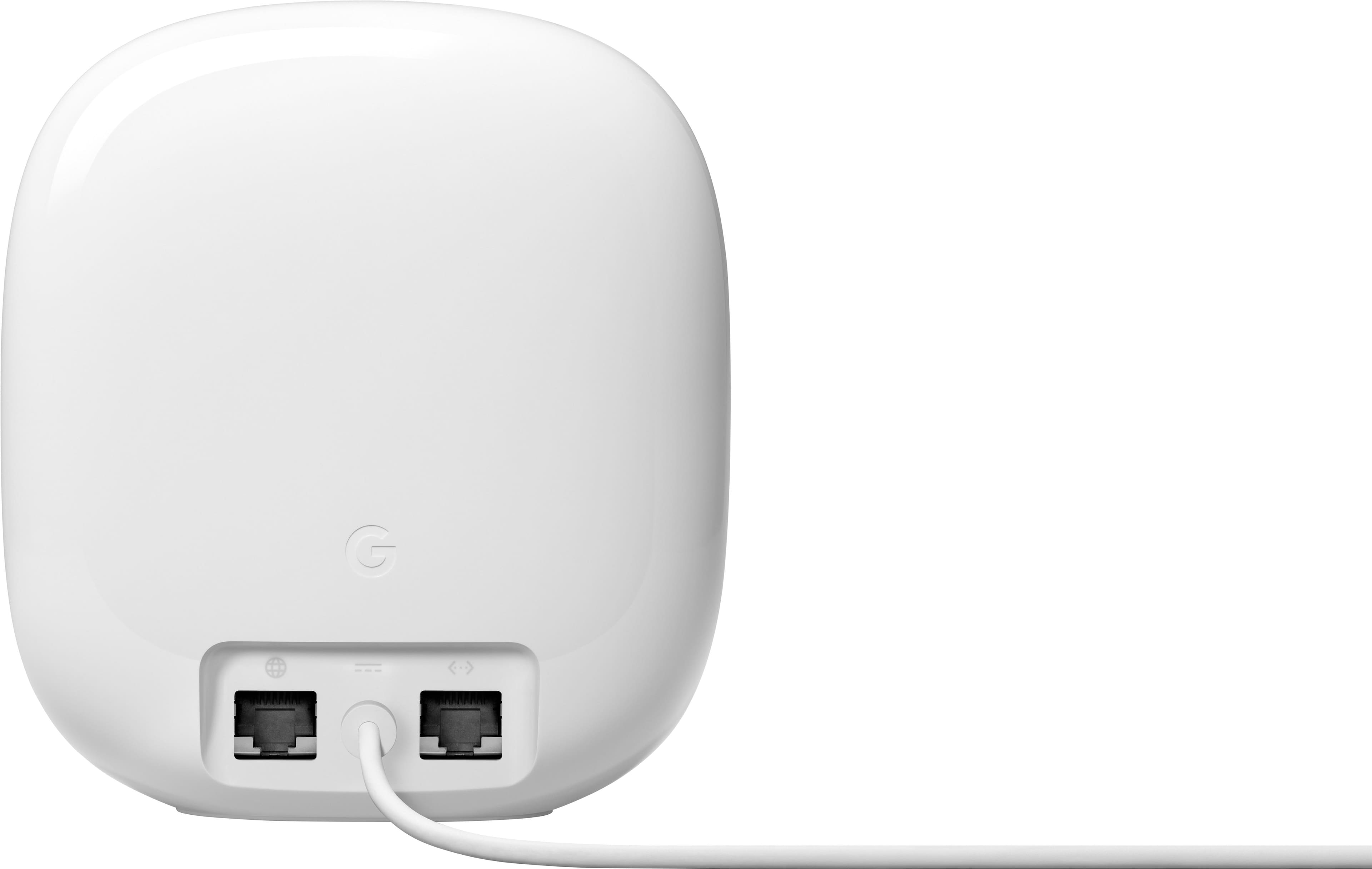
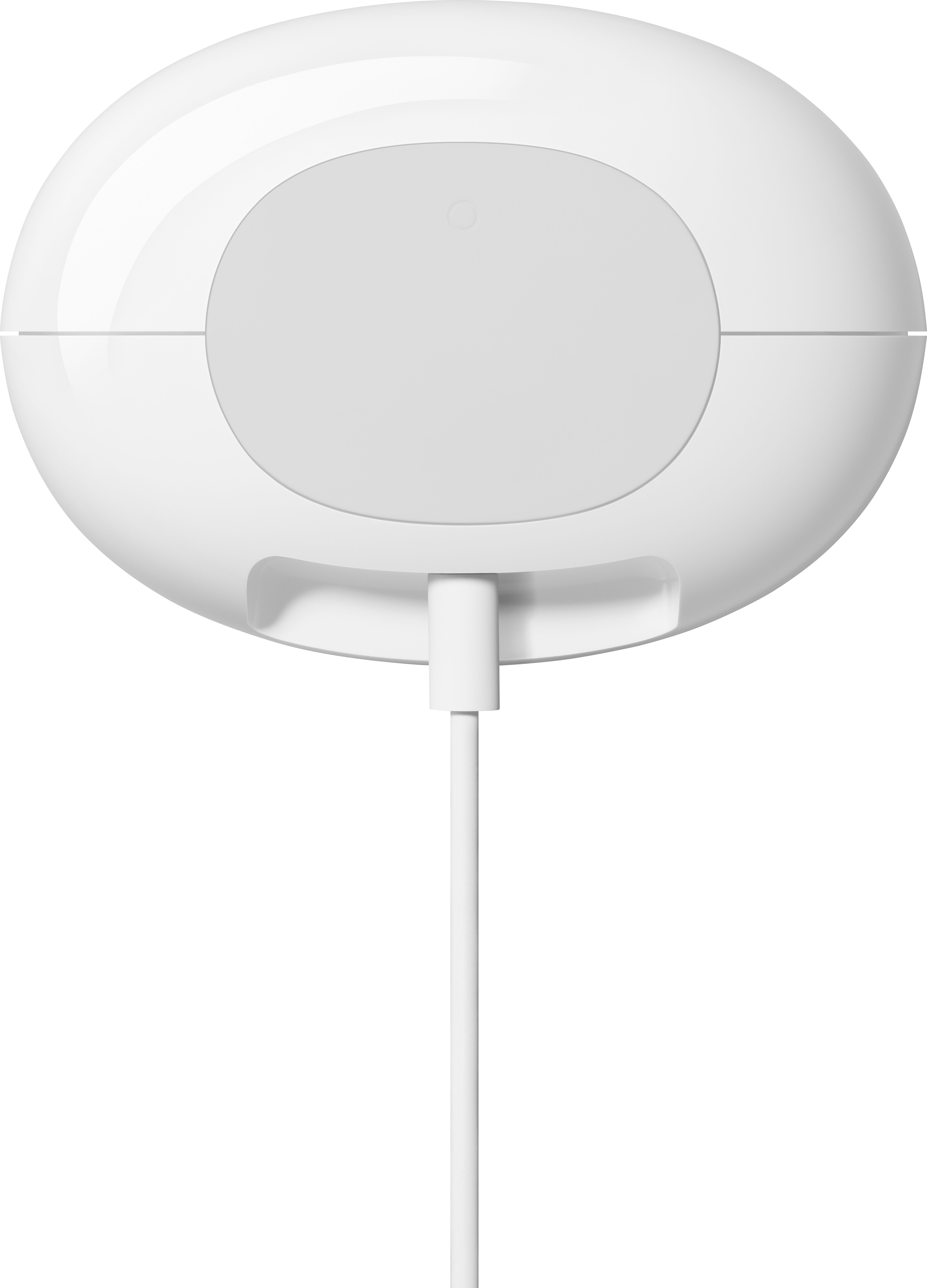
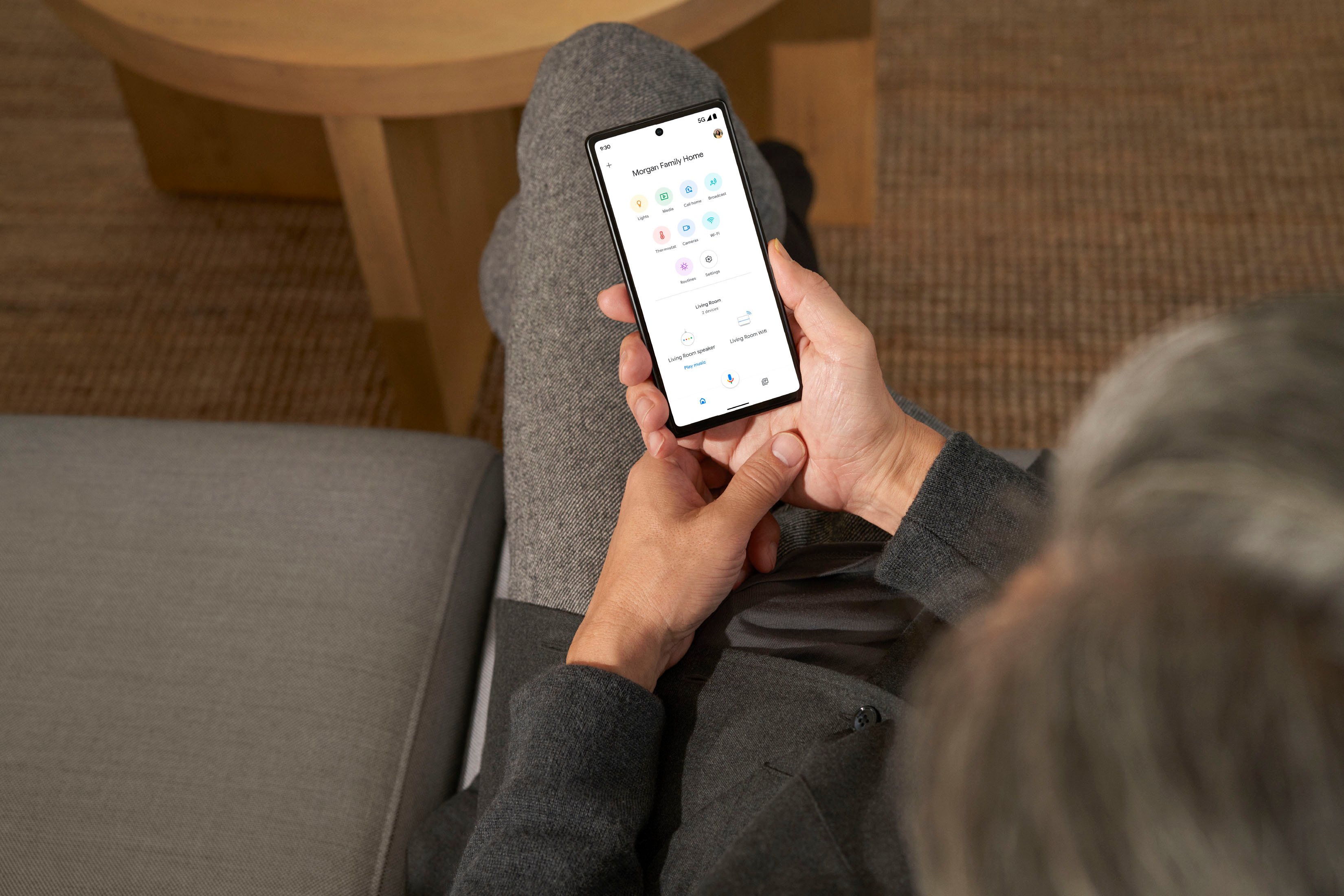
|Posted .This reviewer received promo considerations or sweepstakes entry for writing a review.The Google Nest Pro is a 6Ge tri-band mesh router. You get 2.4g, 5G and 6G bands and it covers 2200 square feet of space. You really don’t need any other router for your home. If you find dead spots, you need to know that this does NOT work with previous versions of Google Wifi or Nest Wifi. This router comes with a power adapter and Ethernet cable. It is very stylish and it does not look like your average router with all the antennas. It has a sleek modern design that blends in just about anywhere. This comes in four colors, but I find the Snow (white) works best for me making it blend in with its surroundings. If you have numerous devices that you want to plug this into, you will be disappointed. It has only 2 Ethernet ports and one of those is for hooking up to your modem. You will need an Ethernet splitter. Setup for this device is simple enough. You need to plug it into your modem and into an outlet. Next you will need the Google Home app and follow the on-screen steps to get this working. Internet speeds with this 6G router are great in comparison to the 5G router this is replacing. I had 300 mps Internet service and could not get above 201 mps with my old router. This router gives me well over 270 mps when doing a speed test. I have found that, when using multiple devices, streaming works much better than the old 5G did. For the price and ease of setup this is a great home router, especially for those looking to upgrade to Wifi 6e, and it doesn’t really look like it is a router sitting on my TV console. The upgrade from 5G to 6G is unbelievable…you can see a definite difference in the speed.
I would recommend this to a friend DO NOT BUY
||Posted . Owned for 1.5 years when reviewed.This reviewer received promo considerations or sweepstakes entry for writing a review.Worst google product! My entire eco system are google products (e.g., displays, chromecast, protect, etc.). DO NOT buy this product. After almost two years of trying to get it to work it still doesn't!! Google suggested I upgrade to gigabit internet, which I did and still nothing. Devices constantly drop and speeds are so slow.... Devices connected to ethernet via my switch work fine, but anything on wifi is terrible.
No, I would not recommend this to a friendBrand response from Google Nest Support
Posted .Hi Fredy. We're sorry to hear you're still having problems with your WiFi connection on your Google WiFi Pro devices. We want to help you find the most accurate solution to your concern, please contact us here at your convenience: https://support.google.com/googlenest/gethelp
Slower than the last Gen Nest Wi-Fi I replaced
||Posted .This reviewer received promo considerations or sweepstakes entry for writing a review.Slower than the last Gen Nest Wi-Fi I was replacing. returned immediately
No, I would not recommend this to a friendBrand response from Google Team
Posted .Hey there. We're sorry to see the Nest Wifi Pro did not work for you. We'd like to get additional input about the device when you get a second. Here's our survey: https://google.qualtrics.com/jfe/form/SV_2aStd8wsbcLGvwG
Google best routers
||Posted .This reviewer received promo considerations or sweepstakes entry for writing a review.Have first generation google routers , change it to this generation it exceed my expectations
I would recommend this to a friend- Pros mentioned:Ease of use
Good buy
||Posted .This reviewer received promo considerations or sweepstakes entry for writing a review.our house is spread out, we are getting way better wifi since installing which was very easy
I would recommend this to a friend - Pros mentioned:Overall performance
Disappointed Google Home user -buy a Eero instead
||Posted . Owned for 1 month when reviewed.This reviewer received promo considerations or sweepstakes entry for writing a review.I was so excited about getting the new Nest Wi-Fi Pro. I've used Google home products for several years and I couldn't wait to add this to my home setup. Sadly it was a huge disappointment. I went from having wired connections over 900Mb downloads on an older Orbi router to 220Mb (Speed test done via Fast.com and from the router built in Speed test. All test were done by a wired connection). I reported the issue and saw that Google was releasing a software update to address speed issue. However, the software update didn't help. I factory reset the device and still no change in performance. I went back to Bestbuy and exchange the Nest Pro (2Pack) for an Eero Pro 6e (2pack). I'm back to 900+ speeds and the Eero has a 2.5 Gb Ethernet port. Google really missed on this product for me. I really wish I had a different opinion but I highly recommend buying the Eero over the Nest.
No, I would not recommend this to a friendBrand response from Nest Support
Posted .Hi Mars770, we'd like to thank you for patiently waiting for the release of the new Nest Wifi Pro, and for being a loyal user of our Google Nest products. However, we're sorry to hear that you had to return it due to the slower connectivity speed. We appreciate that you had hoped to provide a better review under better circumstances. We're hoping you will still consider giving Nest Wifi Pro another shot in the future. We'll certainly do our best to provide you with a better experience the next time you use any of our Google Nest products. For any questions or support needs, please reach out to our support team here: https://support.google.com/googlenest/gethelp
- Pros mentioned:Ease of use
Google meag
||Posted . Owned for 2 weeks when reviewed.This reviewer received promo considerations or sweepstakes entry for writing a review.Works well easy to install. Looks great. Installed in less than 30 minutes easily.
I would recommend this to a friend