Customer Ratings & Reviews




- Model:
- GA03901-US
- SKU:
- 6520787
Rating by feature
- Setup
Rating 4.6 out of 5 stars
- Range
Rating 4.5 out of 5 stars
- Signal Strength
Rating 4.4 out of 5 stars
Customers are saying
Customers praise the product for its impressive speed, ease of use, and overall performance, which is significantly enhanced by its Wi-Fi six backhaul. Users also frequently highlight the excellent coverage, range, and signal strength, noting that the setup process is straightforward and the design is sleek. While the vast majority of feedback is positive, a small number of users reported occasional connectivity issues and concerns regarding compatibility with older hardware. Additionally, some customers feel that the product is somewhat expensive.
This summary was generated by AI based on customer reviews.
Would not recommend
||Posted . Owned for 9 months when reviewed.This reviewer received promo considerations or sweepstakes entry for writing a review.Was not impressed! Speed did not improve over my original Google WiFi. In fact it was slower
No, I would not recommend this to a friendBrand response from Google Nest Support
Posted .Hey there, Hogtastic. We’re sorry your experience with the Nest wifi Pro hasn’t been the best. We’d be happy to provide you with some tips on getting the most out of your device.
To improve your Wi-Fi speed, try one or more of these steps:
1. Move the connected device closer to your Wifi router or point.
2. Run a mesh test to confirm placement of your Wifi points. Try to move your router or point to a more open or unobstructed location and your router or points closer to each other.
4. Restart your network.
5. Contact your Internet Service Provider (ISP) to confirm your service is working properly.
Don’t hesitate to reach out to us anytime here: https://support.google.com/googlenest/gethelp?
Stay away from this crappy non-solution.
||Posted . Owned for 4 months when reviewed.This reviewer received promo considerations or sweepstakes entry for writing a review.Really awful devise. Network randomly shuts down. Indicator lights don’t change, just zero connectivity for several minutes. Happens almost daily if not more
No, I would not recommend this to a friendBrand response from Nest Support
Posted .Hello there. Thanks for the heads up about your Nest Wifi Pro. We understand this isn't ideal, and we'd like to help. Here's a link to some troubleshooting steps that might resolve the issue: https://support.google.com/googlenest/answer/13151717?hl=en&sjid=966214706007908695-NA
In case you need further assistance, don't hesitate to reach out to us: https://support.google.com/googlenest/gethelp
- Pros mentioned:Ease of use, Speed

Good WiFi router from Google
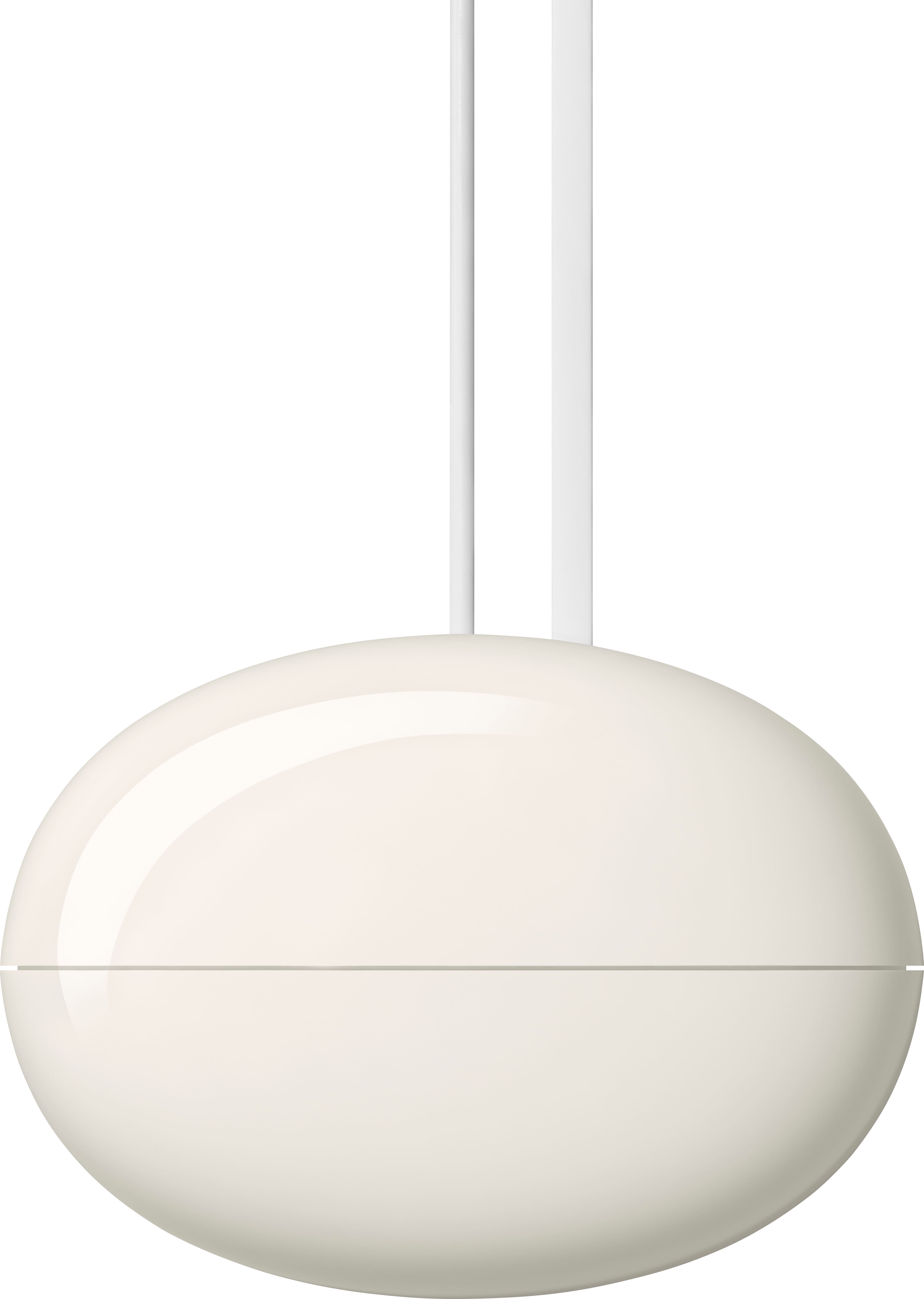
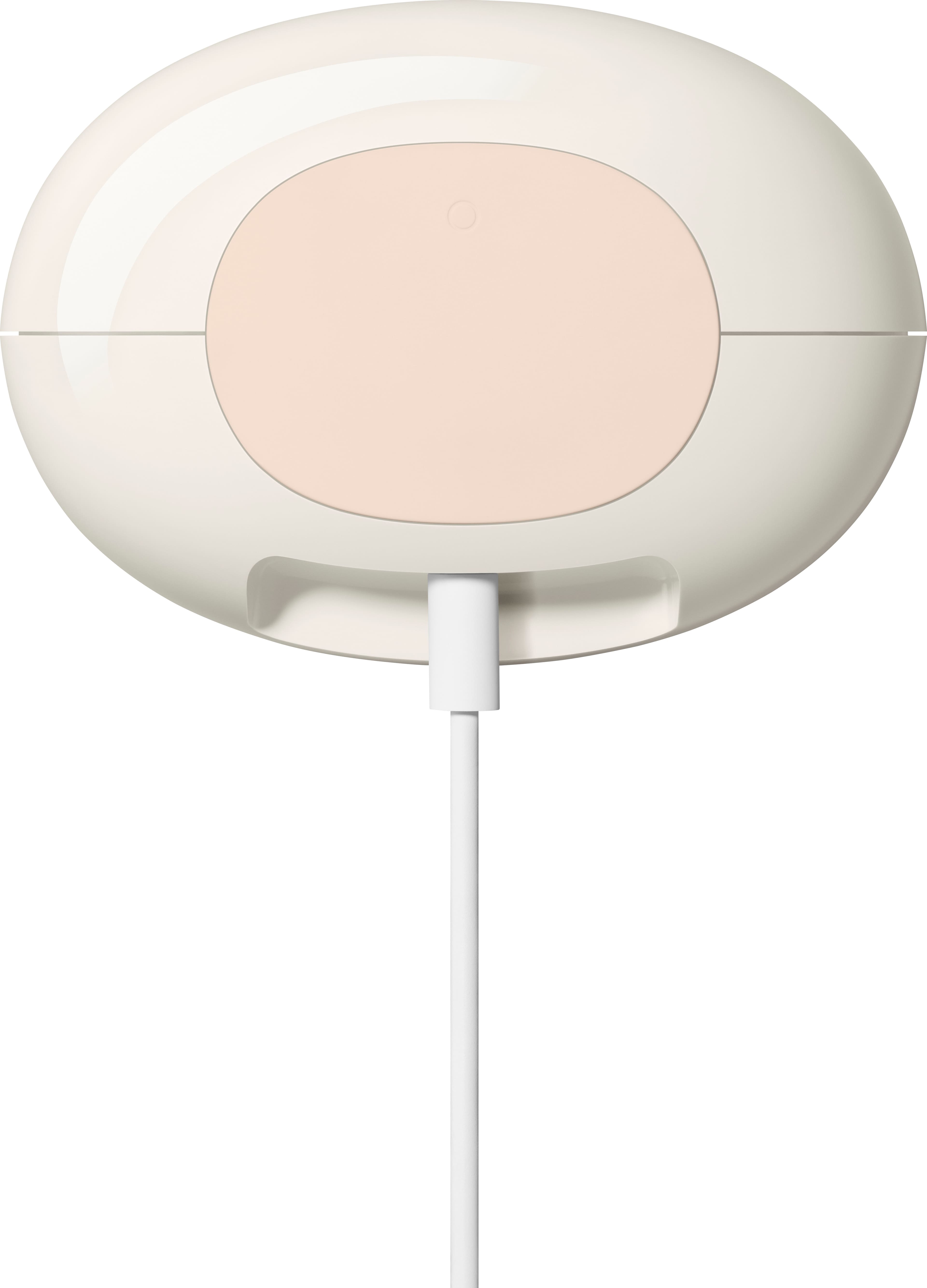
|Posted .This reviewer received promo considerations or sweepstakes entry for writing a review.The Google - Nest Wifi Pro Mesh Router is good router for connecting your devices to your network. The product comes in an easy opening box and packaging. The setup appears to be streamlined and would typically be super easy to setup. However, I ran into a slight challenge when setting mine up. The Google Home app allows you to scan the QR code that’s located at the bottom of the router. The bottom of the router is light gray and the QR code is a darker shade of gray. The camera viewer in the Google Home app was not able to focus and read the QR code. It would not focus and was blurry in the viewfinder. I have an iPhone Pro Max. I’m not sure if the cameras on my device was the issue, or if it would work better on another mobile device. Either way, I was not able to use that feature on my phone. There’s an option that will allow you to manually pair the router. It requires you to type in the paring code for the router. I was not able to read the code because it was engraved into the rubber pad at the bottom of the device. I had to take a photo of it with my phone and zoom in. Perhaps someone with really good eyesight would be able to read it. Once I got it paired, it was working fine. The speed is pretty good. It’s not as fast as some other router and mesh systems I’ve used, but it’s also better than some systems I’ve used that were not so great. I’d say it’s middle of the pack. You can also pair it with other Nest WiFi Pro Mesh Routers to create a mesh network. However, it does not work with previous generations of Google WiFi and Nest WiFi systems. The egg design is rather unique and looks different than many other routers out on the market. Overall, it’s a good router for your networking needs.
Brand response from Nest Support
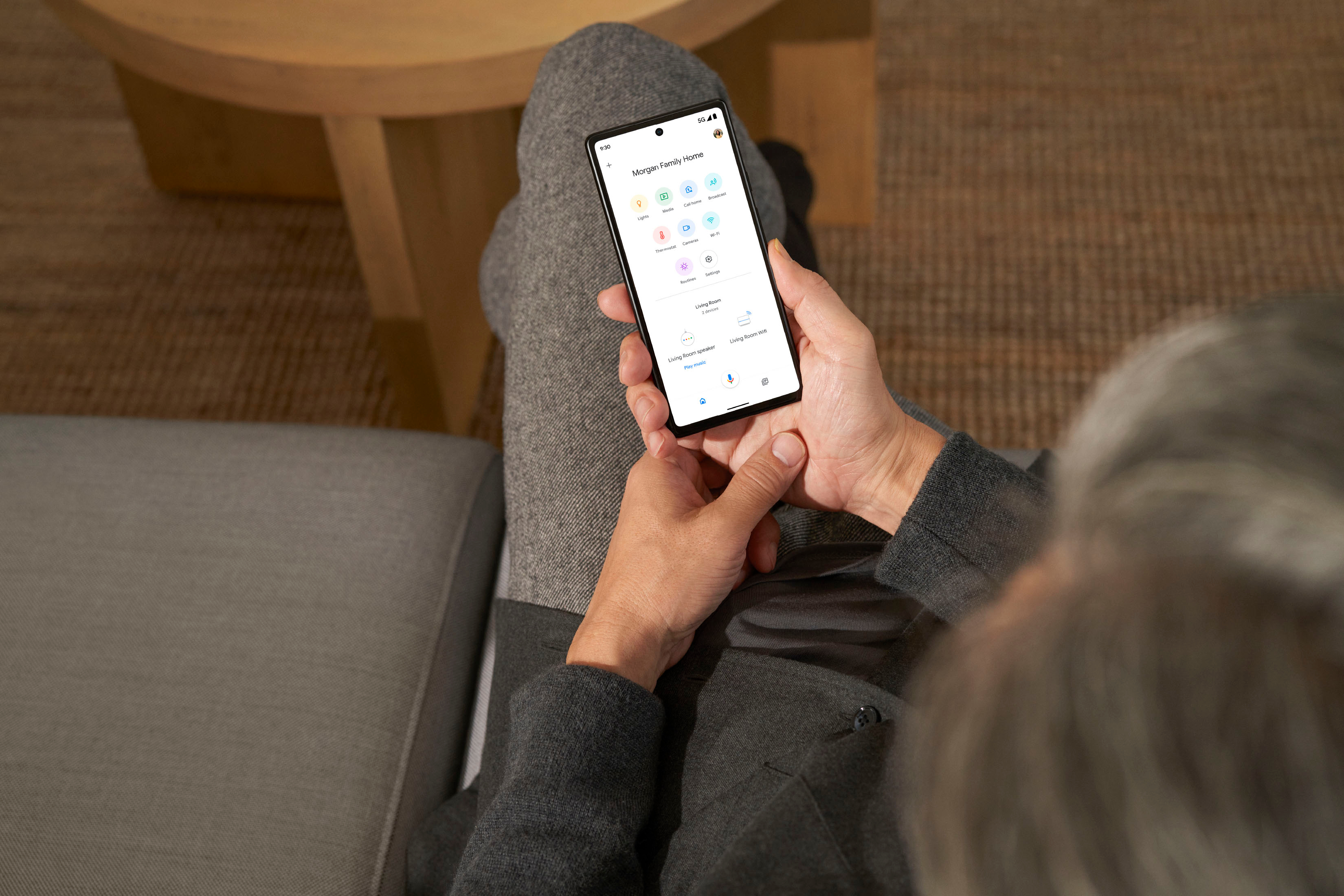
Posted .Hi CDF3, we appreciate your feedback on Nest Wifi Pro. We're sorry to hear that you ran into some issue, scanning the QR code of your Nest Wifi Pro. The Nest Wifi Pro is exclusive to the Google Home app because we wanted to create an integrated experience with our other Google Nest devices. We wanted to make the Google Home app as the one place you can control all your favorite Nest and other smart home devices with the Google Assistant, including some of the benefits you can get below:
- Automatic security protections such as Suspicious activity detection, 2-Step Verification and Security Checkup.
- Your Google Nest devices and services will work together.
- One account to sign into both the Nest and Google Home apps.
- Your homes and home members will be aligned across the Nest and Google Home apps.
Nest Wifi Pro (Wi-Fi 6E) can't be combined with Nest Wifi or Google Wifi (Wi-Fi 5) in a mesh network since it uses a third frequency band which previous generations of our Wifi device do not support. We'd like to help you with any other concerns or support needs you may be having with your Nest Wifi Pro. Please do not hesitate to contact our support team here: https://support.google.com/googlenest/gethelp
Google Nest Wifi AC2200 performs much better.
||Posted . Owned for 3 weeks when reviewed.This reviewer received promo considerations or sweepstakes entry for writing a review.Doesn't live up to it's hype. Had many performance issues and barely could handle my 10 devices. I had to rollback to my Google Nest AC 2200, which works great.
No, I would not recommend this to a friendBrand response from Nest Support
Posted .Hello, MasterAsia. Thank you for sharing your feedback on the new Nest Wifi Pro. We apologize for the fact that it did not meet your expectations. We value your experience with our products, and we would like to offer assistance to address your concerns. Our dedicated team of support specialists is available to identify the issue and provide you with the best possible help. We recommend reaching out to them for further assistance by visiting this link: https://support.google.com/googlenest/gethelp
No good
||Posted . Owned for 3 weeks when reviewed.This reviewer received promo considerations or sweepstakes entry for writing a review.Initially was great. A couple weeks later only problems. Slow wifi, losing settings, constant mesh problems. Not worth the money or the trouble setting it up. Setup was no joy either.
No, I would not recommend this to a friendBrand response from Nest Support
Posted .Hi JDM001, thanks for sharing your feedback with us. We're sorry to hear you encountered some problems with your Nest Wifi Pro. Nest Wifi Pro has a combined speed capability of up to 5.4 Gbps. Keep in mind that the combined speeds are total speeds across all bands, and are derived from IEEE Standard 802.11 specifications based on use of Wi-Fi 6 or later generation connected devices that support 160 MHz channels. Actual speeds will depend on your internet service provider, network conditions, connected devices, local regulations and environmental factors.
Overpriced
||Posted . Owned for less than 1 week when reviewed.This reviewer received promo considerations or sweepstakes entry for writing a review.Spent a few hours setting up in different locations. I was only getting 200m down with a gig fiber internet connection. Just get a nice router or ap
No, I would not recommend this to a friendBrand response from Nest Support
Posted ."Hey ZacharyG! We completely understand how excruciating this must be for you. Don't worry, we've got your back! We've put together some steps that can be incredibly helpful.
Definitely take a look at the linked article, and please remember, we're here for you every step of the way. If you need anything at all, or have even the slightest doubt, don't hesitate to reach out! https://support.google.com/googlenest/answer/6246489?hl=en-SG&sjid=12296912398770511450-NA";
Ping is horrible , BEST BUY service is worse .
||Posted . Owned for 1 month when reviewed.This reviewer received promo considerations or sweepstakes entry for writing a review.If you want to try this mesh network , buy it somewhere besides Best Buy , so you will have over 15 days to return it if doesn’t work out for you.
No, I would not recommend this to a friendThe Best
||Posted .This reviewer received promo considerations or sweepstakes entry for writing a review.Provides reliable and extremely fast wi fi. It’s a must have if you work from home.
I would recommend this to a friendSpotty wifi
||Posted . Owned for 3 months when reviewed.This reviewer received promo considerations or sweepstakes entry for writing a review.Google, your products keeps cutting in and out. I wish I didn’t spend $300 on your wifi. Your camera system isn’t that great either. Should’ve got Ring.
No, I would not recommend this to a friendBrand response from Nest Support
Posted .Hi there EdwardH, thanks for sharing your insights with us. It's unfortunate to hear about the connectivity issues you're experiencing and we're sorry to hear that both Nest Wifi Pro and our Google Nest cameras fell short of meeting your expectations.
Here are some recommended steps that may be helpful with the connectivity issues you are experiencing:
- Check your cables and connections.
- Restart your modem and Nest Wifi Pro Router.
- Check your configuration. In most cases, you don't need to change your network configurations because Google Nest Wifi devices use DHCP, a common internet connection protocol, by default. However, you might need to adjust the WAN settings in the Google Home app. If your Internet Service Provider (ISP) requires a different protocol than DHCP like PPPoE or uses Static IPs, then you may need to contact them.
- Perform a mesh test to confirm that your devices are working properly. You may visit this link for details on how to run the Mesh Test on your Nest Wifi Pro system: https://support.google.com/googlenest/answer/7620337
- Lastly, perform a factory reset on your Nest Wifi Pro mesh devices. To reset, follow the steps on this link: https://support.google.com/googlenest/answer/6246619
Your experience with our products is something we always value, and if you still experience the same connectivity issues, or if you need some additional help with your Nest Wifi Pro system, please feel free to reach out to us here: https://support.google.com/googlenest/gethelp
Fast
||Posted . Owned for 2 weeks when reviewed.This reviewer received promo considerations or sweepstakes entry for writing a review.Great connection and works well throughout the hosie with no issues at all
I would recommend this to a friendNot good
||Posted . Owned for 1 month when reviewed.This reviewer received promo considerations or sweepstakes entry for writing a review.It didnt boost my internet it actually lowered my internet speeds
No, I would not recommend this to a friendBrand response from Google Nest Support
Posted .Hey there, Scooby. We’re sorry your experience with the Nest wifi Pro hasn’t been the best. We’d be happy to provide you with some tips on getting the most out of your device.
To improve your Wi-Fi speed, try one or more of these steps:
1. Move the connected device closer to your Wifi router or point.
2. Run a mesh test to confirm placement of your Wifi points. Try to move your router or point to a more open or unobstructed location and your router or points closer to each other.
4. Restart your network.
5. Contact your Internet Service Provider (ISP) to confirm your service is working properly.
Don’t hesitate to reach out to us anytime here: https://support.google.com/googlenest/gethelp?
Wi-Fi upgrade..YES PLEASE!
||Posted . Owned for 1 month when reviewed.This reviewer received promo considerations or sweepstakes entry for writing a review.Needed a Wi-Fi upgrade to my home system.. This fit the bill perfectly!
I would recommend this to a friendVery unreliable.
||Posted . Owned for 6 months when reviewed.This reviewer received promo considerations or sweepstakes entry for writing a review.Very unreliable. Drops the connection multiple times a day.
No, I would not recommend this to a friendBrand response from Google Nest Support
Posted .Hey there, BenW. We hear your concern on not getting a more consistent connection. We’d be happy to provide some solutions to make sure your device is performing optimally:
1. Your device is far from your Wifi router — Often, moving your device closer to your router or point will result in improved speeds.
2. Building materials and other objects may slow your connection — If possible, try to use your device within a clear line of sight to your router or point.
3. Some devices do not support the faster Wi-Fi standards — Speed is dependent on both the router or point and the device that is connected to it. If you have an older device, it’s likely it won’t support the latest standards for the fastest speeds.
For more information, here’s a link: https://support.google.com/googlenest/answer/6246489?hl=en&ref_topic=9832041&sjid=1438060090272717156-NC#zippy=;
If you need any additional support, reach out to us here: https://support.google.com/googlenest/gethelp?
Works great in apartment
||Posted . Owned for 1 month when reviewed.This reviewer received promo considerations or sweepstakes entry for writing a review.I live in a old 1000 Square ft apartment and this is overkill
I would recommend this to a friendWould not buy again.
||Posted . Owned for 3 weeks when reviewed.This reviewer received promo considerations or sweepstakes entry for writing a review.Although my second Wi-fi router is not far from my main router, it continues to have a weak signal and disconnects frequently.
No, I would not recommend this to a friendBrand response from Nest Support
Posted .Hi there, ChristineA. Thanks for letting us know about the issue. We're sorry to hear that you're getting a weak connection between your Nest Wifi Pro Routers. Issues with signal strength between Nest Wifi Pro Routers may be affected by Wi-Fi interference like physical barriers which may cause the limited ranges and frequent disconnections. We recommend placing your Nest Wifi Pro routers within a line of sight of each other to get better signal reception. As a general rule, points and routers work best when they’re about 2 to 3 rooms apart. As an example, if the far end of your house has weak Wi-Fi, don’t put a Wifi point in that exact spot. Instead, put it halfway in that direction. Try to place it in an elevated position, like on a shelf. You may also add one or more Nest Wifi Points to improve the Wi-Fi coverage for your home. Please check out this help guide for more information: https://support.google.com/googlenest/answer/7182840
If the issue persists, you're more than welcome to reach out to our support team here: https://support.google.com/googlenest/gethelp
Bad product
||Posted . Owned for 2 months when reviewed.This reviewer received promo considerations or sweepstakes entry for writing a review.Wifi keeps dropping several times throughout the day. After some research, found that this is a common problem.
No, I would not recommend this to a friendBrand response from Nest Support
Posted .Hi there! We're sorry to hear about your experience with your Nest Wifi Pro, contact us to get help and get your devices back on track, we're happy to assist you: https://support.google.com/googlenest/contact/on_social_support_inquiry?sjid=14714463870365742871-NC
Useless
||Posted . Owned for 3 weeks when reviewed.This reviewer received promo considerations or sweepstakes entry for writing a review.Still can't get wifi past the room it's in.what more do u want me to say? Its mediocre
No, I would not recommend this to a friendBrand response from Nest Support
Posted .Hi Michael, thank you for your review. We're sorry to hear you're having trouble connecting to your Wi-Fi when you're far from the router. To extend your network's range and strengthen the signal, we recommend using an access point.
For more information on how to improve your network's range, please visit: https://support.google.com/googlenest/answer/7183150?hl=en&sjid=11355600692127929833-NC#zippy=%2Cplace-a-new-wifi-router-or-add-on-point
Good
||Posted . Owned for 3 weeks when reviewed.This reviewer received promo considerations or sweepstakes entry for writing a review.Works super good for a router! Have connection everywhere
I would recommend this to a friendGreat router, easy setup
||Posted . Owned for 1 week when reviewed.This reviewer received promo considerations or sweepstakes entry for writing a review.Easy to use and is much better than the optimum router.
I would recommend this to a friendAwesome
||Posted . Owned for 1 week when reviewed.This reviewer received promo considerations or sweepstakes entry for writing a review.fast wifi thanks google for nest pro deluxe 2600xt
I would recommend this to a friend