Customer Ratings & Reviews
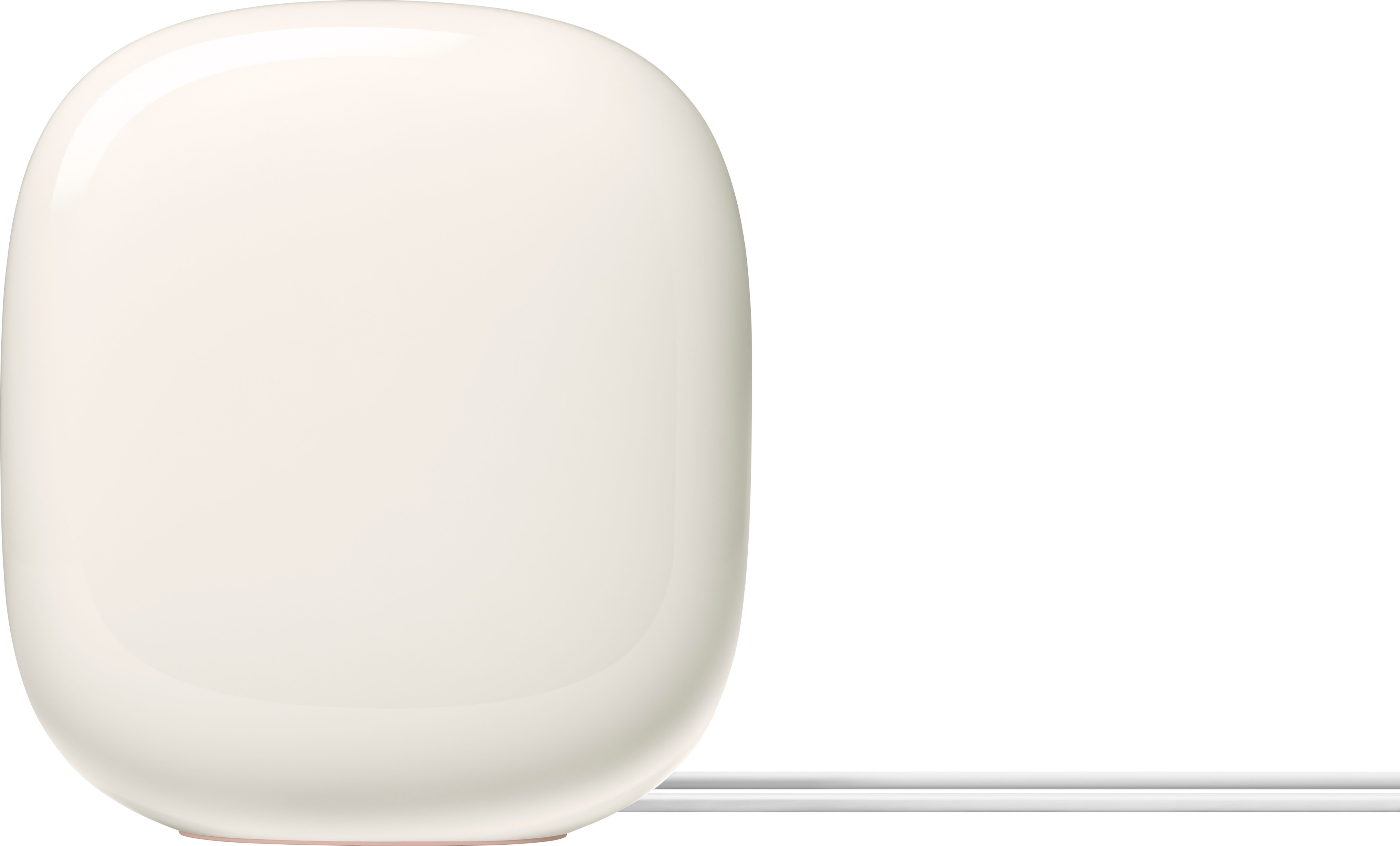
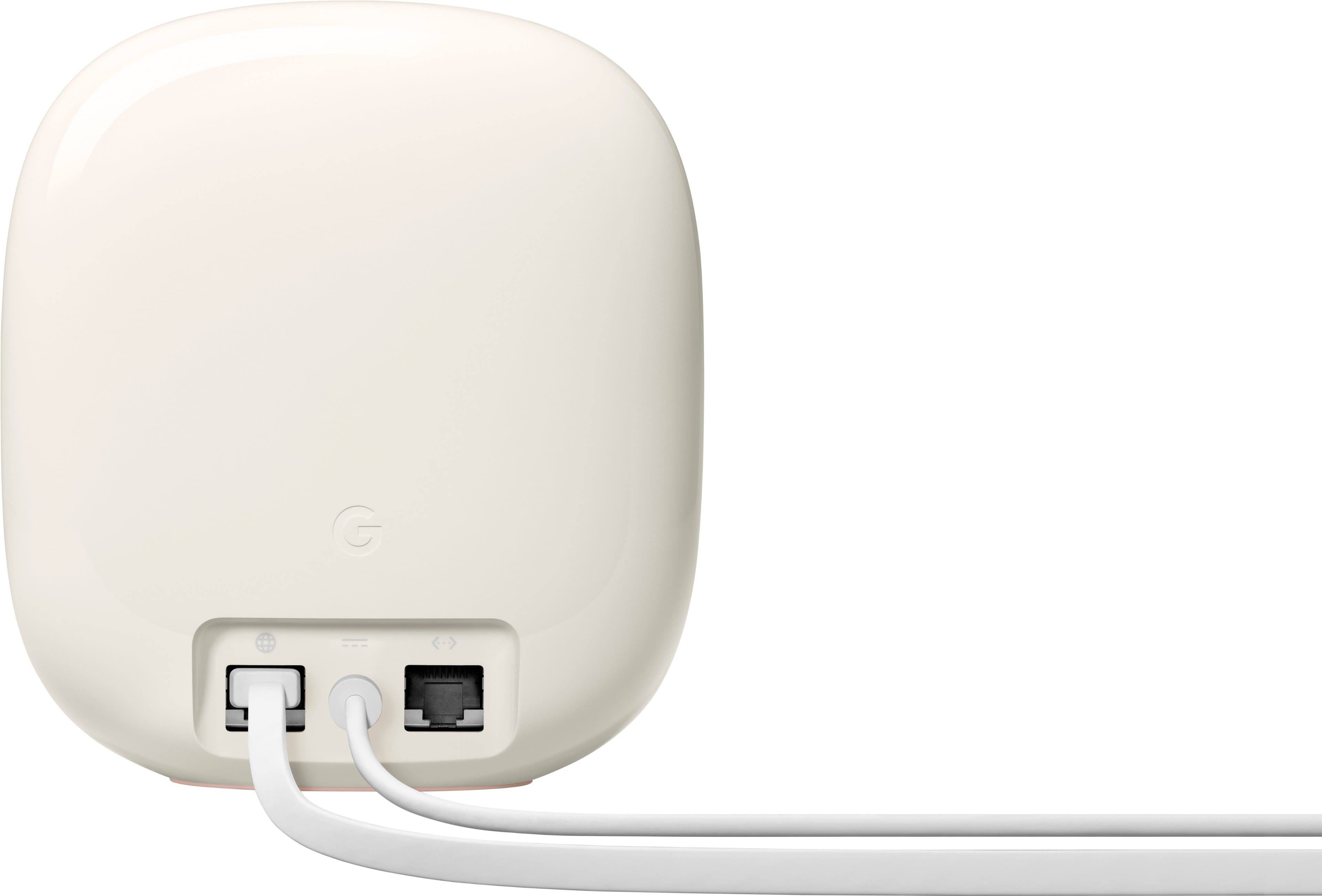

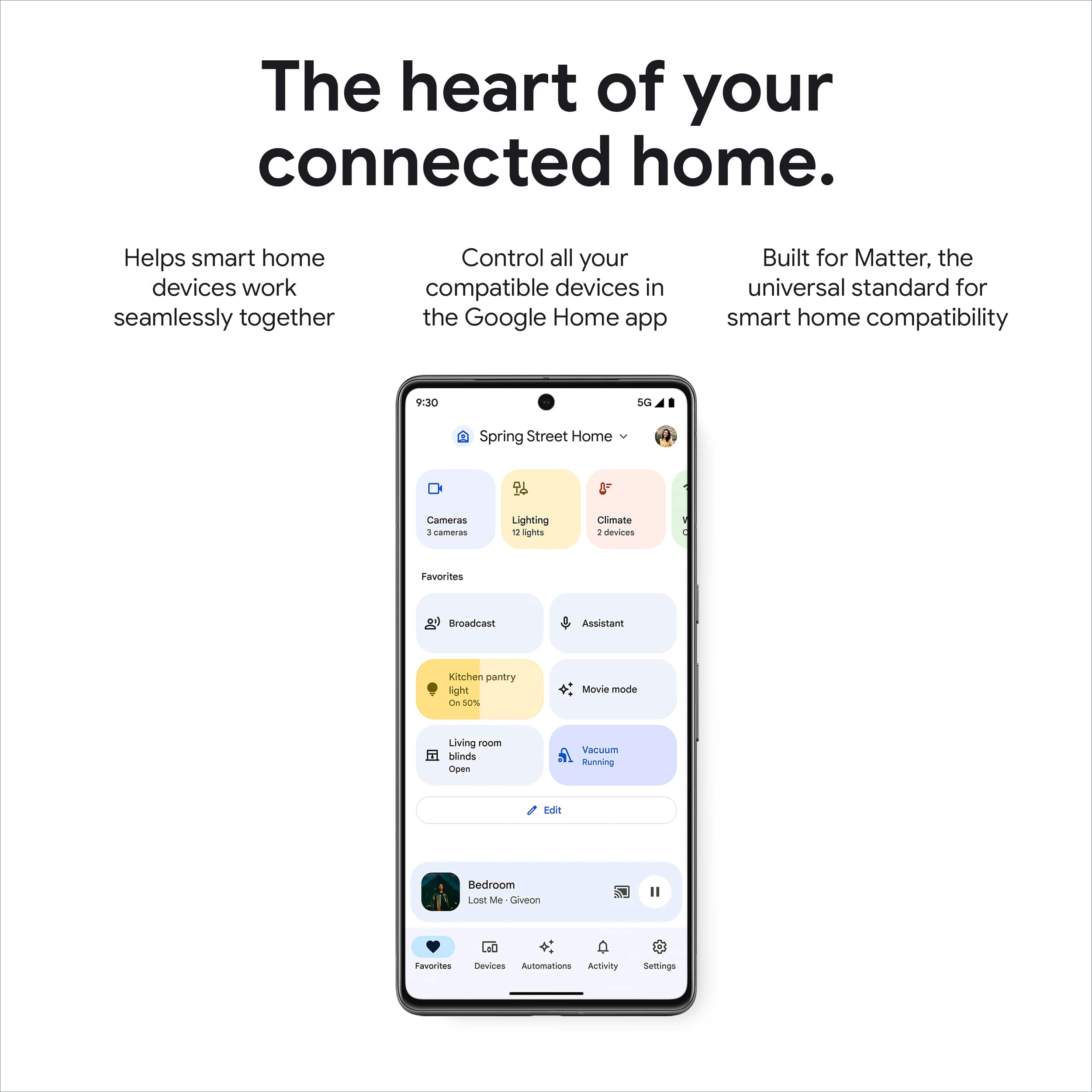

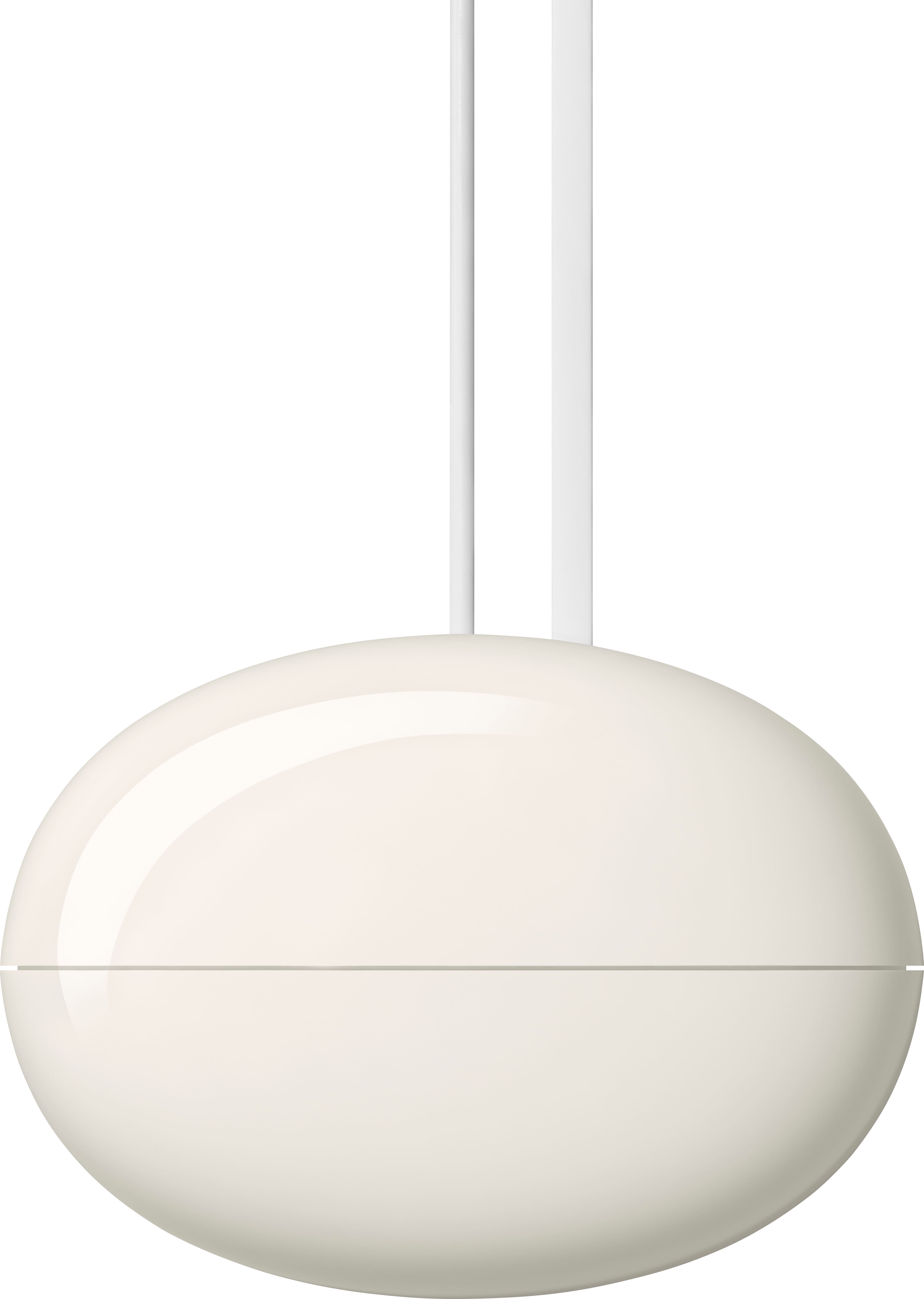





- Model:
- GA03901-US
- SKU:
- 6520787
Rating by feature
- Setup
Rating 4.6 out of 5 stars
- Range
Rating 4.5 out of 5 stars
- Signal Strength
Rating 4.4 out of 5 stars
Customers are saying
Customers praise the product for its impressive speed, ease of use, and overall performance, which is significantly enhanced by its Wi-Fi six backhaul. Users also frequently highlight the excellent coverage, range, and signal strength, noting that the setup process is straightforward and the design is sleek. While the vast majority of feedback is positive, a small number of users reported occasional connectivity issues and concerns regarding compatibility with older hardware. Additionally, some customers feel that the product is somewhat expensive.
This summary was generated by AI based on customer reviews.
???
||Posted . Owned for 1 month when reviewed.This reviewer received promo considerations or sweepstakes entry for writing a review.Doesn't work the way you explained it and wasn't as easy either. We are still trying to fix all our glitches.
No, I would not recommend this to a friendBrand response from Nest Support
Posted .Hello there, DRDK. We’re sorry to hear that your experience with the Nest Wifi Pro is below your satisfaction. We’ve taken note of your feedback as we’re committed to providing high-quality products and are continuously working to improve their performance and durability. In the meantime, we’d be happy to learn more about your situation further and explore potential solutions. You’re more than welcome to visit us anytime here: https://support.google.com/googlenest/gethelp

Open box
||Posted . Owned for 3 weeks when reviewed.This reviewer received promo considerations or sweepstakes entry for writing a review.I ordered a 3 pack and only received one. I’m usually a big fan of Best Buy but I’m not happy.
No, I would not recommend this to a friendBrand response from Nest Support
Posted .Hi there, BMike. We're sorry to hear that the Nest Wifi Pro you received was incomplete.This is not the experience we want you to have. We suggest reaching out to BestBuy so they can address this concern for you. If you run into any technical questions about the device, please don't hesitate to contact our team of specialists on the Google Nest Help page here: https://support.google.com/googlenest/gethelp
I Don’t recommend this product
||Posted . Owned for 2 months when reviewed.This reviewer received promo considerations or sweepstakes entry for writing a review.Doesn’t work properly the internet is intermittent you have to disconnect and connect back to keep having internet. I don’t recommend this product
No, I would not recommend this to a friendBrand response from Nest Support
Posted .Hi there, Moiali13. Thanks for the feedback you provided about the Nest Wifi Pro. We’re sorry to learn of your poor experience with its connectivity.
You may need to restart your modem, even if your modem appears to be working fine, to establish a secure connection to the Wi-Fi router/point as Wi-Fi signal and connectivity will still depend on other factors like interference, multiple devices using both bandwidths on your router and the older Wi-Fi chips on your devices that might not be able to support these speeds. If you're using a modem/router combo, set it in bridge mode and disable its Wi-Fi functionality to avoid double NAT issues.
We also suggest these simple steps that might help:
- Move the connected device closer to your Wifi router or point.
- Repositioning the points to avoid obstructions like walls, doors, and aquariums can improve performance.
- Make sure all unused devices are off and not draining bandwidth with large downloads.
- Check for possible sources of interference such as microwave ovens, refrigerators or other equipment.
- Run a mesh test to confirm placement of your Wifi points.
If the connectivity issue persists, please contact us anytime here for additional services and assistance: https://support.google.com/googlenest/gethelp
Very Disappointed
||Posted . Owned for 1 month when reviewed.This reviewer received promo considerations or sweepstakes entry for writing a review.Never really worked, in and out of range, speed was inconsistent. I returned it within 2 weeks.
No, I would not recommend this to a friendBrand response from Nest Support
Posted .Hi there, Mikep! It's unfortunate to hear that you had to return your Nest Wifi Pro. We're sorry for any inconvenience you may have experienced with the range and inconsistent speed issues you encountered. We're still hopeful that you will consider using any of Google Nest products again in the future. We'll do our best to provide you with a worthwhile experience the next time you try out any of our products. And if any question comes to mind, please feel free to contact us here: https://support.google.com/googlenest/gethelp
Dont recommend
||Posted . Owned for 1 month when reviewed.This reviewer received promo considerations or sweepstakes entry for writing a review.Not what i expected! Online games keep cutting off and wifi calling drops calls
No, I would not recommend this to a friendBrand response from Nest Support
Posted .Hi there, ChrisA. Thanks for your feedback on Nest Wifi Pro, and we’re sorry for the issues you've experienced with online gaming and Wi-Fi calling. We understand how frustrating it can be when your internet connection isn't performing as expected.
We'd love to help you troubleshoot and improve your experience. Here are some things we can try:
For online game disconnects:
- Visit a speed test website to confirm you meet the recommended requirements for online gaming.
- Identify devices using bandwidth. Use the Home app to see which devices are using the most bandwidth. Optimize by prioritizing your gaming device or temporarily stopping activities like streaming on other devices.
- Run a mesh test to confirm placement of your Wifi points.
For Wi-Fi calling drops:
- Check Wi-Fi signal strength: Move closer to your router or consider a Wi-Fi extender for better coverage.
- Disable VPN or other network interference: Sometimes, VPNs or other network tools can interfere with Wi-Fi calling functionality.
If the issues persist, please don't hesitate to contact our support team directly. Our representatives are available 24/7 to assist you with personalized troubleshooting and address any further concerns you may have here: https://support.google.com/googlenest/gethelp
Don’t buy this!!!
||Posted . Owned for 1 month when reviewed.This reviewer received promo considerations or sweepstakes entry for writing a review.Horrible! Integration doesn’t work. Could only get two of the 3 to connect at the same time!
No, I would not recommend this to a friendBrand response from Nest Support
Posted .Hi there Zoeswifi, we appreciate your feedback on Nest Wifi Pro. We're sorry to hear that you are unable to connect one of your points. Here are some recommended steps that you can try out:
- Check your cables and connections.
- Perform a sequential reboot. Restart your modem, router and point(s).
- Check your configuration. In most cases, you don't need to change your network configurations because Google Nest Wifi and Google Wifi use DHCP, a common internet connection protocol, by default. You might need to enter a PPPoE account name and password before the modem allows the Nest Wifi router or a primary Wifi point to access the internet. You can do this in the Google Home app's WAN settings.
- Call your Internet Service Provider (ISP).
- Factory reset your Wifi devices. Check out this link for more information: https://support.google.com/googlenest/answer/6246619
If you still experience the same issue even after resetting, we recommend reaching out to our support team for further troubleshooting and isolation here: https://support.google.com/googlenest/gethelp
Nop
||Posted . Owned for 1 week when reviewed.This reviewer received promo considerations or sweepstakes entry for writing a review.Definitely something is wrong with this router, worse performance than the previous version
No, I would not recommend this to a friendBrand response from Nest Support
Posted .Hi there Valo, thanks for your feedback. We're sorry to hear that you've been experiencing a performance issue on Nest Wifi Pro.
Nest Wifi Pro has a combined speed capability of up to 5.4 Gbps. Keep in mind that the combined speeds are total speeds across all bands, and are derived from IEEE Standard 802.11 specifications based on use of Wi-Fi 6 or later generation connected devices that support 160 MHz channels. Actual speeds will depend on your internet service provider, network conditions, connected devices, local regulations and environmental factors. If the issue seems to be related to factors, other than the ones we highlighted, we recommend contacting our support team here: https://support.google.com/googlenest/gethelp
- Cons mentioned:Connectivity
I would wait
||Posted . Owned for 1 month when reviewed.This reviewer received promo considerations or sweepstakes entry for writing a review.I have noticed a lot of connectivity issues since transitioning to these. Would not recommend unless they address the issue. I had no issue with the previous version, but wanted to capture the 6 band. I would certainly wait in retrospect.
No, I would not recommend this to a friendBrand response from Nest Support
Posted .Hi yroc, we appreciate your feedback on the new Nest Wifi Pro. We're sorry to hear that you have been experiencing connectivity issues since you transitioned from your previous Google Nest Wifi system. If you're willing to try, we recommend checking if your Nest Wifi Pro has the latest firmware version by simply going to the Google Home app and following the steps below:
- Open the Google Home app.
- Touch and hold your Nest Wifi Pro device's tile.
- Tap Settings > and then Device information.
- Under ""Technical information,"" check for the firmware version.
- The firmware version should be 1.63.324946 or higher.
Your device should automatically download the update via an Over-the-Air (OTA) update. However, if the firmware version is older or has a lower version than the one above, we recommend removing some of the connected devices in your network to free up some bandwidth space. Your Nest Wifi Pro should be updated after sometime. For additional help needed with your Nest Wifi Pro, our support team would be happy to help you further here: https://support.google.com/googlenest/gethelp
Died in first power failure
||Posted . Owned for less than 1 week when reviewed.This reviewer received promo considerations or sweepstakes entry for writing a review.Second set of these that has dies during a power failure. Never again.
No, I would not recommend this to a friendBrand response from Nest Support
Posted .Hello there, Phabphour20. We’re sorry to hear about your experience with the Nest Wifi Pro. We hear your concern and have taken note of your feedback. If you have questions or concerns, should you want to try any of the Google Nest devices or the Nest Wifi Pro again in the future, you’ll find our support team ready to help you here: https://support.google.com/googlenest/gethelp
Works sometimes
||Posted . Owned for 2 months when reviewed.This reviewer received promo considerations or sweepstakes entry for writing a review.It's a very disappointing mesh router. Considering returning.
No, I would not recommend this to a friendBrand response from Nest Support
Posted .Hello there, Billy. We appreciate you for posting a review about the Nest Wifi Pro, and we’re sorry to hear it’s a disappointment for you. We’d like to know more about your challenges with using the device so we can help. You’re more than welcome to contact us anytime here: https://support.google.com/googlenest/gethelp
Not worth the upgrade from last gen
||Posted . Owned for 2 weeks when reviewed.This reviewer received promo considerations or sweepstakes entry for writing a review.Horrible I gotvtye 2nd gen and it works better then this one
No, I would not recommend this to a friendBrand response from Nest Support
Posted .Hello there, Sergiob79. Thanks for leaving feedback about the Nest Wifi Pro, and we’re sorry to hear that your experience is below your expectations. We’d like to know more about your challenges with using the device so we can help. You’re always welcome to contact us here: https://support.google.com/googlenest/gethelp
Poor
||Posted . Owned for 3 weeks when reviewed.This reviewer received promo considerations or sweepstakes entry for writing a review.Poor poor poor poor poor poor poor poor poor poor poor poor
No, I would not recommend this to a friendBrand response from Nest Support
Posted .Hello there, ChristopherR. Thank you for sharing your feedback regarding the Nest Wifi Pro. We apologize for the unfortunate experience you had, and we appreciate your willingness to provide more details about the issue you're facing. Our support team is here to assist you and provide you with the best help possible. Please don't hesitate to reach out to us using this link: https://support.google.com/googlenest/gethelp
- Pros mentioned:Speed

Stylish, general purpose Wi-Fi 6E Mesh router
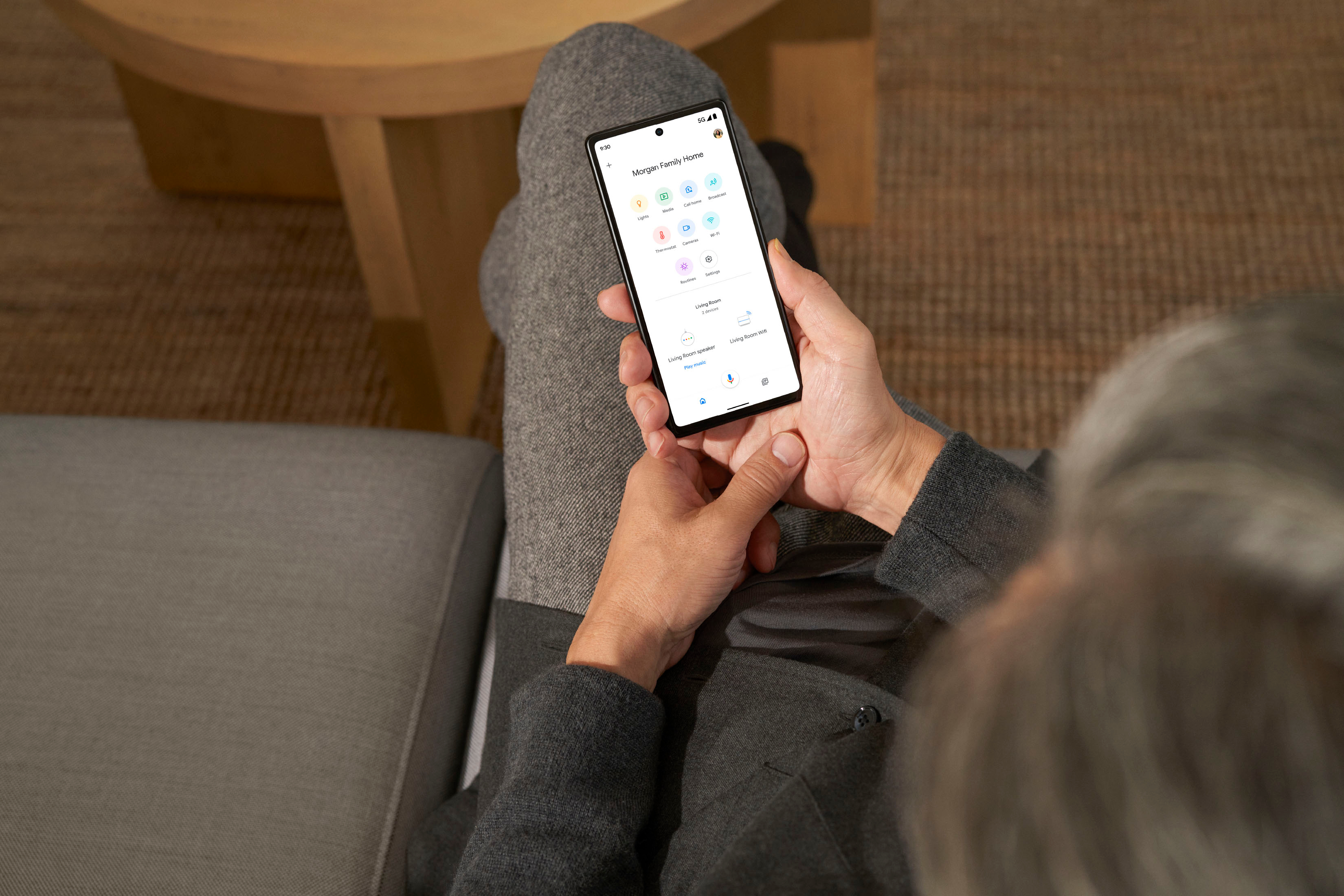
|Posted .This reviewer received promo considerations or sweepstakes entry for writing a review.The Google Nest WiFi Pro is the second Wifi 6E router I got to try looking to maximize WiFi speed and coverage in my 3-level home. I connected it to the Gigabit fiber Internet and was able to do the basic setup using the Google Home App 2.60.x on my Android phone. I set it up with the same SSID and passphrase I had on my old router so my 30+ Wi-Fi devices don’t have to be reconfigured. The setup went smoothly through the Home App but if you're like me and prefer manually tweaking the more advanced networking features, it would be nice to still access them via a web browser instead of just a smartphone App, but this is not your typical router plus most vendors are now going the way of the App setup. The ISP provided router was only WiFi 5, so upgrading to WiFi 6E makes a huge difference. For my main tests I used a Samsung Galaxy S21 Ultra running the latest patch level of Android 12. Normally for testing purposes, I like to test each band separately with its own SSID for 2.4 GHz, 5 GHz and 6 Ghz respectively, but I could not find a way to do that as it seems the App does not offer that option, instead it bundles them all together and it will decide for you. Moreover if you need to add another unit to the Mesh, it only uses the 6 Ghz band which has the shortest range, so it may have to be installed relatively close within 50ft or less to the main node depending on walls/furniture/other obstructions. I only have the one node version, so Mesh results may vary. Best results were obtained in the same room as the router because WiFi 6E works best the closest you are. I got an impressive 815 Mbps download speed. One floor above and about 20 feet over, the download speed was slashed in less than half coming in at 375 Mbps. I also ran multiple speed tests from Ethernet wired win10 and win11 PCs and got ~ 910 Mbps down. Those were very good results but not the fastest I’ve seen compared to all other routers I’ve tested in recent months. From a security perspective, it supports WPA 3, and comes with a number of security and parental control features that allow you to group devices and pause or schedule Wi-Fi service or block explicit content. You can also very easily set up a guest WiFi network, so you don’t have to share your WiFi passphrase with visitors. There are a few missing features that may not matter to everyone, but other routers in this price range certainly offer. For example, there is no USB 3.0 port that you could use to share files from an external USB hard drive or thumb drive to other devices on your home network and even over the Internet with the correct network security settings (use/pay for Google Drive instead?) Also, there is only one LAN Ethernet port, so if you have more than one wired device, you’ll have to add a network switch. Moreover the WAN port is only 1 Gbps, so not future proof for those multi-gigabit ISP connections. In conclusion, this Google Nest WiFi Pro router is a well performing and aesthetically smooth device about the height of a soda can and it comes in 4 different colors. It is very easy to set up using the smartphone Home App and suitable for streaming, video conferencing and all other general Internet use. Coverage can also be expanded with the built-in Mesh technology.
Brand response from Nest Support
Posted .Hi there SUHD, thanks for sharing a detailed review on the Nest Wifi Pro. We appreciate you taking the time to inform us on the features that we can improve on.
Nest Wifi Pro has a combined speed capability of up to 5.4 Gbps. Keep in mind that the combined speeds are total speeds across all bands, and are derived from IEEE Standard 802.11 specifications based on use of Wi-Fi 6 or later generation connected devices that support 160 MHz channels. Actual speeds will depend on your internet service provider, network conditions, connected devices, local regulations and environmental factors.
Also, your insight on how the Nest Wifi Pro manages the frequency band is correct. Google Nest Wifi and Google Wifi devices keep it simple by automatically directing your devices to use the band that gives them the best Wi-Fi. All radio bands are active simultaneously. Based on the device capabilities and network conditions, Nest Wifi and Google Wifi attempt to select the band that will deliver the best performance for your device. We realized that a lot of our customers have a hard time managing the features of their Wi-Fi mesh system, and Nest Wifi Pro and all our Wifi mesh devices perform the hard work for you. However, we value your feedback and we'll take them into consideration with future features and iterations of our Nest Wifi devices.
For any other support needs you may be having with Nest Wifi Pro, we recommend contacting our support team so we can assist you. Please feel free to contact us here: https://support.google.com/googlenest/gethelp
This was a disappointment
||Posted . Owned for 1 week when reviewed.This reviewer received promo considerations or sweepstakes entry for writing a review.Have been using the first gen google wifi since it came out with an etherner backhaul. Had one corner of the house with a spotty connection so Upgraded the main point to second gen nest wifi and kept the other 3 pods. Worked great for years. Saw this 3rd gen thinking it will he an upgrade but was totally let down with the range. This had worse range than first gen wifi. Hence the return and purchases 2 more nest 2nd gen routers and no more dead spot.
No, I would not recommend this to a friendBrand response from Nest Support
Posted .Hi GadgetMan24, we really appreciate your feedback on Nest Wifi Pro, and it’s unfortunate to hear it didn’t work well. We can imagine your excitement for the new version, and we’re sorry to hear it fell short of your expectations. We understand that you’ve returned them for the previous versions, and it’s good to know that your connection is now optimal. If you come across any concerns around the performance and functionality of the Nest Wifi, or for any questions about the Nest Wifi Pro should you want to try it again the future, let us know by contacting us here: https://support.google.com/googlenest/gethelp
- Pros mentioned:Ease of use, Speed
Easy Setup with consistent speeds
|Posted .This reviewer received promo considerations or sweepstakes entry for writing a review.This product is very easy to setup. You do have to use google home to setup this up, but that wasnt an issue for me since I have other google products that use this app. It took all of 5 minutes to plug it in, connect to my cable modem, and create a wifi name and password. It also looks to be pretty easy to add additional devices to expand coverage. I live in a ranch home that is about 2,000 square feet. My cable modem is on one end in a bedroom. This device is able to cover my whole home, garage and basement without an issue. I'm currently using the mesh network for TVs, computers, and cell phones and had no issues with streaming videos, games, or calls. I do like the design of the wi-fi router as its basic and will blend in with the room. If you have a large home, I recommend looking for additional mesh routers to connect to this one. This will then give a good coverage area throughout your home. If you plan to hard wire your computers and other devices to the router, this may not be for you. There is only one hardwire connection the rest need to be wireless. My computers and TVs are not close enough to hardwire so I just use wifi. The download and upload speeds are consistent with no dropouts. Overall, this is a nice looking easy to setup device.
I would recommend this to a friend Awful Nest Pro6e
||Posted .This reviewer received promo considerations or sweepstakes entry for writing a review.First lets talk set up - tried two iphone's 3d barcode would not scan- then manually entered device code to set up alternatively. Each of the three devices failed to add and each had to be restarted until eventually they were set up. Set up is awful but they seem to be OK.
No, I would not recommend this to a friendBrand response from Nest Support
Posted .Hi JoshC, thanks for letting us know about the issue. We're sorry to hear that you had a harder time setting up your Nest Wifi Pro devices. It is great to hear that you were able to set them up eventually. However, if you still need some help with the features of your Nest Wifi Pro, you can count on our support team. We'd be more than happy to assist you by simply visiting us here: https://support.google.com/googlenest/gethelp
- Pros mentioned:Ease of use
Worthy Upgrade to the Google Nest WIFI Line
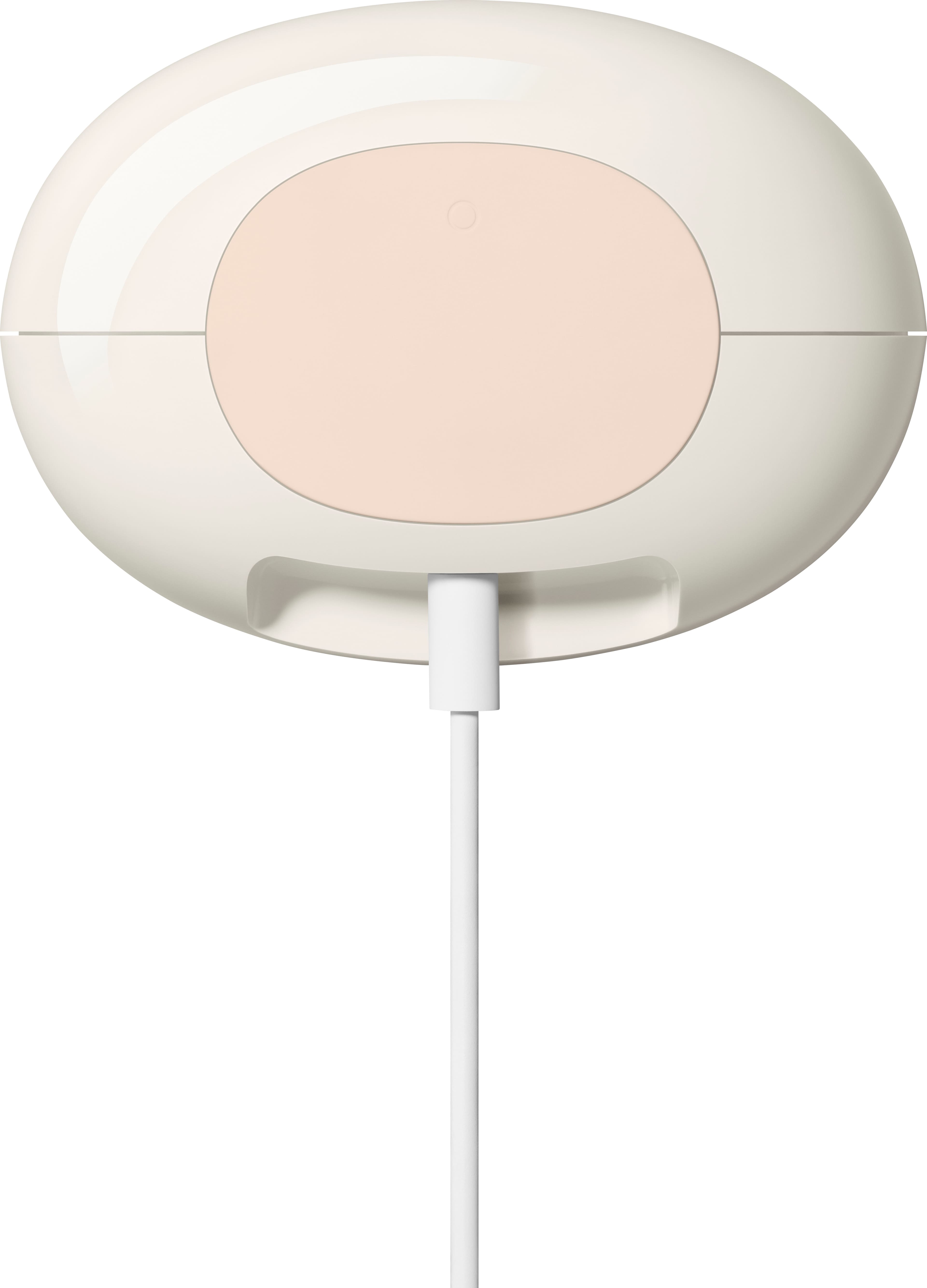
|Posted .This reviewer received promo considerations or sweepstakes entry for writing a review.The Google Nest Wifi Pro is the next in the line of the Google Nest WiFi mesh devices. It's good to see a relatively affordable AXE capable mesh system especially one with the support of Google behind it. To start, it's in the same low impact white box that most Google products come in, which is good to see honestly. The exorbitant packaging of some of the competitors in this area is just unneeded and a waste of materials. Upon opening you're met with a small and unassuming device, smaller than most AXE routers of similar capability (honestly I was shocked at the physical size of many of them). It comes in a few different colors and doesn't look like the spider-esque monstrosities that are commonly available in the performance home router segment. This is important because a lot of people hide routers away in cabinets and other places simply because they are so ugly unless you're a tech person with a flare for the robotic dramatics that much of them look like. The way it looks allows you to really put it anywhere and give your home the best access to WiFi (especially the 6GHz band as the higher you go in the bands the more difficult it is for them to pass through doors, floors and walls (and furniture if you're trying to hide it away). Upon setup it's very straightfoward, the setup is performed through the Google Home app and is detected automatically. It has two ethernet ports (one for WAN, one for LAN) as is common in these mesh devices of a certain size. If you need more, a simple switch can help. In terms of capabilities, it's capable of the AXE protocol suite, which, if you're keeping track at home means WIFI 6E. This is important as it contains all of the 2.4GHz and 5GHz capabilities of AX and earlier devices, with the newer 6GHz spectrum if your device supports it. Many new devices (including a lot of motherboards currently being released for the newest processors) come capable of WIFI 6E out of the box. The router is capable of both Matter and Thread smart home mesh technologies should you have devices capable of it. Matter is an important feature as, shockingly, many of the biggest names in smart home devices have collaborated in creating a standard together so we can get away from so many competing and incompatible technologies. The parental controls are blessedly included and free of charge unlike certain competitors, although they are just a bit on the basic side. For performance, I had no issues, speaking of those new motherboards, I just built a new PC with AXE capability and it connected easily and at great speed. Keeping in mind again that the 6GHz band while faster, does not pass through walls and floors as easily as I previously mentioned. What's missing? For it to be AXE capable, it's a bit of a disappointment that the WAN is not multi-gig capable. While most home users dont even have 1 gig fiber, much less multi-gig, they've built in a bit of obsolescence in this device by neglecting that. If they allowed for link bonding that would help, but then you'd lose a port usable for a LAN connection. Final thought, if you're in the market for an AXE/WIFI 6E capable mesh network with a ton of features and doesn't look like a monster from a scifi movie, this is the one for you. I easily recommend it.
I would recommend this to a friendBrand response from Nest Support
Posted .Hi Beradon, thanks for your time writing a review. We're sorry to hear about your disappointment with the Nest Wifi Pro's WAN port. We appreciate your input in helping us understand our customers' needs and preferences better, and we'll make sure to pass it along to our teams as we're always working to improve our products and services. For other questions or concerns, feel free to contact our support team here anytime: https://support.google.com/googlenest/gethelp
Not Worth the Purchase
||Posted . Owned for 1 month when reviewed.This reviewer received promo considerations or sweepstakes entry for writing a review.Attempted to utilize for a couple of weeks and download speeds on the device would never get to the levels that they should have. Purchased an eero pro 6e instead and have been satisfied ever since.
No, I would not recommend this to a friendBrand response from Nest Support
Posted .Hello remax08, thanks for sharing your feedback with us. We appreciate you for trying out the Nest Wifi Pro, and we’re sorry to learn it didn’t meet your expectations. We understand that you’ve purchased a different WI-Fi system, but if you’re willing to give Nest Wifi Pro another try in the future, please know that our dedicated team of support is always here to provide you with services and assistance: https://support.google.com/googlenest/gethelp
- Pros mentioned:Setup, Speed
Amazing Wifi coverage and Speeds !!!!!!!!
Posted .This reviewer received promo considerations or sweepstakes entry for writing a review.I am very happy with the upgraded Nest Wifi pro. I have a Large 2 level home with lots of walls and our garage is very far away from our modem. We also have a ton of smart home products. Our current mesh system wasn't quite getting the job done. The Nest Pro 6e solves all our issues. It was super easy to set up. Im getting great speeds everywhere in the house. I am also getting good connection in my garage and my backyard. I am so happy!!!!!! Thank you Google for improving my life . You hit this out of the Park.
I would recommend this to a friend Good Looking Router and Easy Setup
|Posted .This reviewer received promo considerations or sweepstakes entry for writing a review.Immediately out of the box I was impressed with the Google Nest Wi-Fi Pro router. The packaging was well done but more importantly, right when you open it and see the router, it looks cool! The outer shell is smooth with minimal things to bring attention to it. You could put in a family room and have it sit on an end table and it would barely be noticed. There are no antennas or flashing lights and it is not overbearing at all. Setup was extremely simple. I plugged the necessary cables into the router and as it powered up, I downloaded the google home app. It walked me through setting up the router and within about 6 or so minutes, I was up and running having replaced my other one and using the same network name. It immediately began seeing my devices in the home from printers to streaming devices to phones and each of them connected and work just like they had previously without any issues. For it being a relatively small router with only one little light on the front, it works extremely well from a connectivity perspective. My home is just at about 2200 square feet and I had a good signal at the furthest points away from it. Additionally, I have future proofed my home so to speak as this router has Wi-Fi 6E built in. Although many new products are just now coming out with the ability to take advantage of it, you will start to see more 6E (also known as 802.11 AX) compatible devices coming to market in the near term. Additionally, should I need to broaden the signal due to distance or walls, etc. I can add additional ones to make sure I have no dead spots. It has many of the features you would expect a router to have, you can create a guest network, pause devices if you need to control your kid’s surfing activity, as well as prioritize certain signals such as video calls and gaming. I am very happy with this router and would absolutely recommend giving it a try.
I would recommend this to a friend