Customer Ratings & Reviews
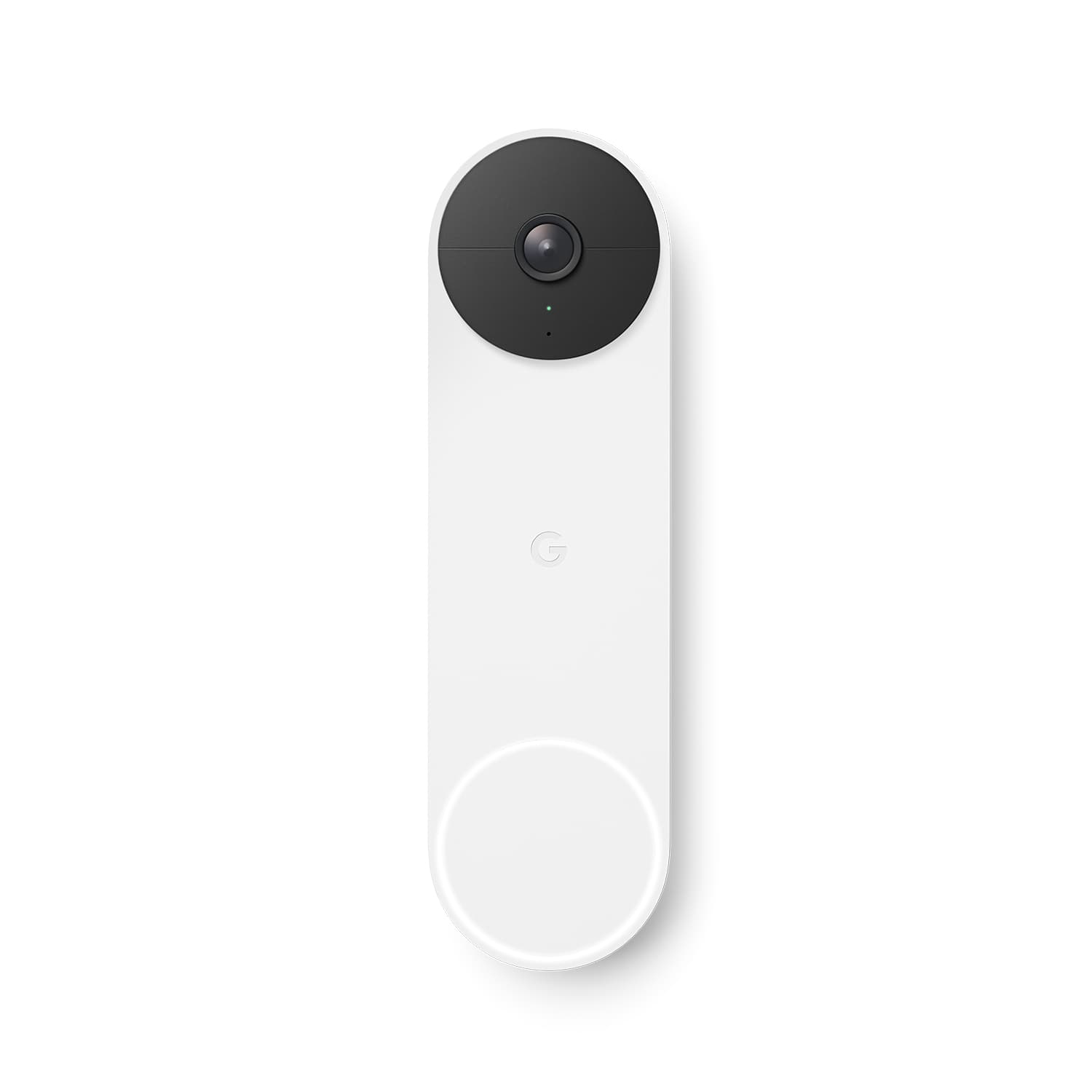
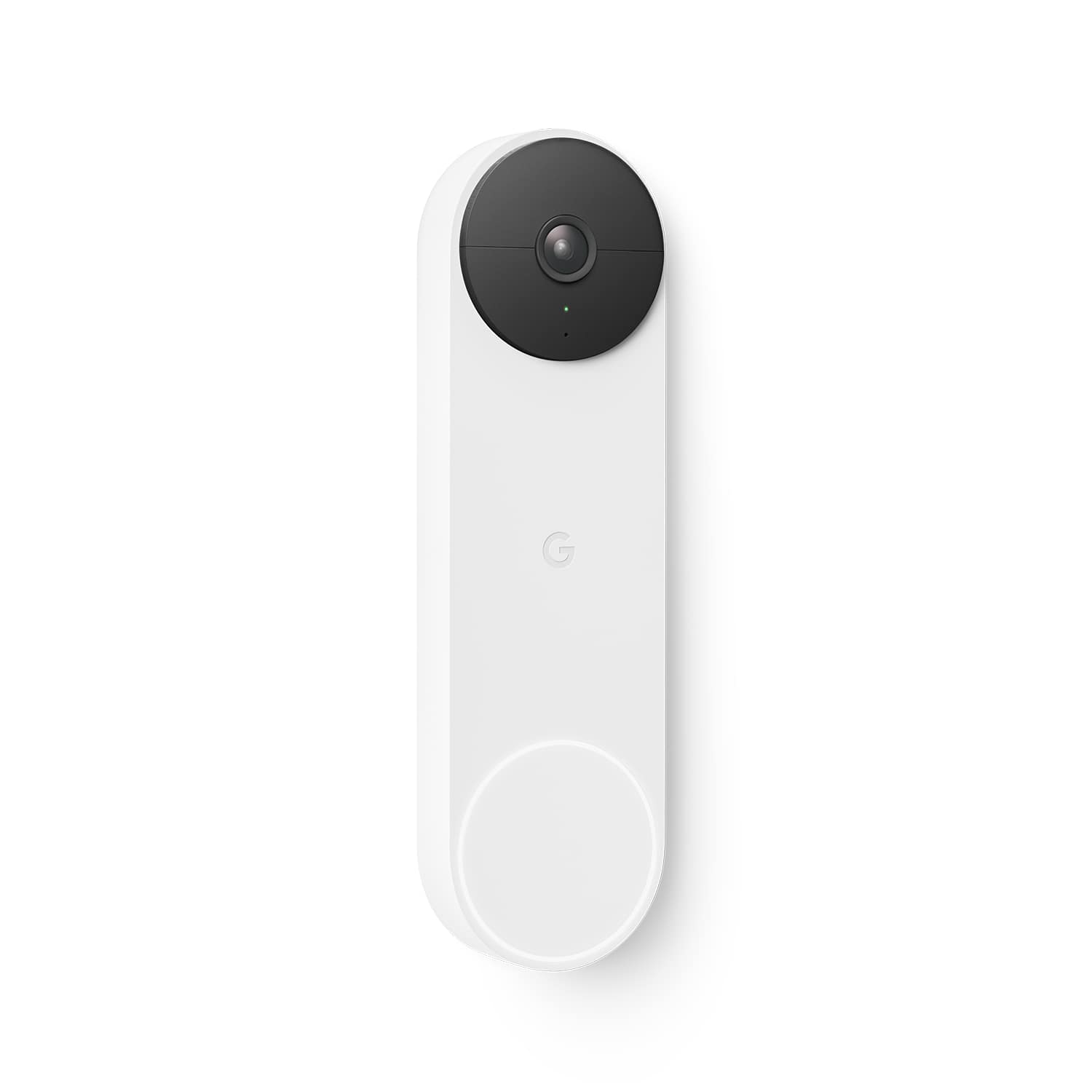
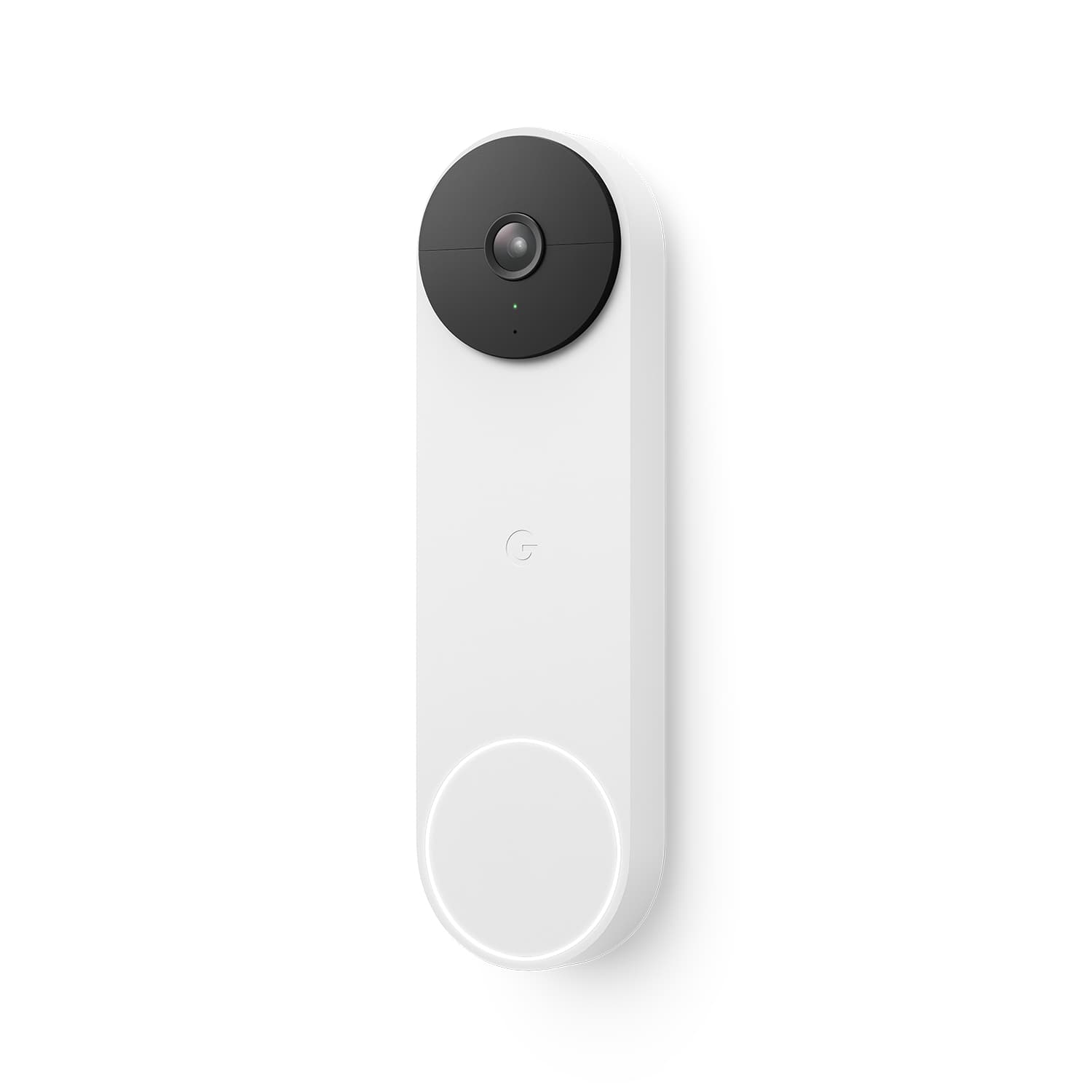
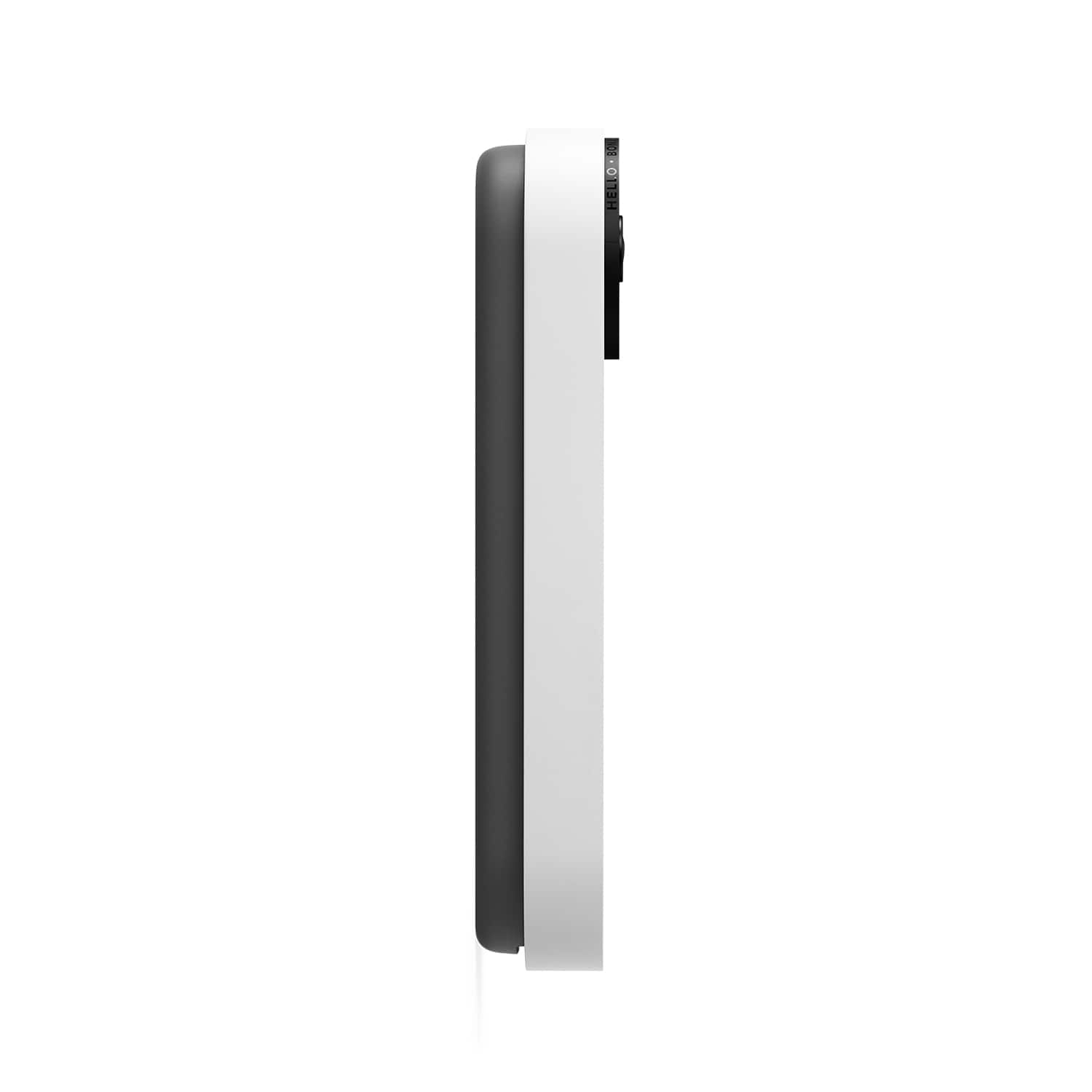




- Model:
- GA01318-US
- SKU:
- 6473256
Rating by feature
- Video Quality
Rating 4.6 out of 5 stars
- Mobile App
Rating 4.4 out of 5 stars
- Sound Quality
Rating 4.5 out of 5 stars
to a friend
Customers are saying
Customers often highlight the Nest Wi-Fi Video Doorbell's impressive video quality and ease of use. Many find the installation process straightforward and appreciate the overall performance, design, motion detection, field of view, and night vision capabilities. However, some customers have expressed concerns about the device's battery life and size. A few users have also reported issues with connectivity, delayed notifications, and compatibility.
This summary was generated by AI based on customer reviews.
Happy happy
||Posted . Owned for 3 weeks when reviewed.This reviewer received promo considerations or sweepstakes entry for writing a review.I’m very pleased with this product! Easy to set up. App is great .
I would recommend this to a friendDoNot BuY from Best Buy
||Posted . Owned for 3 weeks when reviewed.This reviewer received promo considerations or sweepstakes entry for writing a review.This item does not work AT ALL. Dont BUY IT!! I had MY ADT guy came in and spent over 2 hours trying to get it to work and they know how to use it
No, I would not recommend this to a friendBrand response from Nest Support
Posted .Hello DoNotBuy, thanks for sharing your review here. We're sorry to learn that the Nest Doorbell (battery) you received didn't work at all. This is not the initial impression we want you to have. Please reach out to the retailer where you purchased the device so they can assist you with this concern. If you decide to give the Nest Doorbell another go we'd recommend that you reach out to our support specialists so we can guide you with the setup and improve your overall experience. You can contact us on our Google Help page here: https://support.google.com/googlenest/gethelp

Get it
||Posted . Owned for 3 weeks when reviewed.This reviewer received promo considerations or sweepstakes entry for writing a review.Love it, needed it for a slick area to watch out for break ins.
I would recommend this to a friend
Know who's at the door
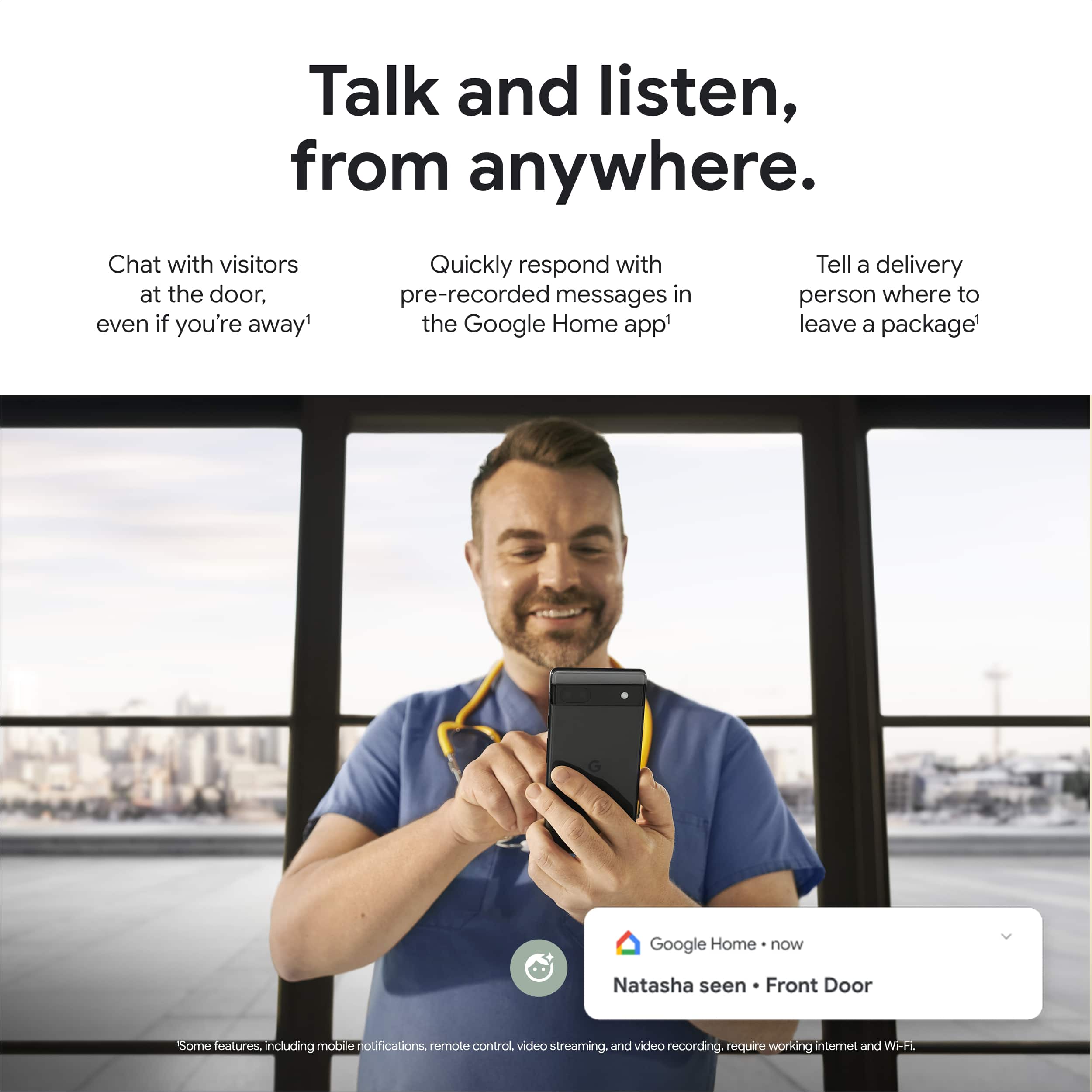
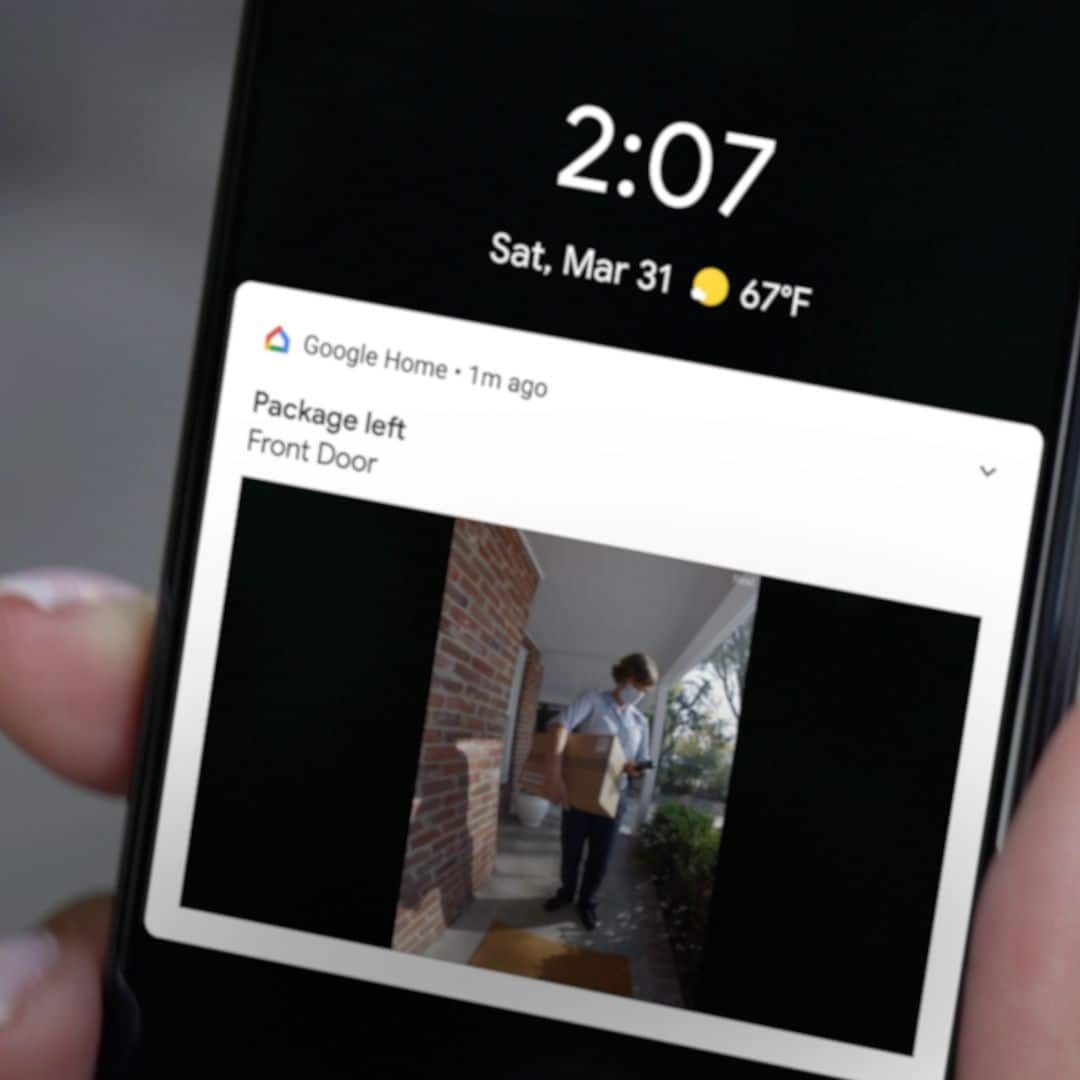
|Posted .This reviewer received promo considerations or sweepstakes entry for writing a review.This will be my fourth smart doorbell. I started off with the first generation Nest Hello doorbell, now called Nest Doorbell (Wired). I liked the Hello because it integrated with my Google Displays and speakers. I tried ones that were HomeKit compatible and they were ok. If you were watching on Apple TV and someone rang the doorbell, you would see the livestream on your TV. But, I don’t watch much TV so with this Nest Doorbell and my Google displays and speakers around my house, I can always see and hear who’s at the door. The camera has a 145 degree vertical (3:4) Field Of View. The resolution is at HD 960x1280-30fps for some reason while others are at full HD 1080p or even some with 2K resolution. It does have HDR which helps out with the image quality. It also has night vision which is okay, not as good as my doorbell that had higher resolutions. It is clear enough to see details I need to see but I still would have preferred it to be at least Full HD. A flaw that I often notice with event based recordings on security cameras is that they don’t record the beginning of the event. Often when I view the recorded event, I see the ending where, for example, the mailman walking away from my door. This doorbell is no different. In my testing, I walked passed the doorbell and closed the gate which was two feet from the doorbell. What was recorded was me at the gate closing it. This was at the medium (default) wake-up sensitivity but even at the High sensitivity setting, though it recorded more, it still missed the beginning. At times, the beginning is more important that the ending because you get to see the face of the person, not the back. I think they should include a video buffer of some sort but I guess it would consume battery faster but that shouldn’t be much of a problem with it being wired. The Nest Doorbell (battery) includes a 3-hour event video history and if you lose wifi connection, it will continue to record events up to one hour which is stored locally on the doorbell. Nest Aware does have the option of 24/7 video recordings but unfortunately, it is not available with this doorbell even if it was wired. It has three pre-recorded responses that you can choose from the Home app to be played to your visitor. I found that, by the time I can get to that option in the Home app, the person has walked away. They should have that option on the notification screen as well for a faster response time. It has intelligent alerts that can detect a person, packages, animals or vehicles and you don’t need a subscription. With a Nest Aware subscription, it can announce on a compatible Google speaker or display when a person rings the doorbell. It can even announce the name of the person with familiar faces. You can add multiple activity zones and you can set each zone individually as to what to detect. The built-in mic and speaker is pretty good though. I had no problem hearing and understanding what was being recorded with the mic. The speakers produced quality sound which was easy to listen to. It was not muffled or heavily distorted. Some cameras, you had to press and hold the mic button to talk then release to listen. With this doorbell, you can have a nice conversation with your visitor with its two-way audio with noise cancellation. Installation was easy as a battery only install. Wired install is just connecting two wires. Just have to make sure you have existing doorbell wires connected to 8–24 VAC, 10 VA, 50/60Hz transformer. It’s easy peasy but if you need help, there’s an installation video on their site! The built-in rechargeable Li-Ion battery (6 Ah, 3.65V) should be good enough for three to four months. If you need to charge it, yep, you have to remove it from the mount. The doorbell turns off when it is not on the mount. It comes with a special tool to remove it but it can also be removed with a small screwdriver. So if theft is an issue in your area, be aware of that. It’s a very good doorbell especially if your smart home is invested in Google smart devices. I still would have preferred a higher resolution video though. Come on #Google!
I would recommend this to a friendLove it
||Posted . Owned for 2 weeks when reviewed.This reviewer received promo considerations or sweepstakes entry for writing a review.I like that it satisfies all my needs with no subscriptions
I would recommend this to a friendBest product
||Posted . Owned for 2 weeks when reviewed.This reviewer received promo considerations or sweepstakes entry for writing a review.Best product with good quality and best performance ever
I would recommend this to a friendGoogle doorbell
||Posted . Owned for 2 months when reviewed.This reviewer received promo considerations or sweepstakes entry for writing a review.I feel a whole lot better with the doorbell knowing who is at the door. I cannot give a true overall rating because it won’t let me change what 8 didn’t put in. I didn’t give it a poor.
I would recommend this to a friendBrand response from Nest Support
Posted .Hi Pattie, we appreciate your feedback on Nest Doorbell (Battery). We´re sorry to hear about the issue you are having and we'd like to learn more about it. This will help us to understand how we can help you best and provide you a better experience. You´re more than welcome to speak to any of our support specialists using this link: https://support.google.com/googlenest/gethelp
Google doorbell
||Posted . Owned for 3 weeks when reviewed.This reviewer received promo considerations or sweepstakes entry for writing a review.I just set it up and already love the features on it
I would recommend this to a friendGood
||Posted . Owned for 1 week when reviewed.This reviewer received promo considerations or sweepstakes entry for writing a review.More mounting bracket options would make this 6/5.
I would recommend this to a friendGoogle Home app is TRASH
||Posted . Owned for 3 weeks when reviewed.This reviewer received promo considerations or sweepstakes entry for writing a review.Google = ruining great brands by acquiring them. Forcing people to use the Google Home app vs. the Nest app was a bad decision. For such a large technology company, that app is complete trash.
No, I would not recommend this to a friendBrand response from Nest Support
Posted .Hi mikedavis, thanks for sharing your feedback on Nest Doorbell (Battery). We´re sorry to hear about your disappointment with the Google Home app, and about your concern with the Google Nest brand.
We wanted to make the Google Home app the one place where you can control all your favorite Nest devices and other smart home devices with the Google Assistant. Here are some benefits you can get by using the Google Home app with your Nest Doorbell (Battery):
- Automatic security protections such as Suspicious activity detection, 2-Step Verification and Security Checkup.
- Your Google Nest devices and services will work together. For example, if you have a Nest Cam and a Nest Hub, just say, """"Hey Google, show me the backyard camera” to cast your camera stream to your display without any additional setup.
- One account to sign into both the Nest and Google Home apps.
- Your homes and home members will be aligned across the Nest and Google Home apps.
We'd like to hear more about your concerns and see how we can help answer your questions, and provide you with a better experience. Please reach out to our support team here: https://support.google.com/googlenest/gethelp
Disappointed in this google product
||Posted . Owned for 1 month when reviewed.This reviewer received promo considerations or sweepstakes entry for writing a review.Does not work with google nest. Hard to sync to hub. Disappointed the camera does not have a wide angle view like previous door bells we have owned
No, I would not recommend this to a friendBrand response from Nest Support
Posted .Hi Skip, thanks for contacting our support team. We´re sorry to hear that your Nest Doorbell isn't working with your Nest Hub.
Nest Doorbell works with Nest Hub to announce when someone rings your Nest Doorbell (Battery). We recommend ensuring that your setup meets the following requirements:
- Latest version of the Google Home app.
- Latest version of the Google app.
- A Google Account.
- A mobile phone or tablet having Android 8.0 or later version or iOS device having 14.0 or later version.
- Works with 2.4 GHz and 5 GHz Wi-Fi networks (a WPA-2 Enterprise network won't work).
- Ensure that Bluetooth is turned on.
- An Internet connection and secure wireless network.
- Ensure that your Nest Doorbell (Battery) is properly set up with Nest Hub by following the step by step guide on this page: https://support.google.com/googlenest/answer/7672451
Your Nest Doorbell (Battery) comes with a 1.3-megapixel color camera sensor with a 145° diagonal wide-angle view. If the viewing angle doesn´t meet the specification we highlighted, and if you still face some difficulty setting up Nest Doorbell (Battery) and Nest Hub (2nd Gen), please consider contacting our support team using this link: https://support.google.com/googlenest/gethelp
bummer
||Posted . Owned for 11 months when reviewed.This reviewer received promo considerations or sweepstakes entry for writing a review.need an electrician that knows what they are doing to install this
No, I would not recommend this to a friendBrand response from Nest Support
Posted .Hey there! Thanks for reaching out, we want to let you know that we have the option for technician services. Here's how you can contact them:
Website: https://www.ontechsmartservices.com/
Phone number: +1 833-668-3241.
Great When It Works
||Posted . Owned for 1 month when reviewed.This reviewer received promo considerations or sweepstakes entry for writing a review.I've had this doorbell for a month now and am using it in battery mode. The AI features are pretty good and prevent unnecessary alerts from happening. I have predominately used 'package detection' mode since that was 100% the reason I bought it. Unfortunately it also does not detect events about half of the time leading to half of my packages sitting on my doorstep. This basically makes the doorbell trash in my estimation.
No, I would not recommend this to a friendBrand response from Nest Support
Posted .Hi AMcManigal, we appreciate you for posting your feedback here. We're sorry to hear that you're having some difficulties with your Nest Doorbell (battery) when it comes to motion detection. The camera on your Nest Doorbell runs algorithms to process video and audio data so it can determine whether it detected something you might want to know about such as detecting a package. We'd like to know more about your experience so we can help find a better resolution for you. Please contact us on our Google Help page here: https://support.google.com/googlenest/gethelp
For the love of god give it a rung
||Posted . Owned for 6 months when reviewed.This reviewer received promo considerations or sweepstakes entry for writing a review.Stupid it don't ring thru like the wired one does on Nest
No, I would not recommend this to a friendBrand response from Nest Support
Posted .Hey Miller, thanks for letting us know about the hard time you're facing with your Nest Doorbell battery. We want to help you get it working smoothly again. This link has some troubleshooting steps that might be helpful: https://support.google.com/googlenest/answer/9317473?hl=en&sjid=8486935786314358672-NC
If you still need help, don't hesitate to reach out to us: https://support.google.com/googlenest/gethelp
Tifpit
||Posted . Owned for 1 month when reviewed.This reviewer received promo considerations or sweepstakes entry for writing a review.Awful Broke and fell off the house as soon as Best Buy tech left Assuming a Best Buy tech installation issue vs product
I would recommend this to a friendBrand response from Nest Support
Posted .Hey there, Tiffpit. Thanks for sending in your review. We're sorry to learn that your Nest Doorbell (battery) wasn't installed properly. This is not the initial impression we want you to have with the products and services we provide. We suggest reaching out to BestBuy so they can address this issue for you. However, if you're still experiencing some technical issues with the Nest Doorbell then please reach out to our support team for further assistance. Please contact us on our Google Help page here: https://support.google.com/googlenest/gethelp
Doesn't like cold
||Posted . Owned for 6 months when reviewed.This reviewer received promo considerations or sweepstakes entry for writing a review.Do not buy if you live in cold climate. Does not work when temps drop below 0 degrees F. Useless as a security device
No, I would not recommend this to a friendBrand response from Nest Support
Posted .Hello LarryF, thank you for posting your feedback on Nest Doorbell (battery). We're sorry to learn that your experience didn't meet your expectations when it comes to the working temperatures of the device. At temperatures below freezing, the lithium-ion battery in your Nest Doorbell won’t be able to charge. Many devices, including popular models of doorbell, cameras and cell phones, use lithium-ion batteries for their high power and long life, but these batteries are also affected by temperatures below freezing.The batteries in your Nest Doorbell (battery) has the minimum operating temperature of -4°F (-20°C) and a minimum charging temperature of 32°F (0°C). If you need further assistance with your Nest Doorbell, please don't hesitate to contact us on our Google Help page here: https://support.google.com/googlenest/gethelp
poor motion detection range
||Posted .This reviewer received promo considerations or sweepstakes entry for writing a review.I purchased this with high hopes, but it’s not a reliable camera. It only picks up motion when you walk right up to it. This is especially bad at night.
No, I would not recommend this to a friendBrand response from Nest Support
Posted .Hi Muss, we appreciate you for taking the time to give us feedback about the Nest Doorbell (Battery), and we’re sorry to learn that it didn’t meet your expectations.
Your Nest camera or doorbell will go idle if it’s not detecting activity, not streaming video, or if it’s not recording video. Your camera runs algorithms to process video and audio data so it can determine whether it detected something you might want to know about. If you only need your camera to detect people, animals, or moving vehicles, we recommend that you do not turn on the basic motion and sound detection feature. You might have to move your camera, change your camera’s angle, or change something in the scene so that you don’t miss important activity and choose which events your camera can detect and record.
We’re taking your feedback and we’ll share it with the right team to work on improving our products and services. For any concerns, or if there’s anything that we can help you with, please let us know anytime here: https://support.google.com/googlenest/gethelp
A great doorbell with a lot of functionality
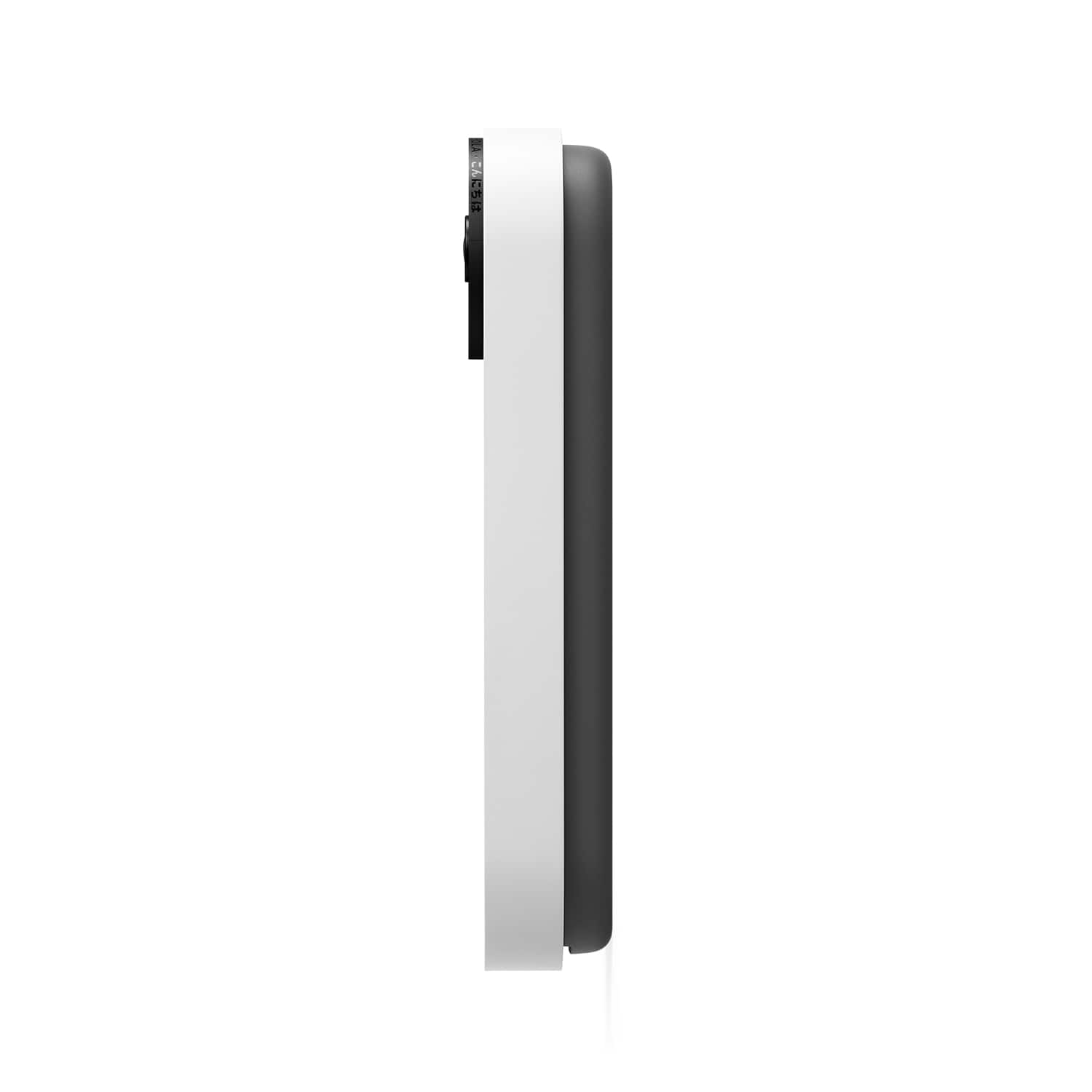
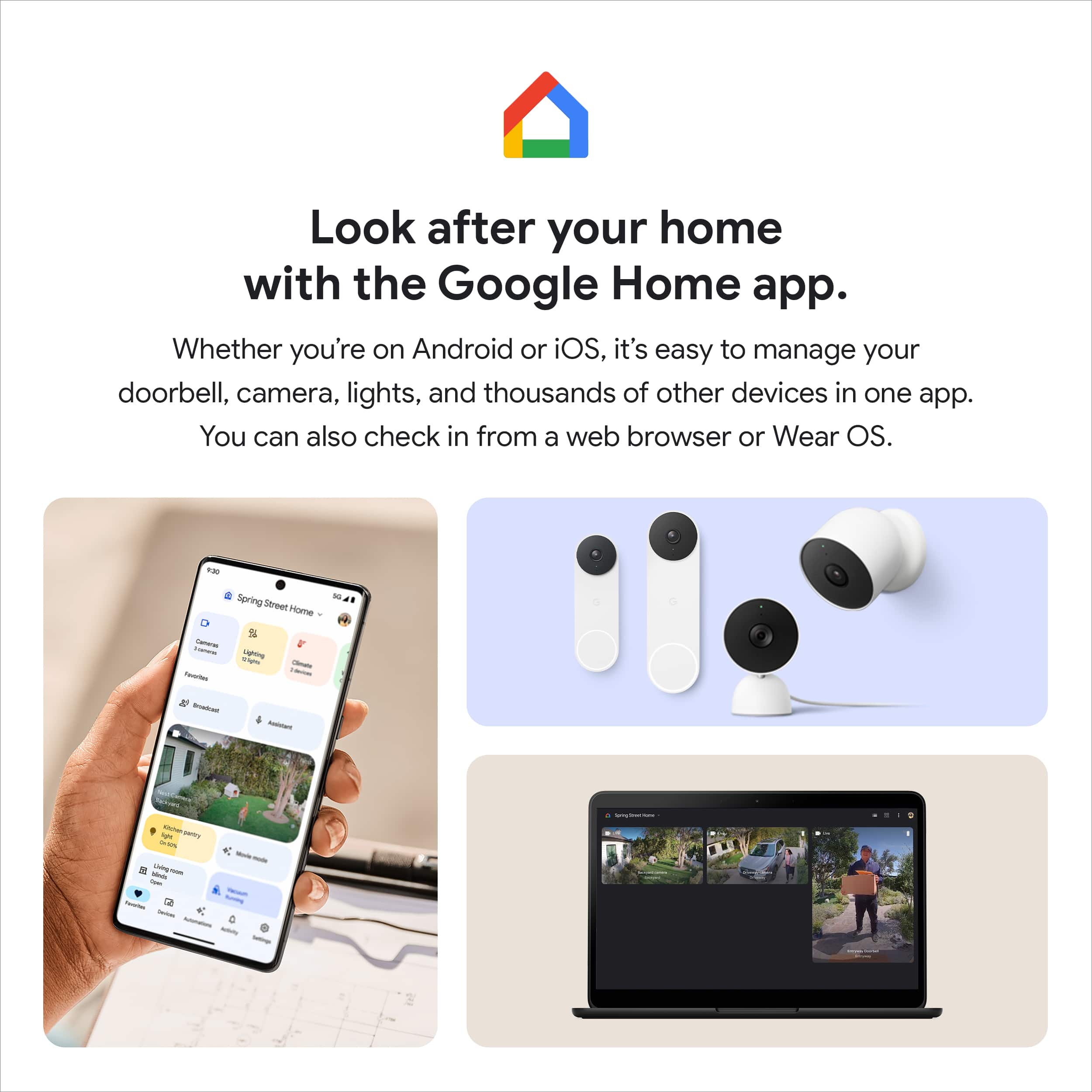
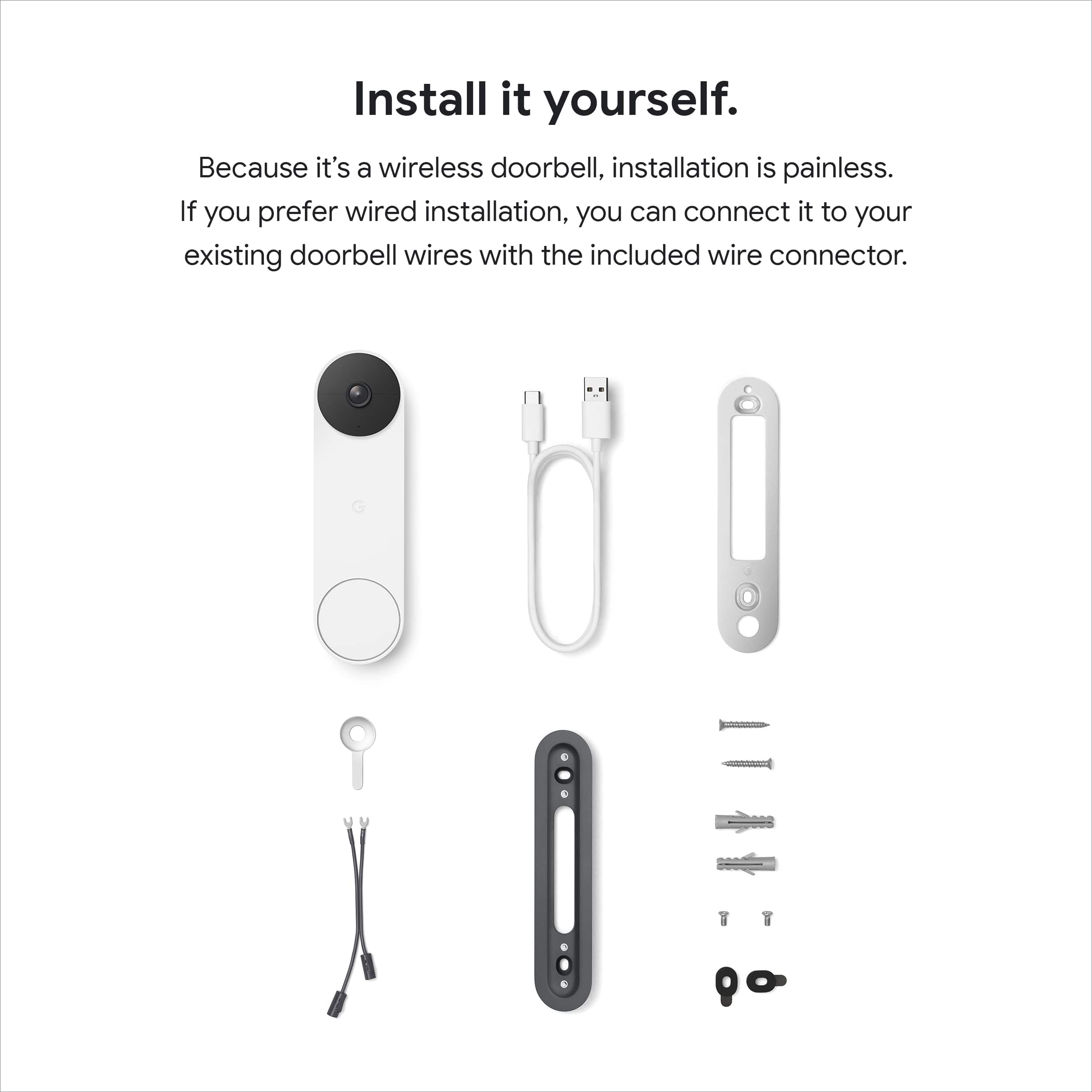
|Posted .This reviewer received promo considerations or sweepstakes entry for writing a review.Setup and configuration was a breeze. It came with everything needed and then some to get it setup and mounted on my house. It is a bit on the larger side but in my opinion it does look a lot better than most video doorbells out there. It also comes in four different colors which is a nice touch. Seems pretty durable but I guess time will tell how long the battery lasts and if it works when it gets really cold out. All setup, configuration, and usage is done via the Google Home app. The app has settings for battery, events, doorbell, video, and audio. I hardwired mine and connected it to a old electronic chime. I just installed it right over top of where my old one was. If you hardwire to your house the battery keeps a charge from the wiring and the battery percentage disappears from the app since you don't necessarily have to worry about it. Something that I though was really nice was that you can adjust the length of the chime in seconds. So for me I can actually adjust how much of the doorbell chime I hear. As for video I would say its average. I find even at "max" setting for resolution its fine but nothing worth bragging about. There is about a 1 sec delay with the live video feed which in the doorbell world is pretty good. Night vision works really well. Audio is very clear and you can adjust the volume in the app if needed. I love being able to see who is at the door at any time and being able to communicate with them as well. Something that makes this a bit different from other video doorbells is that it has some sort of AI built in and can detect if it sees a person, animal, package delivery, or vehicle. Then sends a push notification to your devices to let you know if you have it enabled. Pros: Supports both hardwired and battery Very configurable Comes with all mounting hardware needed Night vision Two way audio Works with Nest Hub displays Supports Google Assistant Built in AI for detection and push notifications Supports both 2.4 and 5 GHz wifi Comes in four colors Cons: Does not work with android tv or smart clock displays No option for constant button illumination Free video recording is only 3 hours Overall I think this is a pretty great doorbell. Its supports a lot of different install configurations and gives you a lot of functionality once installed.
I would recommend this to a friendBrand response from Nest Support
Posted .Hi there Jaybot, thanks for giving us detailed feedback, and we’re glad that you love your new Nest Doorbell (Battery). We´re sorry to hear that you are unable to cast the video feed to your Android TV, and that you couldn't find any option for a constant button illumination.
Although streaming to an Android TV still has limited support, you may still get notifications and video streams on compatible smart displays like the Nest Hub and Nest Hub Max. To learn more, check out this help article: https://support.google.com/googlenest/answer/9137164
Your Nest Hello (Battery) also comes with a small status light above the camera, that has solid green color to indicate your Nest doorbell is turned on, connected to Wi-Fi network, and is processing images in its view. For more information on the lights available for Nest Hello (Battery), you may visit this link: https://support.google.com/googlenest/answer/9268073
You get a lot of value by getting an active subscription of Nest Aware since it covers your speakers, displays and cameras for a flat monthly rate. It also has new features like sound detection and emergency calling (US only). You can upgrade from a 3-hour event video history to 30 days of event video history with an active Nest Aware subscription, or 60 days of event video history with Nest Aware Plus.
If you have any questions, or need assistance, feel free to contact our support team. We’d be happy to help here: https://support.google.com/googlenest/gethelp
A Video Doorbell For Google Users
|Posted .This reviewer received promo considerations or sweepstakes entry for writing a review.Google’s latest generation of video doorbell is here. I am both excited and curious on how my first video doorbell will be. As I am new to the entire video doorbell world, I cannot review its technical aspects and differences between that and the competition. For that, I apologize. However, I will post my experience of using it here. The box comes with everything needed to install the doorbell -- screws, mounting plate, etc. You only need to supply the tools needed to do the installation. Instructions on how to install is shown through a YouTube video. Link to the video is provided on the included paper. The video is thorough and easy to follow. When listing off the tools needed for installation, it even tells you the drill bit size, which helps a lot since people may not know what size of a drill bit is appropriate for the included screws. While it’s convenient to have a video of the installation process, I think Google should still include a paper version just to be safe. After reviewing the video a few times, I started the installation. It was simple enough that I had no issue at all going through the process. I did have to check a couple of times if I needed to use the wedge for better camera angle. Turns out I do. Still, the installation process was smooth throughout. Once I had the doorbell installed and it snapped into place, I did a test ring and the Google Home app worked as expected. The live video worked and I’m happy it’s working. Since I have a couple of Google mini speakers, I turned on visitor announcements and rang the doorbell again. The speakers came to life and announced appropriately. There is about a 1-2 seconds of delay between ringing and announcement. Video quality seems okay to me. There are some video stutters and a moment of extreme overexposure when the camera turns on, but perhaps this is due to the processor waking up? Still, I’m happy with how it turned out. It can even record at night using infrared. That’s so cool. Battery life is something I cannot say if it’s good or bad. But seeing that the camera only goes live when it senses someone at the door or when the doorbell rings, it should last long enough between charges. This is the only drawback to using this model. The plus side is that I do not have to learn about doorbell wiring and needing to find the breaker for the doorbell itself. Overall, the Nest Doorbell is a nice alternative to those who do not want to bother with doorbell wiring. But going this route means incurring some inconveniences -- charging the battery, no 24/7 camera live feed. On a personal level, this is fine for the time being. Is the price worth it? That I do not know. There are competitors that are either cheaper or more expensive than this. But they are outside the Google ecosystem so compatibility will be an issue. I feel this is a nice addition if you’re already invested in Google products. The Good: small, slim, should mount virtually anywhere, decent video quality The Bad: slightly worse camera field of view than older generation, having to recharge battery, no 24/7 camera feed The Ugly: Seeing your own face on the video doorbell post-installation Verdict: Buy if needed
I would recommend this to a friendGoogle Nest Door Bell
||Posted . Owned for 1 month when reviewed.This reviewer received promo considerations or sweepstakes entry for writing a review.The connection was very poor. In addition the software to acknowledge device was failing. We decided to return this device.
No, I would not recommend this to a friendBrand response from Nest Support
Posted .Hi BestBuyer, we appreciate your insights. We're sorry to hear about the poor connectivity issue with Nest Doorbell (Battery), and it's unfortunate that you had to return it.
If you will allow us, we'd like to take another shot at improving your experience if you will ever reconsider using our Google Nest products again. We'll definitely do our best to make it your while, if you can reach out to us here: https://support.google.com/googlenest/gethelp