Customer Ratings & Reviews




- Model:
- GA03305-US
- SKU:
- 6521699
Rating by feature
- Battery Life
Rating 3.8 out of 5 stars
- Durability
Rating 4.4 out of 5 stars
- Comfort
Rating 4.7 out of 5 stars
Customers are saying
Customers highly value the Pixel Watch's ease of use, attractive design, and Fitbit integration for fitness tracking. Positive feedback also highlights its compatibility with various phones and the range of features offered. However, concerns exist regarding battery life and screen size, with some customers also expressing opinions about the price and app selection.
This summary was generated by AI based on customer reviews.
- Pros mentioned:Charging speed, Design, Fitbit integrationCons mentioned:App selection, Battery life
Review
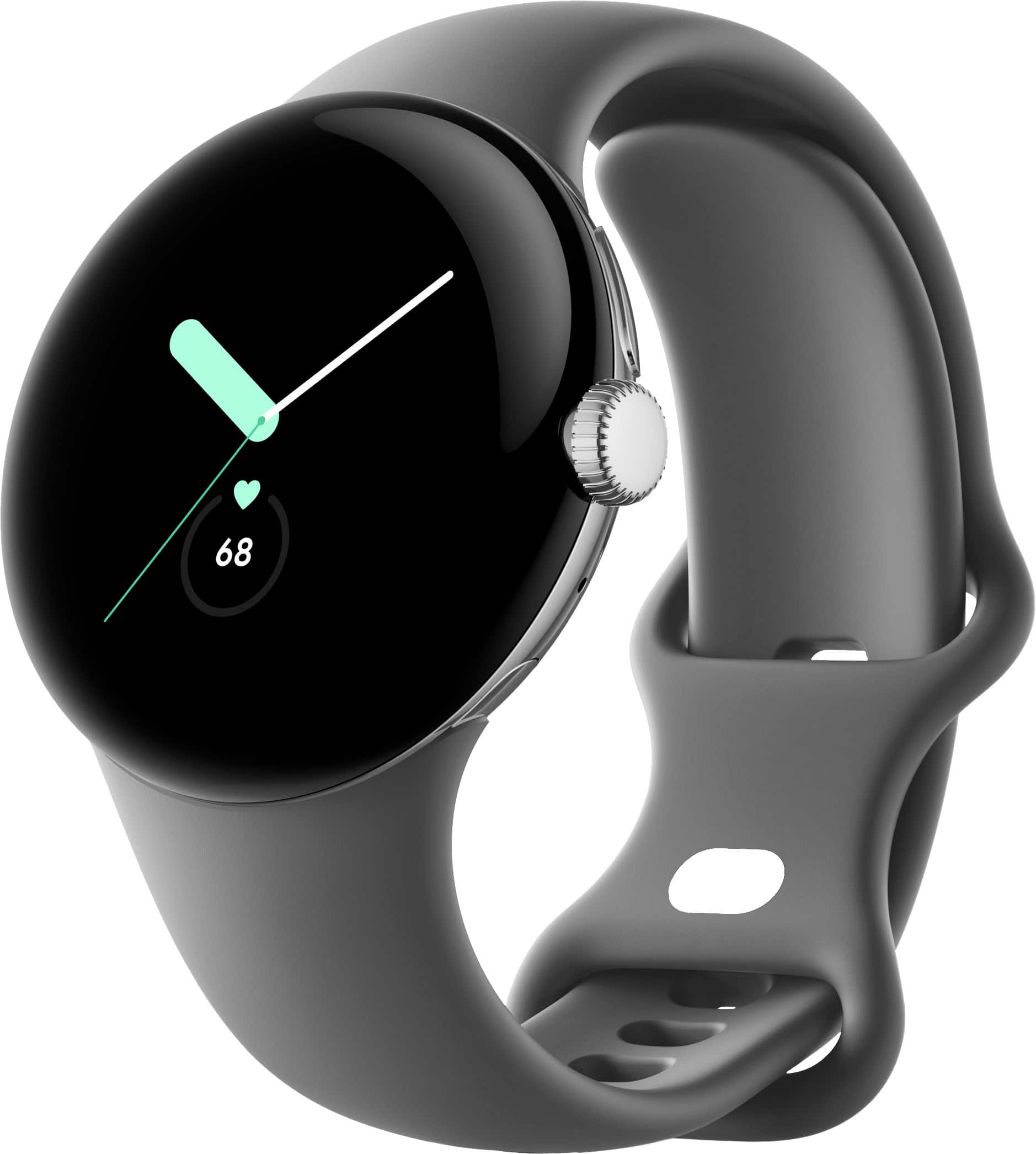
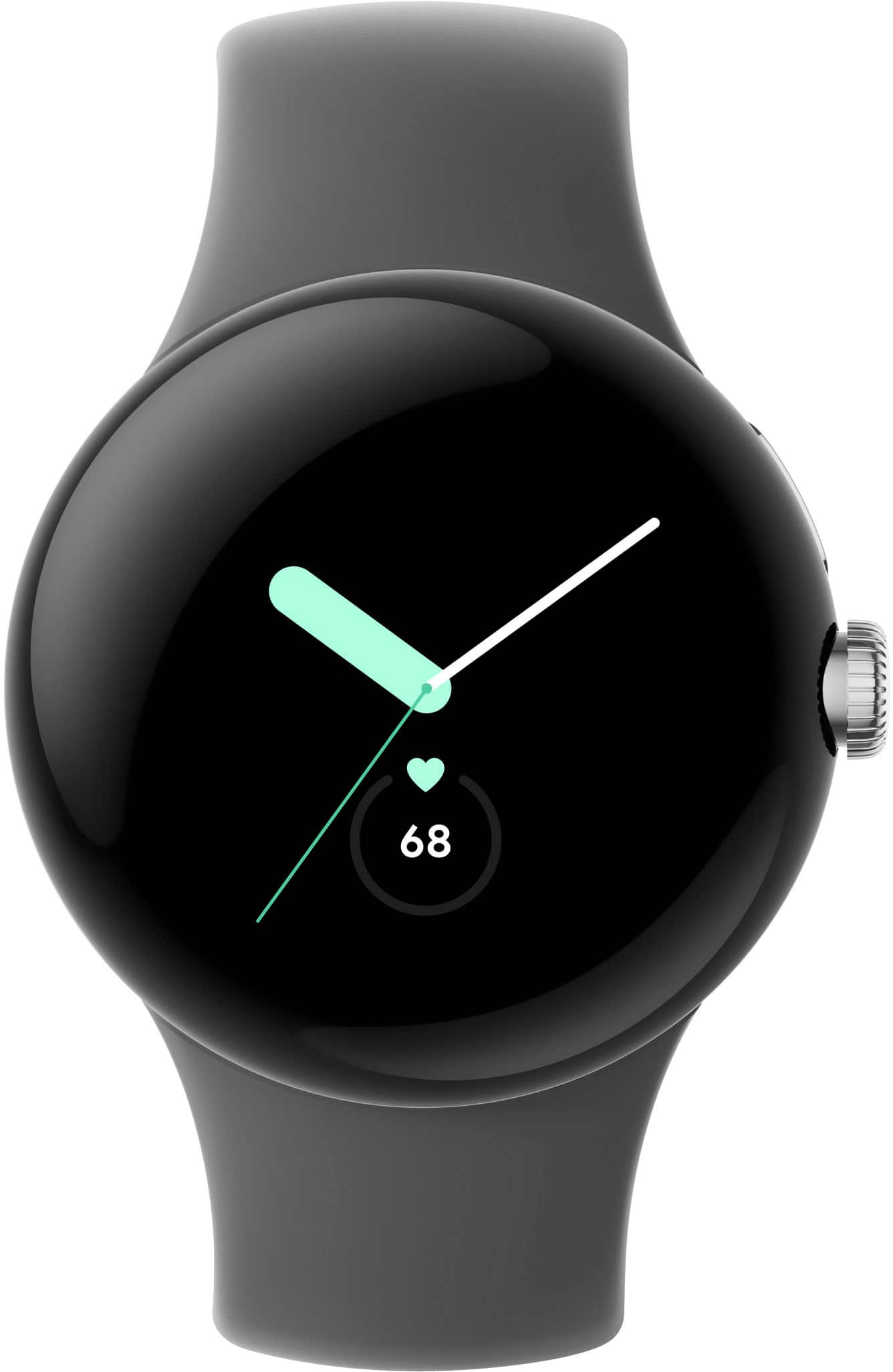
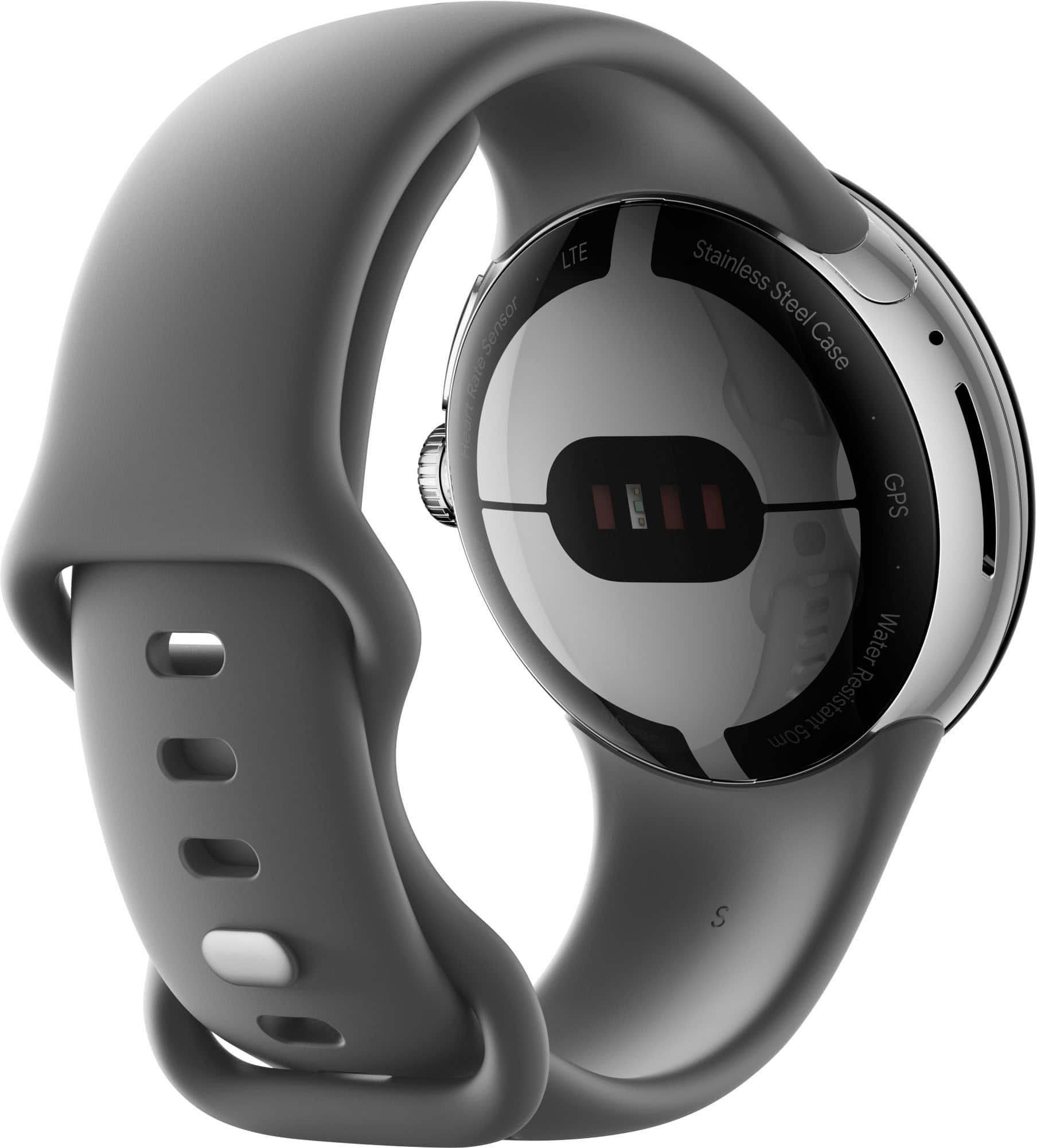
||Posted . Owned for 3 months when reviewed.This reviewer received promo considerations or sweepstakes entry for writing a review.The Google Pixel Watch is a beautiful and well-made smartwatch with some great features. However, there are a few areas where it could be improved, which is why I'm giving it a 4-star rating. Here's a breakdown of my experience: Pros: Stunning design: The Pixel Watch has a sleek and elegant design with a high-quality stainless steel case and a beautiful domed display. It looks fantastic on my wrist and feels comfortable to wear. Seamless integration with Google services: If you're heavily invested in the Google ecosystem, the Pixel Watch integrates seamlessly with your other Google devices and services. Google Assistant is particularly helpful for voice commands and quick actions. Effective fitness tracking: The built-in fitness tracker accurately tracks heart rate, steps, and various workout activities. It also provides helpful insights and motivates you to stay active. Fast charging: The watch charges quickly and conveniently, typically reaching full charge in under an hour. Cons: Limited app selection: Compared to other smartwatches, the Pixel Watch currently has a smaller selection of available apps. This can be limiting for users who rely on specific apps for their daily routines. Average battery life: While the battery life isn't terrible, it doesn't quite match some of the leading smartwatches on the market. I typically get around a day of use on a single charge, but it can vary depending on usage. Price: The Pixel Watch is priced competitively with other premium smartwatches, but considering the limited app selection and average battery life, some users might find it slightly overpriced. Overall: The Google Pixel Watch is a stylish and capable smartwatch with a lot to offer, especially for users who are deeply integrated into the Google ecosystem. However, the limited app selection and average battery life hold it back from achieving a perfect score. If you're looking for a feature-packed smartwatch with the widest app selection, there might be better options available. But if you prioritize design, Google integration, and solid fitness tracking, the Pixel Watch is definitely worth considering.
I would recommend this to a friendBrand response from Google Team
Posted .Hey there, SadieW. Thanks for sharing your Google Pixel Watch experience. It's great to hear that you appreciate its stunning design, seamless integration with Google services, and effective fitness tracking capabilities. We understand your feedback regarding the limited app selection and average battery life. We continuously work to expand the app ecosystem for the Pixel Watch, we appreciate your patience and understanding as we strive to improve the overall user experience. Overall, we're delighted to hear that you find the Pixel Watch stylish, capable, and well-integrated with your Google ecosystem. If you have questions and other concerns, we recommend reaching out to our dedicated team of specialists on the Google Help Center here: https://support.google.com/googlenest/gethelp

- Cons mentioned:App selection, Battery life, Screen size
Set your expectations low, but Google's on track
||Posted . Owned for less than 1 week when reviewed.This reviewer received promo considerations or sweepstakes entry for writing a review.I think, overall, this watch is very meh. Compared to its competitors (Apple and Samsung) at this price range, it's very underwhelming. However, I think Google's heading the right direction and I will gladly pay to support that. With that said, there are several things Google didn't do right. 1. Size - only 41mm option. I don't have a huge hand, but my previous Samsung Galaxy 44mm size looked great on my wrist. This is very small. 2. Bezel - in addition to the size being small, the bezels are huge. I thought we were past large bezels in current tech? 3. Battery - okay... so, the watch is very small. It makes sense it won't be GREAT battery life, if you consider the small battery that has to go into this. Still... Samsung manages to get great battery life with their small (40-42mm) Galaxy Watch line-up. Google advertises 24 hours, but I really question under what condition. I'm active, but I never tracked my 'fitness' on any of my smart watches because I think it's pointless. All 'fitness' features are turned off, no AOD, limited notifications, auto-brightness, etc... w/e to get longer battery life. My ONLY reason for a smart watch is just to get message notifications, so that I can determine if it's something I need to respond to right away or not. I had my watch fully charged yesterday evening, about 3 hours before bed (11PM). It's about 11AM, the next day, and my battery is at 60%. My Samsung Galaxy Watch 4 (44mm), in comparison, would normally be around 90%. 4. Charging Cable - Pixel watch uses a familiar charging puck. It's a puck to USB-C cable. I'm all for USB-C, but....... I don't have a bunch of USB-C low watt power adapter laying around. I have a couple USB-C power adapters from my old Pixels and iPad, but I don't want to use 25W+ adapter to charge a tiny battery. They should've just kept it a USB-A, I have plenty of old Samsung 15W adapters I could've used. OR, just include one on your first Pixel watch, so we can continue to use it for our future Pixel watches. 5. Limited App - in order to use the pixel watch properly, you need 2 apps: Pixel Watch app and Fitbit App. Both apps have their functions, meaning you have to remember/know what type of settings are in which app. If you're making me play 'find Waldo' within an app, that's just bad user design. If you're making me play 'find Waldo' between two different apps, you're just doing something wrong. How long has it been since Google acquired Fitbit... hurry up and merge it so we can have one fluid app for everything. Not to mention, it's not as intuitive or expansive as Samsung and Apple watch apps. Those were the major things they need to improve by the next generation. Let's be real, Apple Watch is the best smart watch in most ways. This is coming from an Android user. With that said, I hate how ugly the Apple watches are and I prefer to use my Pixel 7 Pro over my iPhone 13 Pro Max. Where Google lacks in hardware, Samsung makes up for that in competing with Apple. For that reason, I've always used Samsung watches because it was the only real competitor to the Apple Watch. While Samsung's new watchOS, in collaboration with Google on its latest Galaxy watches, was a huge improvement over their previous watchOS... it still didn't feel like WearOS that I expected. I love Samsung Galaxy phones, but I wanted a Pixel watch for the same reason I choose the Pixel phones over Galaxy phones. That's pure android experience. All things aside, the user experience has been pretty great (interacting with just the watch, not its apps). 1. I get my notifications like I want (though, it's super small space to read much) 2. swiping between widgets/faces are super smooth 3. controlling Google Smart Home stuff from the watch is SUPER convenient 4. rotating wheel on the side feels great to use 5. buttons are tactile 6. screen quality is a beauty 7. band is comfortable and easy to put on I'm really hoping they continue the "Pixel" line-up of devices. Their most recent Pixel Buds Pro is finally catching up to the likes of Apple Airpods Pro. I do kind of worry about scratching or cracking the screen. It's just out there in the open, the whole watch face. I'm waiting on Spigen to release a watch case for this (assuming they will). I traded in my Galaxy Watch 4 (44mm), and despite my complains I still don't regret switching. Google just needs a Pixel watch generation release that ends up being like Google's Nexus 6P. That will put Pixel watch on the map with the likes of Samsung and Apple watches.
No, I would not recommend this to a friendBrand response from Google Team
Posted .Hi there LeeIB, we appreciate your detailed insight on the Google Pixel Watch. We're glad to hear that you liked some of the features and that the user experience for you has been great so far. We do apologize if the watch in general seems to have been underwhelming.
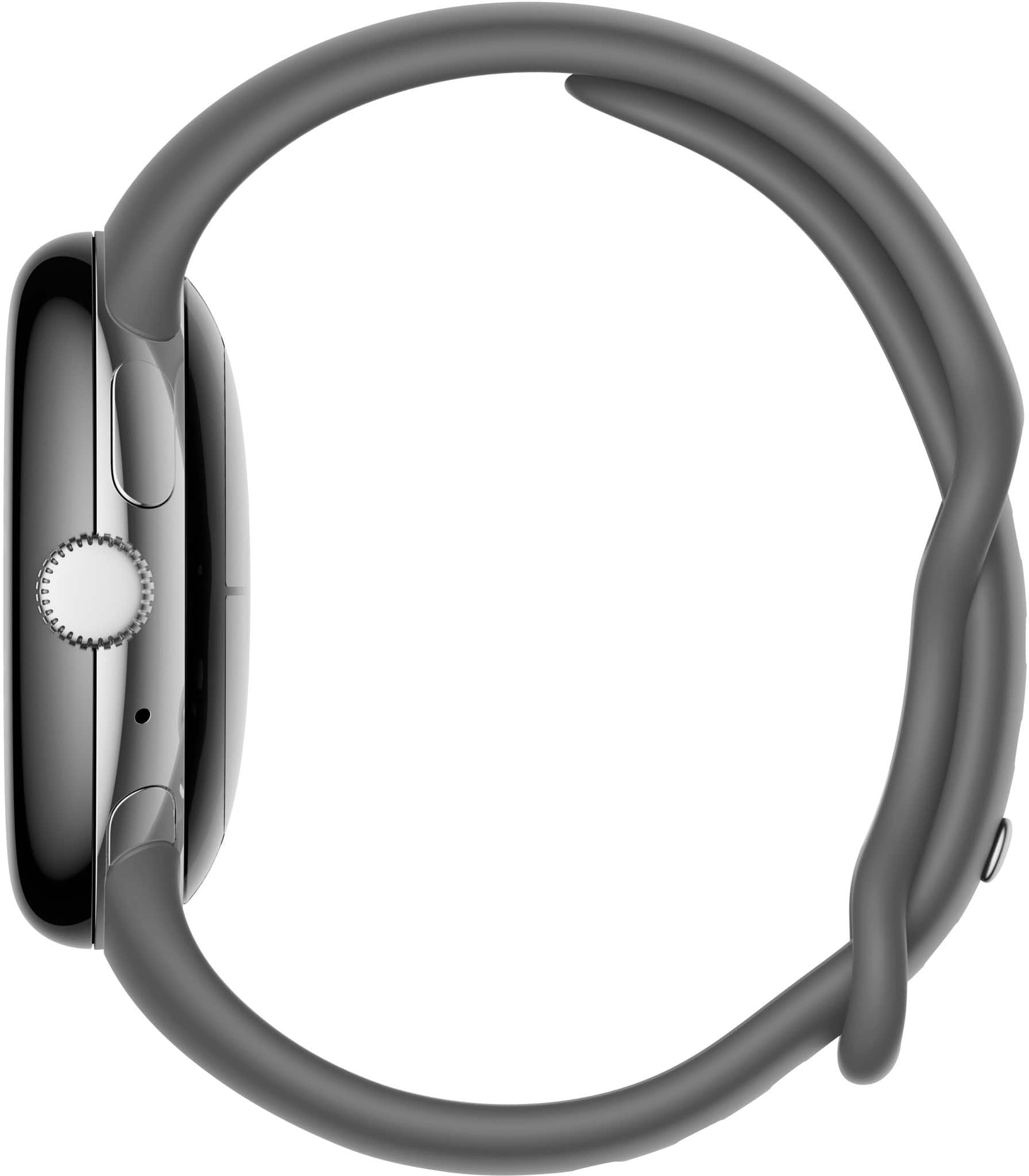
We optimized the design of the Google Pixel Watch to work for a wide range of users with different wrist sizes. With the easy to use band attach and wide range of accessories, users can easily personalize the look of the device.
Battery life will depend on how you use the Google Pixel Watch. The maximum battery life is approximate and is based on testing using pre-production hardware and software. Use of certain features will decrease battery life. Battery life depends on features enabled, usage, environment and many other factors. Actual battery life may be lower. Also, charging speed will depend upon many factors including usage during charging, battery age, and ambient temperature. Ideal charging speeds are listed below:
About 30 minutes to 50%
About 55 minutes to 80%
About 80 minutes to 100%
If your charging speed is lower than these estimates please ensure you are charging in a cool place, removed from direct sunlight. Ensure that the watch is sitting or connected to the charger completely. Please also ensure you are using a USB-C USB-Power Delivery compliant power adapter.
We'll make sure to look into the other details of your feedback and see how we can further improve our product features and offerings. You may reach out to our support team for any other support needs you may be having by simply visiting us here: https://support.google.com/googlepixelwatch/gethelp
- Cons mentioned:App selection, Battery life
Just an Apple Watch wannabe
||Posted . Owned for 2 months when reviewed.This reviewer received promo considerations or sweepstakes entry for writing a review.Up until about a few months ago, I used to own both an Apple iPhone as well as an Apple Watch. Everything was top notch and at the best of the class because just about everything that comes from Apple just because that’s how Apple does things. I wanted to cut some of my expenses and happened to sell both my iPhone 14 Pro Max, as well as my Apple Watch and ended up buying both a Pixel 7, and Pixel Watch to go with it. Long story short, I still regret that decision to this day, and went back to Apple again, The biggest problem with the Google Pixel Watch is the less than favorable battery life. When I had my Apple Watch, I could easily get by for about two days between having to charge it again. With the Google Pixel Watch, I was lucky to get a full day out of the watch without having to put it back on the charger. This varied by both the fact that the always on display was enabled, as well as the amount of exercise that I participated in during the day. After a few hours of exercise walking around my town, the battery life was down so much that I had to charge it during the day to have enough energy for my sleep tracking during the night. Then after I got up, I had to charge it again just to make it through the whole day. Despite all this, owning the Pixel watch after coming from an Apple Watch is quite a bit disappointing when it comes to functionality and usefulness when it comes to app integration, and the amount of apps available for the Pixel watch. The Google play store has a very limited selection of apps to use on the watch as compared to what you can get from Apple. Then comes the problems that everyone needs to know about if they’re thinking of buying one of these.Besides the handful of bugs that seem to plague the Android ecosystem, getting a full charge from the watch, at times took more than four hours to fully charge the watch. It seems that charging slows to a crawl after an update to the watch is released. I had discovered this on several occasions where the watch would still be at 50 percent, or so, even after all night. You have to restart the watch to get it to return to its normal charging state. Another huge issue is how you attach the bands. To do this, you have to press the small buttons on the top and bottom sides of the Watch. After pressing these buttons, the band usually came off rather quickly. Getting it back on, is quite a challenge. You have to line it up perfectly to get it to attach properly. I ended up missing so much, that I scratched the sides of the watch in the process. To be quite honest, you should definitely think of buying this watch before you happen to do so. This watch has plenty of things wrong with it. The first thing is that the battery life is subpar, along with the fact that it’s not an Apple Watch. Besides the lack of apps available, having to pay an extra fee for Fitbit access makes it much more expensive than it should be.
No, I would not recommend this to a friendBrand response from Google Team
Posted .Hello there, briguy1979420. Thank you for sharing your concern with us about your Google Pixel Watch. We're sorry to hear that your experience with the overall performance of the device has been less than ideal. Your feedback on the battery, software and watch bands are appreciated and we've taken note of it. It's important to us that we provide you with the best help possible and improve your experience. Please reach out to our dedicated team of specialists on our Google Help page for immediate support here: https://support.google.com/googlepixelwatch/gethelp
- Cons mentioned:App selection
A basic smart watch with an advanced price
||Posted . Owned for 1 week when reviewed.This reviewer received promo considerations or sweepstakes entry for writing a review.The watch is very well made, and looks fantastic. For time and notifications, it works perfectly, and if youre a fan of fitbit then the integration here will be right up your alley. The main issue with the watch for $349 is a lack of apps. There are simply no where near as many apps and integrations as able has with their watch, and given the choice I wouldnt be able to justify the price here over an Apple Watch SE. I still love the watch for what I need out of it, but power users beware.
I would recommend this to a friendBrand response from Google Team
Posted .Hi Smitty, thanks for sharing your views on the new Google Pixel Watch. We're sorry for any disappointment you may be having with the number of supported apps. We're working around the clock to provide you with more apps that you will enjoy with your Pixel Watch. You can check out any future updates and announcements we make on our blog site here: https://blog.google/
For any other help needs you may have with your Pixel Google Pixel support team using this link: https://support.google.com/googlepixelwatch/gethelp
- Cons mentioned:App selection
Good watch but not enough daily use app.
||Posted . Owned for more than 2 years when reviewed.This reviewer received promo considerations or sweepstakes entry for writing a review.Not enough apps to connect to the android phone, especially health monitoring.
I would recommend this to a friendBrand response from Google Team
Posted .Hi there, thank you for your review regarding health monitoring.We will be able to assist you in obtaining and configuring health monitoring on your Google Pixel Watch. Please contact us at the following link: https://support.google.com/googlepixelwatch/gethelp
- Cons mentioned:App selection, Battery life
Do not buy this annoying watch. Battery drain.
||Posted . Owned for 1 week when reviewed.This reviewer received promo considerations or sweepstakes entry for writing a review.Annoying, under performing, not-so-smart watch. Battery life is awful. Touch screen inconsistent. App selection limited. Watch faces drain battery too. Processor slow. Notifications sometimes, or maybe not. Calls from watch are heard as clear, but in order to hear caller, the watch must be almost inside your ear. I am returning this after one week of use. Display of pictures is beautiful, but who cares if the battery dies mid-day and you can't tell time? I charge it at night to 100 before going to bed. During the day, I keep battery saver on, tilt to wake off and turn off sound. This thing is not worth the money -- do not buy this. My versa 2 from Fitbit was smarter with a 3-5 day battery. Ugh.
No, I would not recommend this to a friendBrand response from Google Team
Posted .Hi TanyaTX, thanks for taking the time to share your views on the new Pixel Watch. We're sorry to hear about the frustrating experience with some of the features.
If you haven't tried yet, performing a factory reset will help resolve multiple issues you may encounter. After you reset your watch to factory settings, all apps, settings, and data on your watch are erased. Here's how:
On your phone:
- On your phone, open the Google Pixel Watch app Google Pixel Watch.
Tap System and then Reset and unpair the watch.
On your watch:
- On Google Pixel Watch, swipe down and then tap Settings .
Tap System.
- Scroll down and tap Disconnect & reset and then Ok.
- If this does not work, reset through your phone's Google Pixel Watch app.
If the issues persist, please consider reaching out to our support team. Our team of dedicated Pixel Watch support specialists would be happy to help you out with your concern. Here's the link where you can contact us: https://support.google.com/googlepixelwatch/gethelp
- Cons mentioned:App selection
pixelWatch
||Posted .This reviewer received promo considerations or sweepstakes entry for writing a review.they need to improve on app intergration and health sensors, especially at that price range
I would recommend this to a friendBrand response from Google Team
Posted .Hi there VMajors, it's awesome to hear that the new Google Pixel Watch meets all your needs. We're always searching for ways to improve our products and features we offer, and we'll certainly put your suggested feature to extend the battery life beyond 24 hours into consideration and pass this along to our product team. In the meantime, we recommend keeping a close eye on our blog site for the latest updates on our products launches and features here: https://blog.google/
We also understand your concern between using the sleep monitoring app and charging your Pixel Watch, and extending the battery life will certainly help. However, we recommend wearing your Pixel Watch while sleeping in order to take advantage of the sleep monitoring feature, and just charging it right after you wake up. Charging takes about 30 minutes to 50%, about 55 minutes to 80% and about 80 minutes to 100%.
If you need further assistance, simply visit the Google Pixel Watch help page to reach out to our support team using this link: https://support.google.com/googlepixelwatch/gethelp
- Cons mentioned:App selection
Not at all seamless for a Pixel 7 Pro
Posted .This reviewer received promo considerations or sweepstakes entry for writing a review.I had a Samsung Galaxy Watch, but when I switched to a Pixel phone, many things stopped working correctly. I have been patiently waiting for the Pixel watch to come out to be a perfect addition to the new Pixel 7 Pro I bought. Well, I'm pretty disappointed overall. It's really not user- friendly. I "assumed" that Gmail would be an app on the watch and make it easy to get notifications. Nope. I "assumed" that I would easily be able to add frequently used apps to the watch, but nope. When I go to the "Support" pages and read through the Troubleshooting areas for what I'm trying to do, the instructions don't make sense. It's not at all "seamless" and it's rather frustrating. Not sure if it's just so new that they are working out the kinks, but the things I want the watch to do are pretty basic things that even my Amazon Halo was capable of. Sad, right? If my questions don't get answered soon, I'm going to need to reconsider my options.
No, I would not recommend this to a friendBrand response from Google Team
Posted .Hi Heather, thanks for leaving feedback about your experience with Pixel Watch, and it’s unfortunate to hear it’s a disappointment for you. We can imagine how patiently you waited, and we’re sorry to hear your expectations are not met.
Here are some articles that may help you with your concerns:
Change settings, alarms, and notifications: https://support.google.com/googlepixelwatch/answer/12662644
Get & remove apps on your watch: https://support.google.com/wearos/answer/7314014
We’ll definitely share your feedback with the right team for future improvements. Meanwhile, you may also visit our support team for real time assistance here: https://support.google.com/googlepixelwatch/gethelp