Customer Ratings & Reviews





- Model:
- GA02096-US
- SKU:
- 6521698
Rating by feature
- Battery Life
Rating 3.5 out of 5 stars
- Durability
Rating 4.3 out of 5 stars
- Comfort
Rating 4.6 out of 5 stars
Customers are saying
Customers admire the Pixel Watch's sleek design, LTE connectivity, and accurate fitness tracking capabilities, including heart rate and sleep monitoring. However, many users express concerns regarding the watch's battery life and smaller screen size. Some also reported difficulties with Google Pay functionality.
This summary was generated by AI based on customer reviews.
- Pros mentioned:Heart rateCons mentioned:Battery life, Google pay, Screen size

Will this age like "fine wine"??
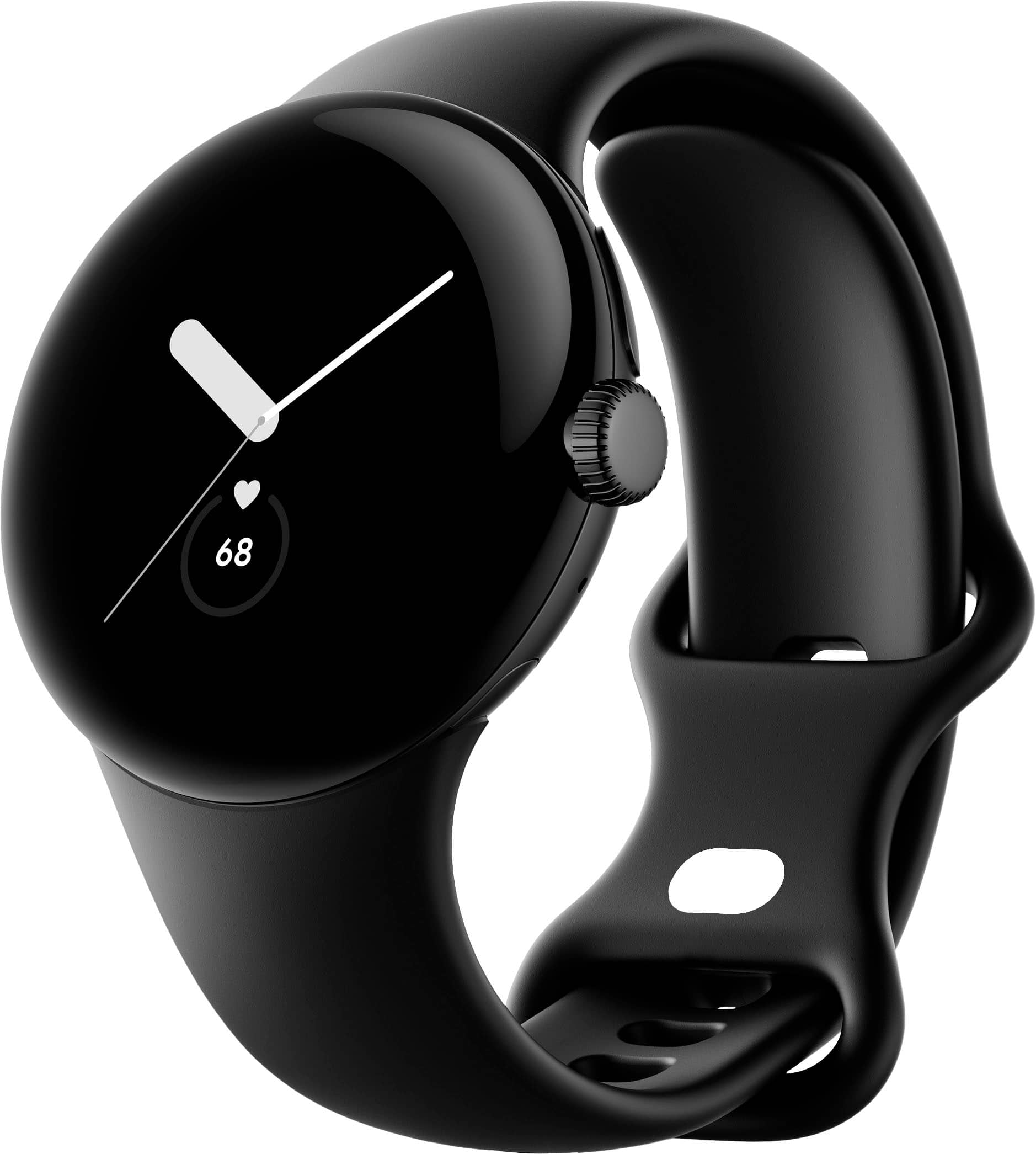
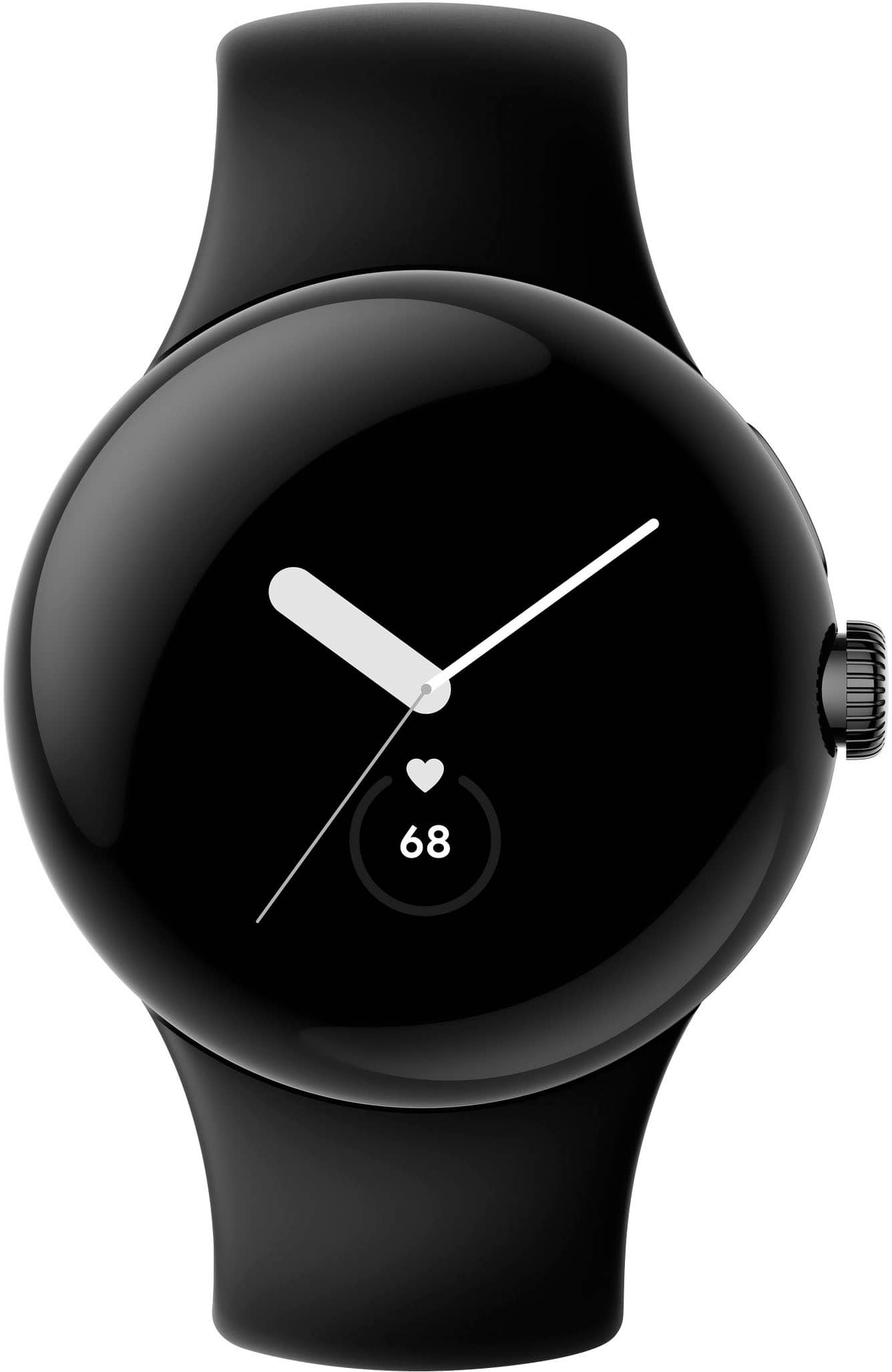
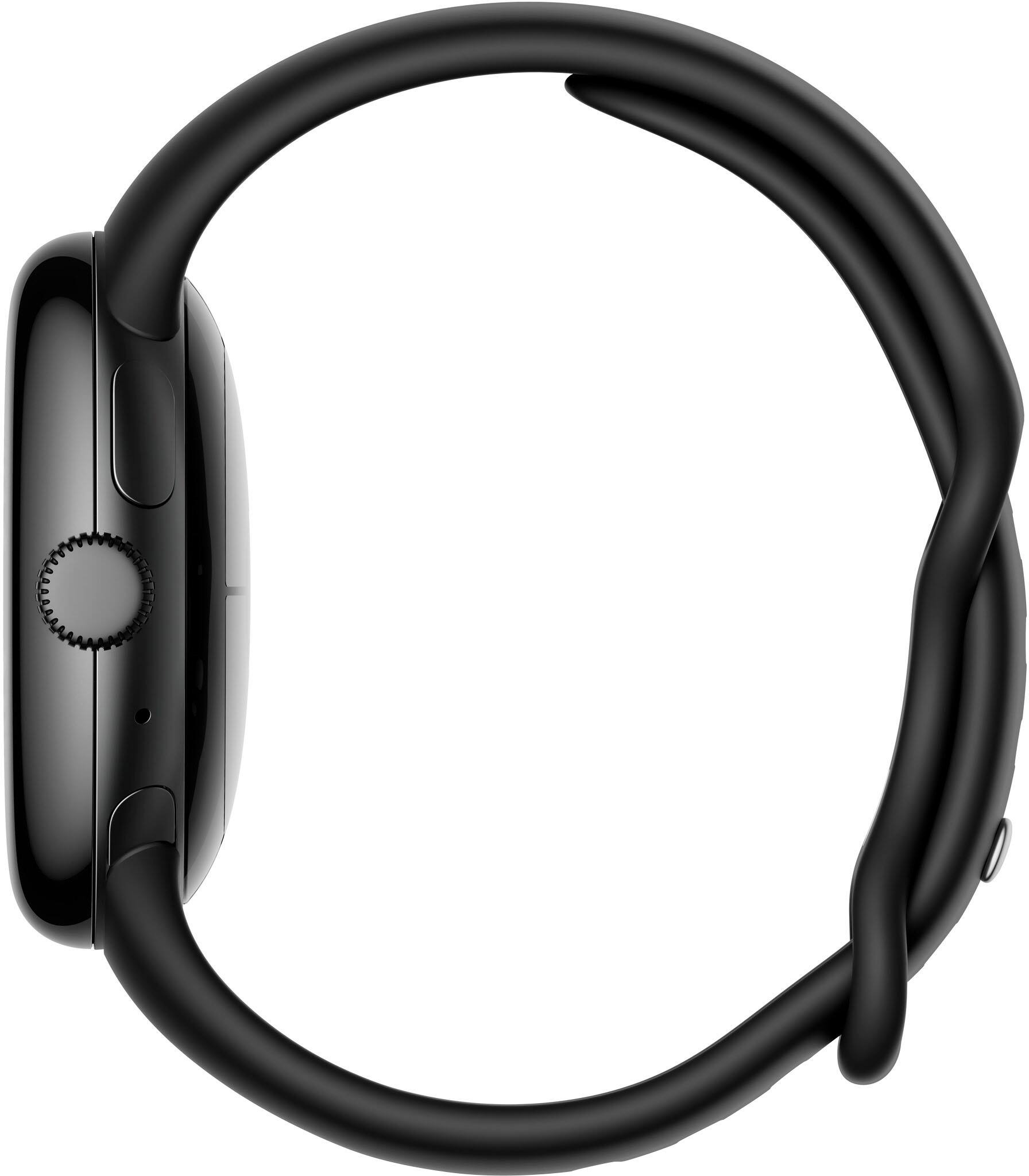
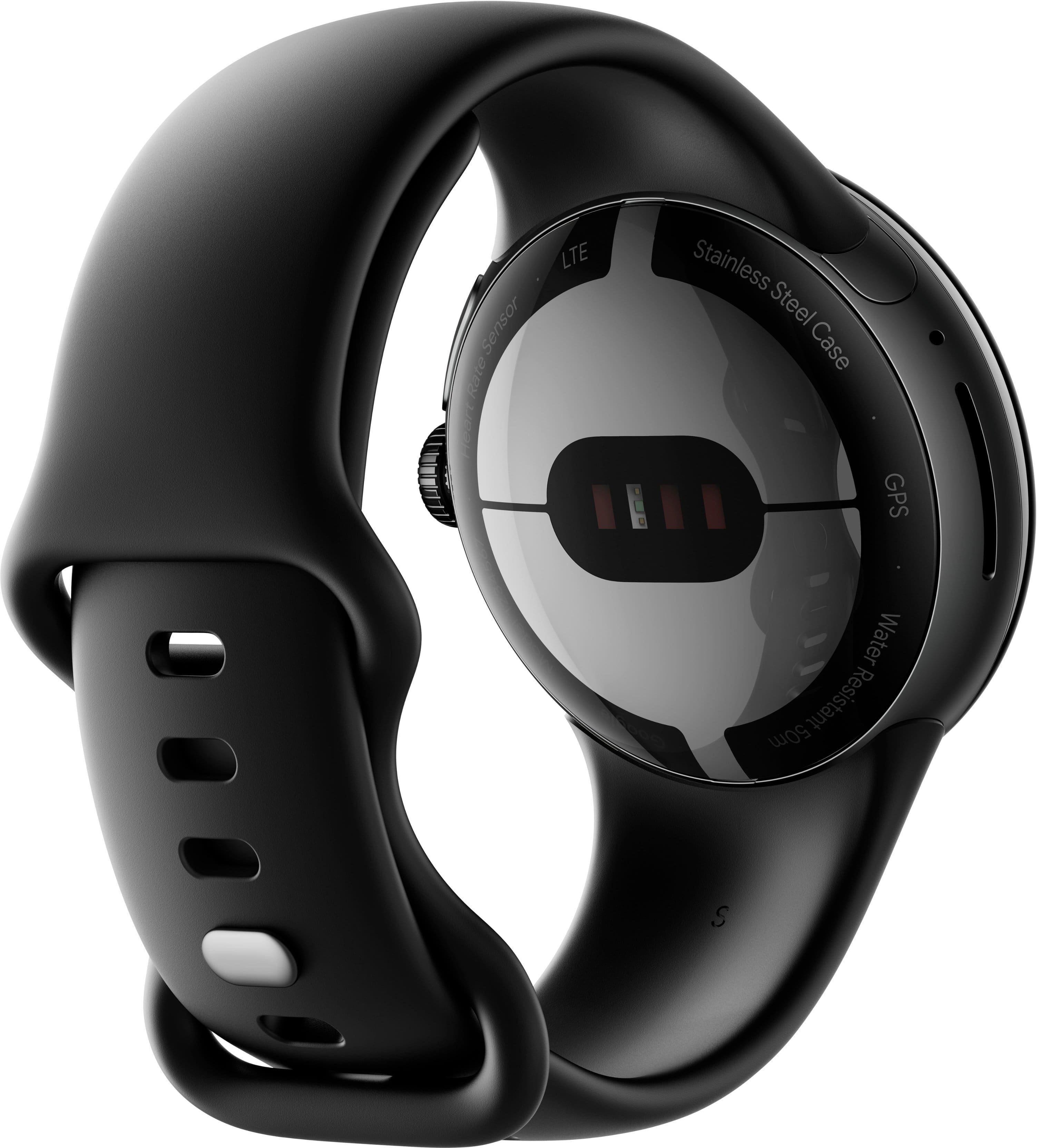
|Posted .This reviewer received promo considerations or sweepstakes entry for writing a review.TLDR: This is not the watch to get for anywhere close to retail price - unless you have a few very specific use cases for it. ***** STANDOUT FEATURES: The watch is fully smart-home, connected-device integrated, so finding your phone, turning on the lights, and locking your door are all a "Hey Google" away. Using your voice to check your calendar, alarms, reminders, the weather, etc. - all easy. The integrated GPS finds signal quickly and does a great job of keeping you. The heart rate monitor is also excellent. You can (theoretically) also set up Google Pay for using your watch as a wallet. ***** BUILD QUALITY: Build Quality on the Pixel Watch is high. Google owns Fitbit now, so who's surprised that the band feels like one from one of their watches? The clasp (while a bit awkward) feels and looks premium. The Gorilla Glass screen has smooth, rounded edges, reminiscent of older Galaxy phones (newer ones are sharper edged). The side dial feels like powder-coated steel. ***** SCREEN: 1.) The screen is small, though a solid DPI. 2.) The colors are muted. 3.) The bezels are substantial, so the advertised measurement may actually disappoint you. 4.) Touch responsiveness is excellent. ***** COMFORT: Your mileage may vary, but my medium-large sided wrist found the watch to be most comfortable when close to my hand. Due to the bowl-shaped bottom of the watch, it didn't cut into my hand when up there. When further back, that shape resulted in increased single-point pressure, making the watch feel taller and heavier than it actually is. With the included larger band, my fit was close to the end of the range. I don't think the standard band will be a good choice for bigger humans, since my average-sized frame is two links from maxing it out. ***** USER INTERFACE: The UI is logical for anybody used to an Android device, though the "crown" (side dial) is an unfamiliar touch, and not super easy to twist accurately (probably due to the small size and how close it is to your wrist). I found myself swiping and ignoring it mostly. ***** CHARGING: Because of the shape of the watch band, the charger doesn't connect firmly. The band has the watch pushing up off whatever surface you set it on and away from the charger, which is a problem when trying to update the firmware, as you can't do that on battery power alone. Seems unnecessary. ***** CALL QUALITY: Calls taken though the onboard speaker are pretty quiet unless you crank the volume (using the dial) - and when you do, it distorts. Using Bluetooth headphones is the way to go. Others report hearing my voice with high quality, though (so the mic is good). ***** EXERCISE OPTIONS: The Pixel Watch comes with a free 6-month subscription to Fitbit Premium, where you gain access to Sleep Tools, Guided Programs, Workouts, Advanced Insights, Challenges and the Health Metrics Dashboard. You can also use other fitness apps like Strava, should Fitbit not be your thing. HR and GPS data are excellent, and the LTE version affords you the ability to enjoy your favorite streaming audio while you go. Being an Android Wear device, you may be able to use even more connected exercise devices through third party apps. It isn't ANT+ compatible, though. Which brings us to the... ***** DEAL BREAKERS: 1.) At one point, Google's FAQ on the watch apparently had a reference to ocean swimming in it. Such a reference is not there today. That, along with no other explicitly stated support for it, leads be to believe salt water is a no-no. This is a huge problem for me, as my local pool primarily uses salt instead of chlorine. Not-being able to take this lap swimming is a deal breaker. 2.) Certain features appear to be half-baked or just missing for no good reason. I can't type to text anybody. I can't check my notifications. I couldn't get Google Pay to work - and there was no specific error message to help me sort it. When updating the watch, there was nothing to indicate progress level. I just had to click and hope it was working. 3.) Workouts don't auto-start, nor auto-stop. 4.) As mentioned, you can't pair an ANT+ device to the Watch. 5.) Battery life is only average for a smart watch in this price bracket. 6.) The band shape makes third-party charging connectors unreliable. 7.) This price bracket is high and very competitive. A watch of this price really must have top-tier abilities. Consumers shouldn't be beta testers. ***** EDGE USE CASES: 1.) You can set an emergency contact to be called with 5 presses of the side dial. This could be useful for multiple reasons, like creating a witness in a bad situation or getting somebody who knows you and your specific medical issues to call emergency services on your behalf, or come help you. 2.) Pixel phone owners can use the watch as a remote trigger and view screen for the phone's camera. You could set your phone on some landscape or a little selfie tripod, gather everybody, then take the photo with your watch. 3.) You could attach the watch to your phone to use as a rear screen for vlogging. ***** CONCLUSION: Google has some work to do developing features and modifying base behavior for the Pixel watch. If they stay committed, they could easily have a "fine wine" product on their hands, especially regarding tweaks to improve battery life, feature set and error feedback. It would be a great option if you already have a Pixel phone and are into running. Reliable GPS and HR data are extremely valuable.
No, I would not recommend this to a friend - Cons mentioned:Battery life, Google pay
Nice first Google Watch
||Posted . Owned for 1 year when reviewed.This reviewer received promo considerations or sweepstakes entry for writing a review.I love this watch. Google home is an awesome integration to a smart home system. The what works well with that. I have no issues with all the apps on the watch. Great quality but it starts up slow. It definitely should load faster at start up. With Google pay you have to always unlock the watch which is tiresome. I hope Google can fix that so it's secure but does not need a pass code Everytime I want to access the watch. Hopefully they can add a camera that has facial recognition and video chat on the Google Pixel watch in Pixel Watch 3. Battery life can do better, only last a day. Good watch when on sale for <$200
I would recommend this to a friend - Pros mentioned:Sleep trackingCons mentioned:Battery life, Google pay
A smart watch with Google's attention to detail
|Posted .This reviewer received promo considerations or sweepstakes entry for writing a review.The Google Pixel watch is an exciting new addition to the world of smart watches. Our household has had the Apple Watch as well as several Garmin “semi-smart” watches for Android, but the Pixel Watch is our first full smart watch for Android. Our hope was that it would provide seamless integration with the Pixel phone, so read on to find out how that went. In the box, we found the watch, a disc-shaped charger, and an extra half of the band. This is actually a very thoughtful inclusion, as it allows you to move to a smaller diameter band without having to buy something immediately. This also prevents those with smaller wrists from having to have a bunch of the band sticking out and interfering with a good fit. Swapping out the band was easy and provided a satisfying click to indicate that you’ve gotten it seated correctly. The band is smooth silicone rubber, and pairs nicely with the black circular face of the watch. This creates a very polished look on the wrist. Setup was quite easy. Pairing with the Pixel phone worked immediately, and required the installation of 3 apps on the phone to get full functionality: Google watch app, the Fitbit app, and the Find My Device app. As usual, this is just a quick trip to the Google Play store. Signing in with our Google account got things started and allowed us to choose the apps we wanted to have on the watch. To use the Fitbit features, we had to create a Fitbit account and connect it to the watch. This was simple, and involved answering some questions to allow the watch to know our fitness goals. Google has created a feature that I think is pretty handy: tiles. This allows you to have up to 15 pre-set apps that are always available just by swiping to the left or right. This is nice, because you can put your most-used apps in the tiles and avoid having to scroll through the full apps list to get to those apps. It’s interesting that not all apps can be placed into tiles. Google says that new tiles for installed apps are available in the tiles editor on the watch, but not all installed apps have corresponding tiles. Hopefully, tile access will increase for available apps. It’s also easy to access settings and tools by swiping down, and this provides easy access to things like flashlight, wallet, and a host of other settings. Google is emphasizing Fitbit integration, and this is clear. Coming from using a Garmin fitness watch, it takes a bit of getting used to, and doesn’t seem to offer as much without paying for a premium membership. The Fitbit app does offer a lot of information, with everything from step count, to heartrate tracking, to sleep tracking. All of it seems to work well, but there is sometimes a delay in how fast information is synched from the watch to the phone. From what I understand, this is something that has characterized Fitbit for some time, even before Google bought them. While I don’t typically get into detailed fitness tracking, the Pixel watch’s fitness integration seems to work well, and compares favorably to what I had with my Garmin. One nice thing is ability to configure heart-rate zones and goals, such as step-count goals. Fitbit divided my goal into steps per hour and then gave notifications to keep me on track. That is a very nice feature that makes you wonder why every other manufacturer hasn’t done that! I’m still getting used to the sleep tracking features, but so far it doesn’t seem to be as smooth as the Garmin. For example, getting up in the middle of the night to use the bathroom was counted as the end of my sleep, which is not what happened. Hopefully, I’ll be able to fine-tune this and get it dialed in. The Pixel watch excels at useful phone integrations that just make life easier. For example, it’s super easy to use Google Assistant right from the watch. While walking around in Washington, DC, it was easy to get walking directions right on the watch. I was even able to take phone calls right on the watch! This may seem a bit silly, but it can be the difference between missing an important phone call because you went upstairs and left your phone downstairs and taking the call you’ve been waiting for all day. For those over a certain age, this will remind you of the Dick Tracy watch that so many kids dreamed of having one day. That day is here! Google promises 24 hours of battery life and has recently clarified exactly how to get that out of the Pixel watch. In my real-world experience, that seems pretty accurate, but that’s without the always-on display. I’ve been trying to setup Google pay on the watch but haven’t succeeded yet. I keep getting “something went wrong”, and a message that my bank needs to verify my identity. Hopefully we’ll be able to get this sorted out, because I’d like to use this feature. Setting it up on my Pixel phone was easy and works well, so it doesn’t make sense that it would be this difficult on the watch. Google seems to be treating the wallet on my phone and the wallet on my watch as two separate items—why? I love that I can dial 911 by pressing the crown 5 times. This is something that provides additional peace of mind, knowing that I have an option even if I’ve left my phone in the other room. Fall detection is supposed to be coming, so that’ll add even more value. I can even control my home’s devices that are connected to Google Home, as well as using the watch as a remote for taking pictures with my Pixel phone. You can also download music directly onto the watch and listen via paired earbuds even without the phone nearby. Those are the kinds of things that you never thought you needed until you find out that you have them. Is this the watch to take on Apple? I haven’t used a Samsung Gear watch, so maybe that one is already a strong competitor. The Google Pixel watch is attractive, integrates well with Android phones, has all the thoughtful touches that a smart watch should have, and provides the functionality to make your days easier. Google has set the price for the wifi version at $349, which is a bit high compared to some other options available, but not terribly so. An LTE version is also available. The things that I’ve seen most complained about are the size of the watch and the battery life. The size works for me, since the size of the Pixel watch is just what I wanted. As for battery life, that will depend on how you use it. For a watch that promises to track everything day or night, figuring out when you can charge it can be a bit of a challenge. I really like this watch and am thrilled to have it. Like any tech these days, it’s not perfect, but Google has delivered a fantastic package with Fitbit integration, Google Assistant integration, and lots of helpful functionality in a minimalist package that is stylishly elegant. If you’re in the market for an Android watch, do yourself a favor and check out the Google Pixel Watch.
I would recommend this to a friendBrand response from Google Team
Posted .Hi BobinVA, thanks for sharing the details of your feedback on Pixel Watch and we’re glad that you really like it and thrilled to have it. We hear your concerns about the battery life, sleep tracking, and with the setup of your Google Pay.
The new Google Pixel Watch is a fully featured smartwatch with LTE capabilities, a bright display and robust haptics. It's also equipped with settings to care for and help extend battery life. You can turn on Battery Saver when your Google Pixel Watch battery gets low. Please note while Battery Saver is on, the """"Always-on screen"""" and """"Tilt-to-wake"""" feature will be set to Off. Learn some tips to help your Google Pixel Watch battery last longer here: https://support.google.com/googlepixelwatch/answer/12742648
Also, when your body is completely at rest and you haven’t moved for about an hour, your device records that you’re asleep. Your time asleep is calculated by subtracting your time spent awake and restless from your overall tracked sleep time. For example, if you slept 8 hours but woke up 2 times for 15 minutes each, your time asleep would be 7 hr 30 min.
Lastly, you can store your credit and debit cards for contactless payments.
- Add a card to your Google Wallet
- Add a credit or debit card
- On Google Pixel Watch, double-press the crown.
- After the tutorial, tap Add card .
- Follow the instructions on your phone to add a credit or debit card.
For any concerns, please visit us whenever you have time for assistance and guidance here: https://support.google.com/googlepixelwatch/gethelp