Customer Ratings & Reviews
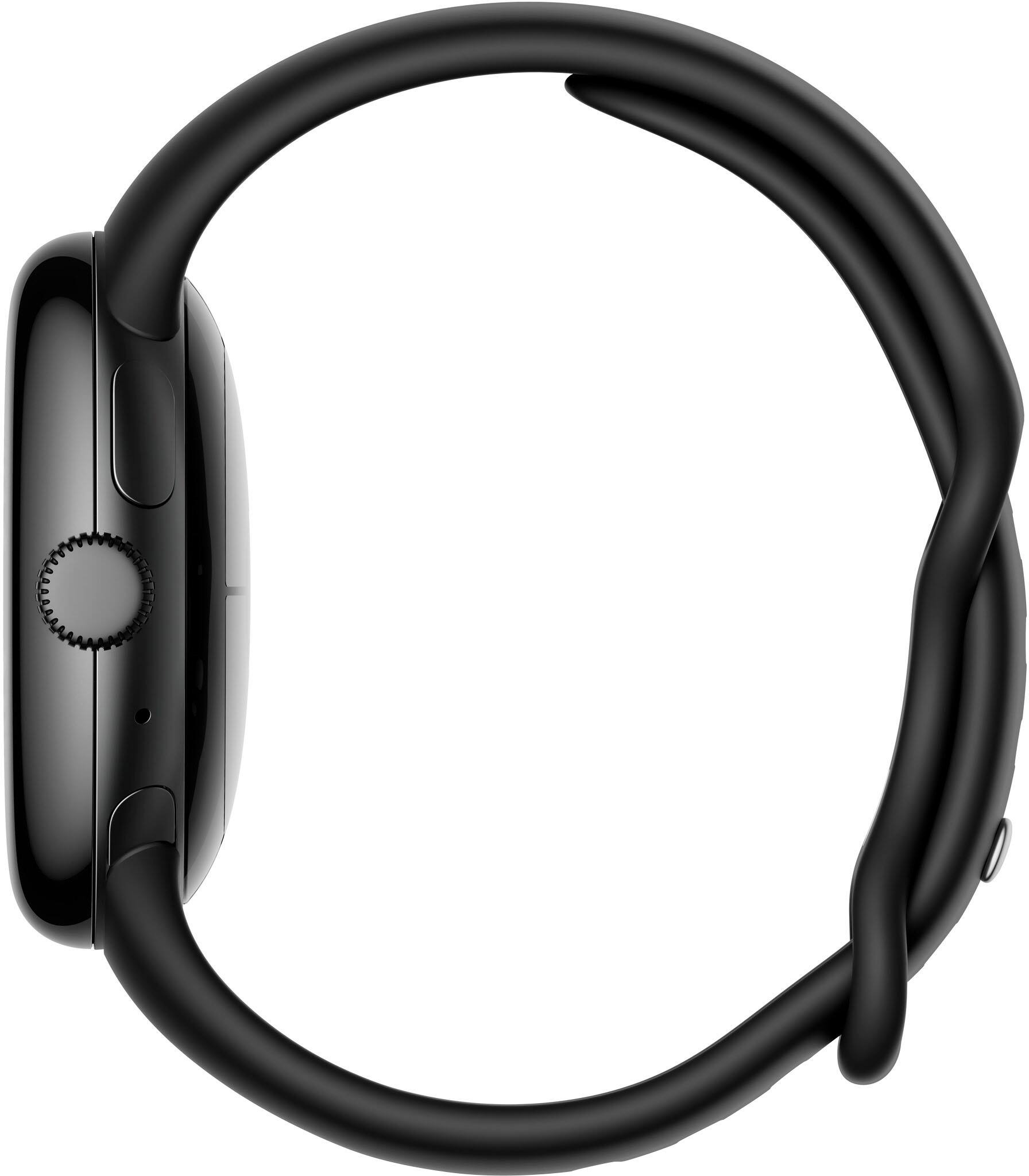
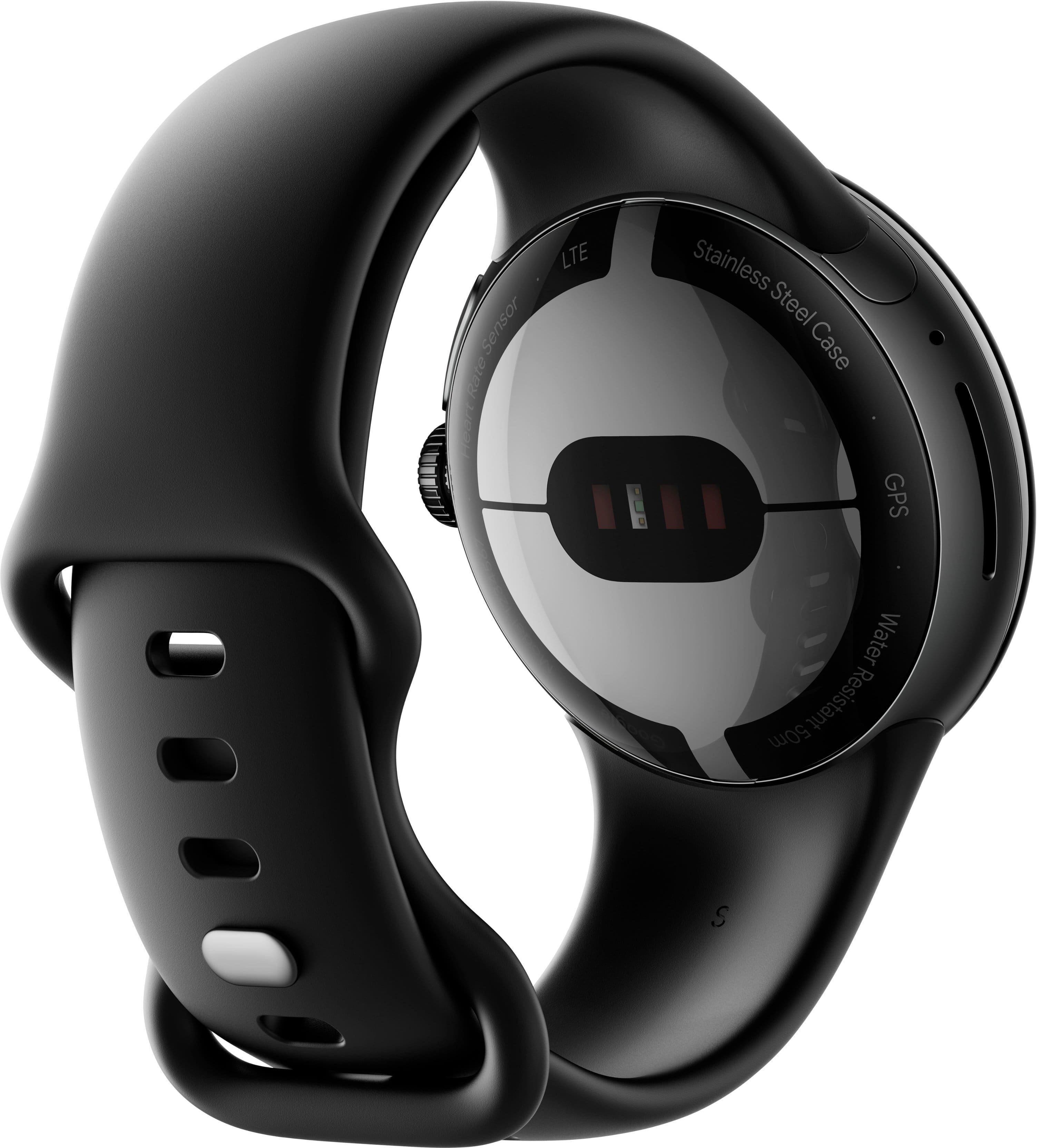





- Model:
- GA02096-US
- SKU:
- 6521698
Rating by feature
- Battery Life
Rating 3.5 out of 5 stars
- Durability
Rating 4.3 out of 5 stars
- Comfort
Rating 4.6 out of 5 stars
Customers are saying
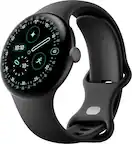
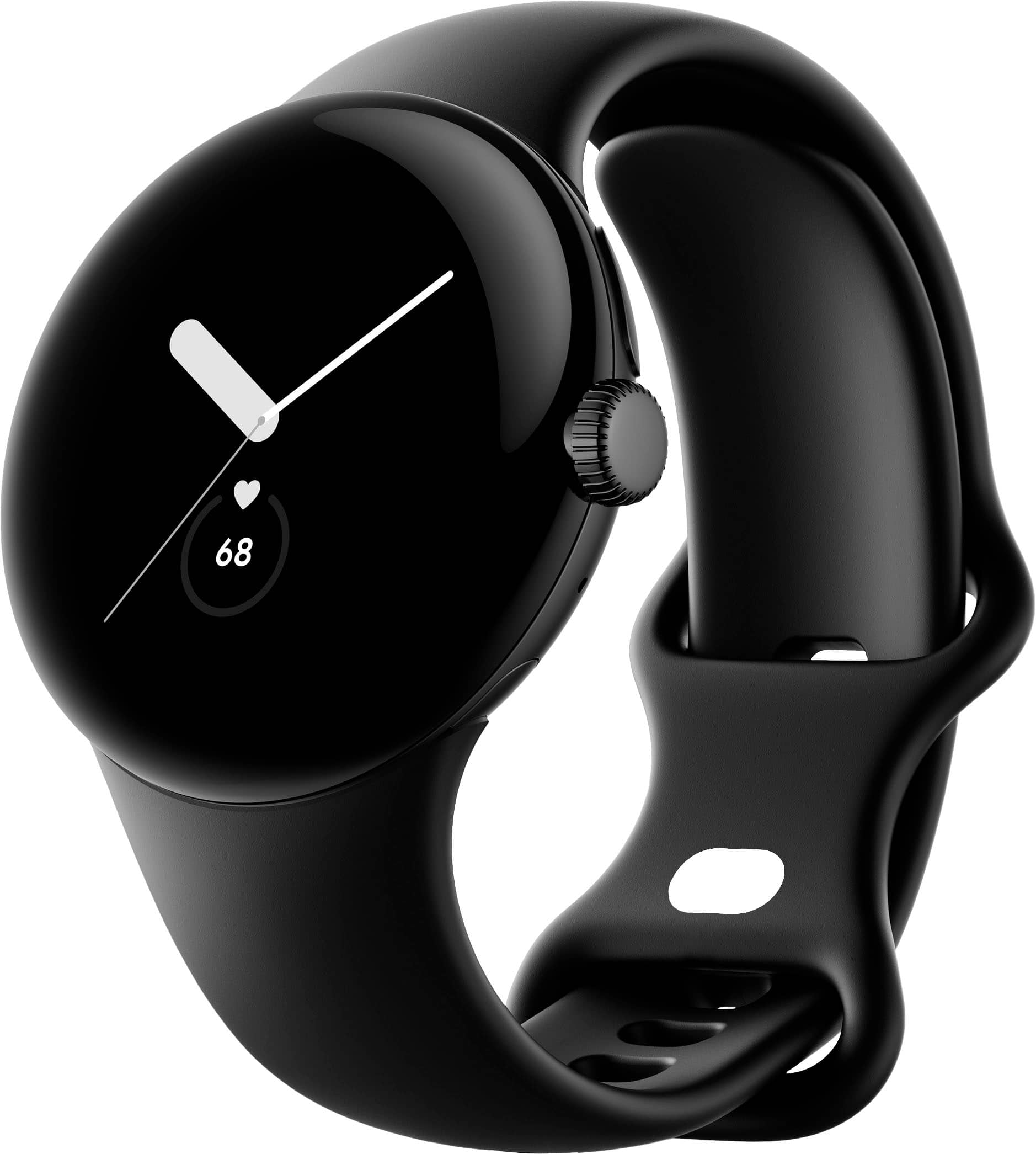
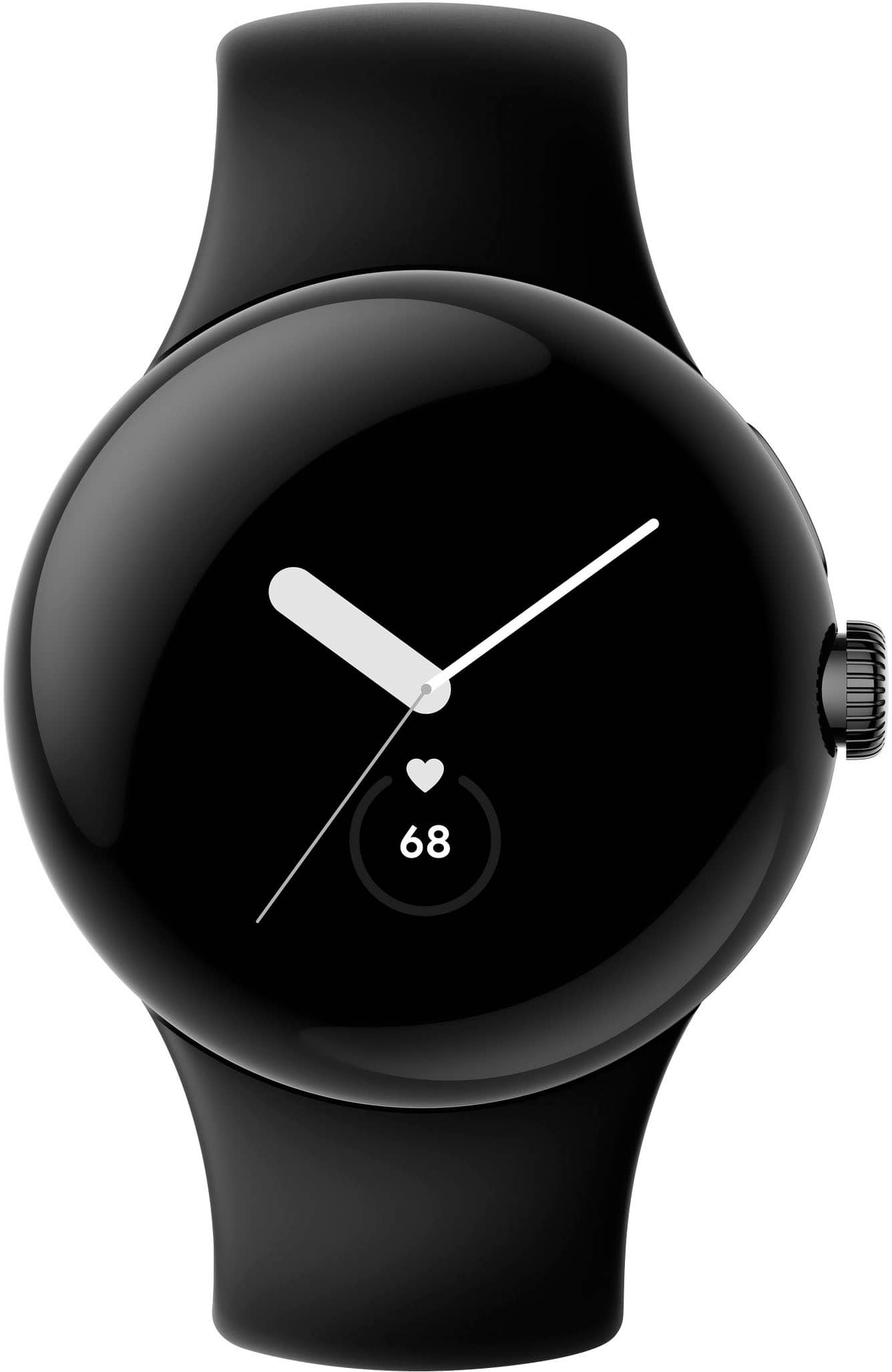
Customers admire the Pixel Watch's sleek design, LTE connectivity, and accurate fitness tracking capabilities, including heart rate and sleep monitoring. However, many users express concerns regarding the watch's battery life and smaller screen size. Some also reported difficulties with Google Pay functionality.
This summary was generated by AI based on customer reviews.
- Cons mentioned:Battery life
A simple to understand watch with ++features
||Posted . Owned for 1 month when reviewed.This reviewer received promo considerations or sweepstakes entry for writing a review.The watch interface is completely snappy, tracks steps well, and feels very light on my wrist where the Apple Watch felt very square and heavy around the crown. Its not perfect in terms of comfort, no watch has been since the Pebble time, but its better than others. The watch makes great use of Fitbit, which Google acquired. If you have Google Fi, the $50/mo plan comes with free 5G access for this watch. It is definitely making use of the google's systems. You can pair your headphones to it and use youtube music, which comes with youtube premium as of 2023. This watch charges faster than the Apple Watches, and loses battery after about a day and a half. Time will tell if they keep their software up to date, as my apple watch *somehow* just got slower even though there was no new apps added. This watch, the new pixel tablet and the pixel phone combined with youtube premium one year bundle and google one bundle have probably made it the easiest to switch away from Apple's ecosystem. That is separate to this, but this watch plays a big part of robustly covering the Fitness and accessibility layers that Apple devices were serving for me. One last note - I had concerns over privacy with Google overall, they're an ad company. But Google actually allows you to download your data across all of its products and look for yourself what they're collecting...and it was innocuous; There was nothing there that bothered me. That is more transparency than I've gotten from the competing products.
I would recommend this to a friend - Cons mentioned:Battery life
Best Fitbit to Date/First for Google!
||Posted . Owned for 1 week when reviewed.This reviewer received promo considerations or sweepstakes entry for writing a review.I really love the aesthetics of the Google Watch, believing it to be the most attractive and lightest smartwatch on the market, coupled with a snappier and more accurate OS assistant that beats Siri and Bixby on the simplest user tasks. The interface is streamlined and the watch feels very premium. It's lightweight and confortable to wear as well, and compliments your Android device, featuring its own app to fully customize it to your heart's content. The only Achilles heel are two things: battery life and screen bezels. While the latter can be easily forgiven and overlooked, but at best you'll get at least a little over a day's worth before needing to recharge the smartwatch. To squeeze more life out of the device, you will need to sacrifice features such as always-on display, lower the brightness, limit how frequent to push notifications, turn off the wake-to-raise function, and other little things that don't seem practical every waking moment. It's a shame, really, to have to do this, but if you utilize it as a fitness watch first, these little things make sense. For daily watch use, having these on all the time will definitely see you recharging it before day's end. Despite these drawbacks for a first-generation device, there's a lot of great things to love and appreciate what's there. Hopefully, Google will improve on the next iteration with a better battery life, a larger screen, and less bezel.
I would recommend this to a friendBrand response from Google Team
Posted .Hello there, David. We appreciate your feedback. We’re glad that you love the Pixel Watch and its features. We hear your concerns about the battery life along with its screen size and bezel. We’ll share this with the right team for future improvements.
We trust that you’re getting the most benefits out of its smart features. For other inquiries, please visit the Google Pixel Watch Help Center, or contact us anytime and we’ll gladly help: https://support.google.com/googlepixelwatch/gethelp
- Pros mentioned:Heart rate, Sleep tracking
Good watch
||Posted . Owned for 3 weeks when reviewed.This reviewer received promo considerations or sweepstakes entry for writing a review.It's a good watch has features such as fitness tracking, GPS, NFC for mobile payments, heart rate monitor, and supports Google Assistant.
I would recommend this to a friend Love my Google Pixel Watch!!
||Posted . Owned for 5 months when reviewed.This reviewer received promo considerations or sweepstakes entry for writing a review.I've been a loyal Google Pixel customer dating back to the pixel 2 phone and I've been waiting for the pixel watch to finally get here and I couldn't be happier. It does exactly what I want and nothing that I don't want it to do. The watch faces are very good and customizable and I especially like the fact that your heart rate is literally taken like every second. The battery is just fine for me. I can get about a day and a half battery life and not compromise any of the settings. I throw it on a charger for about 20 minutes in the evening before bed so it's got plenty of battery for sleep tracking through the night. This is a generation 1 pixel watch so I think they did a great job. My only suggestion would be to make the speaker on it louder as I have the LTE model. So when I'm on a call I have to hold the watch pretty close to my ear to hear the other person. Not the end of the world...
I would recommend this to a friendBrand response from Google Team
Posted .Hello there, Nathan! Thanks for the feedback, and for being an avid user of Google Pixel devices. We appreciate you like the Pixel Watch, alongside its features, and we understand that having a more powerful speaker can be ideal for you. We’d be happy to share this information with the right team as we're constantly looking to improve our products and services.
We trust that you’re getting the most benefits out of its functionality. If you come across any concerns about the Pixel Watch, feel free to contact us through our support channels found here: https://support.google.com/googlepixelwatch/gethelp
- Pros mentioned:Heart rateCons mentioned:Battery life, Google pay, Screen size

Will this age like "fine wine"??
|Posted .This reviewer received promo considerations or sweepstakes entry for writing a review.TLDR: This is not the watch to get for anywhere close to retail price - unless you have a few very specific use cases for it. ***** STANDOUT FEATURES: The watch is fully smart-home, connected-device integrated, so finding your phone, turning on the lights, and locking your door are all a "Hey Google" away. Using your voice to check your calendar, alarms, reminders, the weather, etc. - all easy. The integrated GPS finds signal quickly and does a great job of keeping you. The heart rate monitor is also excellent. You can (theoretically) also set up Google Pay for using your watch as a wallet. ***** BUILD QUALITY: Build Quality on the Pixel Watch is high. Google owns Fitbit now, so who's surprised that the band feels like one from one of their watches? The clasp (while a bit awkward) feels and looks premium. The Gorilla Glass screen has smooth, rounded edges, reminiscent of older Galaxy phones (newer ones are sharper edged). The side dial feels like powder-coated steel. ***** SCREEN: 1.) The screen is small, though a solid DPI. 2.) The colors are muted. 3.) The bezels are substantial, so the advertised measurement may actually disappoint you. 4.) Touch responsiveness is excellent. ***** COMFORT: Your mileage may vary, but my medium-large sided wrist found the watch to be most comfortable when close to my hand. Due to the bowl-shaped bottom of the watch, it didn't cut into my hand when up there. When further back, that shape resulted in increased single-point pressure, making the watch feel taller and heavier than it actually is. With the included larger band, my fit was close to the end of the range. I don't think the standard band will be a good choice for bigger humans, since my average-sized frame is two links from maxing it out. ***** USER INTERFACE: The UI is logical for anybody used to an Android device, though the "crown" (side dial) is an unfamiliar touch, and not super easy to twist accurately (probably due to the small size and how close it is to your wrist). I found myself swiping and ignoring it mostly. ***** CHARGING: Because of the shape of the watch band, the charger doesn't connect firmly. The band has the watch pushing up off whatever surface you set it on and away from the charger, which is a problem when trying to update the firmware, as you can't do that on battery power alone. Seems unnecessary. ***** CALL QUALITY: Calls taken though the onboard speaker are pretty quiet unless you crank the volume (using the dial) - and when you do, it distorts. Using Bluetooth headphones is the way to go. Others report hearing my voice with high quality, though (so the mic is good). ***** EXERCISE OPTIONS: The Pixel Watch comes with a free 6-month subscription to Fitbit Premium, where you gain access to Sleep Tools, Guided Programs, Workouts, Advanced Insights, Challenges and the Health Metrics Dashboard. You can also use other fitness apps like Strava, should Fitbit not be your thing. HR and GPS data are excellent, and the LTE version affords you the ability to enjoy your favorite streaming audio while you go. Being an Android Wear device, you may be able to use even more connected exercise devices through third party apps. It isn't ANT+ compatible, though. Which brings us to the... ***** DEAL BREAKERS: 1.) At one point, Google's FAQ on the watch apparently had a reference to ocean swimming in it. Such a reference is not there today. That, along with no other explicitly stated support for it, leads be to believe salt water is a no-no. This is a huge problem for me, as my local pool primarily uses salt instead of chlorine. Not-being able to take this lap swimming is a deal breaker. 2.) Certain features appear to be half-baked or just missing for no good reason. I can't type to text anybody. I can't check my notifications. I couldn't get Google Pay to work - and there was no specific error message to help me sort it. When updating the watch, there was nothing to indicate progress level. I just had to click and hope it was working. 3.) Workouts don't auto-start, nor auto-stop. 4.) As mentioned, you can't pair an ANT+ device to the Watch. 5.) Battery life is only average for a smart watch in this price bracket. 6.) The band shape makes third-party charging connectors unreliable. 7.) This price bracket is high and very competitive. A watch of this price really must have top-tier abilities. Consumers shouldn't be beta testers. ***** EDGE USE CASES: 1.) You can set an emergency contact to be called with 5 presses of the side dial. This could be useful for multiple reasons, like creating a witness in a bad situation or getting somebody who knows you and your specific medical issues to call emergency services on your behalf, or come help you. 2.) Pixel phone owners can use the watch as a remote trigger and view screen for the phone's camera. You could set your phone on some landscape or a little selfie tripod, gather everybody, then take the photo with your watch. 3.) You could attach the watch to your phone to use as a rear screen for vlogging. ***** CONCLUSION: Google has some work to do developing features and modifying base behavior for the Pixel watch. If they stay committed, they could easily have a "fine wine" product on their hands, especially regarding tweaks to improve battery life, feature set and error feedback. It would be a great option if you already have a Pixel phone and are into running. Reliable GPS and HR data are extremely valuable.
No, I would not recommend this to a friend - Pros mentioned:Design
Great watch
||Posted . Owned for 2 months when reviewed.This reviewer received promo considerations or sweepstakes entry for writing a review.Ive got myself one and its the best watch! I wear it everyday dont have to take out my phone to check whose calling or texting.
I would recommend this to a friend - Cons mentioned:Battery life
My Pix
||Posted . Owned for 1 month when reviewed.This reviewer received promo considerations or sweepstakes entry for writing a review.I love all the features just getting use to the watch. The only problem I have is with the battery does not last as long as my moto g. I wish the battery life was longer. It is a beautiful watch.
I would recommend this to a friendBrand response from Google Team
Posted .Hey there, LoAnn. We’re grateful for your feedback on the Pixel Watch, and we appreciate that you love its features. We hear your concern about its battery life, and we’ll let our products team know about this for future improvements.
You can turn on the Battery Saver when the battery gets low. Please note while Battery Saver is on, the ""Always-on screen"" and ""Tilt-to-wake"" feature will be set to Off. For sleep tracking, you will need a minimum 30% charge (about 30 minutes to 50%). Try charging during your morning routine or during your wind-down time at night so the battery lasts while you’re sleeping. Learn more tips to help your watch battery last longer here: https://support.google.com/googlepixelwatch/answer/13579780
We trust that you’re getting the most benefits out of the Pixel Watch’s smart features. For support concerns, you’re always welcome to contact us here: https://support.google.com/googlenest/gethelp
- Pros mentioned:Ease of use
It's nice and classy to wear
||Posted . Owned for 1 month when reviewed.This reviewer received promo considerations or sweepstakes entry for writing a review.I like the ease of use and beautiful watch faces however, if compared to apple watch, it lags the speed and fast response and comparible apps. No doubt the price for this watch is almost half of apple watch. I am satisfied with my purchase.
No, I would not recommend this to a friendBrand response from Google Team
Posted .Hello there, thanks for sending in your feedback on your Google Pixel Watch. We're glad to hear that you had an easy time using the device and want to know more about your experience. Please reach out to our support specialists so we can help identify the cause of the lag and help improve the overall performance of the device. You can contact us on our Google Help page here: https://support.google.com/googlepixelbuds/gethelp
- Cons mentioned:Battery life
Love my Pixel Watch - thanks Bestbuy!
||Posted . Owned for 1 month when reviewed.This reviewer received promo considerations or sweepstakes entry for writing a review.The watch is better than I thought it was going to be and battery life is a little short but not enough to ruin the experience, I'm so thankful the best buy I went into was so helpful!! They were the only place that carried them locally and at a great price! They explained the features and I just felt like I knew what I was getting. Thank you so much!
I would recommend this to a friend A GREAT Watch For a GREAT line
||Posted . Owned for 2 months when reviewed.This reviewer received promo considerations or sweepstakes entry for writing a review.Pixel watch is a great intro into the Pixel ecosystem! Super easy to set up. Gorgeous design and works seamlessly with my phone. I keep it simple and don't really need the watch for anything other than Fitbit and the occasional music use when I'm working out and I get two days of batteries. I am however, removing a star because of the screen and how vulnerable it is to the elements. Id rather they sacrifice some of the style, for more peace of mind that my screen won't crack if I bump it into a wall or something. Otherwise, I HIGHLY recommend the Pixel Watch and am sincerely looking forward to the next iteration.
I would recommend this to a friend- Cons mentioned:Battery life
Great Watch! Bad Battery.
||Posted . Owned for 1 month when reviewed.This reviewer received promo considerations or sweepstakes entry for writing a review.I'm really enjoying the aesthetic of the watch and the functionality. The only drawback is the poor battery life.
I would recommend this to a friendBrand response from Google Team
Posted .Hello there, Chris. We appreciate you for sharing your feedback on your Google Pixel Watch. We recommend trying the steps on the link here to save power and extend the battery life of your device: https://support.google.com/googlepixelwatch/answer/13579780
If you need further assistance or have additional questions, please don't hesitate to visit our Google Help page for immediate support here: https://support.google.com/googlepixelwatch/gethelp
- Cons mentioned:Battery life
Watch is great, battery needs work
||Posted . Owned for 2 months when reviewed.This reviewer received promo considerations or sweepstakes entry for writing a review.Great smart watch only downside is battery life it need to be charged daily.
I would recommend this to a friendBrand response from Google Team
Posted .Hey there, Alex. We’re grateful for your feedback that you find the Pixel Watch great. We hear your concern about its battery life. We suggest turning on the Battery Saver when the battery gets low. While Battery Saver is on, the "Always-on screen" and "Tilt-to-wake" feature will be set to Off. For sleep tracking, you will need a minimum 30% charge (about 30 minutes to 50%). Try charging during your morning routine or during your wind-down time at night so the battery lasts while you’re sleeping. Learn more tips to help your watch battery last longer here: https://support.google.com/googlepixelwatch/answer/13579780
Besides having support articles available online, we also have our dedicated team always ready to help you here: https://support.google.com/googlepixelwatch/gethelp
- Pros mentioned:Design
Great first version
||Posted . Owned for 1 month when reviewed.This reviewer received promo considerations or sweepstakes entry for writing a review.Excellent device! Been waiting for a Pixel Watch for years, and it certainly delivers with comfort, style, and functionality
I would recommend this to a friend - Cons mentioned:Battery life
Great watch for all your needs.
||Posted . Owned for 1 month when reviewed.This reviewer received promo considerations or sweepstakes entry for writing a review.Great watch, beautiful screen and has many features. Only down side would be the battery life.
I would recommend this to a friendBrand response from Google Team
Posted .Hi there, ChristianS! Thank you for choosing Google Pixel Watch. We recommend trying the steps on the link here to save power and extend the battery life of your device: https://support.google.com/googlepixelwatch/answer/13579780
If you need further assistance or have additional questions, please don't hesitate to visit our Google Help page for immediate support here: https://support.google.com/googlepixelwatch/gethelp
Watch is awesome, back falling off is not
||Posted . Owned for 1.5 years when reviewed.This reviewer received promo considerations or sweepstakes entry for writing a review.Watch was working very well and was enjoying it. Then one day, the back cover just fell off. Looks like it's a known issue, have been trying to get some resolution for over a year and a half
No, I would not recommend this to a friendExcellent Google Watch
||Posted . Owned for 11 months when reviewed.This reviewer received promo considerations or sweepstakes entry for writing a review.Excellent watch! Battery life is good, quality is spectacular, and it ranks right up there with the Apple Watch
I would recommend this to a friendPixel watch
||Posted . Owned for 3 weeks when reviewed.This reviewer received promo considerations or sweepstakes entry for writing a review.Wife is really excited about the great looking watch. Fast delivery too.
I would recommend this to a friend- Pros mentioned:Heart rateCons mentioned:Battery life, Screen size
A good, but not great, first watch from Google
|Posted .This reviewer received promo considerations or sweepstakes entry for writing a review.The Google Pixel Watch is Google’s first leap into smart watches, and many Pixel/Android users have been waiting for years for this watch. I was excited to get it, as upon opening the box, the watch is pretty attractive, being a glossy black AMOLED display, round and dome shaped on the edges, and less “stand-outish” visually than some others out there. It’s available as a Bluetooth only model that connects to your phone wirelessly, or for a little more, a LTE version that works standalone but has an additional monthly charge via your mobile service. In the box, you get of course the watch, a standard and small watch strap, and a proprietary disk-shaped charger that charges the watch on the back via magnetic connection it’s a USB-C connection to a power plug if you have one. The watch itself has a crown you can use to scroll with, and a button used to go to apps you’ve had open, while a longer press on the crown opens Google assistant, where just like with an Android phone, you can make inquiries, commands, text, etc. Overall a similar-to-others layout that works to do what you need it to. One thing though… it’s small. At 41mm in size, it’s small compared to similar smart watches in that unlike others, Google does not offer a larger size – 41mm is it. Not bad on a child, many women, or some smaller men’s wrists, but if you have a large wrist, it does look a bit awkwardly small. A larger bezel around the watch screen also reduces the actual usable size of the screen itself, making it technically smaller than 41mm, and as such, REALLY small. The wrist band doesn’t fit wrists much larger than around 8 or so inches, and larger bands are not yet sold by Google or third party vendors, so there’s going to be a wait for comfort if you have a larger wrist. They are VERY tricky to slide on the watch, so patience is a virtue. It’s like a “slide and lift” action. In terms of the operating system, there’s a ton of workout activities you can keep track of and they look similar to Fitbit devices (Google now owns Fitbit) in the menu. You can pretty much keep track of anything fitness related and they work pretty accurately as far as watches go; of note though, the most advanced tracking options are part of a “Fitbit Premium” service that you get free only for six months with the watch – after that, you have to pay around $10 per month to keep using those (boo). The GPS seems accurate and stayed connected to my Pixel 5a via Bluetooth consistently. The heart rate monitor works well, though it seems to stay on ALL of the time (draining the battery a bit quicker). You can also take an ECG to possibly detect heart fibrillation issues. Sleep tracking is available to monitor your sleep quality, but it’s part of that premium package mentioned earlier. Google services like Assistant, Maps, Pay, Calendar, and Music are of course also in the OS. Scrolling or sliding your finger on the screen takes you through all of the apps, and is pretty standard and easy to do. The companion Pixel Watch phone app also allows you to more easily control the watch’s settings, watch faces, and options as well. A separate Fitbit app helps keep track of the fitness aspects, but unfortunately, you have to download yet another app to get the heart ECG readings. I was able to get and send texts with no issue using the watch, and receive calls though the 5a phone, though the volume wasn’t anything stellar even at max. Still usable, though. Battery life is so-so. If you don’t use the Always on display (AOD), fitness, sleep, or GPS features a lot you can make it through a full day, but when used reasonably heavy, the small watch body’s small battery just gives up and needs to be topped off. The Pixel Watch doesn't fail as a smart watch – what it does, it does pretty well, but to me (opinion), it definitely feels like a first generation device. If you are going to offer only one size, I think it should be around 43mm or so, not as small as this one. A smaller bezel is in order, better battery life, and a selection of larger wristbands out of the gate. Also, having so many separate apps is confusing and convoluted – it would be best if they consolidated all functions of the watch into one, centralized, app. It’s not a “bad” smart watch, and my 3 star rating isn’t meant to be bad. It’s good overall, but there’s enough irritants in this first version to not merit a higher rating (to me). I think Google will learn from this, and future generations will (or should) address these though. Plenty of people will still find use for this, especially if you own a Pixel phone – just be sure you know what you are and are not getting. Still recommended (but with reservations).
I would recommend this to a friendBrand response from Google Team
Posted .Hi AtlantaGreg, thank you for sharing your review for your Pixel Watch. We're sorry to hear that your experience with the device has been less than ideal when it comes to the design and battery life of the device. We suggest trying the steps on the link here that may help improve the battery life: https://support.google.com/wearos/answer/6303917
Your feedback with functionality and overall performance is appreciated and rest assured that we'll relay this to the right team for future improvements. If you need further assistance or have additional concerns with your Pixel Watch, please don't hesitate to contact us on our Google Help page here: https://support.google.com/googlepixelwatch/gethelp
- Pros mentioned:Heart rate, LteCons mentioned:Battery life
Finally Pixel Watch is here
|Posted .This reviewer received promo considerations or sweepstakes entry for writing a review.The phone comes with 2 band sizes, it’s perfect for people with small wrist size like me. The face diameter is just right, not too big, not too small. The only thing I wish it came with is the adapter for USB A to C since most of my power adapters are USB A style. Pros: Very comfortable, fits perfectly on my wrist, most times I forget I’m wearing it. Works great with your Google and Fitbit account It has heart rate reading and you can download cardiogram app for a better experience LTE option Charges quick Gestures easy to learn and fairly natural NFC enabled for Google Pay and other app such as Chargepoint EV charging app. I chose to disable this for security purposes. Cons: A bit pricey Band options still limited for now Steps tracker is inaccurate sometimes, it counts when I drive. (Maybe I shouldn’t complain??) Battery life has been about 1.5 days for a full charge. I did turn off most notifications and ringer. I dislike seeing my emails and other notifications on my watch. I almost always have my phone nearby. Overall, I am happy with the design and functionality of the watch. I can't wait until more bands are available on the market!
I would recommend this to a friendBrand response from Google Team
Posted .Hi bzma2, we appreciate you for sharing the details of your feedback, and we’re glad that you’re happy with the design and functionality of the Pixel Watch. We hear your concerns about the limited availability of the bands, the price, steps tracker, battery life, and about getting notifications.
The new Google Pixel Watch comes equipped with settings to care for and help extend battery life. You can turn on Battery Saver when your Google Pixel Watch battery gets low. Please note while Battery Saver is on, the ""Always-on screen"" and ""Tilt-to-wake"" feature will be set to Off. For sleep tracking, you will need a minimum 30% charge (about 30 minutes to 50%). Try charging during your morning routine or during your wind-down time at night so the battery lasts while you’re sleeping. Learn some tips to help your Google Pixel Watch battery last longer here: https://support.google.com/googlepixelwatch/answer/12742648
Also, Fitbit devices have a finely-tuned algorithm for step counting. The algorithm is designed to look for intensity and motion patterns that are most indicative of people walking and running. When working at a desk, cooking, or performing other activities with arm movements, a device on your wrist may add some steps. When you’re doing activities that involve arm movement—such as working or cooking—you often walk a few steps in-between stationary periods as well, so the device tries to give you credit for those steps. For most customers, the number of extra steps added by arm-based movement isn’t significant when compared to your overall stats.
Lastly, notifications for your Google Pixel Watch and phone apps are all available on Google Pixel Watch. To set which apps have notifications turned on:
- On your phone, open the Google Pixel Watch app Google Pixel Watch.
- Under ""Settings,"" tap Notifications .
- Select watch or phone apps and turn on or off notifications from each one.
We’d be happy to share your feedback, about the limited bands and the adapter, with the right team for future improvements. And if there’s anything we can help you with, please let us know by visiting us here: https://support.google.com/googlepixelwatch/gethelp
- Pros mentioned:Lte
Where have i been
||Posted . Owned for 2 weeks when reviewed.This reviewer received promo considerations or sweepstakes entry for writing a review.I purchased both the LTE and WiFi version. If you are with TMobile, you only need the WiFi version. Otherwise you'll be paying more for no specific reason.
I would recommend this to a friend