Customer Ratings & Reviews
- Model:
- GA02430-US
- |
- SKU:
- 6427172
Customer reviews
Rating 4.7 out of 5 stars with 688 reviews
(688 customer reviews)Rating by feature
- Setup4.8
Rating 4.8 out of 5 stars
- Range4.7
Rating 4.7 out of 5 stars
- Signal Strength4.7
Rating 4.7 out of 5 stars
Customers are saying
Customers admire the Wifi - Mesh Router (AC1200) - 1 pack for its ease of use, extensive coverage, and improved range and signal strength, resulting in better performance and connectivity. Many users found setup to be quick and straightforward, leading to a positive overall experience. While some minor concerns regarding lag and buffering were raised, the vast majority of feedback was overwhelmingly positive. The product effectively addressed connectivity issues and improved internet performance for most users.
This summary was generated by AI based on customer reviews.
Rated 5 out of 5 stars
Worth the purchase
||Posted . Owned for 2 months when reviewed.This reviewer received promo considerations or sweepstakes entry for writing a review.I am happy with adding this additional WIFI mesh to my already mesh system. It was easy to add and joined and increased WIFI throughout my home.
I would recommend this to a friendRated 5 out of 5 stars
BUY NOW!
||Posted . Owned for 1 year when reviewed.This reviewer received promo considerations or sweepstakes entry for writing a review.BUY NOW! Good nest mesh has been the best wifi extender that I've ever purchased and is extremely user-friendly.
I would recommend this to a friendRated 2 out of 5 stars
Did not perform as advertised.
||Posted . Owned for 1 month when reviewed.This reviewer received promo considerations or sweepstakes entry for writing a review.Did not produce a noticeable increase in wifi output or increase. Also had a negative effect on existing cable WIFI components. This was not mentioned in any of the set up directions. I returned the item for these reasons and received a full refund.
No, I would not recommend this to a friendBrand response from Google Team
Posted .Hi,
Thank you for sharing your experience with us. We’re sorry to hear that you’ve had to return your Google Wifi. Should you decide to give Google Wifi another try in the future, we'd be more than happy to help you improve your experience when you visit us at the Google Wifi help page: https://support.google.com/wifi/contactflow
Rated 5 out of 5 stars
Works great!
||Posted . Owned for 2 weeks when reviewed.This reviewer received promo considerations or sweepstakes entry for writing a review.I have google fiber but i needed one more of these than the two I originally got.
I would recommend this to a friendBrand response from Google Team
Posted .Hi there Harrisworldwide, thanks for choosing our Google Wifi products. The number of Google Wifi Points needed to fully cover your home depends on your individual situation. Factors such as the size of your home and construction materials will need to be considered. To get a better idea and estimate of how many Google Wifi Points you may need to add, check out this help article: https://support.google.com/googlenest/answer/7182840
Just in case you need further assistance, our support team would be happy to answer any questions you may have in mind and help you with any support needs with your Google Wifi: https://support.google.com/googlenest/gethelp
Rated 5 out of 5 stars
Awesome mesh system
||Posted . Owned for 11 months when reviewed.This reviewer received promo considerations or sweepstakes entry for writing a review.I love these pods! My wifi is outstanding! I do want to upgrade to a WiFi 6 system
I would recommend this to a friendRated 5 out of 5 stars
Google Mesh
||Posted . Owned for 1 week when reviewed.This reviewer received promo considerations or sweepstakes entry for writing a review.I cannot say enough good things about Rob and Daniel who installed my Google Mesh. They were the best!
I would recommend this to a friendRated 5 out of 5 stars
Awsomw
||Posted . Owned for 1 week when reviewed.This reviewer received promo considerations or sweepstakes entry for writing a review.Worked better then i imagined. My old wifi didnt work as good as this.
I would recommend this to a friendRated 2 out of 5 stars
Google Mesh = Nah
||Posted . Owned for 4 months when reviewed.This reviewer received promo considerations or sweepstakes entry for writing a review.This router was....Okay. Ended up returning item and getting a different mesh setup for the house. Router would keep dropping out and was unable to determine the reason. New setup works great.
No, I would not recommend this to a friendBrand response from Google Team
Posted .Hi,
Thank you for taking the time to share your feedback. We’re sorry to hear that you’ve had to return your Google Wifi.
There are many reasons why your internet connection drops or might appear slow. Incorrect setups, distance of router and points and their placements and presence of a double NAT are some of the possible reasons.
Should you decide to give Google Wifi another try in the future, we'd be more than happy to help you improve your experience when you visit us here: https://support.google.com/wifi/contactflow
Rated 5 out of 5 stars
Works great
||Posted . Owned for 1 week when reviewed.This reviewer received promo considerations or sweepstakes entry for writing a review.Very useful. Has tether and wifi capabilities. Will buy again
I would recommend this to a friendRated 5 out of 5 stars
Simple
||Posted . Owned for 1 month when reviewed.This reviewer received promo considerations or sweepstakes entry for writing a review.Needed the on line tutrial to understand how it works
I would recommend this to a friendBrand response from Google Team
Posted .Hi there, we appreciate you for posting a review about Google Wifi. We’ll be using your feedback to work on improving our products and services, including our online support articles. Besides having online help available at Google Nest Help center, we also have a dedicated team of specialists always ready to provide assistance through our support channels here: https://support.google.com/googlenest/gethelp
Rated 3 out of 5 stars
Get the three of your trying to expand your wifi
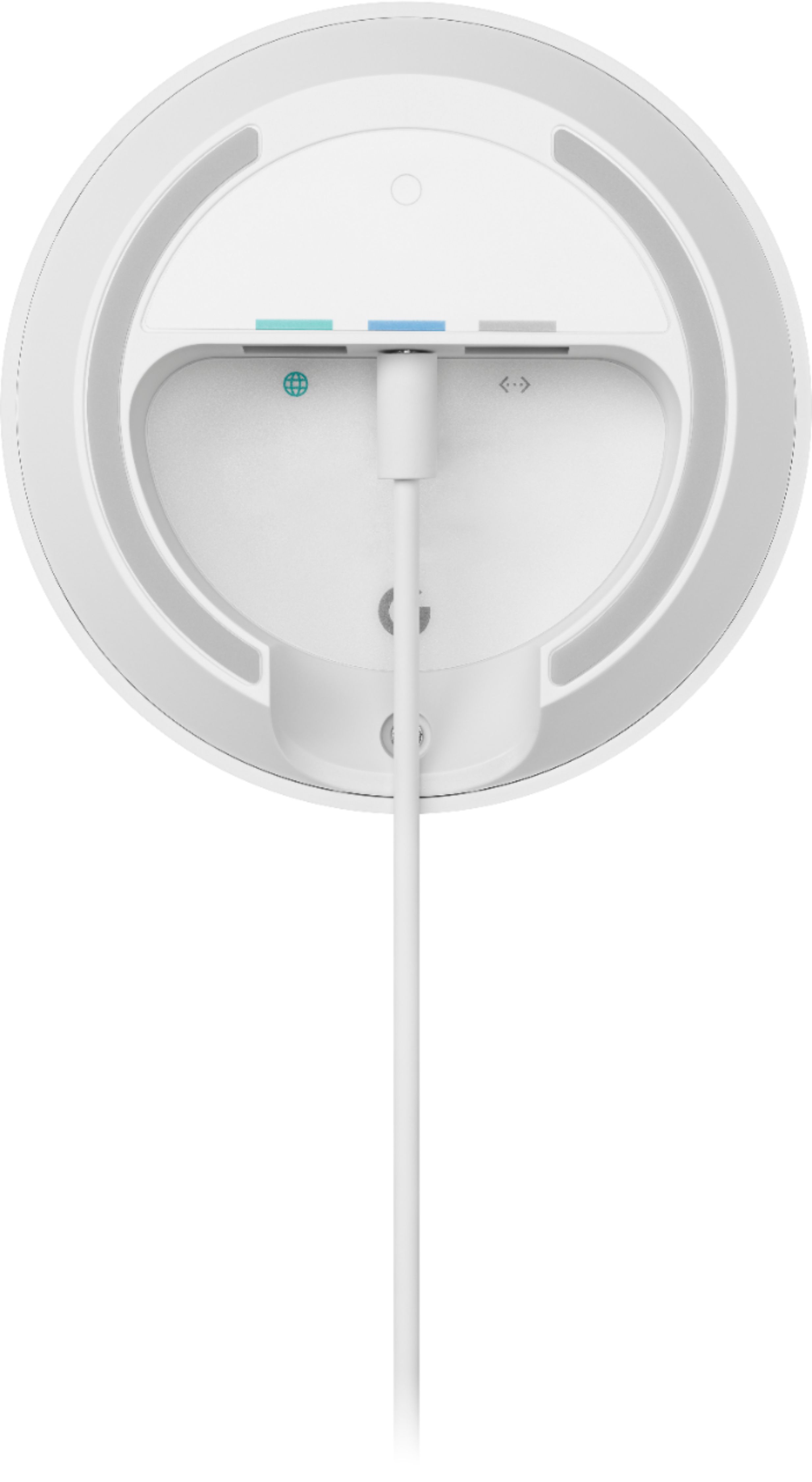
||Posted . Owned for 3 weeks when reviewed.This reviewer received promo considerations or sweepstakes entry for writing a review.Works great but if you are trying to further expand your wifi dont wastw your time and spend the extra money on fhe 3pack. One has tk stay cpnnected to the mode via ethernet so it wont expand your range that far. I made the mistake of thinking that this connects via wifi. I repeat one needs to connect to the modem to then expand youe wifi. Had to return this for the three pack
I would recommend this to a friendBrand response from Google Team
Posted .Hi Gabriel, thanks for sending in your review. We're sorry to hear that your experience with your Google Wifi has been less than ideal and that you needed to replace your device with the 3 pack. Yes, the Google Wifi needs to be connected to the modem via Ethernet, but the succeeding Google Wifi devices can be connected wirelessly. If you need further assistance with the setup or have additional questions, please don't hesitate to contact us on our Google Help page here: https://support.google.com/googlenest/gethelp
Rated 2 out of 5 stars
It’s ok
||Posted . Owned for 1 month when reviewed.This reviewer received promo considerations or sweepstakes entry for writing a review.Ok at best. Seems to drop and cut out a lot. Pretty sure there are better options out there.
No, I would not recommend this to a friendRated 2 out of 5 stars
Bad Connectivity
||Posted . Owned for 1 week when reviewed.This reviewer received promo considerations or sweepstakes entry for writing a review.Bought to help fix connectivity issues with my smart home devices and does not seem to help at all.
No, I would not recommend this to a friendBrand response from Google Team
Posted .Hi ChefRich, thanks for taking the time to share your feedback . We’re sorry to hear that Google Wifi didn't meet your expectations. We recommend` performing these troubleshooting steps and see if this will improve your experience.
- Check your cables and connections. Sometimes loose, disconnected or damaged cables can cause connection issues.
- Disconnect power from all of your network devices, including your modem and your Google Wifi. Wait until all of the LED lights on the devices you unplugged are off.
- Reconnect power to your modem first then followed by your Google Wifi router and then your Google Wifi points.
- If you continue to have connection issues, factory reset your Wifi devices. See this step by step guide here: https://support.google.com/wifi/answer/6246619
If the issue remains after the reset, we'd like to take a look at your Google Wifi and work with you so we can help you in the best way possible. Please reach out to our support team here: https://support.google.com/wifi/gethelp
Rated 1 out of 5 stars
Not worth the price of admission.
||Posted . Owned for 3 months when reviewed.This reviewer received promo considerations or sweepstakes entry for writing a review.This device is completely useless. The service comes with a router. That lets you use any extender. I couldn't even get this thing to make any noticable difference.
No, I would not recommend this to a friendBrand response from Google Team
Posted .Hi there, ChrisJ. Thanks for sharing your insights. We’re sorry to hear about your experience with Google Wifi.
Google Wifi is a home mesh Wi-Fi system that replaces your traditional router and provides seamless, reliable Wi-Fi coverage throughout your home. You’ll still need an Internet Service Provider (ISP) and a modem to connect to the internet. Traditional routers weren’t designed for all the different ways we use Wi-Fi today. Walls and distance make it difficult for a single router to send a strong signal to every room in your home, resulting in slow Wi-Fi and dead zones. It keeps your signal strong by transitioning you to the best Wifi point as you move throughout your home and the right Wi-Fi channel to avoid congestion.
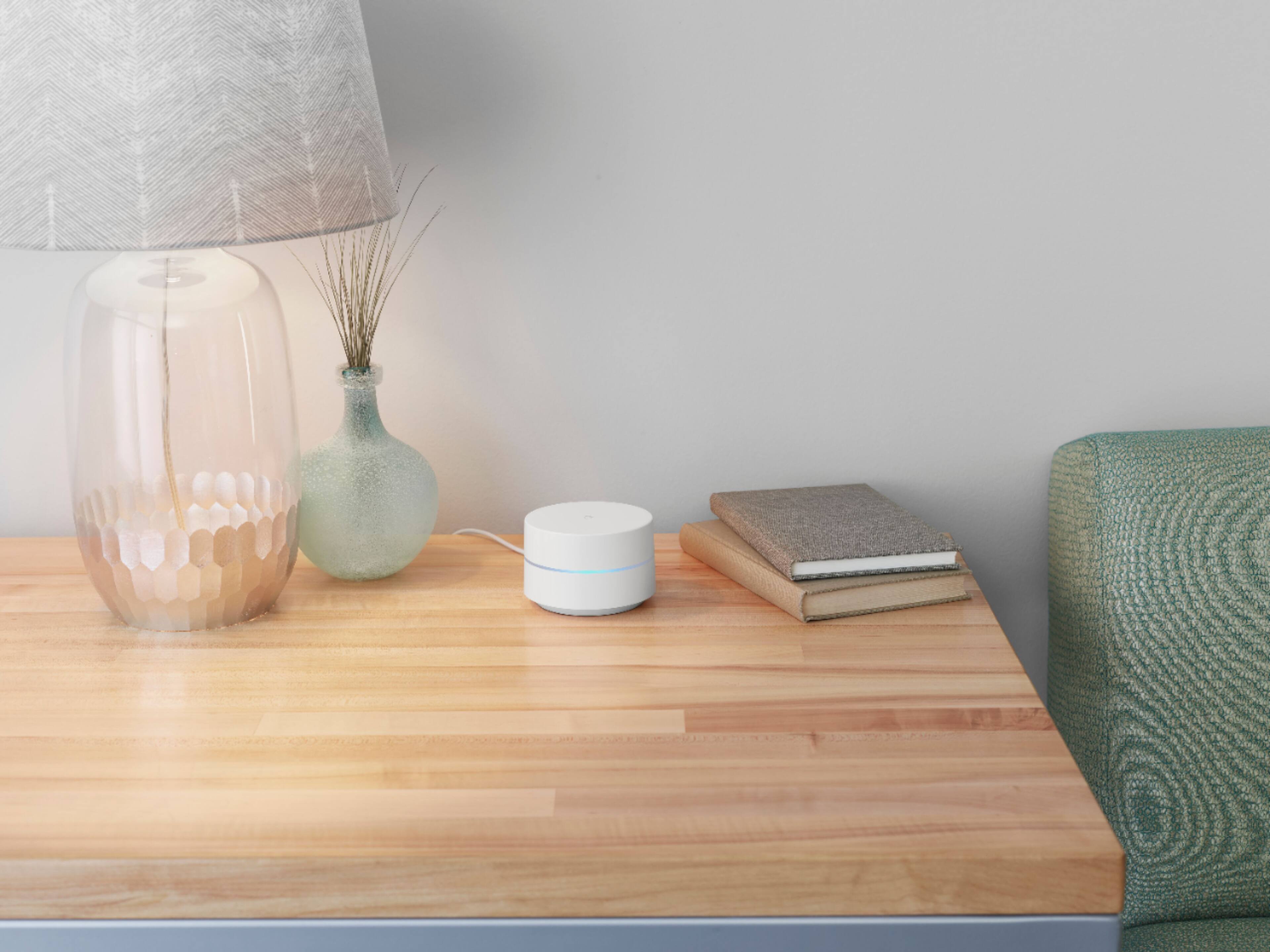
The placement of your Wi-Fi router and points is vital to have reliable Wi-Fi throughout your home. As a general rule, points work best when they’re no more than two rooms away from each other. For example, if the far end of your house has weak Wi-Fi, don’t put a Wifi point in that exact spot. Instead, put it part way in that direction. Try to place it in an elevated position like on a shelf.
You can also try these steps below that may help:
- Move the connected device closer to your Wifi router or point.
- Repositioning the points to avoid obstructions like walls, doors, and aquariums can improve performance.
- Make sure all unused devices are off and not draining bandwidth with large downloads.
- Check for possible sources of interference such as microwave ovens, refrigerators or other equipment.
- Run a mesh test to confirm placement of your Wifi points.
If additional help is needed, don’t hesitate to contact us here: https://support.google.com/googlenest/gethelp
Rated 1 out of 5 stars
DO NOT BUY
||Posted .This reviewer received promo considerations or sweepstakes entry for writing a review.i bought this "mesh" so that i could boost my wifi back up to over 300mbps... hooked ot up and tried it out, im not even 50 feet away and the test on my speed connection said 20mbps.. my old wifi extender(only goes to 2.4ghz) to 90 mbps and was pnly 40 dollars. returning this piece of crap
No, I would not recommend this to a friendBrand response from Google Team
Posted .Hi kyle, thanks for sharing the details of your feedback on Google Wifi, and we’re sorry to learn of your poor experience with the Wi-Fi speed connection. We can imagine how disappointing this can be, and we understand your decision to return it.
If you’re willing, try checking the placement of your Wi-Fi router and Google Wifi points, which is vital to have reliable Wi-Fi throughout your home. As a general rule, points work best when they’re no more than two rooms away from each other. For example, if the far end of your house has weak Wi-Fi, don’t put a Wifi point in that exact spot. Instead, put it part way in that direction. Try to place it in an elevated position like on a shelf. It may be helpful to try the following steps to see if the signal will improve. Here are some simple steps that might help:
- Repositioning the points to avoid obstructions like walls, doors, and aquariums can improve performance.
- Make sure all unused devices are off and not draining bandwidth with large downloads.
- Check for possible sources of interference such as microwave ovens, refrigerators or other equipment.
- Restart your network.
Also, Google Wifi uses the Band Steering feature to guide your connected devices based on their capabilities, and attempt to select the band that will deliver the best performance. Both frequency bands are active simultaneously and Google Wifi keeps it simple by automatically choosing the band that gives the best Wi-Fi connection.
We’re hoping for an opportunity to help improve your experience. Please consider reaching out to our support team and we’ll help you the best way we can: https://support.google.com/googlenest/gethelp
Rated 2 out of 5 stars
Google router review
||Posted .This reviewer received promo considerations or sweepstakes entry for writing a review.Not very useful, don't see how this router is better than others.
No, I would not recommend this to a friendBrand response from Google Team
Posted .Hi jimmyreviewer, thanks for taking the time to share a review about the Google Wifi, and we’re sorry that you find it not very useful. We’re hoping to learn more about your feedback and see how we can provide a better experience for you. If you’re willing to share more details about your concern, you may speak with our specialists available through our support channels here: https://support.google.com/googlenest/gethelp
- Cons mentioned:Setup difficulty
Rated 1 out of 5 stars
Bad Product
||Posted .This reviewer received promo considerations or sweepstakes entry for writing a review.Problems from the start. Wifi often dropped for no reason. Frequently had problems. Hard to setup. And on top of things, you are allowing Google to see all of your wireless traffic when you use this product. I thought there was some level of privacy but there is not. Search it up on the web if you have doubts about what I say. Ended up returning the product because it was so bad.
No, I would not recommend this to a friendBrand response from Google Team
Posted .Hi Samantha, thanks for posting your review. We're sorry to hear about your poor experience with your Google Wifi and that you had to return it. We appreciate your feedback here as it will help us understand what our customers' needs and preferences are in the products and services we provide. If you ever decide to give Google Wifi another go in the future, please don't hesitate to contact us so we can assist you with any concerns you may encounter. You can contact us on our Google Help page here: https://support.google.com/googlenest/gethelp
Rated 1 out of 5 stars
Worst
||Posted . Owned for 2 weeks when reviewed.This reviewer received promo considerations or sweepstakes entry for writing a review.Worst and overpriced product . Lower rates are avaiable
No, I would not recommend this to a friendRated 1 out of 5 stars
Google Home?
||Posted . Owned for 1.5 years when reviewed.This reviewer received promo considerations or sweepstakes entry for writing a review.Doesnt let me change the channel. Poor reception. I would not recommend.
No, I would not recommend this to a friendBrand response from Google Team
Posted .Hi there, DavidM. We appreciate your feedback regarding Google Wifi. We're sorry to hear that you're encountering poor signal strength with your devices.
It's important to note that Wi-Fi signal strength can be influenced by various factors, including Wi-Fi interference and physical barriers that may limit the range and slow down your internet connection. To improve signal reception, we recommend placing your printer in direct line of sight with your Nest Wifi Router. As a general guideline, Google Wifi points work best when they are positioned approximately 2 to 3 rooms apart. For instance, if you have weak Wi-Fi at the far end of your house, it's better to place a Google Wifi Point halfway in that direction. Elevated positions, such as shelves, are also ideal for placement. If needed, you can consider adding one or more Nest Wifi Points to enhance Wi-Fi coverage in your home. For more information, please refer to this help guide: https://support.google.com/googlenest/answer/7182840.
Additionally, Google Wifi devices are designed to simplify the process by automatically selecting the band that offers the best Wi-Fi performance. Devices like smartphones, tablets, and laptops typically connect to a single radio band at a time. Google Nest Wifi and Google Wifi make efforts to choose the band that provides optimal performance for your specific device. We value your input, and we'll ensure your feedback is relayed to the appropriate team.
If you have any other support needs or questions related to your Google Wifi, please don't hesitate to reach out to our support team via this link: https://support.google.com/googlenest/gethelp
Rated 3 out of 5 stars
It’s okay
||Posted . Owned for 6 months when reviewed.This reviewer received promo considerations or sweepstakes entry for writing a review.Great product overall but if you’re looking to greatly improves speeds, I would recommend getting something a little stronger.
I would recommend this to a friendBrand response from Google Team
Posted .Hi XtAlpha, thanks for sending in your review. We're sorry to learn that your experience with your Google Wifi has been less than ideal when it comes to the performance of the device. We advise that you reach out to our support specialists so we can help identify the cause of the issue and provide you with troubleshooting steps that may improve your overall experience. You can contact us on our Google Help page here: https://support.google.com/googlenest/gethelp