Customer Ratings & Reviews
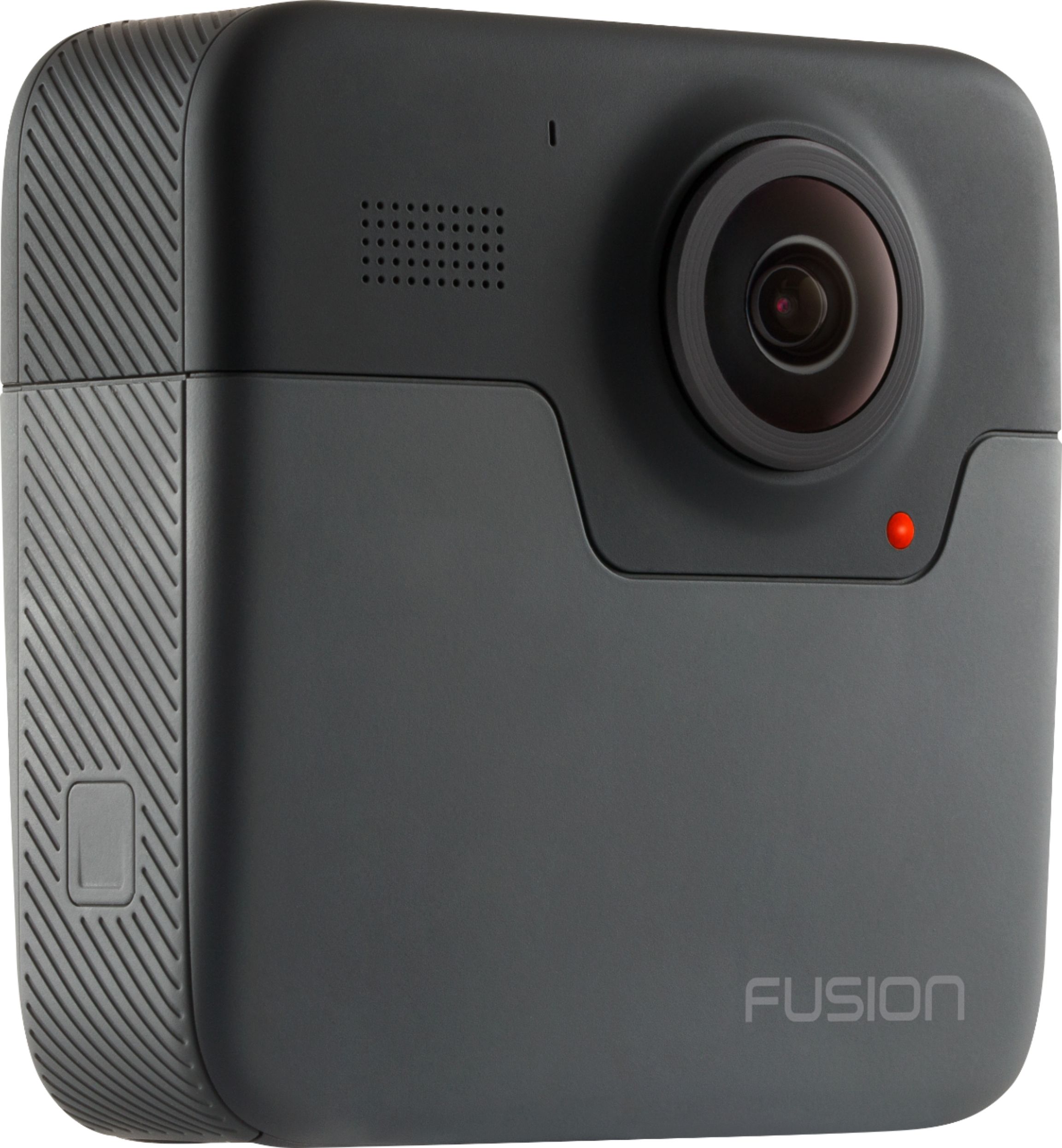
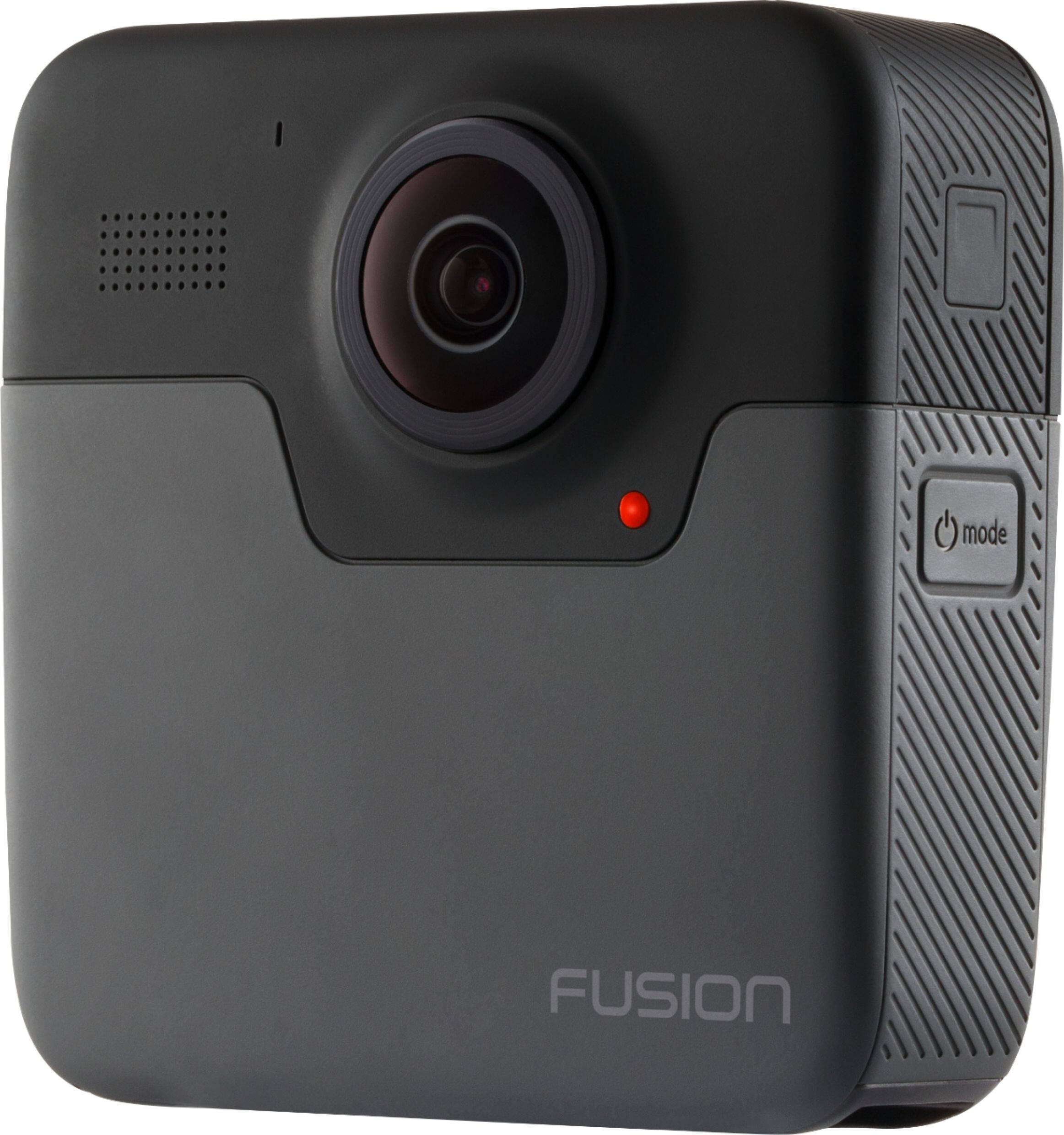
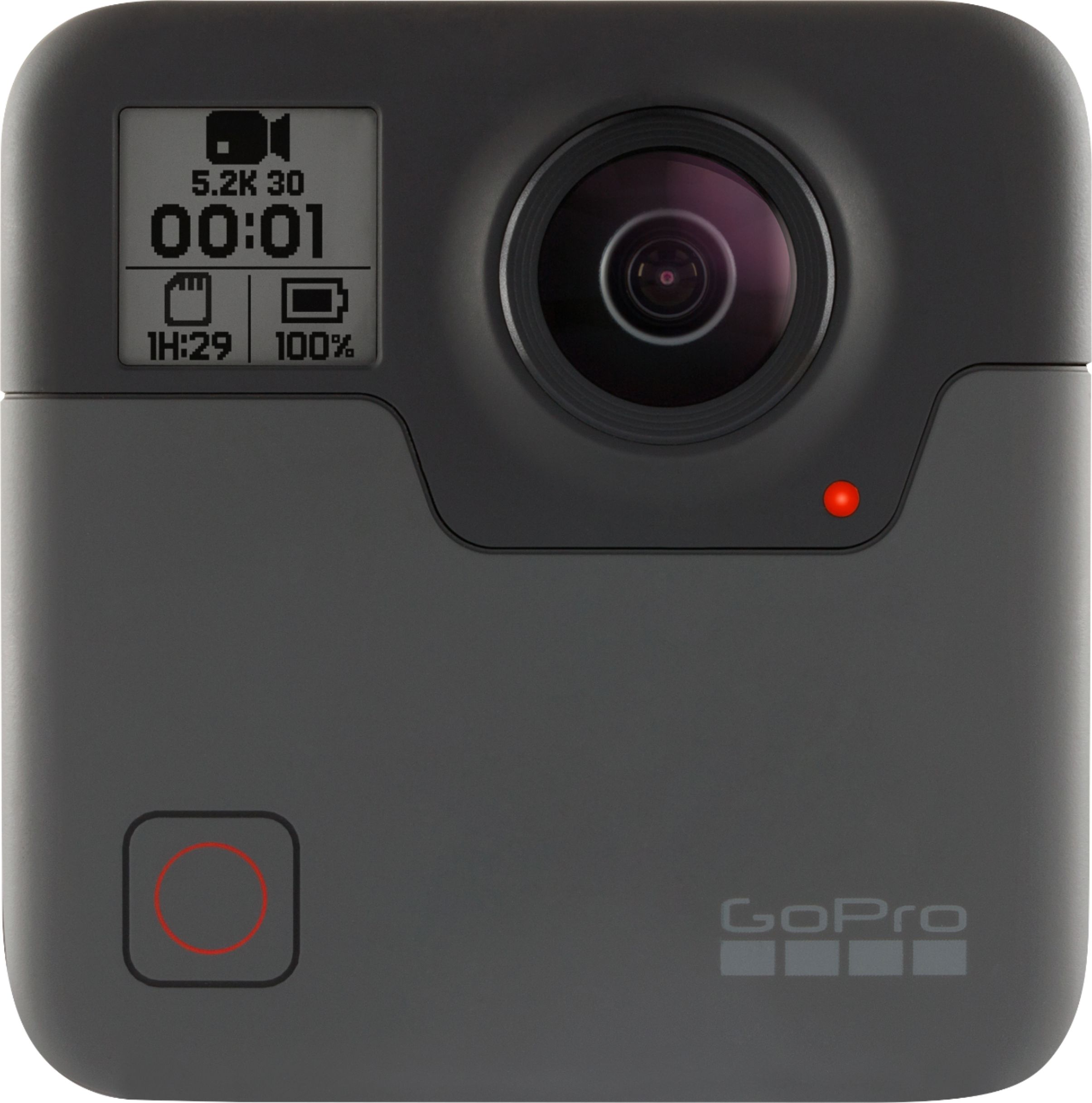
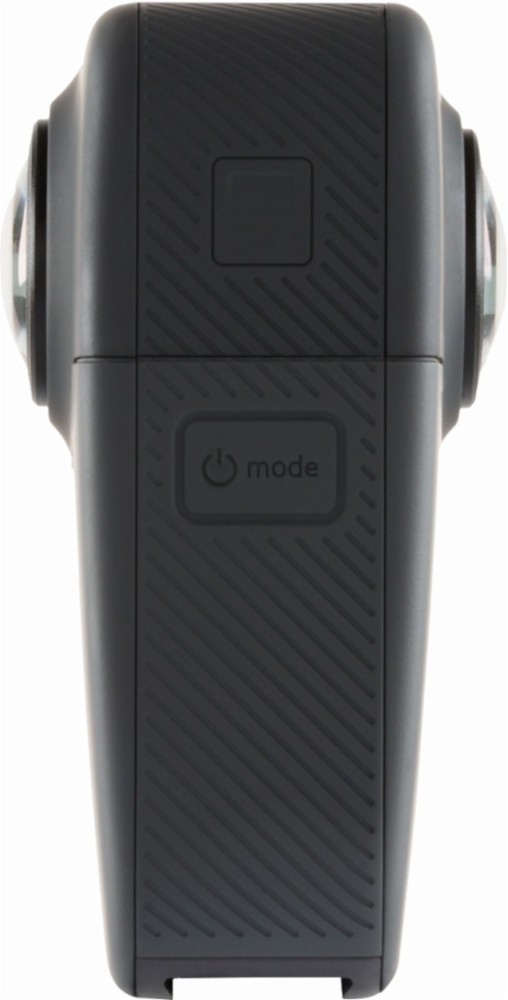



- Model:
- CHDHZ-103
- |
- SKU:
- 6183512
Customer reviews
Rating 4.1 out of 5 stars with 470 reviews
(470 customer reviews)Rating by feature
- Value4.1
Rating 4.1 out of 5 stars
- Quality4.4
Rating 4.4 out of 5 stars
- Ease of Use3.7
Rating 3.7 out of 5 stars
Customers are saying
Customers highly value the Fusion 360-Degree Digital Camera for its video quality, 360-degree capture, user-friendly interface, and affordable price. However, they have concerns about the software's usability, short battery life, large file sizes, weight, and overheating issues.
This summary was generated by AI based on customer reviews.
- Pros mentioned:Video qualityCons mentioned:Sd card
Rated 5 out of 5 stars
Great for VR and 360 photography
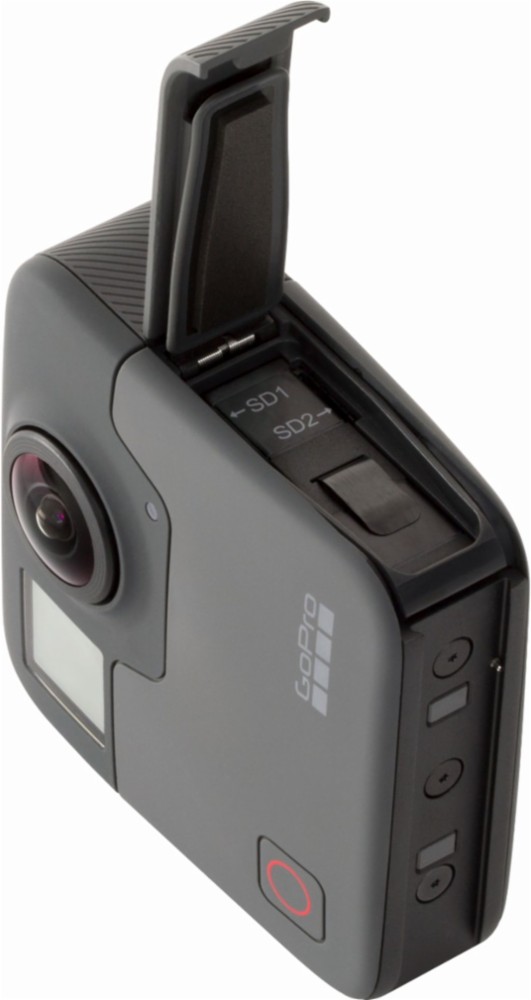
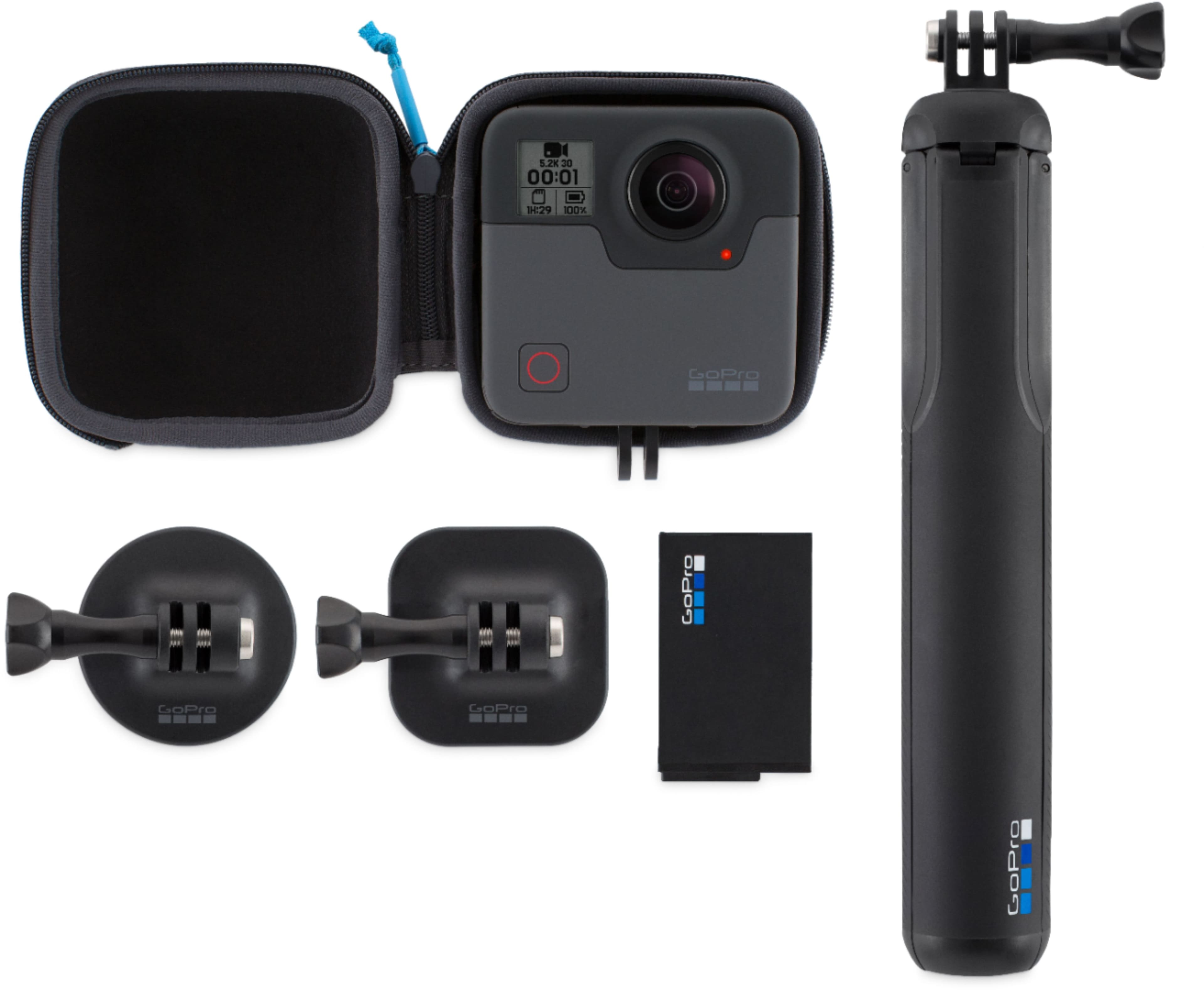
||Posted . Owned for 2 weeks when reviewed.This reviewer received promo considerations or sweepstakes entry for writing a review.GoPro Fusion is a great camera for sporting and outdoor photography, While I haven't owned this one too long, I worked for GoPro for 5 years and worked on the development of this camera as well, so perhaps I'm biased. I know how to use GoPros and if you do too, you'll find the interface very familiar and easy to navigate. If you're a beginner, it will take some getting used to, but once you get a groove with it, you'll be able to be really creative with it, and the image quality is spectacular. To make the most of Fusion you'll want a quad-core computer or better, with great graphics e.g. Nvidia GTX 1070 or 1080. If you're shooting for VR then you've already got something like this. While I was at GoPro we developed a 360 Video platform which used 6 Hero4's and cost $5000. It was called Omni. The Fusion camera is the product of all that research and development and so you really get a great piece of technology for a price pretty much anyone can afford. Downsides to this camera are battery charging, and the need for 2 SD cards instead of one. There's no lens protection available because anything mounted on the lenses would interfere with the way the 2 images are stitched together. A USB-C quick-charger is a good accessory to get for Fusion. There's lots of user guidance on GoPro Website and on Youtube to help you get the most out of the camera. Good Luck!
I would recommend this to a friend - Pros mentioned:Ease of use, Waterproof
Rated 4 out of 5 stars
good value (at my time of purchase)
||Posted . Owned for 2 weeks when reviewed.This reviewer received promo considerations or sweepstakes entry for writing a review.I got this for Spring Break of '20 (right before the outbreak), and it was on sale for two hundred, plus I got 2 free batteries. I haven't found myself needing to swap batteries in the field as it provided almost 2 hours of power (though I only recorded for 30 minutes and kept the camera on standby the rest of the time). PC software lets you compose a single-direction viewpoint for 2D videos, and this is perfect for those who want to shoot without pointing in the right direction. Mobile app is supposed to let you actively change the view when creating 2D videos, but I haven't bothered with that. This makes a decent "dashcam" to capture front and sides. But it will overheat easily in the sun. Voice activation makes the Fusion easy to use, but "start" and "stop" sound the same to the camera. You may have to double-check the screen to make sure it heard correctly. Remember, this requires two (2) memory cards. If you've got patience for post-production work, this camera is a great value. BTW, GoPro might even replace a damaged camera under warranty. So, keep that in mind while also remembering to NOT lay the camera down on its fish-eye lenses. Oh, yeah. Built-in waterproof: no extra housing required for this bulky action cam.
I would recommend this to a friend - Cons mentioned:File size
Rated 5 out of 5 stars
5 Stars...for what it is
||Posted . Owned for 3 weeks when reviewed.This reviewer received promo considerations or sweepstakes entry for writing a review.Not the best product in the world but I am giving it 5 stars because it basically does what it says it will. Tips I wish I had before using: 1. Unlike a regular GoPro, this one really has to be on the stick mount that it comes with, completely straight up and down and with the wand fully extended. If the wand is too short or if the camera is tilted on the mount you risk being cut out of the frame. It seems like the lenses overlap and stitch the video together in a way that eliminates the wand from the clip, but when the camera is tilted, the wand remains visible and whatever is directly below the camera body is instead cut out. 2. Make sure both lenses are completely clean when filming. There was a small amount of sunblock residue on one lens, but not the other - so all our videos came out with exactly half of the image foggy. Even though it was a very slight affect, it was highlighted by the fact that the other half of the frame was perfectly clear. 3. I’d get a waterproof case if you plan to get near water. I took it in <3 feet of water with all hatches secured and still ended up with water bubbles inside both lenses. They evaporated overnight and video was clear the next day so I’m not complaining. Just can’t be good that it got there in the first place. 4. PRACTICE before your intended use. Completely different than conventional filming and even though everything is technically in the frame, there are still some angles that work better than others. 5. The file sizes are HUGE so unless you have a reason for a longer clip, it might be best to keep your clips under 60 seconds. Other than those tips it’s super easy to figure out, and the GoPro app and Over-Capture feature are great.
I would recommend this to a friend - Pros mentioned:360 degree, Video quality
Rated 5 out of 5 stars
More than a Gimmick
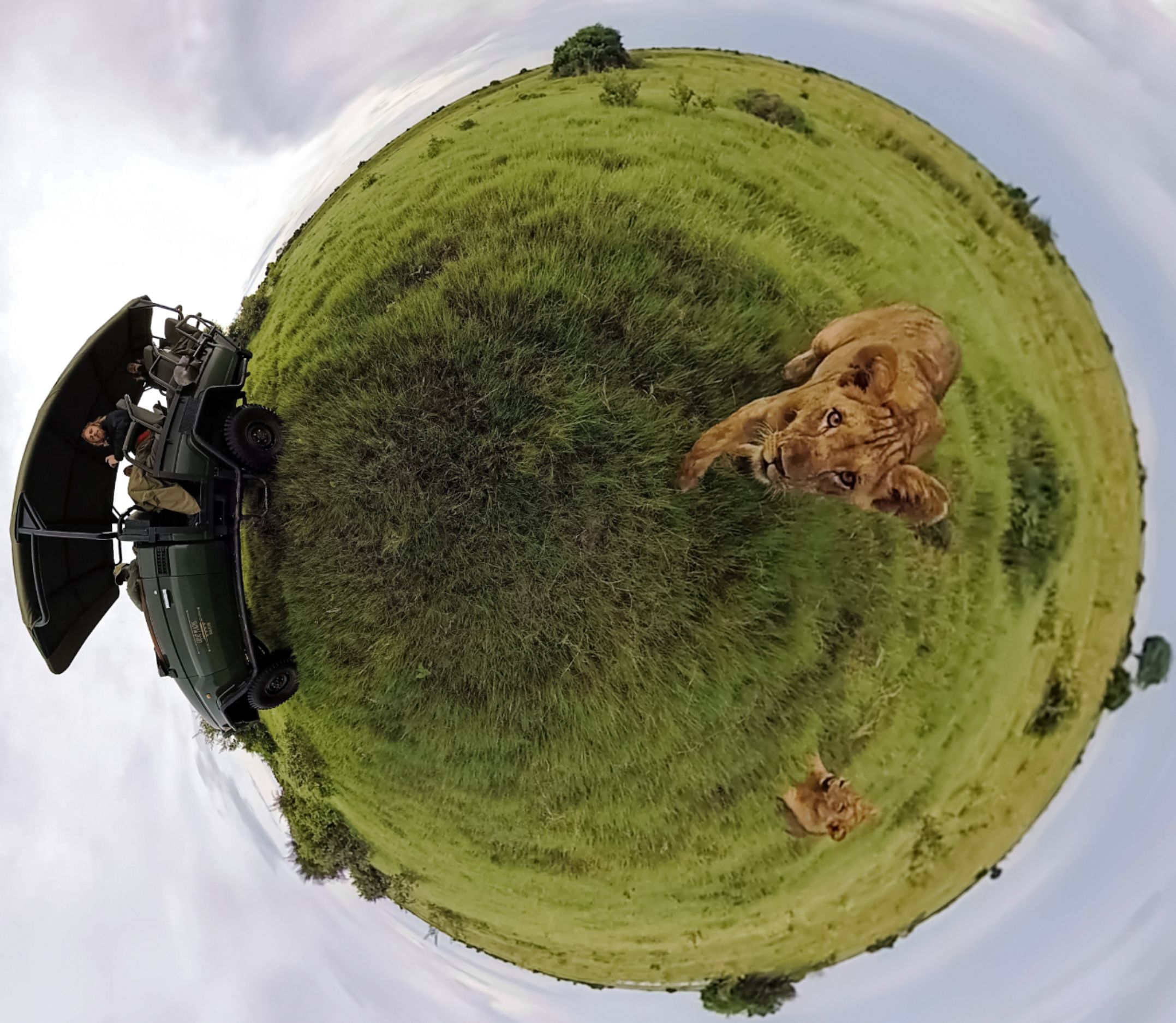
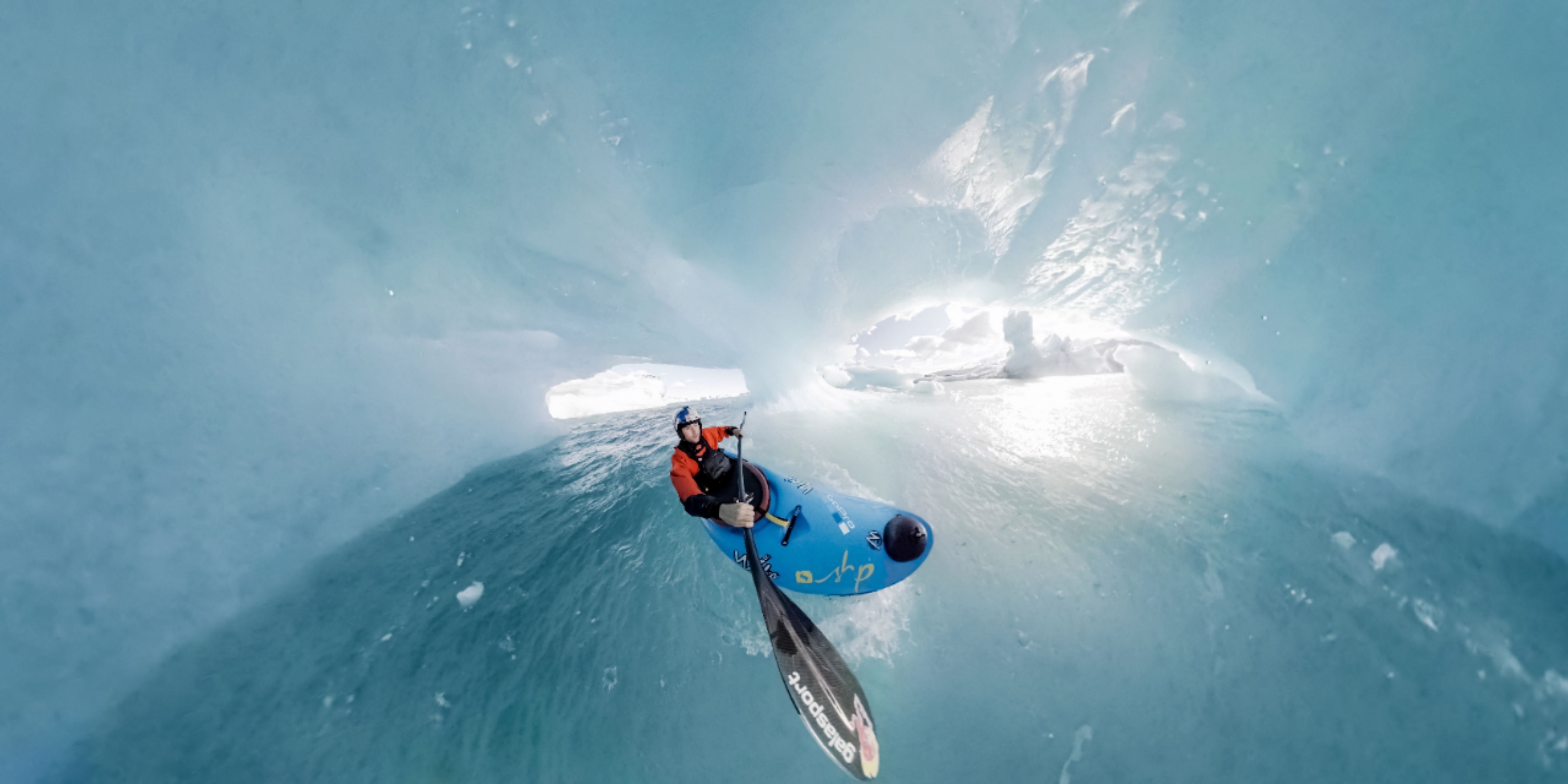
||Posted .This reviewer received promo considerations or sweepstakes entry for writing a review.I thought this would just be a weird camera to use for 360, tiny planet and really weird fish eye stuff, but this camera has a lot to it. It takes a second to to get used to the idea that you can film EVERYTHING without moving, and then go back in the edit and movie around if you are finishing to a non-360 view. people are doing some real creative stuff with it.
I would recommend this to a friend - Pros mentioned:Video quality
Rated 5 out of 5 stars
NO BETTER DEAL FOR PRICE
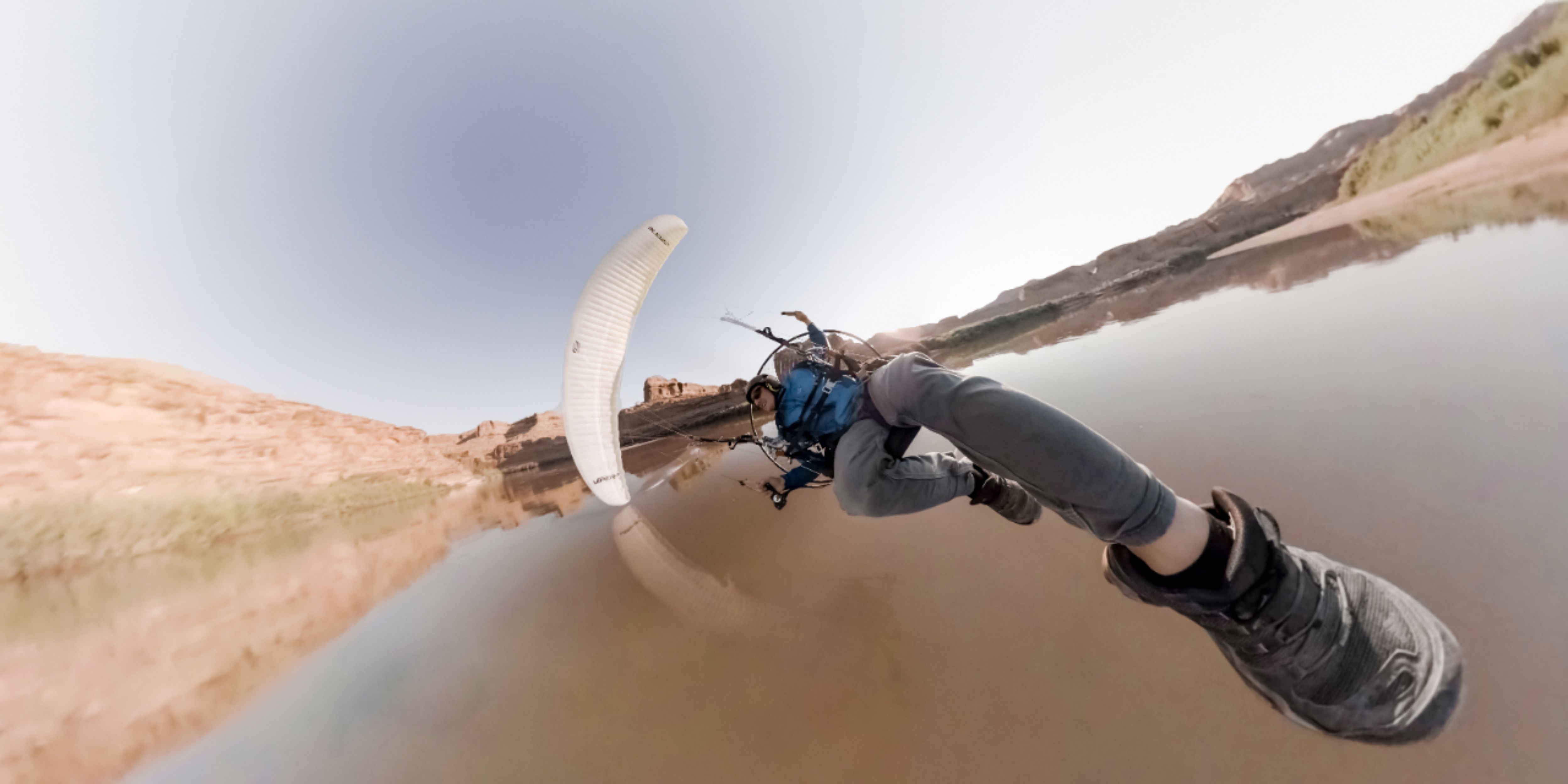
||Posted . Owned for 1 month when reviewed.This reviewer received promo considerations or sweepstakes entry for writing a review.I USE THIS FOR MY PARAGLIDING STUDENTS AT US PARAGLIDING IN TEXAS, AND GREEN EAGLE. IT GETS AWESOME FOOTAGE AND A LOT OF IT. HAVE A SERIOUS HARD DRIVE AND TRY TO MAKE IT SHORT CLIPS I RECOMMEND A REMOTE. I BOUGHT 2 OF THEM
I would recommend this to a friend - Pros mentioned:Video quality
Rated 4 out of 5 stars
360 Wow
||Posted .This reviewer received promo considerations or sweepstakes entry for writing a review.This GoPro was super kool .the video where amazing and the still shots where awesome .
I would recommend this to a friend Rated 5 out of 5 stars
New favorite camera
||Posted . Owned for 3 weeks when reviewed.This reviewer received promo considerations or sweepstakes entry for writing a review.Not you point and shoot Fantastic but there is a big learning curve. Getting the photos you want takes time. Photos and video are more real world Not the flat your brain is custom to seeing My new favorite go to camera
I would recommend this to a friend- Pros mentioned:Video quality
Rated 5 out of 5 stars
Must have
||Posted . Owned for 2 weeks when reviewed.This reviewer received promo considerations or sweepstakes entry for writing a review.This is an amazing camera. If you don’t have a 360 cam you have to get one of these!! God an amazing open box seal as well
I would recommend this to a friend Rated 5 out of 5 stars
Wow.
||Posted .This reviewer received promo considerations or sweepstakes entry for writing a review.This is the most fun I’ve ever had with a camera. Check out the pic. It takes photos they you can move around 360* up, down, sideways. Nothing escapes this camera.
I would recommend this to a friendRated 5 out of 5 stars
Gopro
||Posted . Owned for 2 weeks when reviewed.This reviewer received promo considerations or sweepstakes entry for writing a review.Great buy! Yeah! Love it . The best thing ive had in a long time! Thanks ❤️
I would recommend this to a friend- Pros mentioned:Video qualityCons mentioned:File size, Software
Rated 3 out of 5 stars
Great camera, requires a good computer
||Posted .This reviewer received promo considerations or sweepstakes entry for writing a review.I've used a couple of 360 cameras (Nikon, Samsung) and wasn't thrilled with the quality. The quality of the video from the GoPro is great (it IS 5k after all...). The problem is, the files are HUGE and take a long time to deal with. Converting ten minutes of video (where the GoPro app has to stitch together two separate videos to make one) took about 9 hours on my 2014 Macbook Pro. Admittedly not the newest computer but my laptop was top of the line at time of purchase and still handles 4k video well. The conversion takes forever and the software on the Mac/PC is not easy to use. I tried using the Premiere plugins in Adobe and that also was tricky but usable. The problem is there is no quick or easy way to make the cool videos you see GoPro demoing without going through hours upon hours of converting and then slowly plotting through these huge videos to try and make a transition across the 360 landscape or out to the centered world type view etc. Expect to spend a long time working on your video to make it look good. You can just convert your videos to a regular 360 and put them up on youtube and watch them. That is simple enough even if the conversion times can take awhile. But plenty of other cameras can do that at lesser quality and the selling point of this camera is the ease of the other features. What the camera does is great and at a high quality but the workflow and time it takes to get those results is too difficult and too long for a recreational camera.
No, I would not recommend this to a friend - Pros mentioned:Video qualityCons mentioned:Price, Software
Rated 3 out of 5 stars
A Decent Niche Camera with Limitations
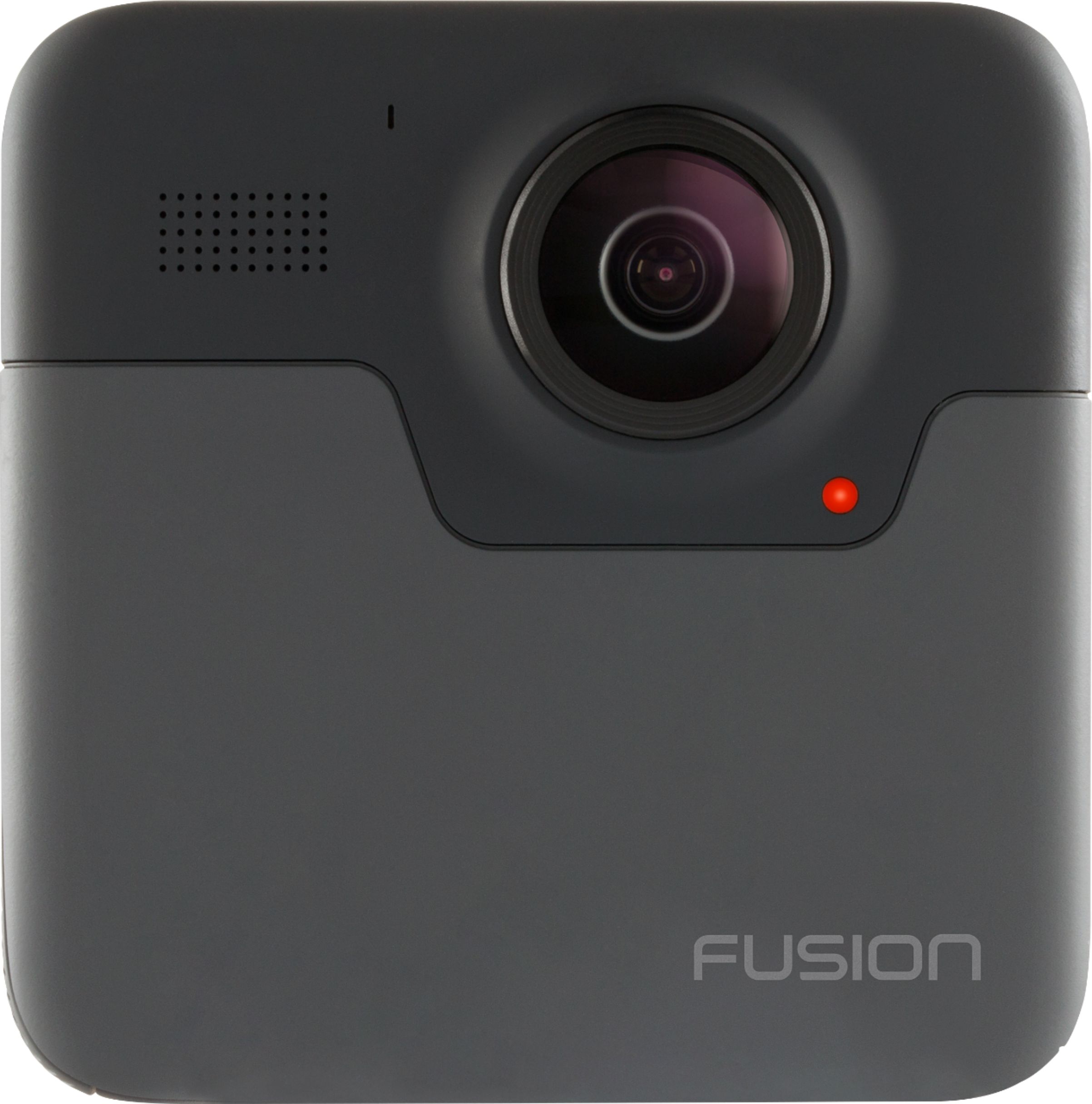
||Posted .This reviewer received promo considerations or sweepstakes entry for writing a review.I've been a fan of GoPro products from early on. In large part due to their rugged simplicity. The Fusion 360 camera definitely has the GoPro DNA, but there are a few things that keep this camera from being a must-have in my opinion. First, for a niche device, the price point is very high. For many reasons this is not a camera that will take the place of your regular GoPro. It's not an all purpose camera, or an upgrade from other GoPro devices. Be sure you really want this exclusively for 360 video/imagery. Second, the fish eye lenses seem highly vulnerable to scratches. The cover that comes with it is helpful (necessary even) but this is the first GoPro I've sort of worried about the lenses. In some ways this goes against the purpose of them in the first place. That said I don't know what the solution is....I'm thinking a threaded replaceable UV lens filter of some kind. The rest of the camera build is typical GoPro (a good thing). Lastly the software is a bit of a challenge. I don't think it's as bad as some early reviews made it out to be - but it's not great either. The biggest flaw to me is that you can't download files directly off the device without taking both tiny memory cards out and then moving to your computer. You can use the Fusion App to recognize the files on the camera, but you need to leave the device plugged in. On the positive side, I do think this takes the best quality 360 video I've seen from a consumer camera. It does a better than average job of stitching at the seams, and I was sort of surprised at how cool the 360 audio was (something I didn't even think about). It's a fun camera to experiment with, and opens up some new creative photography methods to consider.
I would recommend this to a friend - Pros mentioned:Video qualityCons mentioned:Software
Rated 3 out of 5 stars
software not so good. hardware meh.
||Posted . Owned for 3 months when reviewed.This reviewer received promo considerations or sweepstakes entry for writing a review.Hardware is mostly what you expect from GoPro (durable and decent image quality). The real problem is the lack of lens protection. Its a GoPro and the whole appeal of GoPro is that they're light and action ready but this camera is much heavier that the previous generations and the action puts it in precarious positions that make the lenses vulnerable to scratching and there is no easy replacement option (geek squad protection plan?) It comes with its own monopod thats strategically located and angled in a recording blind spot but the software is also extremely limited for the fusion.
No, I would not recommend this to a friend - Cons mentioned:Battery life
Rated 4 out of 5 stars
It is worth the investment?!
||Posted .This reviewer received promo considerations or sweepstakes entry for writing a review.My conclusion is that the investment should be made based on your intended use of the camera, your computer(s) hardware, your bandwidth (critical when uploading) and most of all your patience. I've been testing the camera for about a month now with the intention of using it in my travel business. Initially, I thought I could easily and quickly render content while on location and upload it to the internet overnight... Well, think again. First, the footage that is capture is just way too big to render on any laptop - simply the architecture of most laptops is limited. In one of my first real examples, an 8 minute video took over 12 hours to render on a 5-6 month old Macbook Air (intel Core i5 - 8GB Memory - 256GB Storage) Then it took just about 16 hours to upload a 100GB (5K) file to YouTube, using a wireless connection with an upload average speed of 2MBPS. You too would agree this is not practical. Using the same source files, I was able to render them on a 10 month old iMac (3.4 GHz Intel Core i5 with 8GB of Ram) in just a little over 2 hours. I am leaning into believing that this is due to the fact that the iMAC has a dedicated video card, versus the Macbook Air As for the upload, that was under 2 hours on a wired setup with an upload speed of 12MBPS. As for the other features of the camera, which include timelapse videos, pictures and 360 photography - overall, the camera does a pretty decent job in handling these. You'll just to keep in mind the overall configuration of the lenses, and the stitching effect of the software. In being aware, you'll soon figure out how to best position your camera and thereby reduce that undesired effect on what you may consider to be the subjects of your image. Pro's: >5K/30FPS video is pretty amazing - but only practical to render and use when working with shorter videos >The overcapture feature of the Fushion software is pretty awesome - just don't be afraid to reposition your camera as needed to help minimize the stitching effect. >Rendering a smaller clip on your cell (Android/Apple) at 1080P is very tolerable, as is producing a 360 photograph. >Quickcapture feature >Easy WIFI connection to mobile device(s) >Menu and features are very intuitive Con's >Your computer equipment will be critical in reproducing that so desired 5k/30FPS 360 video, and the reason why you are considering purchasing this camera. >Battery life can be short if you leave all the bells and whistles on. If you don't need it WIFI or GPS, then I suggest you leave them off so that you extend your battery life. >Camera tends to heat up, but I've not yet experienced a problem due to this.
I would recommend this to a friend - Cons mentioned:Battery life
Rated 4 out of 5 stars
Overall Good 360 Camera
||Posted . Owned for 1 month when reviewed.This reviewer received promo considerations or sweepstakes entry for writing a review.Having purchased three 360 cameras, I can confidently review this product. Pros: included w/ the Fusion is a semi hard zipper camera case and the GoPro tripod stick, a $60 value. This option makes the camera use versatile, handy, & relevant at your events. I like the addition of the low light selection to all the other traditional GoPro camera selections like burst, timelapse, & timer. The underwater shots & videos are clean making the large 2 button operation easy even with dive gloves. Connecting to the GoPro app is easy, convenient, & light on power consumption. The USB-C direct power connect with removable door lets you connect an external power cable bypassing the limited battery. This allows extended fixed 4k recordings plugged to a wall or external 21,000 mAh battery hikes. But once it overheats, it will shut off. Lastly, making the camera's 2 pronged base connector metallic was inspired. I've cracked/ broken a few plastic prongs from over tightening. Cons: the 3 pronged screw/ nut connectors are still plastic. On land, the GoPro still has the overheating issue that shuts down all GoPros. Even though waterproof, the Fusion can only go down 30 ft & GoPro's floaty handle will not raise this camera if it comes off the leash. Fusion's 18 MP picture quality is 3rd vs Nikon & Samsung (IMHO). Now the overall weight of the Fusion and tripod stick isn't bad short term, but any extended carrying situation will be taxing. Fusion is an apropos name because it's 2 regular GoPros back to back requiring two U3-class 10 micro SD cards. Lastly, it has a small battery for such a large dual camera. This review compares the GoPro Fusion to the Samsung Gear360 and the Nikon Keymission 360.
I would recommend this to a friend - Pros mentioned:Video qualityCons mentioned:File size
Rated 4 out of 5 stars
Pleasantly Surprised considering bad reviews
||Posted .This reviewer received promo considerations or sweepstakes entry for writing a review.The GoPro Fusion was eye catching when it hit $299, so I decided to pick it up. After using it for two months, I will say that I like it more than my GoPro Black 7 for the ability to capture everything around me. It makes hiking videos with pets so much more enjoyable to use adobe premiere to lock on them and follow them as I hike. That being said, the WORST part is the workflow. It’s practically impossible to render any footage to anything other than H.264. A 7 minute file in H.264 is 1.6GB at 4K. If you want to render at 5.6K, you’ll be getting 7 min files up to 18GB and it will take ALL DAY to get one video ready. Uploading the final video to youtube also takes forever. That being said, if you keep your videos under 5 minutes, the Phone app isn’t nearly as bad as everyone says it is. You can transfer your photos and videos to your phone and do overcapture edits all through your phone. The key is keeping your videos under 5 minutes or the transfer will crash every time. I’d say that the collapse of the Karma stunted the software end development of the Fusion. It’s a great camera with non-replaceable lenses *which sucks* but I find it more useful than my 7 Black in many cases. The file transfer to PC kinda sucks as you have to offload two micro sd cards worth of data, one at a time. It’s the only reliable way to perform the transfer as the Lightning to usb A cable they provide is painfully slow.
I would recommend this to a friend - Pros mentioned:Ease of useCons mentioned:File size
Rated 4 out of 5 stars
great value/ starter waterproof 360 cam!
||Posted . Owned for 11 months when reviewed.This reviewer received promo considerations or sweepstakes entry for writing a review.at first it was fiduciary to get things to stitch or would crash- but once the learning curve is tracked it's great. Pros -Wireless connectivity signal is great you can be 30ish feet away and see what the gopro sees -dual microphone results in pretty ok sound. - two button operation makes stopping/starting & continuing where you left off easy - grip is really tacky so there is very little fear of it slipping out during use. - giant lenses make making eye contact during intros easy - does not get heavy for me, i can get in a solid 2 hours of shooting before i put it down. - people have a tendency to ignore Cons -requires 2 Micro SD cards -file management can have a learning curve (,but the last update seams to have fixed most of the transfer issues) -file sizes can get out of hand at 4.2k, and youtube will sometimes not see your high end renders correctly. - fb and youtube renders have to be done separately; so you may not be able to upload your single render to all your favorite sites (requires multiple renders atpdifferent settings for youtube, fb, vimeo etc) -***small videos will sometimes simply fail to write to the card (under 30 seconds) -get the best Microsd cards at least 2x 128gb and an extra batt -awkward to set down sometimes because the 180⁰ lenses on each side *comes with a cover for this though -save times to the gopro app are pretty bad -pole doesn't extend very far - doesn't like water on the microphone can sometimes distort sound quality - the auto on and record shortcut almsot always results in a choppy unusable video** do not use - just keep it powered on and hit the big record button for the best experience
I would recommend this to a friend - Pros mentioned:Video quality, WaterproofCons mentioned:Battery life
Rated 3 out of 5 stars
Great for the price but...
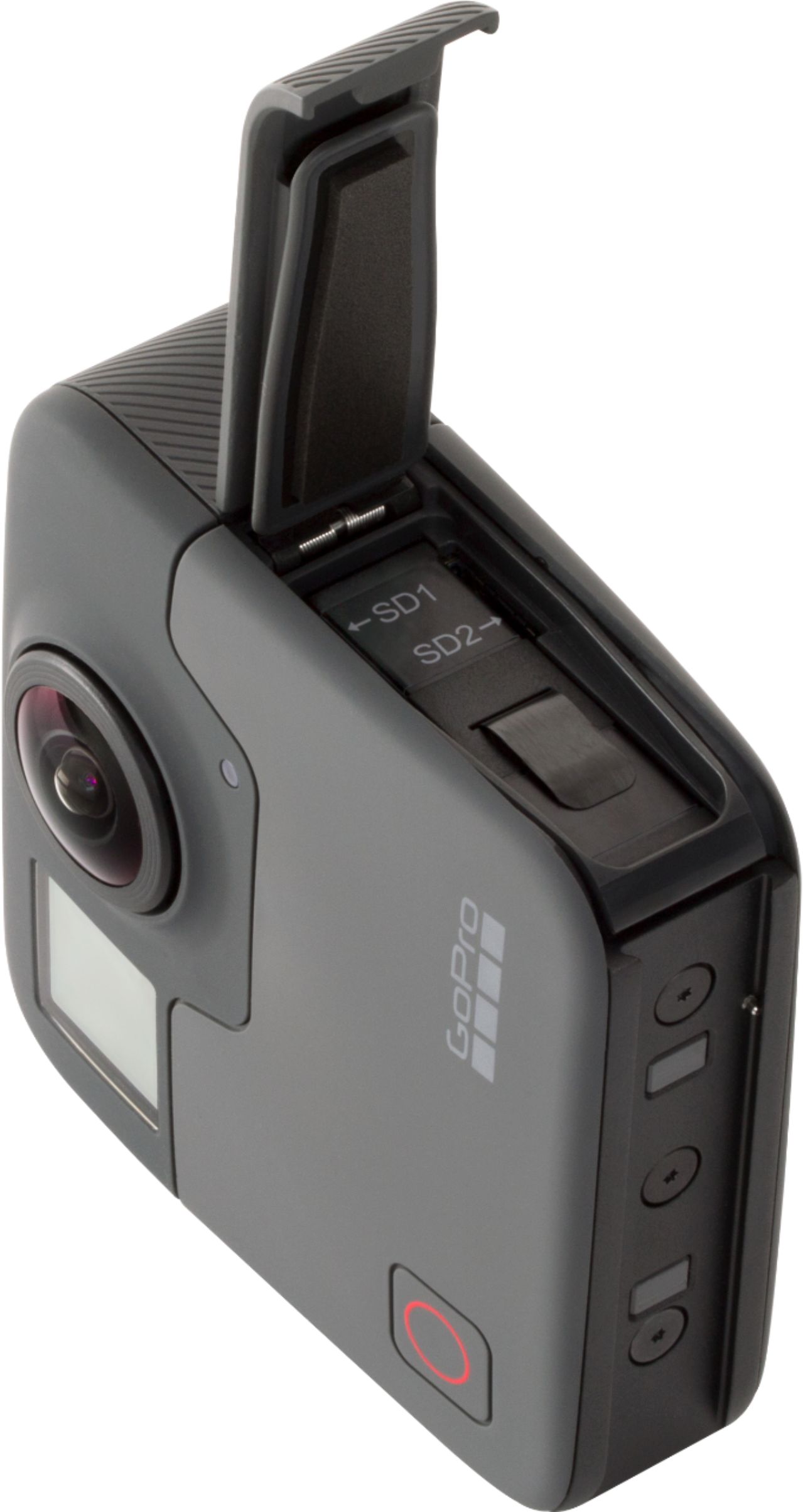
||Posted . Owned for 3 months when reviewed.This reviewer received promo considerations or sweepstakes entry for writing a review.I owned the Garmin Virb 360, and that was easy to use and not as bulky. It stitched the videos on camera so it didn’t take long to export the videos to my laptop. I had trouble getting it to work at first. It needs 2 MicroSD cards. That was a negative because my garmin only needed one. That’s because it’s recording each side on each card. The stitching takes long and I have a pretty good laptop. Battery life- I get a little over an hour or so. So I recommend getting extra batteries. It did come with a tripod like grip. It’s pretty useful but it breaks easily so be careful with it. Video quality is better than the garmin. Its harder to notice the stitch line. I recommend it if you are on a budget and want something water proof. Although the hinge to access the charge port and MicroSD cards comes off easily. I lost it once and thought I was going to use my insurance just because of that. So be careful with that.
No, I would not recommend this to a friend - Pros mentioned:Ease of use
Rated 5 out of 5 stars
Amazing!
Posted .This reviewer received promo considerations or sweepstakes entry for writing a review.Hands down one of the coolest cameras I've ever used. The mobile over capture feature is amazing, seamless, and makes the whole process extremely user friendly. Fusion studio needs a little work but that can be updated over time via software updates for the desktop. I can't believe how easy it was to keep up and running with this, zero learning curve!
I would recommend this to a friend - Pros mentioned:Video qualityCons mentioned:Software
Rated 1 out of 5 stars
Great camera, absolutely awefull software!
||Posted .This reviewer received promo considerations or sweepstakes entry for writing a review.Pro's: Camera quality is great. It's built solid, waterproof and has a really good video quality! Con's: Bulky and heavy compared to other 360 cameras. *Software for it is an absolute joke. Don't even try to download or edit video on you phone (I have Galaxy S10+)! It just does not work! I have a high end Gaming PC and I hated editing videos. GoPro software is pretty much useless but you have to use it to stitch up the videos before editing. It took about 6 hrs to stitch up 21 minutes of recording. Than you still have to edit it! I tried Quik-it's useless! Adobe Premiere Pro - Good software but a bit too complicated for a casual user. My recommendation is if you are a semi-pro and are planning on spending a lot more time on post production - get this camera! But if you are like me, casual user...Attaching the camera to my bike, off road vehicle, dog...etc. Stay far away from this. Get yourself INSTA360 ONE X, which is what I did and I love it.
No, I would not recommend this to a friend