Customer Ratings & Reviews










- Model:
- CHDHX-901-MX/CHDHX-901-XX/TH
- SKU:
- 6427120
Rating by feature
- Value
Rating 4.5 out of 5 stars
- Quality
Rating 4.7 out of 5 stars
- Ease of Use
Rating 4.6 out of 5 stars
Customers are saying
Customers regard the HERO9 Black 5K and 20 MP Streaming Action Camera favorably for its video quality and ease of use, with many praising the image clarity and user-friendly design. The camera's stabilization and front screen also receive positive feedback. However, some users express concerns about the battery life and occasional overheating.
This summary was generated by AI based on customer reviews.
No smart remote
||Posted . Owned for 1 month when reviewed.This reviewer received promo considerations or sweepstakes entry for writing a review.No smart remote, it’s not easy operating by hand if skiing or driving, you can use app from smart phone but it’s stupid
No, I would not recommend this to a friend- Pros mentioned:Video quality

The best GoPro yet!
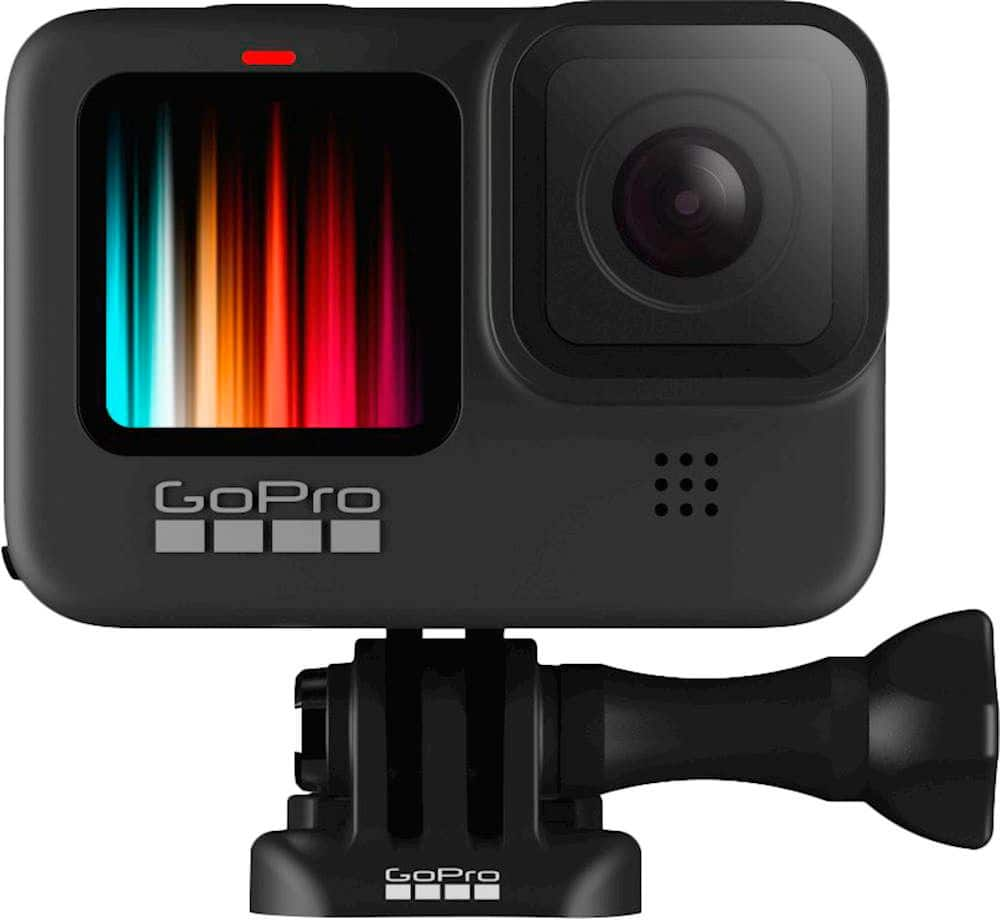
|Posted .This reviewer received promo considerations or sweepstakes entry for writing a review.Quick Pros & Cons: Pros: • Retractable mounting arms (no mounting case required to attach to standard mounts). • Color LED front display (no more LCD). • Larger battery (1,720 mAh). • More secure battery door. • 5K video Cons: • No Bluetooth support (e.g., for external microphone or remote). This the only reason for the 4* rating. • USB-C microphone adapter requires open battery door. • No fault of GoPro, but there is no Hero 9 lens profile in Adobe Camara Raw (ACR) or Lightroom • Wi-Fi range (about 30 feet @2.4GHz and 15 feet with 5.0GHz). • Unable to connect with external Wi-Fi. In the box: • GoPro Hero 9 Black camera • 1 rugged carrying case with recyclable fiberboard insert • 1 curved adhesive mounting bracket (suitable for bike helmet) • 1 battery • 1 USB cable (A to C) • 1 pictorial set of quick setup instructions • 1 booklet containing product and safety instructions. • 1 promotional card with QC code to subscribe to a “free trial” at GoPro.com. Not in the box: • User’s Guide or other instructions explaining the features of the camera, camera settings, menu navigation, pairing with GoPro App, routine care/maintenance, and troubleshooting. (available at https://gopro.com/content/dam/help/hero9-black/manuals/HERO9Black_UM_ENG_REVA.pdf). • USB wall charger. • Memory card. Note: The user’s guide (see link above) has a warning regarding the use of non-GoPro chargers that exceed 5V 1A. The USB battery charging standard has been 5V 1.5A since about 2010. I charged mine with a 15 watt (9v/1.67A; 5v/2A) wall charger. You should be fine with any 5V 1.5A wall charger or USB-A port on your computer. Setup: • The battery required charge before first use. • Connecting to the camera to the smartphone app, the Hero 9 Black will appear as a wireless router. To connect your Hero 9 Black to the GoPro app, you must 1) turn the Hero on, 2) disconnect the USB cable, 3) use the WiFi settings on your phone to link with the Hero, and 4) select “add a camera” in the GoPro app. Once connected, the app will show the Hero 9 as an available device. I recommend 2.4GHz over the 5.0GHz connection options if you need more range or if your phone does not support 5.0GHz Wi-Fi. The 2.4GHz band width will provide a range similar to a Bluetooth device (about 30 feet). The 5.0GHz band width will be faster, but the range is limited to about 15 feet. Range will vary depending on obstacles (e.g. walls). • The GoPro “Quik | Desktop” app installed on Windows 10 is capable of recognizing the Hero 9 when the USB connection type on the camera is set to “MTP”. This app is relatively useless. Design: • The most useful new feature is the addition of fold-down mounting legs. These allow you to attach the camera directly to a mounting bracket without a mounting case. • The front LCD has been replaced by a LED display! • The battery/microSD card door has a new latching mechanism that seems much more secure than in older models. • A microphone drain has been added to allow the microphone compartment to be drained after use underwater. [Note: It does not open.] • The larger body size allows the use of a 1,720 mAh battery (500 more mAh than the Hero 7 and 8 batteries with 1,220 mAh). Features: Resolution (RES) can be set to 5K, 4K, 2.7K, 1440p, and 1080p. NTSC frame rates (FR) can be set to 240, 120, 60, 30, and 24 FPS (depending on the RES selected). Digital Lens can be set to SuperView, Wide, Linear (with and without horizontal leveling) and Narrow. Aspect Ratio (AR) can be set to 16:9 or 4:3. [Note: The native AR for the sensor is 4:3 with 23.6 megapixels. Images and video captured in the 16:9 AR are cropped.] While there are lots of RES/FR/FOV/AR combinations, not all combinations work together. Please see the User’s Guide for specifics (https://gopro.com/content/dam/help/hero9-black/manuals/HERO9Black_UM_ENG_REVA.pdf). In fact, I recommend that anyone interested in purchasing the camera download and read the User’s Guide prior to purchase. It is very informative and will let you know whether the camera, GoPro’s best do date IMHO, will do what you want it to do. Best advice: Shoot photos in RAW mode. SuperPhoto: When enabled, SuperPhoto mode will evaluate the photographic conditions and automatically enable HDR, local tone mapping, noise reduction. HDR and noise reduction use multiple images (i.e. a burst of photos of the same scene) and combines them into a single JPG file on the microSD card. Camera motion can reduce the area of overlap when multiple images are combined and render the final JPG file with fewer pixels than expected. Protune: Protune allows you considerable control over the bit rate, color profile (GoPro Color or Flat), white balance (2300K to 6500K), ISO range (100 to 6400), shutter speed (depends on video settings), EV compensation, sharpness, raw audio, and wind-noise reduction. These can be applied when capturing videos or photos. See the User’s Manual pages 137 to 144 for details. File Format: Video is stored as MP4 files. Photo files are saved as JPG. However, the Hero 9 will also generate a GPR (GoPro Raw) file when the RAW format is specified. The GPR file format is based on the Adobe digital negative (DNG) specifications and can be imported using Adobe Camera Raw (ACR) or Lightroom (CC and classic). The GPR file is approximately twice the size of the associated JPG file, but allows full creative control over the image. There is a “GoPro HERO9 Black” profile in the latest version of ACR and Lightroom. I created my own profile using a calibrated color target, and the blues turned out to be a little darker in my profile than in the one provided by Adobe. While there is a reasonably accurate color profile in ACR and Lightroom, there is currently no lens profile for the Hero 9 (or Hero 8). The Hero 7 lens profile does a good job of straightening images from the Hero 9 and reducing the pin-cushion effect due to the short focal lengths, but does a bit of cropping in the process. See page 131 of the User’s Guide for details on version compatibility and for restrictions on the use of other Hero 9 settings when RAW format is requested. Voice Commands: You can control your Hero 9 Black with voice commands. The list of available commands can be found on pages 77 to 80 in the User’s Guide. When you enable “Wake on Voice” in the settings menu, the Hero 9 will go into a “sleep” mode with the command “GoPro, turn off” and can be awakened with the “GoPro, turn on” command or by reconnecting with the GoPro app. Note, however, that using the voice command “GoPro, shoot burst” puts the camera in Photo Burst mode and it will remain in burst mode until the photo mode is reset either manually or with the app. Voice control can be used while connected using the app. When using voice commands to stop a recording, your voice will be recorded at the end of the video. General usage: Battery life is better than prior models, but you should consider getting a few extra batteries and the dual battery charger if you intend to record for extended periods without access to a power source. The front LCD is nice for some applications, but turning it off will extend battery life. There are 4 on-screen shortcuts pre-installed on the Hero 9. You create your own to easily access your most frequent settings. The camera has lots of unused shortcut names to pick from. You cannot create a shortcut in the app, but you can edit any shortcut created in the camera. For photos, I strongly recommend shooting GPR and making adjustments in ACR or Lightroom or enabling Protune and taking control of the camera settings, particularly white balance and color. For video, your typical usage will dictate the settings. Record time lapse or up to 240 fps (1080p in Wide, Linear, Linear + Horizon Leveling, or Narrow mode). Frankly there are too many features to describe in a review. Anyone considering the Hero 9 Black should download the User’s Guide and check out the features of most interest to them. GoPro app usage: Live image on the app during recording may not be available at all resolution settings. A full suite of camera settings is available from the phone app. I have not found a feature that couldn’t be invoked using the app. However, the video capability of your smart phone will determine whether you can pre-view or view videos that the Hero 9 is capable of generating. The app uses a Wi-Fi connection between the phone and camera. This requires disconnecting you phone from other Wi-Fi networks while connected with the Hero 9. Quik | Desktop software: The camaras USB port must be set to MTP. Firmware updates are easy with Quik desktop app. The Quik help menu notes some online tutorials. The link does not work and most of GoPro’s video tutorials are now on YouTube. Most of the Hero 9 content from GoPro is advertising and Hero 9 tutorials are mostly by third-party enthusiasts. Unlike the phone app, Quik does not a full suite of camera settings. iOS and Android software may be more functional. Playback in Quik is clunky (the same MP4 files will playback smoothly in Windows). Overall: This is the best GoPro I have used and a substantial improvement over my previous GoPro (Hero 7 Black). The fold-down legs allow direct attachment to a mount. The color front panel is great for setting up selfie videos. The longer battery life is a plus. The versatility of the camera with the mobile app are a great combination. The 5K video will please my iOS friends with 5K monitors. The new closure for the battery door feels more secure. A Bluetooth connection for an external microphone would be a nice addition.
I would recommend this to a friend Felt being cheated
||Posted . Owned for 1 year when reviewed.This reviewer received promo considerations or sweepstakes entry for writing a review.Do not buy Geek Squad Protection Plan. Doesn't cover anything and had been offered in the store as something that it will protect if many things heppens. I lost it in the storm due to a flood damaged. When we purchased I remembered cashier told me that whatever heppens it would help to get a new one. Today i called best buy to claim Protection plan and i had been told that that kond of damaged is not covered. Then myself and red to see whatis covered and it seems just as same as warranty would cover anyways. Felt i had been cheated.
No, I would not recommend this to a friendCould be better
||Posted . Owned for 1 month when reviewed.This reviewer received promo considerations or sweepstakes entry for writing a review.Not what I expected. I will return it.I’m hoping to get full credit
No, I would not recommend this to a friendDisappointed
||Posted .This reviewer received promo considerations or sweepstakes entry for writing a review.I sent it back because I found it elsewhere cheaper. And it wouldnt open to put in battery or card.
No, I would not recommend this to a friendUnsatisfied Customer
||Posted . Owned for less than 1 week when reviewed.This reviewer received promo considerations or sweepstakes entry for writing a review.Used for a couple hours and the screen locks up. Exchanging for another with hopes of better results.
No, I would not recommend this to a friendbuy osmo action
||Posted . Owned for 3 weeks when reviewed.This reviewer received promo considerations or sweepstakes entry for writing a review.Impossible to open battery door without breaking a nail terrible design. Google it
No, I would not recommend this to a friendBuy the waterproof case
||Posted . Owned for 3 weeks when reviewed.This reviewer received promo considerations or sweepstakes entry for writing a review.Not waterproof. Not by a long shot. Literally quit working the first day we used it.
No, I would not recommend this to a friendDisappointed
||Posted . Owned for 1 week when reviewed.This reviewer received promo considerations or sweepstakes entry for writing a review.Ideo quality is real bad and the touch screen is real a complicated
No, I would not recommend this to a friendBad camera
||Posted . Owned for 3 weeks when reviewed.This reviewer received promo considerations or sweepstakes entry for writing a review.The thing fell off my scooter and stopped working very mad at GoPro
No, I would not recommend this to a friendWorst buy EVER
||Posted . Owned for 3 months when reviewed.This reviewer received promo considerations or sweepstakes entry for writing a review.Not user friendly. No instructions, videos or how to.
No, I would not recommend this to a friendGo pro does not work properly
||Posted . Owned for 2 weeks when reviewed.This reviewer received promo considerations or sweepstakes entry for writing a review.My go Pro isn’t working and I just bought 2 half weeks ago
No, I would not recommend this to a friend- Pros mentioned:Ease of use, Front screen
There Best one yet!
Posted .This reviewer received promo considerations or sweepstakes entry for writing a review.I was Shocked to see it actually came with a nice case!. Extremely easy to use and setup!.. Beautiful Screen front and back. AWESOME Bright and Brilliant Screen color. cant wait to use it this weekend!
I would recommend this to a friend - Pros mentioned:Stabilization, Video quality
Overall Great Product
Posted .This reviewer received promo considerations or sweepstakes entry for writing a review.I'll start by saying I'm a photographer first and also a GoPro Hero 2/3/5/8 owner. It's great to see how GoPro has consistently improved their camera over the years. In regards to the Hero 9, I love it. I don't VLOG, however, the new front facing screen helps a lot when doing front facing filming. More importantly (at least for me), the additional updates such as 5K, upgraded photo MP, horizontal leveling, and max len (coming soon) was worth the upgrade.
I would recommend this to a friend - Pros mentioned:Video qualityCons mentioned:Battery life
Issues plague this from being great...
Posted .This reviewer received promo considerations or sweepstakes entry for writing a review.I have owned my Hero 9 for a couple moths now, and I really want to love this camera, but there are just to many issue plaguing it. I updated to firmware version 1.52 (I believe) when I first got it, which was the latest version at the time. When shooting in certain video modes, you could clearly see a vertical line going down the middle of the footage because one side of the footage was sharper/more colorful then the other. The GoPro support system is a joke. The only way you get any support is via E-Mail that could take 2 to 3 days to get replies It's more or so faster to get answers to your questions or issues you are having by posting comments on their community forums. When I did this, I discovered there are a large number of users who had the same issue as I did. The vertical line issue was acknowledged by GoPro staff on the forums as far back as December of 2020. On February 25th, 2021 GoPro released a new firmware for the Hero 9 to fix random bugs and the vertical line issue. I did not update the firmware, because a huge amount of users came back and said the issue was not resolved for them after the firmware update. I am still on the first firmware version, because it is the only version that is stable for me to avoid this vertical line issue. Another issue I experienced that others are still complaining about on the user forums is that the extra GoPro battery charger that charges 2 batteries at once is not charging the batteries to 100%. Sometimes it only goes to 90% or 95%. Again, the user forums have multiple complaints about this, with many users getting exchanges for new units that are still having the same issue. I got so frustrated with this camera's issues, I stopped reading up on the forums. I no longer am hopeful these issues will be fixed anytime soon. The customer support is just God awful, and the only replies GoPro team members leave on the forums is candid replies like 'We are aware of the issue and working towards a fix". The reason why I did not return the camera is because it works for what I need for under the original firmware version, and after hearing so many positive things about GoPro for years, I bought a bunch of accessories for it when I ordered it. Overall, when it works correctly, it's great. Sharp, crisp footage, really solid audio for a built in mic, and plenty of shooting options in resolution and frame rates. But the issues it is plagued with are just too much. This is my first GoPro, and it will be last.
No, I would not recommend this to a friend - Pros mentioned:Size, Video quality
Great 1st GoPro
Posted .This reviewer received promo considerations or sweepstakes entry for writing a review.I purchased this for my husband he used to carry his huge camera to record our kids games and family gatherings. He wanted something more compact but good enough for basketball film study. This was perfect!! He loves it! (You have to adjust settings to your need but he figured that out quick)
I would recommend this to a friend - Pros mentioned:Video quality
Nimble but Awesome
|Posted .This reviewer received promo considerations or sweepstakes entry for writing a review.This GoPro Hero 9 Black is the best GoPro camera yet. There are plenty of useful features I was able to enjoy. The camera comes with a protective case. It costs is $449.00. A GoPro subscription reduces to price to $349.00. This is a camera with a 5k 30 resolution, in wide or linear in modes. The hyper smooth boost mode visual is pretty easy to use. I was able to pull 14.7 megapixels stills from the 5k footage without taking straight photos. Depending on the mode you are operating in, the battery life is about 30% longer than earlier GoPro models. I have not been able to gauge the battery performance in extremely cold temperatures. An exciting upgrade in this camera is the removable lens. I am now able to replace the removable lens even with a third-party lens. The rear screen in this model is a little bit bigger than the Hero 8. It is easier to see the screen and easier to touch the different functions on the screen even if you have large thick fingers. The Horizon Auto Leveling feature permits recording in any of the linear modes. It is useful when one cannot mount the camera on a horizontal surface or position, for example, on a bike. The time warp mode is easy to use. It was easy to toggle between regular mode and time warp. The picture quality was clear and crisp. GoPro 9 HyperSmooth 3.0 has a little more flexibility than the 2.0. I was able to boost in wide mode, linear mode, and superview. This GoPro camera now has a webcam mode. The picture quality is superior to most webcams. The camera has the functionality to live stream video using different platforms - GoPro.com, Facebook, Youtube, and Twitch. The Hindsight feature allows for the recording of repetitive events in 15 or 30-second intervals continuously. This feature saves the last 15 or 30 seconds of a recording after pressing the start button. There is one more interesting feature I will try in the coming days. The Schedule Capture feature allows for the scheduling of an event to record, for example, a sunrise or sunset. The duration of the recording can be set for up to 3 hrs.
I would recommend this to a friend - Pros mentioned:Ease of use, Video quality
Excellent video quality and simple to use
|Posted .This reviewer received promo considerations or sweepstakes entry for writing a review.The GoPro Hero9 raises the bar for actions cameras. The 5K video quality is outstanding. Regardless of the scenario, from low light to high-vibration like trail riding, there is a setting configuration for whatever you need. Really impressed with the overall performance, how easy it is to use, and the functionality of the app as well. Really no need to do any uploading and editing on a pc to have exceptional videos.
I would recommend this to a friend - Pros mentioned:Video quality
Awesome camera for my use!
|Posted .This reviewer received promo considerations or sweepstakes entry for writing a review.I have been using a GoPro HERO8 Black for a while now, and like its features. But when I saw the HERO9 feature set, I knew it was for me. The HERO9 provides about 30 percent more battery life. Perhaps that does not seem like a great deal, but it gets me up to or better than an hour of 4K recording time. Still image quality is over 20 megapixels (23.6 to be exact), which provides for stunning images. Add SuperPhoto to the mix, and you are guaranteed that "just right" shot. 5K is also a new feature for the HERO9 if you want even higher resolution video. For me, 4K is plenty good, and I like to ability to set the digital zoom for my specific applications without losing significant resolution. Another new feature is HyperSmooth 3.0. It finds and sets the horizon so that your videos are not just the smoothest ever, but they are also level and aligned with the horizon. Depending on your specific use, HindSight could be beneficial. The camera samples and maintains video for 30 seconds prior to you beginning to record. GoPro is introducing a yet-wider angle lens. My use-case would benefit from a slight zoom lens rather than the digital zoom feature (which impacts the video resolution). I hope such a lens is in the making! There are many, many more features added to the HERO9, and I’d encourage you to check them out to see if they would address any gaps or limitations that your current camera may have for your particular situation.
I would recommend this to a friend - Pros mentioned:Stabilization, Video quality
Definitely an upgrade over previous GoPros
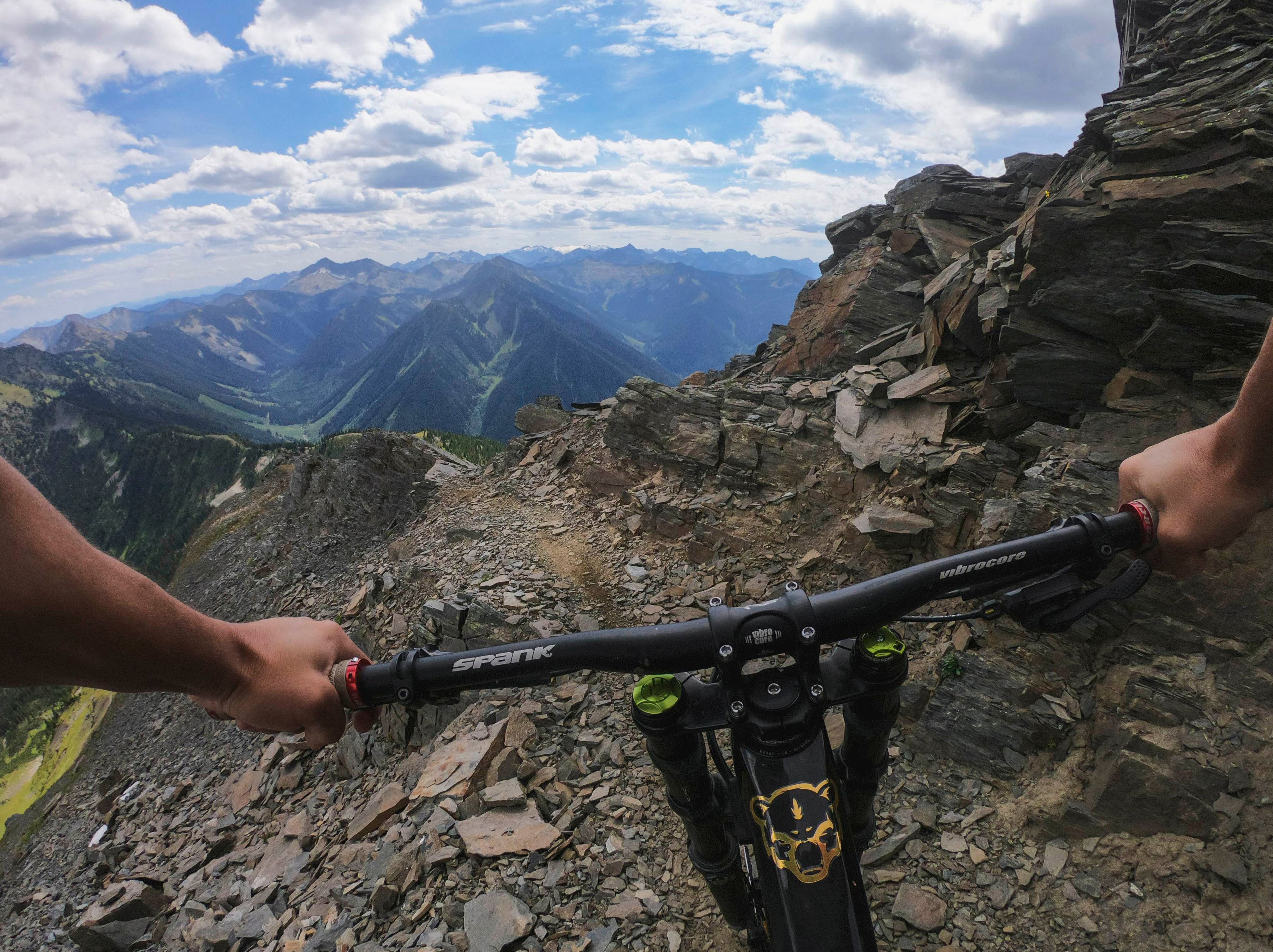
Posted .This reviewer received promo considerations or sweepstakes entry for writing a review.The GoPro Hero9 has amazing video quality and the stabilization is phenomenal. Used one on a mountain bike trip to NC on a chest mount and couldn't be more impressed. The image stabilization was the equivalent of using a Gimbel. The microphones have greatly improved with the wind over the years as well.
I would recommend this to a friend