Customer Ratings & Reviews

- Model:
- GO360
- SKU:
- 6204590
to a friend
Customers are saying
Customers consistently note the excellent camera quality and wide field of view, praising the ease of setup and installation. However, negative feedback focuses on the app's performance and inconsistent battery life. Some users also reported challenges with motion detection and connectivity.
This summary was generated by AI based on customer reviews.
- Pros mentioned:Camera qualityCons mentioned:App, Connectivity

Gadget? Useful Tool?
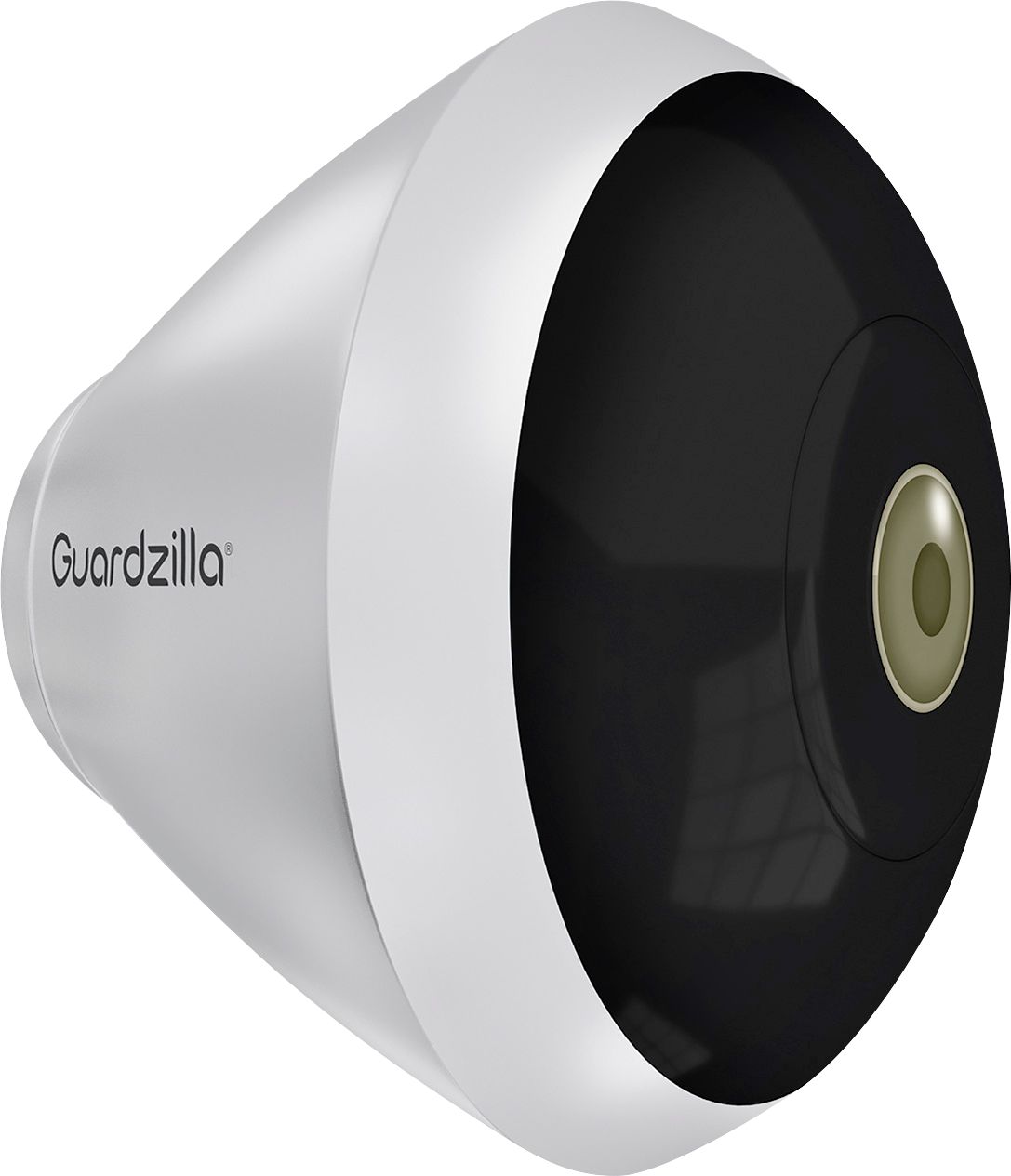
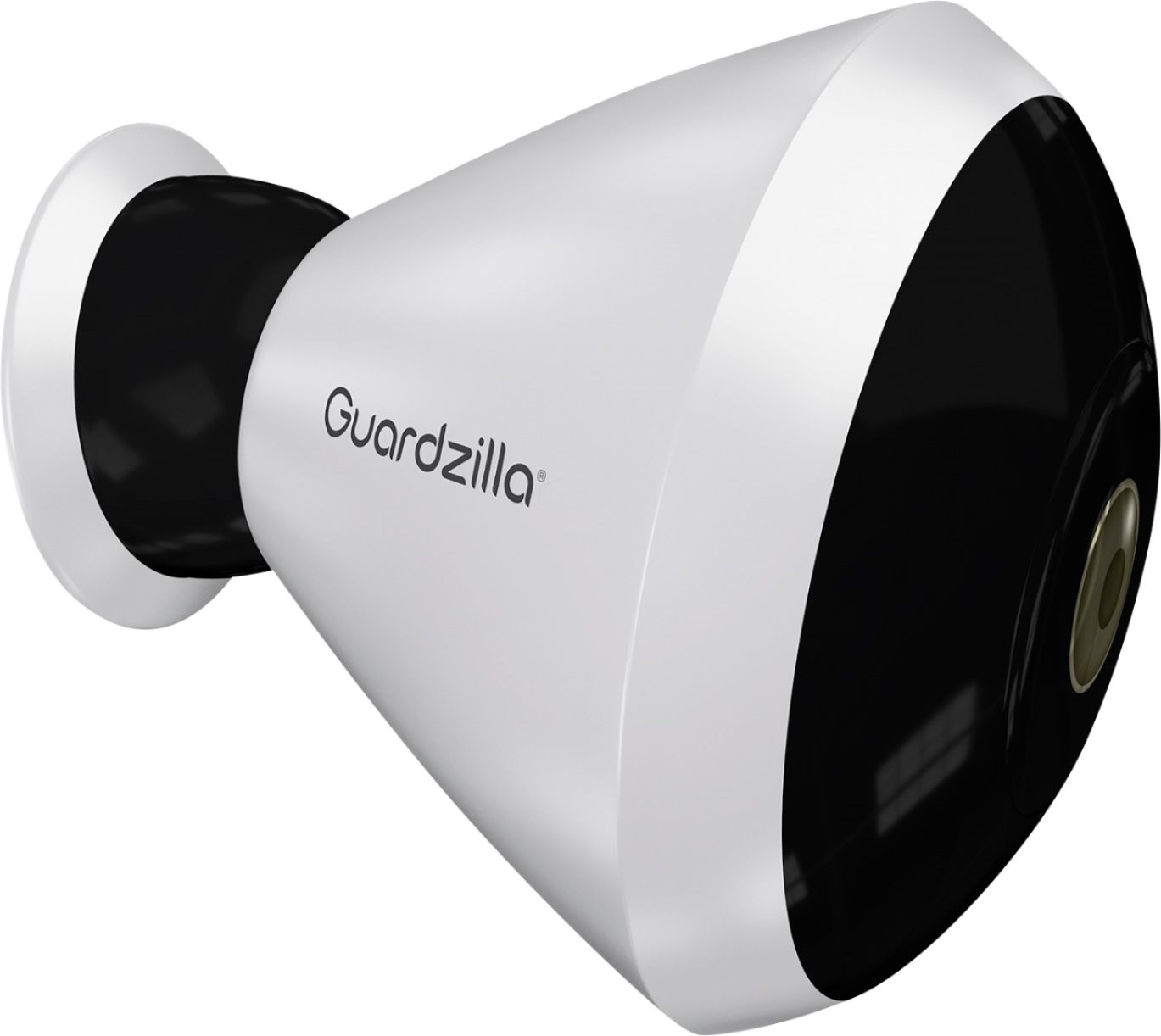
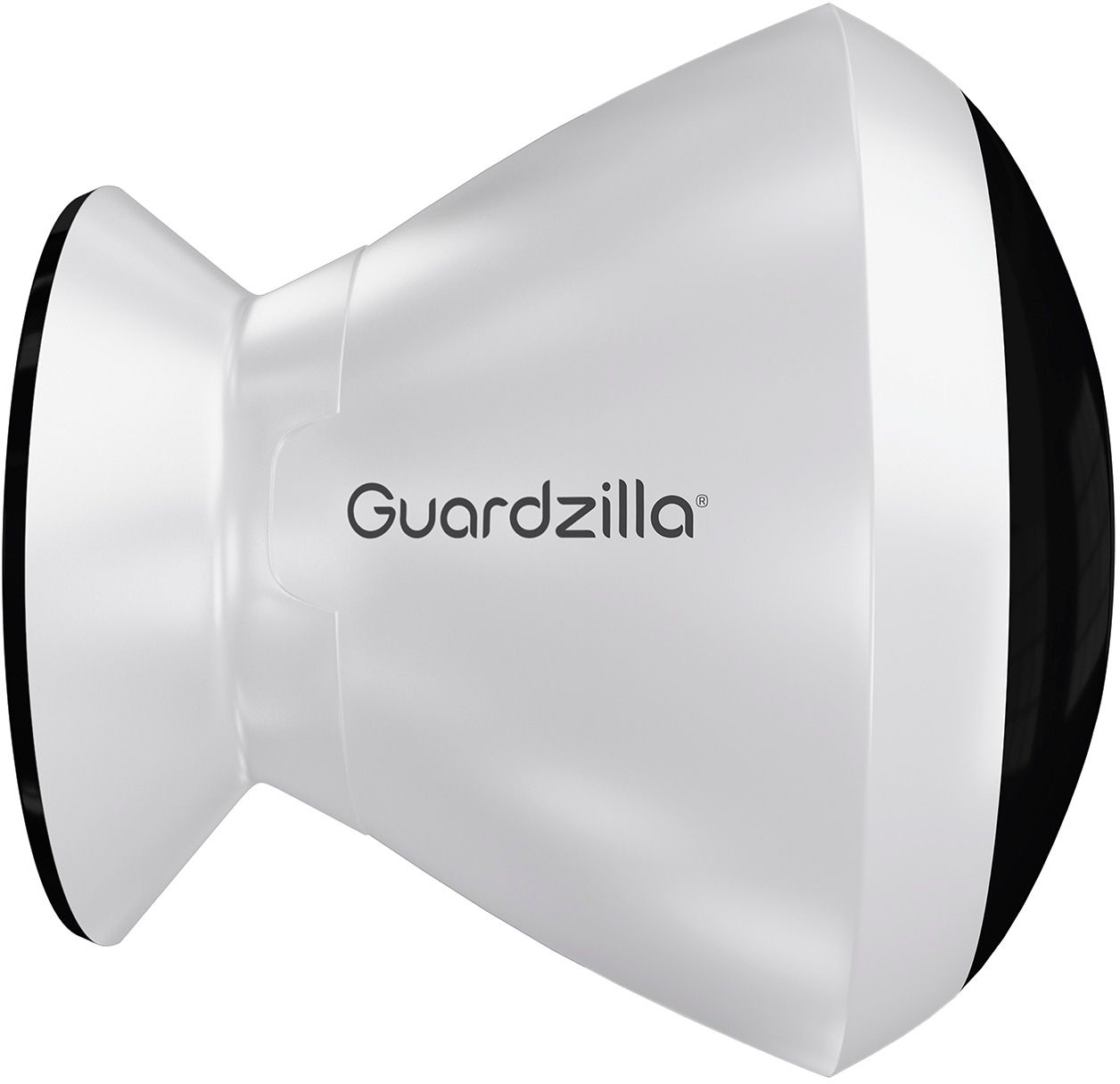
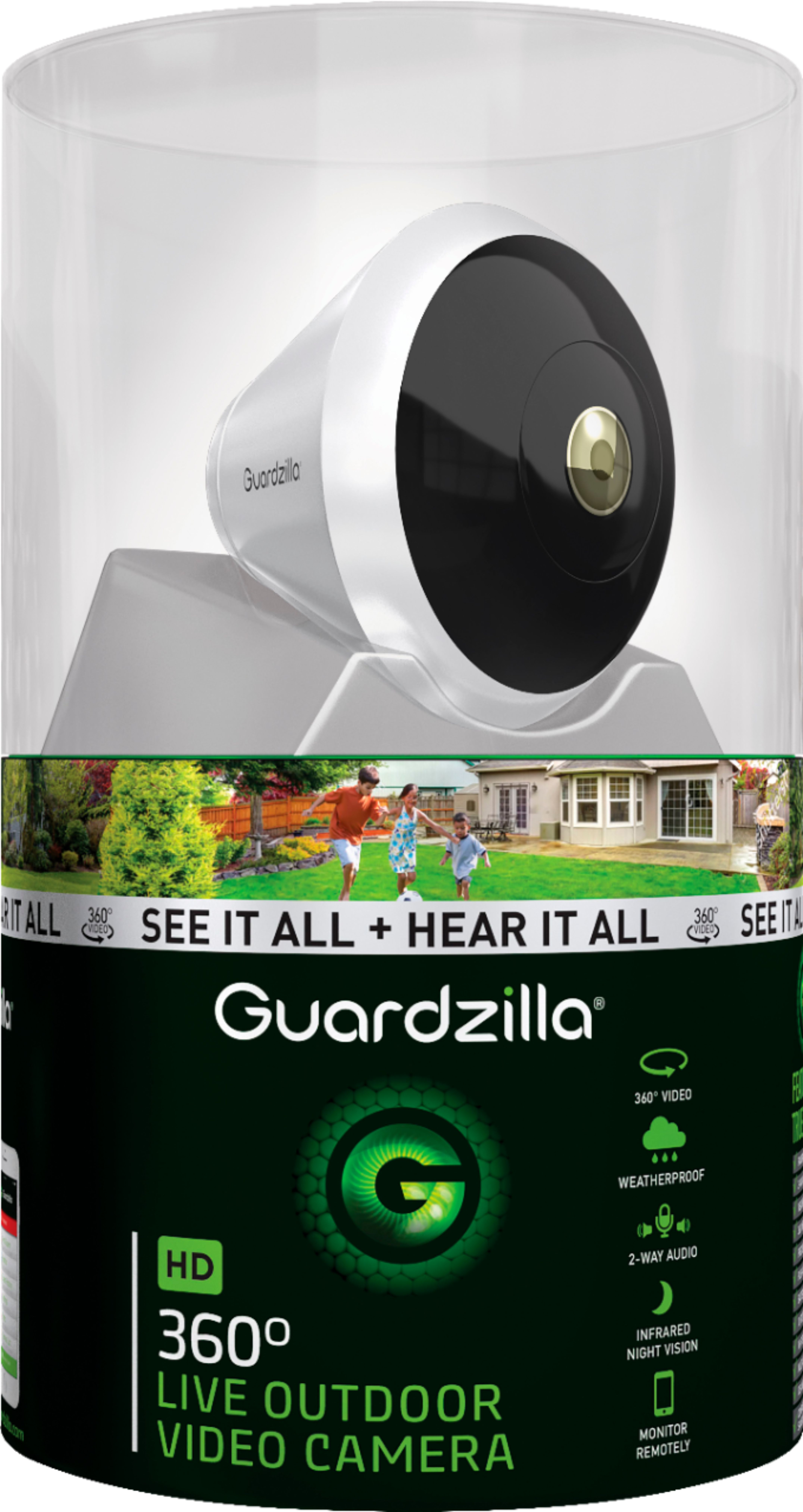
|Posted .This reviewer received promo considerations or sweepstakes entry for writing a review.Obviously, a great deal of effort has gone into the design of both the device and the essential app. Equally obviously, there likely are situations in which a 360-degree view could be useful. Let’s examine: Camera: Feels very solid and well made. Each component seems as if it was chosen because of its quality and strength. The mounting system is similar to other security and monitoring cameras and has a very hefty magnet allowing a wide range of installations including wall, ceiling, and even “tabletop.” Simply holding the camera give one a sense of quality and purpose. Very nicely done. Features: Bountiful! In addition to the wide-ranging camera view there is a siren, two-way communications, Listen-only mode, snapshot, etc. Clearly this was intended to be flexible and to serve multiple situations. Installation: Physical installation required only one small screw and took less than a minute. It felt secure on the first try. The app downloaded easily and setup was simple with voice confirmations and guidance from the camera’s internal software. App and Software: In order to use the camera and any of its many features it must be linked to your phone, either Android or iOS. Although the app downloaded easily and installed quickly it was somewhat quirky and unreliable. After getting the “connection complete” message from the “voice” in the camera, the app seemed to take many, many minutes in “looking for camera” mode. The device only works with a 2.4 gHZ connection. A few hours later, it again spent several minutes “looking.” Also, the app kept “asking for permission” to view contacts, photos, etc., an annoying request that is clearly not necessary and seems just one more privacy intrusion. Ultimately the app connected, but the home page with the settings “cog” never showed and required going through several steps to deal with some settings while others were never found. After experimenting with various features and views (the 360-degree view is a hoot at first) I found that it was difficult to maintain connection despite having an actual and indicated very strong wi-fi signal for both the camera and app. Overall, it is a feature-laden camera with several interesting capabilities but leaves me to wonder how often most people would use many of them. Finally, a comment on packaging: The enclosed images show the size of the container in which it is sold. It is hugely over-packaged and could easily be half the size. In an era when plastic waste is such a serious problem, why does a company need to use well over one pound of plastic that will soon be in a landfill or increasingly tenuous recycling system?
No, I would not recommend this to a friend Useful in some specific spots, needs maturity.
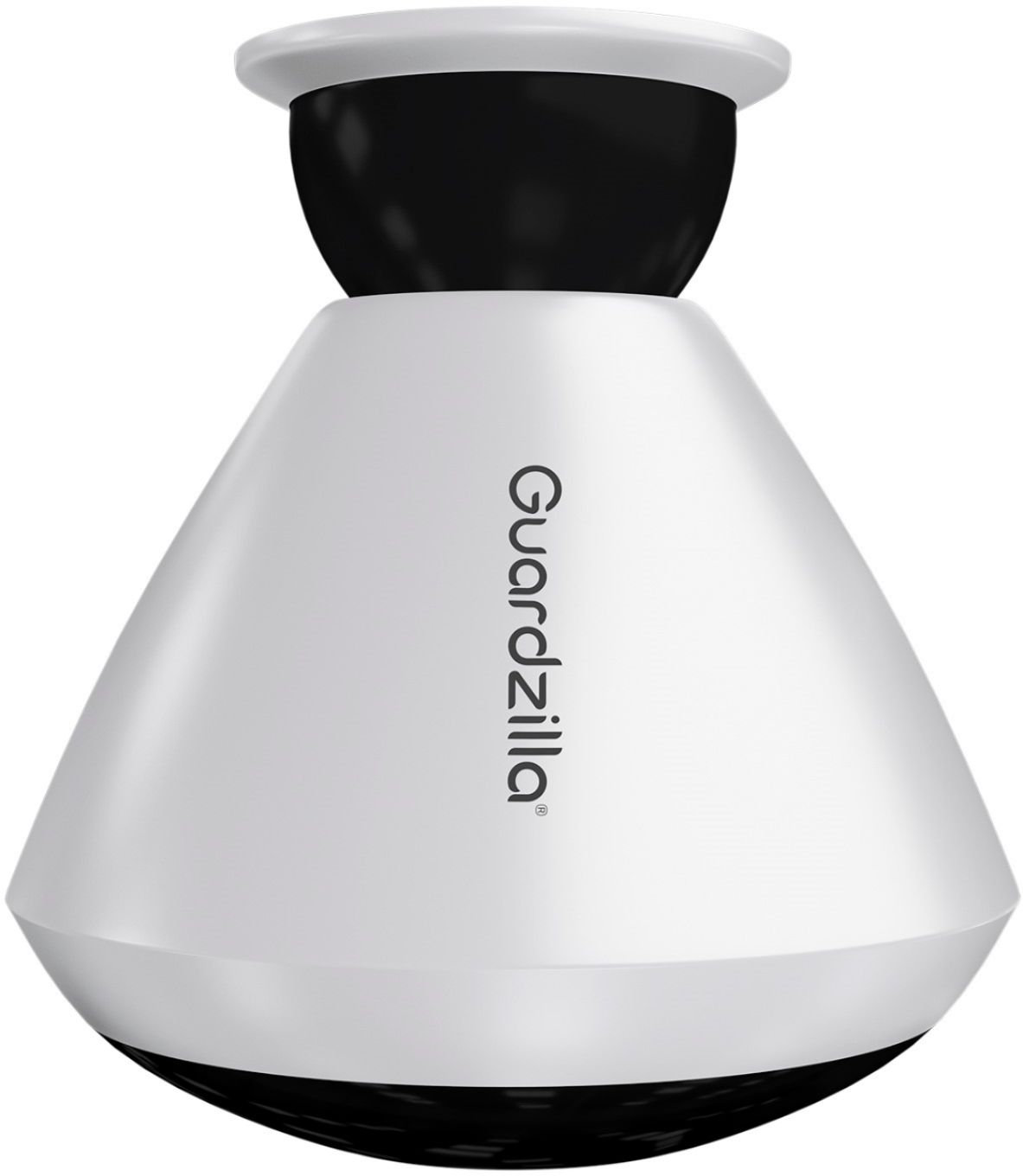
|Posted .This reviewer received promo considerations or sweepstakes entry for writing a review.Guardzilla. 360 Full disclosure: I was given an Guardzilla Outdoor 360 surveillance camera in exchange for a timely and honest review. I was intrigued by the idea of a camera with a 360 degree field of vision. It is a very interesting idea, so I accepted the offer to try it out. I own cameras from Nest, Netgear/Arlo, Axis, Logi Circle and an older D-Link camera. In all I have 52 cameras monitoring four locations which gives me a good opportunity to compare systems. The GO 360 looks and feels like a quality product. It is solid and very nice looking. It is well packaged and comes with installation and quick start instructions. Overall it was easy to setup and start to use. Download the app, charge the camera and turn it on. Then follow the prompts. It went pretty well. Though when I unplugged the camera and moved it to another room and plugged it back in, it seemed to hang. I had to power cycle it to get it back up and running. Also, the camera has voice status messages to inform the user as to the status of the setup. This is fairly loud and I didn’t see a way to mute it. So don’t set it up at a time or in a place where some fairly loud audio messages would be undesirable. It isn’t a silent setup, unfortunately. I suspect the voice status is one of those things that sounds pretty cool in the conference room while discussing features than it does to a homeowner finding some time to do a setup while a toddler (or wife) might be asleep. You can place the camera in three basic orientations. Table-top, wall or ceiling mount. Table-top is nice. I was able to look around the room without physically panning a camera and all areas of the room are visible to the camera at the same time. I have little need to observe the ceiling, but who knows! I moved the camera outside and replaced one of my Arlo wireless cameras as a test. The hemispherical mount for the magnetic mounting is very similar to that of the Arlo camera, so it was an easy swap. There is a setting for the mounting position which instructs the camera software as to how to interpret the image. I adjusted mine to “wall mount” and the image oriented properly. Outdoors, the image catches quite of bit of sky, even when the camera is wall mounted and aimed at a somewhat downward angle. I found this to add to false motion alerts when the sun is in the wrong spot. I suspect moving branches would also be an issue. Motion events show up in Event History and can be viewed by moving your mobile device around or by swiping your finger around the display. This is pretty cool. If you download a motion event, the video appears to stay in the app. That is not common for systems like this. Usually video and photo downloads go to a local folder or the Photos app (on iOS) which makes sharing the photos and videos very easy to do. I didn’t see an easy way to share the videos from the GO 360 app. I suspect that is due to the nature of the video being hemispherical rather than flat. Taking a snapshot does actually drop an image into the Photos app on iOS and the image is round. See attached. It is interesting, but it doesn’t match the view I had when I asked for the snapshot. It seems like there should be an option for the flat view or the hemispherical image. Motion events are recorded to “the cloud” and I don’t see any microSD card slot in the camera for local storage as an option or as a backup to cloud storage. This is similar to Nest. Arlo allows for a micro SD card or USB stick (depending on the model) as a backup incase the network goes down at some point. Camera resolution is a bit weak IMHO…even when set to MAX quality. I assume this is due to the large image capture area. If a normal image section (~140 degrees wide and half as tall) of this hemispherical image was HD then the image in total would need to be many times that size. Perhaps 8-10X (or more) larger. So it appears Godzilla was forced to trade off image quality for image scope. I’ve been spoiled by HD and UltraHD cameras recently, so I’ve come to expect extreme image clarity. Since this is a battery operated camera, GO 360 doesn’t appear to support motion zones. That matches Arlo cameras when running on battery. I’ve only seen motion zones on line-powered cameras. However, the GO 360 has a much larger image scope (coverage area) so motion anywhere in the hemispherical scope of view will trigger a motion event that that is not always a good thing. Especially outdoors with sun and branches as I mentioned previously. I use geofencing whenever possible and the GO 360 offers home and away functionality. However, I don’t see a way to have this controlled by more than one mobile device. I always have our geofencing controlled by my phone and my wife’s phone, so cameras are armed only when we are both away form home. I also didn’t see any “schedule” functionality that would let me alter the camera operating mode by time of day and day of the week. Arlo appears to do this the best. I can use Schedule along with geofencing to control how the cameras behave when we are home and away. Not just on or off based on our location. Nest also does not appear to allow using both geofencing and scheduling together, but it does allow one or the other. I can’t confirm battery life since I have only had the camera a few days. I assume it will be as advertised since the camera is fairly good size and there should be plenty of room for battery capacity inside. One issue, however, is that the battery is not removable. So the camera must be removed for charging and placed back in position after changing. My Alro cameras allow me to swap a fresh battery for the depleted battery, leaving the camera in place. Since I have a dedicated Arlo battery charger, I always have a fresh battery ready to go. When a camera requires a ladder to reach it, this is an important attribute. I just go up and down the ladder once and I can put the ladder away immediately. If I had had to bring the camera down to charge it, that will add time and may require that I put away a ladder. Since the only way to mount the GO 360 is via a magnetic mount, many people will want to locate their cameras high enough so they can’t be easily plucked down by a “bad guy” standing on the ground, so this scenario seems likely. After using the camera for a couple of days, I think it could be handy in a smaller space on a table or ceiling mounted. There are times when looking around the room is useful. For general surveillance, I’d lean toward other solutions available on the market. Reportedly, there is more functionality coming in future software releases, so some of the shortcomings are likely to be remedied at some point.
No, I would not recommend this to a friend- Cons mentioned:App
Nice camera... app, not so nice
|Posted .This reviewer received promo considerations or sweepstakes entry for writing a review.I received this camera to test about 3 months ago. However I had tremendous trouble setting it up. I was using a Google Pixel XL running Android 8, and although I was in contact with customer support, I couldn't get the camera to recognize any of my networks. About 2 weeks into that process I was contacted by an engineer who asked if I had another device I could use. I have an older Galaxy S4 running Android 5.1, so I used it and was able to set the camera up without any trouble. However, when I attempted to monitor the camera using the Galaxy S4, the phone basically locked up; I couldn't even restart it, and wound up having to remove the battery. It was explained that the amount of data being sent from the camera was too much for the phone to handle... so I have to monitor the camera with the Pixel XL. I was told at that time that the Guardzilla app was being completely rewritten and that it should be available in 2-3 weeks. The new app was going to fix the setup issue I was having with the Pixel XL as well as fix the data problem that was causing the S4 to basically freeze. That was 2 months ago. As far as the camera itself goes, it works well, and the fact that you get a 360 degree view using the app is a great selling point. If the camera didn't need the app, this review would be much different, but since the app is required, and it's way too buggy (at least for me), I can't really recommend buying the camera unless you call the company first and have them assure you that your 'device' will work with the app or find out if they've released the 'new and improved' app.
No, I would not recommend this to a friend - Cons mentioned:App
Camera 360
Posted .This reviewer received promo considerations or sweepstakes entry for writing a review.Camera seams to float a lot,not useable on my android phone,support tried but failed to help resolve problem,no technical phone numbers to get help when needed. Not sure if they even care tech said he thinks it an app problem,and he get back to me still waiting,bern 5 days.
No, I would not recommend this to a friend - Cons mentioned:App
The 360 camera could be awesome!
||Posted .This reviewer received promo considerations or sweepstakes entry for writing a review.This is my second purchase of a Gaurdzilla camera, worked great the first week. My first stationary carmera has always work fine. I feel the main problem was the Gaurdzilla app. After several months of trying to talk to someone about my problems and after approximately 6 updates to the app as off right now it working fine.
I would recommend this to a friend - Pros mentioned:Camera quality
Worked for a bit
||Posted . Owned for 10 months when reviewed.This reviewer received promo considerations or sweepstakes entry for writing a review.Worked for a bit, app was difficult to setup, great picture quality, stopped working about 5 months into use, will be taking back and returning for a ring hardwired spotlight cam
No, I would not recommend this to a friend - Cons mentioned:Battery life
Not worth it
||Posted . Owned for 1 year when reviewed.This reviewer received promo considerations or sweepstakes entry for writing a review.The camera did not work as planned it constantly died and we had to remove it and charge it then place back on the stand. It wasn’t no worth it
No, I would not recommend this to a friend - Pros mentioned:Camera quality, Field of viewCons mentioned:Battery life, Motion detection
Okay as Live Camera
|Posted .This reviewer received promo considerations or sweepstakes entry for writing a review.Okay as Live Camera Let me start out by saying I did receive this camera in exchange for an honest review. So here it goes. Having a 360 view outside is pretty nice. Here are my likes and dislikes. Like: Easy Set-up 360 view of surroundings Nice picture in live mode Friendly customer service Auto Arm – not a feature I used, but could be very helpful 2 way audio function Dislikes and improvements needed: Monthly cost Ability to access recorded footage from personal computer Ability to selectively set the detection zone (ex: block a street so not every car triggers a notice) Motion detection (Event History) and alerts need some refinement. Takes too long for the detected video to reach the smartphone. Detection is inconsistent. It will pick up the car driving down the road, but not a car pulling in my driveway. Battery – Don’t bother using the battery power if this is out of reach or you are away from the camera for a time. I only got maybe 2 days out of the battery. Ended up having to run the power cord to it. Notification settings – Only the PUSH method seemed to work consistently for me. When I did get a text, the hyper link simply takes you to an ad, rather than your detected video. Email is a simple notice as well. Would be nice to hyperlink to the video that triggered the notice. Bottom line, if you would like a nice 360 LIVE view it will work great. If you need reliable security that records and alerts quickly and completely, I would go another route for now. Could be better down the road with some enhancements.
No, I would not recommend this to a friend - Pros mentioned:Camera quality, Night visionCons mentioned:Battery life
good hardware, not so much software
|Posted .This reviewer received promo considerations or sweepstakes entry for writing a review.The camera and accessories all seem to be very well made and high quality, fit and finish is excellent. It comes with the camera, table stand, magnetic mount for ceiling, 10' weather proof USB power cable and 2A small wall wart. Instructions were minimal at best. For a non techie this would be hard to install as what instructions there were was not very good. Setting up took me several attempts with a few emails to customer support (which was fast and excellent, actually Guardzilla has the best customer support I have ever encountered next to Apple). The app seems to be unstable and I had to get a firmware update to get the motion detector to work. Some features of the app do not work with the 360 outdoor at the moment but they said it would be updated in the coming weeks. I tried using the camera indoors and it works perfectly, excellent picture quality, and the night vision actually works. It can see in a pitch black room. The motion sensor works very well indoors. Outdoors it does not work as well, the picture blooms from sunlit to shade areas and the motion sensor seems to only work within a few feet. As far as the 360 feature it is great, so much better then a fixed angle. You simply swipe to rotate your vision or tilt the phone in the direction you want to see. The battery life for me was poor I only got about 5 days before I had to charge it. I suppose I was playing with it more then typical as its new, so will have to wait and see if I can get the months of use that they claim. As an indoor camera this thing is great, outdoors not so much. Once they get the app straightened out this would be a highly recommend product but for now it seems to be too buggy with it not occasionally responding. I also would like to see online accessibility so I can check the camera from a PC.
I would recommend this to a friend - Pros mentioned:Camera quality, Night visionCons mentioned:Motion detection
Decent security camera, overall a meh
|Posted .This reviewer received promo considerations or sweepstakes entry for writing a review.Pro's: Good picture quality, can pan around to see the whole area. Night vision works well, as well as 2 way audio. Con's: The motion detection didn't even work correctly until recently. (it would only sometimes detect someone walking by, but wouldn't send/save a video clip, the event history would only show then I armed/disarmed it) You have to remember to "arm" it just to get recordings. You are severely limited in the recordings you get, unless you pay more for their cloud storage. The app is clunky and will not find the camera sometimes, unless I force close and then reopen it. I had to restart setup because the app froze. The idea is great, the overall execution is not. The overall value is a 2/5 due to having to pay for any decent length recording, and the camera is not cheap to being with. For those who have decent networks and the storage available, a local 24/7 recording option would be great. (even if I had to pay a one time license for local recording, it would still be a good option) I gave them a 3/5 due to their support being helpful and easy enough to get a hold of.
No, I would not recommend this to a friend This is Ok, but not worth the price
||Posted .This reviewer received promo considerations or sweepstakes entry for writing a review.Has a few more Cons. Three stars, as this seems to be suitable for indoors.
No, I would not recommend this to a friend- Pros mentioned:Field of view, Setup
Good, bad, ugly...
|Posted .This reviewer received promo considerations or sweepstakes entry for writing a review.I have had this for a couple of weeks and for transparency sake I did not pay for the monthly su description. Having said that here are the things I loved/hated or otherwise. The setup was easy as you expect these WiFi cameras to be. Simple plug for charging and simple app for pairing. One thing that I felt shined here is its 360 offering as well as the connection to the device. I have had competitor devices and my complaint is by the time it goes off it takes 60 seconds to get the app loaded with the Feed vs. Guardzilla doing this in less than 25 seconds. I didnt feel like I missed any part of the interaction. What I didnt like is that without the monthly service you get absolutely no recording options. Which means you can view the camera but if you see something you can only screenshot the image since it won't record in any fashion. To me that is disappointing as competitors offer more than that type of functionality. The one thing that pushed down the rating to a three is because it fails at the number one feature of a camera. Picture Quality. The image quality was bad and I mean bad. It says it's a form of HD but it must stretch the image enough to turn it into 480p or lower. It's not something I would recommend because your buying a camera to see something and if you can't than that defeats the purpose. Hope my review helped you and good luck on your purchase decesion.
No, I would not recommend this to a friend - Pros mentioned:Camera qualityCons mentioned:App
When it worked it worked well
|Posted .This reviewer received promo considerations or sweepstakes entry for writing a review.So let me just get this out of the way, since I deleted the old WiFi and tried to put it on my Google WiFi this has not worked. Says connection failed. I have pressed the rest pin various times and nothing, always the same result. Now when it works it's fantastic, the 360 camera displayed a great picture and to swipe around was lag free. I was very impressed. The voice was also clear when speaking. The alarm isn't the loudest but should deter someone from up to no good. The app crashes a lot, I cannot access "other settings" without the app crashing. Shame as this worked fantastic at first
No, I would not recommend this to a friend Built well, nice idea - lacking execution.
|Posted .This reviewer received promo considerations or sweepstakes entry for writing a review.First, let me start off that I am a video cam enthusiast. Well , some could is a video cam nut. Regardless, I own Arlo Pro’s 1 and 2, Samsung Smart Cams, D-Link and TP-Link Casa cam. All have their strengths and weaknesses and I felt most are very similar. That is until I received the Guardzilla 360 Outdoor ( at first.) Like I said earlier, all of these are similar - night vision, two way communication, battery powered ( on some ) but the Guardzilla has something none of the others have. A nearly 360 degree, a panoramic view . Frankly, that part is amazing. Once installed, you can view nearly all angles from your phone by simply moving your phone lie you are turning your heard around. Alternatively , you scan scroll to almost any angle with your finger. Simply an amazing lens design. The camera does not even rotate - it looks like it is all just from techical lens design . From a design standpoint, it has it all : battery powered ( or wired if you want, ) very strong magnetic base for mounting, a table top mount, 2 way speaker, a siren , motion sensor , water and dust resistant ( IPX65,) night vision and a sturdy design. The Guardzilla 360 is just a well thought out design. So what about the installation? Very simple - down load the app and put the cam in pairing mode and you are up and running ( after you create an account.) There were no issues with installation and I was viewing a picture in a few minutes. I do see some criticisms about the app and while it is simplistic in it’s features, it does do the job. I do get the feeling like it is a work in progress. One of the most important aspects of a video cam is the performance. I found the picture to be in the middle of pack in terms of quality but not as good as the Arlo, Nest and Samsung’s of the world. You can see that it is just is not as sharp as the better video cams on the market. However, I think this is inherent to the design of a panoramic video cam and is something that I can live with. The night vision is just barely average. I found it grainy indoors and not great outdoors. Even though this is sold as an outdoor video cam, I find the it more suited to indoor usage. Everything sounds good so far but there is a major issue preventing me from recommending the Guardzilla 360 Outdoor - the lack of support. When I received the video cam, there was a letter from Guardzilla thanking me and if I had any questions to email the person who wrote the letter ( Terry B.) So I wrote an email with some questions and minor issues I was having. The next day I see an email form Guardzilla that I was expecting to be Terry’s response but it was from another rep named Emma W. Again , it was a thank you and to email her directly with any questions. Since I did not hear back from Terry, I emailed Emma my questions but let her know that it had only been yesterday that I emailed Terry. Then I waited for a response from either of Guardzilla team. It has now been 6 days and no response. Nothing in my SPAM folder, no follow up - nothing. My questions were simple and there should have been some type of response one way or another . Here are some of the questions that remain unanswered : The app and the Guardzilla website shows you can integrate Google Home. However, Guardzilla does not show on the Google list for adding a device. When I go to the Google Assistant site , it does list it as an option and I sent the link to my phone. When I try to link Guardzilla , it does appear to work. I say appear to not work because it does not show Guardzilla as a linked service but when I test some commands , it does work. It may be helpful to include a list of Google Home commands in future documentation ( unless I missed it.) I am running the latest version of Android on Google Pixel XL2. On the website it shows it is compatible with Samsung Smartthings, I am not seeing any integration or options fo interaction with Smartthings. What does Smarthings do with Guardzilla? Is there a way to manually trigger the siren, such as the panic option on other Guardzilla products? There is none in the app. There is a QR code with a mac address on a sticker on the side of the cam. Is this going to be vital for anything ? I plan on mounting the cam outside and feel the sticker will come off eventually. How does the notification ( if any ) work for firmware and app updates? I am showing the firmware is 3.0.0.21 but the letter states there is a firmware update coming. My version of the App is 1.4.7 . The app showed that I get 6 months of enhanced video storage, how do I verify this? As you can see, these are not earth shattering questions and no something that would stop me from recommending this product . What will stop me from recommending something is not supporting it. Normally I would think one lack of response can happen but two after nearly a week of waiting? There is a breakdown somewhere in their support structure to allow that to happen. Even with the appearance that some features need polishing, I would still have recommended the Guardzilla 360 Outdoor. Guardzilla even states they will have updates coming out shortly. The actual build of the product and the unique feature set is great. However, there is no excuse for lack of customer service. I see this as a wait and see product and pass for now until they get their updates and customer service straight.
No, I would not recommend this to a friendok camera, with many flaws..
|Posted .This reviewer received promo considerations or sweepstakes entry for writing a review.The idea of the guardzilla HD 360 is great, but the final product is lacking in many ways. The set up is fairly simple, and the app walks you through it nicely. I do like the fact that it can be used for indoor as well as outdoor. This camera has many great features, but with how laggy the camera is, makes it almost useless. First off, the camera connects to a 2.4ghz wireless network. I'm surprised the developers didn't add 5g as it would definatly improve with the lag. Yes, this camera is very laggy, and I am using a high speed internet connection of 200mbp with a nighthawk router - which is more than sufficient. The camera loses connection way more than it should, and takes awhile to wake up from sleep mode.( Which can be a problem if I'm getting robbed.) I do like the idea of it being wireless, but keep in mind, you will need to take it down and charge it. Which means no security when being charged. The picture quality is somewhat to be desired, I honestly don't know how they classify this as HD...The Picture is very fuzzy and blurry. There are a couple tweaks, but they don't really make a difference in picture quality. Another nice feature is the 2 way audio. Only, even with my iPhone 7+ at full vol, I can barely hear anything. So the built in mic really needs an upgrade. The company says they will be releasing a new firmware in the next couple of day, that adds improvement to the motion sensing. So, we will see if that helps with anything else. As of now the motion sensing is actually decent, So I can't complain about that. Overall, this is just a mediocre wireless camera, with poor video and audio. The 360 pan is a nice feature, but with the amount of lag this device has, I would be hesitant to recommend it as a security device. Maybe a pet camera would be a more practical use for it.
No, I would not recommend this to a friendTo Be Deteremined
Posted .This reviewer received promo considerations or sweepstakes entry for writing a review.The setup was rather frustrating until I contacted customer service. This device cannot be pair with an Apple Airport. To my luck the modem/router from my cable provider was good enough to complete the setup. However, the camera cannot be located. Back to customer service, who after some trouble shooting determined more likely than not the camera was not functioning as it should and a replacement will be sent. More to follow.
No, I would not recommend this to a friend