Customer Ratings & Reviews







- Model:
- 685K4UA#ABA
- |
- SKU:
- 10344573
Customer reviews
Rating 4.1 out of 5 stars with 1758 reviews
(1,758 customer reviews)Rating by feature
- Battery Life4.4
Rating 4.4 out of 5 stars
- Speed3.8
Rating 3.8 out of 5 stars
- Display4.3
Rating 4.3 out of 5 stars
Customers are saying
Customers recognize the product for its impressive overall performance, portability, and lightweight design, which many users find convenient for daily use. While the battery life, aesthetic appeal, and reasonable pricing are frequently praised, some users have expressed concerns regarding the device's processing speed and limited storage capacity. Additionally, a small number of customers noted potential improvements needed for screen quality and thermal management during operation.
This summary was generated by AI based on customer reviews.
Rated 4 out of 5 stars
Good, not powerful
||Posted . Owned for 3 weeks when reviewed.This reviewer received promo considerations or sweepstakes entry for writing a review.Good notebook, good for everyday emailing and such. Do not try to use creative software!
This review is from HP - 14" Laptop - Intel Celeron N4500 2021 - 4GB Memory - 64GB eMMC - Snowflake White
I would recommend this to a friend- Pros mentioned:Battery life
Rated 2 out of 5 stars
Ultimately not enough memory for my needs.
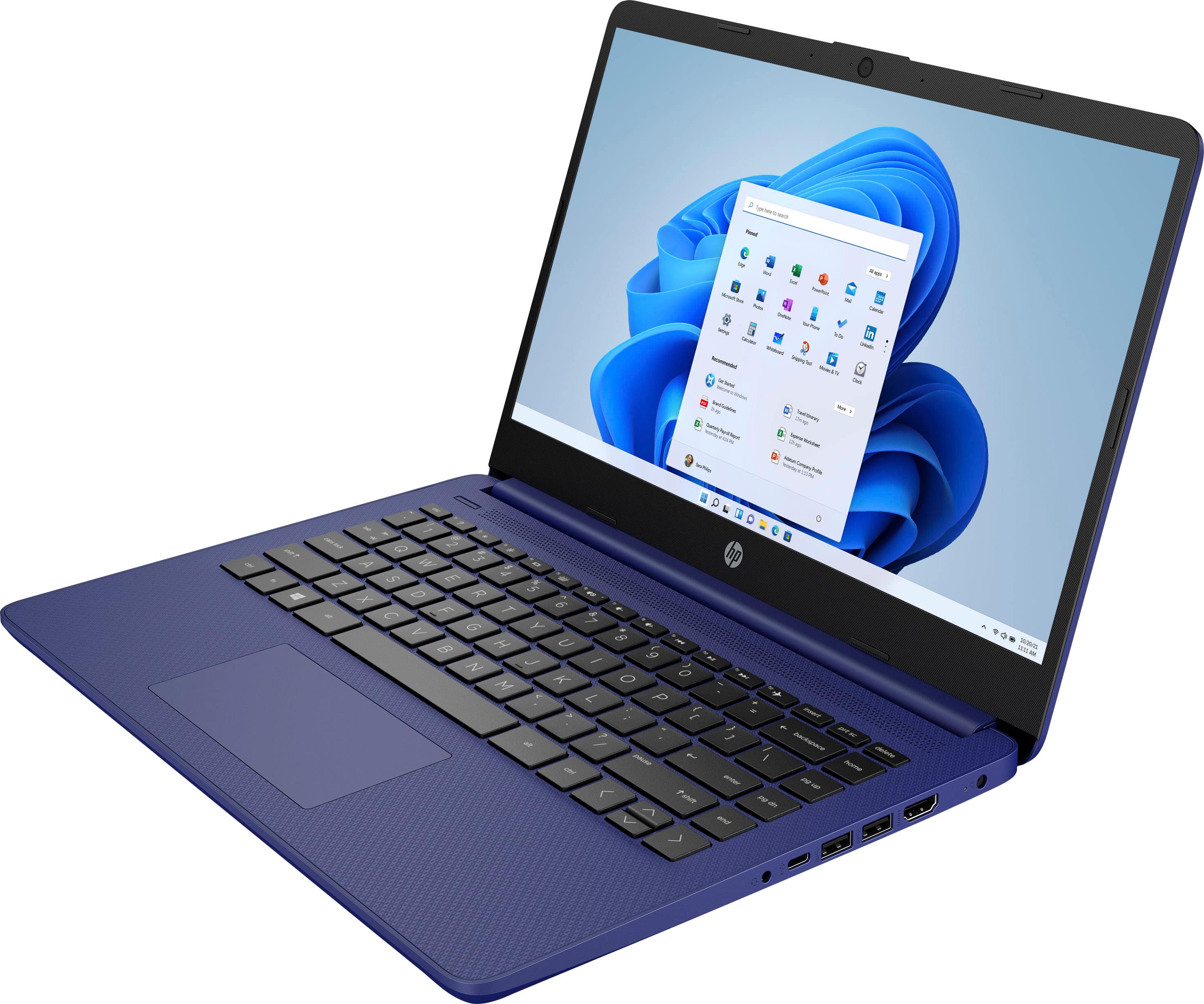
||Posted . Owned for 7 months when reviewed.This reviewer received promo considerations or sweepstakes entry for writing a review.recently purchased the HP 14" Laptop with an Intel Celeron processor and 4GB of memory. Overall, I have mixed feelings about this product, and one major drawback for me is the insufficient amount of memory. The laptop itself has a decent size and is compact enough for easy portability. The Intel Celeron processor provides adequate performance for everyday tasks such as web browsing, document editing, and multimedia consumption. Additionally, the 14" display offers a clear and vibrant viewing experience. However, the limited 4GB of memory is a significant downside. As a purchaser, I require a laptop that can handle multitasking and run multiple applications simultaneously without lag or slowdowns. Unfortunately, with only 4GB of memory, this laptop falls short in meeting my requirements. It struggles to handle resource-intensive tasks or run software that demands more memory, resulting in frustrating delays and decreased productivity. Furthermore, the laptop lacks sufficient storage space for my needs. With limited memory, I expected that the device would compensate with a more generous storage capacity. However, this was not the case, and I found myself running out of storage quickly, even with minimal files and applications installed. On the positive side, the laptop does provide a reliable battery life, allowing me to work or browse the web for a few hours without needing to constantly plug it in. It also offers a variety of connectivity options, including USB ports and an HDMI output, which is convenient for connecting external devices or displaying content on larger screens. In summary, while the HP 14" Laptop with an Intel Celeron processor has some commendable features, such as its portability and display quality, the insufficient 4GB of memory and limited storage space are significant drawbacks. As a purchaser, I would recommend considering alternative options that offer more memory and storage capacity, particularly for those who require a laptop for multitasking and resource-demanding tasks.
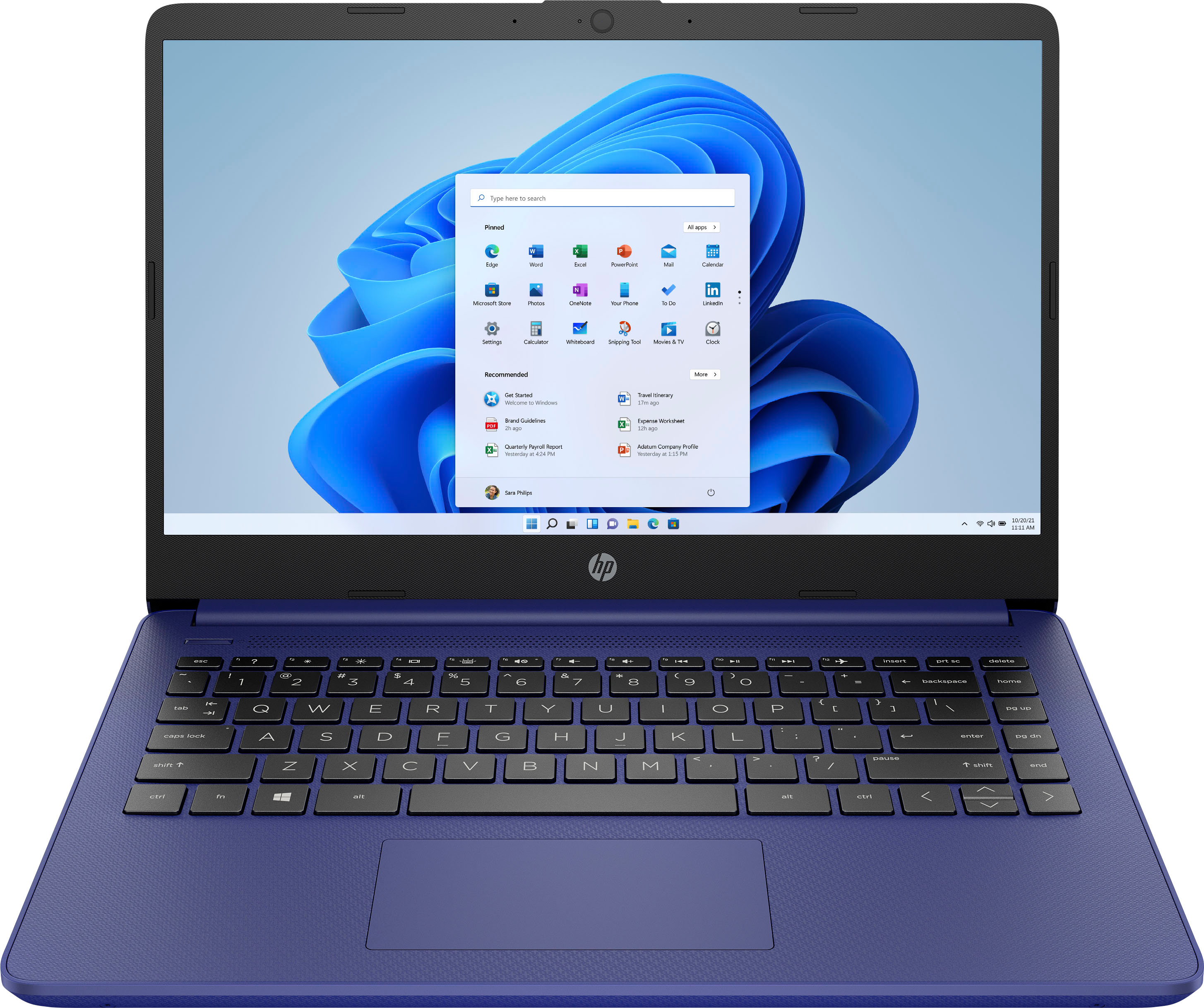
This review is from HP - 14" Laptop - Intel Celeron - 4GB Memory - 64GB eMMC - Indigo Blue
No, I would not recommend this to a friend - Pros mentioned:Overall performance
Rated 5 out of 5 stars
Good Product
||Posted . Owned for 1 week when reviewed.This reviewer received promo considerations or sweepstakes entry for writing a review.I love the color I picked, the laptop works just great, and the size is just perfect to move around with and do my work. I will definitely recommend anyone to buy this laptop.
This review is from HP - 14" Laptop - Intel Celeron N4500 2021 - 4GB Memory - 64GB eMMC - Snowflake White
I would recommend this to a friend Rated 5 out of 5 stars
Makes a Good Backup
||Posted .This reviewer received promo considerations or sweepstakes entry for writing a review.I am a university student in my last semester, and so I have a lot of work which absolutely requires a computer. Unfortunately, my main, nice, laptop needed to go in for repairs (and three weeks later still is not back to me!), and so I had no choice but to buy SOMETHING to fill that gap. This was the cheapest machine I could find, and so I just slapped my preferred Linux distro on it and have been using it just fine. For the price point it is exceedingly adequate; but of course you get what you pay for. My 5 stars are couched in the fact that I am uniquely using this as a backup and not as a primary machine. If you need a laptop to use every day of your life for a long time, please save up more and get one with a good display and real storage.
This review is from HP - 14" Laptop - Intel Celeron N4500 2021 - 4GB Memory - 64GB eMMC - Snowflake White
I would recommend this to a friend- Pros mentioned:Battery life, Overall performance
Rated 5 out of 5 stars
Good for the price
||Posted . Owned for 2 weeks when reviewed.This reviewer received promo considerations or sweepstakes entry for writing a review.Runs smoothly. Sometimes has connection hiccups but nothing too bad. Battery life lasts but if you use while charging it takes longer to finish, doesn't hold as long when done. For the price its good and helps with small daily tasks.
This review is from HP - 14" Laptop - Intel Celeron N4500 2021 - 4GB Memory - 64GB eMMC - Snowflake White
I would recommend this to a friend Rated 4 out of 5 stars
Laptop
||Posted . Owned for 3 weeks when reviewed.This reviewer received promo considerations or sweepstakes entry for writing a review.Very slow but gets the job done, love the color and lightweight.
This review is from HP - 14" Laptop - Intel Celeron N4500 2021 - 4GB Memory - 64GB eMMC - Snowflake White
No, I would not recommend this to a friend- Pros mentioned:Size
Rated 5 out of 5 stars
HP Chromebook
||Posted .This reviewer received promo considerations or sweepstakes entry for writing a review.This Chromebook was easy to set up. It's stylish, perfect size.
This review is from HP - 14" Laptop - Intel Celeron N4500 2021 - 4GB Memory - 64GB eMMC - Snowflake White
I would recommend this to a friend - Pros mentioned:Overall performance, Size
Rated 5 out of 5 stars
Great value!
||Posted . Owned for 3 weeks when reviewed.This reviewer received promo considerations or sweepstakes entry for writing a review.Nice, compact,efficient, and great price! Came with free Microsoft 365 for one year. Bought this for household/ school use. Works great!
This review is from HP - 14" Laptop - Intel Celeron N4500 2021 - 4GB Memory - 64GB eMMC - Snowflake White
I would recommend this to a friend - Pros mentioned:Size
Rated 4 out of 5 stars
HP Laptop
||Posted . Owned for more than 2 years when reviewed.This reviewer received promo considerations or sweepstakes entry for writing a review.Great color, size and ease of use. It Worked great until it didn't.
This review is from HP - 14" Laptop - Intel Celeron - 4GB Memory - 64GB eMMC - Indigo Blue
I would recommend this to a friend Rated 4 out of 5 stars
Great
||Posted .This reviewer received promo considerations or sweepstakes entry for writing a review.Great need more storage and faster speed but over a great addition to my business.
This review is from HP - 14" Laptop - Intel Celeron N4500 2021 - 4GB Memory - 64GB eMMC - Snowflake White
I would recommend this to a friend- Pros mentioned:Overall performance
Rated 3 out of 5 stars
Hp review
||Posted . Owned for 2 weeks when reviewed.This reviewer received promo considerations or sweepstakes entry for writing a review.Was extremely hard to figure out how to get out of S mode and doesn’t have a lot of storage but other than that is decent for a day-to-day.
This review is from HP - 14" Laptop - Intel Celeron N4500 2021 - 4GB Memory - 64GB eMMC - Snowflake White
I would recommend this to a friend - Pros mentioned:Battery life, Overall performance, Size
Rated 5 out of 5 stars
Great product
||Posted .This reviewer received promo considerations or sweepstakes entry for writing a review.A great laptop overall. Bigger than I expected. Great battery life. Haven’t experienced any issues so far.
This review is from HP - 14" Laptop - Intel Celeron N4500 2021 - 4GB Memory - 64GB eMMC - Snowflake White
I would recommend this to a friend - Pros mentioned:Overall performance
Rated 5 out of 5 stars
Great Daily Use
||Posted . Owned for 2 weeks when reviewed.This reviewer received promo considerations or sweepstakes entry for writing a review.Great product for the price. Didn't need a fancy laptop - just something to use daily for emails and budgeting, etc. Light and sleek - this laptop meets basic daily needs very nicely.
This review is from HP - 14" Laptop - Intel Celeron N4500 2021 - 4GB Memory - 64GB eMMC - Snowflake White
I would recommend this to a friend Rated 5 out of 5 stars
Sweet little system
||Posted . Owned for 2 weeks when reviewed.This reviewer received promo considerations or sweepstakes entry for writing a review.Exactly what I needed. A couple years ago I had purchased this same but older model laptop, of which recently I had fumbled with a cup of coffee and dropped coming from the car to indoors. So, I was jazzed to see basically the same system was available and bonus, on sale. It's a highly dependable little laptop. Nice processor, size, and I like I don't need to cloud if I choose not to. I mainly use it for writing and basic web stuff so, yeah it's perfect for my needs.
This review is from HP - 14" Laptop - Intel Celeron N4500 2021 - 4GB Memory - 64GB eMMC - Snowflake White
I would recommend this to a friend- Pros mentioned:Overall performance
Rated 4 out of 5 stars
Laptop
||Posted .This reviewer received promo considerations or sweepstakes entry for writing a review.It does the job. My only complaint so far is that the keyboard doesn't light up. Simple and easy to use.
This review is from HP - 14" Laptop - Intel Celeron N4500 2021 - 4GB Memory - 64GB eMMC - Snowflake White
I would recommend this to a friend Rated 4 out of 5 stars
memory space may not be enough for running Window.
||Posted .This reviewer received promo considerations or sweepstakes entry for writing a review.The machine is running ok except its memory space probably is too small for Windows. I have not installed any app and/or created any file yet but browsing the internet, and created a restore point. I was already warned of low in memory. My previous iPhone was 64GB ad I used it many years, and installed tens of apps without the memory space problem.
This review is from HP - 14" Laptop - Intel Celeron N4500 2021 - 4GB Memory - 64GB eMMC - Pale Rose Gold
No, I would not recommend this to a friend- Pros mentioned:Overall performance
Rated 5 out of 5 stars
Best work laptop ever
||Posted . Owned for 1 month when reviewed.This reviewer received promo considerations or sweepstakes entry for writing a review.This laptop runs at amazing speed despite its low end, it could also run some small games, I did have to do a little bit of tweaks, I dislike that it comes with mcafe it makes the computer slower. But it’s also good amount of storage for the amount your paying..
This review is from HP - 14" Laptop - Intel Celeron N4500 2021 - 4GB Memory - 64GB eMMC - Snowflake White
I would recommend this to a friend - Pros mentioned:Battery life, Overall performance
Rated 5 out of 5 stars
Love my Laptop
||Posted . Owned for 10 months when reviewed.This reviewer received promo considerations or sweepstakes entry for writing a review.This is a overall great laptop the battery last long and the performance is excellent for me as a college student is what I need.
This review is from HP - 14" Laptop - Intel Celeron N4500 2021 - 4GB Memory - 64GB eMMC - Snowflake White
I would recommend this to a friend - Pros mentioned:Overall performance
Rated 4 out of 5 stars
Great
||Posted . Owned for 1.5 years when reviewed.This reviewer received promo considerations or sweepstakes entry for writing a review.I bought this for only $80. There was nothing wrong with it. It wasn’t packaged that’s why I got it cheap but it works. I’ve had it for the last two years and it is still going.
This review is from HP - 14" Laptop - Intel Celeron - 4GB Memory - 64GB eMMC - Indigo Blue
I would recommend this to a friend - Cons mentioned:Processor speed, Screen quality
Rated 4 out of 5 stars
Good for the price
||Posted . Owned for 1 month when reviewed.This reviewer received promo considerations or sweepstakes entry for writing a review.No complaints. I knew what I was getting when I bought it so I tempered my expectations. Just really needed a machine to browse with, use for email and run simple apps on. It does the trick well. Noticed the processor is a bit slower when compared to my other machines but happily surprised with it overall. I assume it could do more if I asked it to. Feels a bit plasticky but a good by for the price IMO. Giving it 4 stars (not 5) only because it’s really a basic, introductory type of laptop.
This review is from HP - 14" Laptop - Intel Celeron - 4GB Memory - 64GB eMMC - Indigo Blue
I would recommend this to a friend