Customer Ratings & Reviews






- Model:
- X2 12-F014DX
- SKU:
- 6240850
Rating by feature
- Value
Rating 4.2 out of 5 stars
- Quality
Rating 4.3 out of 5 stars
- Ease of Use
Rating 4.5 out of 5 stars
Customers are saying
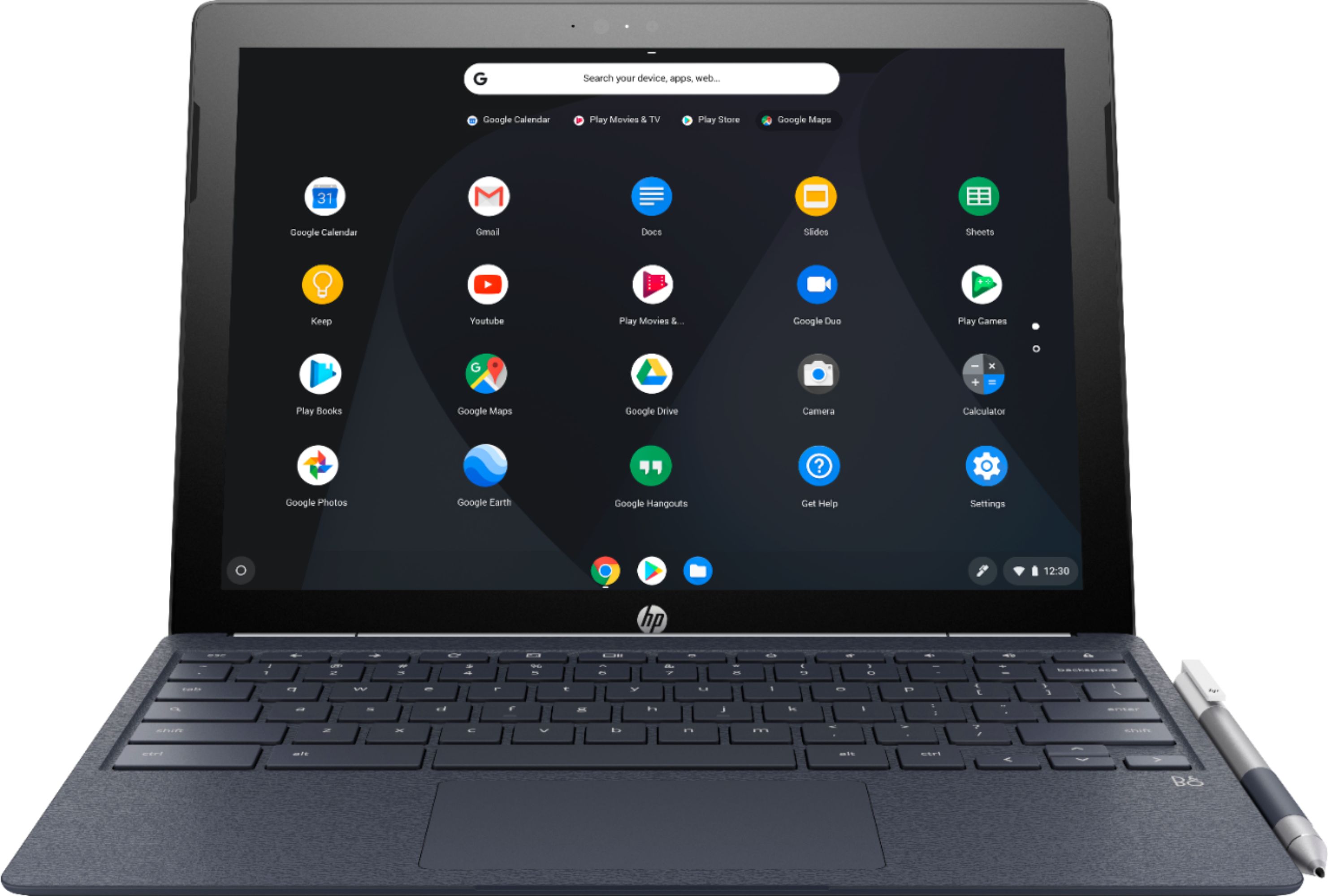
Customers commend the keyboard quality, battery life, and ease of use of the 2-in-1 12.3" Touch-Screen Chromebook. The tablet mode and included pen also receive positive feedback. However, some customers express concerns about the device's weight and limited storage capacity. A few also mention that the RAM and price could be improved.
This summary was generated by AI based on customer reviews.
Great tablet
||Posted .This reviewer received promo considerations or sweepstakes entry for writing a review.Good buy. ...........................................
I would recommend this to a friendGreat
||Posted .This reviewer received promo considerations or sweepstakes entry for writing a review.Good computer easy to use manageable light weight happy
I would recommend this to a friendPerfect!!
||Posted .This reviewer received promo considerations or sweepstakes entry for writing a review.Does everything not old laptop did but 100% more!!
I would recommend this to a friendCOMPUTERS
||Posted .This reviewer received promo considerations or sweepstakes entry for writing a review.GREAT DEALS, GREAT PRODUCTS, A VERY NICE SERVICES.
I would recommend this to a friendKeeps Crashing
||Posted .This reviewer received promo considerations or sweepstakes entry for writing a review.This computer is great the few minutes it works. I couldn't get it to work for more than a few minutes before I had to reboot it. I thought it was the apps so I reset it and only used web based apps and it still froze. I returned it and got a HP PC.
No, I would not recommend this to a friendit is good
||Posted . Owned for 1 month when reviewed.This reviewer received promo considerations or sweepstakes entry for writing a review.it is a really nice chromebook but i would only recommend it if the pencil is a must have for you if not there are far better options in the market right now
No, I would not recommend this to a friend- Pros mentioned:Keyboard quality, Processor speed, Tablet modeCons mentioned:Weight
Good 2 in 1
Posted .This reviewer received promo considerations or sweepstakes entry for writing a review.I was looking for a Chrome OS 2 in 1 and came across this HP Chromebook X2. I picked one up and overall I was pleased. Here are my pros and cons; Pros: Fast processor Good Display Nice keys on the keyboard Decent trackpad Comes with a stylus Nice to use as a tablet Cons: Keyboard hinge isn't strong enough to hold it open at certain angles The display isn't as bright as the Pixelbook or Samsung Chromebooks The attached keyboard adds quite a bit of weight to the package The keyboard is navy blue and is a fingerprint magnet while the tablet is white (not sure why they choose 2 different colors) In my opinion, it is about $100 overpriced but it is still a nice 2 in 1.
I would recommend this to a friend i like it - defective audio jack
||Posted .This reviewer received promo considerations or sweepstakes entry for writing a review.all works as intended but the audio jack does not work correctly. sound is very very weak and distorted regardless of earphones i use. blue tooth headphone work fine. will contact HP for fix/exchange
No, I would not recommend this to a friend- Pros mentioned:Processor speed
Great while it lasted
||Posted . Owned for 1 year when reviewed.This reviewer received promo considerations or sweepstakes entry for writing a review.Computer is great for a student. It's fast, stable OS and no viruses. Great value for money. Unfortunately, It broke right before the warranty expired. I didn't realize it and missed the warranty window by 5 days. I will bring it in to Bestbuy and see what they can do. I purchased a Lenovo Chromebook to replace this one that was is really nice as well. I wish computer makers would eliminate huge bezels which this laptop has.
No, I would not recommend this to a friend Not as good as a PC Laptop
||Posted .This reviewer received promo considerations or sweepstakes entry for writing a review.I bought the Chromebook as an alternative to a PC Laptop to use at home for work and personal use. The Chromebook could not properly work with my work website.
No, I would not recommend this to a friendJust Okay
||Posted .This reviewer received promo considerations or sweepstakes entry for writing a review.I tried this product and found it to be not what I was needing. For the price, it works fine for someone who doesn't need as much capabilities.
I would recommend this to a friend- Pros mentioned:Keyboard qualityCons mentioned:Price

HP Makes a Chromebook Fan Out of a Windows User
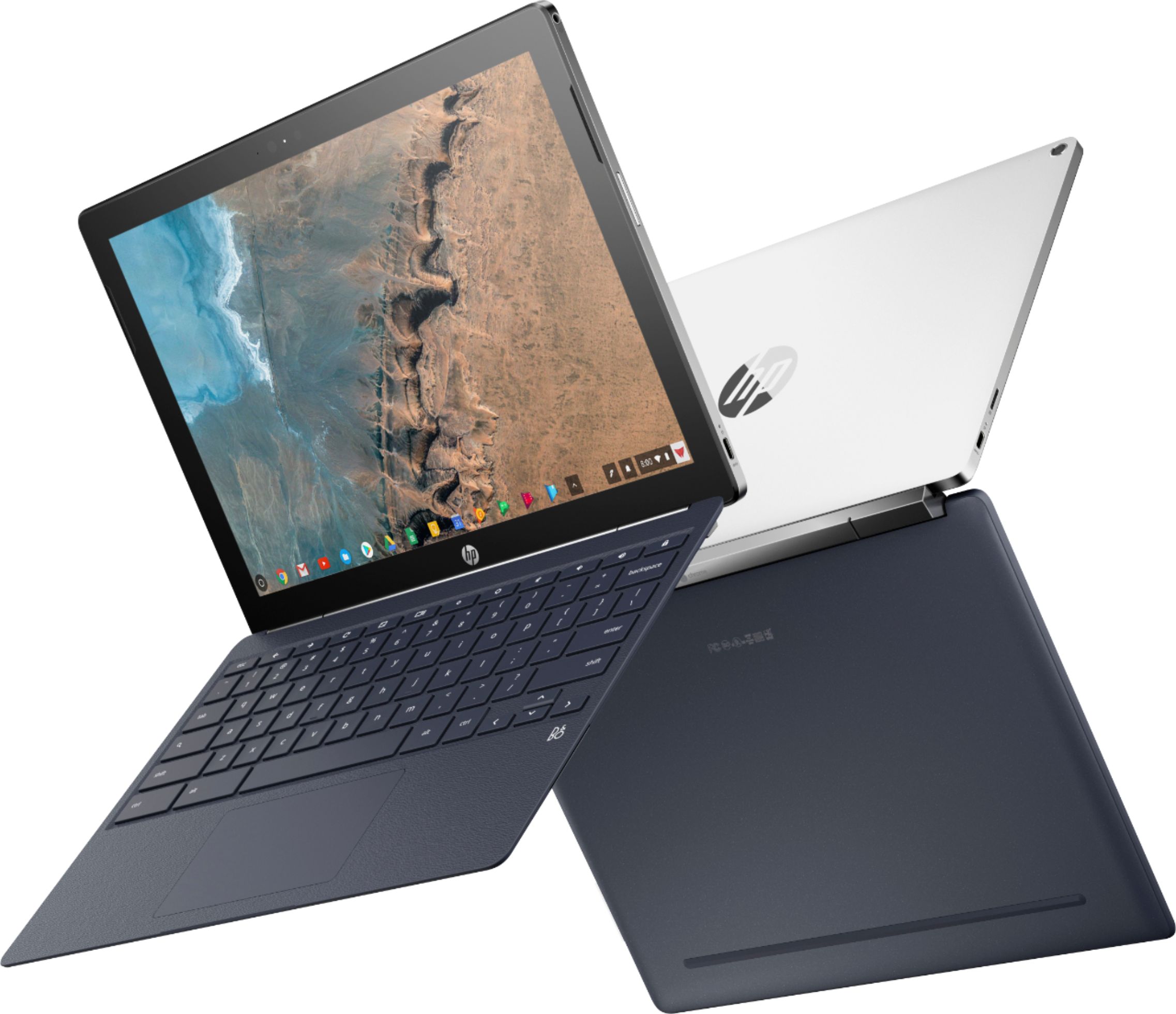
|Posted .This reviewer received promo considerations or sweepstakes entry for writing a review.I can’t speak for all other Chromebook models, but I feel like this one hits a lot of sweet spots. I like the tablet functionality but I like the larger size so I don’t have to strain to watch videos. Also, given its size, I like have a full-sized, solid keyboard so that it’s comfortable to use for email and document composition. The tablet portion of the system is nice and solid, although I sometimes feel it’s a little too heavy. The speakers are fairly decent, with the right amount of size to provide a stronger output. I like that they are forward facing, as opposed to some models that have side speakers. Both sides have USB-C ports that can be used to charge the system, which is great so that you can pick the side that works best for you while watching videos or working. I also like that it includes a headphone jack. In terms of build, the only two issues I have with this model are the power button and volume rocker. The power button is located at the top of the tablet portion. This becomes a bit of an issue if you use the system in Tent Mode and the display goes to sleep. I find it a bit of a pain to have to lift up the system to wake the system back up. I feel like the volume rocker is either a bit too small or too stiff, as I find it difficult to use when watching videos in Tent Mode too. Overall, it’s kind of good this way to avoid accidental button pushes, but it can be a pain. The keyboard has a textured surface which I think is to help cushion the screen when the system is closed but I don’t think that the textured surface detracts from the typing experience. The keys have nice button press distance; it’s felt very comfortable typing out emails and longer passages, like this review. I think that the included hardware suits the Chrome OS. Videos load smoothly and quickly, as do websites and apps. The price tag is a bit higher than a lot of other Chromebook offerings, which I think may turn some away, but I would say that what you get for the higher price tag is worth it. I would definitely recommend this model for anyone looking for a secure workhorse and multimedia machine.
I would recommend this to a friend - Pros mentioned:Keyboard quality, Processor speed, Tablet mode
Quick and Elegant
|Posted .This reviewer received promo considerations or sweepstakes entry for writing a review.First off, this chromebook looks great. Beautiful design and displays a beautiful picture (albeit the screen is rather reflective). It is very snappy and handles having a few apps running with ease. It only has two USB-C ports, so I needed an adapter to connect to my external hardware. I really like that the keyboard is detachable, so if need be I can just use it as a tablet. Overall this is a very good option for someone that looking for a laptop mostly for web browsing and streaming.
I would recommend this to a friend - Pros mentioned:Battery life, Keyboard quality, Processor speed
My new favorite device, by far!
Posted .This reviewer received promo considerations or sweepstakes entry for writing a review.I own this Chromebook. The keyboard is NOT backlit. Please ignore any information to the contrary, as some confusion and misinformation still exists. That being said, the keyboard is EXCELLENT! I also own the Samsung Chromebook Pro, another premium Chromebook, and the difference between the keyboards on the two devices is substantial. I was never able to get over the mushy and cramped Samsung CB Pro keyboard, which was the only negative mark on an otherwise excellent device. The keyboard on this HP X2 is superior in every respect, and also is much better than any of the Microsoft Surface Pro keyboards that I have used. In other words, don't let the fact that the keyboard on this HP X2 is NOT backlit dissuade you from considering this amazing Chromebook. Unless you HAVE to have a backlit keyboard, this is now one of the BEST Chromebooks you will find. I have had mine for a week, and the Samsung CB Pro I own is presently listed for sale on Ebay, because this one is superior in every category that I really care about. Google and HP have worked out many of the former tablet mode glitches/issues. As a tablet this HP X2 shines. The front facing speakers hiding in the bezel are among the best I have heard on on a portable device. The 3:2 screen is identical to the Pixelbook and Samsung CB Pro as best I can determine. The 7th gen m3 processor bests the Samsung CB Pro 6th gen m3. Battery life is as good or better than the Samsung CB Pro. This is an all around outstanding first of its kind premium Chromebook tablet. Coupled with the excellent keyboard, and at a price well below the discounted PIxelbook (which does NOT include the active stylus), this is the best premium Chromebook option presently available (in my opinionh, even at full price). Tech is always improving and this year's greatest thing might not be next year's, but I am comfortable with the thought of using this Chromebook for several years and not missing out on anything that might be around the corner. Perhaps this will run a Linux container soon, but that will just be icing on the cake.
I would recommend this to a friend good tablet chrome has issues
||Posted .This reviewer received promo considerations or sweepstakes entry for writing a review.The Ring And control4 apps load but won't run correctly.
No, I would not recommend this to a friend- Pros mentioned:Battery life, Keyboard quality
This is What The Future Of Chromebooks Should Be
|Posted .This reviewer received promo considerations or sweepstakes entry for writing a review.Let me start off with this when Google first announced chromebooks I thought they were a good idea that one day could compete with Laptops. Fast forward several years and laptops are not the big player in the market Tablets are. So when I read about this HP Chromebook that while still a chromebook could be used kind of like a tablet I thought that is a good idea but will probably not work very well. I am glad to report that it works great, This is what I believe chromebooks should lean towards being this hybrid between tablets and laptops. Everything works great and the system is very responsive and easy to use. Dont get me wrong chrome OS still needs more work and I thin more apps need to become compatible for this to really take hold, but I think this is a very good start. The system looks really good and it feels like a premium product the build quality is excellent and the battery life has been very good so far. being able to use it like a Tablet has made it easier to use on the go than I expected and the stylus pen it came with work really well. Overall there is not much I can complain about except that chrome os needs more apps, But I think that will happen over time. until then I still Highly recommend if your in the market for a chromebook to get this one.
I would recommend this to a friend - Pros mentioned:Keyboard quality, Processor speed
Great computer for my lifestyle!
Posted .This reviewer received promo considerations or sweepstakes entry for writing a review.This is my second Chromebook and I purchased it because of the form factor and usability for my life: tablet with detachable keyboard that can flip around and fold back up with the keys protected (not on bottom of device), the pen magnetizes to the tablet when removed from the keyboard, chrome web browser, and Android app. -- I use it during church to take handwritten (using Squid in tablet mode) or typed notes (in keyboard mode). -- I use it at church in tablet mode to access scriptures. -- I volunteer at church and teach the teenage boys at church and during activities during the week. This device is great to show church videos and for planning our activities using Google Calendar. -- I use it at work to take handwritten notes and mark up PDF of drawings using the Android apps Squid and Xodo (I do electrical engineering consulting in the construction field). -- I use it for work to enter information in client’s databases via the Chrome browser. -- I use it to read books in tablet mode. -- I mostly use the tablet mode at home unless I need to do a lot of data entry and to not sit at my computer desk (e.g. kitchen table, out front, out back, etc.) -- I use it to help with homeschooling our 4 kids. This purchase is also a test to see if this Chromebook will good for our homeschooling (online, mobile digital homeschool without all of the books and papers everywhere). So far, this Chromebook passes the test and we’ll be buying more of this item or a future model with this same form factor and features. -- I use it to trade for my investing: commodities futures trading. -- The processor is fast for what I use the Chromebook for. -- I do have a dedicated hotspot device for my devices, allowing me to access the internet everywhere I go.
I would recommend this to a friend - Pros mentioned:Battery life, Keyboard quality, Processor speedCons mentioned:Weight
Chrome OS Perfection
Posted .This reviewer received promo considerations or sweepstakes entry for writing a review.Hp did an exceptional job with this chromebook. It has everything: fast processor, ample ram, sd card slot, hi res IPS display, front facing speakers, usb c ports, pen input. I could go on and on but you really have to try it for yourself. Its lightweight in tablet mode and get great battery life (all day or more). Only downside is it is heavier than average in clamshell mode with keyboard attached. 4G LTE would make this device unstoppable. Excellent build quality, makes chrome the perfect companion for at home and on the go!
I would recommend this to a friend - Pros mentioned:Battery life, Keyboard quality, Processor speed
finally, a chromebook tablet!
Posted .This reviewer received promo considerations or sweepstakes entry for writing a review.Last year i bought the samsung plus chromebook..although it was made well and had a nice screen, it was very buggy with android apps not sizing properly and crashing almost every day. A year later google has fixed a lot of those problems and has integrated a lot of the features into t he tablet mode which i use the most. The tablet , at only 1.5 lbs , is easy to hold and uses a 3:2 ratio like the surface pro. The first you will notice is the workmanship of this baby..brushed aluminum looks like you paid more than $599..the m3 processor 7th generation speeds through all apps even if you have several open at the same time. Games and movies look beautiful on the IPS 2k screen..as a laptop, it also shines but the keyboard is not backlit. This has become my go to laptop/tablet also due to the great battery life(About 9 hours). Priced $400 less than a chrome pixelbook and $200 less than ipad pro, this is my choice now for a tablet/laptop.
No, I would not recommend this to a friend Excellent Chromebook and "real" tablet in one!
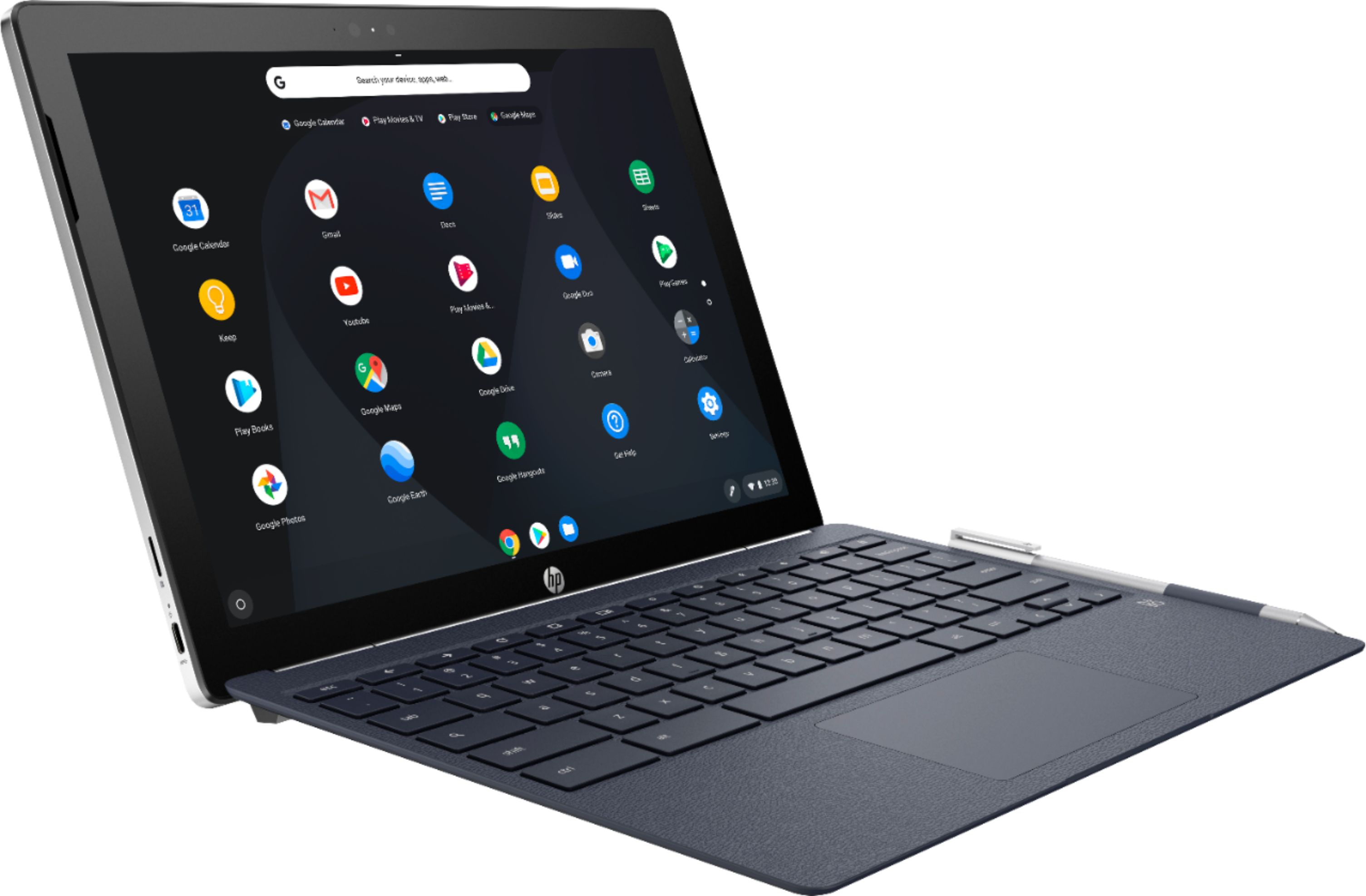
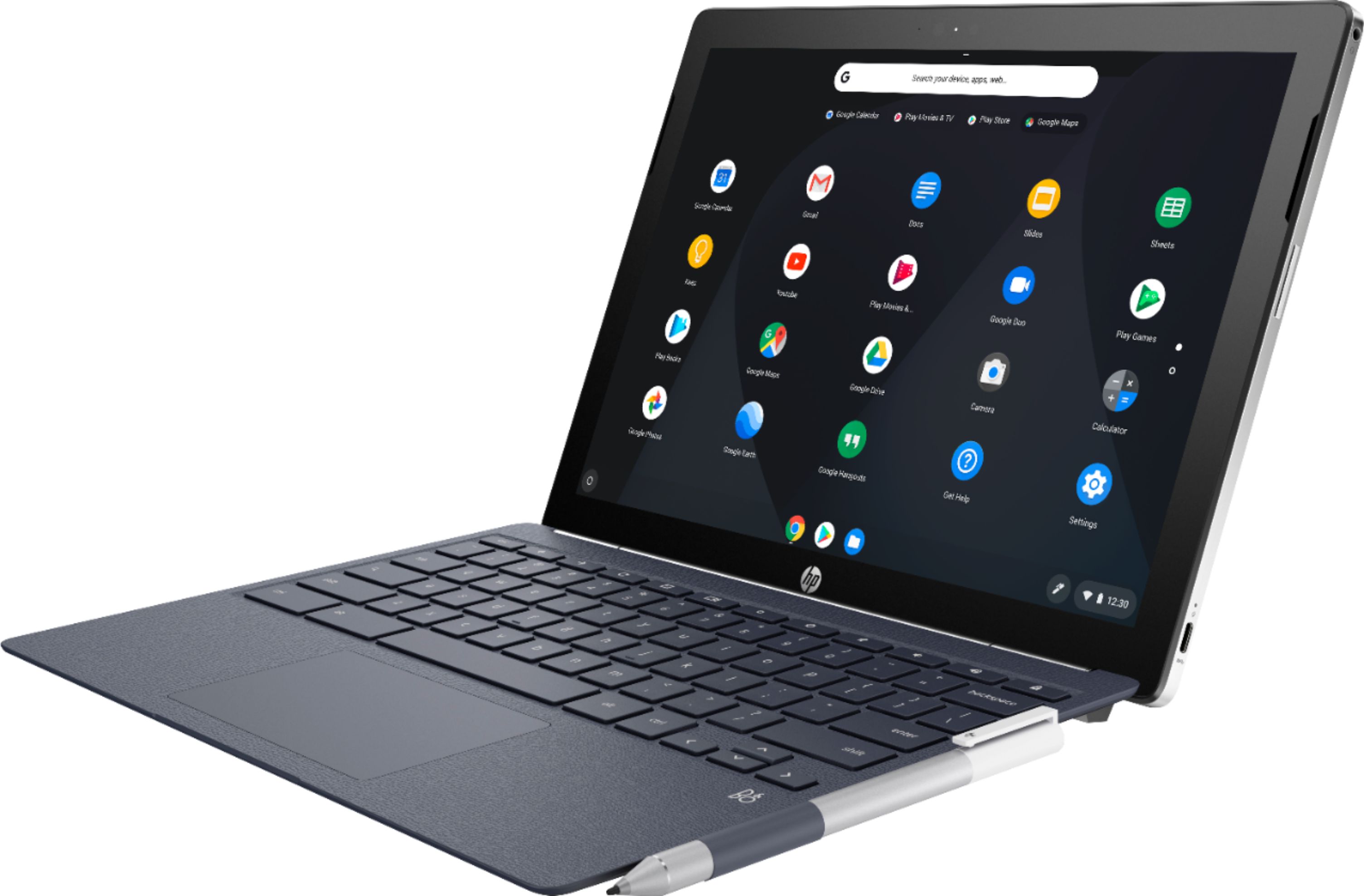
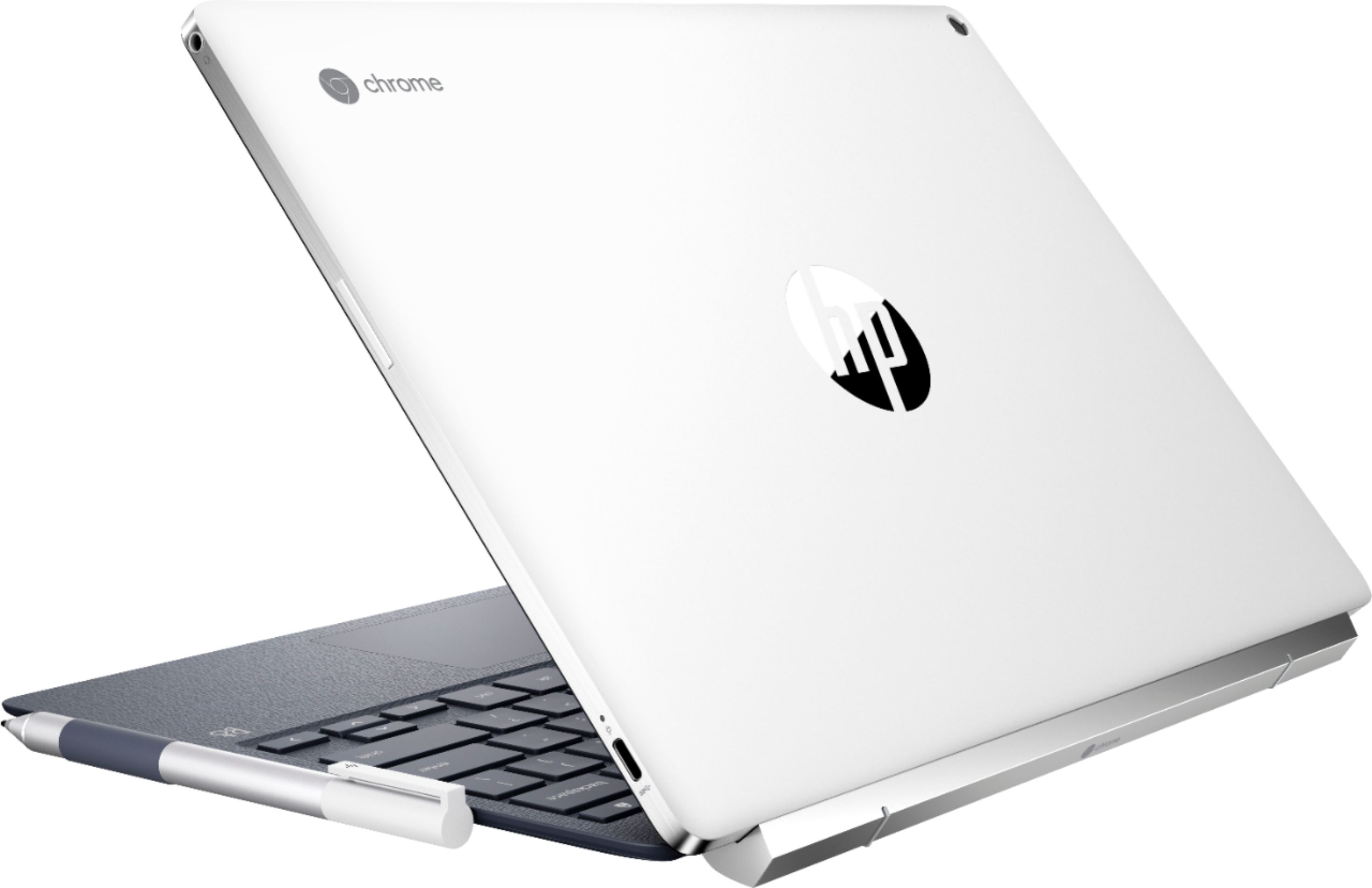
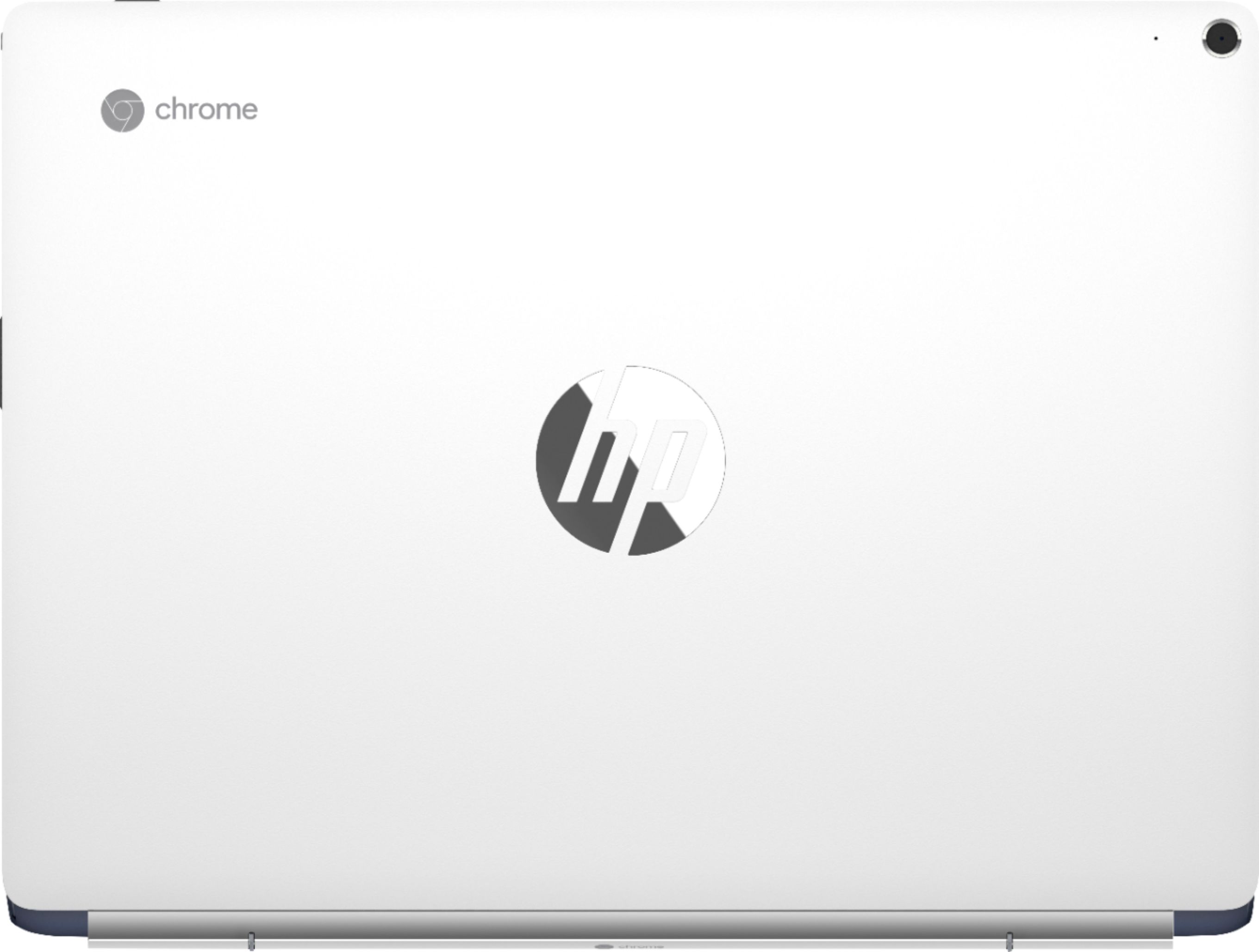
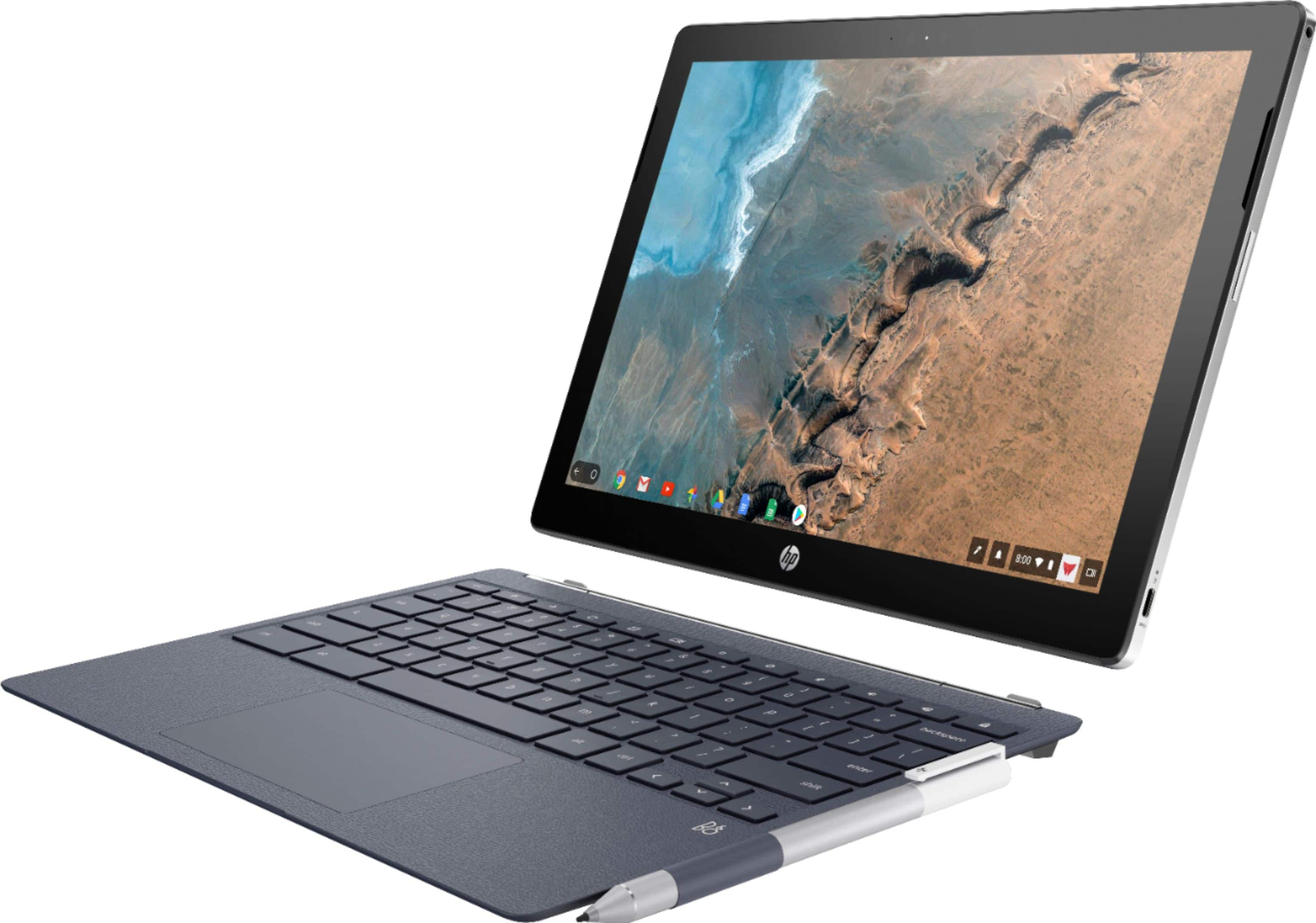
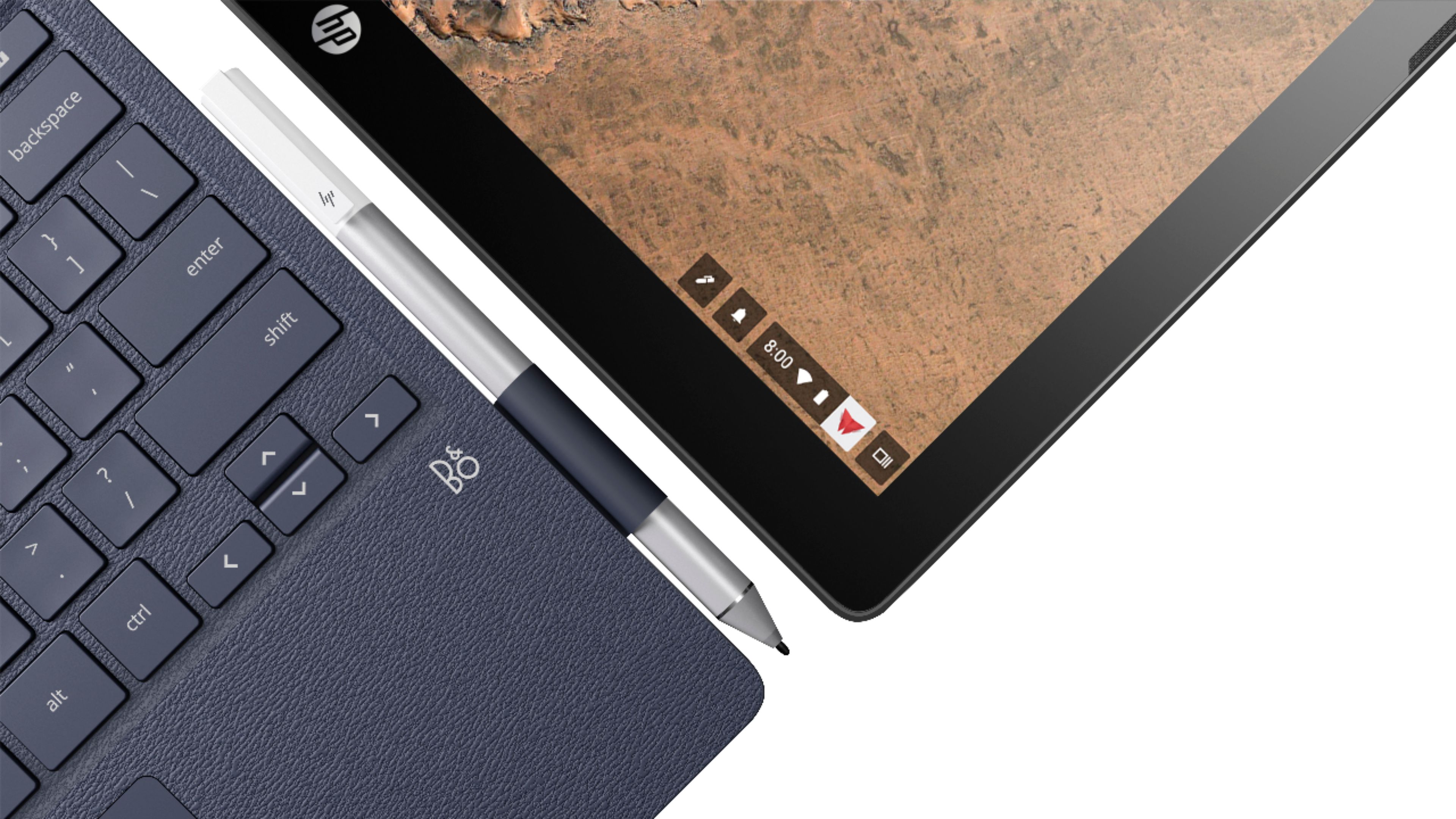
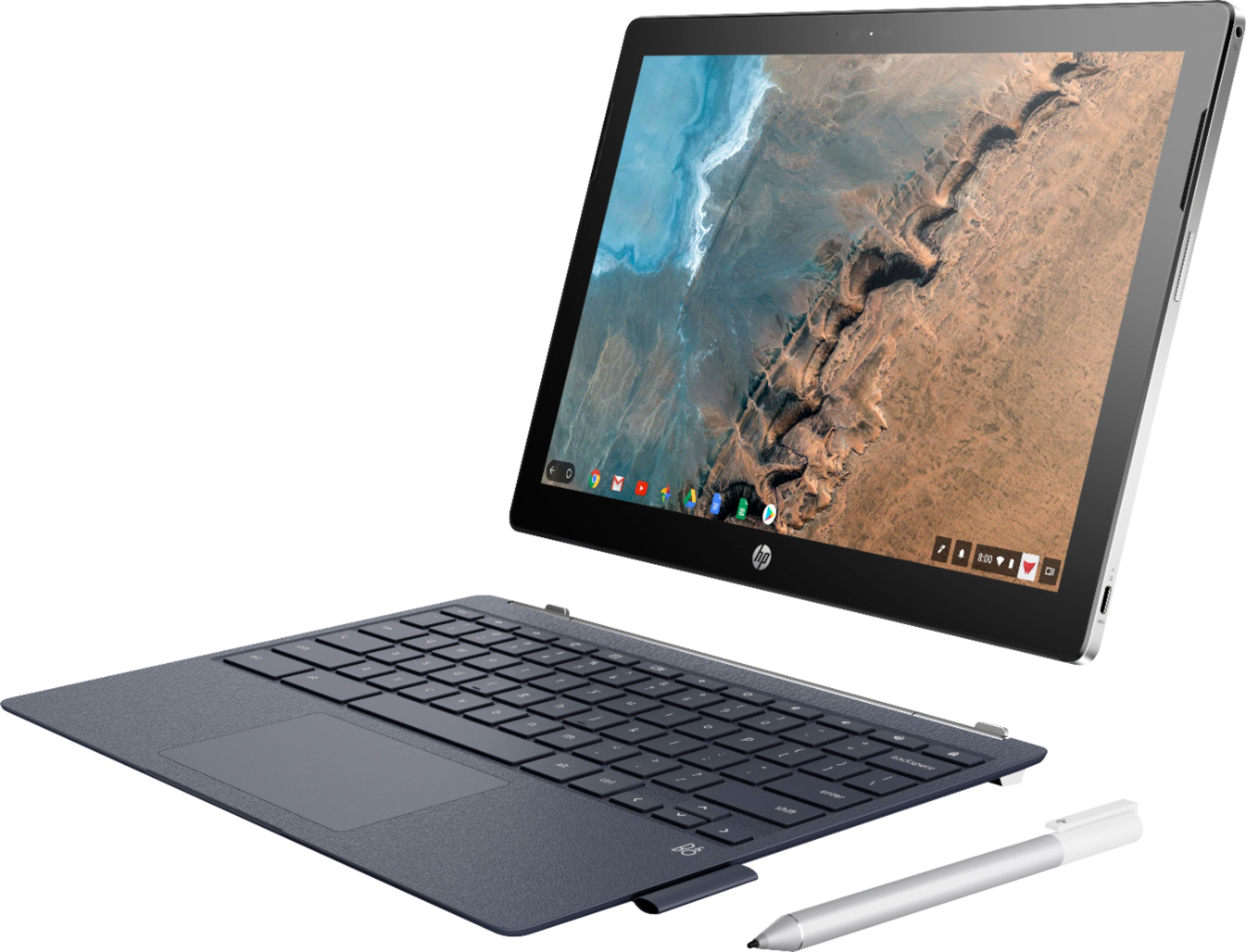
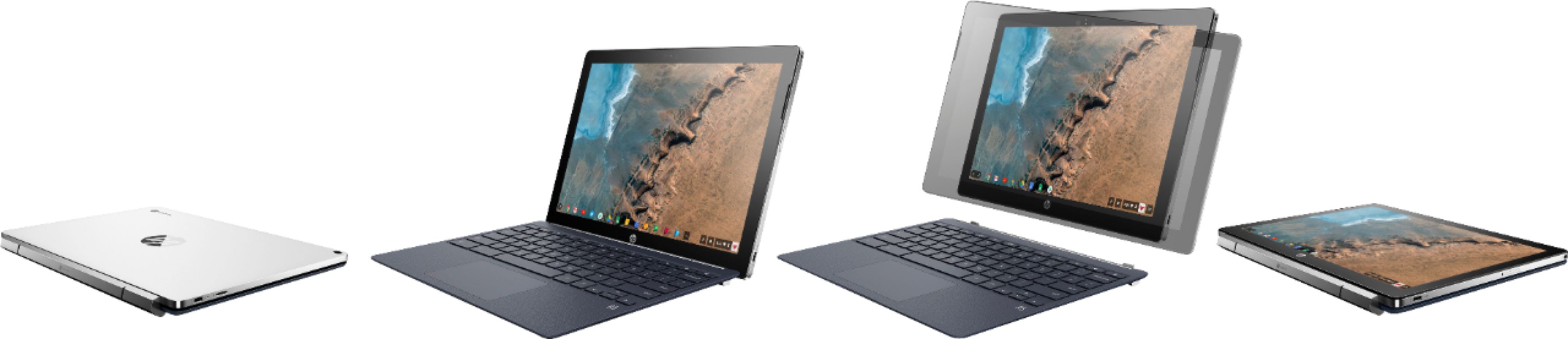
|Posted .This reviewer received promo considerations or sweepstakes entry for writing a review.The promise of the new HP X2 Chromebook is great: a single device that is at the same time a really good laptop and a really good tablet. After being curious for a long time, I got my first Chromebook last year, the Acer 15, and really liked it, but was always attracted to Chromebooks with a different form factor, like the 2-in-1s from Asus and Samsung. When I heard about the new X2 Chromebook from HP, I wondered if this could be the one I’ve been waiting for, so I decided to find out. The first thing I noticed when opening the box was that the X2 feels solid. Everything about it shouts quality. Just like other Chromebooks, getting it set up and ready to use is a breeze. Once you’re connected to the internet, all your apps and settings are automatically downloaded. This is one of the great things about Chromebooks! The first thing I wanted to experience was the keyboard and trackpad. These are your interface with the machine, so they can make or break the experience. I’m happy to report that the keyboard is a pleasure to type on, and the trackpad is excellent! There is a good amount of key travel, and even though it’s the same size as the Chromebook Pro, the keys are spaced better and it doesn’t feel as cramped. The surface of the keyboard is covered in a material that’s made to look and feel like leather, and it’s really nice. It feels great and makes typing more comfortable. And no, it's not backlit. Unless you absolutely need this, I don't think it's a deal breaker. Another crucial component is the screen. The X2 uses the same panel as the one in the Google Pixelbook, and it’s beautiful. It’s plenty bright, and you’ll be shocked at the resolution when you crank it all the way up. In fact, it makes things too small to see. This is an excellent screen. Along the edges of the screen, HP has hidden the speakers. This is great because they fire toward you, which makes them sound so much better. I was impressed with the sound level and quality, and I think these are probably better than those I’ve heard on other Chromebooks. HP includes an active stylus with the X2, and the keyboard features a pen loop to hold it. That is a nice touch, since you have to pay extra for the stylus for the Pixelbook or iPad. That also made me think that HP wants to change the way we think about Chromebooks. Obviously, they’re pushing toward more tablet functionality (I’ll get to that in a bit), and part of that is the use of a stylus. The gold standard in that area is the Apple Pencil. This is one of those things that Apple really got right—it just works! I was hoping for something similar here, if not exactly up to the same standard. HP includes a drawing program that shows off the capabilities of the stylus, but I was more interested in handwriting. Here’s where I was disappointed. Most apps, including MS OneNote, suffer from terrible lag, making the stylus almost unusable. Finally, I found Squid, which deftly supports the HP stylus and provides a top-notch handwriting experience. I don’t know if this issue is the fault of the apps, Chrome OS or HP, but it’s pretty disappointing to find support for the active stylus only partway there. Perhaps we’ll see this improve as Chrome OS improves, but right now I see this as a partial miss. Overall, the Samsung S pen works better in the apps that aren’t yet optimized for styli. I hope this will be an area of great improvement in the days ahead. The thing that really sets this Chromebook apart is the fact that it's a detachable. If you just want a regular laptop-style Chromebook, you probably won't like the hinge on this one that protrudes a bit out the back. That hinge is what allows this Chromebook to truly be on your lap if you want, but also allows you to detach the screen and use it as a tablet. The hinge is strong enough to hold the screen at the correct angle. When you're ready to use it as a tablet, just pull it off the keyboard. It's held by a magnet and guided by plastic tabs on each side of the screen. Without the keyboard, the tablet is only 1.6 pounds, which makes it light enough to hold and use for extended periods. HP has thoughtfully put the buttons and ports in the right places so as not to get in your way when using it as a tablet. Should you buy the X2? I think that depends on how you plan to use it. If you like the idea of having a tablet without adding another device, I think you'll love this one. The fast processor, great build quality and excellent keyboard/trackpad all work together to make this one of the best Chromebooks available today. Even if you're not going to use it as a tablet a lot, this configuration gives you a lot of freedom to use it the way you want. We'll see if the stylus support improves as ChromeOS improves. As for the finish on this Chromebook, I think it looks great, but the ceramic white on the back of the screen seems like it's going to show scuffs too easily. This is a premium Chromebook that is a joy to use. If having a detachable tablet appeals to you, you can't really go wrong with this one!
I would recommend this to a friend