Customer Ratings & Reviews






- Model:
- X2 12-F014DX
- SKU:
- 6240850
Rating by feature
- Value
Rating 4.2 out of 5 stars
- Quality
Rating 4.3 out of 5 stars
- Ease of Use
Rating 4.5 out of 5 stars
Customers are saying
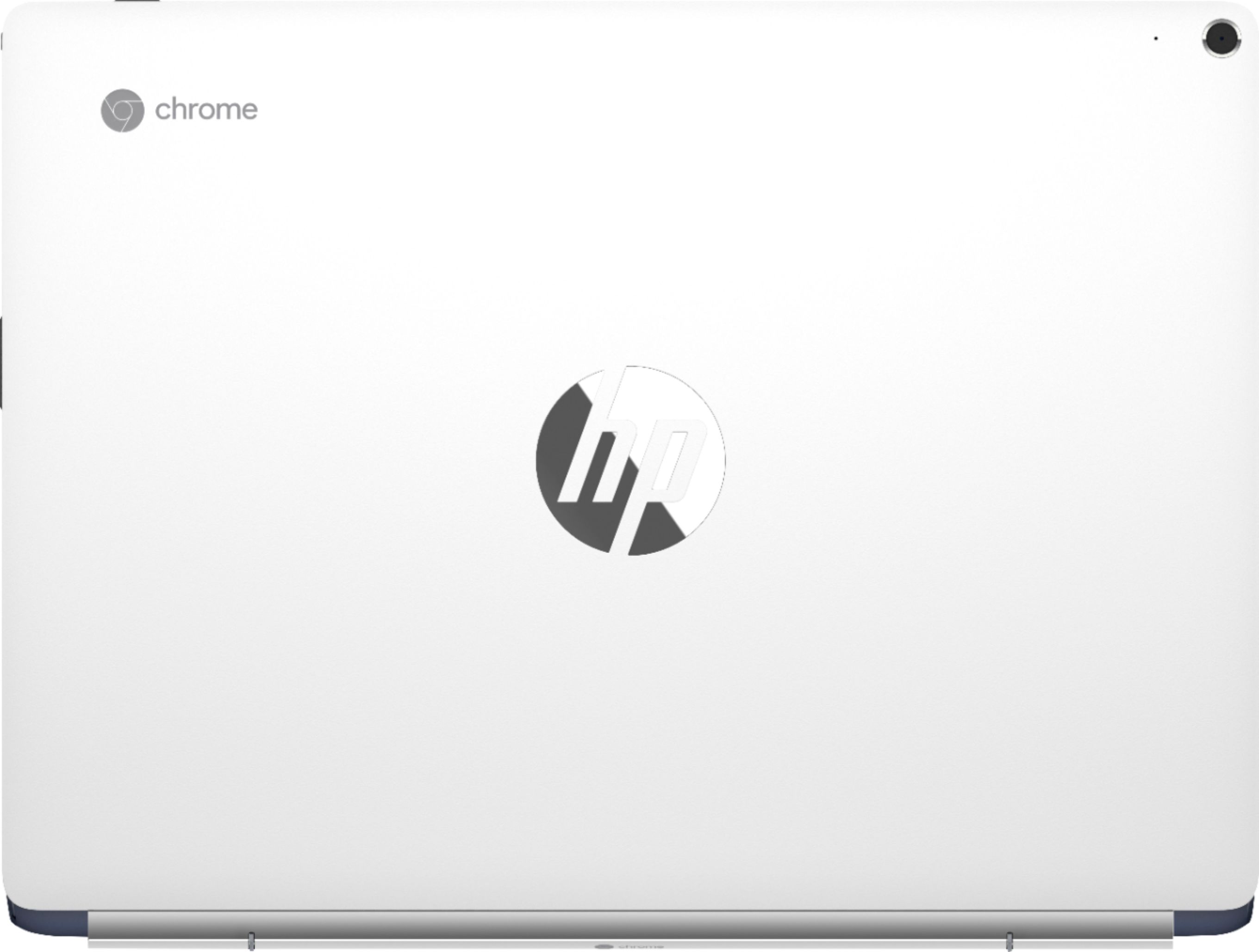
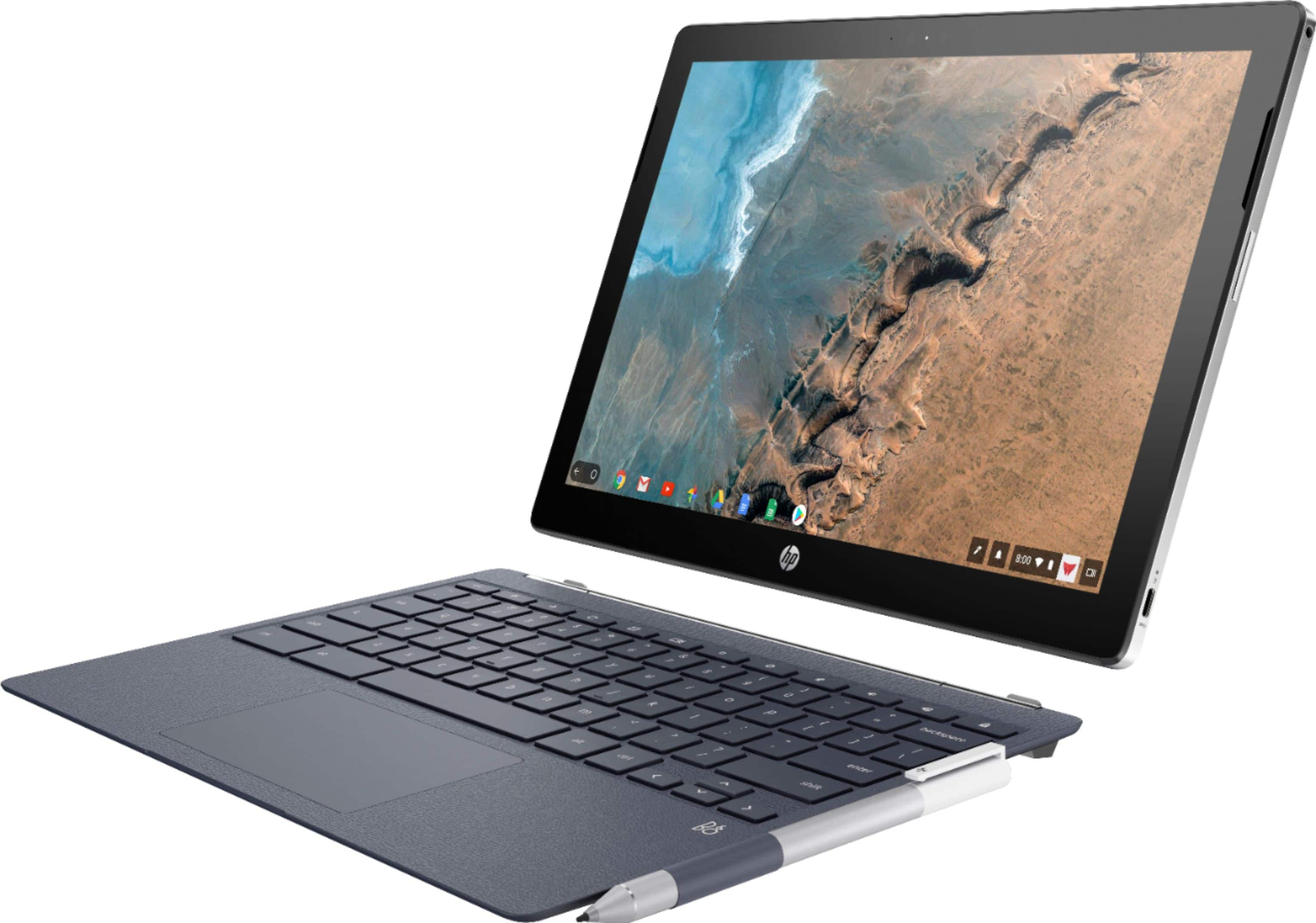
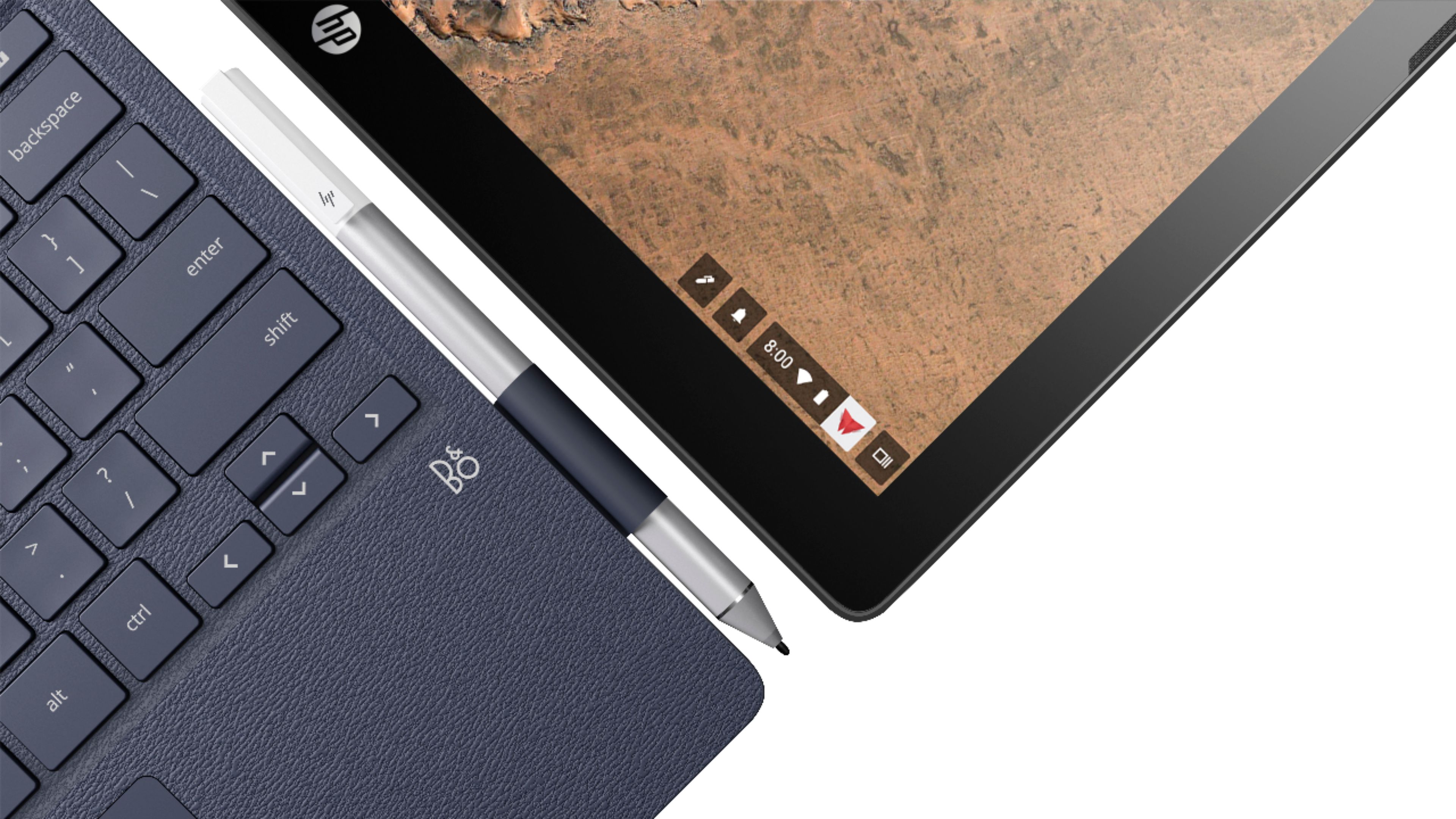
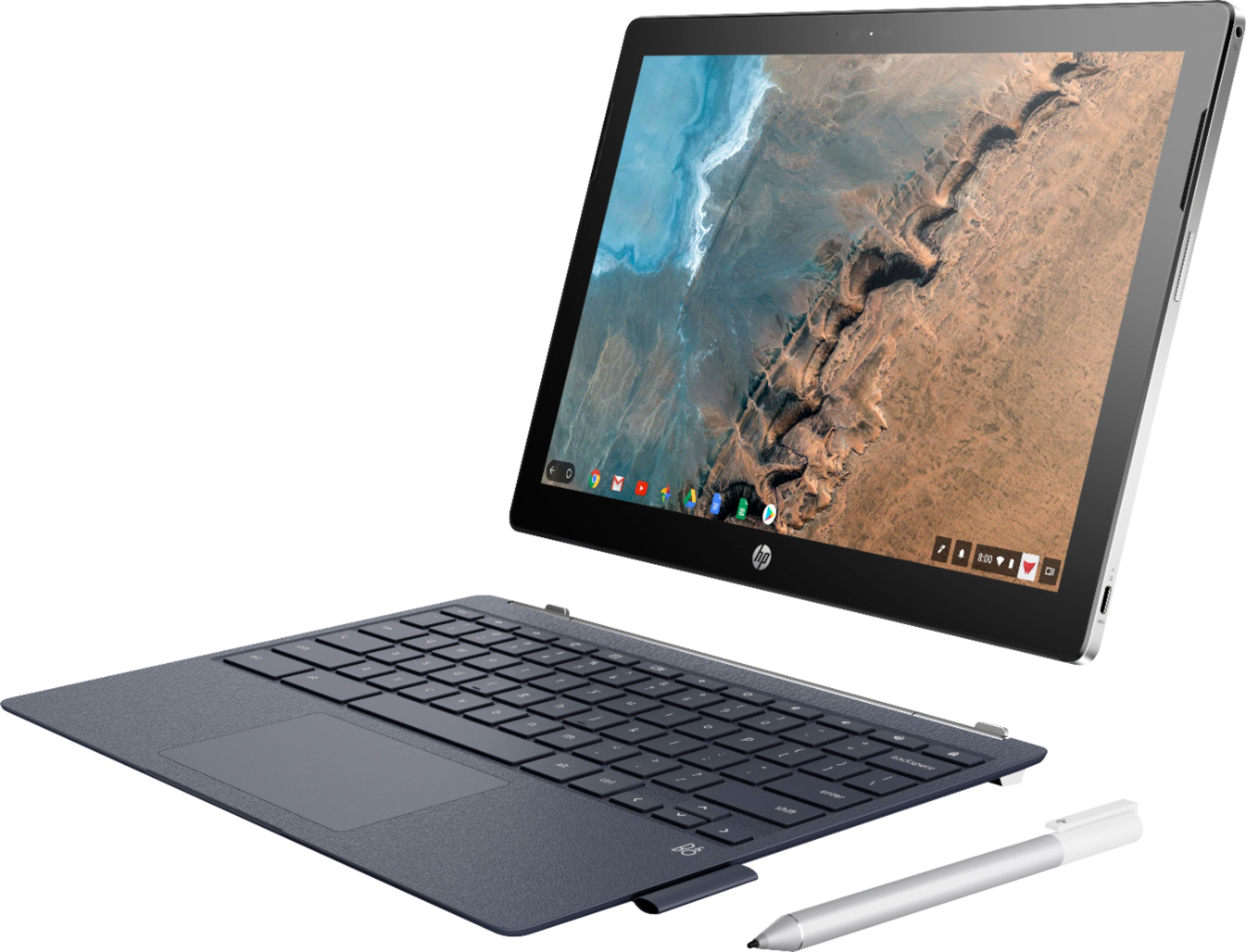
Customers commend the keyboard quality, battery life, and ease of use of the 2-in-1 12.3" Touch-Screen Chromebook. The tablet mode and included pen also receive positive feedback. However, some customers express concerns about the device's weight and limited storage capacity. A few also mention that the RAM and price could be improved.
This summary was generated by AI based on customer reviews.
- Pros mentioned:Battery lifeCons mentioned:Weight
Very Nice
||Posted .This reviewer received promo considerations or sweepstakes entry for writing a review.It feels and looks so nice! It's a little on the heavy side for it's size but nothing ridiculous. Runs like a champ and the battery life is great too.
I would recommend this to a friend - Pros mentioned:Ease of use, Processor speed
wow
||Posted .This reviewer received promo considerations or sweepstakes entry for writing a review.what a great tablet I love the speed and the ease of how the get around chrome I returned when the pixel book went on sale I would highly recommend
I would recommend this to a friend - Pros mentioned:Keyboard quality, Processor speedCons mentioned:Storage

It simply works and works well.
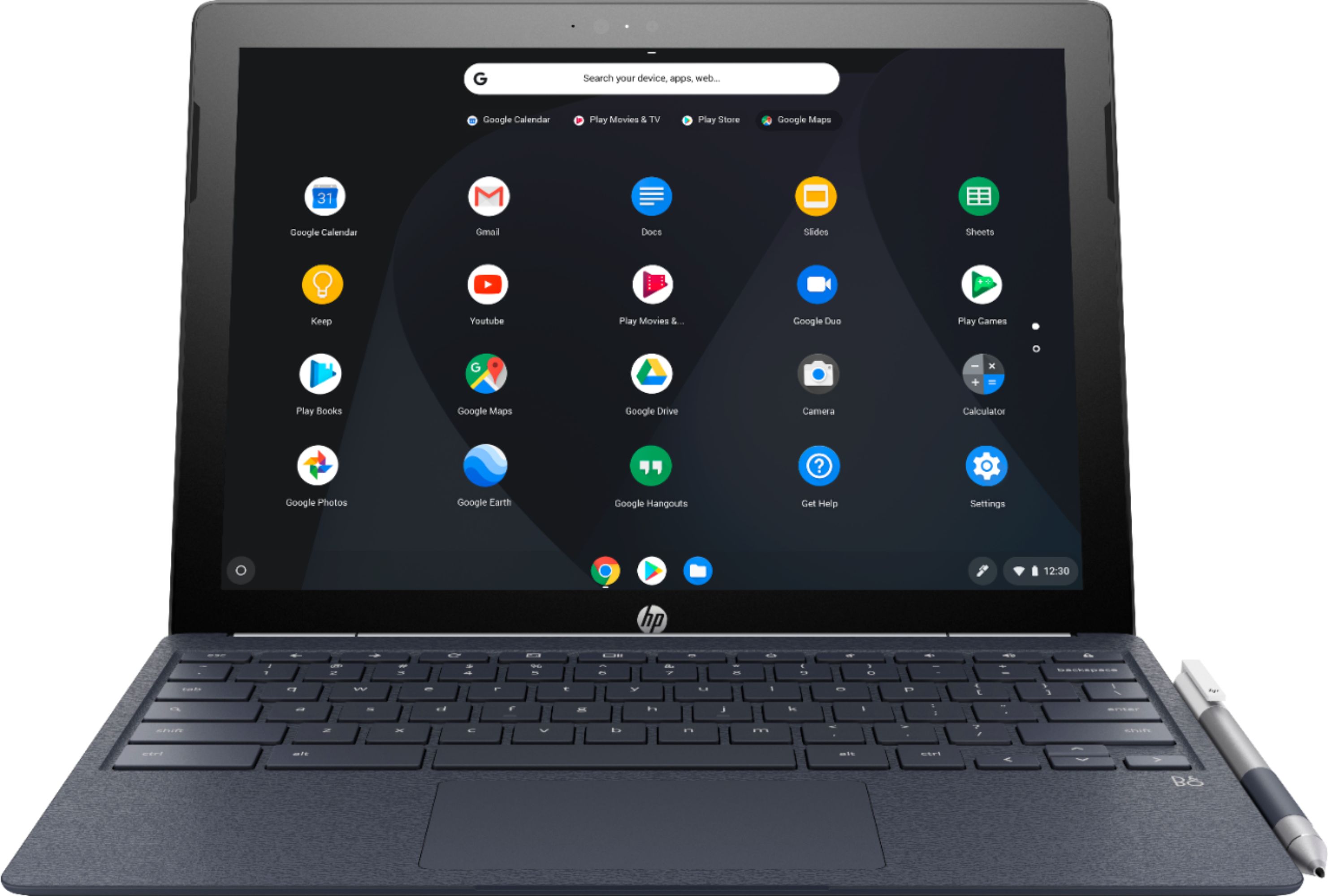
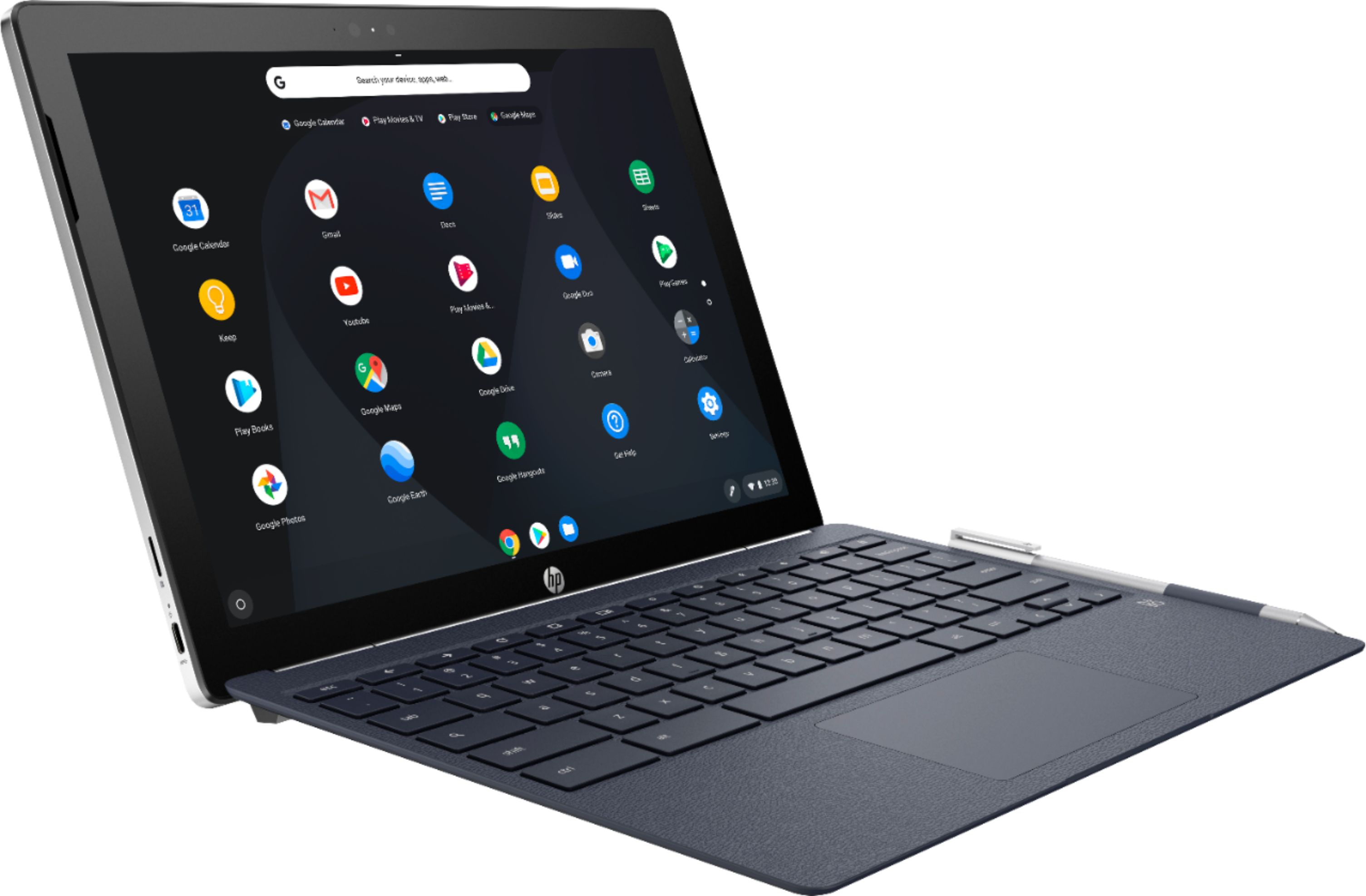
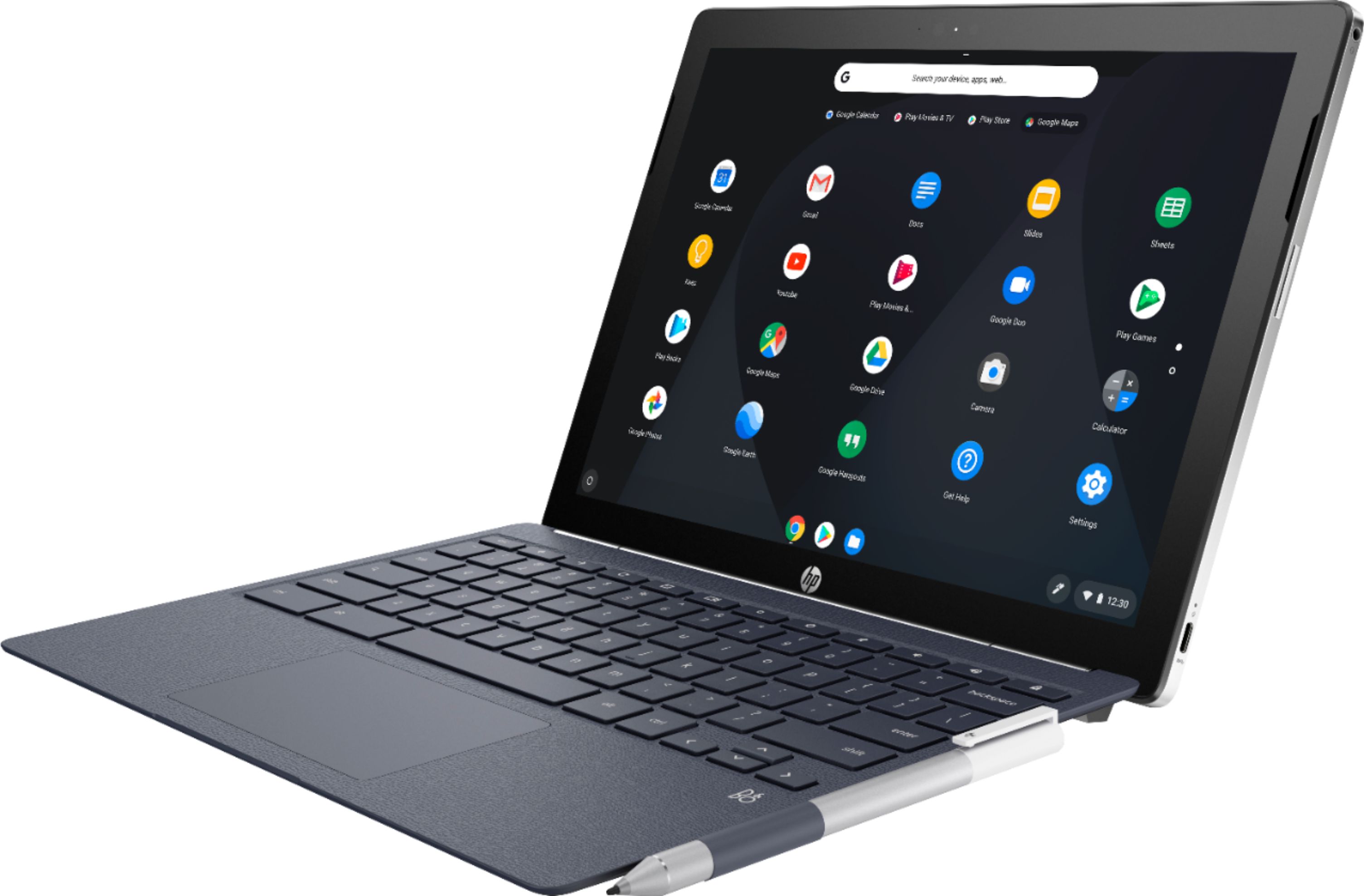
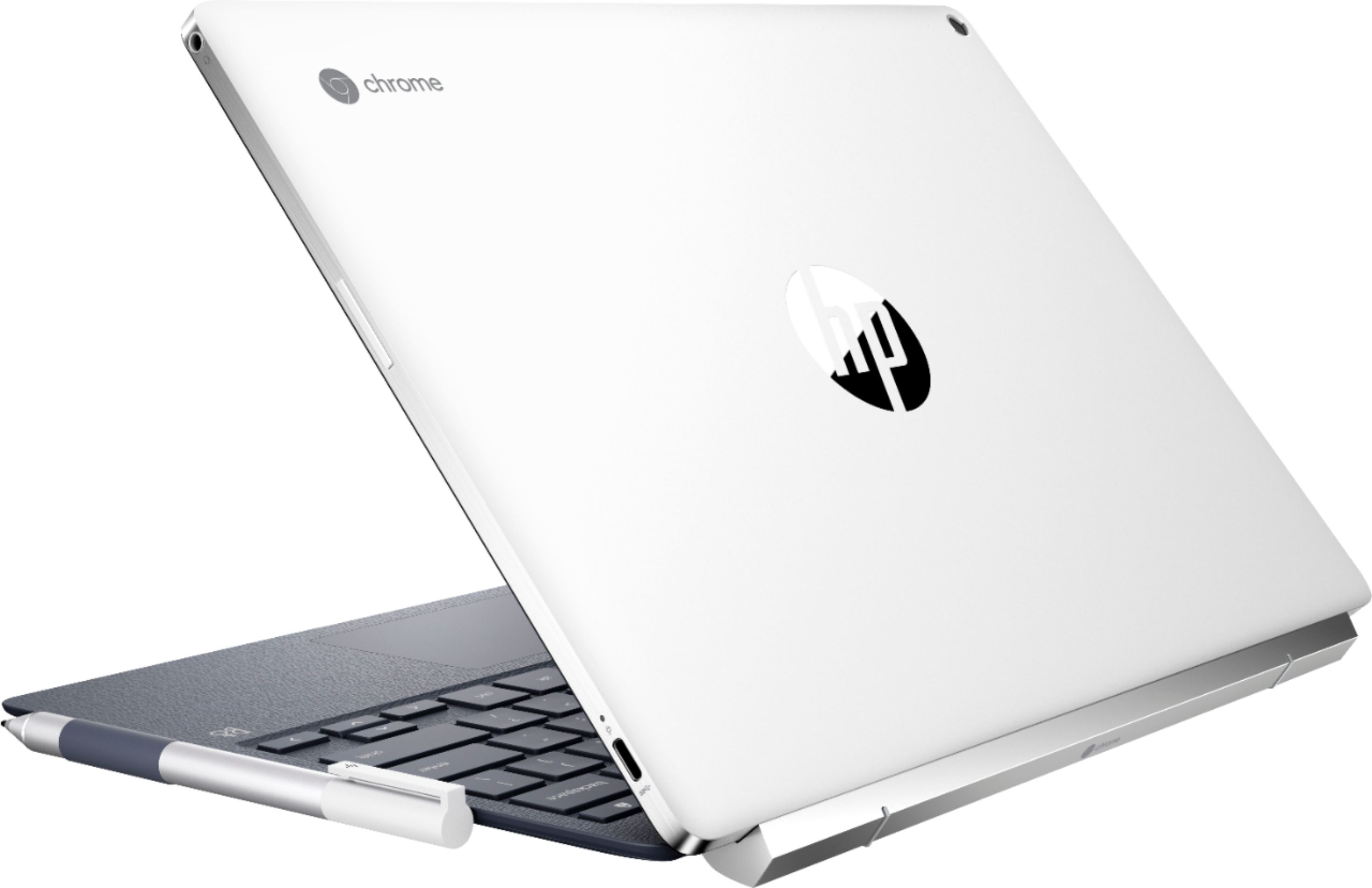
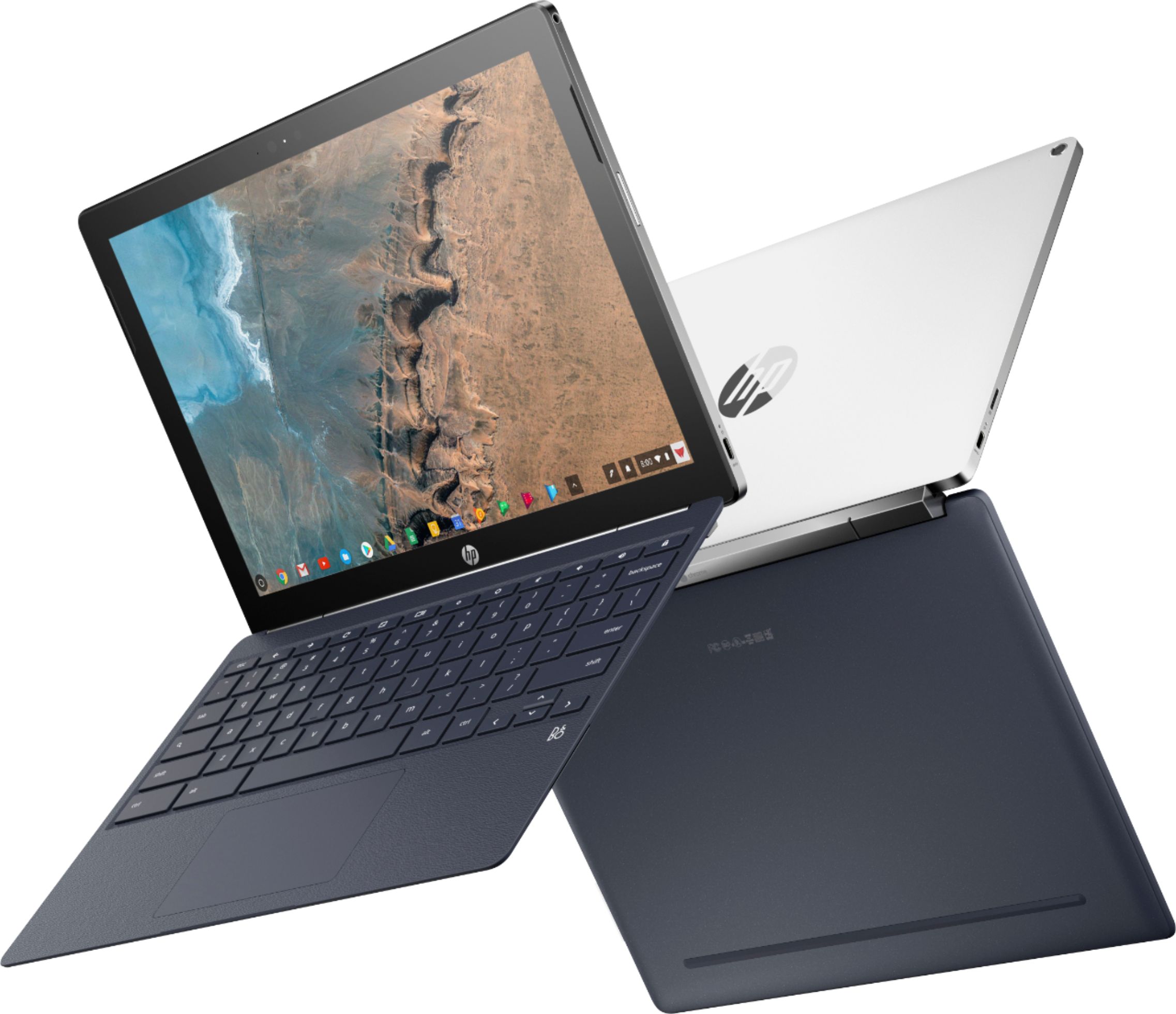
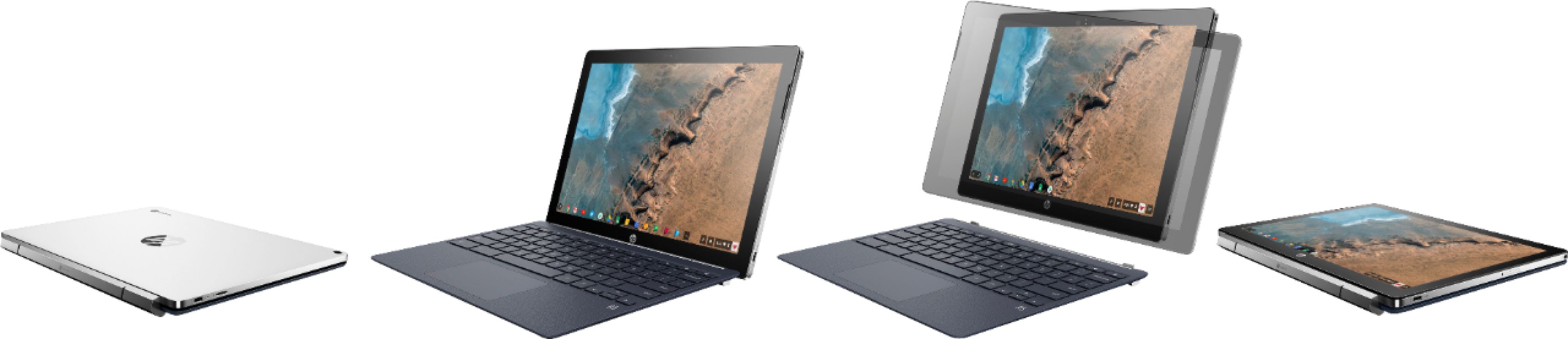
|Posted .This reviewer received promo considerations or sweepstakes entry for writing a review.Pros: Beautiful screen Responsive Access to Android Apps Comfortable keyboard Pressure sensitive pen Lightweight in tablet mode Cons: Default resolution Aspect ratio when watching movies Quality control Mismatched color scheme between keyboard and tablet. “Pleather” finish to keyboard Limited storage on the device itself The HP Chromebook x2 is pretty much a joy to use. The screen is lovely and can get quite bright. It has a 3:4 aspect ratio which makes it comfortable to use in both laptop and tablet mode. My only complaint about this aspect ratio is that it leaves absolutely massive black bars along the top and bottom of the screen when viewing movies. By default, the screen resolution was 800x600, but this felt comically large to me. I changed it to 1350x900, and I’m much happier with the result. I also had to change the scrolling to “Australian” as the scroll was going in the wrong direction from my point of view. All of the device specific settings can be adjusted via the settings menu. There’s a header for “device” roughly ⅔ of the way down the screen. They device itself is fast and responsive. In a week’s worth of use, I only experienced one crash while playing a graphically intensive video game. I was able to keep several tabs open at once while playing music from the Pandora app with no difficulty. Speaking of apps, this device has access to the Google Play Store by default. This is my first experience with a Chromebook that has this capability. I was thrilled by all of the possibilities that this opens up, but I was also a little disappointed by the number of apps and games that weren’t compatible. I saw that Google Assistant wasn’t included, and I tried installing it from the Play Store (since it didn’t have a warning that it wasn’t compatible). I thought it would be cool to try and talk to my computer the way I do with my Google Home. Let me save you some time . . . it isn’t compatible. App availability seems to be a little hit or miss. The downside to having access to the Play Store is that you become acutely aware of just how little storage you have. After downloading two dozen apps and games, I was down to just 6GB of storage. I quickly dialed it back to just a dozen, and I’m hanging out around 11GB free at the moment. Android apps on Chrome OS can’t currently see or use external storage, but that’s supposedly something that they’re working on. Suffice it to say, I’m going to try and keep as much in Google’s cloud drive as I can to free up device storage space. I am thrilled to report that the tablet does have a micro-SD slot. If you absolutely have to have documents, photos, music, or other files on your device instead of the cloud; you can store them on a micro-SD to keep the internal memory free. The keyboard IS NOT BACKLIT. Apparently, when this device was first teased, the demo unit had a backlit keyboard. The actual device does not have a backlit keyboard. My hope is that HP might release a backlit keyboard later that can be purchased separately (assuming that it’s affordable). As it stands, the keyboard is responsive and comfortable to type on. I hate the “pleather” finish to the keyboard. A smooth, lightly rubberized texture or solid metal would have been much more appreciated. The trackpad is nice, large, and responsive. The pen is included with the device for no additional charge. It is pressure sensitive and runs on a single battery. The pen is very basic with no buttons or anything on it. It doesn’t add a lot to the user experience as a whole, but I’m very happy that they chose to include it. The tablet is held onto the keyboard via a pair of crazy strong magnets. I found myself struggling some to put the tablet back since the magnets kept grabbing the tablet before I could line it up on the pins. The tablet is lightweight and comfortable to hold in tablet mode. I had no trouble reading an ebook with the keyboard detached. Now for the nitpicky complaints . . . Despite being made with premium components, I see evidence that the quality control was somewhat lacking. Part of the rubber gasket behind the screen is partially exposed on the top of my tablet. It doesn’t affect functionality at all, but it’s annoying constantly seeing these two black bumps along the top of my bezel. I also don’t understand their design choice in having a navy blue keyboard with a black and white tablet. They don’t look like they belong together at all. A solid black or white keyboard would have made a lot more sense (and this is coming from someone whose favorite color is blue). All in all, I’m very happy with this device. Chrome OS is a joy to use in that it “just works.” I enjoy having Windows computers for gaming and the like, but keeping up with their updates and general maintenance is a bit of a hassle. It’s nice to have a device to turn to that simply does what it’s intended to without any effort on my part. I would definitely recommend this device.
I would recommend this to a friend - Pros mentioned:Processor speed
The HP x2 Rocks!
||Posted .This reviewer received promo considerations or sweepstakes entry for writing a review.Until I purchased the x2 I enjoyed and was for the most part very satisfied with my Samsung Plus. But,,,, I wanted a detachable screen that comes with the tablet mode on the X2. The m3 processor is considerably faster. The detachable pen is much more comfortable to hold and use than the small pen that comes with the Plus. The screens are equal in every way. Best Buy's sale price was the frosting on the cake.
I would recommend this to a friend - Pros mentioned:Tablet mode
Great high end Chromebook
||Posted . Owned for 1 year when reviewed.This reviewer received promo considerations or sweepstakes entry for writing a review.I never was sure about the Chromebook's thinking they were just an expensive web browser. Though in its currents state its a great tablet/ laptop to travel with. I can remote into my desktop at home for any high end programs which are only a few. I love the pen input as well as the tablet mode. Along with the android apps its a great tool I have even set up a few ubiquity networks with only this computer. I especially love mixing sound using the larger screen and interface for concerts.
I would recommend this to a friend - Pros mentioned:Battery life, Tablet mode
very good chromebook
||Posted .This reviewer received promo considerations or sweepstakes entry for writing a review.pros: not celeron processor, long update life, good display, converts to tablet cons: keyboard not lit (would be nice),
I would recommend this to a friend - Pros mentioned:Keyboard quality
I love this thing! Best in Class
||Posted .This reviewer received promo considerations or sweepstakes entry for writing a review.We did a comprehensive review for business use of Chromebooks. We purchased 4 of the top Chromebooks on the market and this HP model is honestly the best. The detachable screen and stylus makes it easy to use while on the move. It has a front and back facing camera that can be used as bar code scanners (with the right software, of course). It is also sleek and sexy and very impressive. Runs very well.
I would recommend this to a friend - Pros mentioned:Keyboard quality
Great Purchase.
||Posted .This reviewer received promo considerations or sweepstakes entry for writing a review.This is my first Chromebook but it fits my needs and wants perfectly. I considered getting one of the other top Chromebooks but the idea of having the keyboard downward when in tablet mode didn't appeal to me. With the HP X2, I love being able to use it as a regular laptop when I need to type. Then if I'm just going to be surfing or watching content, I can use the X2 in tablet mode.
I would recommend this to a friend - Pros mentioned:Keyboard quality
Excellent 2 in 1 Chromebook
||Posted .This reviewer received promo considerations or sweepstakes entry for writing a review.I was used to a Leonovo Yoga Book (Android Version), but was really willing to try Chrome OS. After some digging online, I decided for this particular model due mostly good reviews. It's really balanced, screen's great, performance seems top notch, keyboard is quite comfortable (lacking backlight) sound's great as well. It's bigger than my last tablet (12.3 vs 10.1) but honestly I don't mind since most of the things I do in tablet mode require a big screen anyway.
I would recommend this to a friend - Pros mentioned:Keyboard quality
Very satisfied after 6 months.
||Posted . Owned for 7 months when reviewed.This reviewer received promo considerations or sweepstakes entry for writing a review.Perfect for high school kid. Thin and while not light, has detachable screen. Chrome has been a positive experience after trying to use iPad for school work. Keyboard is great. Exceptional tablet for art and touch sensitive stylus. Had tried the Samsung but returned and bought this instead. Very solid and positive experience here.
I would recommend this to a friend - Pros mentioned:Ease of use
Great Chromebook!
||Posted .This reviewer received promo considerations or sweepstakes entry for writing a review.This is my second Chromebook, I did a lot of research, spent some time in the store playing with it and comparing it to the competition and I am impressed! I love being able to go in the different modes, turn it into a tablet, use the stylus, etc. There is so much functionality and it was well worth the money. I use this Chromebook several times a day for writing, reading, and consuming media. It is a great device and I highly recommend it.
I would recommend this to a friend - Pros mentioned:Ease of use, Processor speed
Cromebook
||Posted .This reviewer received promo considerations or sweepstakes entry for writing a review.This is a great device for school and work. This laptop/chromebook is fast and very easy to use.
I would recommend this to a friend - Pros mentioned:Keyboard quality, Processor speed
Great chromebook
||Posted .This reviewer received promo considerations or sweepstakes entry for writing a review.Gift for my daughter, fast, great screen, portable. It should keep her happy for years to come.
I would recommend this to a friend This is a much better value than the competitors
||Posted .This reviewer received promo considerations or sweepstakes entry for writing a review.This product is very useful for its intended purpose. Price is better than the competitors like Ipad pro. And it actually comes with all of the extras. You'd be paying close to $1000 if you went with Apple. The resolution hits the sweet spot of 1440p as well.
I would recommend this to a friend- Pros mentioned:Ease of use
Best Purchase Decision
||Posted .This reviewer received promo considerations or sweepstakes entry for writing a review.I wanted a 2 in 1, and didn't want to spend a lot, so I opted for the Best Buy Insignia 2x Android tablet. I really liked it, but after a bit I wanted something more powerful. So, I gifted the Insignia to my partner, and splurged on the HP 2 in one, and I am so glad I did. I love this thing. It's the perfect size, it charges up FAST, and for my first Chromebook, it was really easy to use out of the box.
I would recommend this to a friend - Pros mentioned:Ease of use, Processor speed
Excellent
||Posted .This reviewer received promo considerations or sweepstakes entry for writing a review.I've enjoyed using the Chromebook. Excellent graphics and speed. Very user friendly
I would recommend this to a friend - Pros mentioned:Battery life, Ease of use
Great purchase
||Posted .This reviewer received promo considerations or sweepstakes entry for writing a review.This is the most convenient laptop I've had. Easy to use and great battery life.
I would recommend this to a friend - Pros mentioned:Keyboard quality, Processor speed
solid chromebook
||Posted .This reviewer received promo considerations or sweepstakes entry for writing a review.solid build quality ..amazing screen and keyboard..Chromebook is super fast
I would recommend this to a friend - Cons mentioned:Weight
Fun
||Posted .This reviewer received promo considerations or sweepstakes entry for writing a review.Great convertible that comes with pen. Little heavy but fun to play with.
I would recommend this to a friend - Pros mentioned:Keyboard quality
Best value chrome tablet
||Posted .This reviewer received promo considerations or sweepstakes entry for writing a review.This Chromebook has been a great purchase for me. it's truly light enough to use as a tablet, something my old surface was not really able to do given it's all metal construction. The keyboard is just fine although I would prefer to have back lit keys. the performance has been fantastic I've seen no lag in any of the things that I have done with it and the screen is awesome.
I would recommend this to a friend