Customer Ratings & Reviews






- Model:
- X2 12-F014DX
- SKU:
- 6240850
Rating by feature
- Value
Rating 4.2 out of 5 stars
- Quality
Rating 4.3 out of 5 stars
- Ease of Use
Rating 4.5 out of 5 stars
Customers are saying
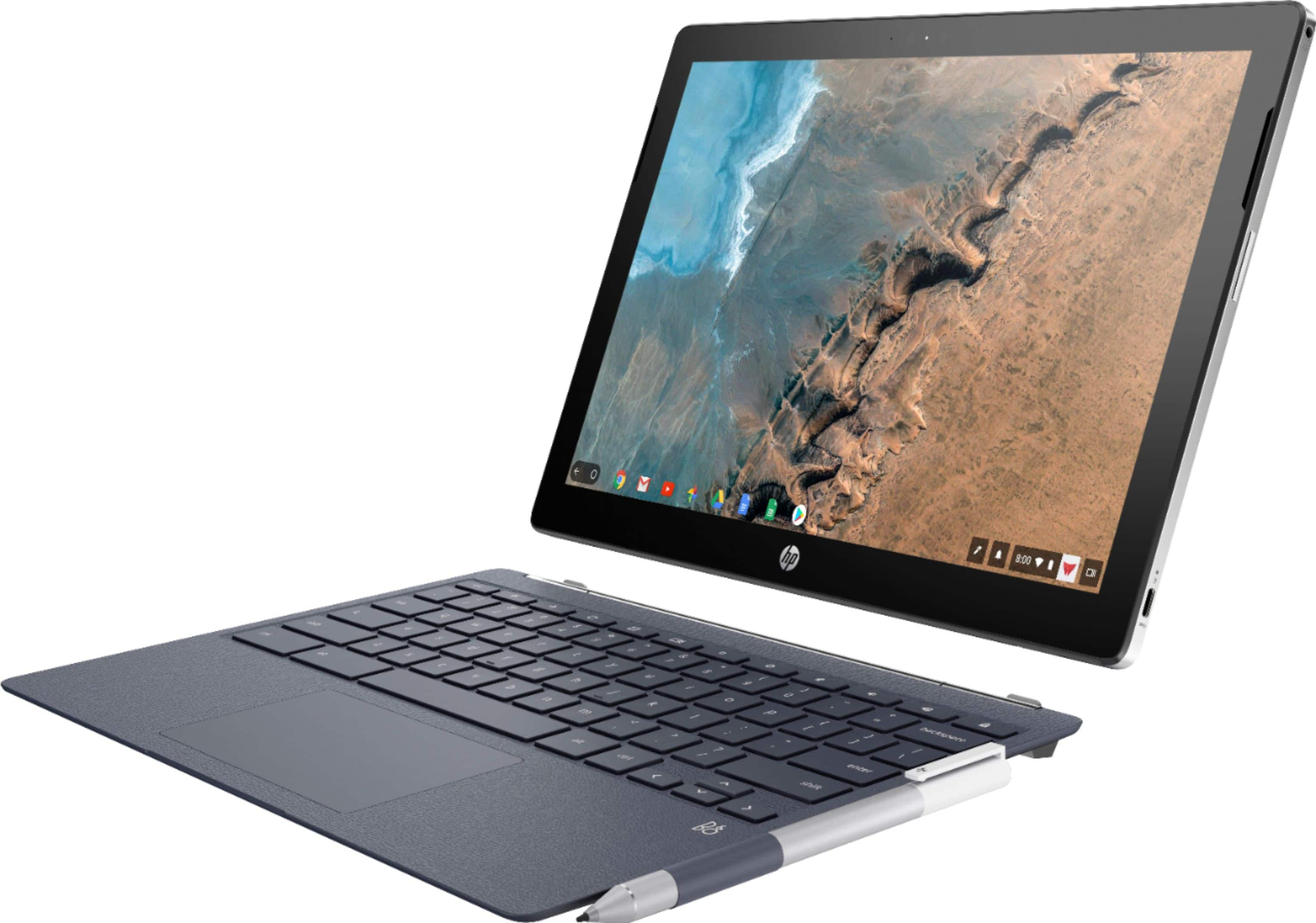
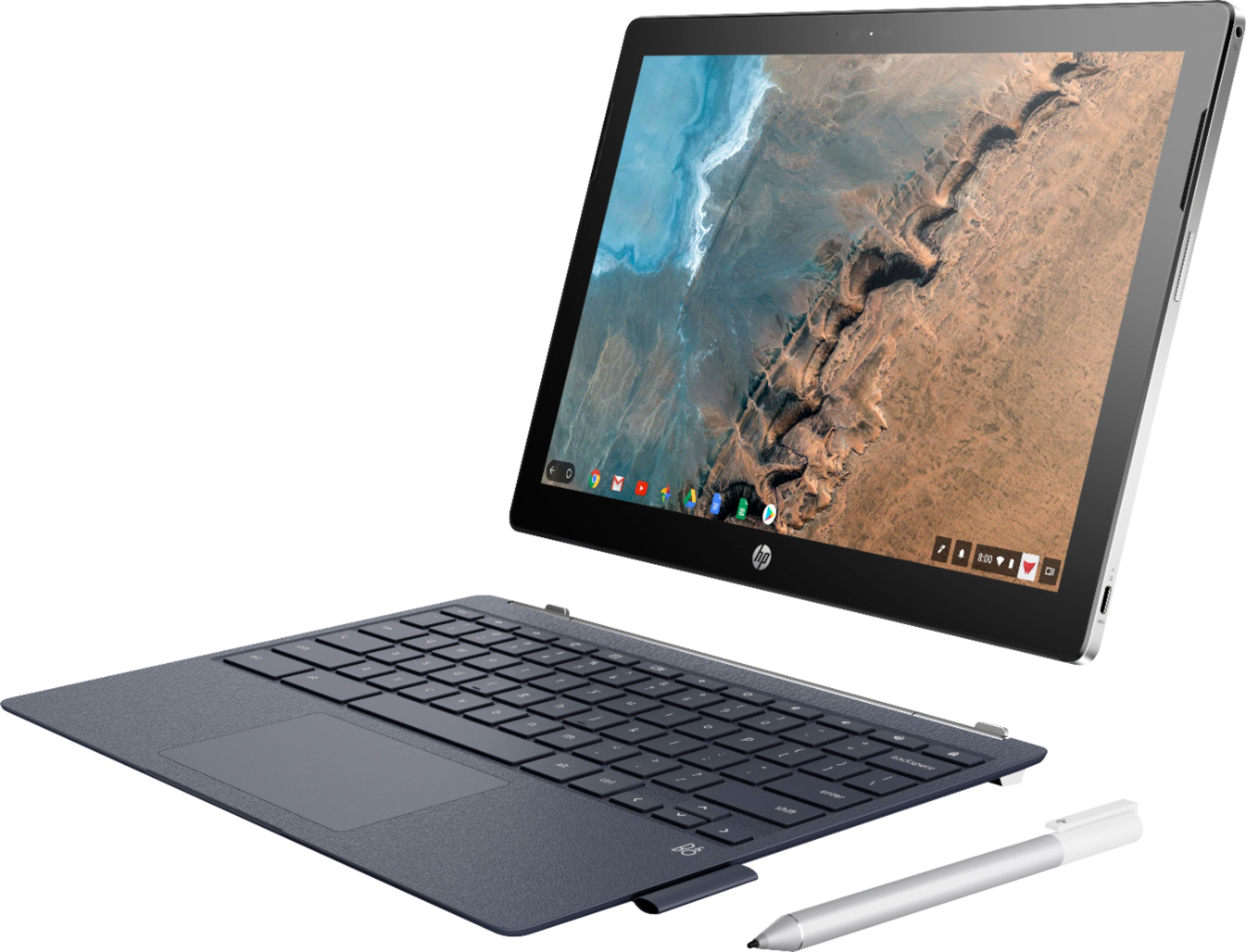
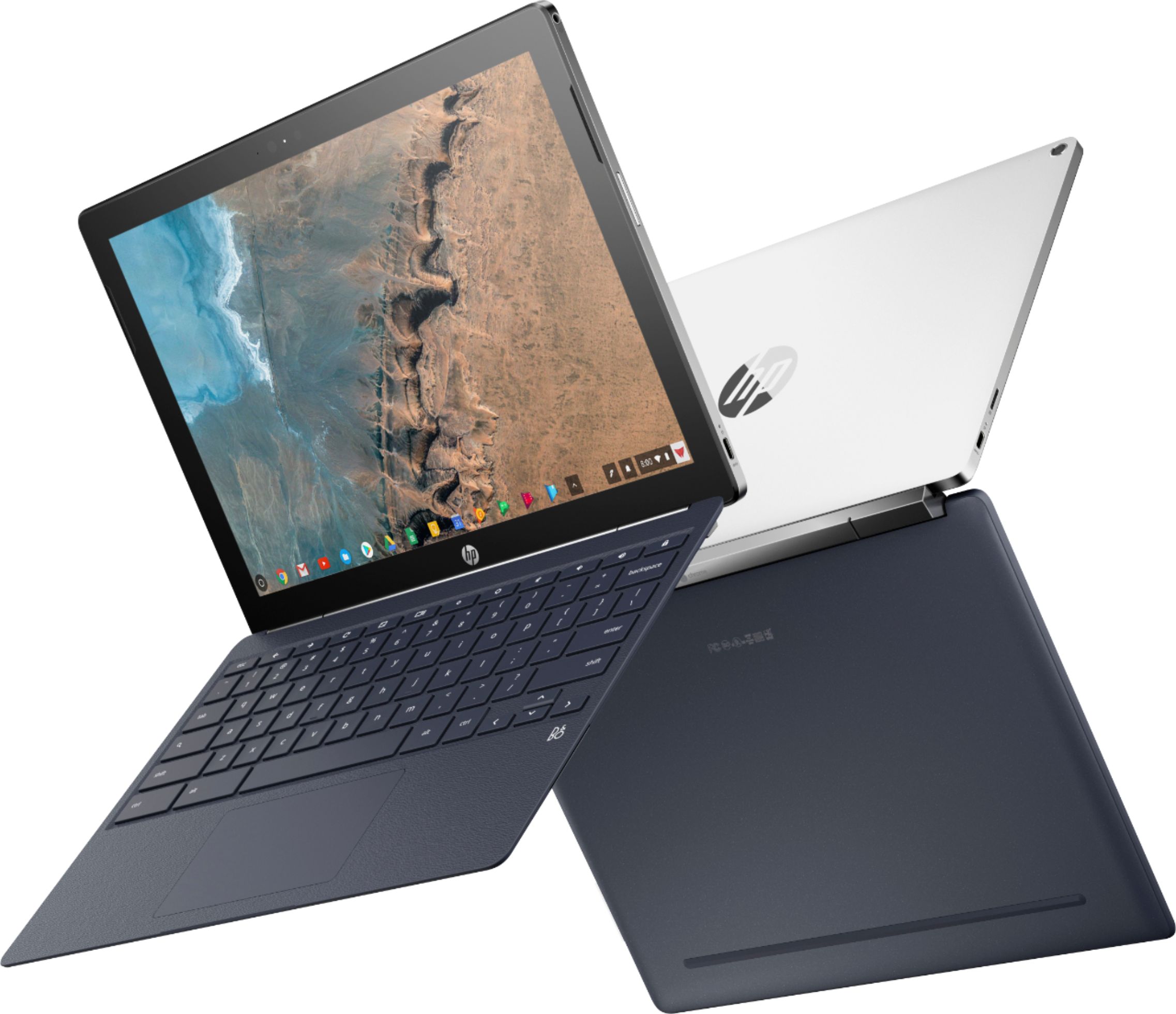
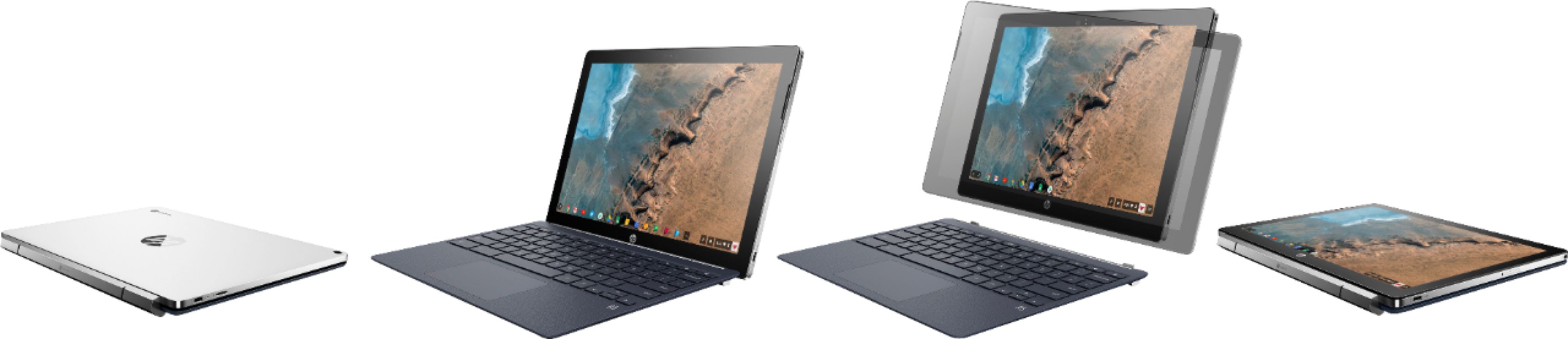
Customers commend the keyboard quality, battery life, and ease of use of the 2-in-1 12.3" Touch-Screen Chromebook. The tablet mode and included pen also receive positive feedback. However, some customers express concerns about the device's weight and limited storage capacity. A few also mention that the RAM and price could be improved.
This summary was generated by AI based on customer reviews.
Easy to use
||Posted .This reviewer received promo considerations or sweepstakes entry for writing a review.This computer is very easy to use, although if you haven't used a Chrome Book computer it will take some getting used to. So there is a bit of a learning curve, but not a difficult one. You must be willing to learn about the Chrome Book systems. Kinda like buying a new car from a different car company than what you are used to.
I would recommend this to a friend- Pros mentioned:Ease of use
Great for college
||Posted .This reviewer received promo considerations or sweepstakes entry for writing a review.Like the instant on. Great chromebook. No problems.
I would recommend this to a friend - Pros mentioned:Ease of use
Chromebook
||Posted .This reviewer received promo considerations or sweepstakes entry for writing a review.Perfect for everyone, compact and easy! Affordable
I would recommend this to a friend Good with a few small issues
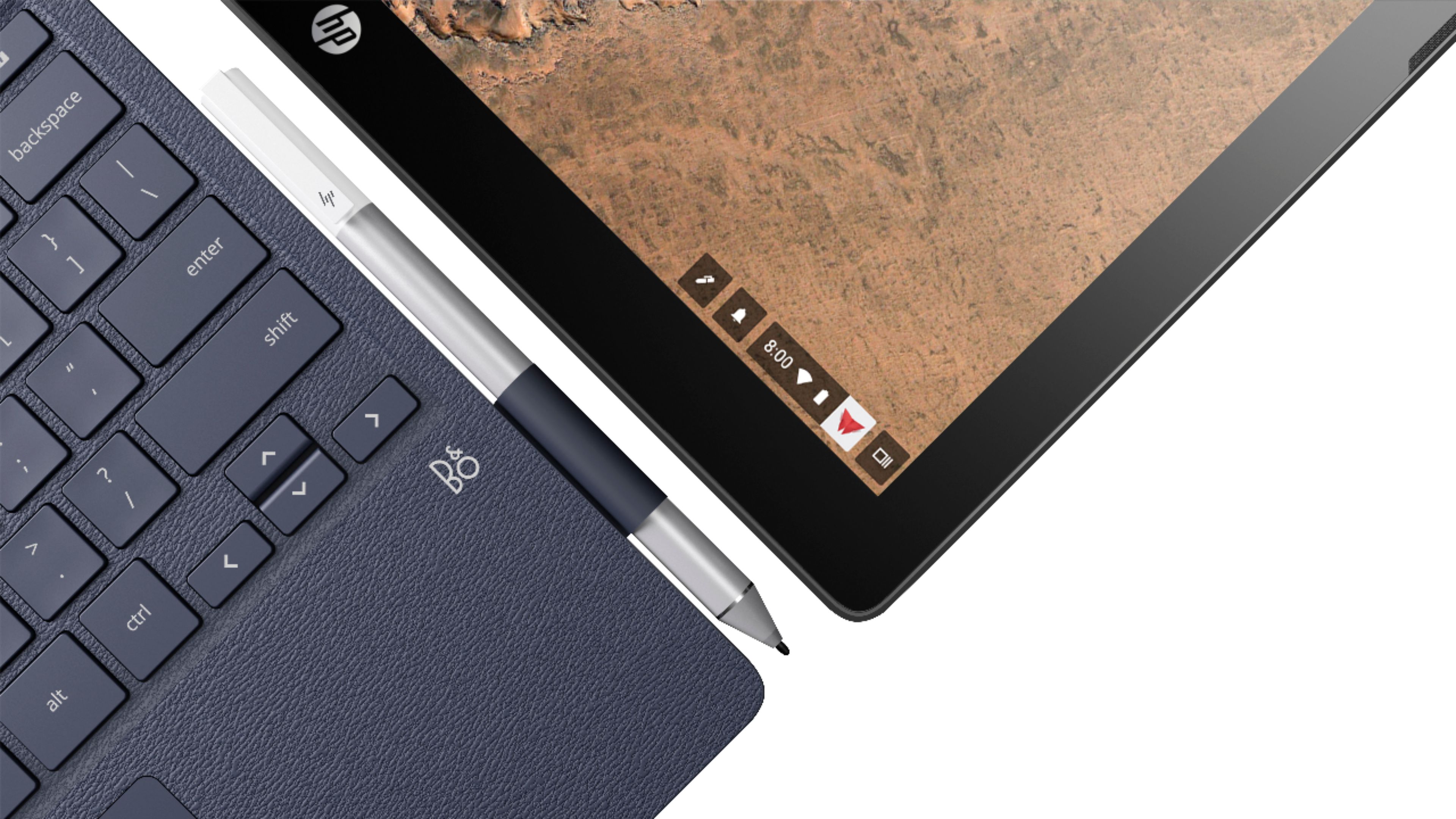
||Posted .This reviewer received promo considerations or sweepstakes entry for writing a review.Great concept overall to bring the detachable tablet functionality. Screen nice and bright. Keyboard is lightweight and flexes due to the design not being supported in the middle. Bulky hinge and front edge of keyboard carry the weight. As a result the screen bounces around as you are typing which was super annoying. I personally do not like the fabric loop that holds the pen. I would prefer one that tucks away inside device.
No, I would not recommend this to a friendGreat product for the money
||Posted .This reviewer received promo considerations or sweepstakes entry for writing a review.Bought this Chromebook a couple months ago. Love the design. It's lightweight, even with the keyboard. Keyboard as a nice layout and I like the responsiveness of the touch pad. I use it mainly for web surfing, docs and sheets, and it easily keeps up with that I do.
I would recommend this to a friendBest purchase in a long time
||Posted .This reviewer received promo considerations or sweepstakes entry for writing a review.I’m an Apple user. I appreciate the simplicity not cause it’s cool. :) Absolutely love this 2-in-1 by HP and haven’t had any issues whatsoever. It’s been an easy transition and it’s my first time owning a Chromebook! I’ve recommended it to friends and family!
I would recommend this to a friendFantastic chrome tablet, with a poor
||Posted . Owned for 1 year when reviewed.This reviewer received promo considerations or sweepstakes entry for writing a review.fantastic tablet. very long battery. fantastic keyboard. reasonable screen. could use more screen and less borders. Cameras are average, but reasonable for the device type. Great less expensive to an iPad pro or google slate.
I would recommend this to a friendChromebook instead of windows
||Posted .This reviewer received promo considerations or sweepstakes entry for writing a review.I did a lot of research before I made the decision of purchasing a Chromebook. One of the reasons I did purchased this particular Chromebook was the detachable screen from the keyboard, It operates perfectly and as a tablet it exceeds in picture and sound.
I would recommend this to a friendFantastic laptop
||Posted .This reviewer received promo considerations or sweepstakes entry for writing a review.I’m impressed switching from windows 10 to Google. What a fantastic decision, I received more band for the buck, incredible Performance and more features. Best Buy steered me in the right direction. I’m sending as much business as I can their way.
I would recommend this to a friendGreat ChromeOS Tab
||Posted . Owned for 1.5 years when reviewed.This reviewer received promo considerations or sweepstakes entry for writing a review.This is probably one of the best products I have ever bought. Great value and performs admirably. I use it mostly as a tablet. With the detachable keyboard this is a great lightweight laptop alternative.
I would recommend this to a friendAmazing Chromebook!
||Posted .This reviewer received promo considerations or sweepstakes entry for writing a review.This was an excellent purchase. I did my research & this was the best match for what I needed for school. The Chromebook connects seamlessly with my Google account and my Android phone. I definitely recommend this Chromebook!
I would recommend this to a friendGreat convertible laptop
||Posted .This reviewer received promo considerations or sweepstakes entry for writing a review.this is a great Chromebook. I really like it. It's very easy to use. The screen is awesome. The only reason I didn't give it 5 Stars it's because it is missing some of the basic keyboard keys such as end, home, caps lock.
I would recommend this to a friendExcellent 2-in-1!
||Posted . Owned for 1 month when reviewed.This reviewer received promo considerations or sweepstakes entry for writing a review.Bought this for my wife for her birthday to replace her rather antiquated laptop and it's been a perfect fit! She's not exactly "technically savvy" when it comes to computers but she's using this like a real pro.
I would recommend this to a friendbest chrome book available so far
||Posted .This reviewer received promo considerations or sweepstakes entry for writing a review.this is the best chrome book - lap top available so far, can do all things I do in my computer and tablet at the same time, also get phone apps in this tablet. best tablet so far. better than anything else out there.
I would recommend this to a friendGreat chromebook
||Posted .This reviewer received promo considerations or sweepstakes entry for writing a review.I bought this for my college student and she loves it! Easy to use and easy to carry around campus. Only gave 4 stars because I wish the screen was a little bigger. Other than that, a great value and a great chromebook!
I would recommend this to a friendNice 2 in 1 for anyone
||Posted .This reviewer received promo considerations or sweepstakes entry for writing a review.The HP Chromebook X2 has been effortless in function, and handles all of my needs nicely. A benefit is that the Chrome OS updates occur about every 6 weeks. New functionality is being added with each release.
I would recommend this to a friendNot perfect, but just what I wanted
||Posted .This reviewer received promo considerations or sweepstakes entry for writing a review.The form factor is great. I enjoy so much that I can and do use it both as a table and laptop. The support for apps and the os interface in tablet mode still need some work but I still feel it is worth it.
I would recommend this to a friendGreat for tablet and laptop use
||Posted .This reviewer received promo considerations or sweepstakes entry for writing a review.Found this laptop when I was looking for a tablet, but my boyfriend wanted a laptop. We get the best of both worlds with this product! Very easy to use and a very clear display. Extremely happy with this purchase
I would recommend this to a friend- Pros mentioned:Keyboard qualityCons mentioned:Weight

It has become my daily driver!
|Posted .This reviewer received promo considerations or sweepstakes entry for writing a review.I have the feeling this computer was designed for me. I am a fan of the Surface Pro, as my use of a computer consists of writing, research, note-taking, and some photography. I was intrigued by Chrome OS, in that it is “stripped down” to be able to function well with low-end processors. So this review will review my experience with the HP Chromebook x2, but will also be a “smack down” between that device and the Surface Pro. The HP Chromebook x2 sells for $600, including the pen and keyboard. The lowest end Surface Pro similarly equipped would cost $1000. So clearly the HP wins on price. Build quality of both devices is excellent. The HP in particular is a well-made, premium device that feels solid and substantial. That said, at 3 lbs. overall, it is a bit hefty. Tablet alone is only 1 ½ pounds, however- similar weight to the original iPad… Detaching and re-attaching the HP tablet to the keyboard takes some practice. The Surface does a much better job with this. On the other hand, when the tablet is “flipped around”, the “presentation mode” on the x2 allows the keys to stay out of contact with the table top or lap. The HP Keyboard if full sized, and a true pleasure to type on. In fact, I think it is better than the Surface Pro keyboard, and just about as good as my HP Spectre X360 15 inch. There is very comfortable key action. Palm rejection on the touch pad is outstanding; better than I have seen on most laptops! Of course, the HP keyboard is not backlit at this time. Speaking of wobble: I don’t see any wobble while typing, but then again, I don’t bang on the keys the way some people do… Wobble is not an issue (for me)! It is easy to use the HP on the lap. Better than the Surface. I like being able to charge on either side due to dual type C USB’s. Charging is done in a short period of time as well. The charger cord is long enough that an extension is not necessary. There is no fan, so the only sound one hears during normal use is the soft “putt-putt” of the keys on the keyboard. There is no “drum effect” that one gets on the keyboard of the Surface Pro, where finger strokes are amplified through the board. Back of the tablet does get very warm with extensive use. Not uncomfortable to hold, but clearly noticeable. Track pad is good, but not great like the Spectre’s. Still, better than the Surface, and no problems in day to day use. Love the 3:2 aspect ratio, as well as 400 Nits brightness. Clarity and brightness are excellent; this is the same display as the Pixelbook and the Samsung Chromebook Pro. No problem linking to Bluetooth speakers and Microsoft Arc Touch mouse. Speakers are good for a laptop. Webcam and rear cameras are functional, but produce dark, miserable pictures. The cameras on this device are no means a strength. Performance-wise, the HP runs through websites and documents just as fast as the Surface. I see no performance advantage to the Surface Pro during routine activities. Issues about inking and note taking: I was hoping that this device would be the “holy grail” of thin, light device with capacity for note taking during classes and meetings. The primary note taking applications include OneNote Online, OneNote Android/mobile, Squid, and Google Keep. (As far as I can tell, Evernote does not support inking in its mobile version.) - OneNote is my favorite while using a PC, but on the Chromebook X2, there is a very prolonged latency with inking in the OneNote Android App. It is still functional, but I would go crazy if I had to deal with this all day in a classroom - There is less than stellar inking in the Online OneNote application; this application can not serve as a note-taking tool. - Even Squid is a bit wonky: occasionally it will lose part of a word after being written, or will hesitate a second before registering. This app also does not have the organizational strengths of OneNote - Google Keep notes are not a good solution; limited length, no clear organizational system. However, the inking experience with Google Keep is the best- no latency at all, excellent pressure sensitivity, and no loss of notes. - I would hesitate to recommend this device for college notes at this time, unless one has a great deal of tolerance for pen latency. The Surface Pro will do substantially better, and more reliably A few notes about Chrome OS: - This computer will run Android apps from the Play Store, including all of the Office Suite and the Bing mobile app. Firefox will run, but Edge mobile crashes. - Multitasking is easy; there are keys to hide/reveal the Chrome toolbar and Bottom Taskbar. - Using the computer as a tablet reminds me of Windows 10 in tablet form. That is, it is feasible, but takes some patience and practice to become facile Overall, I am having a great deal of fun with my HP Chromebook x2. Typing is unexpectedly pleasant, and I have the feeling I am working with a high quality product.
I would recommend this to a friend Great features, great price
||Posted .This reviewer received promo considerations or sweepstakes entry for writing a review.Love everything about this. However, editing Word documents with Google Docs is a bit cumbersome because the latter doesn't have all of the features of Word. But overall, I give this computer high marks.
I would recommend this to a friend