Customer Ratings & Reviews
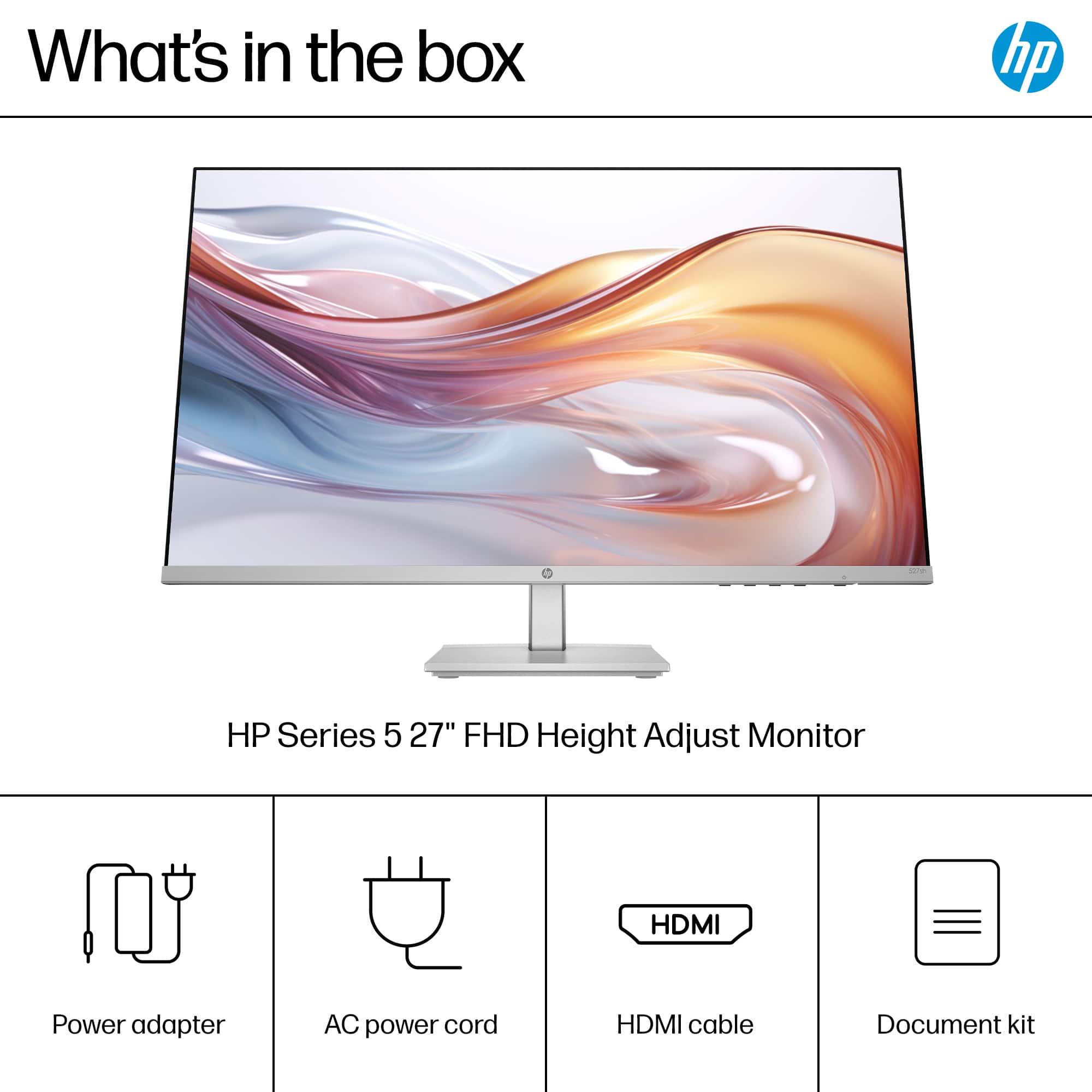

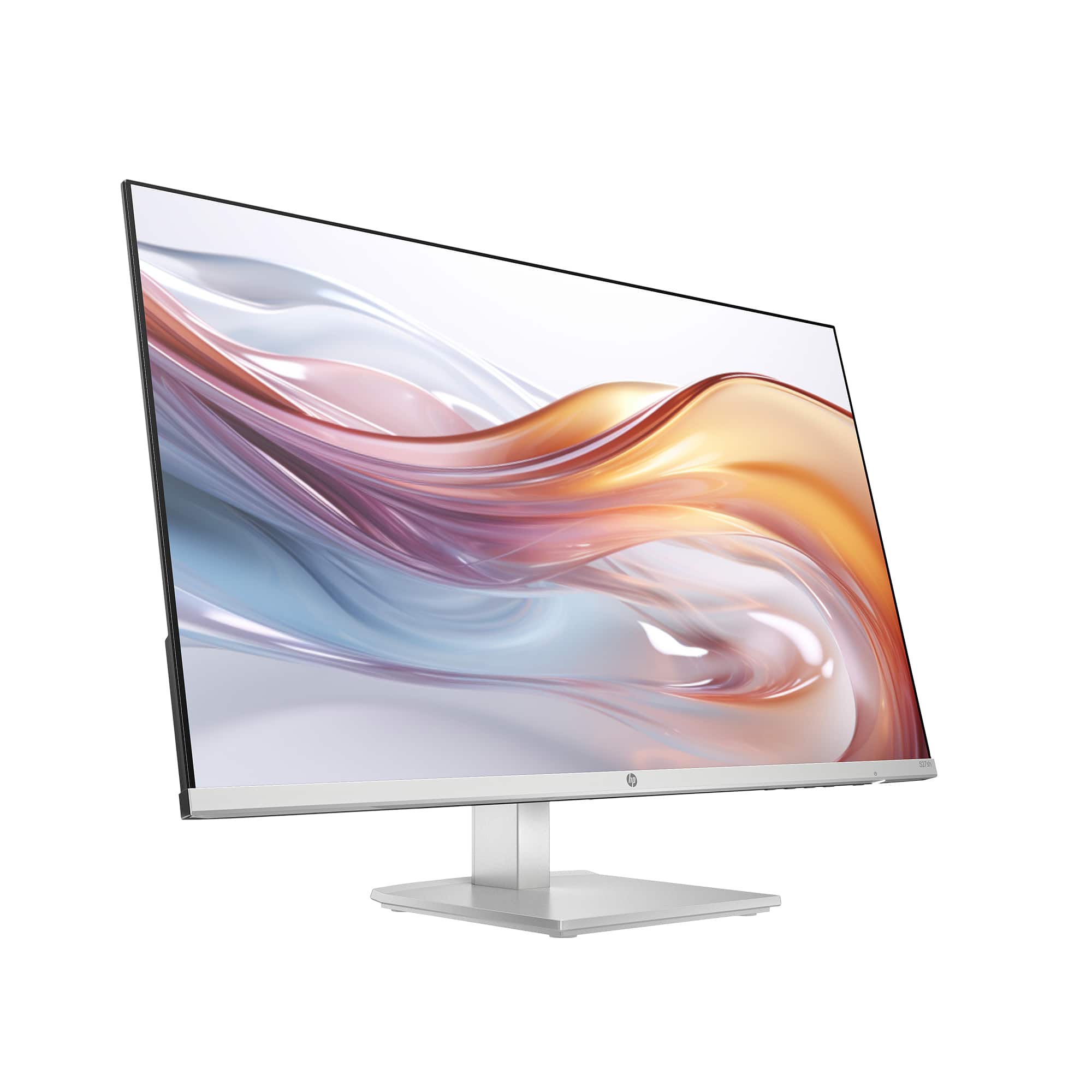
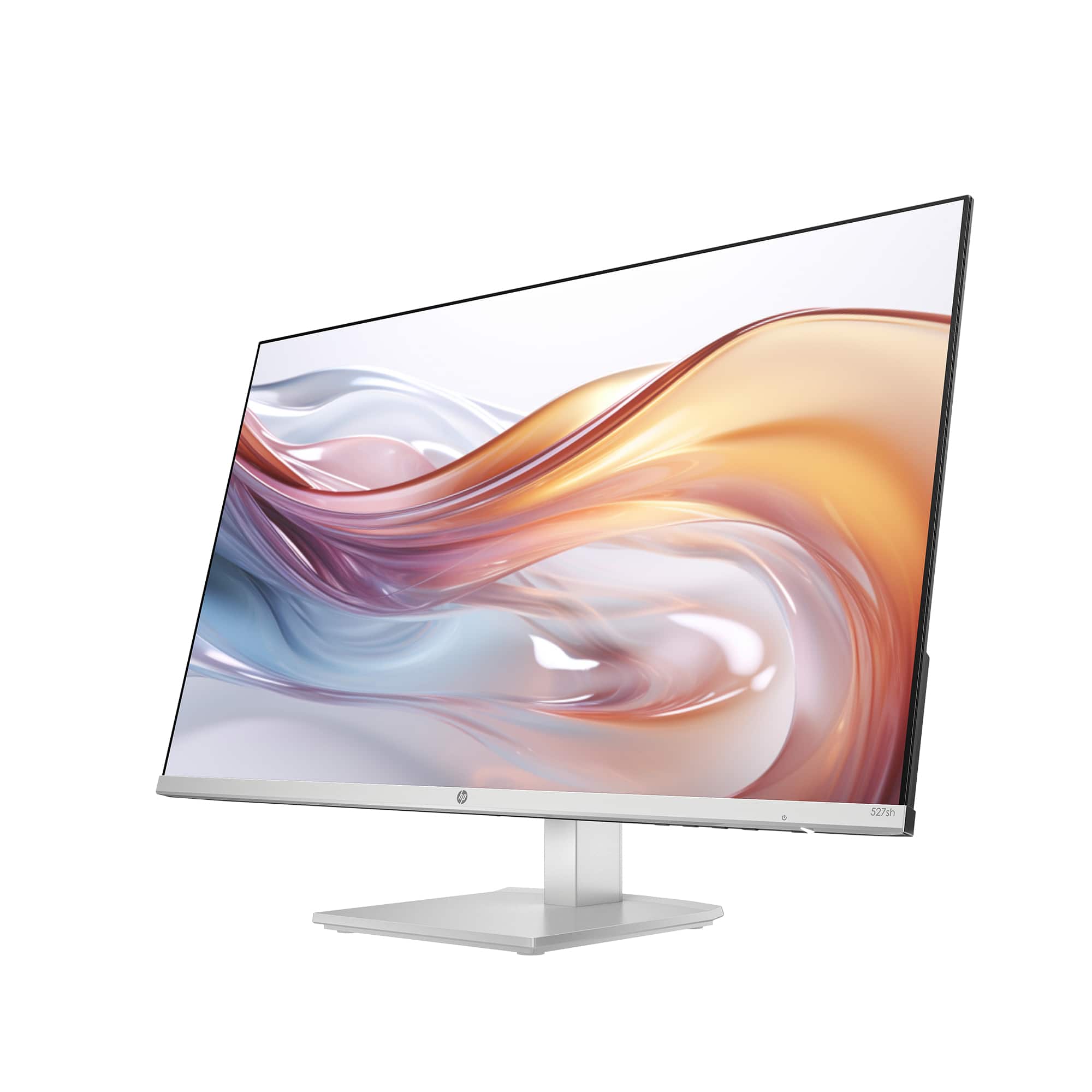
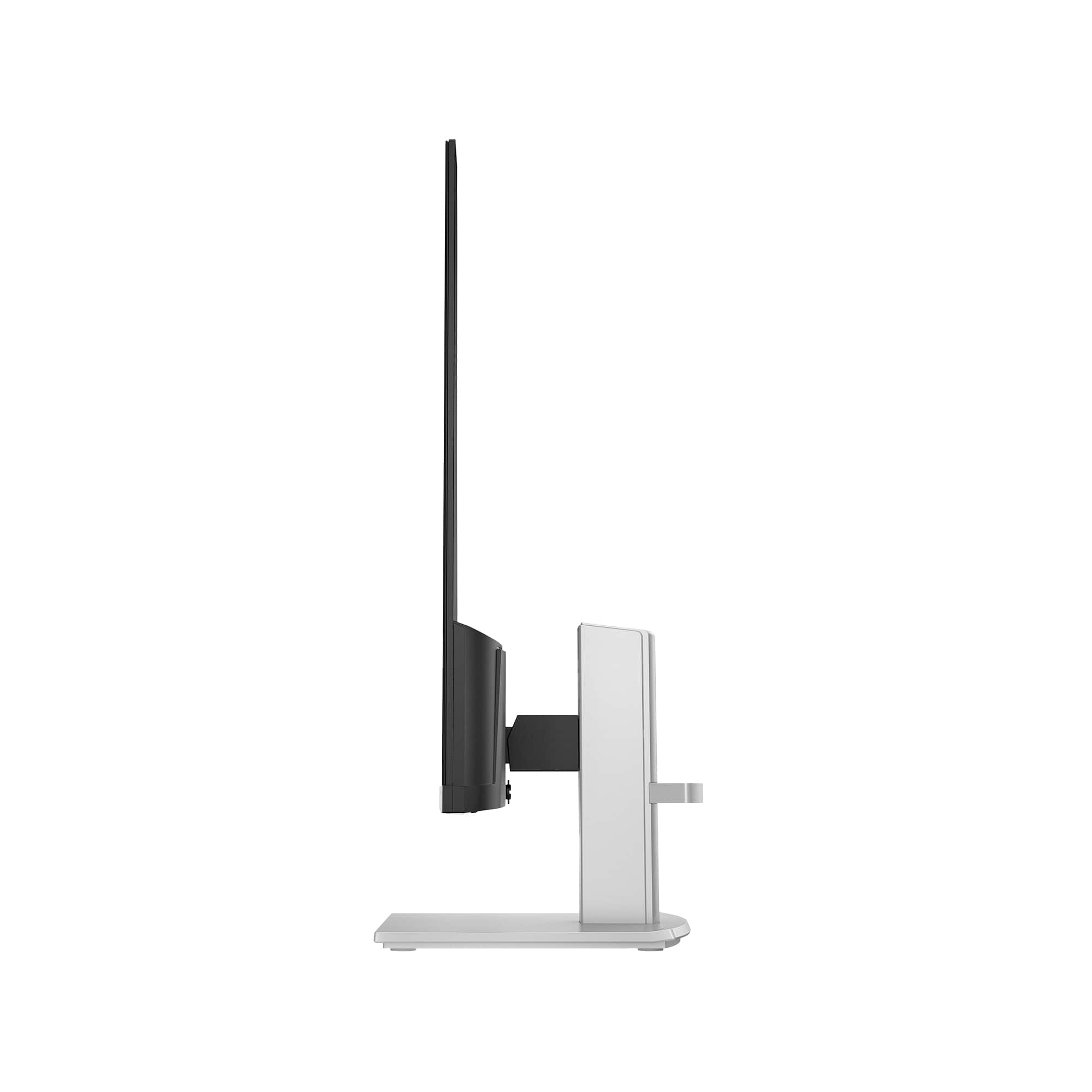


- Model:
- 527SH
- |
- SKU:
- 10938551
Customer reviews
Rating 4.7 out of 5 stars with 682 reviews
(682 customer reviews)Rating by feature
- Display Quality4.8
Rating 4.8 out of 5 stars
- Ease of Use4.8
Rating 4.8 out of 5 stars
- Features4.7
Rating 4.7 out of 5 stars
Customers are saying
Customers admire the 27" IPS LED FHD 100Hz Monitor for its generous screen size and overall performance, allowing users to run multiple applications smoothly. The monitor's design and adjustability are also appreciated, along with its easy setup and clear display. The only drawback mentioned is the absence of built-in speakers.
This summary was generated by AI based on customer reviews.
Rated 5 out of 5 stars
Value for money
||Posted . Owned for 1 month when reviewed.This reviewer received promo considerations or sweepstakes entry for writing a review.This is the wonderful desktop I ever bought. Really worth of money. I bought it for $199 and now price is $119.. still no regrets since its value for money
This review is from HP - 27" IPS LED FHD 100Hz Monitor with Adjustable Height (HDMI, VGA) - Silver & Black
I would recommend this to a friendRated 5 out of 5 stars
Home office
||Posted . Owned for 2 weeks when reviewed.This reviewer received promo considerations or sweepstakes entry for writing a review.It an excellent monitor. It's thin and lightweight. It's just what I needed for my home office. I bought two of them.
This review is from HP - 27" IPS LED FHD 100Hz Monitor with Adjustable Height (HDMI, VGA) - Silver & Black
I would recommend this to a friendRated 4 out of 5 stars
Value
||Posted . Owned for less than 1 week when reviewed.This reviewer received promo considerations or sweepstakes entry for writing a review.For the price it’s worth it but if you’re looking for sharp pictures this isn’t it.
This review is from HP - 27" IPS LED FHD 100Hz Monitor with Adjustable Height (HDMI, VGA) - Silver & Black
I would recommend this to a friendRated 3 out of 5 stars
Mac owners beware
||Posted . Owned for 3 weeks when reviewed.This reviewer received promo considerations or sweepstakes entry for writing a review.The monitor is great. HP software support for Apple products is non-existent, which is disappointing in today's world. There used to be drivers for this monitor that worked with Macs but HP took them down so this is simply a generic 60 Hz monitor if you own a Mac.
This review is from HP - 27" IPS LED FHD 100Hz Monitor with Adjustable Height (HDMI, VGA) - Silver & Black
I would recommend this to a friendRated 5 out of 5 stars
HP monitor (open box)
||Posted . Owned for 1 month when reviewed.This reviewer received promo considerations or sweepstakes entry for writing a review.Great deal! Great customer service, the associates were so helpful telling which location had the exact product I wanted. 10/10 recommended.
This review is from HP - 27" IPS LED FHD 100Hz Monitor with Adjustable Height (HDMI, VGA) - Silver & Black
I would recommend this to a friendRated 5 out of 5 stars
Honest Review
||Posted . Owned for 1 month when reviewed.This reviewer received promo considerations or sweepstakes entry for writing a review.Nice monitor! Aesthetic looking. My kids love it. We bought in lesser price
This review is from HP - 27" IPS LED FHD 100Hz Monitor with Adjustable Height (HDMI, VGA) - Silver & Black
I would recommend this to a friendRated 3 out of 5 stars
Solid desktop
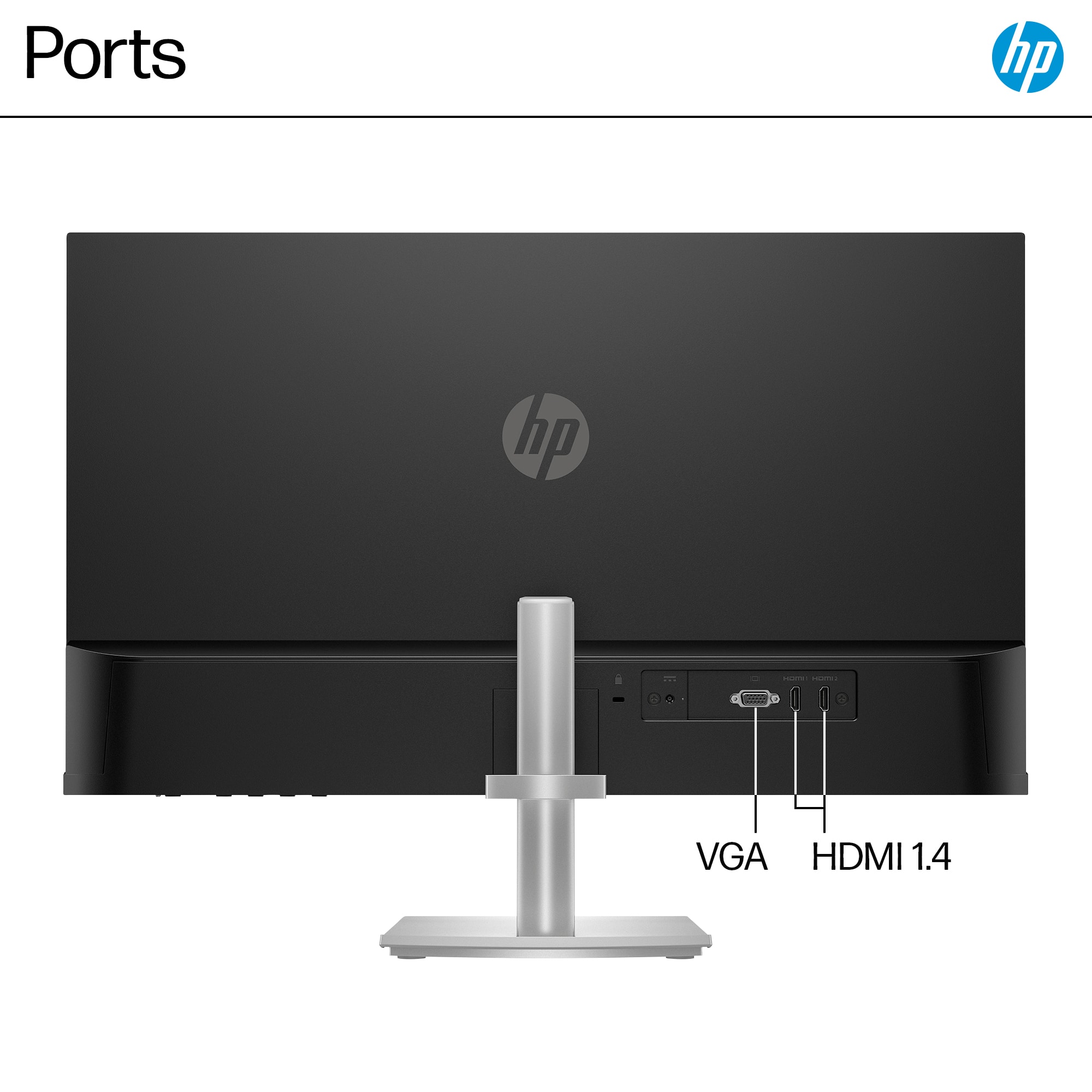
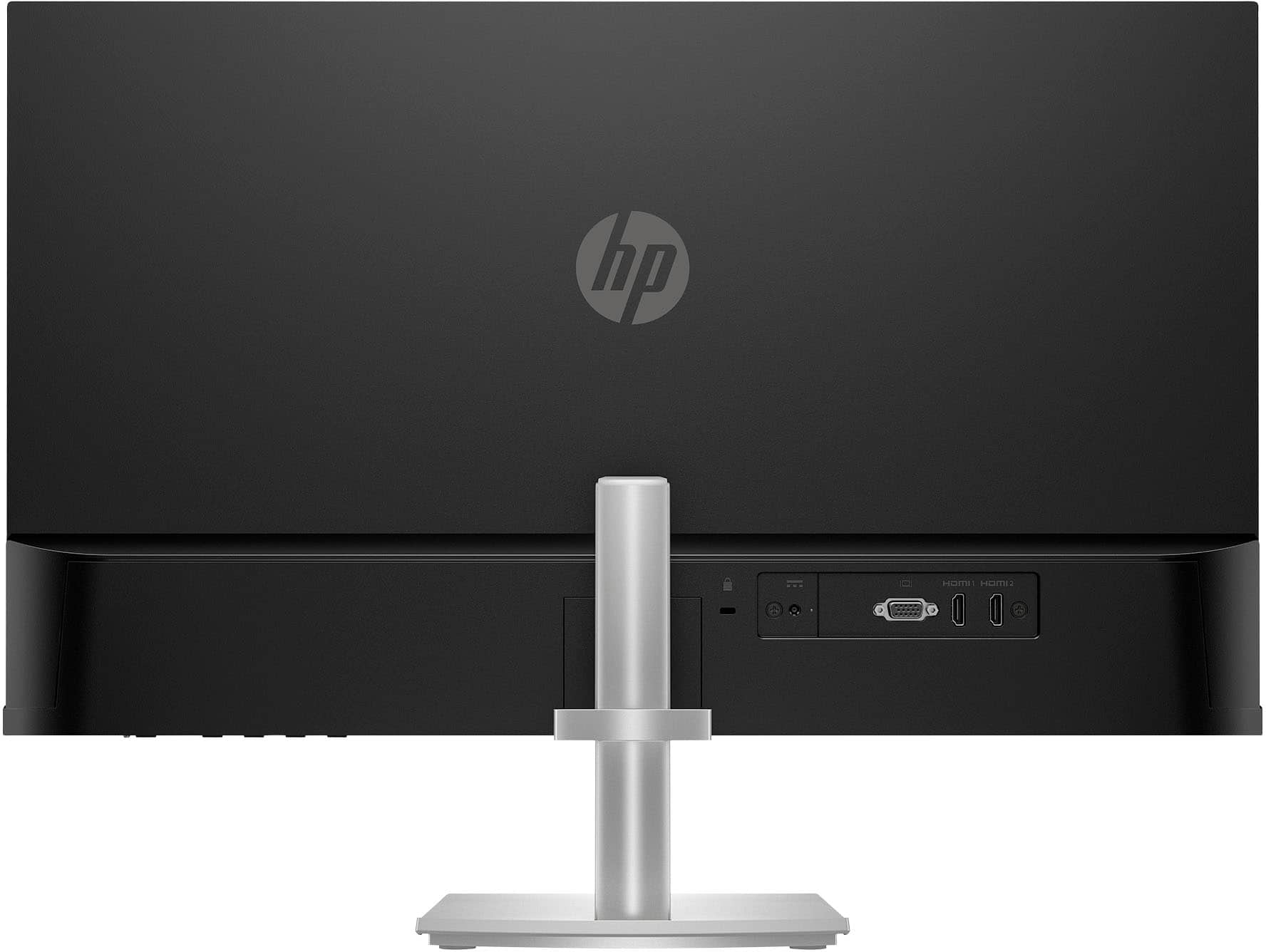
||Posted . Owned for 2 weeks when reviewed.This reviewer received promo considerations or sweepstakes entry for writing a review.Expected better. It needs more ports options on the back of the monitor.
This review is from HP - 27" IPS LED FHD 100Hz Monitor with Adjustable Height (HDMI, VGA) - Silver & Black
I would recommend this to a friendRated 4 out of 5 stars
Great Second Monitor
||Posted .This reviewer received promo considerations or sweepstakes entry for writing a review.The monitor works well as a second monitor to my Mac. Limited brightness and color control but that's not what a monitor like this is for.
This review is from HP - 27" IPS LED FHD 100Hz Monitor with Adjustable Height (HDMI, VGA) - Silver & Black
I would recommend this to a friendRated 5 out of 5 stars
Reviewed
||Posted . Owned for 1 month when reviewed.This reviewer received promo considerations or sweepstakes entry for writing a review.Why are you offering $400 for a review? You know you’re never gonna give a $400 for that so my review is it’s a beautiful piece and my grandson loves it.
This review is from HP - 27" IPS LED FHD 100Hz Monitor with Adjustable Height (HDMI, VGA) - Silver & Black
I would recommend this to a friendRated 5 out of 5 stars
Mrs
||Posted . Owned for 1 month when reviewed.This reviewer received promo considerations or sweepstakes entry for writing a review.Great product easy to work with durable exceptional functional
This review is from HP - 27" IPS LED FHD 100Hz Monitor with Adjustable Height (HDMI, VGA) - Silver & Black
I would recommend this to a friendRated 5 out of 5 stars
Great bonus
||Posted . Owned for 1 month when reviewed.This reviewer received promo considerations or sweepstakes entry for writing a review.Great monitor. It performs great and it looks very modern. I love the adjustable height function.
This review is from HP - 27" IPS LED FHD 100Hz Monitor with Adjustable Height (HDMI, VGA) - Silver & Black
I would recommend this to a friendRated 5 out of 5 stars
HP - 27" IPS LED FHD 100Hz Monitor with Adjustable
||Posted . Owned for 4 months when reviewed.This reviewer received promo considerations or sweepstakes entry for writing a review.HP - 27" IPS LED FHD 100Hz Monitor with Adjustable Height (HDMI, VGA) - Silver & Black
This review is from HP - 27" IPS LED FHD 100Hz Monitor with Adjustable Height (HDMI, VGA) - Silver & Black
I would recommend this to a friendRated 5 out of 5 stars
Great Screen
||Posted . Owned for 3 months when reviewed.This reviewer received promo considerations or sweepstakes entry for writing a review.the monitor is very flexbile as you can move the screen up and down as to your needs
This review is from HP - 27" IPS LED FHD 100Hz Monitor with Adjustable Height (HDMI, VGA) - Silver & Black
I would recommend this to a friendRated 5 out of 5 stars
Screen
||Posted . Owned for 1 month when reviewed.This reviewer received promo considerations or sweepstakes entry for writing a review.I really like the way it is easy to raise and lower the screen. It is really easy to tilt as well!
This review is from HP - 27" IPS LED FHD 100Hz Monitor with Adjustable Height (HDMI, VGA) - Silver & Black
I would recommend this to a friendRated 5 out of 5 stars
Great product with issues
||Posted . Owned for 6 months when reviewed.This reviewer received promo considerations or sweepstakes entry for writing a review.It is a great product with issues and always connects to my macbook.
This review is from HP - 27" IPS LED FHD 100Hz Monitor with Adjustable Height (HDMI, VGA) - Silver & Black
I would recommend this to a friendRated 5 out of 5 stars
Great monitor
||Posted . Owned for 3 weeks when reviewed.This reviewer received promo considerations or sweepstakes entry for writing a review.Easy on the eyes, well configured to prioritize font size over screen coverage.
This review is from HP - 27" IPS LED FHD 100Hz Monitor with Adjustable Height (HDMI, VGA) - Silver & Black
I would recommend this to a friendRated 5 out of 5 stars
Great Monitor at a Great Price!
||Posted . Owned for 3 weeks when reviewed.This reviewer received promo considerations or sweepstakes entry for writing a review.The visual is excellent for spreadsheets and creative files!
This review is from HP - 27" IPS LED FHD 100Hz Monitor with Adjustable Height (HDMI, VGA) - Silver & Black
I would recommend this to a friendRated 5 out of 5 stars
Beautiful Screen
||Posted . Owned for 3 weeks when reviewed.This reviewer received promo considerations or sweepstakes entry for writing a review.Seriously love the look of the monitor. Overall beautiful look and looks great for our office spaces.
This review is from HP - 27" IPS LED FHD 100Hz Monitor with Adjustable Height (HDMI, VGA) - Silver & Black
I would recommend this to a friendRated 4 out of 5 stars
Almost 5 stars.
||Posted .This reviewer received promo considerations or sweepstakes entry for writing a review.A great display except for the annoying screensaver shutdown every 10 minutes or so of inactivity.
This review is from HP - 27" IPS LED FHD 100Hz Monitor with Adjustable Height (HDMI, VGA) - Silver & Black
I would recommend this to a friendRated 5 out of 5 stars
27" monitor
||Posted . Owned for 3 weeks when reviewed.This reviewer received promo considerations or sweepstakes entry for writing a review.Very nice monitor. It's a bit to big for the location I have for it, but if I could put it a bit further back it would be great!
This review is from HP - 27" IPS LED FHD 100Hz Monitor with Adjustable Height (HDMI, VGA) - Silver & Black
I would recommend this to a friend