Customer Ratings & Reviews
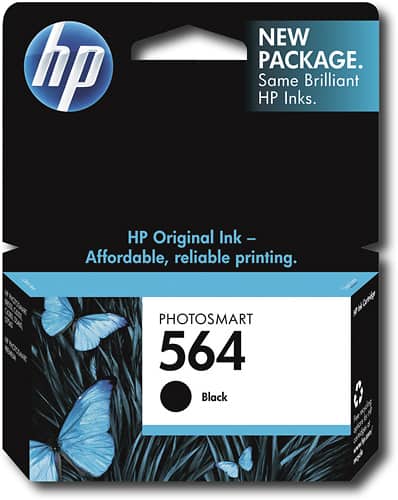


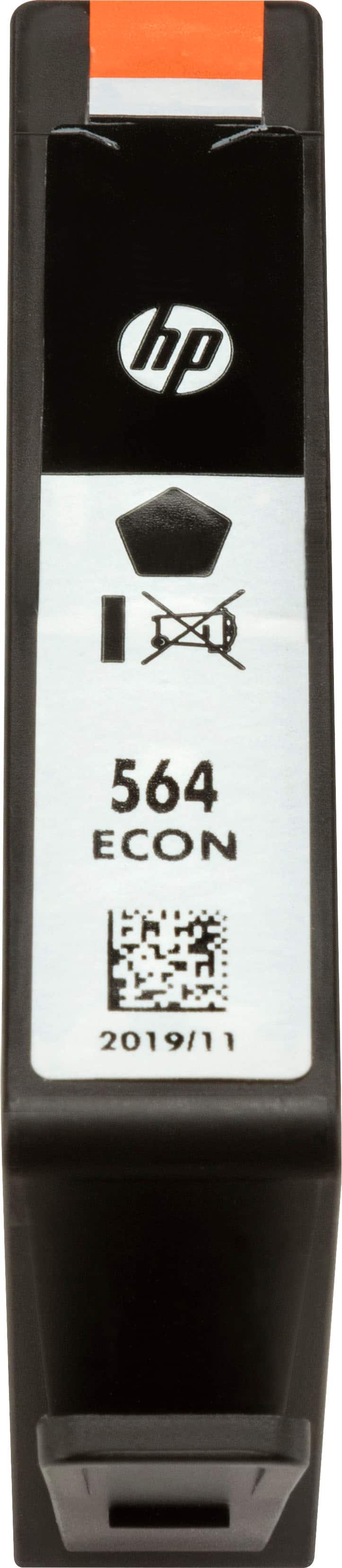


- Model:
- CB316WN#140
- SKU:
- 8891853
Rating by feature
- Value
Rating 4.1 out of 5 stars
- Quality
Rating 4.4 out of 5 stars
- Ease of Use
Rating 4.7 out of 5 stars
Customers are saying
Customers consistently note the good ink quality of the 564 Standard Capacity Ink Cartridge, along with its ease of use and excellent price. Users also appreciate the cartridge's compatibility with their printers and its simple installation process.
This summary was generated by AI based on customer reviews.
- Pros mentioned:Ease of use
Cartridge for HP printer
||Posted .This reviewer received promo considerations or sweepstakes entry for writing a review.This product is easy to open, easy to insert into my HP printer, and works perfectly.
I would recommend this to a friend Ink cartridges dry out or get clogged too often
||Posted .This reviewer received promo considerations or sweepstakes entry for writing a review.I'm getting tired of buying new cartridges when I know there must be ink in them because I have barely done much printing.
No, I would not recommend this to a friendHP ink
||Posted . Owned for 3 months when reviewed.This reviewer received promo considerations or sweepstakes entry for writing a review.The ink did not last anytime. I may have got 100 copies.
No, I would not recommend this to a friendBrand response from HP Team
Posted .Hello there Gillings,
I know it must feel disappointing that your cartridge did not print as many copies as you expected. I will gladly help you get the most out of your ink cartridges in the future. Here are a couple of tricks on printer ink:
• Avoid high-density prints if you can. High-density prints include photos, graphics, and posters. They use more ink than regular text.
• If possible, consider using the draft mode. This mode is a great option to save on both ink and paper.
• Remember, if you keep your printer on while it is idle, your ink could be exposed to more dry air. Turn off the printer, when possible.
• HP has an instant ink service, which may come in handy if you print frequently. It sends you new cartridges when you are low on ink. There are flexible monthly plans.
-Amanda
HP Care
hp.com/support
TOO EXPENSIVE --
||Posted .This reviewer received promo considerations or sweepstakes entry for writing a review.I regret purchasing my HP wireless printer -- the ink is too expensive and continues to go up in price -- why? is Soy that dear now?
No, I would not recommend this to a friendWrong cartridge. I usually order 564. Wrong one
||Posted . Owned for 1 month when reviewed.This reviewer received promo considerations or sweepstakes entry for writing a review.The cartridge doesn't fit the slot. The one I need is more narrow. When I checked the label (of the old one), it is marked "Photo". I didn't see one for Photo when I placed my order. I haven't had this problem before. I can't use the 564 that I ordered and I have already opened it. Can it be used in another slot?
No, I would not recommend this to a friendBrand response from HP Team
Posted .Hi,
This is rather confusing. I can understand if you are a little unsure of which cartridge to use.
The thicker cartridge you got is the black one. Evidently, you need the thinner "Photo" one, but the black one should fit nicely into its own slot. There are little icons on the labels to help you match the correct cartridge with its slot. That way it isn't a waste to have gotten it!
Mary
HP Care
hp.com/support
- Pros mentioned:Ink quality
great ink
||Posted .This reviewer received promo considerations or sweepstakes entry for writing a review.we love this ink. it has great quality and lasts a long time. we recommend it highly!
I would recommend this to a friend Disappointed!
||Posted .This reviewer received promo considerations or sweepstakes entry for writing a review.The color is not saturated. It need to be replaced too frequently. It looks faded. I am disappointed.
No, I would not recommend this to a friendmaybe it's my printer
||Posted .This reviewer received promo considerations or sweepstakes entry for writing a review.I added the new ink cartridge as I have done for several years but it barely improved the print quality.
No, I would not recommend this to a friendBrand response from HP Team
Posted .Hi,
I'm sorry that you were disappointed with the print quality. It might be easy to fix though.
Your printhead might need to be cleaned. Your printer should have an automatic routine to do that. Check the user guide, if you don't know how to start the cleaning.
If that helps, the printer might have been turned off using a power strip or switch.The printer should always be turned off using the power button on the printer itself. That will let the printer 'park' itself so that the printhead is protected from excess drying. That can cause clogs to form in the tiny nozzles that spray the ink onto the paper.
Mary
HP Care
hp.com/support
Good bluetooth for cell phone
||Posted .This reviewer received promo considerations or sweepstakes entry for writing a review.Purchased a bluetooth from Best Buy and the sales representative recommended one from Plantronics. Voyager. So far, it works well.
I would recommend this to a friend- Pros mentioned:Ink quality
Good ink
||Posted .This reviewer received promo considerations or sweepstakes entry for writing a review.Good ink but HP printers only use HP ink so for the price I bought it from Best Buy
I would recommend this to a friend Required for the printer I have
||Posted .This reviewer received promo considerations or sweepstakes entry for writing a review.This product does not last for very long which makes it really expensive to use the printer I purchased. Lessons learned.
No, I would not recommend this to a friend- Pros mentioned:Ink quality
great ink
||Posted .This reviewer received promo considerations or sweepstakes entry for writing a review.Really like the quality. I would recommend this product for anyone
I would recommend this to a friend - Pros mentioned:Ink quality
Great Buy
||Posted .This reviewer received promo considerations or sweepstakes entry for writing a review.Easy Install and good colors. Dries quickly. No smudges.
I would recommend this to a friend Doesn’t last
||Posted .This reviewer received promo considerations or sweepstakes entry for writing a review.This ink does not last long and is not worth the price, get a printer with refillable ink
No, I would not recommend this to a friendPrinter uses too much ink
||Posted .This reviewer received promo considerations or sweepstakes entry for writing a review.HP printers are frustrating. They use ALOT of ink cartridges HP obviously makes all its money from the cartridges
No, I would not recommend this to a friendRuns out quickly
||Posted .This reviewer received promo considerations or sweepstakes entry for writing a review.Seems to run out quickly. Better results if not let idle for long periods of time...
No, I would not recommend this to a friendBrand response from HP Team
Posted .Hi,
I'm sorry to hear that the cartridge seemed to run out too quickly. I wonder if the nozzles are getting clogged when it sits idle.
Normally if cartridge is not damaged or defective, the ink usage will determine how long it will last. High-density prints (such as photos) will require more ink, especially if the paper is highly absorbent and the environment is dry.
I'm wondering if the cartridges stopped because they need to be cleaned. That is an easy process. You can check the user guide if you are uncertain how to start the automatic process.
If that helps, the printer might have been turned off using a power strip or switch. The printer should always be turned off using the power button on the printer itself. That will let the printer 'park' so that the cartridges are protected from excess drying. The drying can cause clogs to form in the tiny nozzles that spray the ink onto the paper.
If that does not help, it is probable that the cartridge is defective, and you can:
- ask the seller for a replacement,
- contact us if a defective genuine HP cartridge is not replaced by the seller (and is still within the warranty end dates on the cartridge) you can reach us for support at: hp.com/contactHP
Mary
HP Care
hp.com/support
ink for printer
||Posted .This reviewer received promo considerations or sweepstakes entry for writing a review.ink is what is it is suppose to be issue with photosmart printer head and black from new ink
No, I would not recommend this to a friendVery Happy with the ink, Customer Service Stinks!
||Posted .This reviewer received promo considerations or sweepstakes entry for writing a review.I ordered this online for store pickup. The HP ink is the best in my printer but the pickup experience at the Ft Myers, Fl store on Rt 41 was a disaster. No one in front of me at the pickup counter and it took over a half an hour for them to finally hand me my ink. Absolutely Terrible Customer Service. I will NEVER go in that store again for anything!
No, I would not recommend this to a friendnot happy
||Posted .This reviewer received promo considerations or sweepstakes entry for writing a review.Do not get a lot of use out of 1. Bought printer for supposettly cheaper results with ink. Have not seen it.
No, I would not recommend this to a friendNo good
||Posted .This reviewer received promo considerations or sweepstakes entry for writing a review.Was only able to print a few pages & clean the print heads a few times and the cartridge was empty
No, I would not recommend this to a friend