Customer Ratings & Reviews


- Model:
- CH561WN#140
- SKU:
- 11006250
Rating by feature
- Value
Rating 4.3 out of 5 stars
- Quality
Rating 4.7 out of 5 stars
- Ease of Use
Rating 4.8 out of 5 stars
Customers are saying
Customers love the excellent ink quality, affordable price, and reliable overall performance of the product. They also appreciate its ease of use, good compatibility, and convenient availability. While a few customers noted a limited page yield, this concern was rarely mentioned.
This summary was generated by AI based on customer reviews.
Basic ink, a bit costly
||Posted . Owned for 3 weeks when reviewed.This reviewer received promo considerations or sweepstakes entry for writing a review.It's ink what more can you say. My review of average is because it's expensive for the amount you can print and unfortunately HP is pretty picky on what cartridges will work with their printers.
No, I would not recommend this to a friendBrand response from HP Team
Posted .Hi,
I am sorry that the cartridges that you got for your printer didn't last as long as you'd like. Perhaps I can help with that somewhat.
Unless the cartridge was damaged or defective, ink usage determines how long it will last. High-density prints (such as images and graphs) will use up more ink, especially if the paper is highly absorbent and the environment is dry.
There are some things you can do to lower your ink usage:
- You can use the printer's draft mode and black-only settings, whenever possible, to save ink, especially the colors.
- Shutting the printer down between uses can also help; however, always use the power button on the printer itself to turn it off. That lets it ‘park’ so that the cartridges are protected from excessive drying.
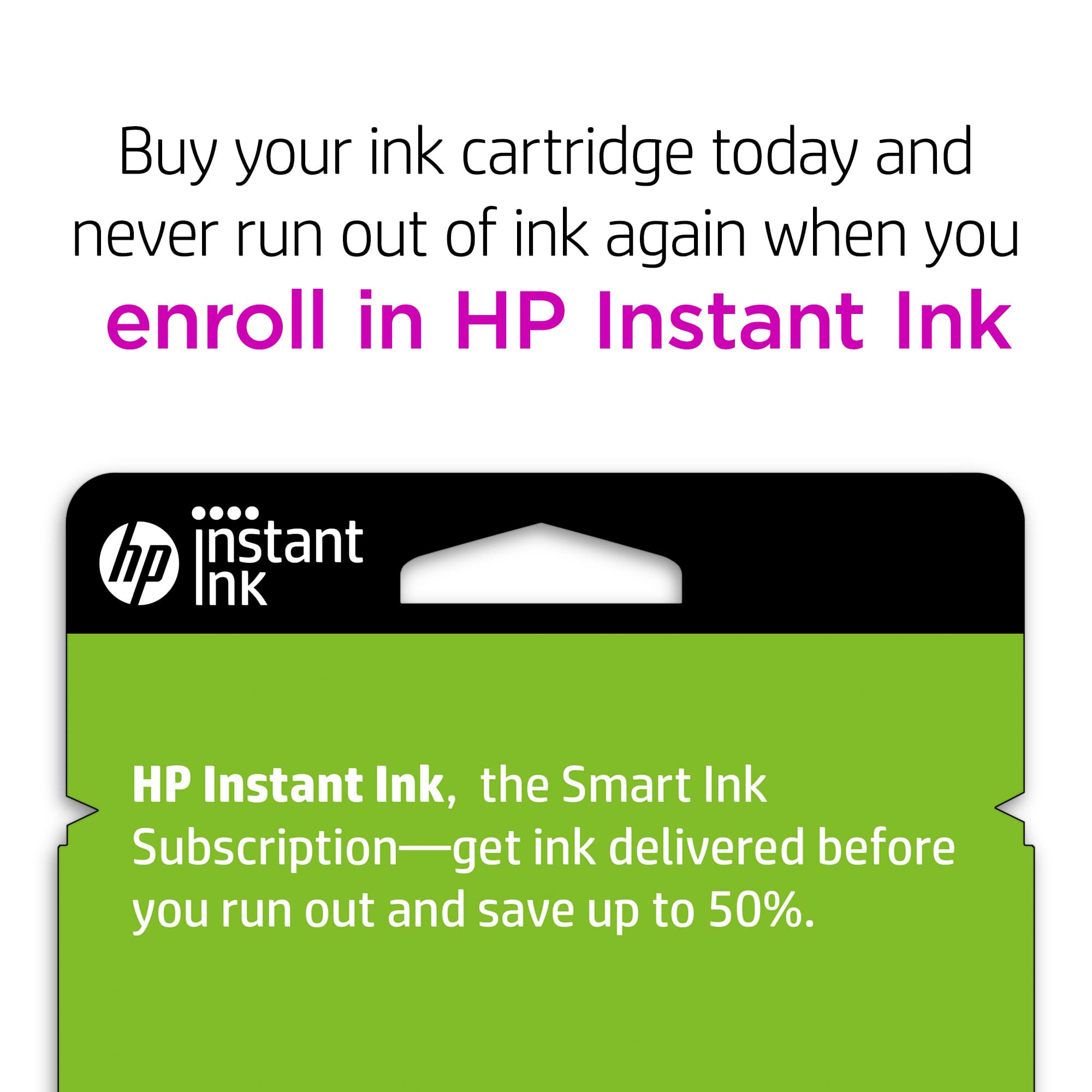
- Instant Ink might be worth trying. The subscription plans are based on how many pages you print. You can check out the details at: HPinstantink.com
When it seems that the low page yield was caused by a defective cartridge, it is always an option to contact the seller.
Mary
HP Care
hp.com/support
Printer cartridges do not last very long
||Posted .This reviewer received promo considerations or sweepstakes entry for writing a review.I don't get all that many pages out of one cartridge before it's saying I need a new one. Also, near the end of one cartridge it also started to think it wasn't an original HP product. Of course, not sure what other options we really have.
No, I would not recommend this to a friendOk
||Posted . Owned for 3 weeks when reviewed.This reviewer received promo considerations or sweepstakes entry for writing a review.Does it’s job. Expensive for one ink cartridge……..
I would recommend this to a friendSpotted printing
||Posted . Owned for 3 weeks when reviewed.This reviewer received promo considerations or sweepstakes entry for writing a review.I bought this ink and usually never have any issues but the printing was spotted some white spaces black and gray. I took it back the next day to return it but they said they couldn’t because it was opened. I took the copies for proof, but they still said no. Not even offered a replacement. I had to buy it again, but with a different retailer.
No, I would not recommend this to a frienddoes not last long
||Posted .This reviewer received promo considerations or sweepstakes entry for writing a review.i PURCHASE ONE BLACK INK EVERY 3 WEEKS THEY DO NOT LAST LONG. IT COULD BE THE PRINTER THAT IS NEW ONLY A YEAR OLD.i WOULD NOT RECOMEND THE hp 4500 TO ANYONE. I would think about spending more money on a better printer.
No, I would not recommend this to a friendAnother overpriced ink cartridge
||Posted .This reviewer received promo considerations or sweepstakes entry for writing a review.These cartridges should be under 5 dollars. There is just a whiff of ink in each one and they are way overpriced for the amount of printing that you can get out of one cartridge.
No, I would not recommend this to a friendRuns out in few prints.
||Posted .This reviewer received promo considerations or sweepstakes entry for writing a review.Runs out in few prints.Don't waste money on cartage. better to buy HP printer with print offer.no need to worry about for refills.
No, I would not recommend this to a friendBrand response from HP Team
Posted .Hi,
I am sorry that you had this experience. It was sure to be disappointing when the cartridge ran out so quickly.
Yes, Instant Ink is a good deal, especially for those who use a lot of ink since you pay by the page rather than for the cartridges themselves. Those who don't print too much might find that this type of cartridge is fine, or they might opt for the XL version with more ink capacity.
If the poor performance you experienced appears to be due to a defective cartridge, please check about returning it to the seller.
Mary Chris
HP Care
hp.com/support
myself
||Posted . Owned for 3 weeks when reviewed.This reviewer received promo considerations or sweepstakes entry for writing a review.notgoodprice that all have nothing to say poor setletion
No, I would not recommend this to a friendexpensive and doesnt last
||Posted .This reviewer received promo considerations or sweepstakes entry for writing a review.Ink cartridges are such a rip off! I dont understand why they are so expensive and this one does not last long at all. It works fine but so costly to print anything these days.
No, I would not recommend this to a friendBrand response from HP Team
Posted .Hi Lisa,
I'm sorry that the cartridges do not last very long for you.
You can use the draft and black only settings to save on ink. Turning the printer off between uses will also help a little. Just be sure to use the power button on the printer to turn it off. That protects the cartridges from excess drying of the tiny nozzles.
Mary
HP Care
hp.com/support
It will do
||Posted . Owned for 1 year when reviewed.This reviewer received promo considerations or sweepstakes entry for writing a review.ink doesnt last to long. either it drys or if your in school and have alot of papers to print runs out fast
I would recommend this to a friendBrand response from HP Team
Posted .Hello Stokes,
I empathize with your plight. The print matters as much as the pages. I can help you get more ink out of each cartridge. Print preview is your first line of defense, as you can catch errors there. There is also the black ink only option, which saves on the color cartridges. Picking thinner paper helps conserve the ink deposited on each page. Regular maintenance also extends the cartridges. I hope these suggestions help you in the future.
Amanda
HP Care
www.hp.com/support/
Overpriced and short use.
||Posted .This reviewer received promo considerations or sweepstakes entry for writing a review.Like the summary says this product costs too much at $20 plus. It does not last as long as you would expect and I always have to buy two for fear of running out of ink.
No, I would not recommend this to a friendBrand response from HP Team
Posted .Hi Tule,
I am sorry that you are not pleased with the price of the cartridges and how long they last. Let's see if I can help you make them last longer!
Provided the cartridge is not damaged or defective, the ink usage will determine how long it will last. High-density prints (such as photos) will require more ink, especially if the paper is highly absorbent and the environment is dry.
That said, I have a few tips that might help:
- You can use the printer's draft mode and black-only settings, whenever possible, to save ink.
- You might find the XL version to be a better value.
- Shutting the printer down between uses can also help; however, always use the power button on the printer itself to turn it off. That lets the printer ‘park’ itself so that the cartridges are protected from excessive drying.
- Instant Ink might be worth a try if your printer can use it. Many customers like our available plans. They're based on how many pages you print monthly and you can check the details at: HPinstantink.com
- If you suspect that the low page yield was caused by a defective cartridge, you are always free to contact the seller.
If none of those tips work, and if a defective genuine HP cartridge is not replaced by the seller (and is still within the warranty end dates on the cartridge) you can reach out to us for support: hp.com/contactHP
Mary
HP Care
hp.com/support
Runs Out Fast
||Posted .This reviewer received promo considerations or sweepstakes entry for writing a review.As usual HP, just continues to take advantage of the cartridge needing public. And there don't seem to be any alternatives. Sadly, they seem to have cornerd the market on theses machines. .
I would recommend this to a friendDoes NOT have any length of use....does not make e
||Posted .This reviewer received promo considerations or sweepstakes entry for writing a review.Does NOT give enough use. I need to constantly buy the black ink. It's a shame that the consumer has NO choice to get a better amount of ink!! The cost is too high for the small amount you get!!!
No, I would not recommend this to a friendNot bad
||Posted . Owned for less than 1 week when reviewed.This reviewer received promo considerations or sweepstakes entry for writing a review.I never got to use it. I bought the wrong size and they won't exchange it when i went back to get the right size.
I would recommend this to a friendBrand response from HP Team
Posted .Hi there,
I am sorry that you bought the wrong size and had difficulty returning it. Accidentally ordering the wrong size is a common phenomenon for printer users.
The link for returns is listed below. It has a return and exchange policy on the site. You may also start a return online.
https://www.hp.com/us-en/shop/cv/ReturnsandExchanges?id=page-return-exchange-policy/
If you have any more questions, do not hesitate to reach out to us. The HP contact site is here: https://support.hp.com/us-en/contact-hp
Don't forget to join the instant ink program; it automatically orders the right cartridge for you!
https://www.hp.com/us-en/shop/cv/instantink
-Amanda
HP Care
hp.com/support/
doesnt print many pages
||Posted .This reviewer received promo considerations or sweepstakes entry for writing a review.I bought this and printed about 20 pages and now it already says the cartridge is low ive never had this problem before ordering from here I guess that's why its so cheap next time ill pay more
I would recommend this to a friendneed a new printer not ink cartridge
||Posted .This reviewer received promo considerations or sweepstakes entry for writing a review.ink doesn't last long at all, i use the lowest settings and i don't know how it uses so much ink so fast
No, I would not recommend this to a friendBrand response from HP Team
Posted .Hi,
I think there are several variables affecting your printing. I am glad you adjusted the settings, although that is just one solution. Turning off the printer saves the cartridges from the outside air. Regular maintenance keeps them in shape. To get more pages, use thinner paper. Avoid photos, graphics, images, posters, and invites. Draft mode helps eliminated wasted copies, as each page is filled with valuable ink.
Amanda
HP Care
www.hp.com/support/
Bad quality ink cartridge
||Posted .This reviewer received promo considerations or sweepstakes entry for writing a review.I would not recommend this ink cartridge to anyone although it is very mainstream and a lot of people purchase it I feel as if I can't print out as many papers as I can with other ink cartridges
No, I would not recommend this to a friendOnly ink that works with my printer.
||Posted .This reviewer received promo considerations or sweepstakes entry for writing a review.Only ink that hp lets you use for it's printers. It's cheaper than it used to be, but i'd like to be able to buy refilled ink cartriges.
No, I would not recommend this to a friend- Pros mentioned:Ink quality
Did not get very many copies from this cartridge.
||Posted . Owned for 1 month when reviewed.This reviewer received promo considerations or sweepstakes entry for writing a review.Lasted less than 1 month with very little use. I have had cartridges that lasted for months.
No, I would not recommend this to a friendBrand response from HP Team
Posted .Hi,
I am very sorry if you are disappointed that the cartridge ran quickly. It does seem like it should have lasted longer.
If it appears that poor performance is due to a defect or you got a cartridge that was already low on ink, please contact the seller.
According to the Best Buy website: "If you receive a product that is damaged in shipping, defective or that is not the product you ordered, please return it during your return and exchange time period to Best Buy and we'll arrange for a replacement. If you would rather return the item by mail during your return and exchange time period, please call us for special instructions at 1-888-BEST BUY (1-888-237-8289)."
Mary
HP Care
hp.com/support
HP61BLACK
||Posted .This reviewer received promo considerations or sweepstakes entry for writing a review.Best Buy store out-of-stock on combined color and black print cartridges. Forced to buy separate cartridges at a higher price.
No, I would not recommend this to a friendBrand response from HP Team
Posted .Hi,
My apologies for this happening to you. I can understand if you are disappointed when the cartridges were out-of-stock at the Best Buy.
I regret the inconvenience. It appears that demand has increased because of the pandemic and that it is outstripping supply right now. There are shortages in some areas, but we expect that to clear up soon
Mary
HP Care
hp.com/support