Customer Ratings & Reviews

- Model:
- CH561WN#140
- SKU:
- 11006250
Rating by feature
- Value
Rating 4.3 out of 5 stars
- Quality
Rating 4.7 out of 5 stars
- Ease of Use
Rating 4.8 out of 5 stars
Customers are saying
Customers love the excellent ink quality, affordable price, and reliable overall performance of the product. They also appreciate its ease of use, good compatibility, and convenient availability. While a few customers noted a limited page yield, this concern was rarely mentioned.
This summary was generated by AI based on customer reviews.
doesn't last long
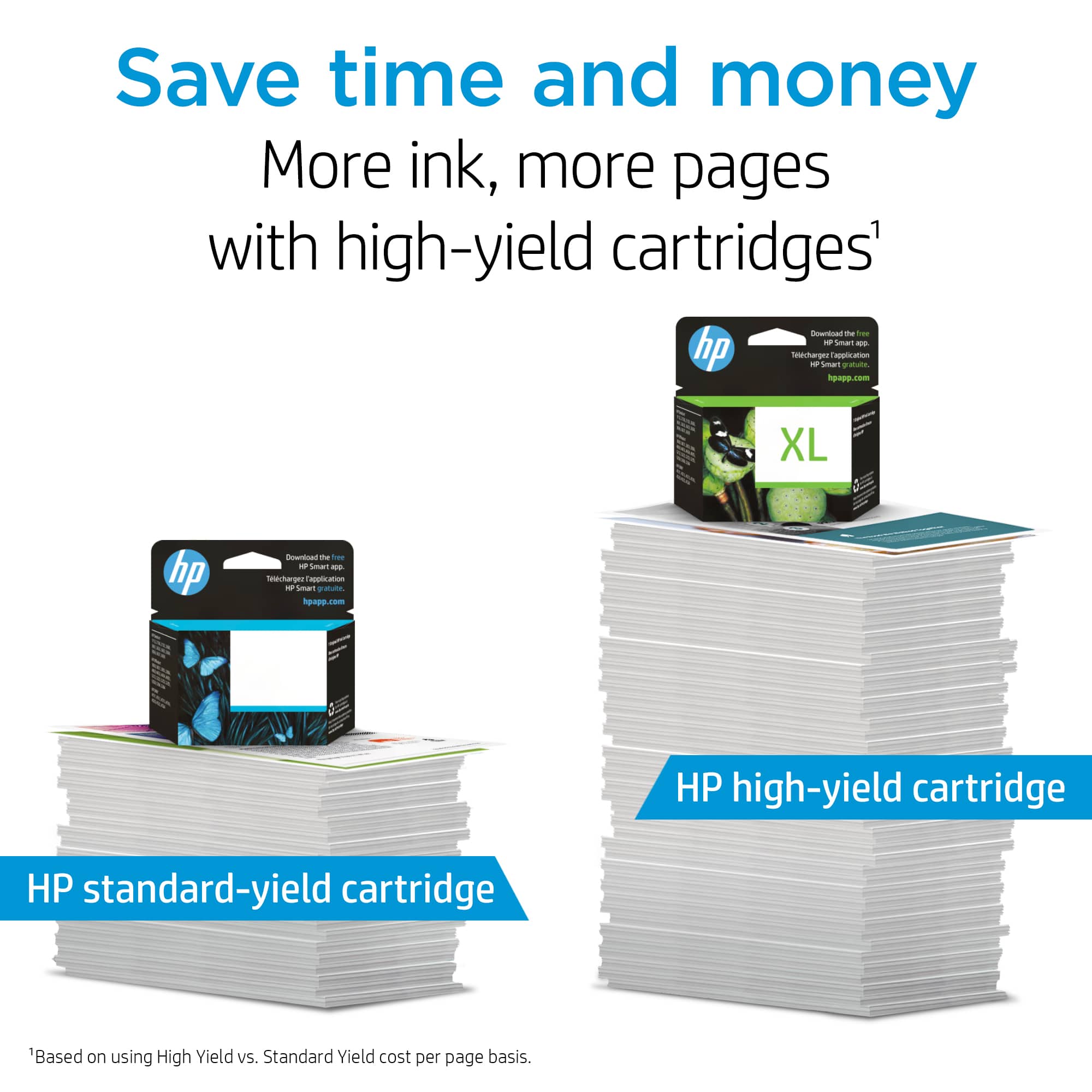
||Posted .This reviewer received promo considerations or sweepstakes entry for writing a review.Why does my little HP Deskjet 2544 printer (that costs less than $50) drink so much ink? This ink doesn't last long so I guess I'll spend more than $50 on a color and black combo XL high output cartridge HP ink is expensive and doesn't last long.
No, I would not recommend this to a friendI print a lot of farms out this is the ink I go to
||Posted .This reviewer received promo considerations or sweepstakes entry for writing a review.The ink is very useful my HP 61 printer I don't use as much this is my preferred brand
I would recommend this to a friendrunny ink
||Posted .This reviewer received promo considerations or sweepstakes entry for writing a review.takes a bit to dry on the paper after it is printed. I went to highlight something on one of my homework assignments few min after it was printed and it all smeared and ruined my homework
No, I would not recommend this to a friendNOT MUCH INK FOR THE MONEY
||Posted .This reviewer received promo considerations or sweepstakes entry for writing a review.dont buy a printer from HP. they sell cheap printers that use alot of ink and the ink is expensive, If you buy the generic ink they sometimes fail in the printer....gee i wonder why??
No, I would not recommend this to a friendHP Ink
||Posted .This reviewer received promo considerations or sweepstakes entry for writing a review.Purchased this HP Ink for a friend's printer. Christine helped me in this purchase.
I would recommend this to a friendToo expensive for yield of pages
||Posted .This reviewer received promo considerations or sweepstakes entry for writing a review.Why can't HP or any other company produce a cartridge that will last for more than a month or two. I'm lucky to get 50 to 100 pages to print out of one cartridge.
No, I would not recommend this to a friend- Pros mentioned:Compatibility
Great ink cartride for my needs.
||Posted .This reviewer received promo considerations or sweepstakes entry for writing a review.Employee was quite helpful in determining which ink cartridge to buy for my printing needs. It is working great for my HP printer.
I would recommend this to a friend Doesn’t Last Long
||Posted . Owned for 5 months when reviewed.This reviewer received promo considerations or sweepstakes entry for writing a review.The ink did not last very long at all. We don’t print that much and the ink was gone within a month.
No, I would not recommend this to a friendBrand response from HP Team
Posted .Hello there,
I am sorry that you had this experience. It was sure to be disappointing.
It is possible that you're having a problem because of the maintenance routine run by the printer. A few drops of ink here and there are used to keep the inkjets cleared and ready for your next print job. Those drops can add up if you don't print too often.
It is a good idea to shut the printer down between uses. However, it is very important to always use the power button on the printer itself to turn it off. That gives it time to ‘park’ so that the printhead is protected from excessive drying which leads to clogging of the inkjets. When the tiny nozzles on the inkjets clog the ink can't get through onto the paper.
If it appears that the poor performance is due to a defect or that you got a cartridge that was already low on ink, you can contact the seller about that.
Mary
HP Care
hp.com/support
Excellent product
||Posted .This reviewer received promo considerations or sweepstakes entry for writing a review.Easy to find with some help. Knowledgeable staff. Great location and parking.
I would recommend this to a frienddoes not last
||Posted .This reviewer received promo considerations or sweepstakes entry for writing a review.I had HP print service and the cartridge lasted a for a year or more. Now I am replacing them every 5 months. I am printing the same amount.
No, I would not recommend this to a friend- Pros mentioned:Ink quality
Exactly what I needed for your printer
||Posted .This reviewer received promo considerations or sweepstakes entry for writing a review.What can I say, it is a printer ink cartridge but Best Buy had the best price on this product in my area.
I would recommend this to a friend Fair Quality Prints/ Overpriced Product
||Posted .This reviewer received promo considerations or sweepstakes entry for writing a review.The inks that work with the Deskjet line of printers are very expensive and not worth it if you take in to consideration the overall quality of prints that they produce.
No, I would not recommend this to a friend- Cons mentioned:Page yield
Stopped Printing after 30 pages.
||Posted . Owned for less than 1 week when reviewed.This reviewer received promo considerations or sweepstakes entry for writing a review.This cartridge is supposed to print up to 190 pages. It stopped printing after 30 pages.
No, I would not recommend this to a friendBrand response from HP Team
Posted .Hi,
I'm sorry that you were disappointed with how many pages the cartridge produced. Estimates of pages printed are based on industry standards. How the cartridge will perform in real life situations can vary a lot.
Here are a few facts about ink usage that might help you get more printouts without too much extra effort:
- A high-density print (like an image or graph) will use the ink more quickly than a text-only document, especially if the paper is highly absorbent and the environment is dry. If you print a lot of photos and such, you will find that Instant Ink is likely to be a good option for you, since you pay by the page, not for cartridges. Details at: instantink.com
- A lot of black is used in most printouts, so it usually runs out faster. However, using the draft and black only settings on your printer can help save on ink, particularly the colors.
- Shutting the printer down between uses can result in some savings. However, always use the power button on the printer itself to turn it off. That will let the printer to 'park' so that the nozzles that spray the ink onto the paper are protected from excess drying.
If you suspect there was something wrong with a cartridge which caused poor performance, you are always free to contact the seller about that.
Mary
HP Care
hp.com/support
HP printer ink blak
||Posted . Owned for 1 year when reviewed.This reviewer received promo considerations or sweepstakes entry for writing a review.HP black ink refill cartridge. For the price its probably cheaper to buy a new printer
I would recommend this to a friendOverpriced
||Posted . Owned for 1 month when reviewed.This reviewer received promo considerations or sweepstakes entry for writing a review.I hate buying this ink. Doesn’t last long if you print regularly and if you don’t print often enough it drys out.
No, I would not recommend this to a friendHP ink cartridge 61
||Posted .This reviewer received promo considerations or sweepstakes entry for writing a review.The ink run out so fast even i don't print out much. I was thinking to buy Brother laser printer. That will last the ink longer to buy a new cartridge all the time.
No, I would not recommend this to a friendPrinter ink
||Posted . Owned for 10 months when reviewed.This reviewer received promo considerations or sweepstakes entry for writing a review.This product is over priced. This ink cartridge dries up and stops working too easily.
No, I would not recommend this to a friendBrand response from HP Team
Posted .Hello,
I’m sorry to know that your cartridge’s performance was not as much as you had expected. Please, let me help you to understand what happened exactly and also how to improve the number of pages available to print.
Please, considers these tips to improve the yield of your cartridge:
- High density prints (such as photos, for example) usually use more ink than low-density prints (such as text, for example), especially if the type of paper absorbs more or if the environment is particularly dry.
- Using the “draft mode” option when printing can help save ink.
- Turn off the printer at intervals when it is not being used, it helps prevent the cartridges from drying out.
-You could consider accessing the Instant Ink service, which sends you new cartridges when you need them, with flexible monthly plans for your needs. You can find our official Instant Ink site by searching the web using the keywords “HP Instant Ink.”
Also, please remember that you can always contact us. We will be more than happy to help you. You can reach us at: support.hp.com/us-en/contact-hp
Agata
HP Care
hp.com/support
Short life
||Posted .This reviewer received promo considerations or sweepstakes entry for writing a review.The Cartridge doesn't last very long. The cartridge either dries up quick or doesn't print too many pages.
No, I would not recommend this to a friendBrand response from HP Team
Posted .Hi,
I am sorry to find that you had this problem, but I might have some advice to help.
It is likely that the cartridge got clogged and is not letting the ink through the tiny inkjets. When there are clogs the cleaning routine from the printer's menu might need to be run more than once to clean out the clogs completely.
If you only print occasionally, it is a good idea to shut the printer down between uses. It is important to always use the printer's power button to turn it off. That gives it time to ‘park’ so that the cartridge is protected from excessive drying which leads to clogging
The seller is responsible for the quality of what is sent. Contact the seller when a cartridge is not satisfactory.
Mary
HP Care
hp.com/support
ink for a printer
||Posted . Owned for 2 weeks when reviewed.This reviewer received promo considerations or sweepstakes entry for writing a review.I don't make many copies and I don't print a lot of documents ,I find the ink dries out quickly.
No, I would not recommend this to a friendBrand response from HP Team
Posted .Hi there,
I regret that you have had this experience. Ink usage usually determines how long each individual cartridge lasts. High-density prints (like images and graphs) will use more ink, especially if the paper is highly absorbent and the surrounding air is dry.
Here are some things that might help lower your ink usage:
- Consider using XL cartridges. Most say they are a better value
- Set the printer to draft mode whenever possible
- Shut the printer down between uses
- Always use the power button on the printer itself to turn it off. That gives it time to ‘park’ so that the cartridges are protected from excessive drying
- Subscribe to Instant Ink, then you only pay by the page and not for the cartridges themselves
The seller is responsible for the product you bought from them. If the poor performance appears to be due to the individual cartridge itself, consider contacting the seller.
Mary
HP Care
hp.com/support
Ink for printer
||Posted .This reviewer received promo considerations or sweepstakes entry for writing a review.This ink is great. Very reasonable. I love my HP wireless printer.
I would recommend this to a friend