Customer Ratings & Reviews
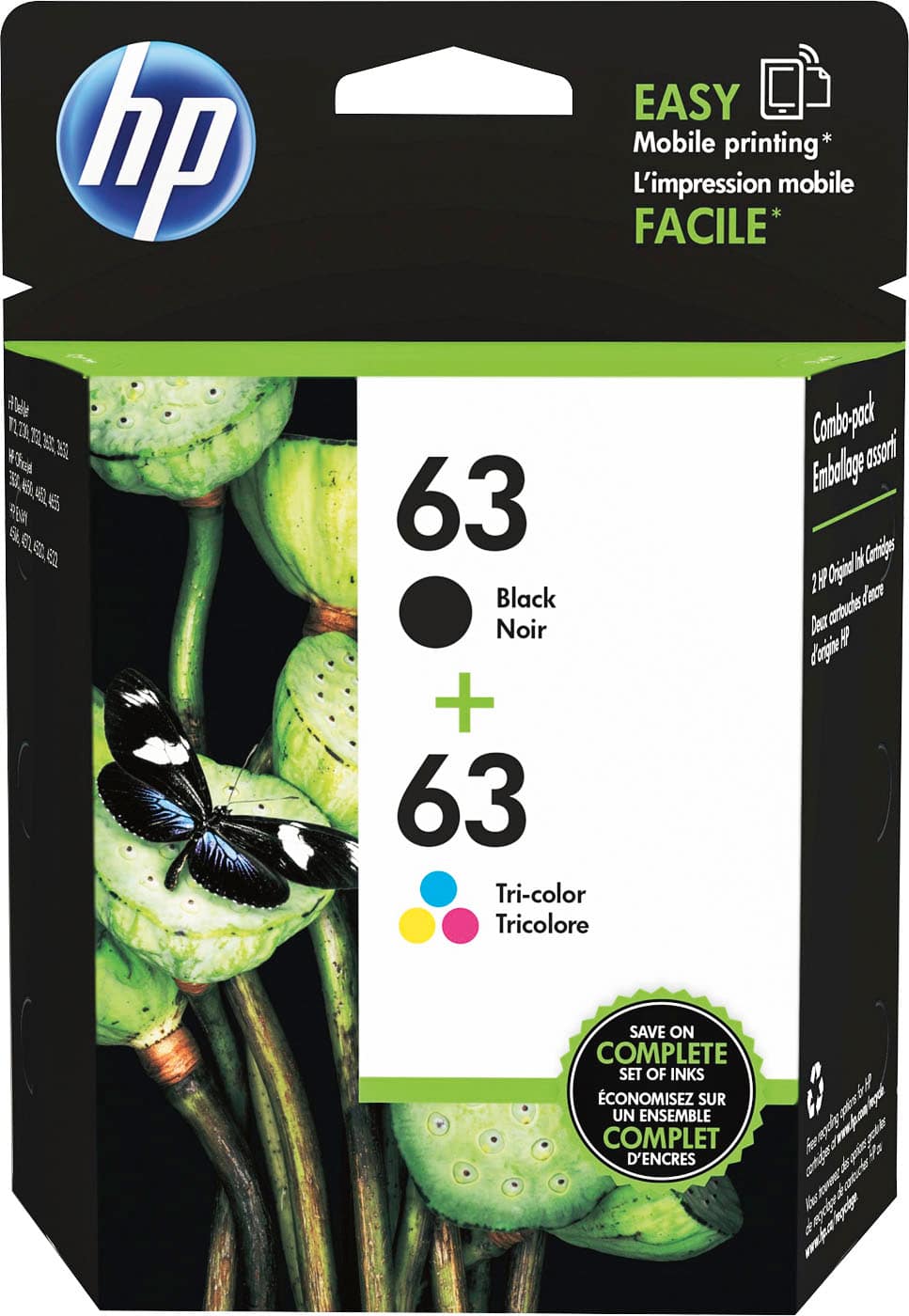
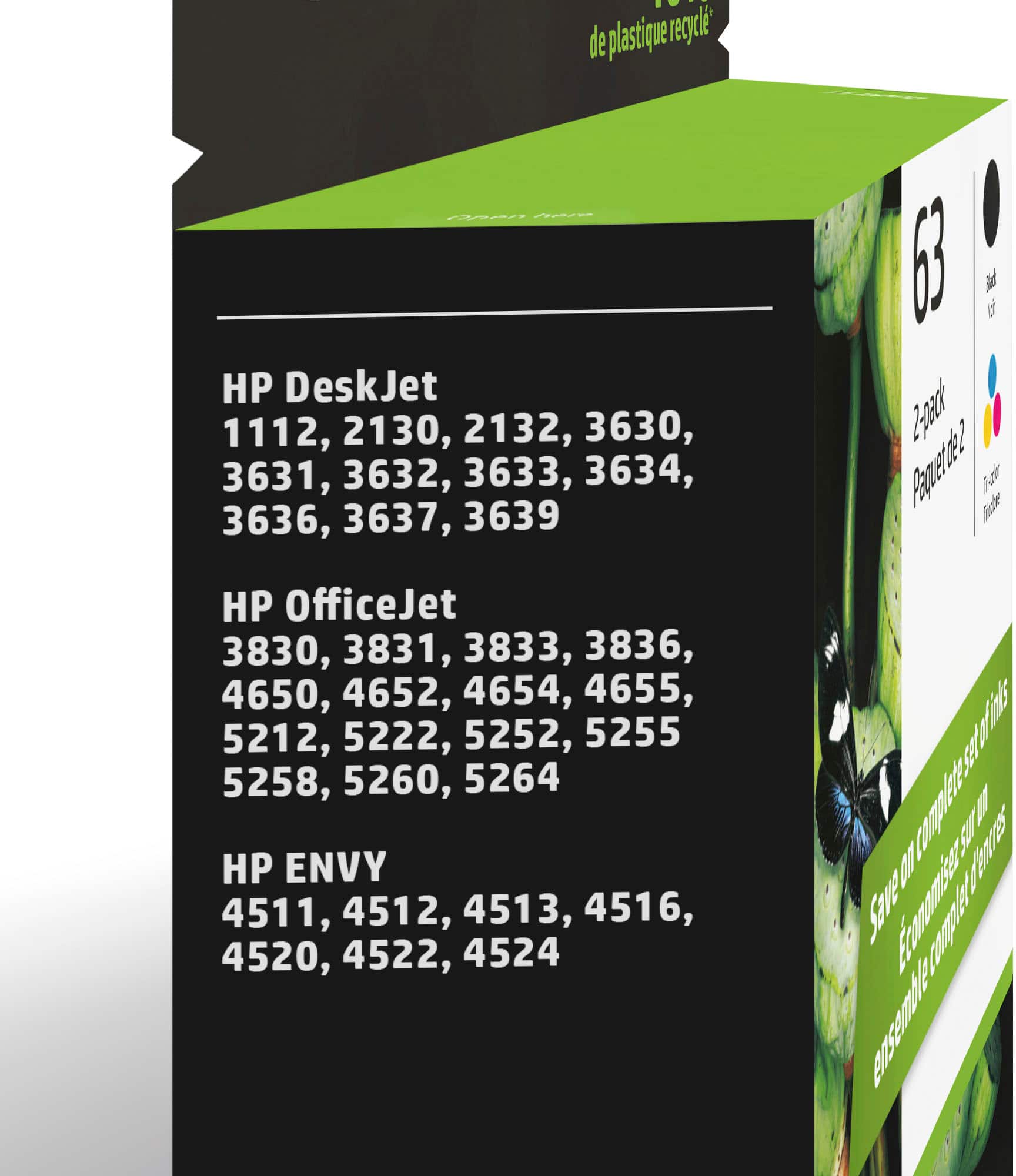
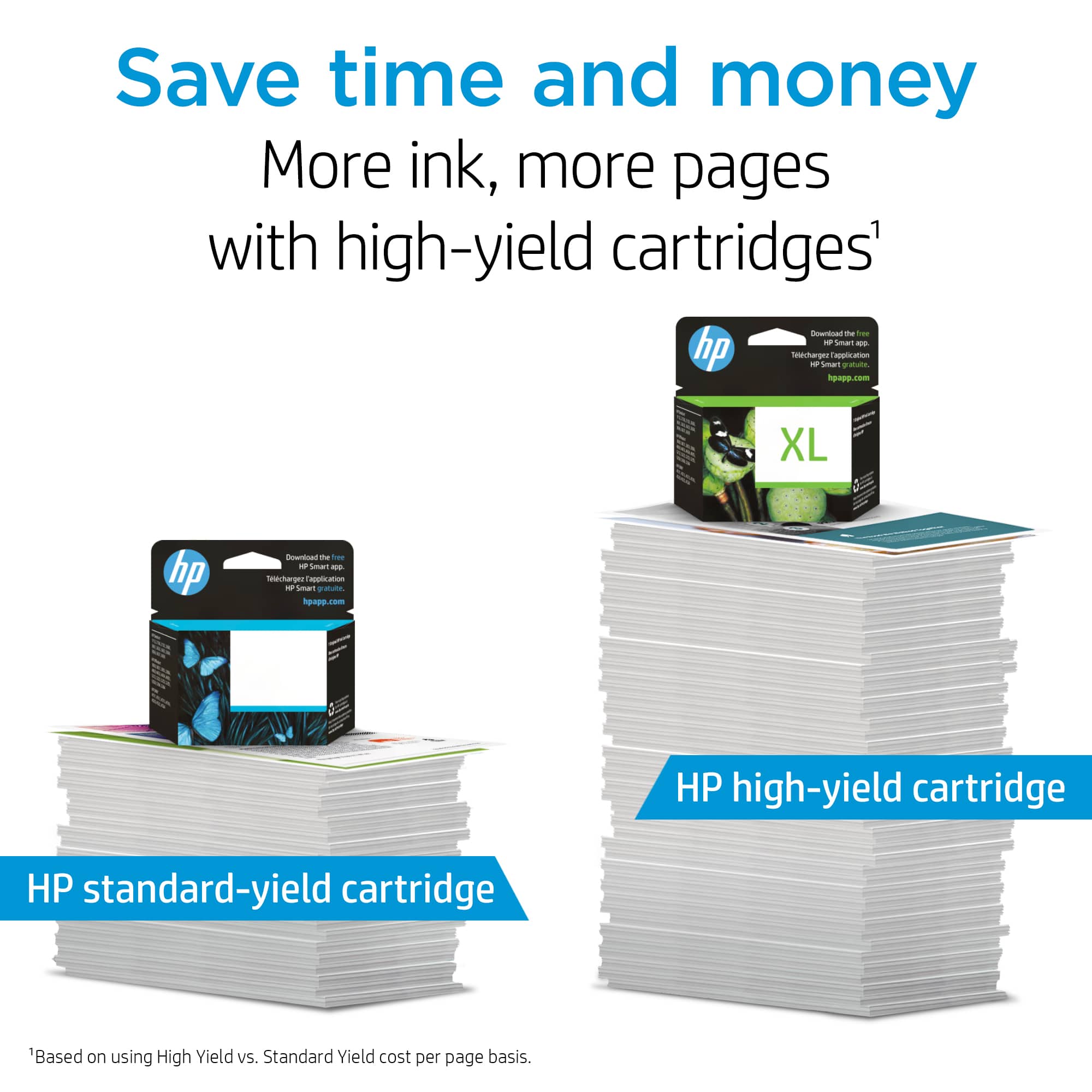


- Model:
- L0R46AN#140
- SKU:
- 4371000
Rating by feature
- Value
Rating 4.3 out of 5 stars
- Quality
Rating 4.7 out of 5 stars
- Ease of Use
Rating 4.8 out of 5 stars
Customers are saying
Customers are delighted by the excellent ink quality and great value for money. They also appreciate the product's ease of use, straightforward installation, and good compatibility with their devices. Its availability is another positive aspect.
This summary was generated by AI based on customer reviews.
replacement for HP printers
||Posted .This reviewer received promo considerations or sweepstakes entry for writing a review.Always have used these from best buy and have never had any printing issues with my HP printers
I would recommend this to a friendEasy to find ink
||Posted .This reviewer received promo considerations or sweepstakes entry for writing a review.Whenever I go to Bestbuy, I can always find the ink I need for my printer. Easy ti install
I would recommend this to a friend- Pros mentioned:Ink quality
OK ink
||Posted .This reviewer received promo considerations or sweepstakes entry for writing a review.I like the ink. the colors and quality are great the problem is it cost more than my printer that I am putting it in cost
I would recommend this to a friend it just worked
||Posted .This reviewer received promo considerations or sweepstakes entry for writing a review.it is ink. we put it in the printer and the images were good. what else could you want?
I would recommend this to a friendgood ink. short life spand
||Posted . Owned for 1 month when reviewed.This reviewer received promo considerations or sweepstakes entry for writing a review.Good ink but dosen't last long enough and price keeps increasing
I would recommend this to a friendgreat ink cartridge
||Posted .This reviewer received promo considerations or sweepstakes entry for writing a review.The cartridge to find. Sometimes I have to somewhere other than best and I hate that.
I would recommend this to a friendNot for me
||Posted . Owned for 8 months when reviewed.This reviewer received promo considerations or sweepstakes entry for writing a review.This didn’t last long :( I don’t use my printer often
No, I would not recommend this to a friendInk dries too quickly
||Posted . Owned for 1.5 years when reviewed.This reviewer received promo considerations or sweepstakes entry for writing a review.Not very happy with this product as the ink dried too quickly and doesn’t print right now even though there’s plenty of ink left.
No, I would not recommend this to a friendBrand response from HP Team
Posted .Hi Isaac,
I was unhappy to find you are having this problem. I understand if you are upset by this.
It is likely that the cartridge just needs to be cleaned. There is an option on the printer's menu to do the cleaning which clears the tiny inkjets that spray the ink onto the paper. The routine might need to be run more than once to clean out the clogs completely.
If you only print occasionally, it is a good idea to shut the printer down between uses. However, it is important to always use the power button on the printer itself to turn it off. That gives it time to ‘park’ so that the cartridge is protected from excessive drying which leads to clogging
The seller is responsible for the quality of what is sent. Contact the seller when a cartridge is not satisfactory. You can return it or exchange it either to the store or by mail.
According to the Best Buy website: "If you receive a product that is damaged in shipping, defective or that is not the product you ordered, please return it during your return and exchange time period to Best Buy and we'll arrange for a replacement. If you would rather return the item by mail during your return and exchange time period, please call us for special instructions at 1-888-BEST BUY (1-888-237-8289)."
Mary
HP Care
hp.com/support
- Pros mentioned:Ink quality
Ink for HP ENVY 4520
||Posted . Owned for 3 weeks when reviewed.This reviewer received promo considerations or sweepstakes entry for writing a review.The ink I bought works good and seems to last along time.
I would recommend this to a friend One of my cartridges didn't work.
||Posted . Owned for 1 month when reviewed.This reviewer received promo considerations or sweepstakes entry for writing a review.I didn't expect for one of the cartridges not to work so I went and bought another one from a different store. I am not happy at all.
No, I would not recommend this to a friendINK NO GOOD
||Posted . Owned for 1 month when reviewed.This reviewer received promo considerations or sweepstakes entry for writing a review.Ink was cloged dryed up some.I only could print out up to 5 Priints and no more.
No, I would not recommend this to a friendInk is too expensive
||Posted .This reviewer received promo considerations or sweepstakes entry for writing a review.Ink is too expensive in general and this is no different. It seems like I'm always blowing through the color ink even though I mostly print black and white documents.
No, I would not recommend this to a friendGiven as a gift
||Posted .This reviewer received promo considerations or sweepstakes entry for writing a review.Given as a gift for the hp printer that was bought along with the computer. And I was surprised at how cheaper it was compared to other cartridges I have bought.
I would recommend this to a friendGreat for home printer
||Posted .This reviewer received promo considerations or sweepstakes entry for writing a review.Great for home use. I do wish the ink lasted longer. Overall I'm satisfied
I would recommend this to a friendUnhappy in Langhorne
||Posted . Owned for 3 weeks when reviewed.This reviewer received promo considerations or sweepstakes entry for writing a review.I purchased this because delivery date was necessary. Date kept getting changed. Received this after I originally needed it
I would recommend this to a friendInk go
||Posted .This reviewer received promo considerations or sweepstakes entry for writing a review.Ink Didn’t last long at all color was not as expected disappointed
I would recommend this to a friendBrand response from HP Team
Posted .Hi there Nicandro,
I see the color cartridges were a disappointment. I'm very sorry to hear that. We respect and appreciate your feedback. To improve your experience, consider a few small changes. Print preview helps eliminate extra copies. Limiting the ink deposits on the paper saves ink. You also can print in black ink to save on other ink types.
Amanda
HP Care
www.hp.com/support/
Great Ink!
||Posted .This reviewer received promo considerations or sweepstakes entry for writing a review.I Love when you can get all the Different color Package All in One!
I would recommend this to a friendIt’s ink. It prints color on paper
||Posted .This reviewer received promo considerations or sweepstakes entry for writing a review.It’s ink. It’s all over priced. And dries out before you use it all
I would recommend this to a friendGet inked
||Posted .This reviewer received promo considerations or sweepstakes entry for writing a review.This ink is good, just don’t think it lasts as long as it should.
I would recommend this to a friendWorks for me!!
||Posted .This reviewer received promo considerations or sweepstakes entry for writing a review.Works great! Great tint! Never fails me with homework assignments
I would recommend this to a friend