Customer Ratings & Reviews
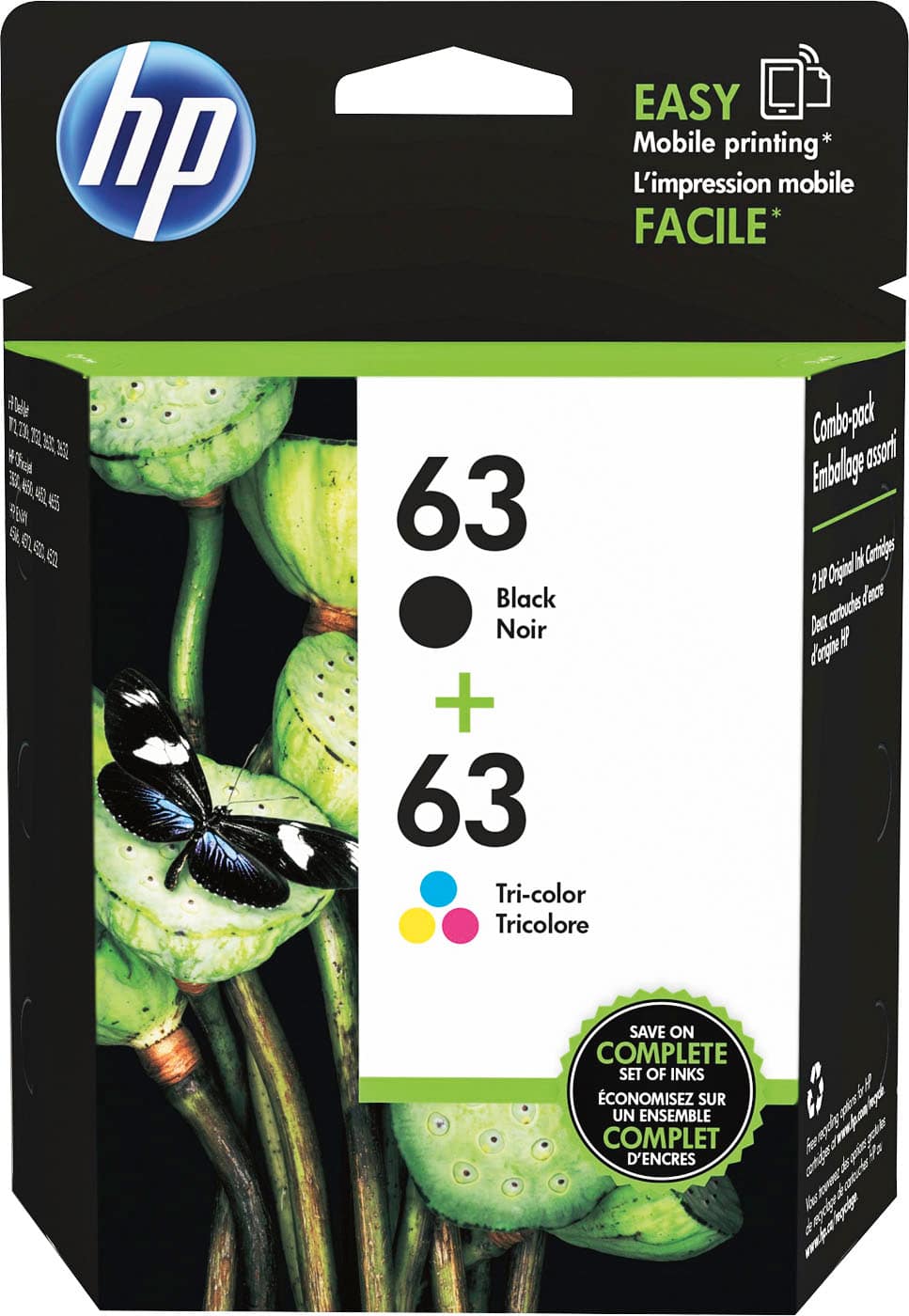
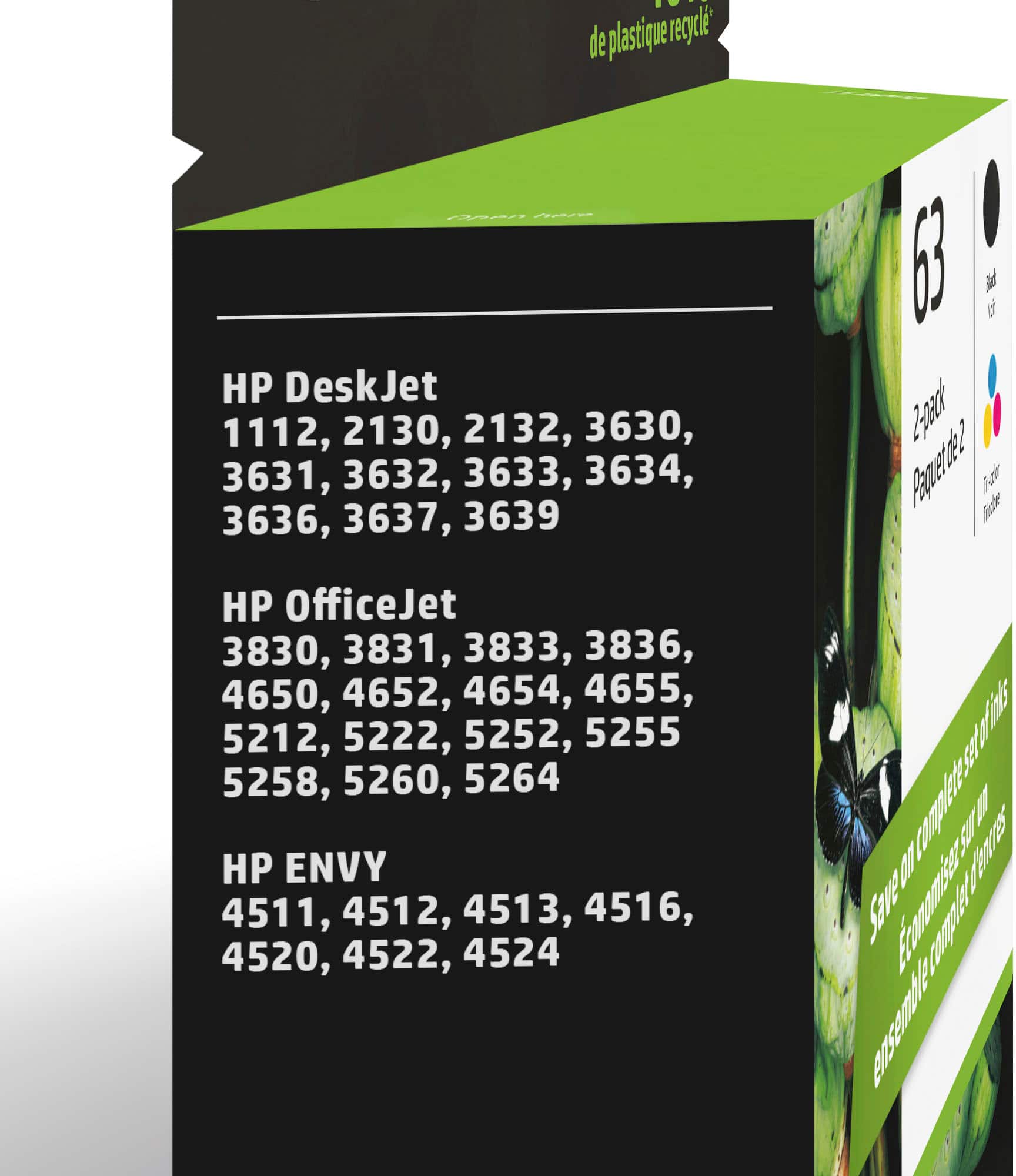


- Model:
- L0R46AN#140
- SKU:
- 4371000
Rating by feature
- Value
Rating 4.3 out of 5 stars
- Quality
Rating 4.7 out of 5 stars
- Ease of Use
Rating 4.8 out of 5 stars
Customers are saying
Customers are delighted by the excellent ink quality and great value for money. They also appreciate the product's ease of use, straightforward installation, and good compatibility with their devices. Its availability is another positive aspect.
This summary was generated by AI based on customer reviews.
HP INK
||Posted . Owned for 3 weeks when reviewed.This reviewer received promo considerations or sweepstakes entry for writing a review.INSTALLED THE BLACK CARTRIDGE AND THE COPIER WOULD NOT RECOGNIZE IT. IM WAS TOLD I HAD TO CALL HP BUT THE STORE COULD NOT PROVIDE ME WITH A NUMBER. POOR CUSTOMER SERVICE
No, I would not recommend this to a friend- Pros mentioned:Ink quality
Satisfied Customer Sale: A 5 Star Rating
Posted .This reviewer received promo considerations or sweepstakes entry for writing a review.Purchased branded printer ink for my HP printer, so the quality and use in my printer have not given me any issues. Bought the ink cartridge at Best Buy thru their website. The product was in stock at the Best Buy store near me, and I was notified that my purchase was ready to be picked up in less than 5 minutes of placing the order. I'm very satisfied with this purchase process and HP product from Best Buy.
I would recommend this to a friend Does not last long
||Posted .This reviewer received promo considerations or sweepstakes entry for writing a review.Cheap printers are OK. But the printer cartridges are expensive and do not last long.
No, I would not recommend this to a friendGets dry too fast
||Posted . Owned for 6 months when reviewed.This reviewer received promo considerations or sweepstakes entry for writing a review.These cartridges get dry very fast, having to throw them out.
No, I would not recommend this to a friendink
||Posted .This reviewer received promo considerations or sweepstakes entry for writing a review.Expensive ink for what you get. It seems to run out pretty quick.
No, I would not recommend this to a friendComplete waste of money!!!!
||Posted . Owned for 3 weeks when reviewed.This reviewer received promo considerations or sweepstakes entry for writing a review.Zero....colored ink wouldn't work at all!!!!! Best Buy wouldn't help at all complete waste!!!!! Don't buy ever!!!!!
No, I would not recommend this to a friendvery little ink
||Posted .This reviewer received promo considerations or sweepstakes entry for writing a review.This really is more of a review of the HP printer. Ink cartridges are very expensive and hold VERY little ink. No knock against Best Buy but after this cartridge ran out after not much printing at all I switched to an epson with refillable ink tanks, much cheaper and not always running out of ink when you need it most
No, I would not recommend this to a friendfaulty color cartridge
||Posted .This reviewer received promo considerations or sweepstakes entry for writing a review.faulty color cartridge, printer wouldn't accept the cartridge, black was ok
No, I would not recommend this to a friendOk I guess
||Posted .This reviewer received promo considerations or sweepstakes entry for writing a review.The ink seems to get used up way to fast only real complaint I have
No, I would not recommend this to a friendBrand response from HP Team
Posted .Hello Adam,
I am very sorry that the cartridges seem to be used up too fast. Let's see if I can help you with that!
Provided that the cartridge is not damaged or defective, the ink usage will determine how long it will last. High-density prints (such as photos and graphs) will require more ink, especially if the paper is highly absorbent and the environment is dry.
That said, I have a few tips that might help lower your ink usage:
- You can use the printer's draft mode and black-only settings, whenever possible, to save ink.
- Shutting the printer down between uses can also help; however, always use the power button on the printer itself to turn it off. That lets the printer ‘park’ so that the cartridges are protected from excessive drying.
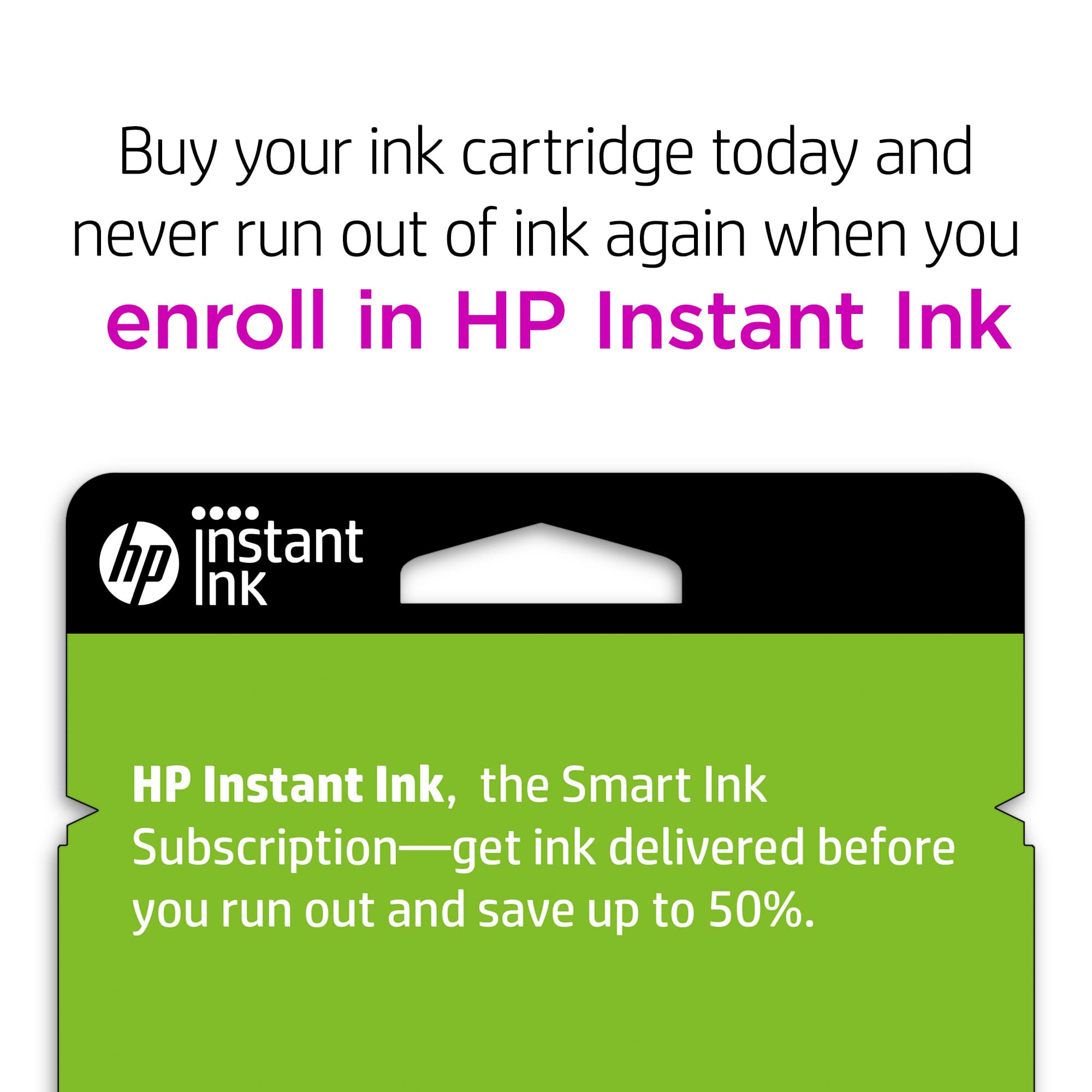
- Instant Ink might be worth a try. Many customers like our available plans. They're based on how many pages you print monthly, which can save you money. You can check out the details at: HPinstantink.com
When it seems that the low page yield was caused by a defective cartridge, you are always free to contact the seller for a replacement.
If none of those tips work, and if a defective genuine HP cartridge is not replaced by the seller (and is still within the warranty end dates on the cartridge) you can reach out to us for support: hp.com/contactHP
Mary
HP Care
hp.com/support
not happy
||Posted .This reviewer received promo considerations or sweepstakes entry for writing a review.I don't do a whole lot of printing, but it is constantly running out.
No, I would not recommend this to a friendBrand response from HP Team
Posted .Hi TS1234, sorry to hear you are experiencing an issue with your HP 63 2-pack Black/Tri-color Ink Cartridges. If you suspect you have received a non-original cartridge, please contact the seller. To resolve the issue, you can try cleaning the electrical contacts as shown in Step 3 http://hp.care/2qsfLG1. If this doesn’t resolve the error please contact the seller for a replacement. Otherwise, contact HP Support for a replacement http://hp.care/2nbNQFi Note most printers in this product range can operate in single cartridge mode (i.e.: remove the black and operate with just the tricolor cartridge)
Mystery
||Posted .This reviewer received promo considerations or sweepstakes entry for writing a review.The hp cartridge run out in very little use? Cannot understand , and I think I recently read that this hp product is deficient in use. In another instance when I purchased new sealed box my printer said it was not proper cartridge even tho it had appropriate label on sealed box. I had to return for exchange.
No, I would not recommend this to a friendDidn't last long emough
||Posted .This reviewer received promo considerations or sweepstakes entry for writing a review.Too expensive for the amount of usage. Colors should be replaced individually
No, I would not recommend this to a friendRidiculously overpriced!
||Posted . Owned for 3 weeks when reviewed.This reviewer received promo considerations or sweepstakes entry for writing a review.Way overpriced for the number of copies this refill produces. It’s easy to understand why Best Buy was giving these copiers away for free.
No, I would not recommend this to a friendOverall unhappy
||Posted .This reviewer received promo considerations or sweepstakes entry for writing a review.Overall unhappy. Ive never been impressived with HP’s cartridges. They either use too much ink or too little, no matter the settings. And don’t last long enough. In this case i Bought it for my sister and the cartridges are bad or defective. No Good.
No, I would not recommend this to a friendink cartridge
||Posted . Owned for less than 1 week when reviewed.This reviewer received promo considerations or sweepstakes entry for writing a review.I purchased this product on September 9, 2019 and had to repurchase on September 30, 2019. I did some printing but did not think I did that much that I had to replace in 21 days. Why so fast?????
No, I would not recommend this to a friendIt’s ok but over priced
||Posted .This reviewer received promo considerations or sweepstakes entry for writing a review.For the amount of print I get from this cartridge this shouldn’t cost more than $10. The cost to value is way off. It must also dry up of unused as new cartridges seem to only work a short period of time.
I would recommend this to a friendOK but expensive
||Posted .This reviewer received promo considerations or sweepstakes entry for writing a review.ok but expensive ink for printer necessity to use it
I would recommend this to a friendInk is Ink
||Posted .This reviewer received promo considerations or sweepstakes entry for writing a review.To me Ink is Ink and is only as good as the printer.
I would recommend this to a friendColor not great
||Posted .This reviewer received promo considerations or sweepstakes entry for writing a review.This doesn’t have a lot of ink and color is kind of dull
No, I would not recommend this to a friendBrand response from HP Team
Posted .Hi,
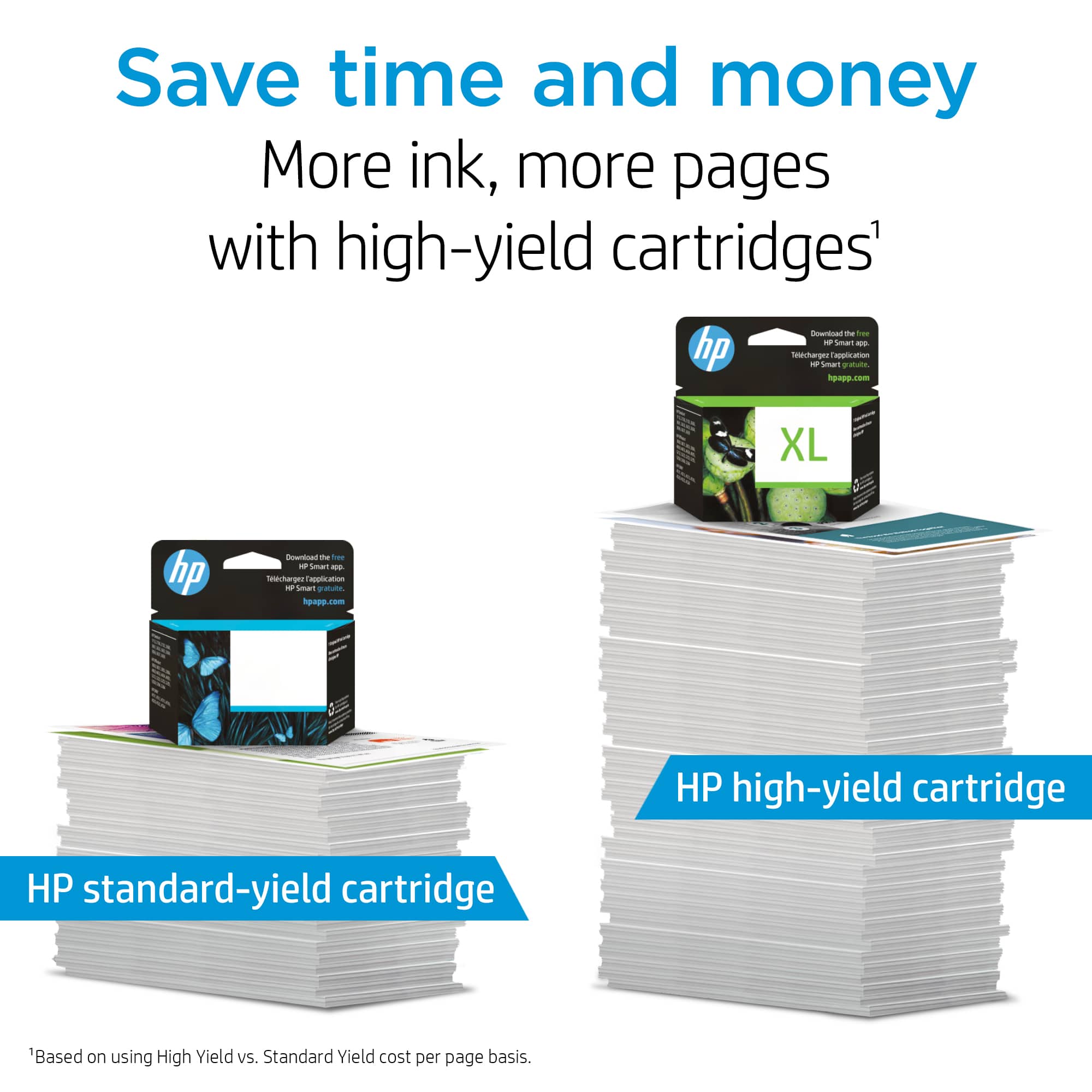
I'm sorry that the cartridges don't seem to have a lot of ink. You could try getting the XL size to see if they work better. Instant Ink is a popular option with many of our customers. You can check out the details at: HPInstantInk.com
As to the color, you can try adjusting the print settings to see if that helps.
If you suspect there was something wrong with the cartridge, you are always free to contact the seller for a replacement.
If a problem seems to be a genuine HP cartridge that is defective, that it is not replaced by the seller (and is still within the warranty end dates on the cartridge) you can reach out to us for support: hp.com/contactHP
Mary
HP Care
hp.com/support
cartridge ink
||Posted . Owned for 1 month when reviewed.This reviewer received promo considerations or sweepstakes entry for writing a review.item returnded not the ink for my printer. out of stock in store of cartridge for my HP printer
No, I would not recommend this to a friend