Customer Ratings & Reviews
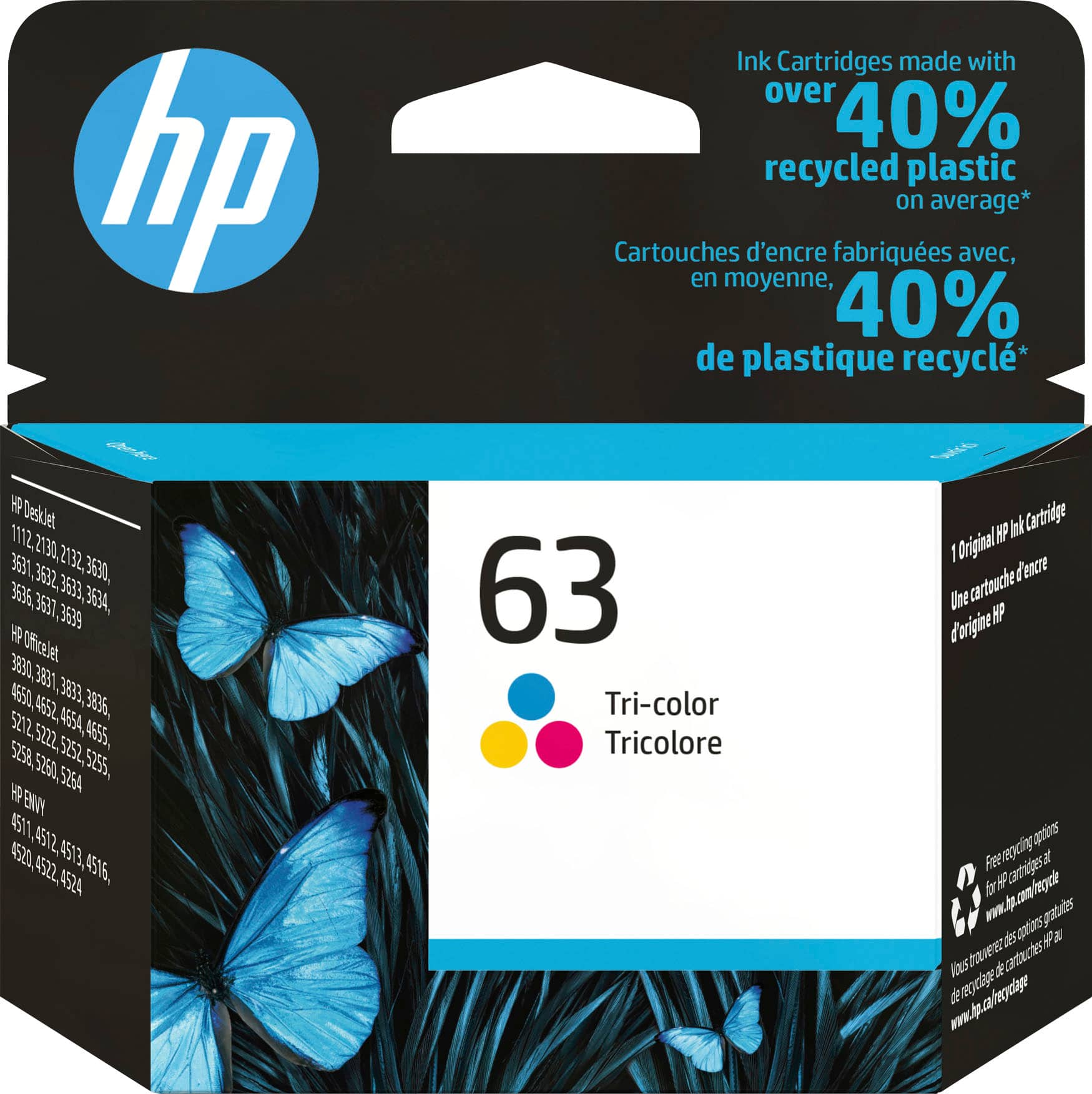
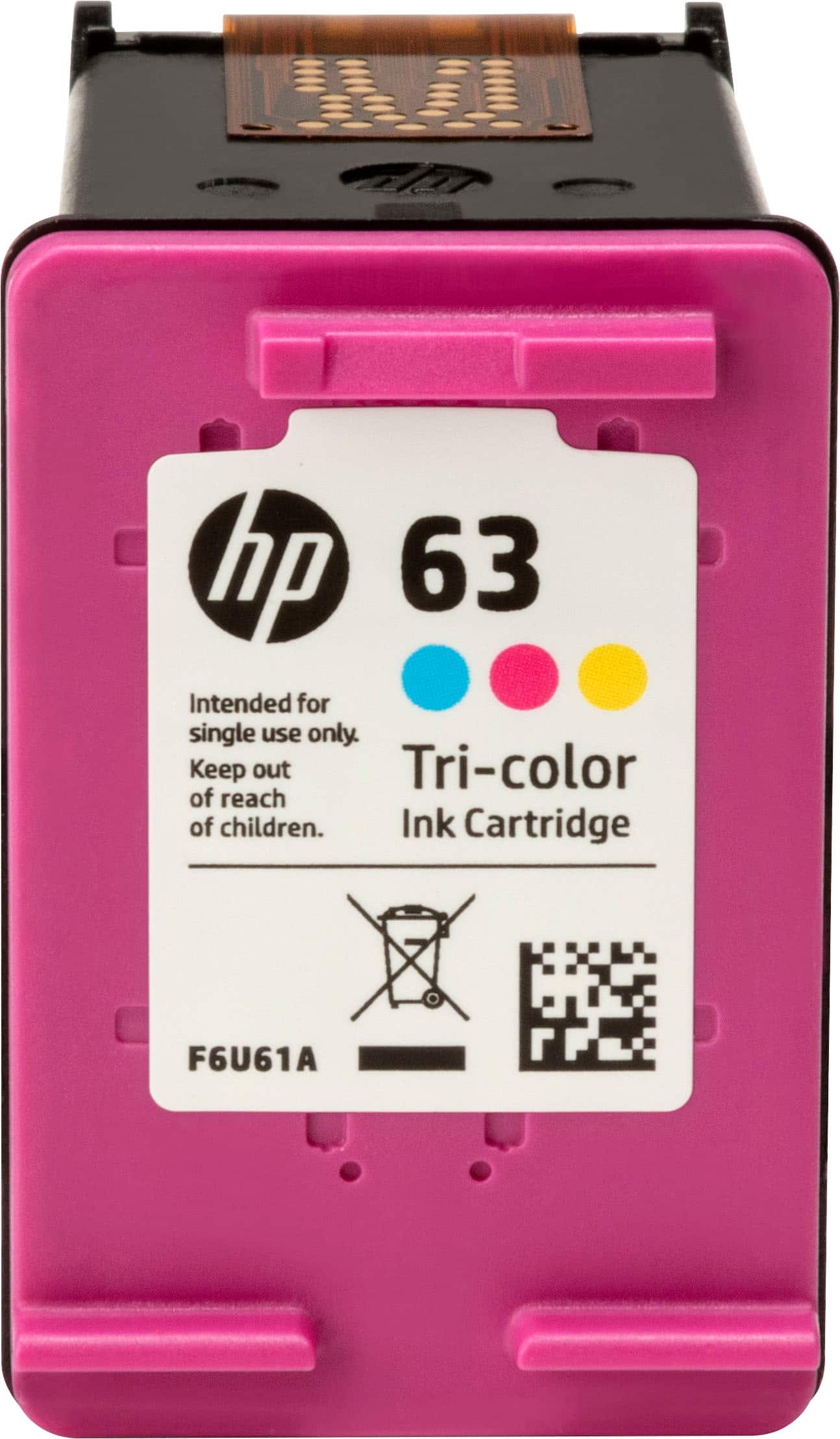
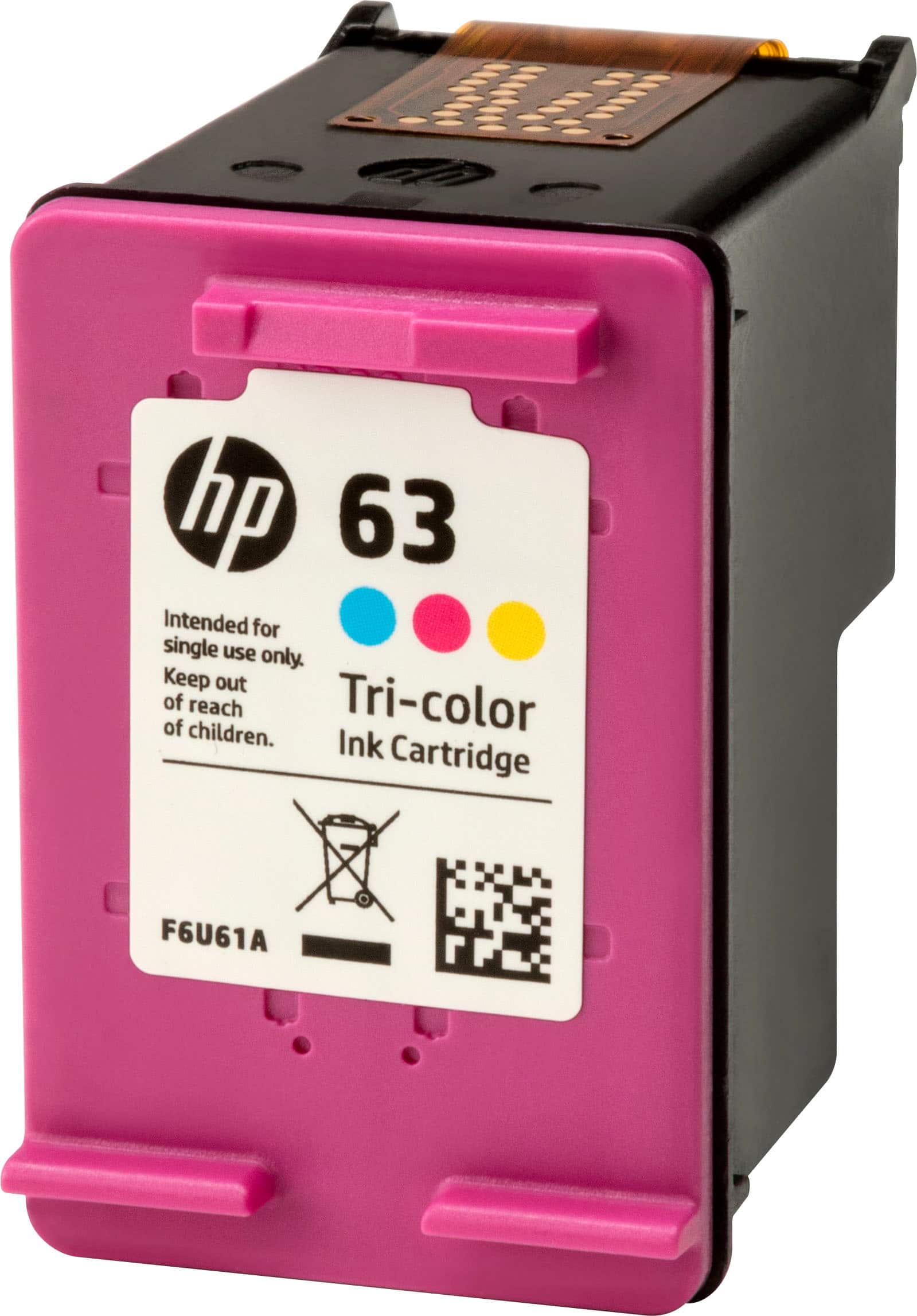


- Model:
- F6U61AN#140
- SKU:
- 4370908
Rating by feature
- Value
Rating 4.4 out of 5 stars
- Quality
Rating 4.8 out of 5 stars
- Ease of Use
Rating 4.8 out of 5 stars
to a friend
Customers are saying
Customers enjoy the 63 Standard Capacity Ink Cartridge for its ink quality and ease of use. Many also appreciate the price and overall performance of the product. While the cartridge is praised for its compatibility, some customers have noted concerns about its availability and page yield.
This summary was generated by AI based on customer reviews.
It works
||Posted .This reviewer received promo considerations or sweepstakes entry for writing a review.Other than price. It is a good product and works as stated.
I would recommend this to a friendEasy to nstall
||Posted .This reviewer received promo considerations or sweepstakes entry for writing a review.Wish they lasted longer. Runs out of ink to quickly
I would recommend this to a friendSent product to wrong address
||Posted . Owned for 2 weeks when reviewed.This reviewer received promo considerations or sweepstakes entry for writing a review.Product worked fine but they sent it to an address that I did not enter onto the website. Horrible company but the product is fine. Don't buy it here.
No, I would not recommend this to a friendNot a fan anymore
||Posted . Owned for 1.5 years when reviewed.This reviewer received promo considerations or sweepstakes entry for writing a review.I used to be an HP fan, but the last printer I bought was cheap and then the ink dried up and was worthless after a few months. I wouldn't recommend their printers or ink anymore.
No, I would not recommend this to a friendBrand response from HP Team
Posted .Hi,
I am very sorry that you had this problem. That sounds disappointing.
If your cartridge seemed to dry up rather than get used up, here are some things you should do:
- Shut the printer down between uses
- Always use the power button on the printer itself to turn it off. That gives it time to ‘park’ so that the cartridges are protected from excessive drying
- If the poor performance appears to be due to a defective cartridge, return it to the Best Buy you bought it from.
Mary
HP Care
hp.com/support
Not a great ink cartridge
||Posted . Owned for 6 months when reviewed.This reviewer received promo considerations or sweepstakes entry for writing a review.Do yourself a favor and find a printer that doesn’t use this ink cartridge. It’s not worth the money. Runs out really fast.
No, I would not recommend this to a friendBrand response from HP Team
Posted .Hi there Asia,
I see you disliked the product, particularly how long the cartridge lasted. I'm sorry for the outcome of your experience. If the ink is running out fast, there are several steps to take.
First, look for a leak. Try to clean the print head and the print rollers. Next, conduct printer maintenance. Decrease the print quality settings to save ink. Limit printing items that use a lot of ink, such as photos.
If you have more feedback, you can express it to the support team at www.support.hp.com/us-en/contact-hp/.
Amanda
HP Care
www.hp.com/support/
good ink at a good price
||Posted .This reviewer received promo considerations or sweepstakes entry for writing a review.The ink was a good price for its value. The store even price matched it for me in order to save money! I will definitely go back when I need more.
I would recommend this to a friendMine was faulty.
||Posted . Owned for 10 months when reviewed.This reviewer received promo considerations or sweepstakes entry for writing a review.I purchased this and the black ink as back up for when the ink in my current ran out (instead of being stuck with no ink). When the time came for me to use it, I got a few sheets great, and then afterwards, I got that weird faded (partially printed) sheets. It seems as though the ink dried out, it just wasn't working. Super upsetting since, I started using this after the expiration of my best buy return date.
No, I would not recommend this to a friendMrs
||Posted . Owned for 1 month when reviewed.This reviewer received promo considerations or sweepstakes entry for writing a review.Never shows the right color. Not a good one this time.
No, I would not recommend this to a friendgood product
||Posted .This reviewer received promo considerations or sweepstakes entry for writing a review.I needed ink for my printer, went to Best Buy and got same.
I would recommend this to a friendno lasting power
||Posted .This reviewer received promo considerations or sweepstakes entry for writing a review.the cartridge works great for a short period of time. it just does not last very long. it poops out too soon. have to keep buying cartridges.
No, I would not recommend this to a friendCONSISTENTLY GOOD PRODUCT
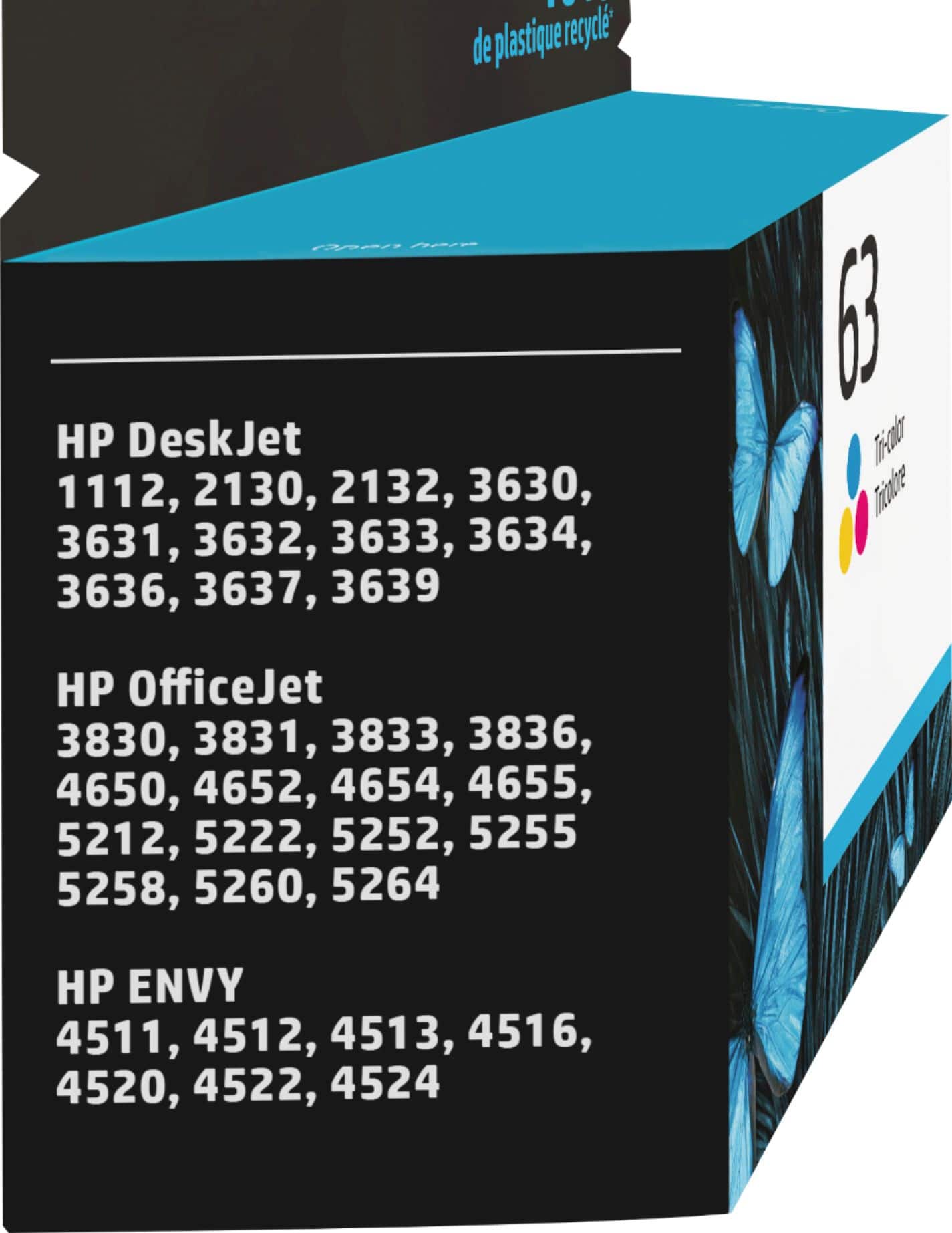
||Posted .This reviewer received promo considerations or sweepstakes entry for writing a review.INK CARTRIDGE FOR HP ENVY 4520 GOOD BUT SHORT LIFE SPAN
I would recommend this to a friendInk
||Posted . Owned for 1 month when reviewed.This reviewer received promo considerations or sweepstakes entry for writing a review.These ink dispensers don’t seem to last as long as as advertised when I bought the printer.
No, I would not recommend this to a friendBrand response from HP Team
Posted .Hi,
I'm sorry that you didn't get more pages from the cartridge. The advertised estimates of pages are based on a standard set of prints used by the industry. How each individual cartridge will perform for you is determined by your own usage and environmental factors.
Here are some things that might help lower your ink costs:
- Use the printer's draft mode whenever possible, to help stretch out black and colored ink
- Using the black-only setting will save on colored ink usage.
- Always use the power button on the printer itself to turn it off. That gives it time to ‘park’ so that the cartridges are protected from excessive drying.
- Shutting the printer down between uses will save electricity and a few drops of ink here and there that are used to keep the inkjets cleared and ready for your next print job.
- Instant Ink lets you pay by the page. Check out the details at the HP Instant Ink site.
The seller is responsible for the product you bought from them. When you receive a cartridge that is low to begin with, or doesn't work long because of a defect, you might consider returning it. Information about returning it to the store or by mail can be found at:
https://www.bestbuy.com/site/help-topics/return-exchange-policy/pcmcat260800050014.c
Mary Chris
HP Care
hp.com/support
The ink is not coming out of the cartridge!
||Posted . Owned for 3 weeks when reviewed.This reviewer received promo considerations or sweepstakes entry for writing a review.The color ink cartridge will not print. I have taken it out, shaken it, put it back in the printer and nothing works. The printer indicates the cartridge is full, but when I select color only to print documents, it comes out black and white. I AM NOT SATISFIED AT ALL. I needed the ink for an important document for me and I could not print it out correctly.
No, I would not recommend this to a friendOverpriced
||Posted .This reviewer received promo considerations or sweepstakes entry for writing a review.Overpriced and the printer wastes half of it on stupid "tests", but we all know that.
No, I would not recommend this to a friendCartridge
||Posted .This reviewer received promo considerations or sweepstakes entry for writing a review.Not great if you must copy a lot. Ink runs out quickly.
No, I would not recommend this to a friendBrand response from HP Team
Posted .Hello,
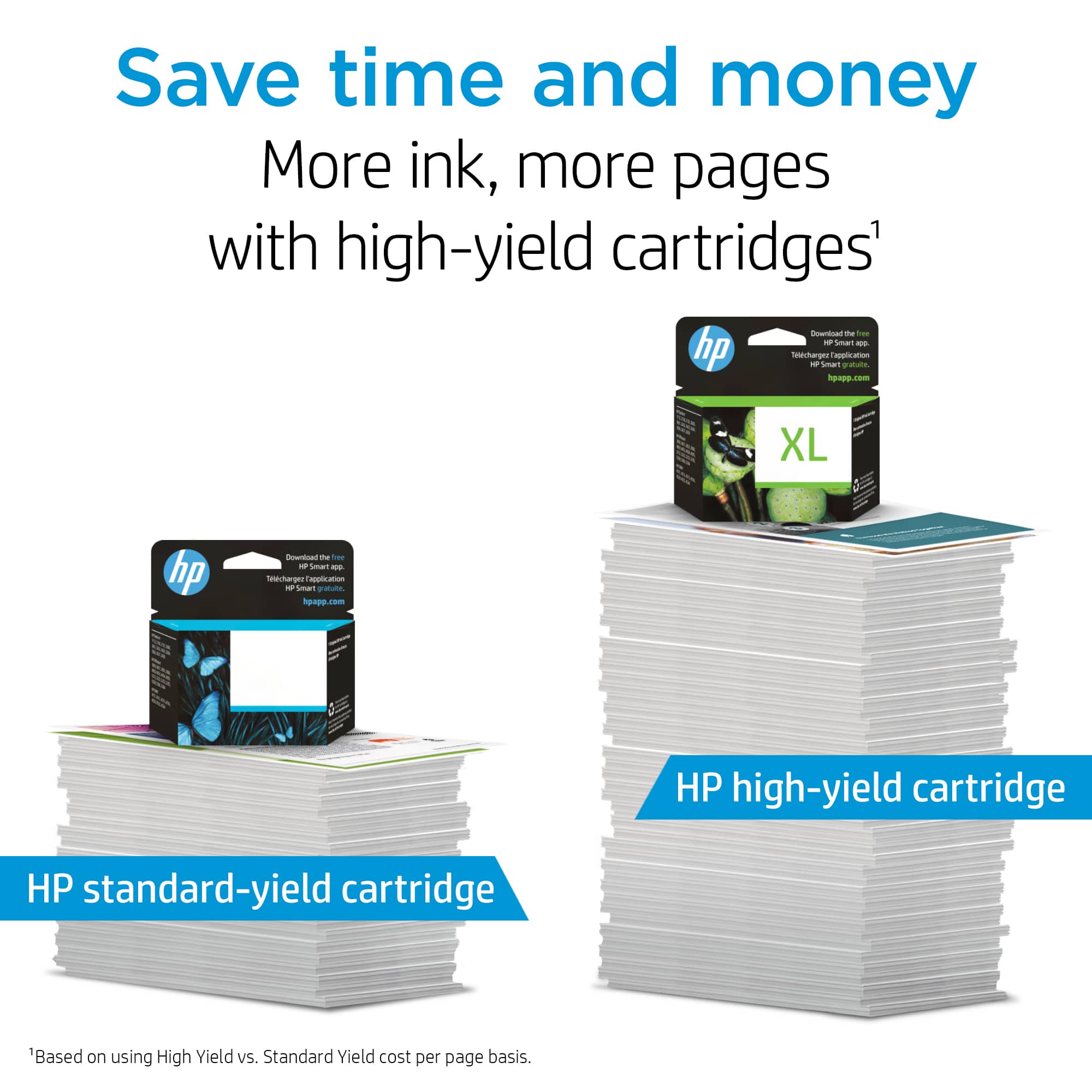
I notice you state you make a lot of copies. I think I have a great solution for you. The instant ink program refills your orders of ink automatically, so you never run out. You might also consider an XL cartridge. The two best ways to save on color ink are print preview and the blank ink only setting. If you use these options, you will save considerably on ink. We always want to hear feedback. Reach out at www.support.hp.com/us-en/contact-hp.
Amanda
HP Care
www.hp.com/support/
Expensive
||Posted . Owned for 3 weeks when reviewed.This reviewer received promo considerations or sweepstakes entry for writing a review.Ink is so expensive, almost the price of a printer.
No, I would not recommend this to a friendBrand response from HP Team
Posted .Hello Joey,
I’m sorry that you aren’t entirely satisfied with this cartridge. We always aim to provide a satisfactory product experience for our customers, and I regret that we fell short here. I can understand how disappointing this must be for you.
If you want cheaper cartridges, I can recommend our Instant Ink program to you. Here you only pay per printed page and not per used cartridge. If you have used up all your ink, we also automatically send you a new one. We offer flexible monthly rates that also feed your needs. More information here: instantink.hpconnected.com
If there is anything else, we can do for you, please don’t hesitate to contact us directly. We would love to help you amend any problems you might be having. You can reach us here: hp.com/contactHP
Denise
HP Care
hp.com/support
I was told I needed this but instead I needed #67.
||Posted . Owned for 3 weeks when reviewed.This reviewer received promo considerations or sweepstakes entry for writing a review.When I ordered my HP ENVY Pro 6455, the site recommended this #63 cartridge. I purchased and opened the package to install in new printer only to discover I actually needed #67!!! Because package had been opened Employee would not let me return the unused item. Company sold me incorrect item!
No, I would not recommend this to a friendink read empty w out 270 pages
||Posted . Owned for 1 month when reviewed.This reviewer received promo considerations or sweepstakes entry for writing a review.hope you can correct this. Also can you send ink jet refills as a present?
No, I would not recommend this to a friendBrand response from HP Team
Posted .Hi Marty,
I am sorry that you are disappointed with the page yield of the cartridge. Estimates of pages printed are based on industry standards. How the cartridge will perform in real life situations can vary a lot.
Unless a cartridge was damaged or defective, the ink usage determines how long it will last. High-density prints (such as images and graphs) will use more ink, especially if the paper is highly absorbent and the environment is dry.
Here are some things that might help lower your ink usage:
- Use the printer's draft mode and black-only settings whenever possible, to save ink, particularly colors.
- Shut the printer down between uses; however, always use the power button on the printer itself to turn it off. That lets it ‘park’ so that the cartridges are protected from excessive drying.
- Consider getting Instant Ink. The subscription plans are based on how many pages you print. You can check out the details at: HPinstantink.com
When it appears that the low page yield was caused by a defective cartridge, it is always an option to contact the seller about a refund or replacement.
Mary
HP Care
hp.com/support
Ink
||Posted . Owned for 9 months when reviewed.This reviewer received promo considerations or sweepstakes entry for writing a review.Way too expensive Ink cost more than copy Mechine
I would recommend this to a friendWon’t register with machine
||Posted . Owned for 1 month when reviewed.This reviewer received promo considerations or sweepstakes entry for writing a review.I Purchased this cartridge with my new printer and after my trial ink ran out I tried to put this one in and it will not register. I am now out of the return window because it took me until now to use up the ink that came with the printer. Now I lost $28 to a bum cartridge.
No, I would not recommend this to a friend