Customer Ratings & Reviews



- Model:
- N9J90AN#140
- SKU:
- 11003933
Rating by feature
- Value
Rating 4.3 out of 5 stars
- Quality
Rating 4.6 out of 5 stars
- Ease of Use
Rating 4.7 out of 5 stars
What is wrong with HP printer ink!
||Posted . Owned for less than 1 week when reviewed.This reviewer received promo considerations or sweepstakes entry for writing a review.This cartridge only lasted for 5 days. I got less than 100 pages.
No, I would not recommend this to a friendBrand response from HP Team
Posted .Hello there Leonard,
If you print almost 100 pages, a clog is possible. I would start by cleaning the printhead and running the routine maintenance option on the printer. The other possibility is that what you printed used up the ink. Photos, tables, graphics, lots of text, and other items use extensive ink. I hope this information is helpful and your following results are better.
Amanda
HP Care
www.hp.com/support/
*
||Posted . Owned for 1 month when reviewed.This reviewer received promo considerations or sweepstakes entry for writing a review.It needed to be replaced in less than 100 pages using 300 dpi. What a waste of money.
No, I would not recommend this to a friendBrand response from HP Team
Posted .Hi there Rick,
It appears you followed the recommended specifications and recommendations. Still, there are a few ways to get more pages. First, put your printer in sleep mode or turn it off. These actions protect the printhead from dry air. Print in black ink only to lengthen the life of color cartridges. Avoid printing if it is possible to email or pdf a document. Print only the final copies of each draft to save on thrown-out copies. With these tips, you will get more pages.
Amanda
HP Care
www.hp.com/support/
Owner
||Posted . Owned for 1 month when reviewed.This reviewer received promo considerations or sweepstakes entry for writing a review.Cartridge is a rip off Only print a few pages and says needs replacement. Price too high for what you get.
No, I would not recommend this to a friendBrand response from HP Team
Posted .Hi,
I am sorry to find you got a cartridge that was not satisfactory. You should have gotten one that lasted longer.
Contact the seller who sent the order when any cartridge starts out low, or stops working prematurely. You can return it or exchange it either to the store or by mail.
According to the Best Buy website: "If you receive a product that is damaged in shipping, defective or that is not the product you ordered, please return it during your return and exchange time period to Best Buy and we'll arrange for a replacement. If you would rather return the item by mail during your return and exchange time period, please call us for special instructions at 1-888-BEST BUY (1-888-237-8289)."
Mary
HP Care
hp.com/support
HP stinks
||Posted . Owned for 3 months when reviewed.This reviewer received promo considerations or sweepstakes entry for writing a review.HP stinks. They are a bunch of crooks who will steal your money at every opportunity.
No, I would not recommend this to a friendUser
||Posted . Owned for 3 weeks when reviewed.This reviewer received promo considerations or sweepstakes entry for writing a review.When I brought it home it didn’t work. Very disappointed
No, I would not recommend this to a friendBrand response from HP Team
Posted .Hi Mit,
I'm sorry that you didn't get a cartridge that worked. That does sound very disappointing!
Information about returning it to the store or by mail can be found at:
https://www.bestbuy.com/site/help-topics/return-exchange-policy/pcmcat260800050014.c
Mary Chris
HP Care
hp.com/support
mr
||Posted .This reviewer received promo considerations or sweepstakes entry for writing a review.Your overpriced ink has finally drove me to buy a different printer that doesn't take cartridges.
No, I would not recommend this to a friendCartridge issue.
||Posted . Owned for 6 months when reviewed.This reviewer received promo considerations or sweepstakes entry for writing a review.It doesn’t give that much print. Very Poor Cartridge and printer.
No, I would not recommend this to a friendBrand response from HP Team
Posted .Hello,
The cartridges have a surprising amount of ink if you know how to use them. I would love to help you harness these tips.
1. Print preview is the best way to conserve ink.
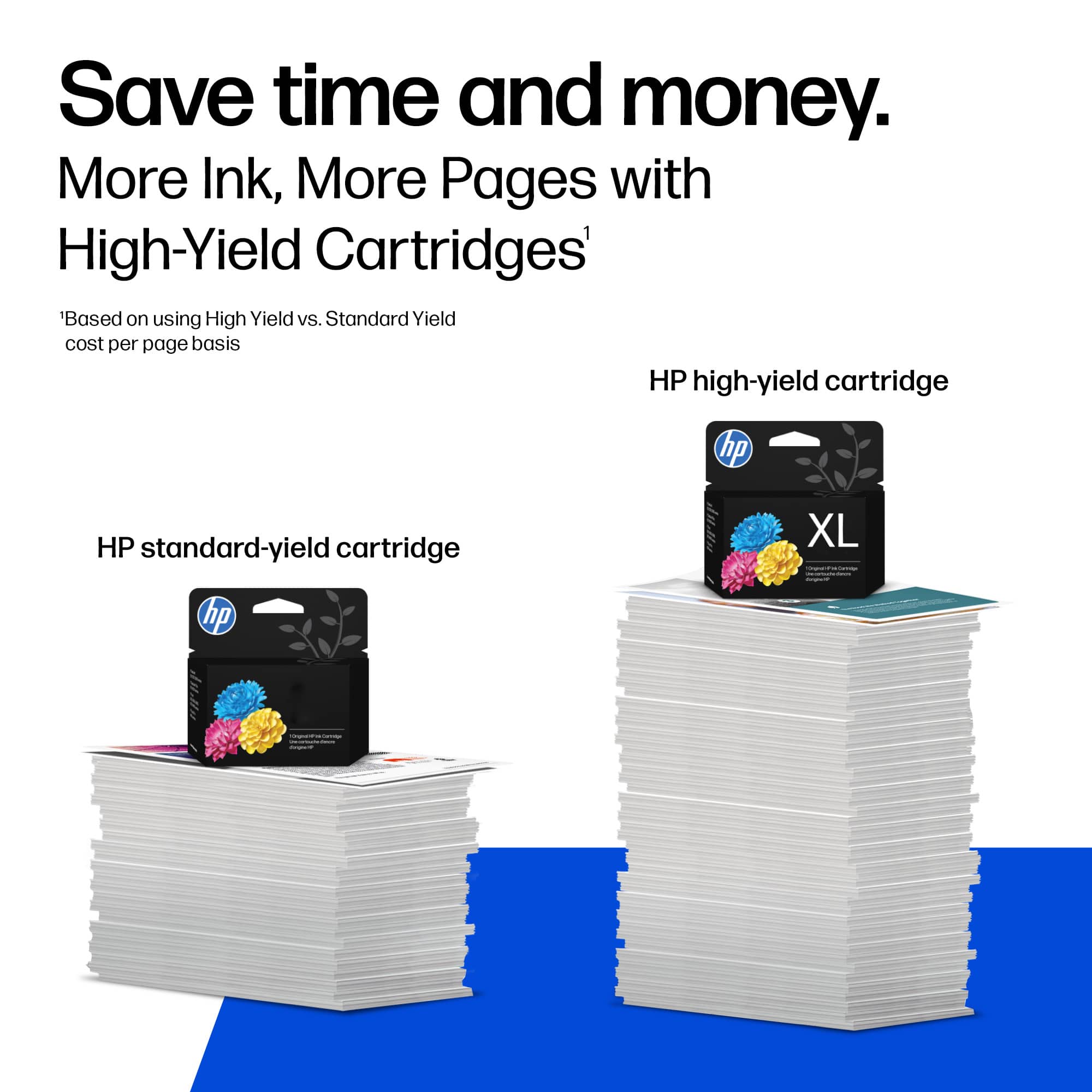
2. Step two is to buy XL cartridges.
3. Next, avoid printing photos. With these tips, you will find that the page yield is increased.
Amanda
HP Care
www.hp.com/support/
bad ink
||Posted .This reviewer received promo considerations or sweepstakes entry for writing a review.the cartridge was half full but would not print black. had to be another and the ne one works but who knows for how long
No, I would not recommend this to a friendBrand response from HP Team
Posted .Hello Artie,
I am sorry to hear that you had trouble with the cartridge not printing even though it was half full. I'm going to guess that the cartridge needs cleaning. It is a pretty easy process. Your printer should have an automatic routine to do that. Check the user guide, if you don't know how to start the cleaning.
If that helps, the printer might have been turned off using a power strip or switch. The printer should always be turned off using the power button on the printer itself. That will let the printer 'park' itself so that the cartridges are protected from excess drying. The drying can cause clogs to form in the tiny nozzles that spray the ink onto the paper.
If that doesn't help, you can either:
- contact the seller for a replacement
- contact us for a genuine cartridge that is not replaced by the seller, but is still within the warranty ends date on the cartridge: hp.com/contactHP
Mary
HP Care
hp.com/support
Guy was really no help
||Posted . Owned for 3 weeks when reviewed.This reviewer received promo considerations or sweepstakes entry for writing a review.The guy who was helping me didn't know if it will work or not I had to look it up on my phone
I would recommend this to a friendHP Printer Cartridge
||Posted . Owned for 3 weeks when reviewed.This reviewer received promo considerations or sweepstakes entry for writing a review.Use them once and wait a few months it won’t work!
No, I would not recommend this to a friendBrand response from HP Team
Posted .Hi Jeff,
Intermittent use of the cartridge is challenging. Luckily, there are several methods to get the cartridge working again.
- Try to clean the printhead. Sometimes the copper contacts get residue that impacts printing.
- Open the printer cover. Sometimes taking out the cartridge and reinserting the cartridge helps.
- Restarting your computer and printer eliminate other potential causes.
- Run the clean printhead function from your computer.
At HP, we strive to resolve any customer questions. If nothing helps, I recommend you can contact our support team at www.support.hp.com/us-en/contact-hp/.
.
Amanda
HP Care
hp.com/support
That was only part of the order. The rest did not
||Posted . Owned for 3 weeks when reviewed.This reviewer received promo considerations or sweepstakes entry for writing a review.Only received part of what I ordered and ended up canceling the rest of the order.
No, I would not recommend this to a friendproducer
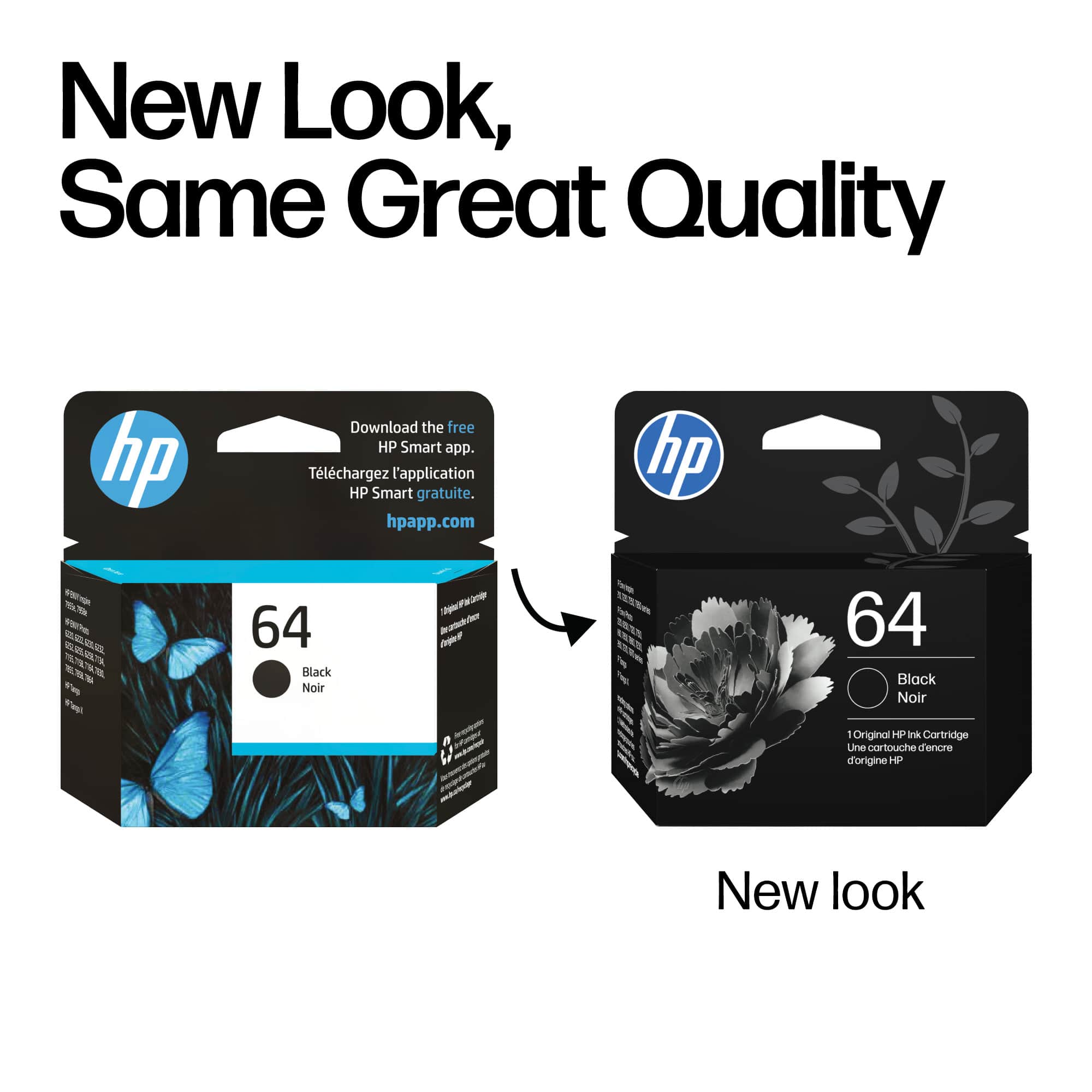
||Posted . Owned for 1.5 years when reviewed.This reviewer received promo considerations or sweepstakes entry for writing a review.wrong cartridge. should have a picture on the box of the actual cartridge
No, I would not recommend this to a friendBrand response from HP Team
Posted .Hi JW,
I am very sorry that your cartridge was not the correct one. While I agree with you, I'm not in charge of box design, unfortunately.
You can return it or exchange it either to the store or by mail. Information about that can be found at:
https://www.bestbuy.com/site/help-topics/return-exchange-policy/pcmcat260800050014.c
Mary
HP Care
hp.com/support
I only printed about 10-15 pages then it was empty
||Posted . Owned for 2 weeks when reviewed.This reviewer received promo considerations or sweepstakes entry for writing a review.I only printed about 10-15 pages then the ink cartridge was empty already.
No, I would not recommend this to a friendBrand response from HP Team
Posted .Hi,
I am sorry that the cartridge was didn't last long. It seems like you should have been able to print more.
Whenever a cartridge was low on ink to start out with, or if low page yield was caused by a defective cartridge, you can contact the seller about that.
According to the Best Buy website: "If you receive a product that is damaged in shipping, defective or that is not the product you ordered, please return it during your return and exchange time period to Best Buy and we'll arrange for a replacement. If you would rather return the item by mail during your return and exchange time period, please call us for special instructions at 1-888-BEST BUY (1-888-237-8289)."
Mary
HP Care
hp.com/support
What a croc of garbage!
||Posted . Owned for 1 month when reviewed.This reviewer received promo considerations or sweepstakes entry for writing a review.Didn't last through 20 pages on draft! Very disappointing!
No, I would not recommend this to a friendBrand response from HP Team
Posted .Hi,
I am very sorry that your cartridge did not seem to work well. I can imagine how disappointing that must have been.
I would encourage you to contact the seller when a cartridge is low on ink to begin with, or it appears that poor page yield was due to a defect.
Mary Chris
HP Care
hp.com/support
No ink
||Posted . Owned for 3 weeks when reviewed.This reviewer received promo considerations or sweepstakes entry for writing a review.Ink lasted for 3 days. Waste of time and money. Not worth it
No, I would not recommend this to a friendBrand response from HP Team
Posted .Hi,
I am very sorry that your cartridge lasted for such a short time. I can understand why you rated this so low.
You can return it or exchange it either to a store or by mail. According to the Best Buy website: "If you receive a product that is damaged in shipping, defective or that is not the product you ordered, please return it during your return and exchange time period to Best Buy and we'll arrange for a replacement. If you would rather return the item by mail during your return and exchange time period, please call us for special instructions at 1-888-BEST BUY (1-888-237-8289)."
Mary
HP Care
hp.com/support
- Pros mentioned:Ease of use, Ink quality
JP black ink
Posted .This reviewer received promo considerations or sweepstakes entry for writing a review.Best black ink for my printer. Easy to install and works perfectly. Lasts quite a while if you are using it for a home computer.
I would recommend this to a friend - Pros mentioned:Overall performance, Price
HP toner 64
Posted .This reviewer received promo considerations or sweepstakes entry for writing a review.This HP 64 toner was an excellent purchase because the price was very good as well as the quality and I was able purchase and pick up immediately!
I would recommend this to a friend - Pros mentioned:Ink quality
BEST INK FOR MY PRINTER.
Posted .This reviewer received promo considerations or sweepstakes entry for writing a review.BEST INK FOR MY PRINTER. WILL BUY AGAIN AND AGAIN
I would recommend this to a friend - Pros mentioned:Ink quality
HP as expected
Posted .This reviewer received promo considerations or sweepstakes entry for writing a review.Printed well as usual, easy ordwr online amd picked up in store
I would recommend this to a friend - Pros mentioned:Ink quality
Pretty Good
Posted .This reviewer received promo considerations or sweepstakes entry for writing a review.It's ink. I mean what can I say. You have an HP Printer. It needs cartridge 64. It works great
I would recommend this to a friend