Customer Ratings & Reviews



- Model:
- T0A36AN#140
- SKU:
- 11003951
Rating by feature
- Value
Rating 4.4 out of 5 stars
- Quality
Rating 4.7 out of 5 stars
- Ease of Use
Rating 4.8 out of 5 stars
Customers are saying
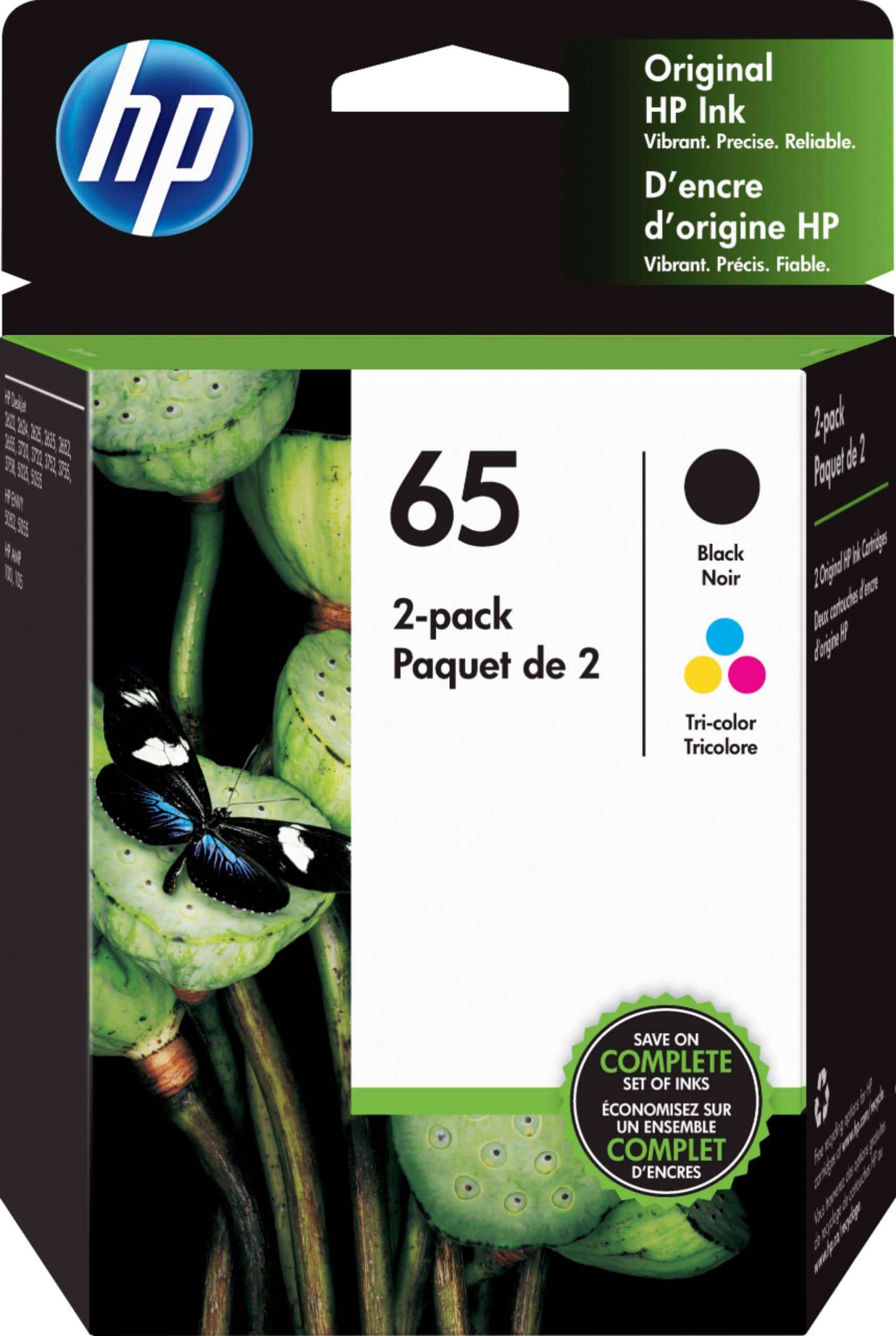
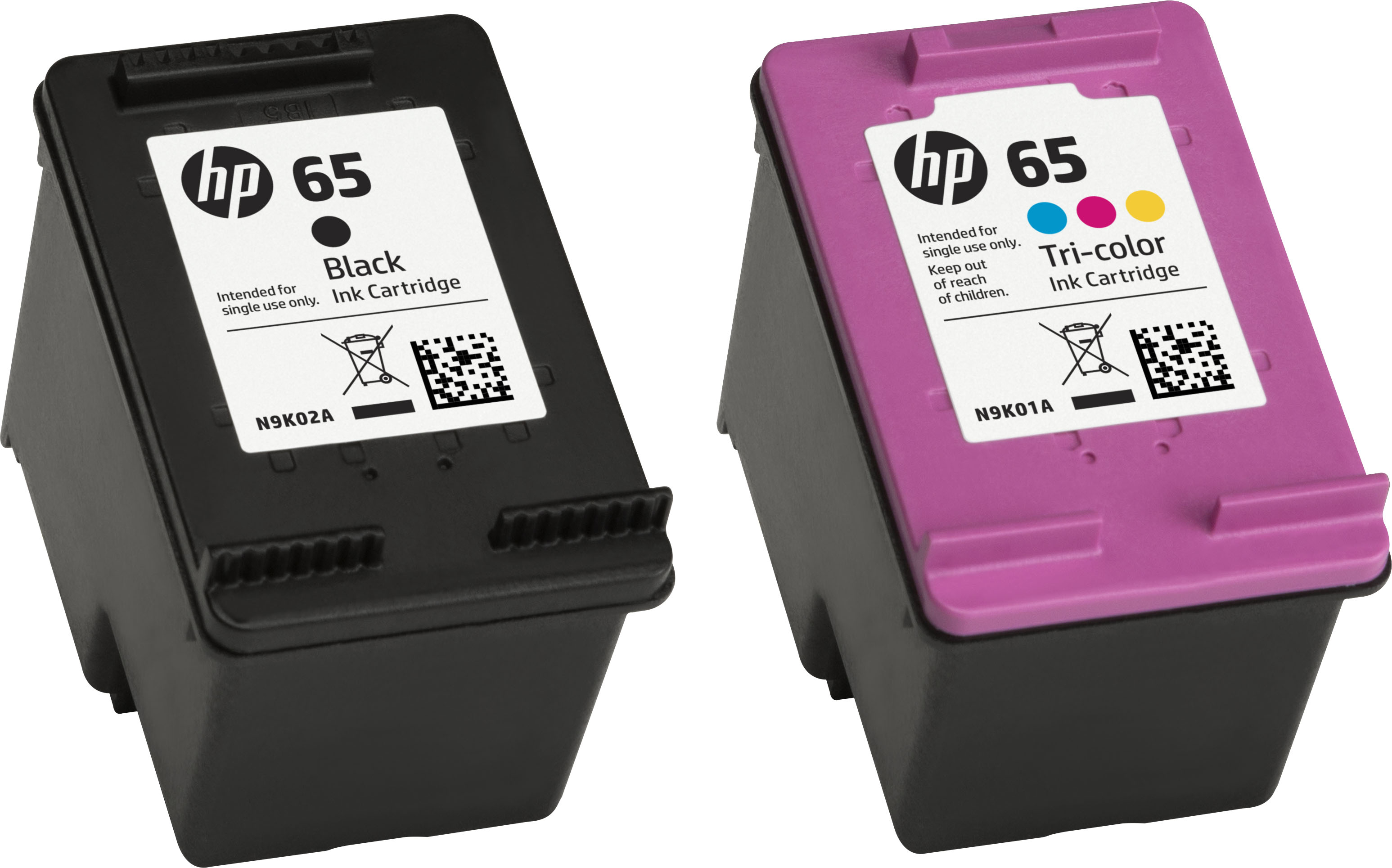
Customers are pleased with the 65 2-pack Standard Capacity Ink Cartridges, highlighting the great ink quality, good price, and ease of use. Many find the cartridges to be a perfect fit and easy to install, resulting in good overall performance.
This summary was generated by AI based on customer reviews.
bad cartridges
||Posted . Owned for 3 weeks when reviewed.This reviewer received promo considerations or sweepstakes entry for writing a review.cartridge not communicating with printer bad package
I would recommend this to a friendGot the wrong ink for my printer
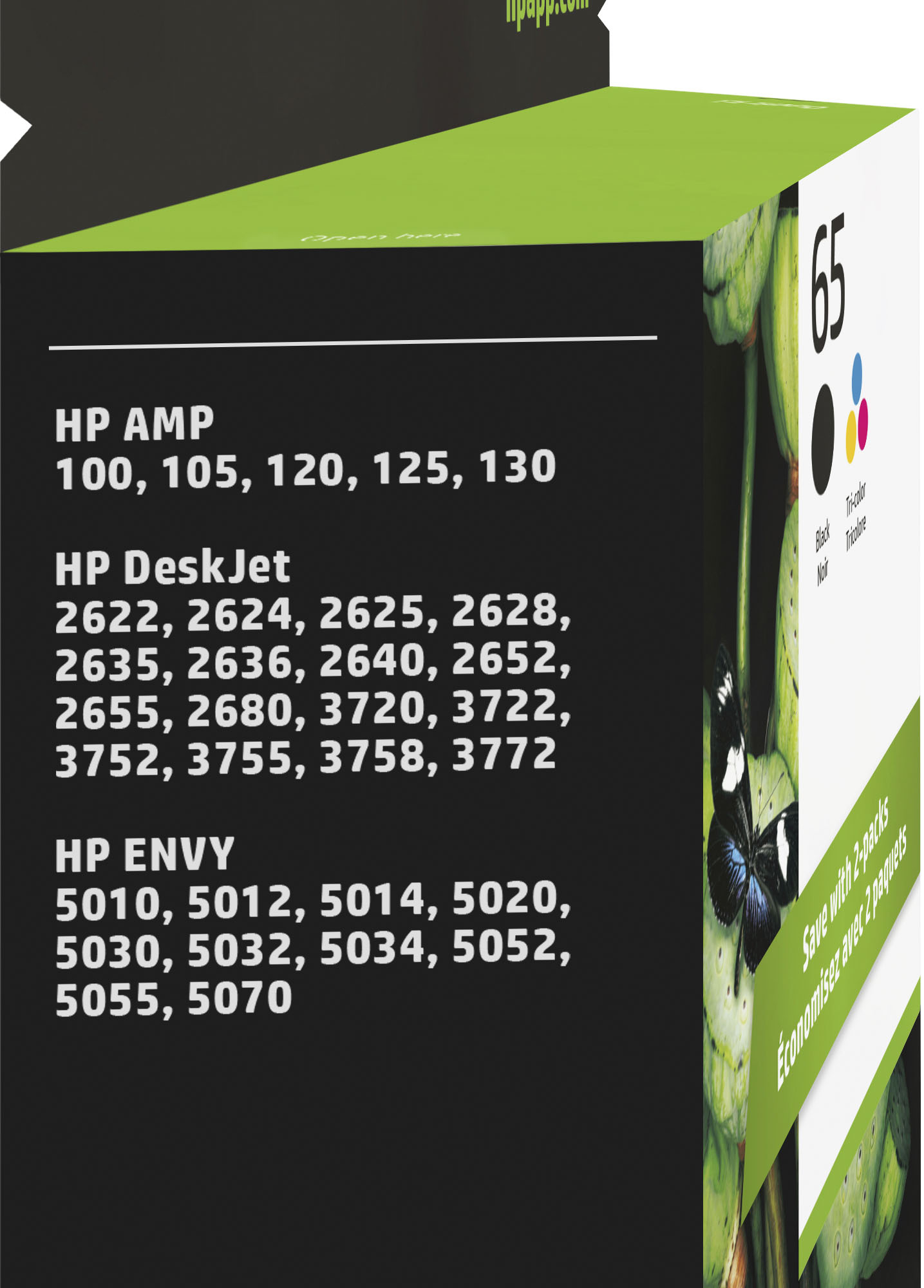
||Posted .This reviewer received promo considerations or sweepstakes entry for writing a review.Should've been 63 and not 65. I got confused as it was under the new printer I bought. Thought it meant for the printer. turns out it's a different one. what a waste
No, I would not recommend this to a friendBrand response from HP Team
Posted .Hi Adlina,
I am sorry about the confusion. I hope to help you out on this though.
It never hurts to go to the seller and ask about an exchange. According to the Best Buy site's Return & Exchange Policy information:
"If you receive a product that is damaged in shipping, defective or that is not the product you ordered, please return it during your return and exchange time period to a Best Buy store and we'll arrange for a replacement. If you would rather return the item by mail during your return and exchange time period, please call us for special instructions at 1-888-BEST BUY (1-888-237-8289). We will cover all reasonable and customary ground shipping fees."
Hope this helps, and you are able to get a good result!
Mary
HP Care
hp.com/support
Waste of Money
||Posted . Owned for 1 year when reviewed.This reviewer received promo considerations or sweepstakes entry for writing a review.Total rip off. You pay huge amounts of money for very little ink. Got a new laser printer for just this reason.
No, I would not recommend this to a friendOne cartridge didn't work
||Posted .This reviewer received promo considerations or sweepstakes entry for writing a review.My HP Printer wouldn't recognize the new black full cartridge, I will modify the printed circuit part as I don't believe it was making full contact.
No, I would not recommend this to a friendBrand response from HP Team
Posted .Hello Creb,
I'm sorry that this happened, but hopefully we can fix it.
A printer will sometimes display an "incompatible" message or something similar when the cartridge actually is the correct one. It could have gotten dirty, or something has interfered with the connection between it and the printer. If that is the case, you could try the steps listed in these posts on the HP Forums:
h30434.www3.hp.com/t5/Inkjet-Printing/Incompatible-printer-cartridge/td-p/2357693
If that didn't work and you think it was just a bad cartridge, you should contact the seller for replacement. You can find them through Your account> Your Orders.
Mary
HP Care
hp.com/support
No Use
||Posted . Owned for 5 months when reviewed.This reviewer received promo considerations or sweepstakes entry for writing a review.Can't use. Bought for HP Printer that won't connect to my wifi.
No, I would not recommend this to a friendBrand response from HP Team
Posted .Hi there,
I'm so sorry the print cartridges did not meet your expectations. It is important to us that our customers enjoy our products. If you had issues with both the black and color cartridges, we hope to correct them. Contact us at www.support.hp.com/us-en/contact-hp/. Review www.hp.com/us-en/shop/cv/returnsandexchanges for the return information.
Amanda
HP Care
www.hp.com/support/
Don't waste your money on regular ink cartridges!
||Posted . Owned for 10 months when reviewed.This reviewer received promo considerations or sweepstakes entry for writing a review.Unfortunately, this ink only lasts for about 60 pages! I would only recommend the XL for the HP printer.
No, I would not recommend this to a friendNo no no
||Posted . Owned for 6 months when reviewed.This reviewer received promo considerations or sweepstakes entry for writing a review.Doesn’t last very long and leaks out ink when not being used
No, I would not recommend this to a friendBrand response from HP Team
Posted .Hello,
I apologize that the cartridge is leaking ink! That is not what we want for our customers. I recommend handling cartridges very carefully.
A couple of tips:
- A newer cartridge may be returned if it complies with our policy.
- Never force a cartridge into the cartridge holder.
- If a cartridge has loose parts upon arrival, do not install it.
I hope this situation doesn't reoccur.
Amanda
HP Care
www.hp.com/support/
This multipack ink is defective
||Posted .This reviewer received promo considerations or sweepstakes entry for writing a review.I just purchased this but keep getting a message to replace the ink. Unfortunately I threw away the box it came in.
No, I would not recommend this to a friendBrand response from HP Team
Posted .Hi,
I am upset that you received cartridges that do not work. There are some things you can do to try to fix it.
You can try checking the copper-colored contacts on the cartridge and inside the printer (where they met the ones on the cartridge) to ensure that they are clean and undamaged. You can clean them with a lint-free material, if they seem to need it and then reinsert them, making sure they are firmly in their slots. That should ensure that the printer is connecting to the cartridge properly.
If that doesn't help, you can try resetting the printer by unplugging it while it is still on, wait a minute and then turn it back on.
If all else fails and you are sure Best Buy will not replace them, you can contact us for replacement. The cartridges just need to be genuine and not past the warranty ends date (on the cartridge itself). You can contact us at: hp.com/contactHP
Mary
HP Care
hp.com/support
Ink defective
||Posted .This reviewer received promo considerations or sweepstakes entry for writing a review.Black and color ink were defective and I had to purchase a new ink
No, I would not recommend this to a frienddelivery took 7 days.
||Posted . Owned for 1 week when reviewed.This reviewer received promo considerations or sweepstakes entry for writing a review.product for some reason was sent to Chicago, ill. I live 10 minutes from best buy.
No, I would not recommend this to a friendgood ink
||Posted .This reviewer received promo considerations or sweepstakes entry for writing a review.i was actually looking for the XL but it was not available. had to settle for this one.
I would recommend this to a friendNot satisfied
||Posted .This reviewer received promo considerations or sweepstakes entry for writing a review.The tri color cartridge was defective. Hoping Best Buy will replace it.
No, I would not recommend this to a friendDrop off email is wrong.
||Posted . Owned for less than 1 week when reviewed.This reviewer received promo considerations or sweepstakes entry for writing a review.Got an email saying package was,dropped off...where? I can not find it.
No, I would not recommend this to a friendI thought those cartridges would have more ink!
||Posted .This reviewer received promo considerations or sweepstakes entry for writing a review.I thought those cartridges should have had more ink or either larger cartridges!
I would recommend this to a friendBrand response from HP Team
Posted .Hi,
I'm sorry that your ink seems to have been used up too quickly. I can understand how terrible that can be!
Here are a few tips that might help:
- A high-density print (like a photo) will use the ink more quickly than a low-density print (a text-only document), especially if the paper is highly absorbent and the environment is dry
- Instant Ink might be worth a try. Many customers like our available plans. They're based on how many pages you print monthly, ultimately saving you money. You can check out the details at: HPinstantink.com
- Using the draft and black only settings on your printer can help save ink.
- Shutting the printer down between uses can help. However, always use the power button on the printer itself to turn it off. That will let the printer 'park' itself so that the cartridges are protected from excess drying.
- If you suspect there was something wrong with the cartridge, you are always free to contact the seller.
If the problem seems to be a genuine HP cartridge that is defective, that it is not replaced by the seller (and is still within the warranty end dates on the cartridge) you can reach out to us for support: hp.com/contactHP
Mary
HP Care
hp.com/support
no ink
||Posted . Owned for 5 months when reviewed.This reviewer received promo considerations or sweepstakes entry for writing a review.Did not have enough ink for my use sorry I ever bought it
No, I would not recommend this to a friendNot a good purchase
||Posted .This reviewer received promo considerations or sweepstakes entry for writing a review.You don't get many copies with each cartridges. Maybe 50 at most.
No, I would not recommend this to a friendGood ink
||Posted .This reviewer received promo considerations or sweepstakes entry for writing a review.Good product wished you carried the xL its never there
I would recommend this to a friendBlack Ink Did not last
||Posted . Owned for 3 weeks when reviewed.This reviewer received promo considerations or sweepstakes entry for writing a review.The cartridge only printed 50 pages. Didn't last.
No, I would not recommend this to a friendNo efficiency
||Posted .This reviewer received promo considerations or sweepstakes entry for writing a review.This printer and ink run out very quickly. Not efficient at all.
No, I would not recommend this to a friendBrand response from HP Team
Posted .Hi,
I'm sorry to hear that the ink ran out quickly and does not seem efficient.
Provided the cartridge is not damaged or defective, the ink usage will determine how long it will last. High-density prints (such as photos) will require more ink, especially if the paper is highly absorbent and the environment is dry.
It could be that the cartridge stopped because it needs to be cleaned. That is an easy process. You can check the user guide if you are uncertain how to start the automatic process.
If that helps, the printer might have been turned off using a power strip or switch. The printer should always be turned off using the power button on the printer itself. That will let the printer 'park' so that the cartridges are protected from excess drying. The drying can cause clogs to form in the tiny nozzles that spray the ink onto the paper.
If that does not help, it is probable that the cartridge is defective, and you can:
- ask the seller for a replacement,
- contact us if a defective genuine HP cartridge is not replaced by the seller (and is still within the warranty end dates on the cartridge) you can reach us for support at: hp.com/contactHP
Mary
HP Care
hp.com/support
Okay
||Posted . Owned for 9 months when reviewed.This reviewer received promo considerations or sweepstakes entry for writing a review.They run out pretty quickly, but it’s what fits in my printer
No, I would not recommend this to a friend