Customer Ratings & Reviews
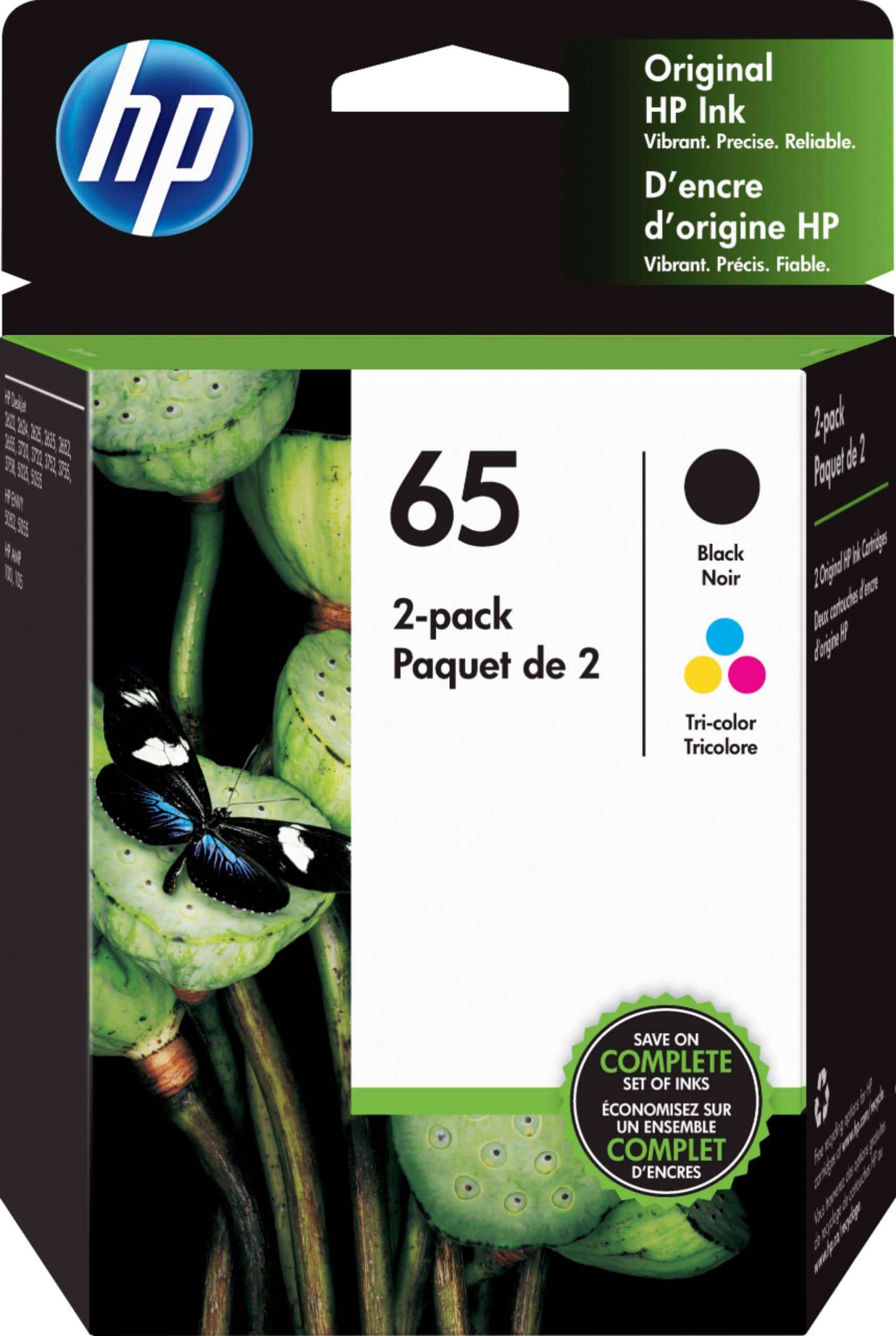
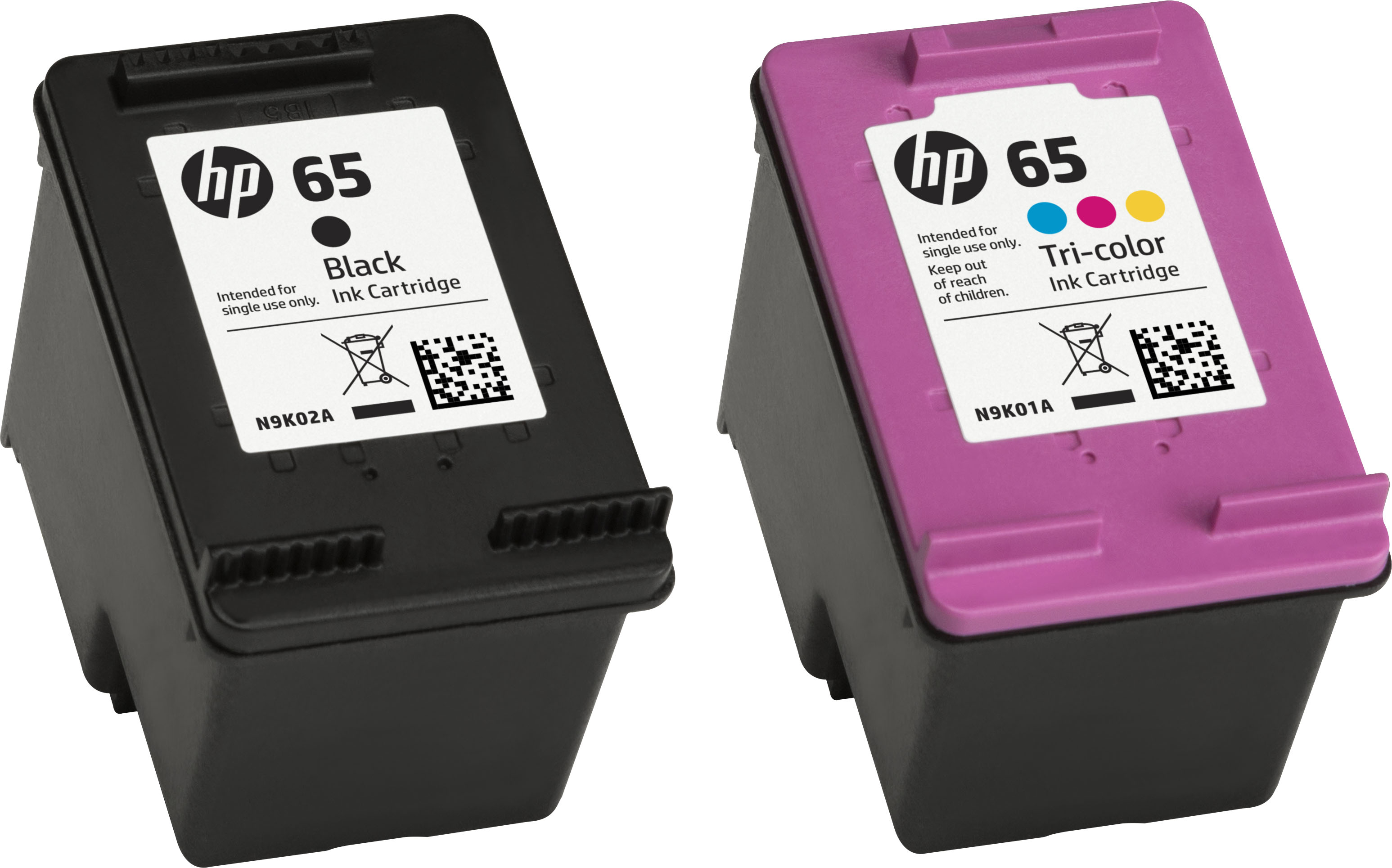
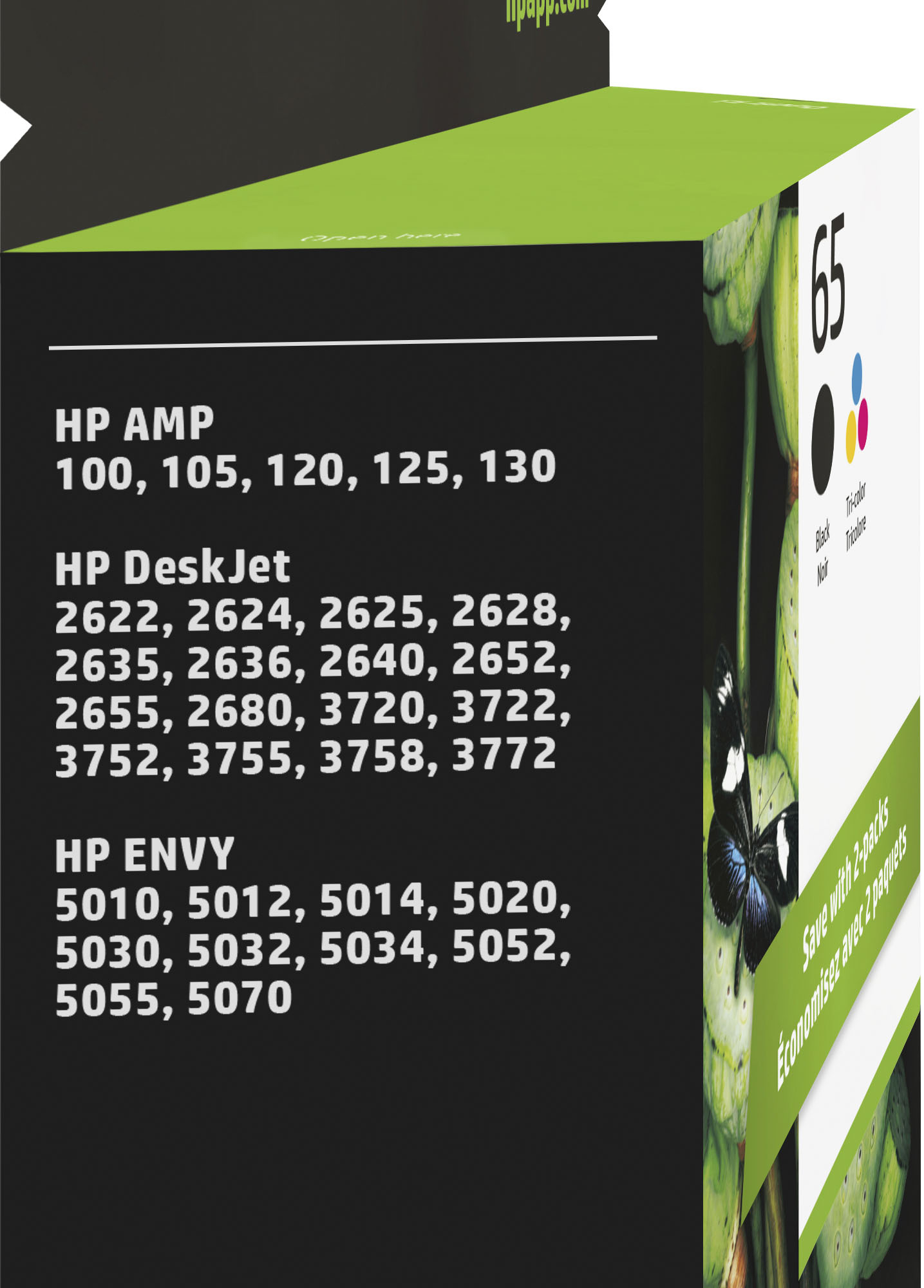



- Model:
- T0A36AN#140
- SKU:
- 5303000
Rating by feature
- Value
Rating 4.4 out of 5 stars
- Quality
Rating 4.7 out of 5 stars
- Ease of Use
Rating 4.8 out of 5 stars
Customers are saying
Customers are pleased with the 65 2-pack Standard Capacity Ink Cartridges, highlighting the great ink quality, good price, and ease of use. Many find the cartridges to be a perfect fit and easy to install, resulting in good overall performance.
This summary was generated by AI based on customer reviews.
very upset
Posted .This reviewer received promo considerations or sweepstakes entry for writing a review.I was very upset that you would not take back the cartridges I will never buy anything from you again -it was my mistake
No, I would not recommend this to a friendpoor
Posted .This reviewer received promo considerations or sweepstakes entry for writing a review.These ink cartridges only last to about the halfway mark before printing quality fades. So you're only using half the ink you pay for.
No, I would not recommend this to a friendBrand response from HP Team
Posted .Hi,
I am so sorry that this happened to you. You should have been able to continue to print!
It is always hard to know exactly why a cartridge stops working, but since it was working at first, I'm going to guess that the cartridge needs cleaning. That is a pretty easy process. Your printer should have an automatic routine to do that on the printer menu.
If that helps, the printer might have been turned off using a power strip or switch. The printer should always be turned off using the power button on the printer itself. That will let the printer 'park' so that the cartridges are protected from excess drying. The drying can cause clogs to form in the tiny nozzles that spray the ink onto the paper.
If that does not help, it is probable that the cartridge is defective, and you can ask the seller for a replacement.
Mary
HP Care
hp.com/support