Customer Ratings & Reviews
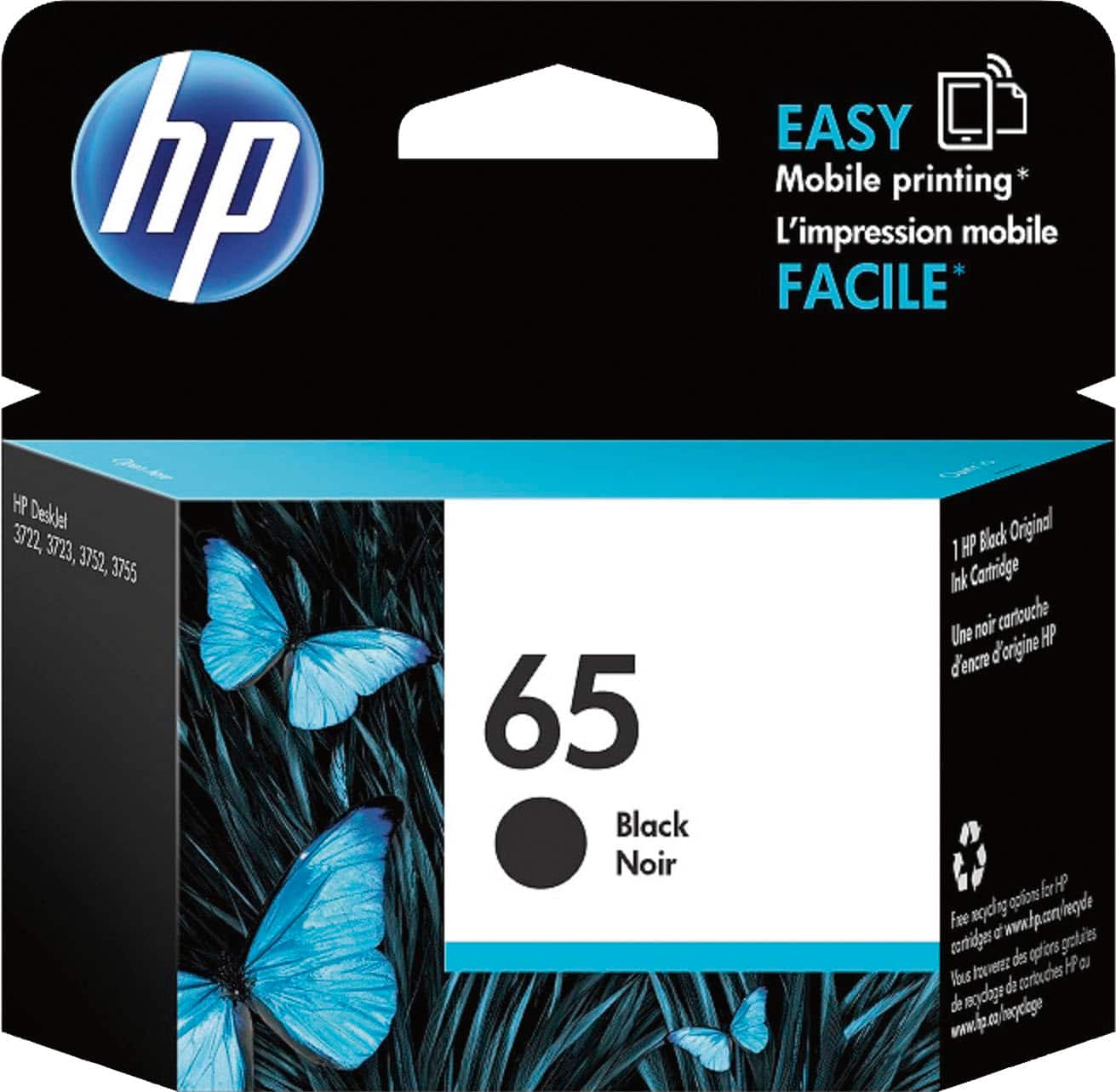
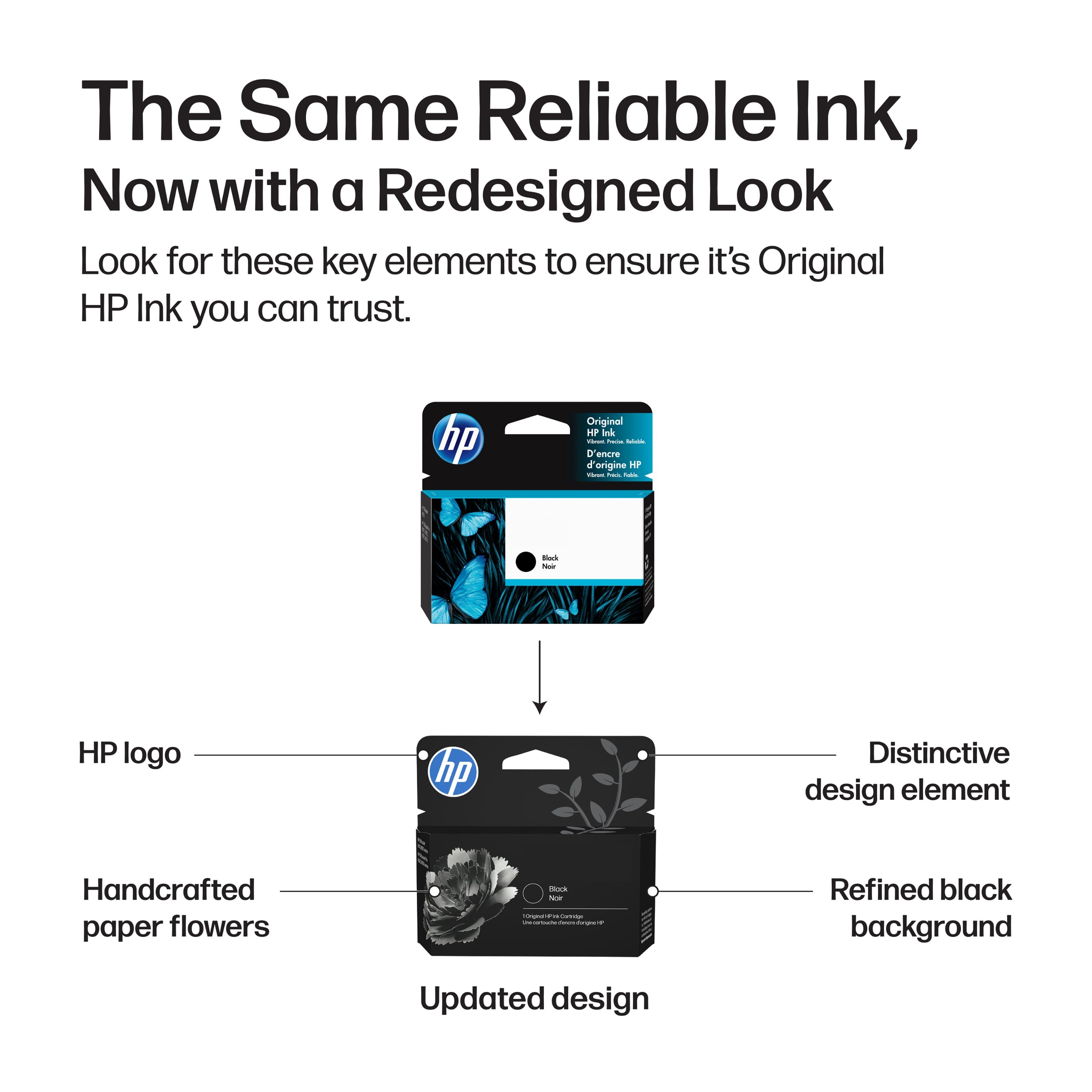
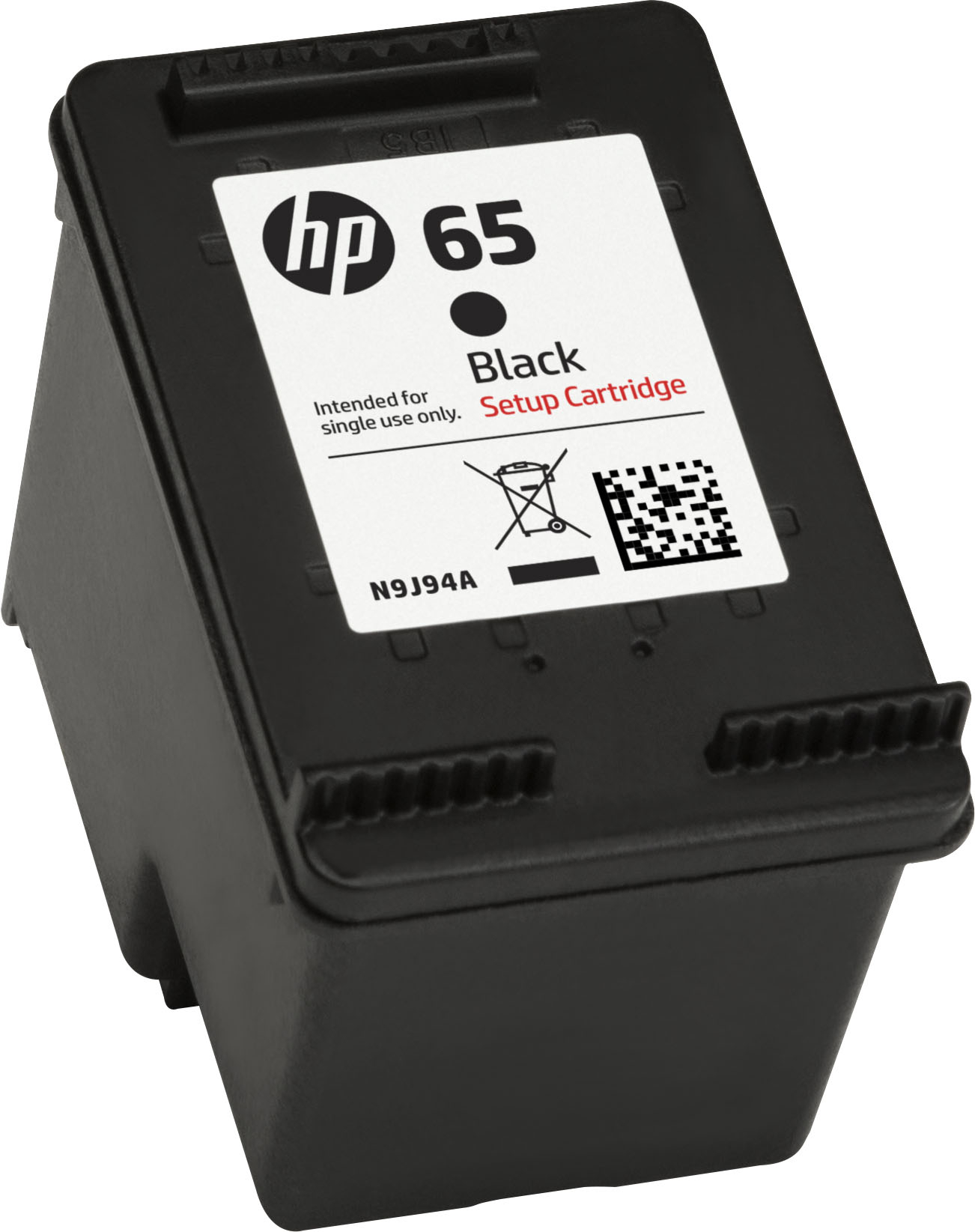







- Model:
- N9K02AN#140
- SKU:
- 5301900
Rating by feature
- Value
Rating 4.4 out of 5 stars
- Quality
Rating 4.7 out of 5 stars
- Ease of Use
Rating 4.8 out of 5 stars
to a friend
Customers are saying
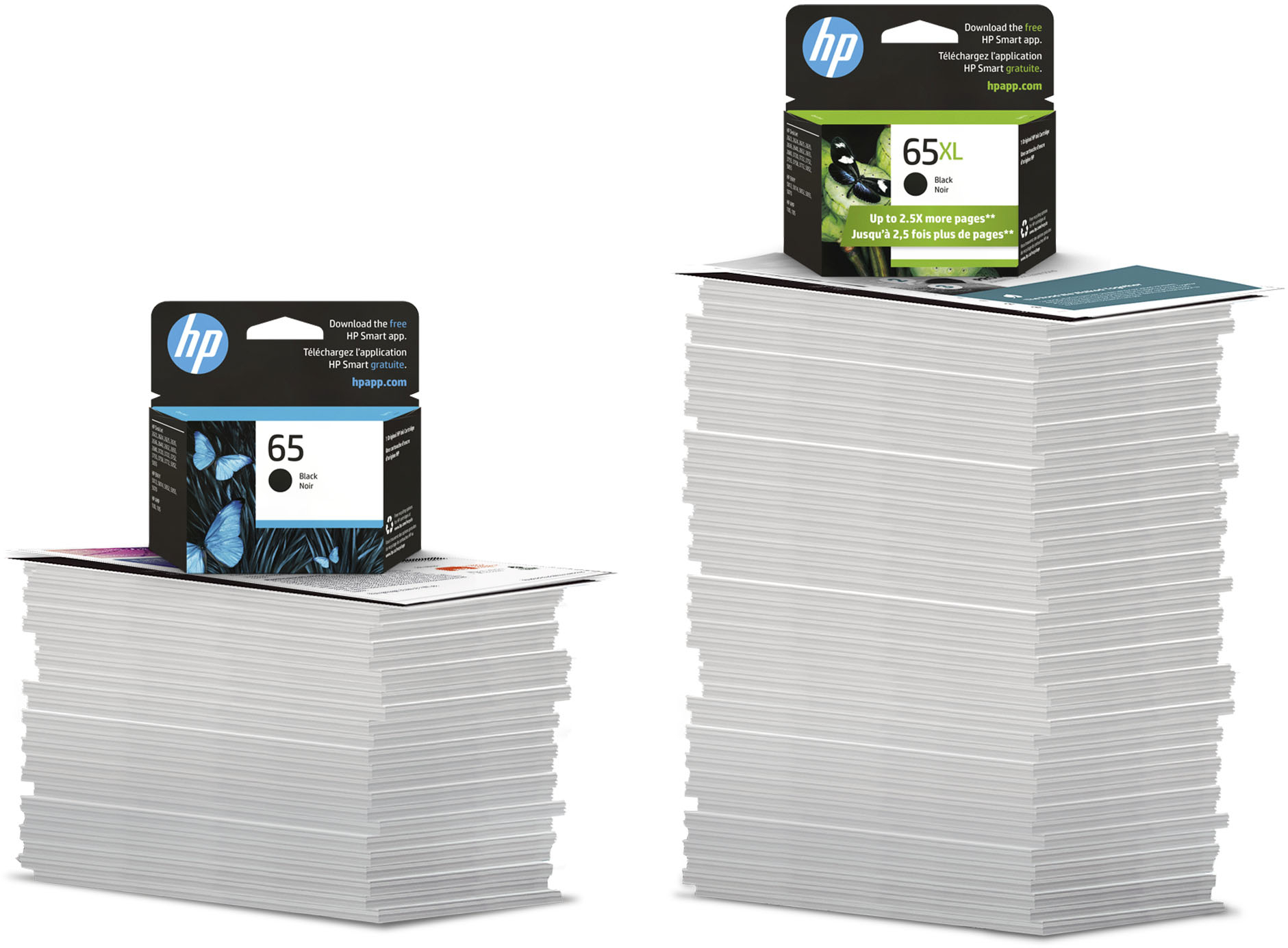
Customers highly value the 65 Standard Capacity Ink Cartridge for its ink quality, ease of use, and reasonable price. Many appreciate its compatibility and smooth installation process. The main drawback appears to be its limited availability.
This summary was generated by AI based on customer reviews.
Always printing green
||Posted . Owned for 1 week when reviewed.This reviewer received promo considerations or sweepstakes entry for writing a review.These only print black for me, maybe 5 times and then it prints green and its REALLY frustrating. These are the only ones that will work with my printer.
No, I would not recommend this to a friendBrand response from HP Team
Posted .Hi,
My apologies for this happening to you. I can understand if you are disappointed when the cartridges seem to run out of black too quickly.
If the poor performance appears to be due to a defective cartridge, please consider returning it to the seller. You can return it or exchange it either to the store or by mail. Information about that can be found at:
https://www.bestbuy.com/site/help-topics/return-exchange-policy/pcmcat260800050014.c
Mary
HP Care
hp.com/support
Not so great
||Posted . Owned for 4 months when reviewed.This reviewer received promo considerations or sweepstakes entry for writing a review.Doesn't give many pages to print. Better to go with the XL. Very difficult to take in and out of the printer.
No, I would not recommend this to a friendBrand response from HP Team
Posted .Hi there,
Our XL cartridges are fantastic. Still, I'm sorry you did not enjoy the standard-sized cartridge. Try print preview and the black ink-only setting. Trouble taking out of the printer is usually due to the fit of the cartridge. Gently insert the cartridge until you hear a snap sound. If there is anything we can do, contact us at www.support.hp.com/us-en/contact-hp/.
Amanda
HP Care
www.hp.com/support/
HP ink
||Posted . Owned for 3 weeks when reviewed.This reviewer received promo considerations or sweepstakes entry for writing a review.Only can print 10 pages. No body use this single or double with color
No, I would not recommend this to a friendNice
||Posted .This reviewer received promo considerations or sweepstakes entry for writing a review.Good ink for a fair priced printer I picked up pretty cheap at best buy
I would recommend this to a friendRuns out of ink fast
||Posted .This reviewer received promo considerations or sweepstakes entry for writing a review.I don’t do a lot of printing yet the printer after only a month insists the cartridge is empty and needs to be replaced. Ridiculous rip off
No, I would not recommend this to a friendBrand response from HP Team
Posted .Hi Max,
I am sorry that the cartridge didn’t last long for you. I can understand if you are not happy about that.
Ink usage determines how long it lasts. High-density prints (such as images and graphs) will use more ink, especially if the paper is highly absorbent and the surrounding air is dry.
If your experience appears to be due to a defective cartridge, please check about returning it. Step-by-step instructions for completing the return and exchange process is covered at:
https://www.bestbuy.com/site/help-topics/return-exchange-policy/pcmcat260800050014.c
Mary Chris
HP Care
hp.com/support
Is cartridges do not last very long I really is my
||Posted . Owned for 1 month when reviewed.This reviewer received promo considerations or sweepstakes entry for writing a review.Is cartridges do not last very long I really is my printer and yet I’m always replacing the black cartridge does it make a
No, I would not recommend this to a friendBrand response from HP Team
Posted .Hello,
Always replacing the black cartridges is a pain and not ideal. I see why it is a concern. Luckily, several actions slow this process.
Draft mode avoids extra unusable copies. It is your first line of defense.
If your ink cartridge has been inactive for many days, remove any residue accumulated on the printhead of the cartridge.
On the flip side, if you print frequently, look into the XL cartridges. They provide great value.
Adjusting the print settings may save ink, but it might impact the print quality.
- Amanda
HP Care
http://hp.com/support/
HP 65 ink cartridge
||Posted . Owned for 1 month when reviewed.This reviewer received promo considerations or sweepstakes entry for writing a review.I printed out only 5 pages before I had to replace the cartridge.
No, I would not recommend this to a friendBest to use HP ink for HP printers
||Posted .This reviewer received promo considerations or sweepstakes entry for writing a review.Have always had good printing results when I use HP ink. And, I have always found Best Buy to have the cartridge I need in stock. Certainly a "Win-Win" experience.
I would recommend this to a friendblack in cratridge is defective
||Posted . Owned for 1 month when reviewed.This reviewer received promo considerations or sweepstakes entry for writing a review.Every time I try to print something I get a message that the cartridge is defective and I have to remove it and put it back in before it will print
No, I would not recommend this to a friendGoes fast
||Posted . Owned for 2 months when reviewed.This reviewer received promo considerations or sweepstakes entry for writing a review.Overpriced and does not last very long. Can anyone recommend a printer that doesn't use so much ink in such a short period of time?
No, I would not recommend this to a friendBrand response from HP Team
Posted .Hi,
My apologies for this happening to you. I can understand if you are disappointed when the cartridges seem to run out too quickly.
Unless a cartridge is faulty, ink usage determines how long it lasts. High-density prints (such as images and graphs) will use more ink, especially if the paper is highly absorbent and the surrounding air is dry.
Here are some things that might help lower your ink usage:
- Consider using XL cartridges. Most people say they are a much better value
- Set the printer to draft mode whenever possible
- Shut the printer down between uses
- Always use the power button on the printer itself to turn it off. That gives it time to ‘park’ so that the cartridges are protected from excessive drying
- Subscribe to Instant Ink, then you only pay by the page and not for the cartridges themselves
If the poor performance appears to be due to a defective cartridge, please consider returning it to the seller.
Mary
HP Care
hp.com/support
goes fast.
||Posted . Owned for 3 weeks when reviewed.This reviewer received promo considerations or sweepstakes entry for writing a review.I really detest these new printers that are cheap, but the toner/ink runs out quickly and you have to keep replacing it. It is what it is tho.
No, I would not recommend this to a friendIt works
||Posted .This reviewer received promo considerations or sweepstakes entry for writing a review.First purchase of ink for new printer. A lot less expensive than for my last printer.
I would recommend this to a friendGreat
||Posted .This reviewer received promo considerations or sweepstakes entry for writing a review.This ink works great in my portable printer. I use it in a tractor-trailer sleeper.
I would recommend this to a friendRuns out too fast
||Posted . Owned for more than 2 years when reviewed.This reviewer received promo considerations or sweepstakes entry for writing a review.This ink runs out too fast for the corresponding printer, it’s expensive for me
I would recommend this to a friendBrand response from HP Team
Posted .Hi Chelsea,
The cost of printing is a concern of many of our customers. There are a few tactics to extend the life of the cartridge. If I can help you, I will gladly do so. HP cares about customer outcomes.
- Print preview is the best way to conserve ink. It will save many pages.
- Some customers prefer XL cartridges.
- Assess printing photos and images. Both increase the amount of ink deposited on the page.
With these tips, you will find that the page yield increases.
Amanda
HP Care
www.hp.com/support/
Bad HP65
||Posted . Owned for 3 weeks when reviewed.This reviewer received promo considerations or sweepstakes entry for writing a review.Must have received a bad cartridge. Less than a month and I need a new cartridge. I haven't printed many pages.
No, I would not recommend this to a friendBrand response from HP Team
Posted .Hello Bernie,
I can understand if you are disappointed with the cartridge. It does seem it should have lasted longer.
Contact the seller when poor performance seems to be due to a defect. Information about returns or exchanges (either to the store or by mail) can be found at:
https://www.bestbuy.com/site/help-topics/return-exchange-policy/pcmcat260800050014.c
Mary
HP Care
hp.com/support
Shipping needs help
||Posted . Owned for 3 weeks when reviewed.This reviewer received promo considerations or sweepstakes entry for writing a review.Product ok Shipping is extremely bad always delayed each order I place This has been last 3 orders
I would recommend this to a friendGreat ink cartridges for price
||Posted . Owned for 1 month when reviewed.This reviewer received promo considerations or sweepstakes entry for writing a review.I have always used up ink cartridges because I know they work well with my printers.
I would recommend this to a friendPrints only a few pages
||Posted . Owned for 9 months when reviewed.This reviewer received promo considerations or sweepstakes entry for writing a review.It doesn't last very long. Do yourself a favor and go ahead and buy the higher capacity one.
No, I would not recommend this to a friendDoes not last
||Posted .This reviewer received promo considerations or sweepstakes entry for writing a review.This ink did not last at all. I may be only printed not even 15-20 pages of regular print jobs and the ink ran out.
No, I would not recommend this to a friendPrinter ink
||Posted .This reviewer received promo considerations or sweepstakes entry for writing a review.Just what I needed. In stock with the right size cartridge and good price
I would recommend this to a friend