Customer Ratings & Reviews



- Model:
- N9K04AN#140
- SKU:
- 5302900
Rating by feature
- Value
Rating 4.4 out of 5 stars
- Quality
Rating 4.7 out of 5 stars
- Ease of Use
Rating 4.8 out of 5 stars
Customers are saying
Customers find value in the 65XL High-Yield Ink Cartridge due to its ink quality, ease of use, and reasonable price. Users appreciate its overall performance and compatibility with HP printers. The main drawback mentioned is the limited availability of the ink cartridge.
This summary was generated by AI based on customer reviews.
HP inkjets
||Posted . Owned for more than 2 years when reviewed.This reviewer received promo considerations or sweepstakes entry for writing a review.Not cost effective. Can use only for few pages. Not good
No, I would not recommend this to a friendNot sure XL is more or better
||Posted . Owned for 6 months when reviewed.This reviewer received promo considerations or sweepstakes entry for writing a review.Seemed like I printed more with reg cartridge...seems ink was way gone way quick
No, I would not recommend this to a friendBrand response from HP Team
Posted .Hello,
XL cartridges are popular with a lot of customers. However, using them is a personal preference. I'm sorry you were not satisfied with the results. A great alternative is the HP instant ink program. At this link, www.hp.com/us-en/shop/cv/instantink/, you will find helpful information regarding ink replacements. With this program, you will never run out of ink.
Amanda
HP Care
www.hp.com/support/
Unhappy customer
||Posted . Owned for 2 weeks when reviewed.This reviewer received promo considerations or sweepstakes entry for writing a review.I’m afraid this ink cartridge I received from you might be defective. Ever since I got it and installed in my printer. I keep getting an error message that the ink cartridges aren’t communicating with the printer. I had never had this happen prior to installing this new ink cartridge
No, I would not recommend this to a friendBrand response from HP Team
Posted .Hello there Jan,
I'm sorry the error message popped up on the screen. Those messages could be more apparent to customers. It makes sense you are unhappy. Still, a simple restart of the print resolves this issue most of the time. If not, a quick call or email with our HP support team is a good idea. See www.support.hp.com/us-en/contact-hp/ for more information.
Amanda
HP Care
www.hp.com/support/
- Pros mentioned:Price
Not worth the price
||Posted . Owned for 1 month when reviewed.This reviewer received promo considerations or sweepstakes entry for writing a review.HP Instant Ink is much more affordable. I will never use anything else again!
No, I would not recommend this to a friend Ink
||Posted . Owned for 6 months when reviewed.This reviewer received promo considerations or sweepstakes entry for writing a review.Cheaper to buy a new printer. Don't know why they make printer ink so expensive.
No, I would not recommend this to a friendExpensive black ink
||Posted . Owned for 5 months when reviewed.This reviewer received promo considerations or sweepstakes entry for writing a review.Expensive black ink for a cheap printer home printing high cost ink does not last long
No, I would not recommend this to a friendInk cartridge
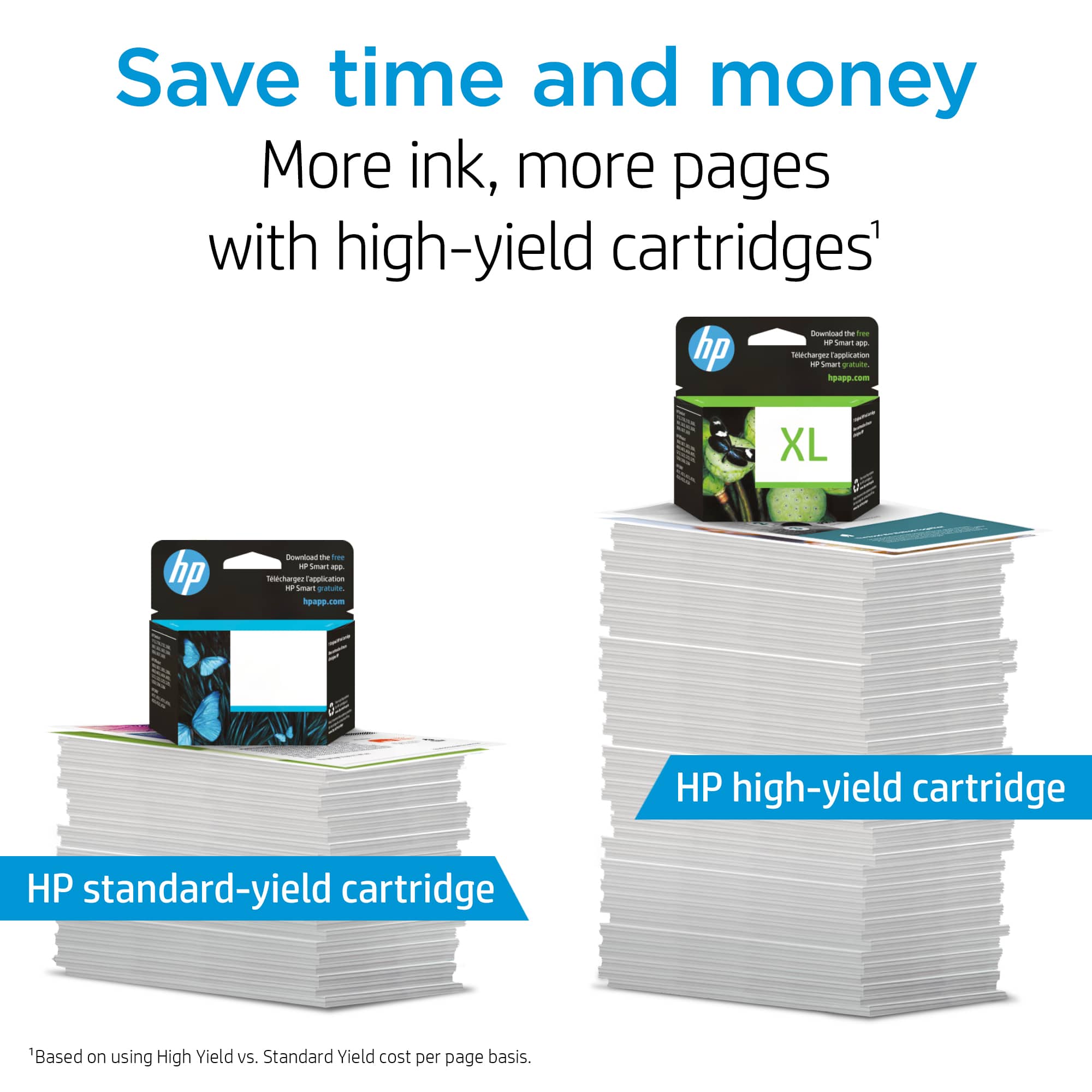
||Posted . Owned for 3 weeks when reviewed.This reviewer received promo considerations or sweepstakes entry for writing a review.This ink cartridge is fine, we just wish it would print more pages.
I would recommend this to a friendBrand response from HP Team
Posted .Hi,
I can try to help you get more pages out of each cartridge. Ink and toner are valuable resources. Strategizing each page goes a long way. Many customers don't realize how many pages they print.
Print preview, avoiding photos, and decreasing the print quality are all great tips. If you want to read more, go to www.support.hp.com/us-en/help/diagnostics?category=printing&issue=ink-cartridge-issues/ for other solutions.
Amanda
HP Care
www.hp.com/support/
dries way too fast
||Posted . Owned for 9 months when reviewed.This reviewer received promo considerations or sweepstakes entry for writing a review.It dries way too fast, and unless you are printing every day, it is not worth it
No, I would not recommend this to a friendBrand response from HP Team
Posted .Hi,
I was sorry to hear that the cartridge did not work for very long. It is unfortunate that happened to you.
It is possible that the printhead inkjets are clogged. There is a cleaning routine available from the printer's menu that you can use to clear them out.
It is a good idea to shut the printer down between uses. However, it is important to always use the power button on the printer itself to turn it off. That gives it time to ‘park’ so that the cartridge is protected from excessive drying which leads to clogging
The seller is responsible for the quality of what is sent. Contact the seller if you find the cartridge itself is faulty and that is why it dried out so fast.
Mary
HP Care
hp.com/support
Disappointed
||Posted . Owned for 4 months when reviewed.This reviewer received promo considerations or sweepstakes entry for writing a review.Its ink. Doesnt stay that long. Had problems with it drying ip
No, I would not recommend this to a friendNot happy
||Posted . Owned for 9 months when reviewed.This reviewer received promo considerations or sweepstakes entry for writing a review.Yet the same as color ink. The price is highly for what you get back
No, I would not recommend this to a friendBad Product & Worse Customer Service
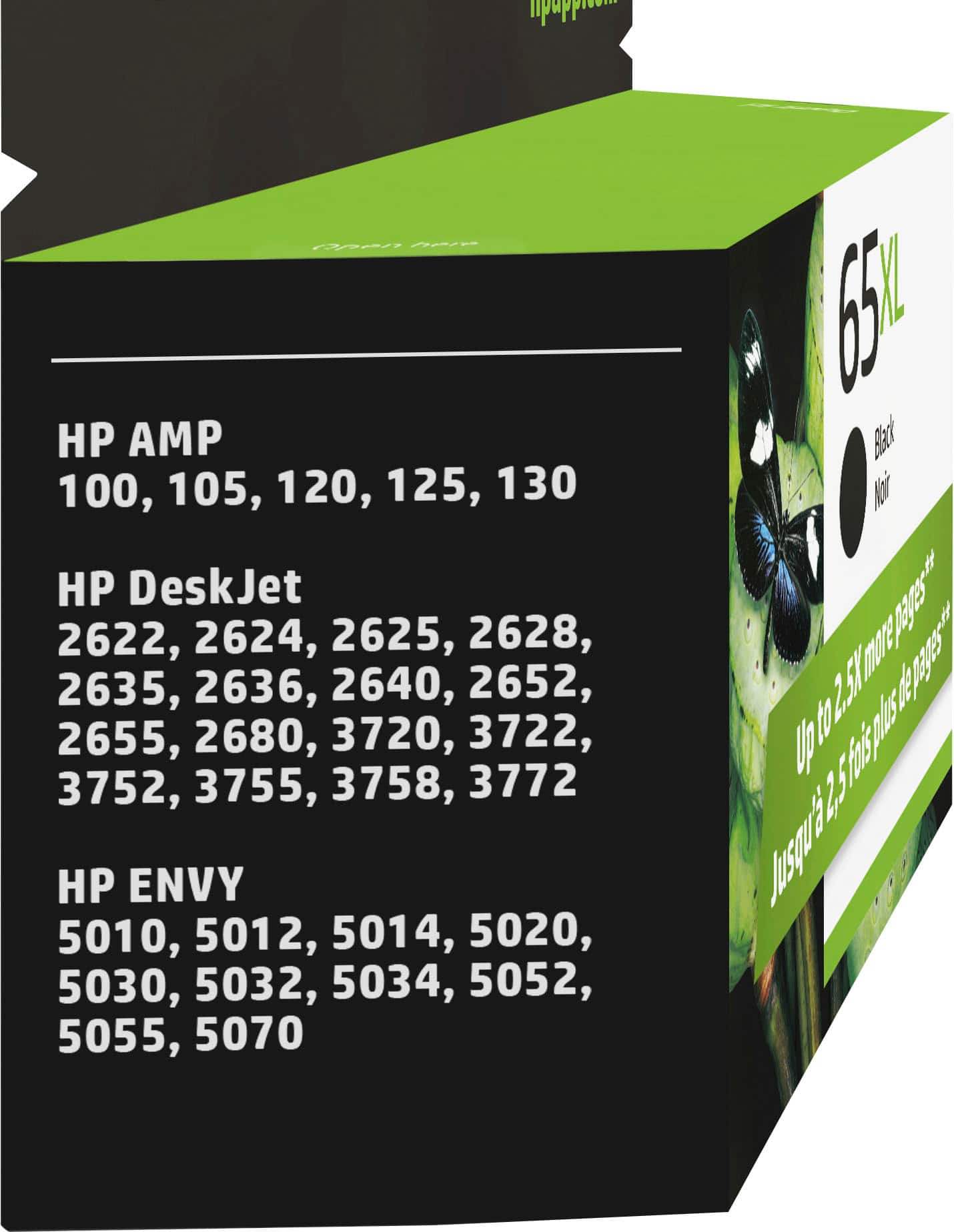
||Posted . Owned for 1 month when reviewed.This reviewer received promo considerations or sweepstakes entry for writing a review.Horrible. I installed the cartridge in my printer and got the “E0” error message - cartridge not compatible with printer (even though it’s listed as compatible with my printer). To make this worse, Best Buy is giving me the run around when I tried to return it because it was opened. Ridiculous.
No, I would not recommend this to a friendink
||Posted . Owned for 7 months when reviewed.This reviewer received promo considerations or sweepstakes entry for writing a review.it worked when installed in the printer but dried up too fast
No, I would not recommend this to a friendBrand response from HP Team
Posted .Hi,
It sounds like your ink cartridge dried out early. I empathize with your situation. Here is a couple of tips to fix this occurrence in the future.
• It is best to limit the printhead’s exposure to the outside air. To ensure this happens, turn off or idle your printer when you are not actively printing.
• Use draft mode or print preview to avoid printing extra copies of the same document. This action also limits outside air from reaching the printhead.
If you have additional questions, I recommend you contact HP support at hp.com/contactHP.
-Amanda
HP Care
hp.com/support
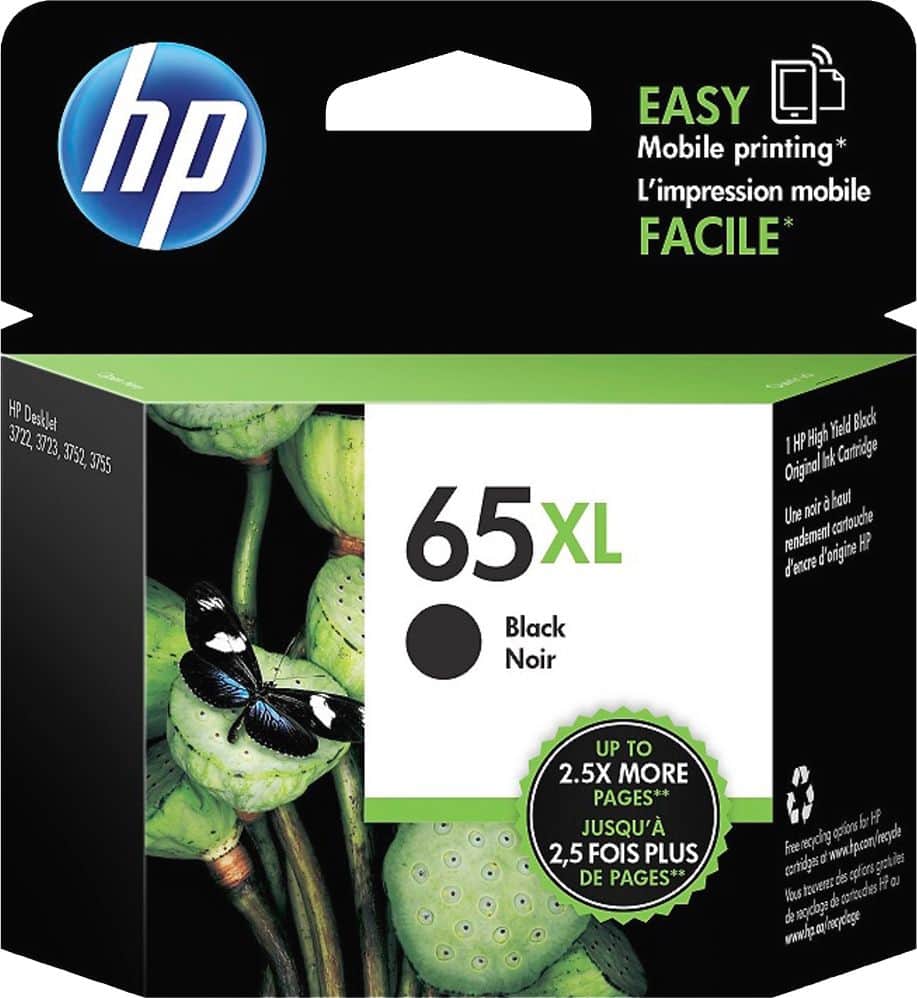
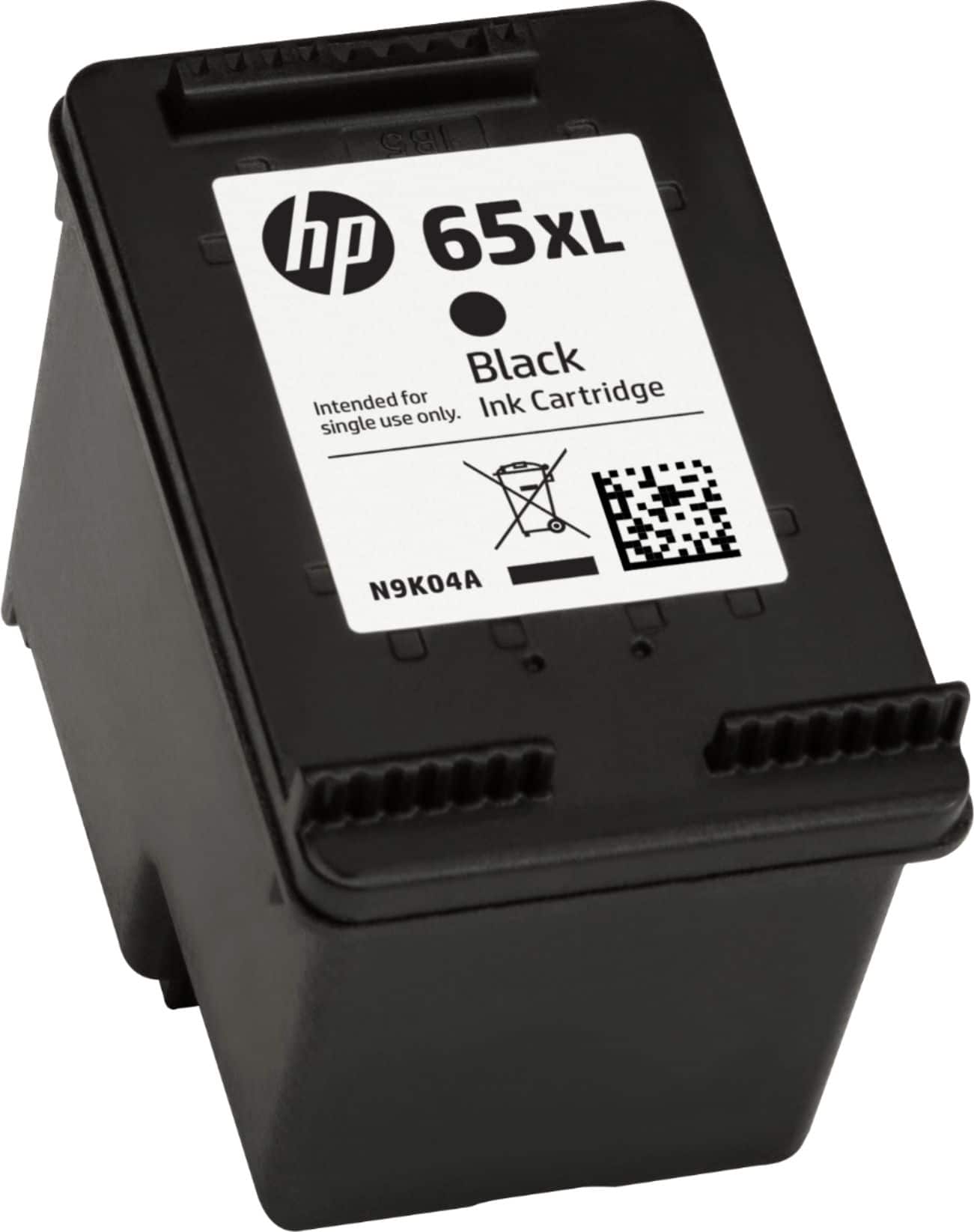
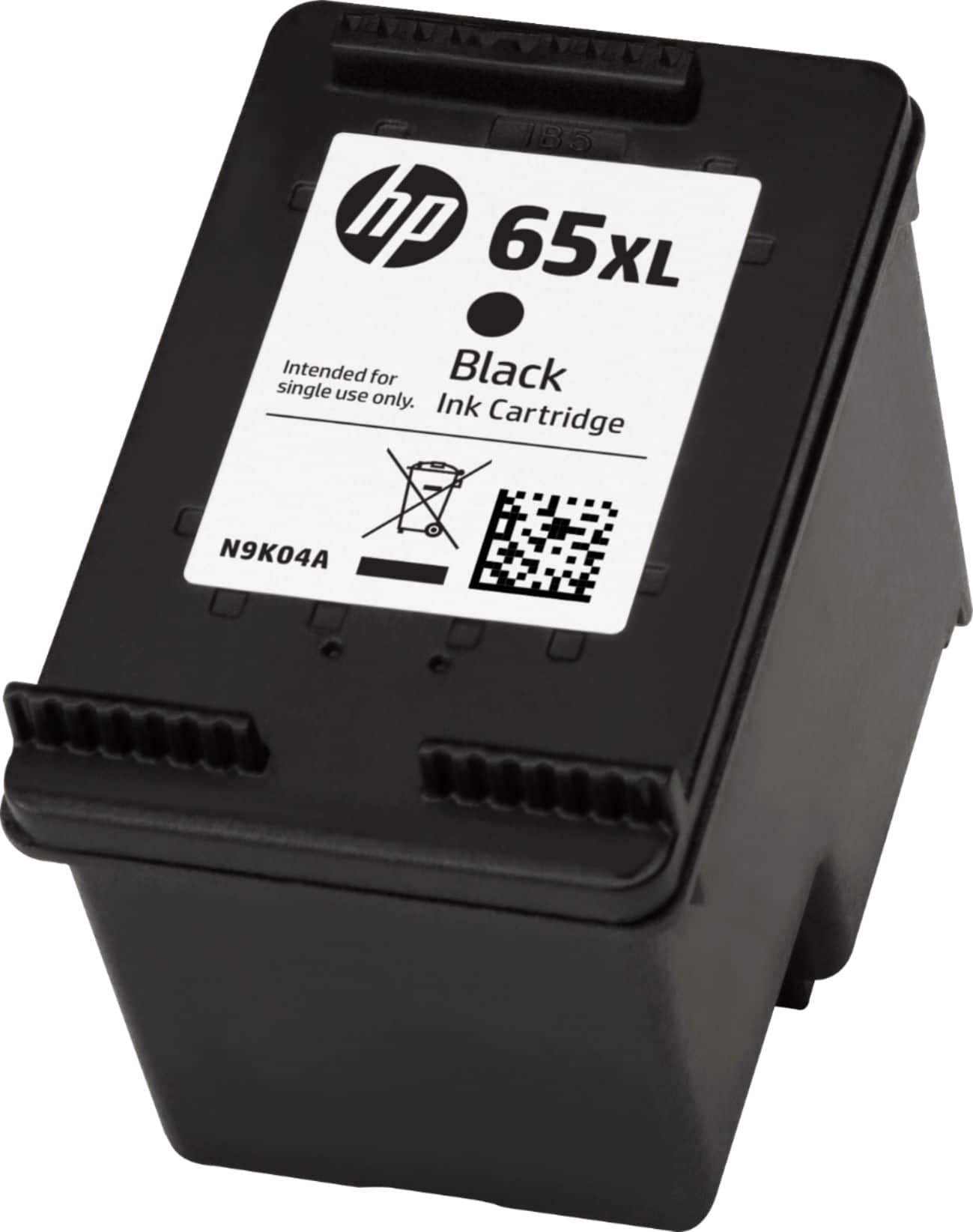
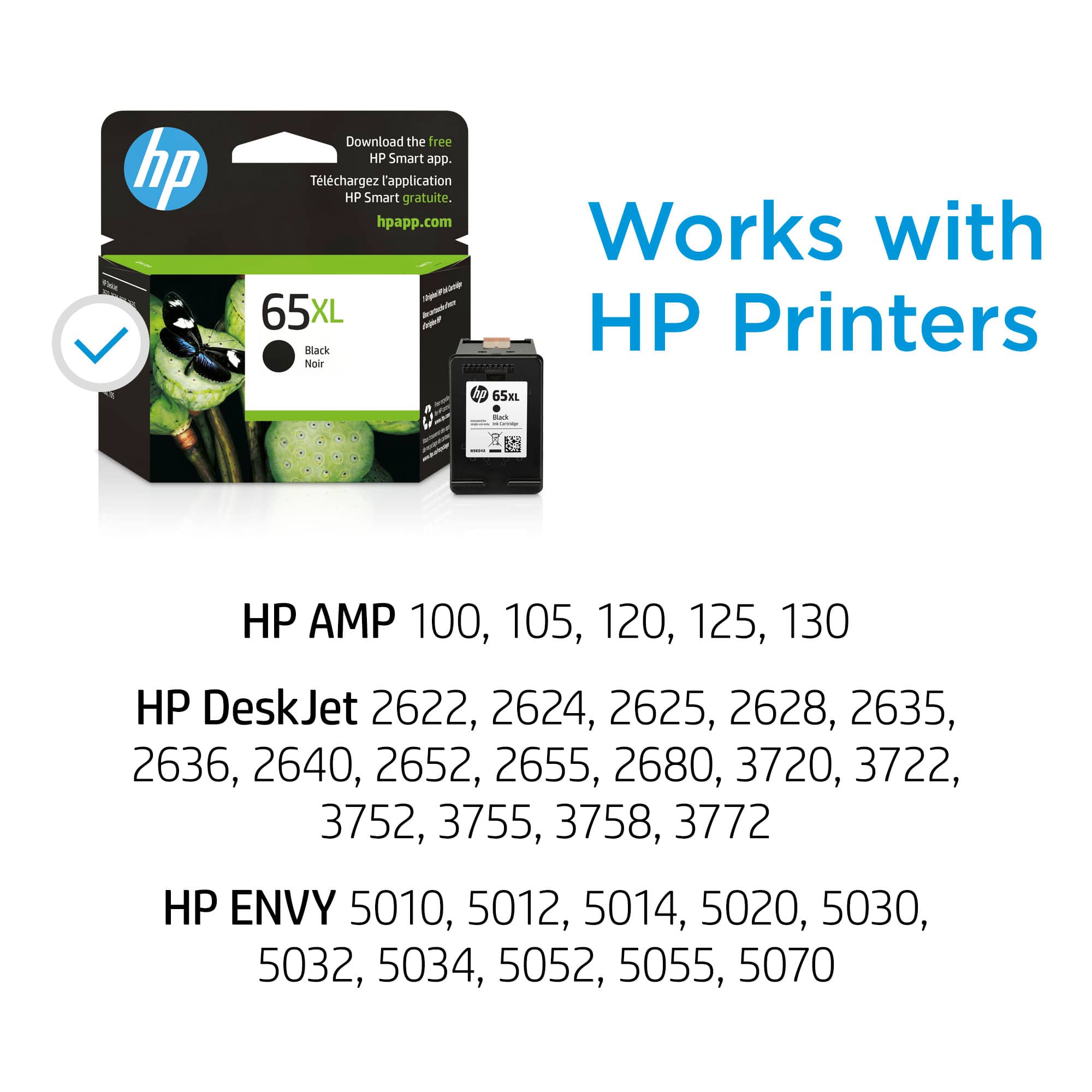
HP - 65XL High-Yield Ink Cartridge - Black
||Posted . Owned for 1 year when reviewed.This reviewer received promo considerations or sweepstakes entry for writing a review.After trouble shooting my HP printer, and purchasing new HP ink cartridges, the printer is still not printing properly. I've spent hours trouble shooting to no avail. Disappointed I spent $$ on ink cartridges.
No, I would not recommend this to a friendBrand response from HP Team
Posted .Hi there Jolie,
I understand your sentiments after spending hours troubleshooting this product. If you already viewed www.support.hp.com/us-en/help/diagnostics?category=printing&issue=ink-cartridge-issues/ and contacted www.support.hp.com/us-en/contact-hp/, there isn't much else that can be done. I am very sorry you have had this much difficulty. I hope your next batch of HP cartridges turns out better.
Amanda
HP Care
www.hp.com/support/
Order still delayed
||Posted . Owned for 3 weeks when reviewed.This reviewer received promo considerations or sweepstakes entry for writing a review.Ordered 3/11/24 still haven't received. On 4/7, they delivered another multicolored toner. Poor service.
No, I would not recommend this to a friendToni
||Posted . Owned for 11 months when reviewed.This reviewer received promo considerations or sweepstakes entry for writing a review.I was given the wrong product by Best Buy staff. Staff needs to be trained more. This caused me problems
No, I would not recommend this to a friendOrdered 65 xl needed 63 xl
||Posted . Owned for 2 weeks when reviewed.This reviewer received promo considerations or sweepstakes entry for writing a review.Ordered 65xl needed 63 Xl.Returned waiting on refund
No, I would not recommend this to a friendMore like XS
||Posted . Owned for 1 month when reviewed.This reviewer received promo considerations or sweepstakes entry for writing a review.I don’t print that much and this cartridge is already low after less than a month. Grrr- what a waste of money! It didn’t last any longer than the standard cartridge.
No, I would not recommend this to a friendBrand response from HP Team
Posted .Hi Meg,
I am sorry the cartridge dried up so quickly! Less than a month is a very short time. We hope our cartridges last a few months unless you print many pages a week. Take care to mitigate ink usage. Pictures are a huge waste of ink use. Print them sparingly. If there is anything else we can do to help, please let us know.
Amanda
HP Care
www.hp.com/support/
Dried out
||Posted .This reviewer received promo considerations or sweepstakes entry for writing a review.This is the second time this my black ink has not worked after installing it I think this location of Best Buy does not do a good job of storing it..
No, I would not recommend this to a friendBrand response from HP Team
Posted .Hello Kim,
What led you to believe the cartridge was dried out? There are many causes for cartridge issues. One possibility is the cartridge is defective.
As you mentioned, heat is another factor. You could try cleaning the printhead. Sometimes, cleaning it with a damp cloth helps the printhead to work. I also suggest you ensure the protective tape was removed from the printhead.
Amanda
HP Care
www.hp.com/support/
Dee
||Posted . Owned for 1 month when reviewed.This reviewer received promo considerations or sweepstakes entry for writing a review.I was not able to use it was defective and you would not replace it so I am out of ink and lost my money with this purchase
No, I would not recommend this to a friendBrand response from HP Team
Posted .Hi Doris,
I'm so sorry the cartridge was defective. We want our customers to receive the best results. Did you try the troubleshooting techniques? There is an HP guide online. You are also welcome to reach out to HP support any time at www.support.hp.com/us-en/contact-hp/. If you have questions about the Best Buy return policy, view it at www.bestbuy.com/site/help-topics/return-exchange-policy/.
Amanda
HP Care
www.hp.com/support/
not happy
||Posted .This reviewer received promo considerations or sweepstakes entry for writing a review.this was the first item order and it was the last one to get to me. it took way to long to get here and the web is very confusing to order I hit ship but didn't know that I had to hit each item.
No, I would not recommend this to a friend