Customer Ratings & Reviews



- Model:
- 3YM56AN#140
- SKU:
- 10757519
Rating by feature
- Value
Rating 4.4 out of 5 stars
- Quality
Rating 4.7 out of 5 stars
- Ease of Use
Rating 4.7 out of 5 stars
to a friend
Printer gave counterfeit message
||Posted .This reviewer received promo considerations or sweepstakes entry for writing a review.The printer did not recognize the ink cartridge and gave a message that it is counterfeit. I was able to print using the ink. The printer was not displaying ink level. The product did not come in good package. I am not sure how to identify if it's a counterfeit product.
No, I would not recommend this to a friendBrand response from HP Team
Posted .Hi,
I am very sorry that your purchase was not in good condition. If the printer identifies a cartridge as counterfeit, that is usually the case. Also, if ink levels are not displayed, the cartridge is probably a refill or remanufactured. The printer is not able to gage the levels from those.
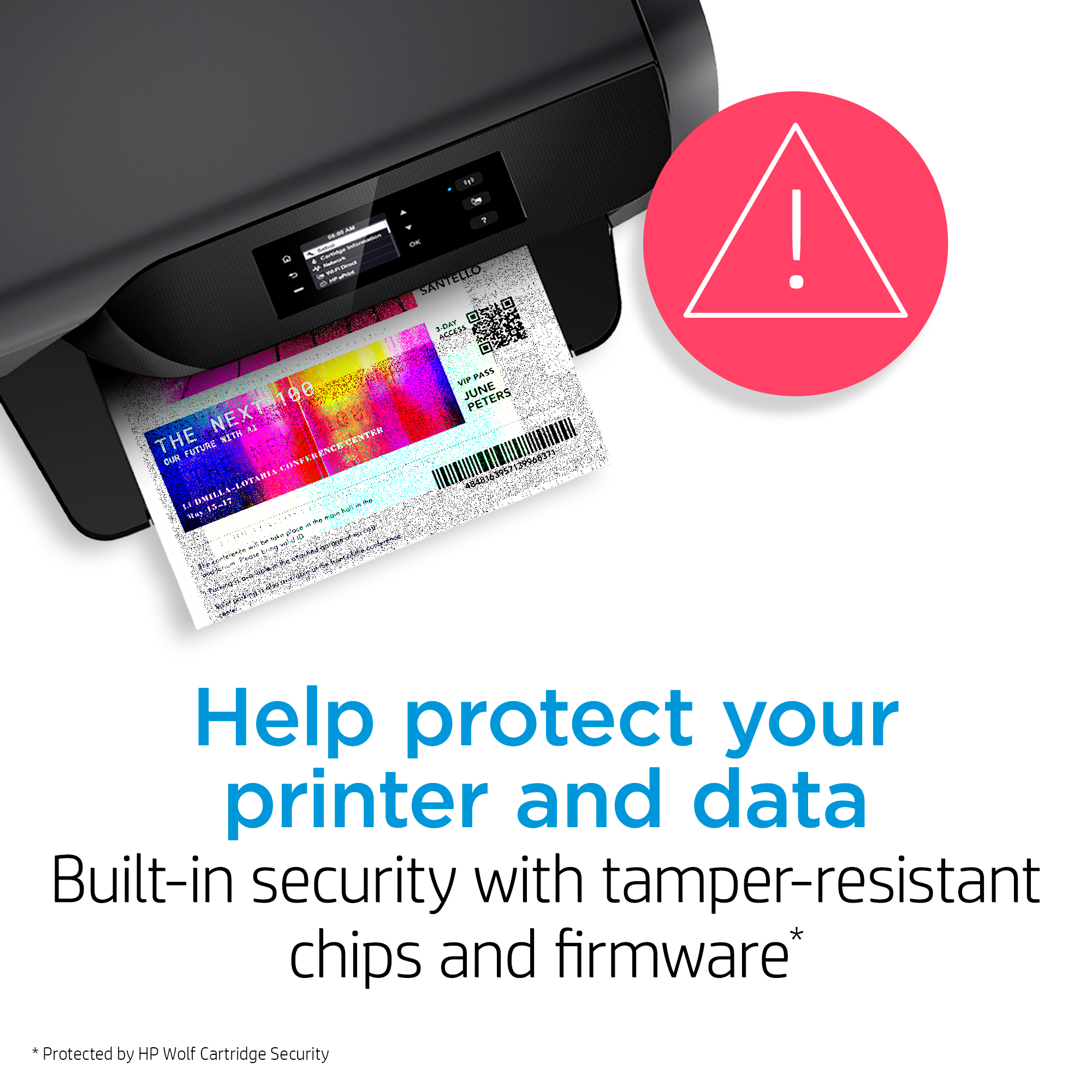
Counterfeit and used cartridges can be hard to identify. It is a good practice to verify if the cartridges you receive are authentic. Information on how to identify a counterfeit product is available at:
hp.com/go/anticounterfeit
You can return this cartridge either to the store or by mail. According to the Best Buy website: "If you receive a product that is damaged in shipping, defective or that is not the product you ordered, please return it during your return and exchange time period to Best Buy and we'll arrange for a replacement. If you would rather return the item by mail during your return and exchange time period, please call us for special instructions at 1-888-BEST BUY (1-888-237-8289)."
Mary
HP Care
hp.com/support
Circuseal
||Posted . Owned for 2 weeks when reviewed.This reviewer received promo considerations or sweepstakes entry for writing a review.I do not know if it is cartridge or the printer, but these cartridges do not last very long and run out really quickly. I am having to buy new cartridges every week and I did not have to do that with my old printer.
No, I would not recommend this to a friendBrand response from HP Team
Posted .Hello,
I am alarmed that you need to buy cartridges every week. That is too frequent unless you print a couple of hundred pages every week. I think there are several ways to test what is going on. You can start by reading up on cartridge issues at www.support.hp.com/us-en/help/diagnostics?category=printing&issue=ink-cartridge-issues/. If you cannot find the solution, navigate to www.support.hp.com/us-en/contact-hp/ to find support information.
Amanda
HP Care
www.hp.com/support/
defective cartidge
||Posted .This reviewer received promo considerations or sweepstakes entry for writing a review.Catridge is defective. Missing quite a few lines when printing or making copy. It is new, just out package. The printer indicated ink was full. Tried cleaning printhead with HP software tools. Same bad printing out come.
No, I would not recommend this to a friendBrand response from HP Team
Posted .Hi,
What a disappointment! I am sorry you have had to manage this situation.
To ensure the cartridge is defective, manually clean the printhead and copper contacts. I also recommend looking for a leak inside the printer. As a precautionary measure, clean the print rollers as well.
If those measures are ineffective at solving the issue, return processing happens at this site, https://www.bestbuy.com/site/help-topics/return-exchange-policy/pcmcat260800050014.c?id=pcmcat260800050014/. Never hesitate to reach out to HP support. We are here to help you.
-Amanda
HP Care
http://hp.com/support/
Not impressed
||Posted . Owned for 1 year when reviewed.This reviewer received promo considerations or sweepstakes entry for writing a review.If I could give this a zero I would. The cartridge dries out quickly, very poor quality, the color cartridges were so much better and less of a headache to use.
No, I would not recommend this to a friendBrand response from HP Team
Posted .Hi,
The black cartridges should be a seamless experience. I am glad the color cartridges didn't give you trouble. Since you use the black cartridges more frequently, then it is essential to clean the printhead frequently. Cleaning is either done manually or with automatic printing maintenance. If you can, turn off the printer often to give it a break.
Amanda
HP Care
www.hp.com/support/
waste of money
||Posted . Owned for 1 month when reviewed.This reviewer received promo considerations or sweepstakes entry for writing a review.wrong item received. need to purchase in store if wanting to get correct items
No, I would not recommend this to a friendDon’t buy
||Posted . Owned for 6 months when reviewed.This reviewer received promo considerations or sweepstakes entry for writing a review.These cartridges suck. I hardly even use my printer and the black and dries up really fast. Don’t waste your money.
No, I would not recommend this to a friendPoor quality printer ink cartridges
||Posted . Owned for 2 months when reviewed.This reviewer received promo considerations or sweepstakes entry for writing a review.This is the second time I purchased a ink cartridge for my printer and they barely last 2 months? I don't know if the stock on hand they keep is old or this is a bad coincidence.
No, I would not recommend this to a friendBrand response from HP Team
Posted .Hi,
It was sure to be disappointing when the cartridges didn’t last long for you. It is a good idea to check the ink levels to ensure a "new" cartridge is actually full.
On the other hand, it is possible that the printhead on the cartridge is getting clogged and not allowing ink through to the paper. There is a cleaning routine available from the printer's menu used to clear the tiny inkjets in the printhead to get it printing again.
To prevent these problems:
- Turn the printer off when it is not being used
- Always use the power button on the printer itself to turn your printer off. That gives it time to position the cartridge so it is protected from excessive drying, which leads to clogs.
- Make use of the printer's draft mode whenever possible
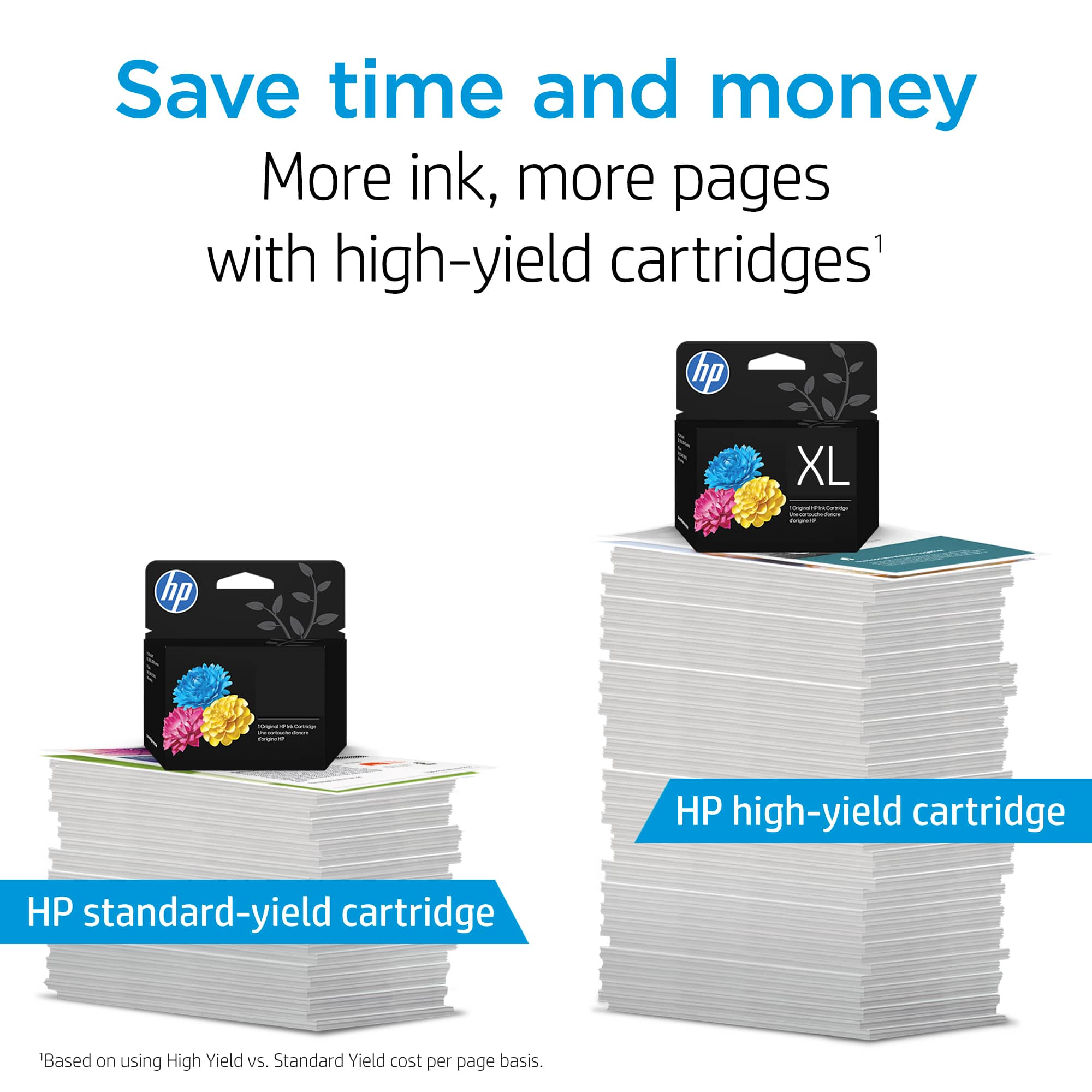
- Get the XL version of the cartridge. It lasts longer, and most find it a better value
- Subscribe to Instant Ink, then you only pay by the page, not for the cartridges themselves
Mary Chris
HP Care
hp.com/support
Hardly any ink
||Posted . Owned for 3 months when reviewed.This reviewer received promo considerations or sweepstakes entry for writing a review.I probably printed 20 pages, and now the printer says low ink. The specifications said Approximate Page Yield (Black) 120 yeah, that is a NO.
No, I would not recommend this to a friendBrand response from HP Team
Posted .Hi Flaca,
Low ink warnings are not fun after twenty pages. The average is more pages than that. There are a couple of reasons for the low ink.
1. Heat and humidity impact the cartridge.
2. Thick paper causes the printer to deposit more ink.
3. Look for leaks inside the printer.
If you have any other feedback, reach out at www.support.hp.com/us-en/contact-hp/.
Amanda
HP Care
www.hp.com/support/
Bad Ink
||Posted . Owned for 1 month when reviewed.This reviewer received promo considerations or sweepstakes entry for writing a review.It didn't work. I had to buy the ink from hp website.
No, I would not recommend this to a friendblack ink
||Posted .This reviewer received promo considerations or sweepstakes entry for writing a review.Product runs out of ink with almost one use. Replacement is much more expensive than products than actually print.
No, I would not recommend this to a friendBrand response from HP Team
Posted .Hi Loren,
Unless you are printing hundreds of pages at once, the cartridge should not run out that quickly. First, I would like to state an apology. If we can, let's review your habits. Do you print photos? Photos use a ton of ink. Instead, I suggest limiting the number. If you use your printer for school or work, you may print diagrams or tables. These items also use a lot of ink.
Amanda
HP Care
www.hp.com/support/
Printer ink
||Posted . Owned for 3 weeks when reviewed.This reviewer received promo considerations or sweepstakes entry for writing a review.Well this one is full. The last one was not full and only printed four sheets
I would recommend this to a friendNono
||Posted .This reviewer received promo considerations or sweepstakes entry for writing a review.Not really happy with this ink When you set up it just last for one week even if you don’t use it so no happy at all ☹️
No, I would not recommend this to a friendBrand response from HP Team
Posted .Hi Maky,
I see your cartridge went dry after one week. You reported no printing activity. Was the printer left on for the entire week? If so, the cartridge may have dried out from contact with the air.
In the future, protect cartridges by covering the printhead. Turning the printer off accomplishes this goal. If there is anything else HP can do for you, please let us know.
Amanda
HP Care
www.hp.com/support/
HP Ink
||Posted . Owned for 1 month when reviewed.This reviewer received promo considerations or sweepstakes entry for writing a review.This ink ran out at about 100 pages. You had zero in stock although your website for purchase location stated you did. A wasted trip, time, and gas for this shopper.
No, I would not recommend this to a friendBrand response from HP Team
Posted .Hi,
I am sorry that the cartridge didn't last long for you. That has to be distressing.
Normally, ink usage determines how long a cartridge lasts. High-density prints (such as images and graphs) will use more ink, especially if the paper is very absorbent and the air is dry.
If you feel that you didn't get enough pages printed because of a defect, you can look into returning or exchanging it. Information about that can be found at:
https://www.bestbuy.com/site/help-topics/return-exchange-policy/pcmcat260800050014.c
Mary
HP Care
hp.com/support
pricey
||Posted . Owned for 1 month when reviewed.This reviewer received promo considerations or sweepstakes entry for writing a review.Standard capacity very expensive to use, the Hp XL is a little more economical. HP ink is just plain expensive! Might be time for a change in printer brands?
No, I would not recommend this to a friendHP 67 ink
||Posted .This reviewer received promo considerations or sweepstakes entry for writing a review.Not enough ink inside cartridge. For an expensive cartridge it shouldn't run out of ink after 25 pages.
No, I would not recommend this to a friendBrand response from HP Team
Posted .Hi there,
I regret that you have had this experience. Ink usage usually determines how long each individual cartridge lasts. High-density prints (like images and graphs) will use more ink, especially if the paper is highly absorbent and the surrounding air is dry.
Here are some things that might help lower your ink usage:
- Consider using XL cartridges. Most say they are a better value
- Set the printer to draft mode whenever possible
- Shut the printer down between uses
- Always use the power button on the printer itself to turn it off. That gives it time to ‘park’ so that the cartridges are protected from excessive drying
- Subscribe to Instant Ink, then you only pay by the page and not for the cartridges themselves
The seller is responsible for the product you bought from them. If the poor performance appears to be due to the individual cartridge itself, consider contacting the seller.
Mary
HP Care
hp.com/support
Wrong item
||Posted . Owned for 6 months when reviewed.This reviewer received promo considerations or sweepstakes entry for writing a review.Did not fit computer. Had to return due to not right number ink
I would recommend this to a friendHard to find
||Posted . Owned for 1 week when reviewed.This reviewer received promo considerations or sweepstakes entry for writing a review.doesn't last long at all- very hard to obtain in a store- I have had printer 6 weeks and i am on the 4th cartridge and thats the XL 67
No, I would not recommend this to a friendBrand response from HP Team
Posted .Hi,
I am sorry that this has happened to you. Discovering the cartridges you want are not in stock is irritating.
Most of the time shortages of certain cartridges are because supply hasn't been keeping up with demand. Many businesses are also experiencing shipping delays because the delivery companies are having a hard time keeping up with orders too.
While the XL is generally a better value, you might find that Instant Ink might be a good choice for you. With that you don't pay for cartridges, you pay by the page printed. More information can be found at: instantink.com
Mary Chris
HP Care
hp.com/support
Ink cartridge
||Posted . Owned for 5 months when reviewed.This reviewer received promo considerations or sweepstakes entry for writing a review.I bought the wrong one so I had to take it back it didn’t work in my printer
I would recommend this to a friendNot much ink
||Posted . Owned for 2 months when reviewed.This reviewer received promo considerations or sweepstakes entry for writing a review.Not much ink in these anymore. Better buy another brand of printer and use off label cartridges as long as you have an ho printer.
No, I would not recommend this to a friendBrand response from HP Team
Posted .Hi Mark,
It was sure to be disappointing when the cartridges didn’t last long for you. It is a good idea to check the ink levels to ensure a "new" cartridge is actually full.
It is possible that the printhead on the cartridge is getting clogged and not allowing ink through to the paper. There is a cleaning routine available from the printer's menu used to clear the tiny inkjets in the printhead to get it printing again.
To prevent these problems:
- Turn the printer off when it is not being used
- Always use the power button on the printer itself to turn your printer off. That gives it time to position the cartridge so it is protected from excessive drying, which leads to clogs.
- Make use of the printer's draft mode whenever possible
- Get the XL version of the cartridge. It lasts longer, and most find it a better value
- Subscribe to Instant Ink, then you only pay by the page, not for the cartridges themselves
Mary Chris
HP Care
hp.com/support
HP67
||Posted . Owned for 3 weeks when reviewed.This reviewer received promo considerations or sweepstakes entry for writing a review.The black print is very light and not easy to read. I believe the ink should be darker. Last printer too HP60 and was darker.
I would recommend this to a friendBrand response from HP Team
Posted .Hi there,
I am sorry that the cartridge didn’t print clearly for you. That sounds disappointing.
Normally, this type of cartridge will print clearly until the cartridge is depleted. If it is not printing dark enough from the very start, it might not be authentic. It is a good idea to verify if the cartridges you receive are genuine. There are tips to check about that at: hp.com/go/anticounterfeit
You are always free to go to the seller to get a replacement whenever the product you get from them is not satisfactory.
Mary
HP Care
hp.com/support