Customer Ratings & Reviews
- Model:
- 3YM56AN#140
- |
- SKU:
- 6404830
Customer reviews
Rating 4.6 out of 5 stars with 2263 reviews
(2,263 customer reviews)Rating by feature
- Value4.4
Rating 4.4 out of 5 stars
- Quality4.7
Rating 4.7 out of 5 stars
- Ease of Use4.7
Rating 4.7 out of 5 stars
Customers are saying
Customers commend the 67 Standard Capacity Ink Cartridge for its good ink quality and ease of use. Many find it to be a good value for the price and appreciate its compatibility with their printers. However, some customers have noted issues with availability and express concerns about its longevity and page yield. Some customers have reported the ink runs out quickly.
This summary was generated by AI based on customer reviews.
Rated 2 out of 5 stars
A bit too expensive
||Posted . Owned for 1.5 years when reviewed.This reviewer received promo considerations or sweepstakes entry for writing a review.It finished after 20 pages.I think it’s too expensive for it.
I would recommend this to a friendRated 1 out of 5 stars
Waste of money
||Posted . Owned for more than 2 years when reviewed.This reviewer received promo considerations or sweepstakes entry for writing a review.So little ink in these, and way too expensive. Do not last at all.
No, I would not recommend this to a friendRated 2 out of 5 stars
Unhappy
||Posted .This reviewer received promo considerations or sweepstakes entry for writing a review.Did not last me 30 days and my printer was down for a week. I do not print that much.
No, I would not recommend this to a friendRated 2 out of 5 stars
Expensive toner
||Posted . Owned for 3 weeks when reviewed.This reviewer received promo considerations or sweepstakes entry for writing a review.With toner, you get too little for too much. Plus, I print with black and white, so how come the colors get used up.
No, I would not recommend this to a friendBrand response from HP Team
Posted .Hi,
It is regrettable that you had this experience. You can set the printer to black or grayscale only to save on colored ink, but a few drops of that ink are used during maintenance to keep the tiny inkjets clear of clogs.
Ink usage usually determines how long each individual cartridge lasts. High-density prints (like images and graphs) use more ink, especially if the paper is highly absorbent and the air is dry.
Here are some things that could help:
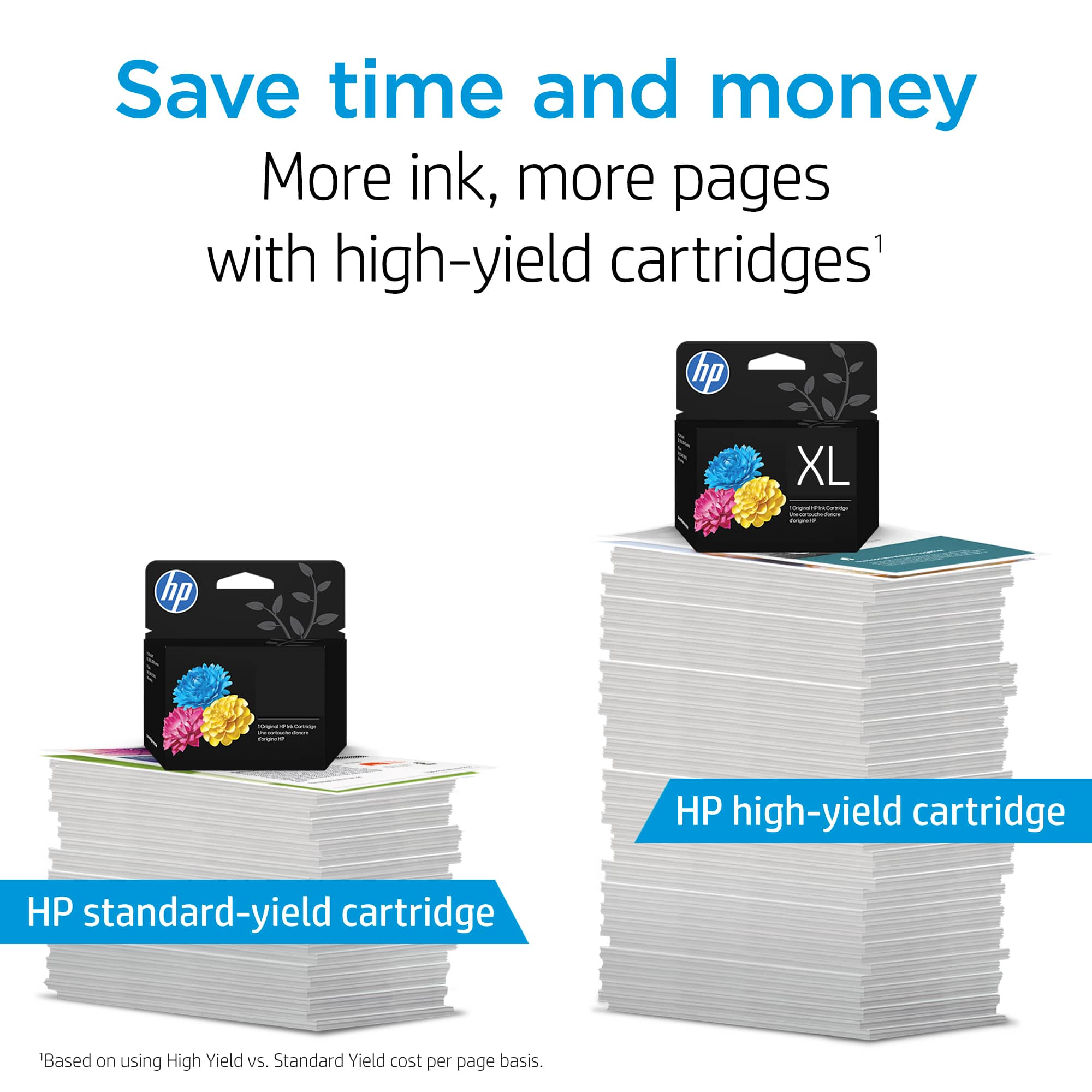
- Consider using XL cartridges. Most people say they are a much better value
- Set the printer to draft mode whenever possible
- Shut the printer down between uses
- Always use the power button on the printer itself to turn it off. That gives it time to ‘park’ so that the cartridges are protected from excessive drying
- Subscribe to Instant Ink, then you only pay by the page and not for the cartridges themselves
The seller is responsible for the product they sold you. If poor performance appears to be due to the cartridge itself, consider contacting the seller about that.
Mary Chris
HP Care
hp.com/support
Rated 4 out of 5 stars
#67 ink catridge
||Posted . Owned for 1 month when reviewed.This reviewer received promo considerations or sweepstakes entry for writing a review.Have no likes or dislikes about this product. Does what i need it to do.
I would recommend this to a friendRated 2 out of 5 stars
small ink cartridge
||Posted . Owned for 1 week when reviewed.This reviewer received promo considerations or sweepstakes entry for writing a review.not cheap for what your paying the the ink wont last very long but what choice do you have once you buy the printer???
No, I would not recommend this to a friendBrand response from HP Team
Posted .Hi there,
My apologies for this happening to you. It does seem like they should last longer.
How a cartridge will perform in your own printer will vary according to several things, including the surrounding environment.
Here are some things that might help you get savings:
- Consider using XL cartridges. Most people say they are a much better value
- Make use of the printer's draft mode whenever possible
- Shut the printer down between uses
- Always use the power button on the printer itself to turn it off. That gives it time to ‘park’ so that the cartridges are protected from excessive drying
- Subscribe to Instant Ink, then you only pay by the page, not for the cartridges themselves
Mary
HP Care
hp.com/support
Rated 1 out of 5 stars
Captured!
||Posted . Owned for 1 month when reviewed.This reviewer received promo considerations or sweepstakes entry for writing a review.An overpriced product that that sells to a captured audience. The contents of this vessel is a sponge the size of a sugar cube, that contains the ink. I don't believe the ink is as expensive as the vessel that carries it. Regardless if it is XL or not. Think plastic made from oil vs ink.
No, I would not recommend this to a friendBrand response from HP Team
Posted .Hello there Poed,
Your feelings about the product are disappointing. I want to explain HP's policy. Our printers work best with HP ink. The goal of requiring HP ink is to provide a quality product. We care about customer outcomes. If you would like to chat with HP, go to www.support.hp.com/us-en/contact-hp/. I hope your next experience is better.
Amanda
HP Care
www.hp.com/support/
Rated 4 out of 5 stars
Ink Cartridge
||Posted . Owned for 1 month when reviewed.This reviewer received promo considerations or sweepstakes entry for writing a review.It’s ink. Not sure what else to say other than it fits the printer.
I would recommend this to a friendRated 2 out of 5 stars
no one's listening
||Posted .This reviewer received promo considerations or sweepstakes entry for writing a review.I gave a 2 because I haven't opened it yet and haven't had time to give an honest eval but you keep sending me these emails
No, I would not recommend this to a friendRated 2 out of 5 stars
Ink
||Posted .This reviewer received promo considerations or sweepstakes entry for writing a review.The HP - 67 Standard Capacity - Black Ink Cartridge is ok. It works fine but does not last long at all.
No, I would not recommend this to a friendBrand response from HP Team
Posted .Hi Theo,
I'm sorry that you didn't get as much use for the cartridge as you'd have liked. I have some tips that might help.
Normally, ink usage determines how long a cartridge lasts. High-density prints (such as images and graphs) will use more ink, especially if the paper is very absorbent and the air is dry.
Here are some things that might help lower your ink costs:
- Black is used a lot in almost every printout. Use the printer's draft mode whenever possible, to help stretch out black (and colored) ink
- Always use the power button on the printer itself to turn it off. That gives it time to ‘park’ so that the cartridges are protected from excessive drying.
- Shutting the printer down between uses will save electricity and a few drops of ink here and there that are used to keep the inkjets cleared and ready for your next print job.
- Instant Ink lets you pay by the page. Check out the details at the HP Instant Ink site.
The seller is responsible for the product you bought from them. When you receive a cartridge that is low to begin with, or doesn't work long because of a defect, you can contact them about that.
Mary
HP Care
hp.com/support
Rated 2 out of 5 stars
HP 67 cartidge
||Posted . Owned for 3 weeks when reviewed.This reviewer received promo considerations or sweepstakes entry for writing a review.Standard size cartridge doesn't have that much print capacity. XL cartridge is a much better value.
No, I would not recommend this to a friendBrand response from HP Team
Posted .Hello Mike,
It is true that most people find that the XL version of the cartridges is a better value. However, the standard size works well for people who don't print much.
With whichever size you prefer, here are some things you can do to stretch out your ink:
- Make sure the cartridge is full when you install it. It is often hard to recognize a used or refilled cartridge.
- Shut the printer down between uses
- Always use the power button on the printer itself to turn it off. That gives it time to ‘park’ so that the cartridges are protected from excessive drying. That can prematurely shorten the useful life of the cartridge.
- If poor performance appears to be due to a defective cartridge, return it to the Best Buy you bought it from.
Mary Chris
HP Care
hp.com/support
Rated 1 out of 5 stars
IT SUCKS!!!
||Posted .This reviewer received promo considerations or sweepstakes entry for writing a review.The HP 67 sucks. It runs out to fast. It is a poor product. Who has time to continuously stop to order ink. Wait for it to arrive or run to the nearest store to find out the ink is out of stock. THIS PRODUCT SUCKS!!!! IT IS NO GOOD AND I AM SORRY I PURCHASED THE PRINTER THAT USES THIS HP 67. WHAT A GIMMICK.
No, I would not recommend this to a friendBrand response from HP Team
Posted .Hello,
I am sorry that you encountered this problem with the cartridge. I am very sorry to hear about this.
Normally, ink usage determines how long a cartridge lasts. High-density prints (such as images and graphs) will use more ink, especially if the paper is very absorbent and the air is dry.
Here are some things that might help lower your ink costs:
- Make use of the printer's draft mode whenever possible, to help stretch out black and colored ink
- Always use the power button on the printer itself to turn it off. That gives it time to ‘park’ so that the cartridges are protected from excessive drying.
- Shutting the printer down between uses will save electricity and a few drops of ink here and there that are used to keep the inkjets cleared and ready for your next print job.
- Instant Ink lets you pay by the page. Check out the details at: instantink.com
If it appears that poor performance is due to a defect or you were sent a cartridge already low on ink, please contact the seller.
According to the Best Buy website: "If you receive a product that is damaged in shipping, defective or that is not the product you ordered, please return it during your return and exchange time period to Best Buy and we'll arrange for a replacement. If you would rather return the item by mail during your return and exchange time period, please call us for special instructions at 1-888-BEST BUY (1-888-237-8289)."
Mary
HP Care
hp.com/support
Rated 2 out of 5 stars
Luvina 1
||Posted . Owned for 3 weeks when reviewed.This reviewer received promo considerations or sweepstakes entry for writing a review.Love the product i wish you could buy a bigger cartilage it would make life easier
I would recommend this to a friend- Pros mentioned:Ink quality
Rated 1 out of 5 stars
hp
||Posted . Owned for 4 months when reviewed.This reviewer received promo considerations or sweepstakes entry for writing a review.worked fine just hate hp for using this system of waste
No, I would not recommend this to a friendBrand response from HP Team
Posted .Hi,
Glad to read the ink cartridge is effectively working. Your feelings about waste are valued. I have some ideas to save you both ink and money. With these strategies, perhaps you will feel differently about HP.
If your concerns are environmental, I implore you to recycle the cartridges. To cut down on waste, use the XL cartridges. Each container has more ink, saving plastic.
To save money, join the instant ink program. It orders ink based on ink level data in your printer. It eliminates the need for extra trips to the store or spending time ordering online.
Other general best printing practices to use:
- Use a wet cloth or soft material to gently clean off dirt, dust, or old ink.
- Put your printer in sleep mode or turn it off. These actions protect the printhead from dry air.
- Amanda
HP Care
http://hp.com/support/
Rated 2 out of 5 stars
Doesn’t last long
||Posted . Owned for 2 months when reviewed.This reviewer received promo considerations or sweepstakes entry for writing a review.Go ahead and buy the XL, these do not last long at all.
No, I would not recommend this to a friendBrand response from HP Team
Posted .Hi there Kris,
The XL cartridges are a great product. Still, I am concerned you stated the cartridges aren’t lasting long. I have some tips to extend the life of the cartridge. First, take the cartridge out and clean the printhead with a damp cloth. Turning off the printer after each use returns the cartridge to a protected position. This position prevents the cartridge from drying. You can also use print preview to eliminate extra copies.
Amanda
HP Care
www.hp.com/support/
Rated 4 out of 5 stars
Don't last long at all
||Posted . Owned for 3 weeks when reviewed.This reviewer received promo considerations or sweepstakes entry for writing a review.It seems the ink not lasting at all after couple of use
I would recommend this to a friendRated 4 out of 5 stars
Good
||Posted . Owned for 1 week when reviewed.This reviewer received promo considerations or sweepstakes entry for writing a review.If we not print for longtime, ink not flowing properly.
I would recommend this to a friendRated 2 out of 5 stars
Disappointing
||Posted . Owned for 1 month when reviewed.This reviewer received promo considerations or sweepstakes entry for writing a review.It's disappointing that I was able to print approximately 50 pages of text (no graphics)
No, I would not recommend this to a friendBrand response from HP Team
Posted .Hi Rosie,
I am very sorry that you had this problem. That does sound disappointing.
Here are some things you can do to be able to print more:
- Shut the printer down between uses
- Always use the power button on the printer itself to turn it off. That gives it time to ‘park’ so that the cartridges are protected from excessive drying
- If the poor performance appears to be due to a defective cartridge, return it to the Best Buy you bought it from.
Also, most people find that the XL version of the cartridges are a better value.
Mary Chris
HP Care
hp.com/support
Rated 2 out of 5 stars
Not the best
||Posted .This reviewer received promo considerations or sweepstakes entry for writing a review.Barely got 70 copies out of one that was suppose to get me 120.
No, I would not recommend this to a friendBrand response from HP Team
Posted .Hello there,
If you only got seventy copies, I understand why you would feel our cartridges are not the best. I have a few ideas on how you could get more copies.
- Use the XL version of the cartridge.
- Use print preview. - Limit printing photos, graphics, and tables.
- Turn off the printer while idle.
I would also suggest tracking each page to see what is using the most ink. Keep the room at a reasonable temperature to avoid dry cartridges.
Amanda
HP Care
www.hp.com/support/
Rated 2 out of 5 stars
Not so much
||Posted .This reviewer received promo considerations or sweepstakes entry for writing a review.Very pricey for the quality and quantity of this product.
No, I would not recommend this to a friendBrand response from HP Team
Posted .Hi,
I understand where you are coming from. With inflation, many consumers are worried about value. I can address your concerns about quantity and quality. To get the most out of the product, start by limiting certain types of prints. Photos and labels take up more ink. Thicker paper may contribute to ink use. As for quality, increase the printer settings. I will warn you that this action uses more ink. I hope your next purchase changes your mind about HP.
Amanda
HP Care
www.hp.com/support/