Customer Ratings & Reviews



- Model:
- 3YM56AN#140
- SKU:
- 6404830
Rating by feature
- Value
Rating 4.4 out of 5 stars
- Quality
Rating 4.7 out of 5 stars
- Ease of Use
Rating 4.7 out of 5 stars
to a friend
Customers are saying
Customers value the 67 Standard Capacity Ink Cartridge for its good ink quality, ease of use, and reasonable price. Many users report positive experiences with its overall performance and compatibility with their devices. However, some customers have expressed concerns about the page yield of the cartridge.
This summary was generated by AI based on customer reviews.
Hp ink
||Posted . Owned for 3 weeks when reviewed.This reviewer received promo considerations or sweepstakes entry for writing a review.I really don’t care for having to constantly buy ink,it’s like a revolving door. It’s costly, doesn’t last long and you only get to print a minimum of 200 pages before you are back at the store trying to find it in stock.
No, I would not recommend this to a friendBrand response from HP Team
Posted .Hi,
I am very sorry that this is happening to you. It can be frustrating to not have cartridges last long.
Normally, ink usage determines how long a cartridge lasts. High-density prints (such as images and graphs) will use more ink, especially if the paper is very absorbent and the air is dry.
Here are some things that might help lower your ink costs:
- Black is used a lot in almost every printout. Make use of the printer's draft mode whenever possible, to help stretch out black and colored ink
- Always use the power button on the printer itself to turn it off. That gives it time to ‘park’ so that the cartridges are protected from excessive drying.
- Shutting the printer down between uses will save electricity and a few drops of ink here and there that are used to keep the inkjets cleared and ready for your next print job.
- Instant Ink lets you pay by the page rather than by the cartridge. Check out the details at: instantink.com
If it appears that the poor performance you got is due to a defect or you were sent a cartridge already low on ink, please contact the seller.
According to the Best Buy website: "If you receive a product that is damaged in shipping, defective or that is not the product you ordered, please return it during your return and exchange time period to Best Buy and we'll arrange for a replacement. If you would rather return the item by mail during your return and exchange time period, please call us for special instructions at 1-888-BEST BUY (1-888-237-8289)."
Mary
HP Care
hp.com/support
Unworthy HP 67 Ink Cartridge
||Posted . Owned for 3 weeks when reviewed.This reviewer received promo considerations or sweepstakes entry for writing a review.Purchased this ink Dec 20. Printed only 20 pages for my taxes on Jan 6, and it's dead/empty. Weather has been dangerously cold past two weeks, so I didn't get out to return it right away. Looks like my "return" time is up. Not happy for the total waste of money.
No, I would not recommend this to a friendHPinkuser
||Posted .This reviewer received promo considerations or sweepstakes entry for writing a review.Always need ink. Wish it would last longer. Ink is always great in tough times when prints are needed.
I would recommend this to a friendGreat price!!
||Posted . Owned for 1 week when reviewed.This reviewer received promo considerations or sweepstakes entry for writing a review.Had lots of these on hand! Thank you! Only needed a black refill , couldnt find it else where
I would recommend this to a friendNew ink cartridge that didn’t work
||Posted . Owned for 2 months when reviewed.This reviewer received promo considerations or sweepstakes entry for writing a review.This cartridge was bad. It caused my new printer to not work and I had to call the GEEK Squad. Lucky for me that the old cartridge still contained small amount of ink.
No, I would not recommend this to a friendBrand response from HP Team
Posted .Hi Dee,
I am so sorry that you had to call the Geek Squad to fix an issue. Without further details on the problem, it is hard to direct you to the right resources. Still, I want you to have a good experience. I have two recommendations on actions to take.
I strongly suggest you contact our support team. We are always here for you. Contact us at https://support.hp.com/us-en/contact-hp.
Since the cartridge was new, try to return or exchange it. The website is https://www.hp.com/us-en/shop/cv/ReturnsandExchanges?id=page-return-exchange-policy/. You can process the return online.
-Amanda
HP Care
hp.com/support/
INK DISAPPEARS FAST
||Posted . Owned for 3 weeks when reviewed.This reviewer received promo considerations or sweepstakes entry for writing a review.I cannot believe how fast this cartridge goes down and I have hardly copied anything..what a rip off
No, I would not recommend this to a friendNot good
||Posted . Owned for 1.5 years when reviewed.This reviewer received promo considerations or sweepstakes entry for writing a review.Low quality not good quality low quality and low quality
I would recommend this to a friendWorks great
||Posted .This reviewer received promo considerations or sweepstakes entry for writing a review.This ink cartridge works great, printing quality perfectly meets our expectations.
I would recommend this to a friendInk 67
||Posted . Owned for less than 1 week when reviewed.This reviewer received promo considerations or sweepstakes entry for writing a review.Horrible experience ups ringed my door bell didn’t even allow me to climb 15 stairs to get to the door before he left a note saying he will try again tomorrow..Then delivered it to a access point 3mins from my house horrible experience should of just did a Best Buy pickup
I would recommend this to a friendNo problems
||Posted . Owned for 1 month when reviewed.This reviewer received promo considerations or sweepstakes entry for writing a review.Its ink.. it works. Used it on my HP printer and no problems woth it.
I would recommend this to a friendInk
||Posted .This reviewer received promo considerations or sweepstakes entry for writing a review.I needed this ink so I could print copies. It was what I needed.
I would recommend this to a friendPrinter ink
||Posted . Owned for 5 months when reviewed.This reviewer received promo considerations or sweepstakes entry for writing a review.Not sure what to say, except for that the ink worked as expected
I would recommend this to a friendDecent
||Posted . Owned for 11 months when reviewed.This reviewer received promo considerations or sweepstakes entry for writing a review.I barely print and I go through these printer cartridges probably after 30 pages of paper printing in only black and white.
No, I would not recommend this to a friendBrand response from HP Team
Posted .Hi Brian,
Thirty pages are below our expectations for page yields. You mentioned printing in black ink only, which is a great start. I also recommend lowering the print quality setting to save ink. Shut off the printer if you aren't printing. It helps shield the cartridge. Another suggestion is to contact support to ensure your printer is optimized. The contact information is at www.support.hp.com/us-en/contact-hp.
Amanda
HP Care
www.hp.com/support/
Price
||Posted . Owned for 1 month when reviewed.This reviewer received promo considerations or sweepstakes entry for writing a review.Good price. Fast delivery.,,,,,,,,,,,,,,,,,,,,,,,,,,,,,,,
I would recommend this to a friendInk
||Posted . Owned for 1 year when reviewed.This reviewer received promo considerations or sweepstakes entry for writing a review.Ink is too expensive and runs out super quick………..
I would recommend this to a friendSteal my money
||Posted . Owned for 1 month when reviewed.This reviewer received promo considerations or sweepstakes entry for writing a review.Installed this in my printer and in a few days ,it says ink is empty. Took it back to best buy for a refund .i was told i cant get a refund .
No, I would not recommend this to a friendA bit too expensive
||Posted . Owned for 1.5 years when reviewed.This reviewer received promo considerations or sweepstakes entry for writing a review.It finished after 20 pages.I think it’s too expensive for it.
I would recommend this to a friendExpensive toner
||Posted . Owned for 3 weeks when reviewed.This reviewer received promo considerations or sweepstakes entry for writing a review.With toner, you get too little for too much. Plus, I print with black and white, so how come the colors get used up.
No, I would not recommend this to a friendBrand response from HP Team
Posted .Hi,
It is regrettable that you had this experience. You can set the printer to black or grayscale only to save on colored ink, but a few drops of that ink are used during maintenance to keep the tiny inkjets clear of clogs.
Ink usage usually determines how long each individual cartridge lasts. High-density prints (like images and graphs) use more ink, especially if the paper is highly absorbent and the air is dry.
Here are some things that could help:
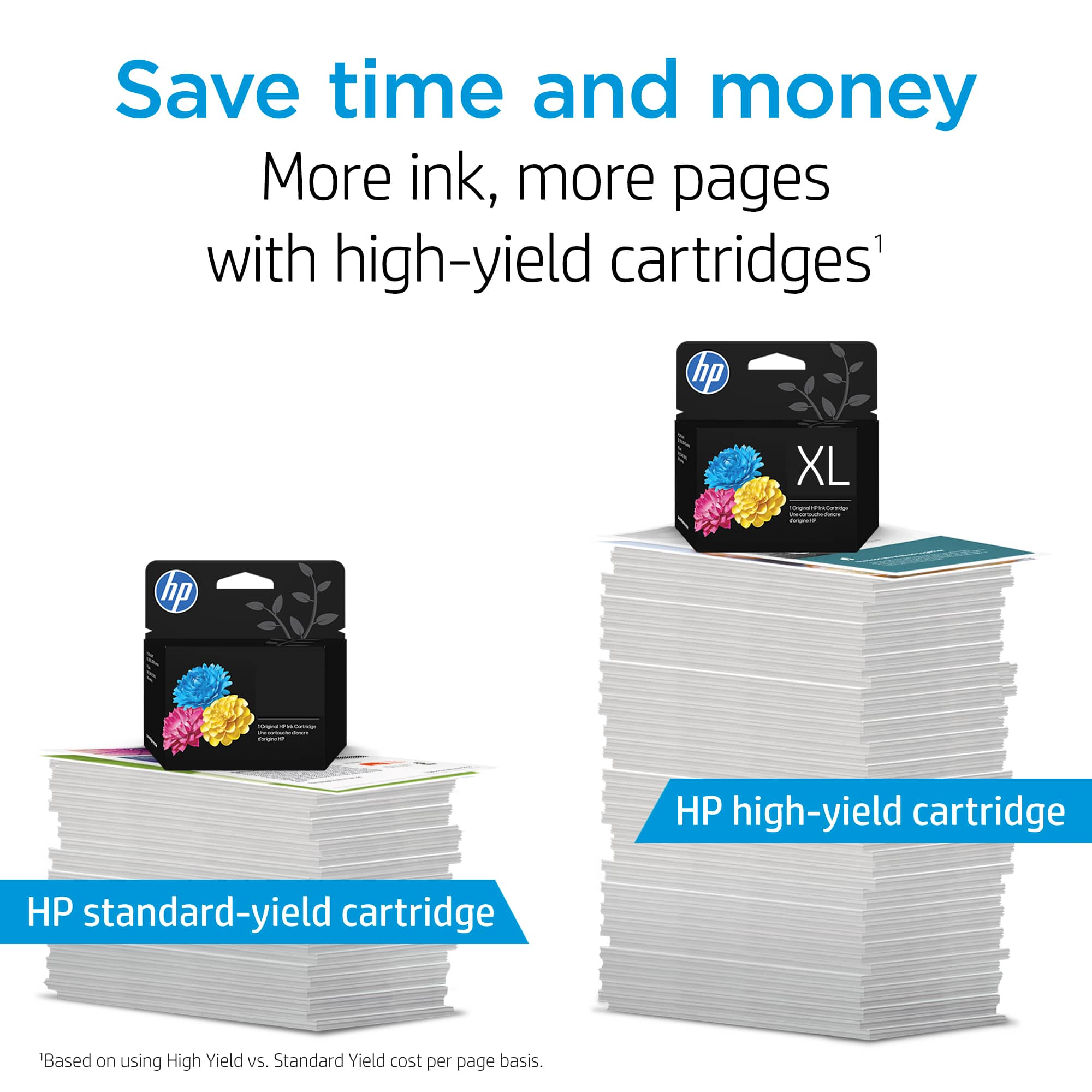
- Consider using XL cartridges. Most people say they are a much better value
- Set the printer to draft mode whenever possible
- Shut the printer down between uses
- Always use the power button on the printer itself to turn it off. That gives it time to ‘park’ so that the cartridges are protected from excessive drying
- Subscribe to Instant Ink, then you only pay by the page and not for the cartridges themselves
The seller is responsible for the product they sold you. If poor performance appears to be due to the cartridge itself, consider contacting the seller about that.
Mary Chris
HP Care
hp.com/support
Unhappy
||Posted .This reviewer received promo considerations or sweepstakes entry for writing a review.Did not last me 30 days and my printer was down for a week. I do not print that much.
No, I would not recommend this to a friendsmall ink cartridge
||Posted . Owned for 1 week when reviewed.This reviewer received promo considerations or sweepstakes entry for writing a review.not cheap for what your paying the the ink wont last very long but what choice do you have once you buy the printer???
No, I would not recommend this to a friendBrand response from HP Team
Posted .Hi there,
My apologies for this happening to you. It does seem like they should last longer.
How a cartridge will perform in your own printer will vary according to several things, including the surrounding environment.
Here are some things that might help you get savings:
- Consider using XL cartridges. Most people say they are a much better value
- Make use of the printer's draft mode whenever possible
- Shut the printer down between uses
- Always use the power button on the printer itself to turn it off. That gives it time to ‘park’ so that the cartridges are protected from excessive drying
- Subscribe to Instant Ink, then you only pay by the page, not for the cartridges themselves
Mary
HP Care
hp.com/support