Customer Ratings & Reviews



- Model:
- 3YM55AN#140
- SKU:
- 6404829
Rating by feature
- Value
Rating 4.5 out of 5 stars
- Quality
Rating 4.7 out of 5 stars
- Ease of Use
Rating 4.8 out of 5 stars
Customers are saying
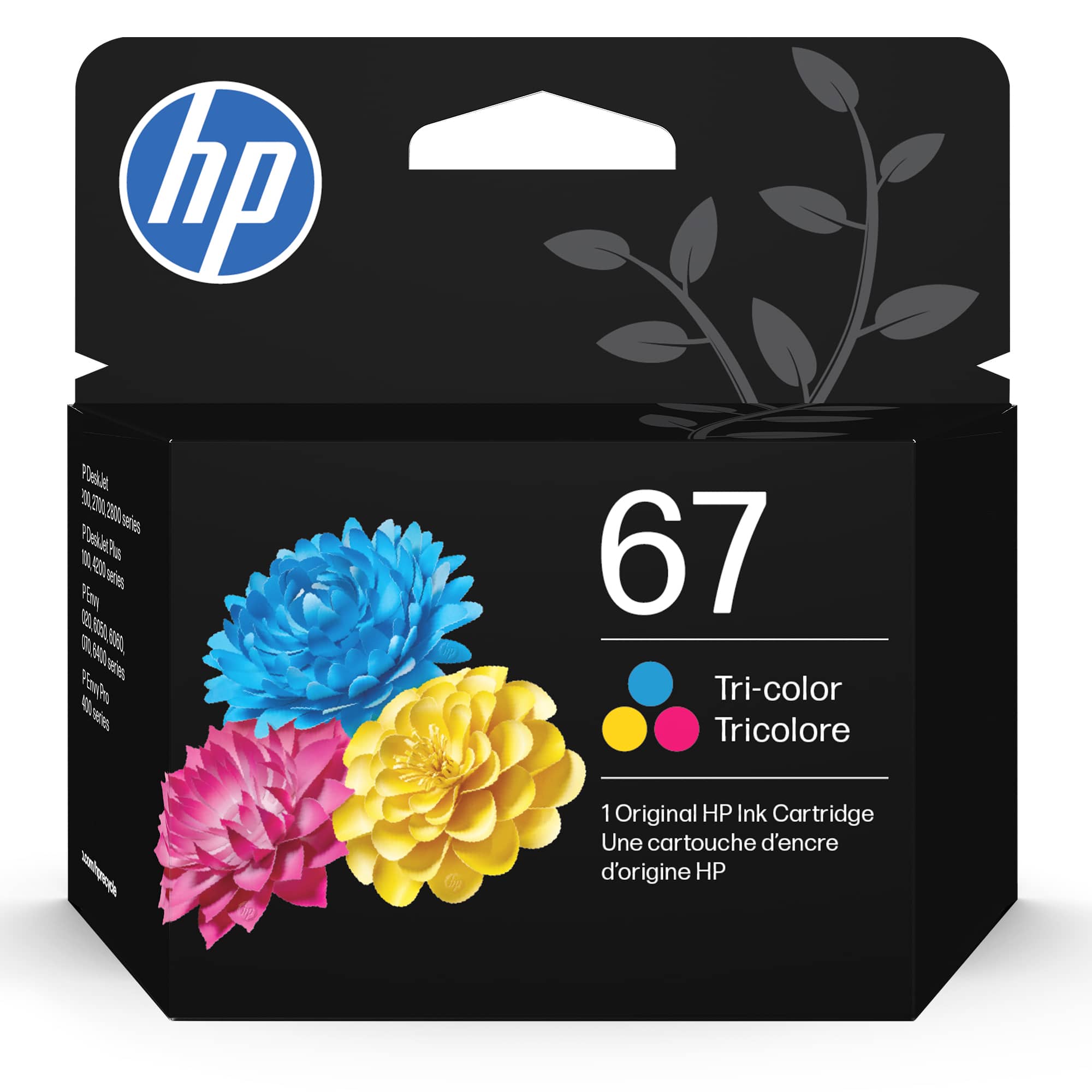
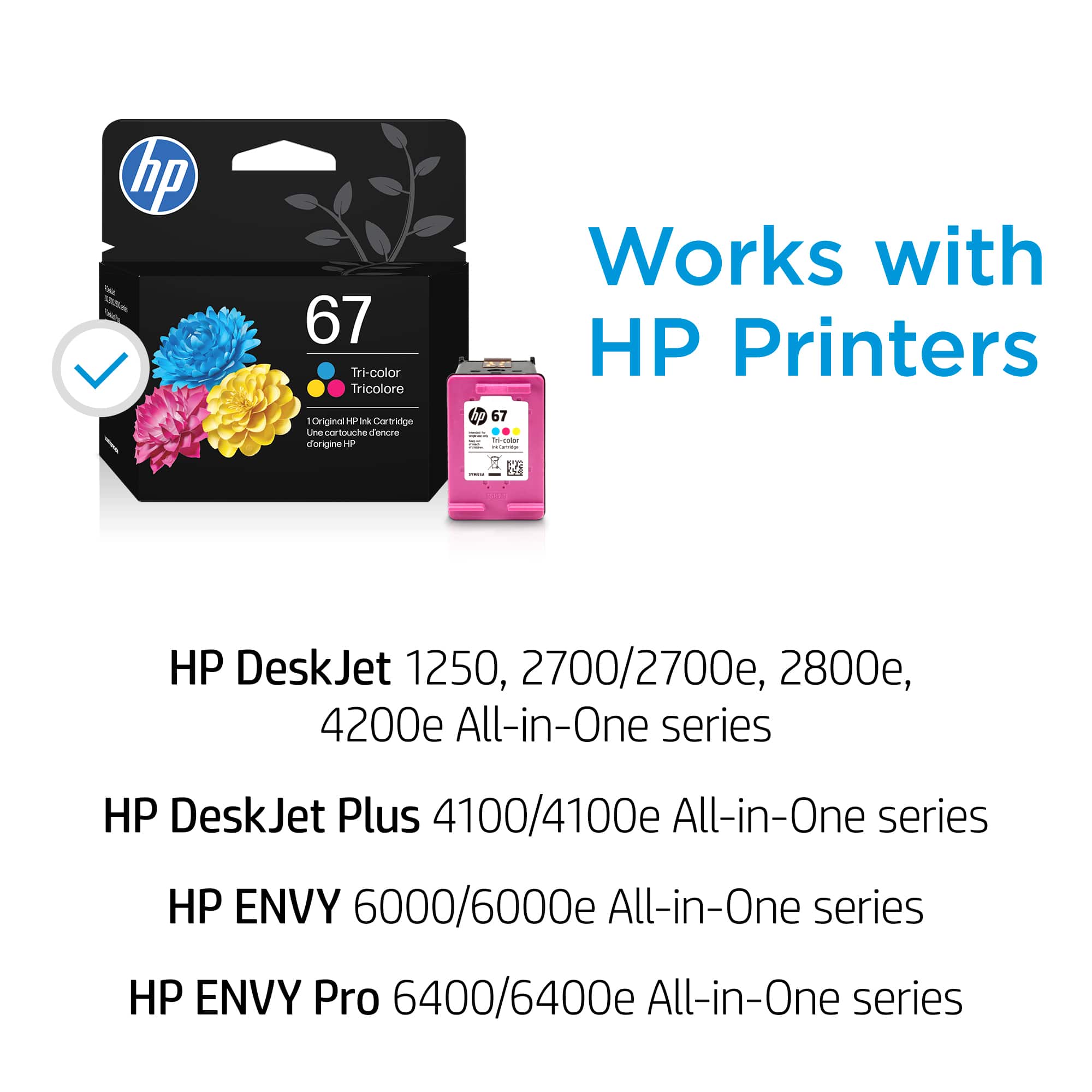
Customers regard the 67 Standard Capacity Ink Cartridge favorably, particularly for its ink quality, ease of use, and reasonable price. Many appreciate its overall performance and compatibility with multiple HP printers. However, a few customers have noted issues with its availability in certain stores.
This summary was generated by AI based on customer reviews.
Ink review
Posted .This reviewer received promo considerations or sweepstakes entry for writing a review.I was glad to see the item was available. I needed it to print some marketing flyers for event promotion. It saved my day!
I would recommend this to a friendDependable
Posted .This reviewer received promo considerations or sweepstakes entry for writing a review.Always dependable performance from this brand and size.
I would recommend this to a friendsuper
Posted .This reviewer received promo considerations or sweepstakes entry for writing a review.Was easy to order and received in a timely manner.
I would recommend this to a friendNot worth what we have to pay.
Posted .This reviewer received promo considerations or sweepstakes entry for writing a review.They are putting less and less ink in these cartridges!
No, I would not recommend this to a friendInk cartridge flaw
Posted .This reviewer received promo considerations or sweepstakes entry for writing a review.The cartridge does not fit properly for use. It will not lock into place. It seems to be a factory flaw but I am miles from Salinas, CA store where purchased and only accessible, to me, by four-hour round-trip on bus.
No, I would not recommend this to a friendDon't buy HP
Posted .This reviewer received promo considerations or sweepstakes entry for writing a review.I only print less than 30 pages and now I need a replacement No I need a new different printer
No, I would not recommend this to a friendCartridges don’t last.
Posted .This reviewer received promo considerations or sweepstakes entry for writing a review.Haven’t even printed a dozen pages yet and the black ink cartridge is showing that it’s out. That is just ridiculous.
No, I would not recommend this to a friendBrand response from HP Team
Posted .Hi,
I agree a dozen pages is not a lot. I am sorry for that experience. Are you 100% sure the black ink is out? Check the ink level in the printer. Often, customers presume the ink is out. In reality, the cartridge is dry or clogged. If so, let's prevent your cartridges from drying as quickly in the future.
It might be a defective cartridge.
You might want to monitor the environment of the room. Hot air dries out the cartridge.
Did you print invites, images, or fancy designs? Those prints are full of ink.
One great hack is print preview mode. This mode saves on printing copies you didn't use.
I would analyze the pages your print too. More text means more ink deposited on the page.
Amanda
HP Care
www.hp.com/support/