Customer Ratings & Reviews

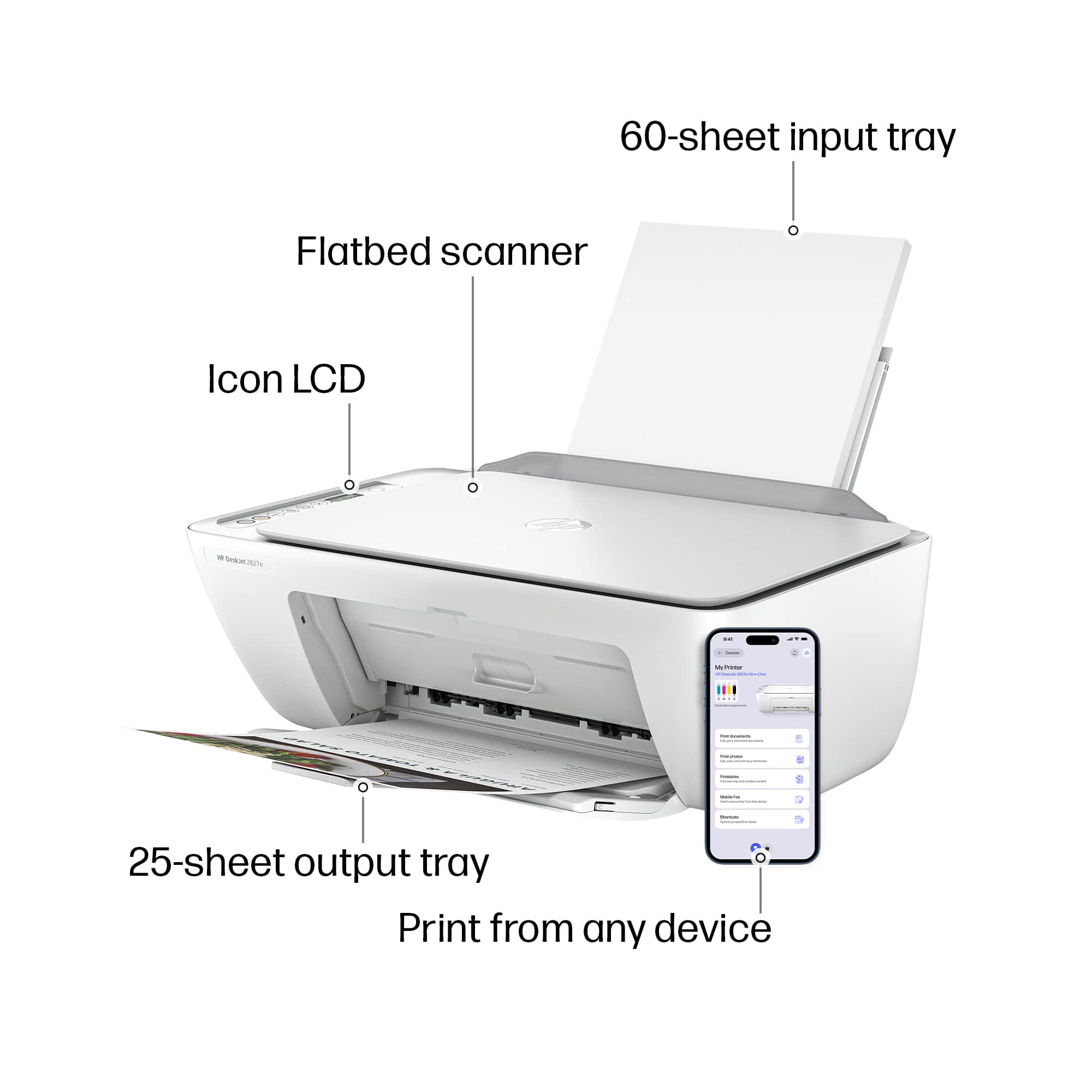
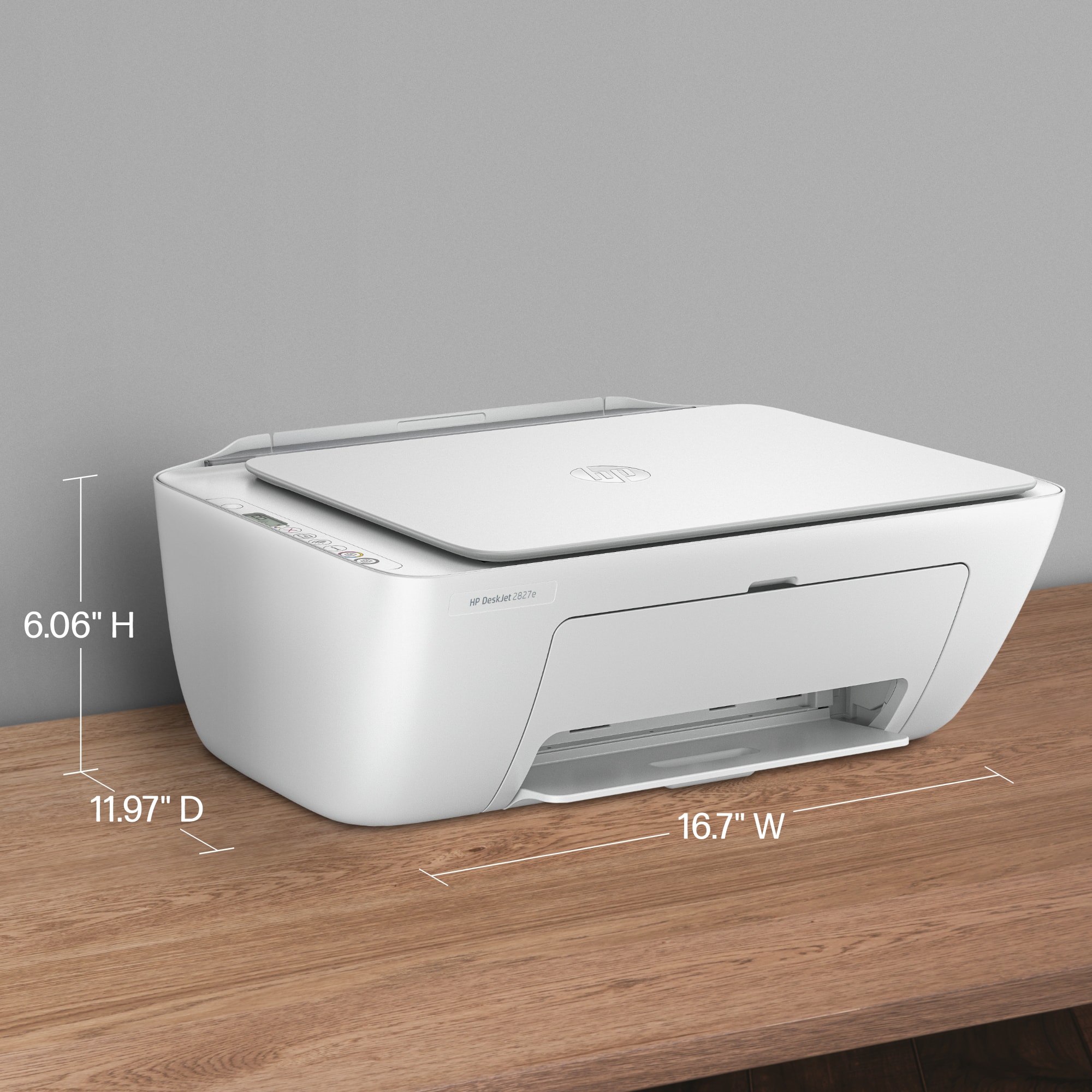
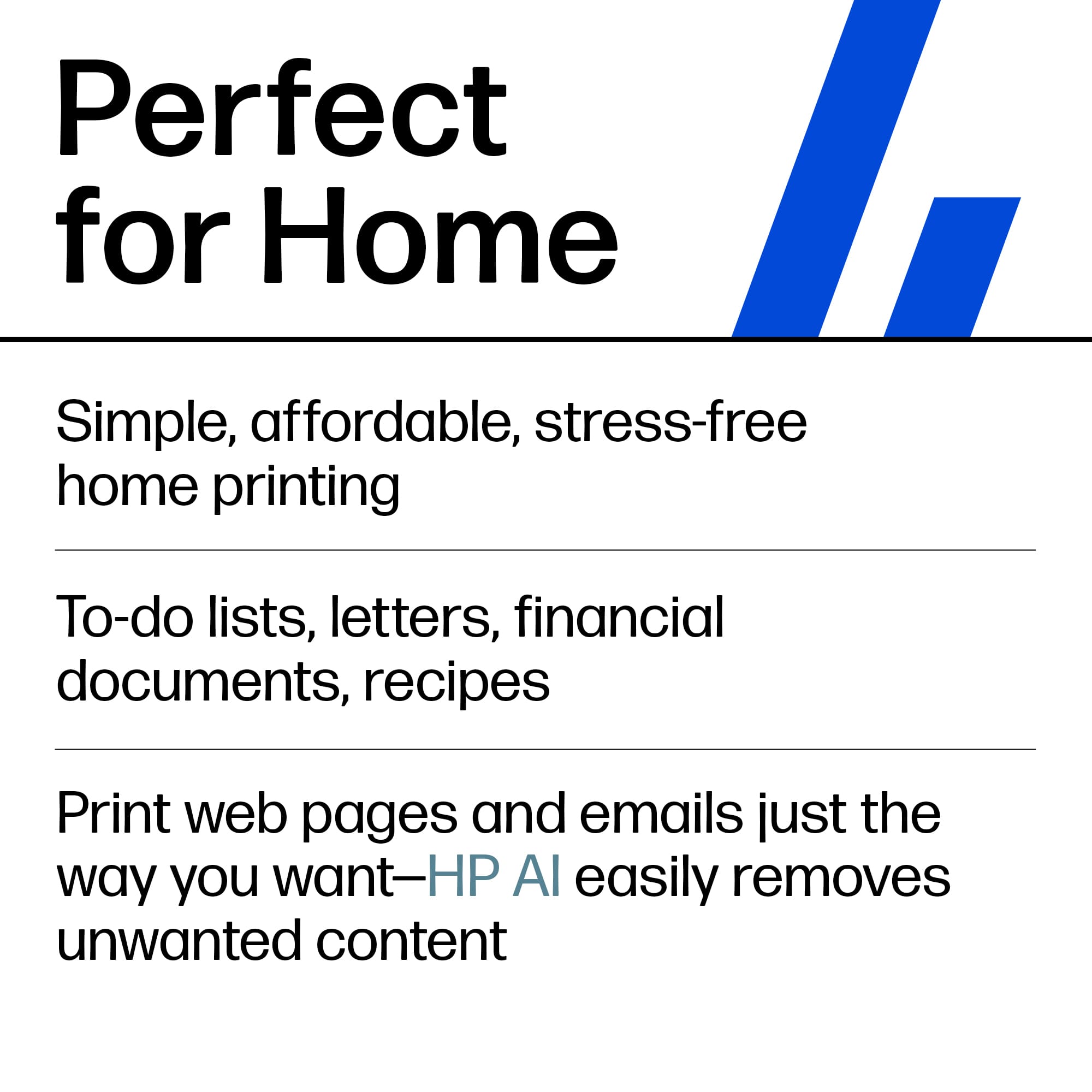
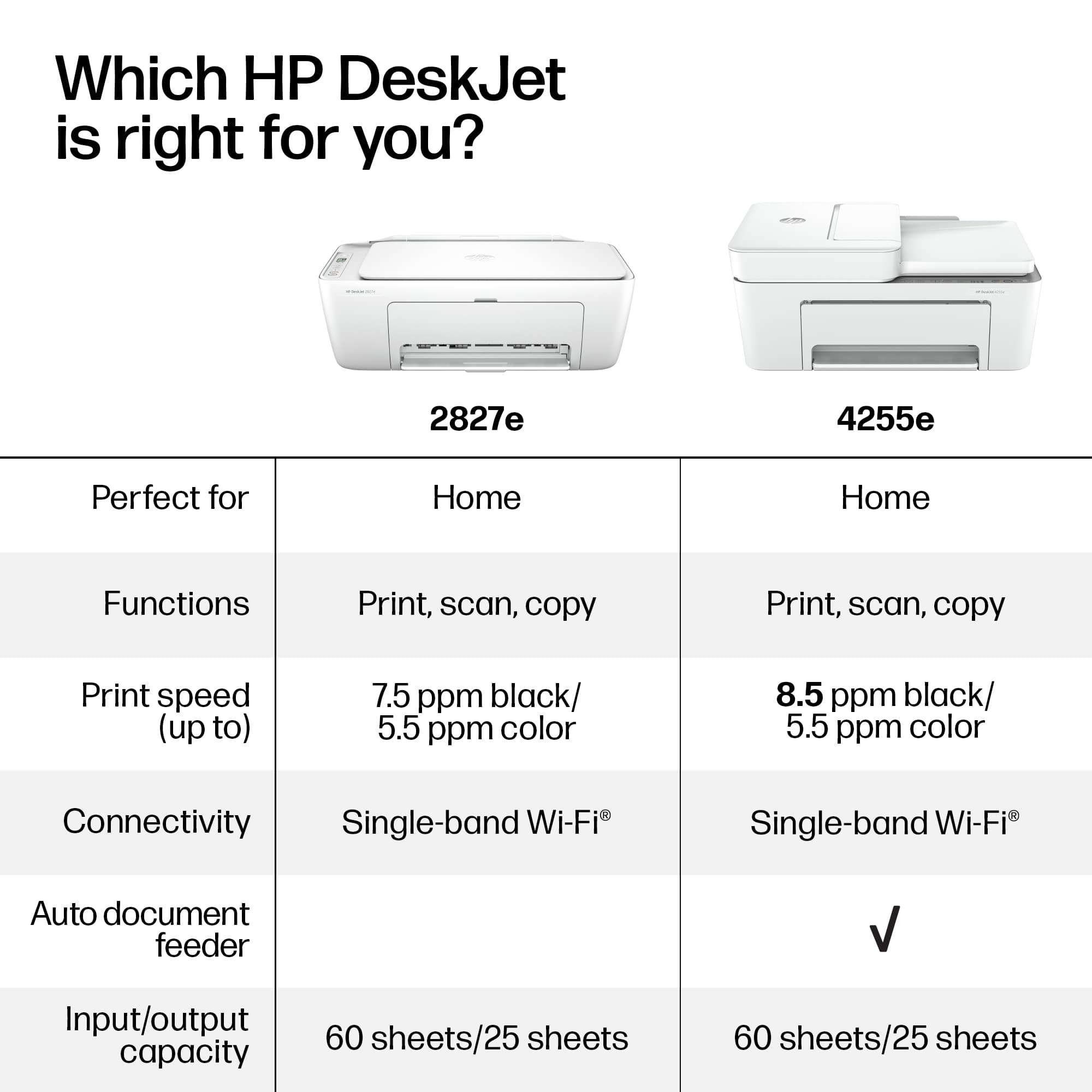





- Model:
- 6W7F5A#B1H
- SKU:
- 6638973
Rating by feature
- Value
Rating 4.6 out of 5 stars
- Quality
Rating 4.5 out of 5 stars
- Ease of Use
Rating 4.4 out of 5 stars
Customers are saying
Customers often highlight the product's super simple setup and good print quality as significant advantages. Its easy connectivity, convenient size, and appealing design are also frequently praised. Furthermore, users appreciate that the device operates quietly.
This summary was generated by AI based on customer reviews.
My Printer Still In The Damaged Box Activated??
||Posted .This reviewer received promo considerations or sweepstakes entry for writing a review.I received this printer from FedEx with the bottom flap wide open exposing the printer. I don't know if it's damaged or if all it's parts are still inside the box! I am waiting for an in home appointment to unbox/setup my Smart Vac and was told the tech who comes for that appointment would unbox/setup this printer also. Best Buy tells me this item has already been activated. What? It's still in the box! What a mess. I'm completely disappointed with Best Buy. BEWARE!
No, I would not recommend this to a friendPRINTER
||Posted .This reviewer received promo considerations or sweepstakes entry for writing a review.the ink that came with the printer the black was empty so I AM UNABLE TO USE THE PRINTER
I would recommend this to a friendPrinter
||Posted . Owned for 3 weeks when reviewed.This reviewer received promo considerations or sweepstakes entry for writing a review.It’s acceptable for the price, it doesn’t do as much as I had with my previous all in one.
I would recommend this to a friendHP printer
||Posted . Owned for 6 months when reviewed.This reviewer received promo considerations or sweepstakes entry for writing a review.Found it difficult to set up. Still is not working for me. Unfortunately, wasted my money.
No, I would not recommend this to a friendFrustrated beyond belief
||Posted .This reviewer received promo considerations or sweepstakes entry for writing a review.The printer never connected to my computre. The AI help was not help at all. I was told to call a technician, but it would cost me $5. Then my credit card was rejected. I returned it to my Best Buy store. Those folks were terrific.
No, I would not recommend this to a friend- Pros mentioned:Connectivity, Print quality, Setup ease

The Best Compact, Wireless & Affordable Printer
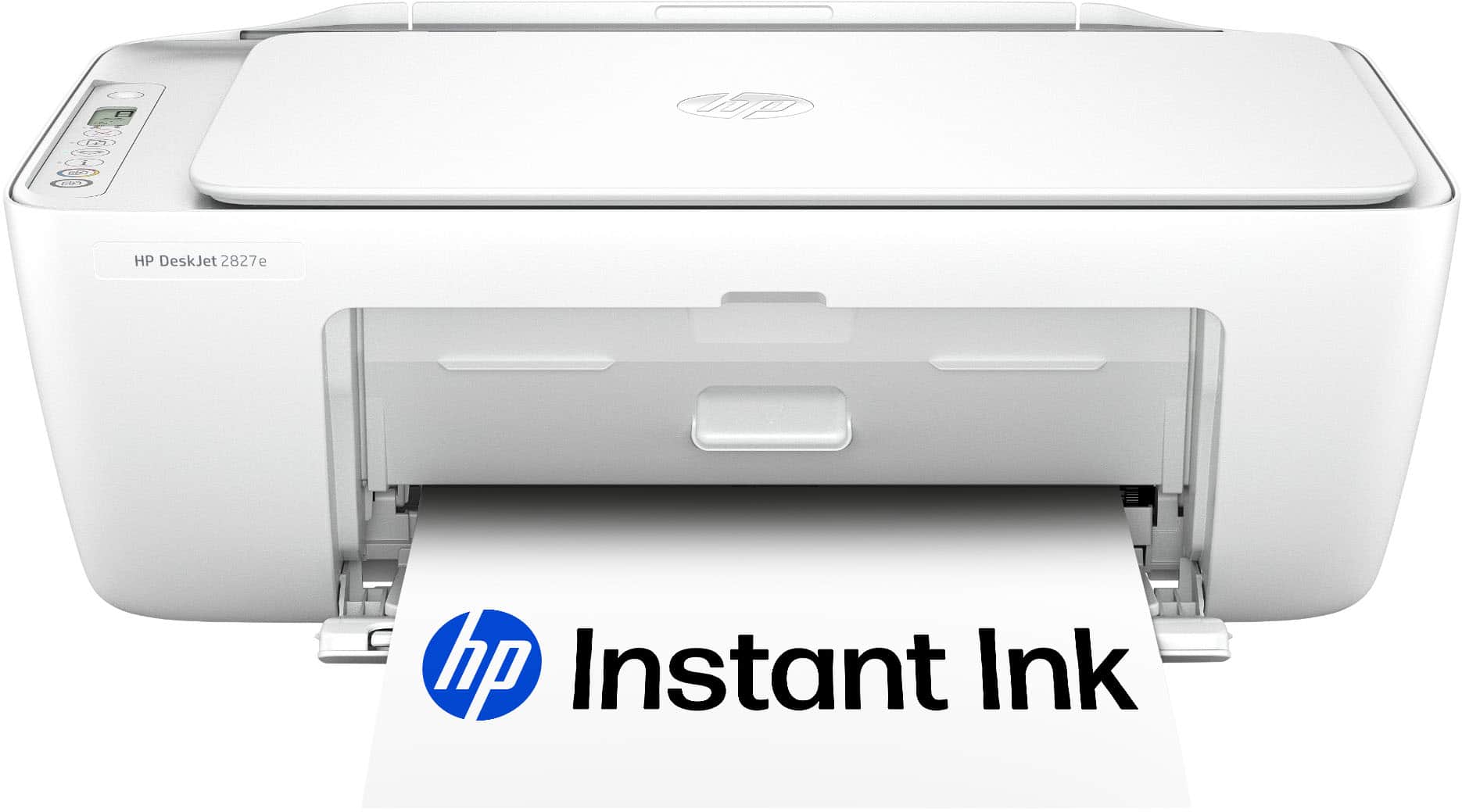
|Posted .This reviewer received promo considerations or sweepstakes entry for writing a review.If you are looking for a wireless printer capable of scanning, copying, and fax - the HP DeskJet 2827e is hard to beat. Setup: This is the second HP I've owned over the last several years and I'm always floored by how easy setting up a printer has become. From opening the box to printing my first page, it took me around 10 minutes. You basically download the HP app, plug in the printer, install the ink and you're ready to go. I didn't experience any issues with connecting to WIFI or discovering the printer in the app. Everything worked as it should - the first time! INK: The ink in this printer is really the only elephant in the room. I would only recommend if you are someone who uses a printer casually. This printer only comes with a 3 month supply of ink so your milage may vary. This is my second printer and I don't expect it to get much use so ink is not a major concern for me. The DeskJet uses a 67 Triple-color color cartridge (3YM55AN#140) and a 67 black cartridge (3YM56AN#140). I've never been a fan of the trim-color cartridges because if you run out of one color, you still have to get a whole new ink cartridge. That being said, there are several advantages to tri-color. 1) The print head is on the cartridge - if the head clogs from sitting for long periods, you don't have to buy a new printer. 2) The cartridges are cheaper than buying individual colors most of the time. 3) Having all 3 colors in one cartridge usually allows for a smaller printer because of the space saved. PRINTING / OTHER: I couldn't find anything wrong with the print quality. After printing the test pages, I didn't have any issues firing off documents or even a few photos. As far as the scanner goes, it's a fairly low resolution but more than capable for the occasional document. This printer is a top-load style, so the 2827e can handle heavier stock without feeding issues. CONCLUSION: The HP DeskJet 2827e is a formidable option for the casual home printer who prioritizes affordability. The 2827e can scan, copy, print and fax - everything you need in a compact and capable package. If you're curious, the cost to replace both ink cartridges is around $47 and you can even subscribe to HP's Instant Ink program if you want to save even more.
I would recommend this to a friend hp suck.printer is toy. no good. microsoft sucks.
||Posted .This reviewer received promo considerations or sweepstakes entry for writing a review.all-in-one new hp printer..anything i try to do, require software, try download software from hp. com. new computer hp-window-11 blocks as it is on s-mode? if u remove s-mode, it can not be undone..and computer may misbehave..
No, I would not recommend this to a friend- Pros mentioned:Connectivity, Design, Print quality
Everyday printer for the masses
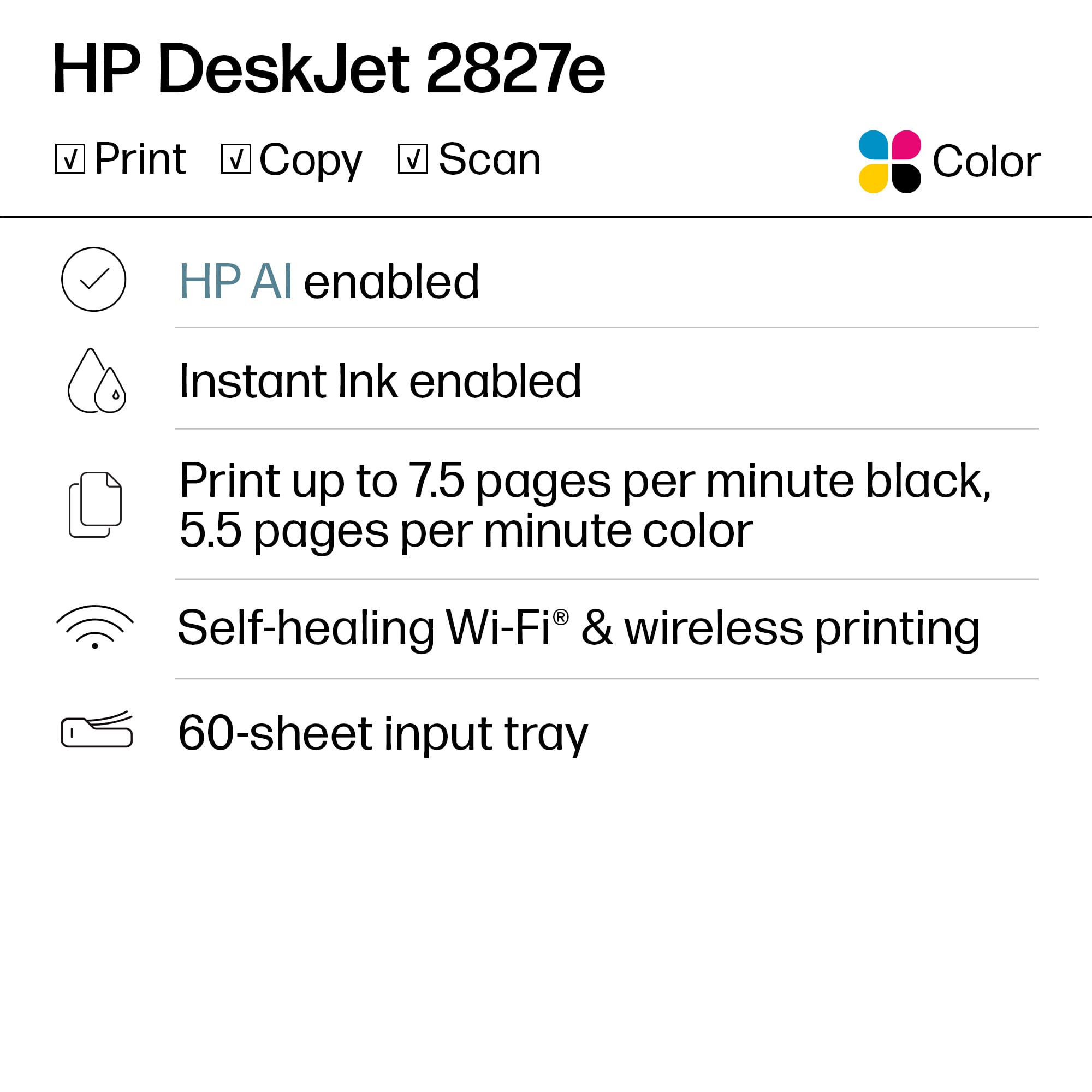
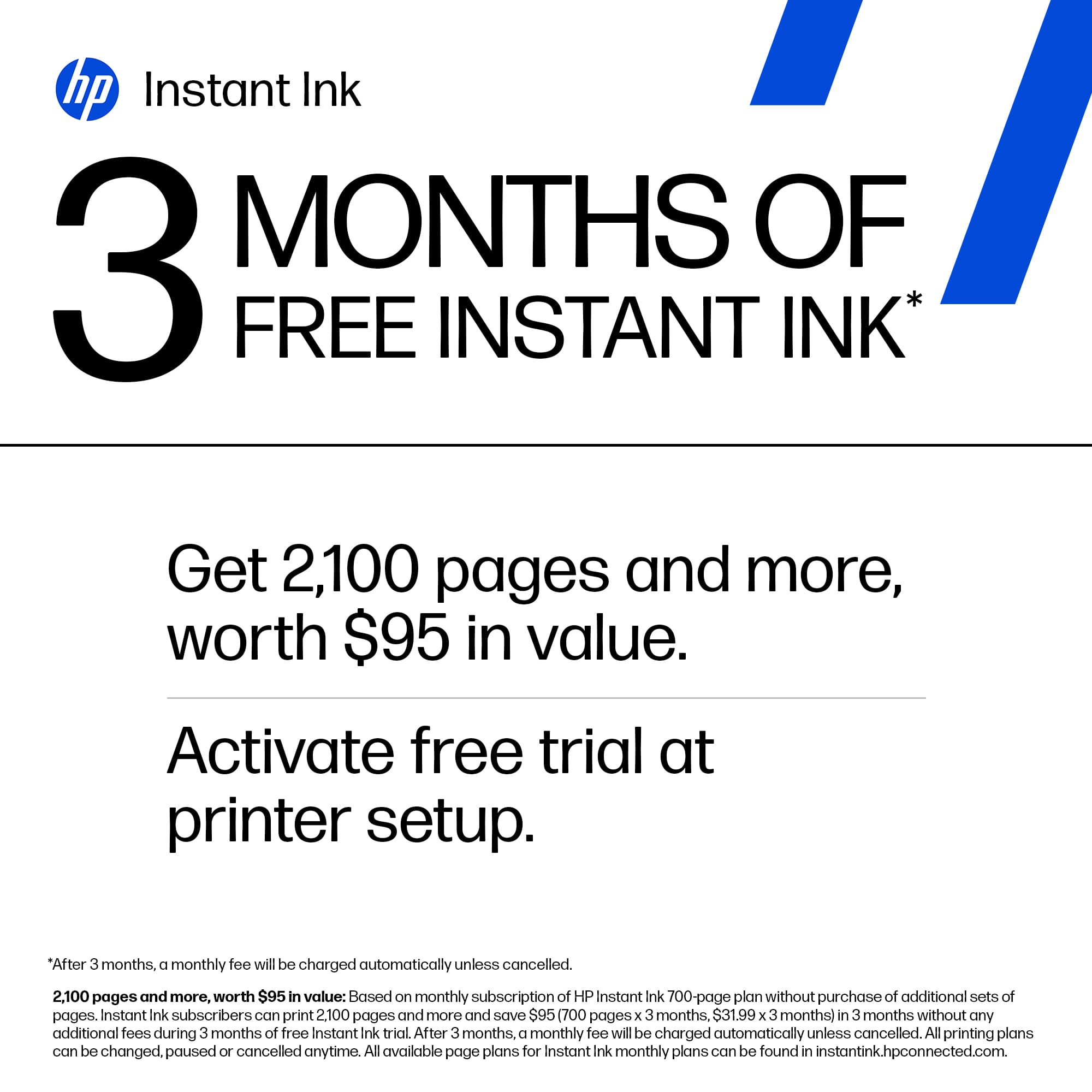
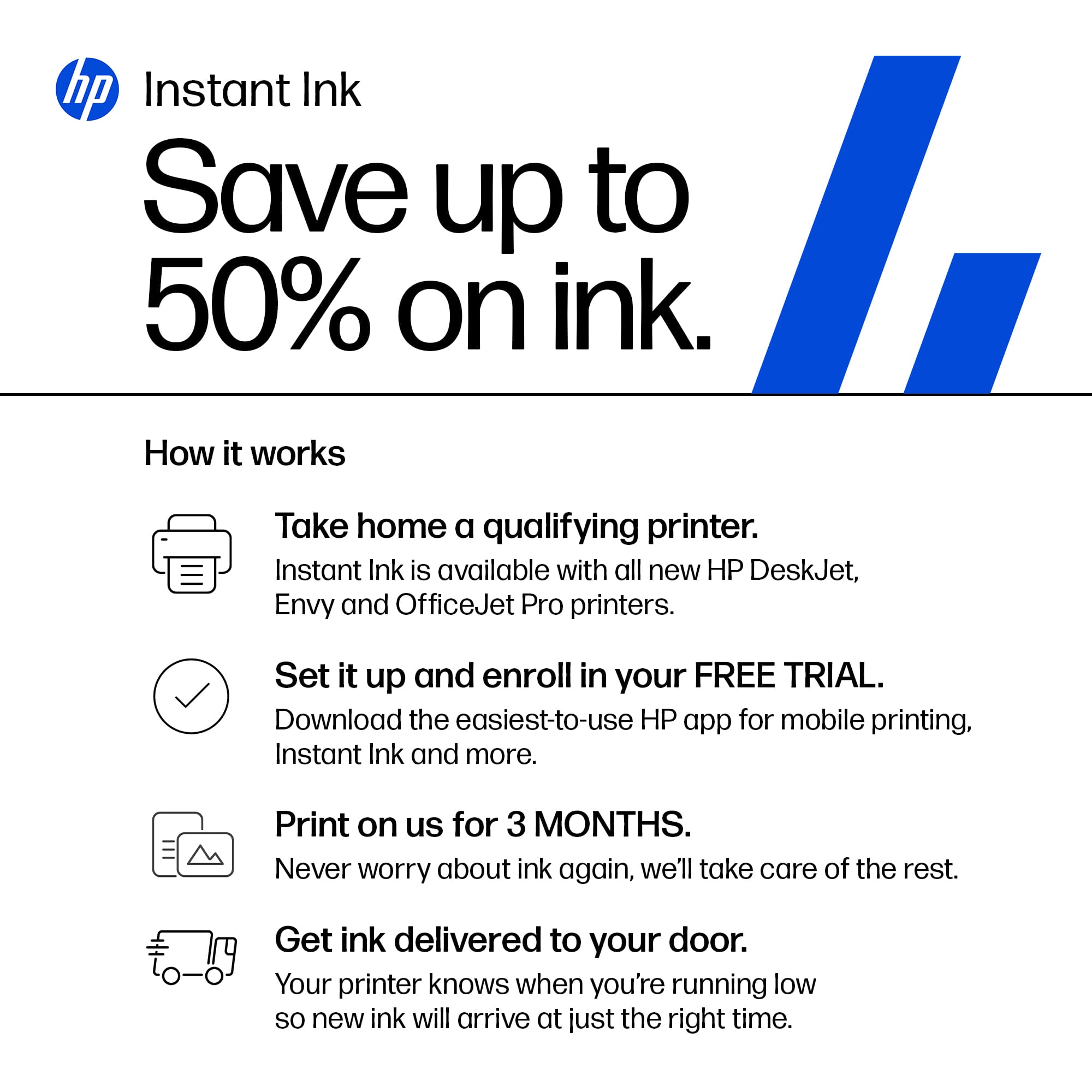
|Posted .This reviewer received promo considerations or sweepstakes entry for writing a review.HP is back with their newest Deskjet, the all-in-one 2827e printer. This printer is a no-frills device that just gets the job done. With a focus on sustainability by using recycled materials and using a space saving design. The HP 2827e is for the everyday user that needs to print on demand. This printer can print, copy and scan documents. First things first, let address one of the most controversial features of the printer. Since this printer is HP+ enabled, which is an option that you can activate during setup. Activating HP+ does allow some perks such as: 3 months of instant ink Smart security that monitors for malware attacks Mobile printing while connected to Wi-Fi 60 sheet input paper tray After activating the HP+ features, you will be required to maintain an internet connection and either subscribe to HP instant ink or purchase original HP ink for the life-cycle of the printer. For me this is a bummer as I’m forced yet into another subscription or required purchase expensive HP ink. After performing a quick test by installing non-HP ink the security features that continuously monitors for incompatible ink cartridges will render aftermarket ink useless. I’ve tried inserting several off brands of ink to test the security of the printer and it gives a message of incompatible ink installed. Outside of this issue, I have no other issues with the 2827e. The print speed is sufficient, and the HP app will suffice for all your mobile printing and scanning needs. This is a well-rounded printer that is marred by firmware that forces you to stay within HP’s ink ecosystem. This printer is best suited for small home offices and everyday users.
I would recommend this to a friend - Pros mentioned:Connectivity, Print quality, Size
Good, basic all-in-one printer
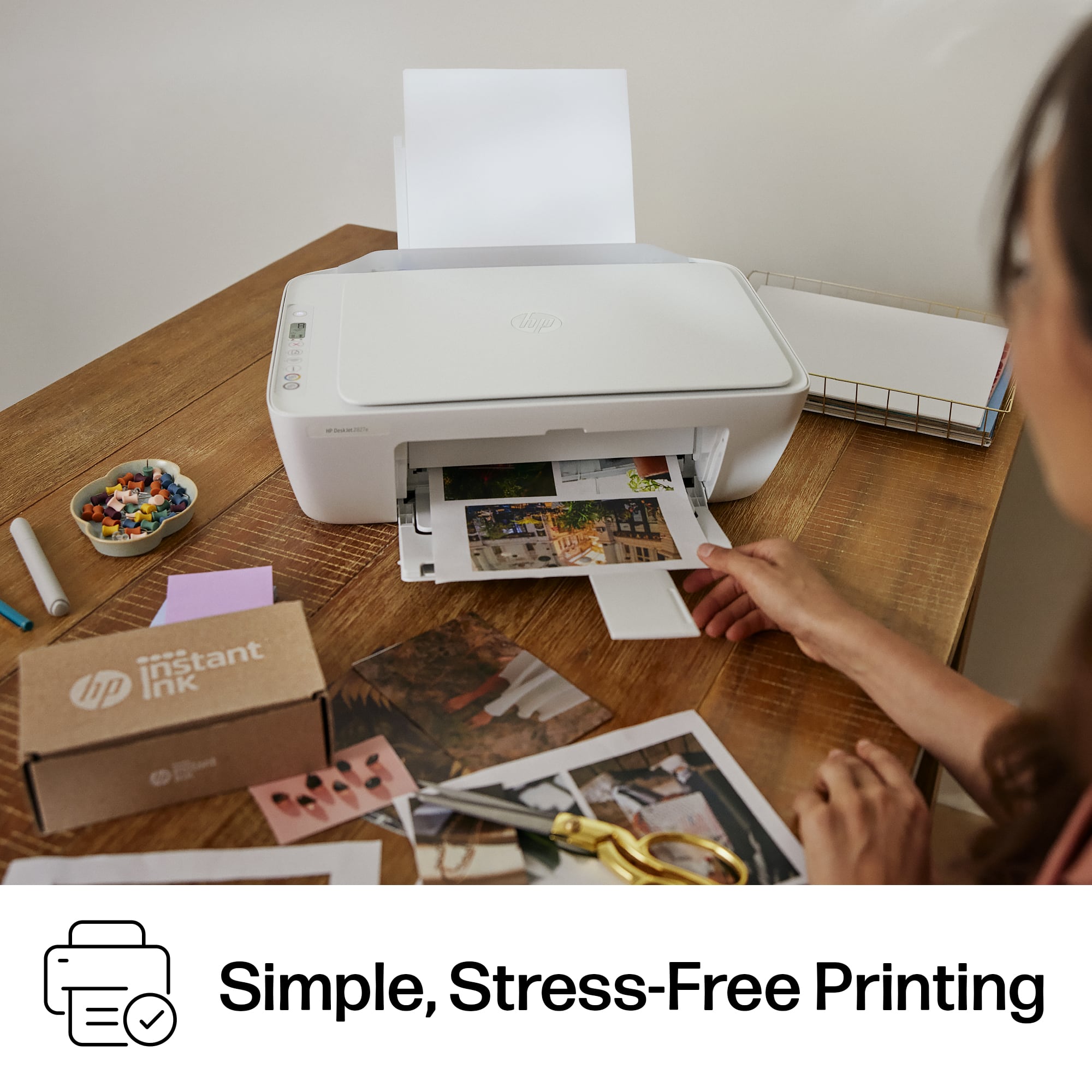
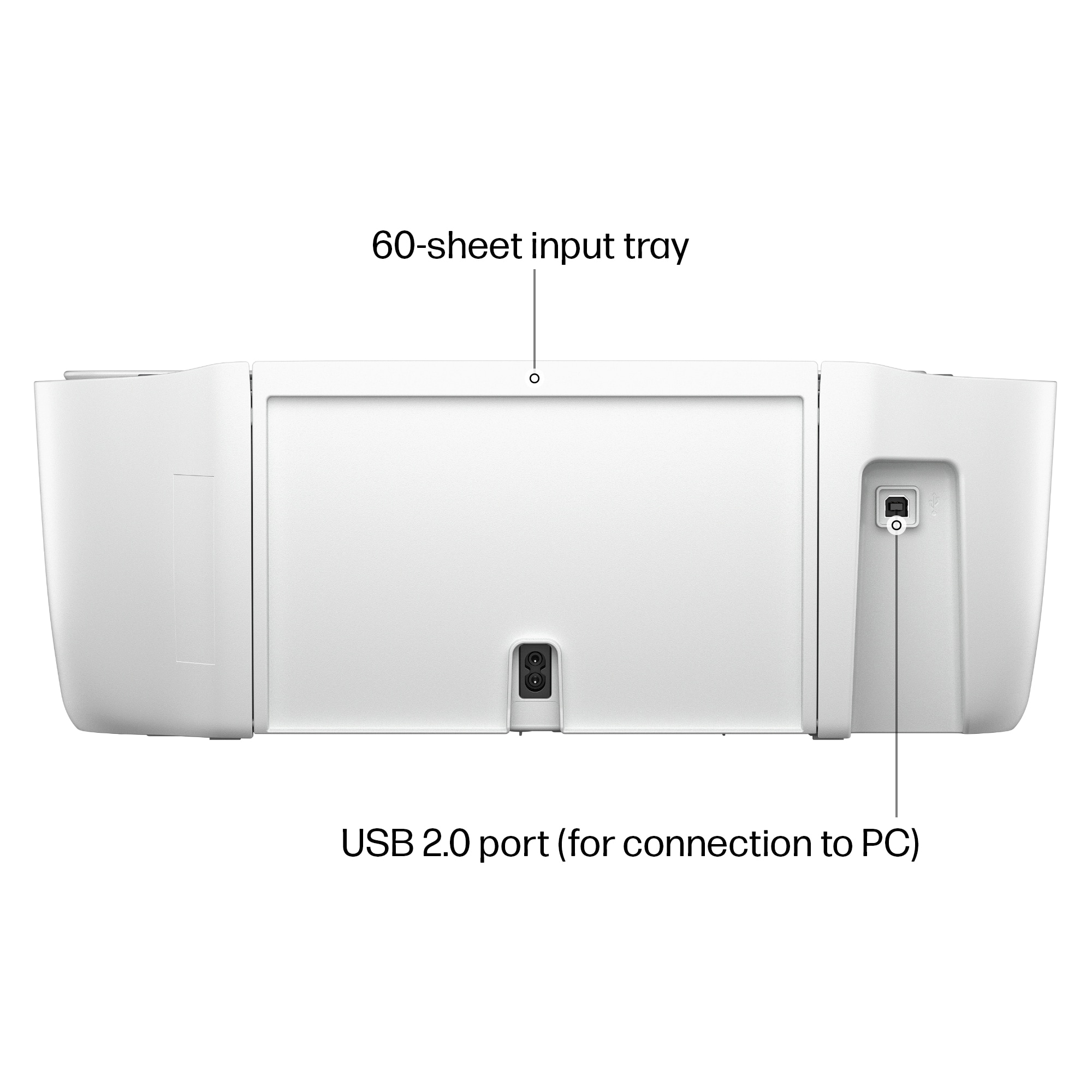
|Posted .This reviewer received promo considerations or sweepstakes entry for writing a review.If you're in need of just a "basic" all-in-one printer then this should suit you just fine. Both the size and printing capabilities of this lend itself to be that printer you need to have around the house. Pretty sure not everyone needs some super, heavy duty printer at home. Most people don't need a high DPI scanner or a printer that print 40PPM or anything like that. I think for most people, this printer will suffice for just about any of their needs. Being an all-in-one, you get your standard printer/scanner/copier in a printer with a pretty small footprint. It doesn't take up a whole shelf or need its own cabinet or anything so it should fit just about anywhere. Operations are pretty simple as well. There's no huge touchscreen on this or oodles of buttons you need to memorize what they do. Connected to your PC/laptop, it's just a printer that operates like any other printer. It does have wireless printing so either using the HP app or AirPrint, you can print remotely without needing it to be even hooked up to a PC. Ink cartridges are reasonably priced. There's only a black and color cartridge and they have decent print yields on them. I'm sure if you got reconditioned or 3rd party cartridges, they could be cheaper too. Print quality is pretty on par with most other HP printers in this class so there's no issue with that I don't think. If you just need a printer to have, just in case you need to print something every now and then....or if you're a student then this printer would probably be perfect for you. It's pretty inexpensive as is the cartridges so it won't be a huge investment. Quality across the board is pretty good in all functions.
I would recommend this to a friend Day One Problems
||Posted .This reviewer received promo considerations or sweepstakes entry for writing a review.This is not a good printer. Since I purchased, I have not been able to use it. There is an ongoing problem with the paper feed. I will be taking in for repairs.
No, I would not recommend this to a friendprinter
||Posted .This reviewer received promo considerations or sweepstakes entry for writing a review.Too hard to figure out. The instructions were too hard for me to figure out. I need something easier to work with
No, I would not recommend this to a friendCant connect to computer via wifi
||Posted . Owned for 3 weeks when reviewed.This reviewer received promo considerations or sweepstakes entry for writing a review.I was not able to get the printee to connect to the laptop via wifi. It should be a simple process, and hp tech support could not troubleshoot auccessdully.
No, I would not recommend this to a friend- Pros mentioned:Print quality, Setup ease, Size
Good Little Printer for Everyday Stuff
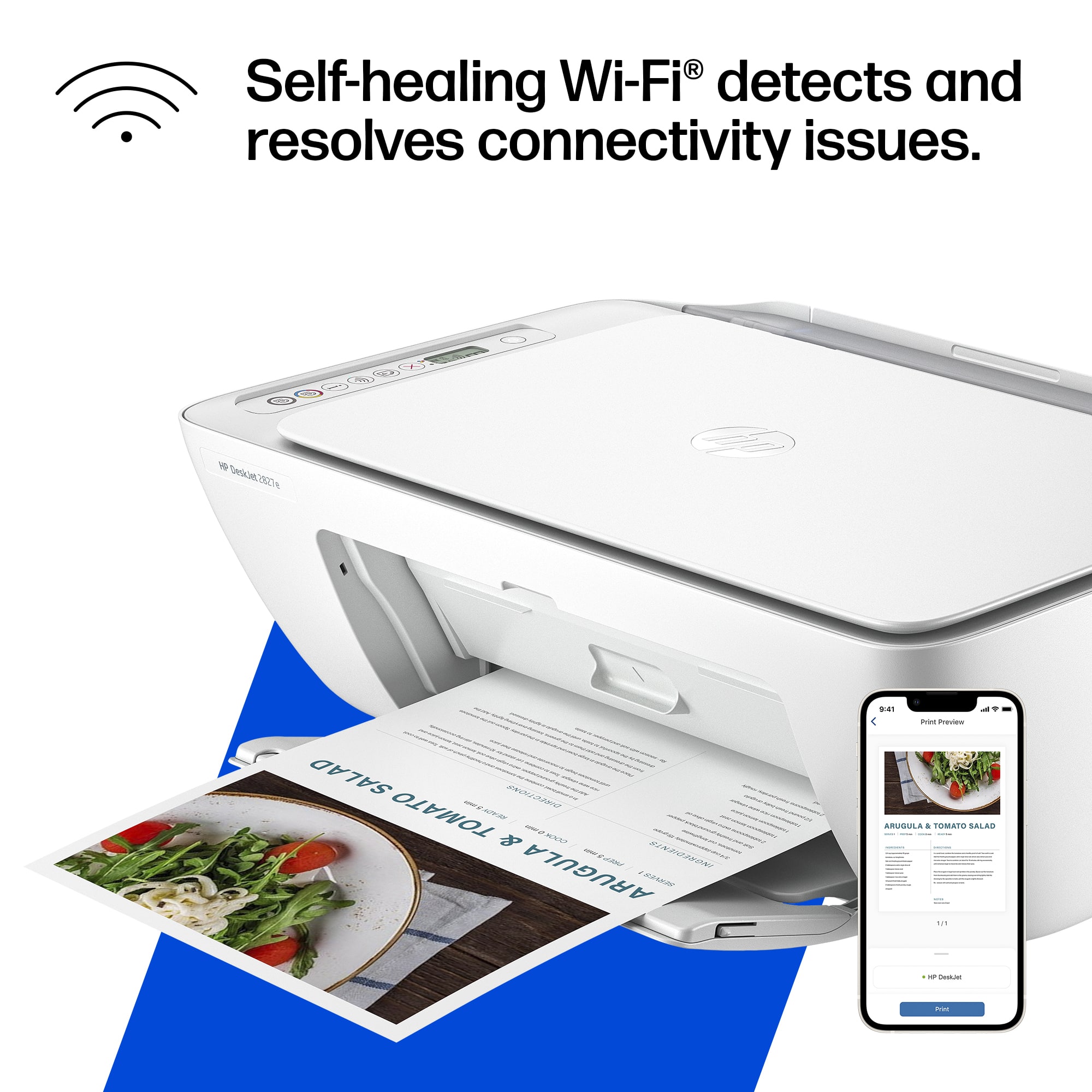
|Posted .This reviewer received promo considerations or sweepstakes entry for writing a review.I grabbed the HP DeskJet 2827e mostly for home use, printing forms and random papers for the kids, and honestly it’s been pretty solid so far. Setup was simple, the HP Smart app basically holds your hand through everything, and I had it printing from my phone in like ten minutes. The print quality is decent. Text looks clean, and color prints are better than I expected for the price. It’s not photo-lab good or anything, but for homework, labels, or basic color stuff it does the job fine. The size is another plus, small and easy to fit on a desk or shelf without hogging all the space. I also like that it scans and copies, so I don’t need to mess with extra gadgets. The free 3-month Instant Ink trial was nice too, I didn’t have to worry about running out of ink right away. Now, there’s a few small downsides. Ink gets pricey quick once the trial ends, and the cartridges don’t last super long if you print a lot. It also doesn’t do automatic two-sided printing, so I have to flip the pages myself. Not a big deal for me, but could be annoying if you print big docs. Speed-wise it’s okay, not fast but not painfully slow either. And yeah, it only works with HP cartridges (no off-brand ones), so that’s something to keep in mind. Overall, for a budget printer, I’m happy with it. It’s simple, compact, and does exactly what I need — no fancy bells and whistles, but it just works. If you print light and don’t want to spend a ton, this one’s worth it.
I would recommend this to a friend - Pros mentioned:Print quality, Setup ease, Size
A nice printer hampered by HP policies
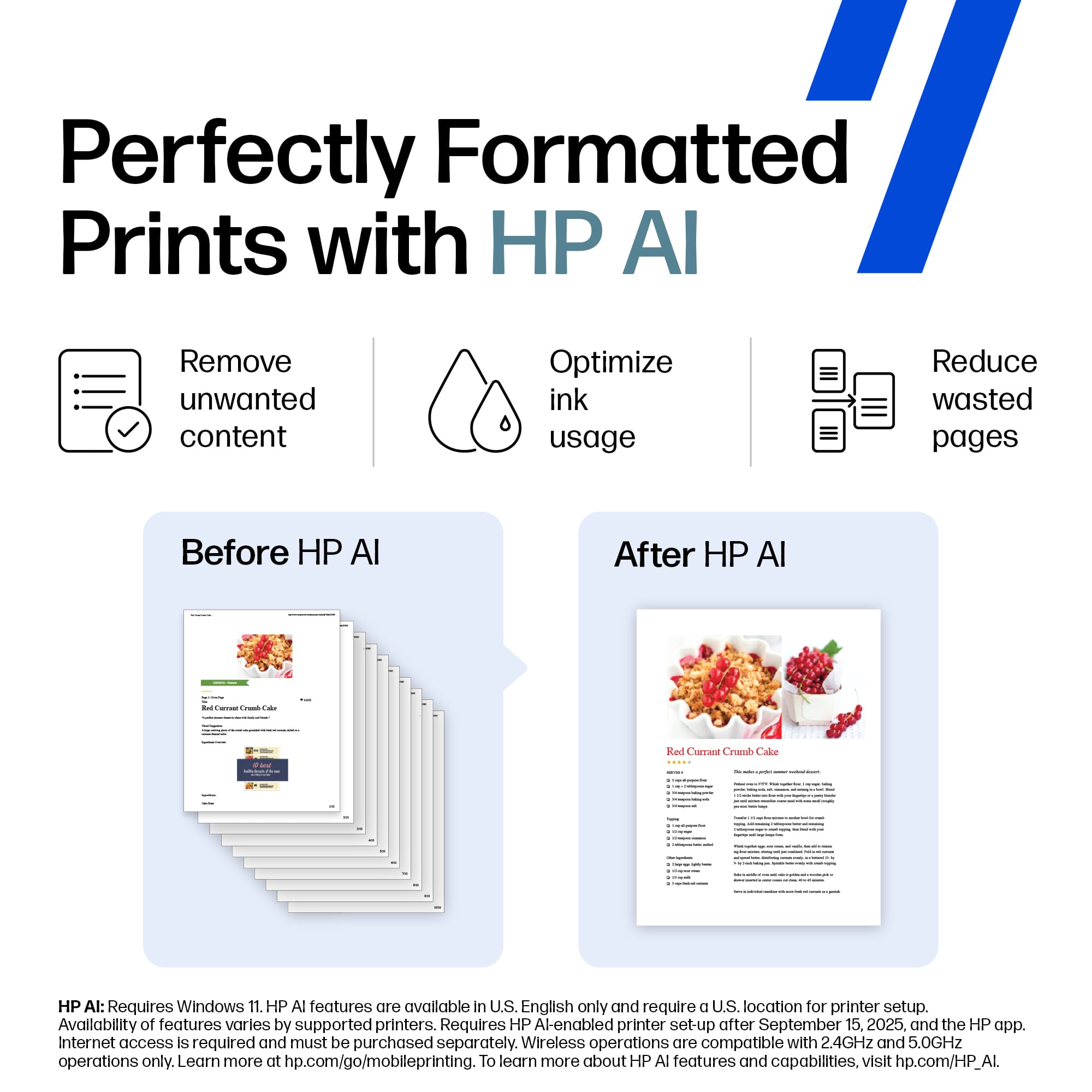
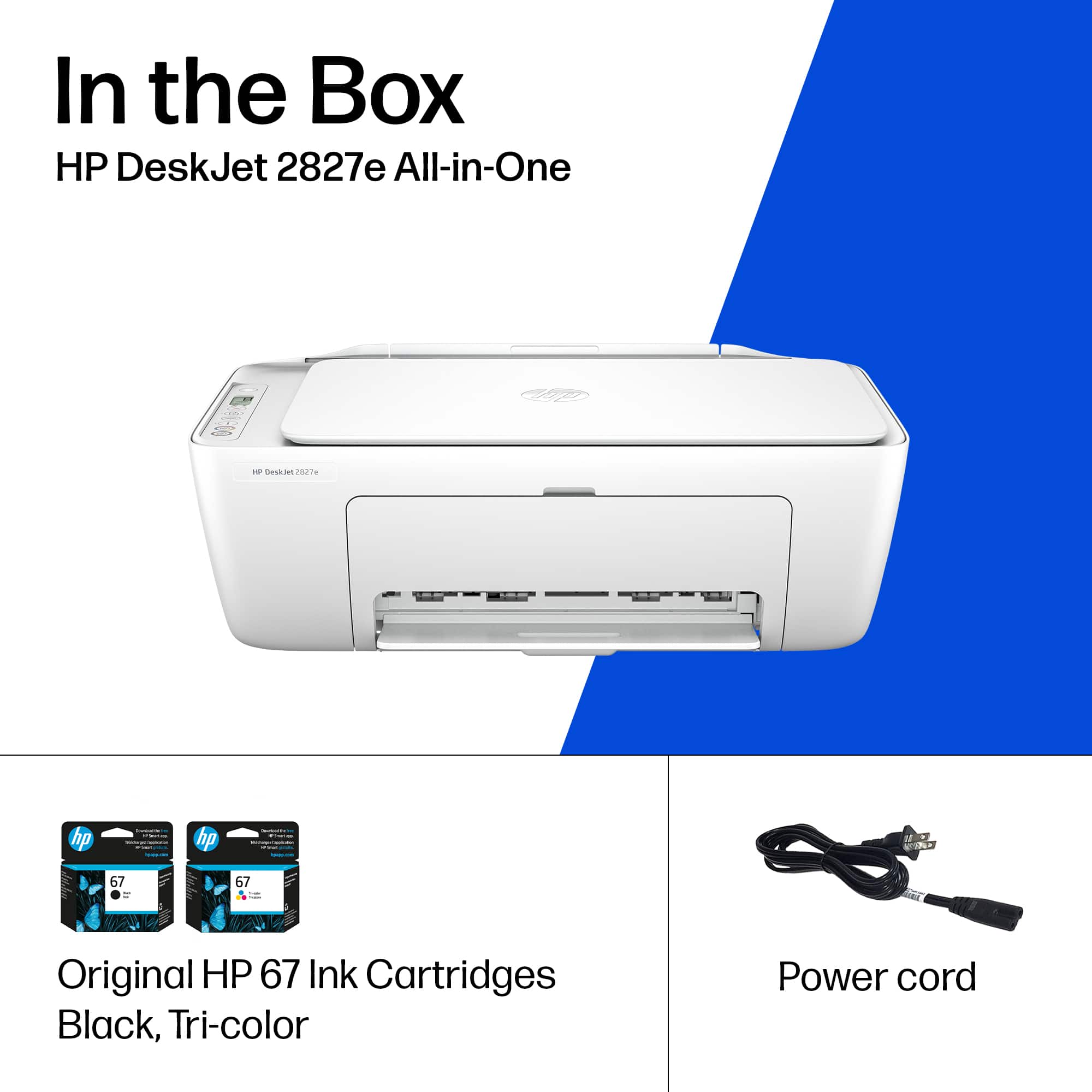
|Posted .This reviewer received promo considerations or sweepstakes entry for writing a review.The HP Deskjet 2827e is a nice printer, plagued only by HP’s self-inflicted issues. Physical installation is easy, simply a matter of removing the packing tape, installing two print cartridges, and powering it up. The form factor is reasonably small, making it a breeze to fit into most home office spaces. The 2827e is simple to set up, which gives it a distinct advantage over other HP printers I’ve tried recently. HP claims that they now use AI to assist with the app-based setup process, but don’t explain how they use it. However they’re using it, they have managed to catch the competition in setup simplicity – almost. The app recognized the printer, yet still required that I enter the model number to move forward with the installation. If the app recognizes the printer as an HP, why can’t it recognize the model number? (Competitors’ apps certainly do.) Other than this odd requirement, installation was simple and quick. Once the app said it had completed the setup, the printer remained invisible to my laptop (also an HP) for several minutes. After multiple attempts to install the printer, it was finally seen by the computer. As a professional software person, it would appear that this is a problem with the app, that the printer was not fully set up when the app said it was. When I got the 2827e connected to my laptop, it worked without any issues. Images and text are quite clear, and printing is reasonably fast. Controls are simple to use, and the scan utility works as expected. As with so many things these days, HP says they use AI for many features, including printing. For example, it says AI can sharpen your images or remove irrelevant parts of a web page before printing. This requires a subscription to HP+ and an Internet connection, as it can’t be processed on the unit itself. This also means that HP is collecting (and using, and in some cases, sharing) your personal information, including your activity and geolocation. You may feel differently, but given this I opted to live without the AI features. The ink cartridges are HP standard 67 and 67XL, so are readily available, but there are only two of them; black and color. Most manufacturers use multiple color cartridges, allowing you replace only the cartridges that run out of ink. If you’re out of red, there’s no need to replace the yellow. With this HP, you have to replace them all at once. This will lead to additional costs to the consumer. Also, the 2827e follows HP’s very disturbing pattern of only accepting genuine, new HP cartridges. Refilled or third part cartridges will not work, decreasing consumer choice and potentially increasing cost of ownership. So, the printer itself is a reasonable price and works quite well, even without the AI features enabled. If you want the extra features, you’ll have to decide if it’s worth losing control of your personal information to get them. And you need to decide it the ink cartridge issues cost issues are worth the low purchase price.
No, I would not recommend this to a friend Vague directions and software is confusing
||Posted .This reviewer received promo considerations or sweepstakes entry for writing a review.This was a christmas present for my parents and me and my husband had a hard time connecting the printer to their HP PC. The directions are vague and the software is confusing to download.
No, I would not recommend this to a friendNo for me
||Posted . Owned for 2 weeks when reviewed.This reviewer received promo considerations or sweepstakes entry for writing a review.So it was a great bargain you get free ink for six months but you get charged by the page. I don’t need that.
No, I would not recommend this to a friendDifficulty setting up!
||Posted . Owned for 3 months when reviewed.This reviewer received promo considerations or sweepstakes entry for writing a review.Difficult to set up & you have to pay for a subscription just to print!!!
No, I would not recommend this to a friend- Pros mentioned:Print quality, Setup ease, Size
Good printer
|Posted .This reviewer received promo considerations or sweepstakes entry for writing a review.The HP DeskJet 2827e is a nice all in one printer for smaller spaces. It’s simple, has a small footprint and works great. Setting up the printer is straight forward. Take off all of the wrapping, tape etc. Plug it in and let the printer do its thing until it positions the ink cartridge tray in the center of the machine. Pop in your sample ink cartridges and you should be in business after the test page prints out. Scanning and copying works well. You can also print from your mobile device should you ever find the need. Using the HP app will give you some more options and advanced settings and tools. It also has some basic info on the printer ink levels, various print functions and overall status of the printer. Overall, we haven’t had any issues with the printer. It prints and copies when we need it to. Think the main down side is having to make the decision on yet another subscription service. The service is pretty cool. I’ve used it and it works but I can see this service definitely not being for everyone.
I would recommend this to a friend - Pros mentioned:Connectivity, Print quality, Setup ease
Lightweight, Simple but Good Quality Printing
|Posted .This reviewer received promo considerations or sweepstakes entry for writing a review.The HP DeskJet 2827e was thoughtfully packaged—shrink-wrapped and secure, with everything neatly organized. The printer itself is impressively lightweight, making it easy to move around or reposition as needed. Setup was simple. The illustrated step-by-step instructions were clear and easy to follow. Connecting to Wi-Fi via my phone was seamless, and the HP Smart app immediately recognized the printer and connected without a hitch. Installing the ink cartridges required opening a small door and looking deep inside the unit, which meant lowering your head a bit to see clearly. That said, the cartridges clicked into place easily once aligned. In terms of performance, printing speed was fairly fast, and the output quality was excellent—crisp and clear, perfect for everyday use. One limitation to note: it doesn’t support automatic duplex (double-sided) printing. Since I often print on both sides, this was a minor inconvenience, but not a dealbreaker. Overall, the HP DeskJet 2827e is a reliable, user-friendly printer that’s well-suited for home or small office use. It delivers solid print quality and hassle-free setup, making it a great value for everyday tasks.
I would recommend this to a friend Too many issues
||Posted . Owned for 1 week when reviewed.This reviewer received promo considerations or sweepstakes entry for writing a review.So many set up and connection issues.definitely do not recommend buying
No, I would not recommend this to a friend