Customer Ratings & Reviews





- Model:
- 6W7F5A#B1H
- SKU:
- 6638973
Rating by feature
- Value
Rating 4.6 out of 5 stars
- Quality
Rating 4.5 out of 5 stars
- Ease of Use
Rating 4.4 out of 5 stars
Customers are saying
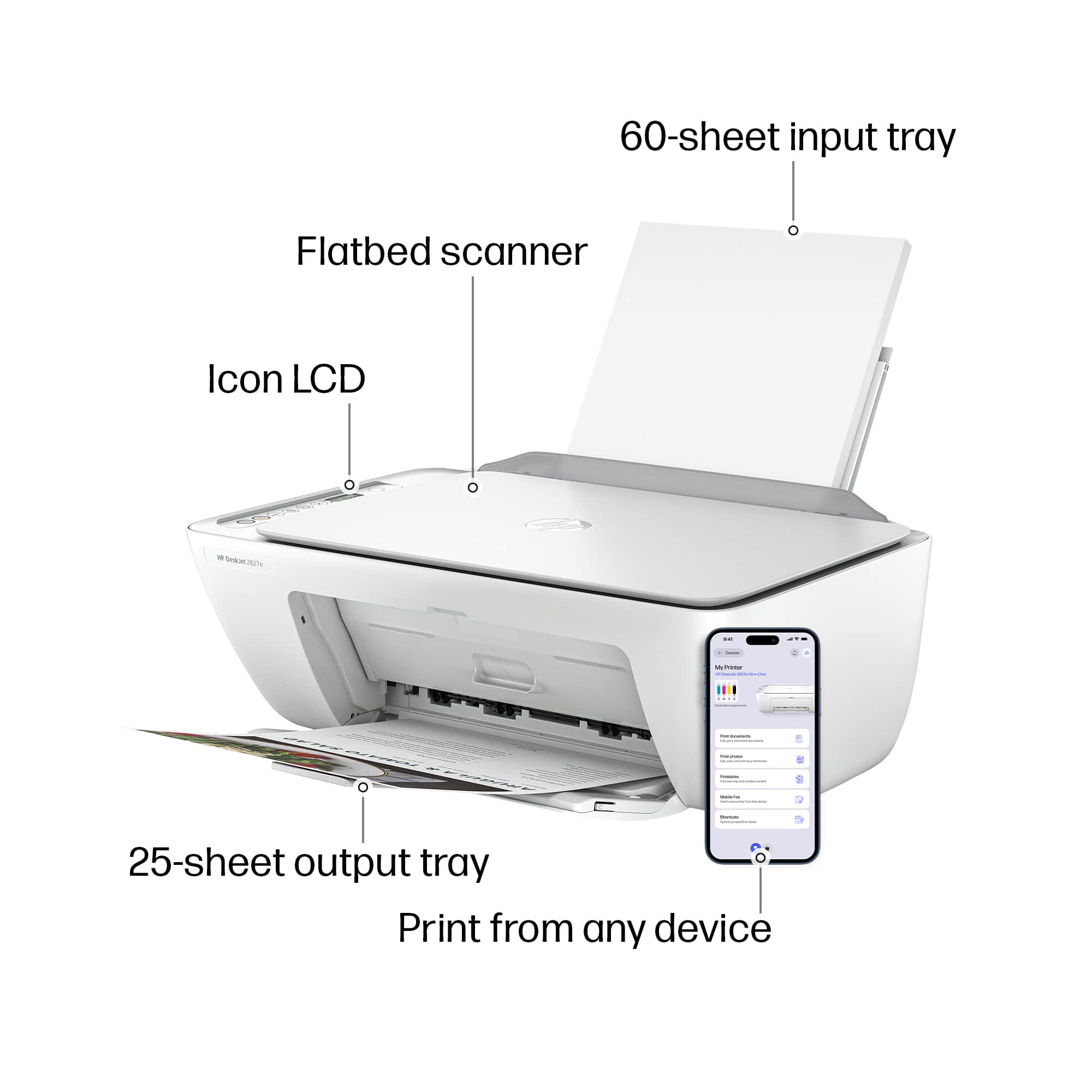
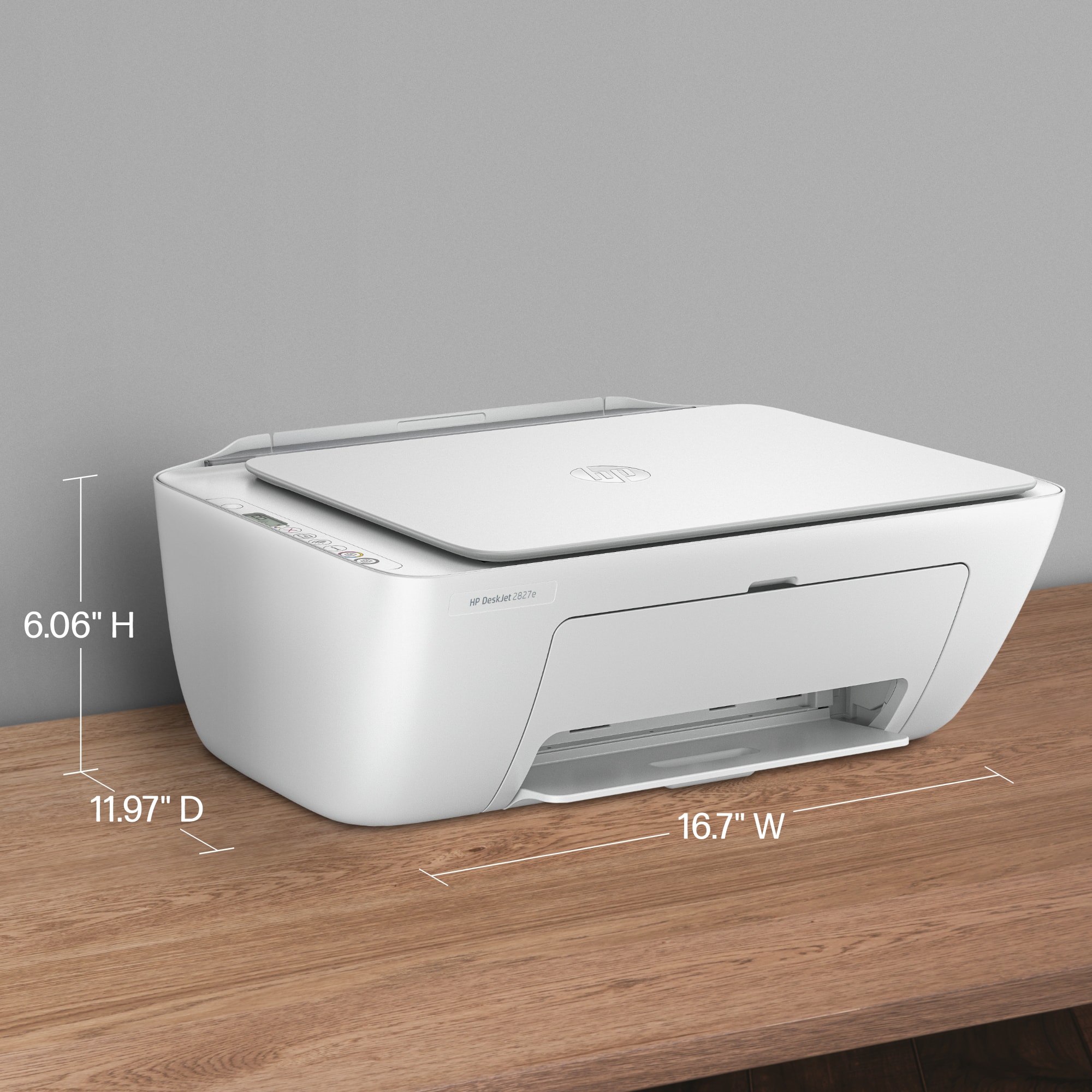
Customers often highlight the product's super simple setup and good print quality as significant advantages. Its easy connectivity, convenient size, and appealing design are also frequently praised. Furthermore, users appreciate that the device operates quietly.
This summary was generated by AI based on customer reviews.
Try it, you might like it.
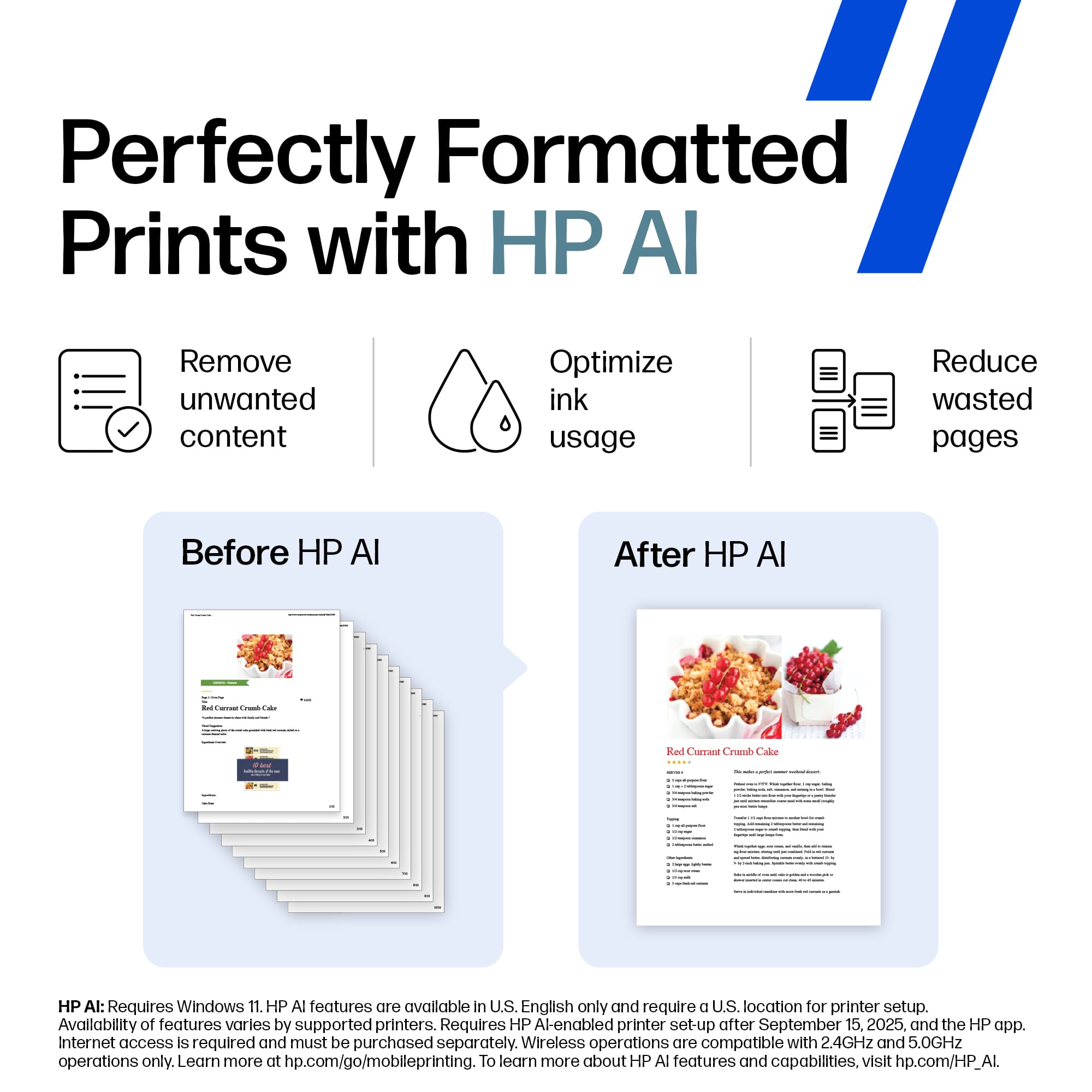
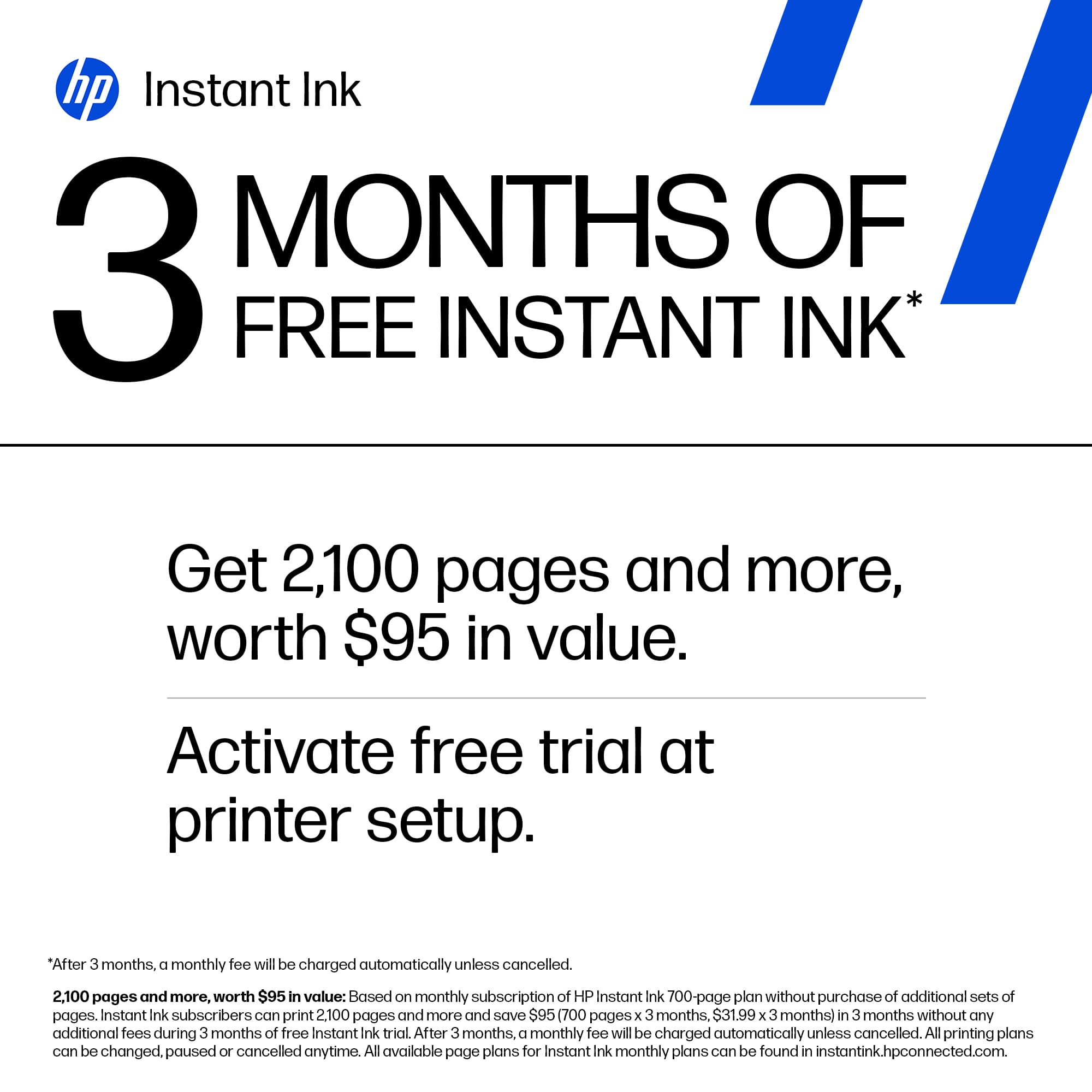
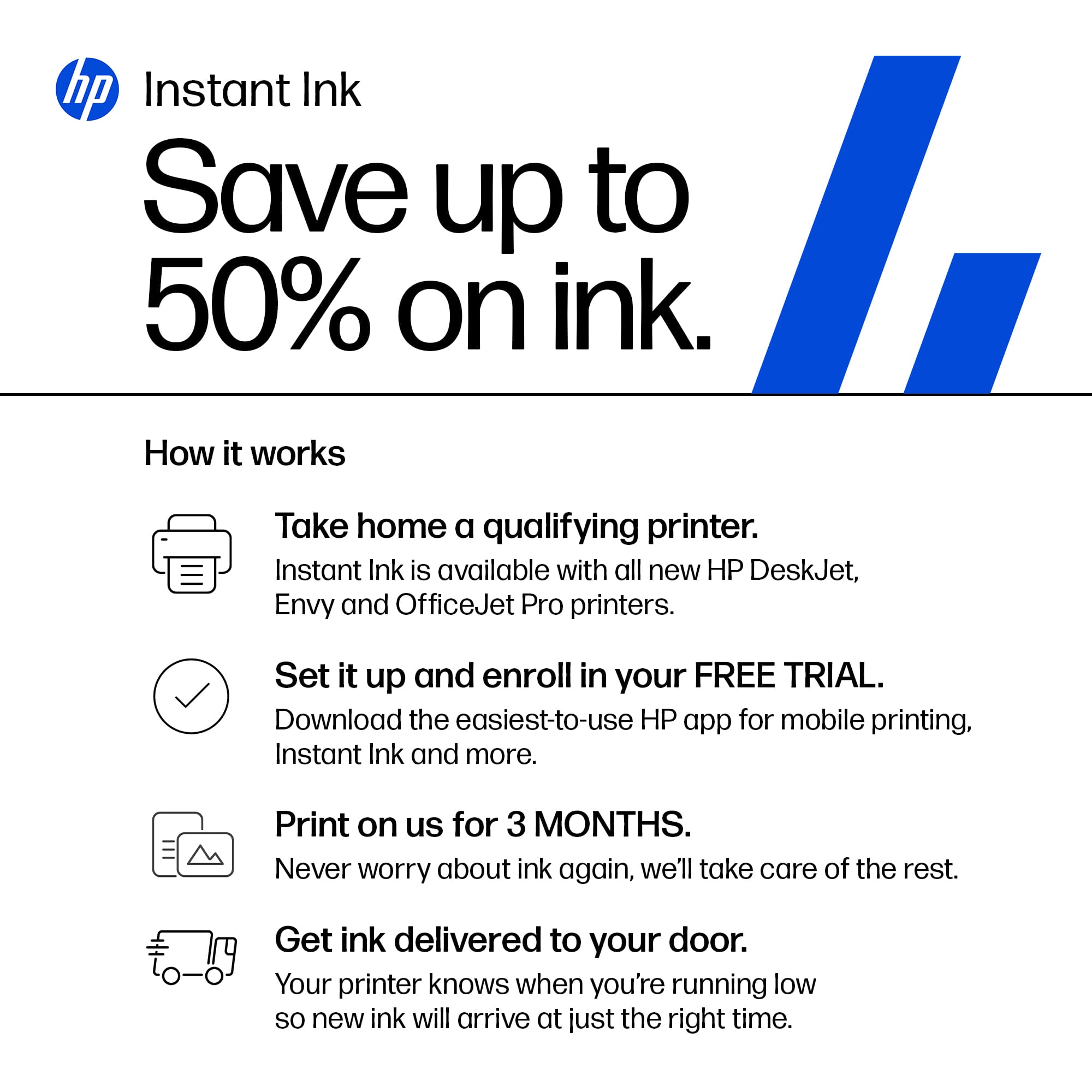
||Posted . Owned for 3 weeks when reviewed.This reviewer received promo considerations or sweepstakes entry for writing a review.Pros: Inexpensive. (Was $50, but got it for $40 during 'Black Friday Sale.) HP brand ink is stocked by most stores. Wireless. Has a separate 'Black' Vs. 'Color' print button. Came with a 2 yrs. warranty, not 1 yr. Came with 4 months of Instant Ink subscription. Cancel anytime. Cons: In spite of HP claiming that there's a 'swing out' extension for the output tray, there isn't. So, your printed material falls on the floor. Only uses HP ink. Included starter ink cartridge didn't last long. Had to wait a few days for Instant Ink to arrive by mail. (It came from the East Coast.) To scan, must download their HP Smart App. (This was not explained in their Ref Guide.) Recommend opt out of HP Universal Print / A.I. because it slows down the printing process.
I would recommend this to a friend- Pros mentioned:Setup ease
Great for the Price
||Posted .This reviewer received promo considerations or sweepstakes entry for writing a review.It was the right upgrade for a basic home office ( hybrid work) - for a budget printer has a great frame and it was easy to install - one minor weird thing when it comes to HP print vs Mac set up but not hard to navigate
I would recommend this to a friend - Pros mentioned:Print quality
Good but connection issues
||Posted .This reviewer received promo considerations or sweepstakes entry for writing a review.It prints great and runs fine. But as other people have mentioned on the web it tends to go to sleep and lose connection. Then you have to log back into the HP smart app on your computer or phone and sometimes it takes a few minutes to reconnect.
I would recommend this to a friend Excellent printer
||Posted .This reviewer received promo considerations or sweepstakes entry for writing a review.I am so happy I bought another HP printer. I had my last one for over 15 years. When it quit, I bought a Canon and I could not even set it up. Then I bought this HP, and it came with a manual that was easy to follow. I have an Ethernet connection, so I had to use a USB. They do give instructions if you don't want to do it that way but I could not figure that out. Using a USB cord means you can't get the instant ink. This is easy to install the ink. I'm a senior and not tech-savvy and this printer is just what I needed. It's also light-weight.
I would recommend this to a friend- Pros mentioned:Print quality
Great buy!
||Posted .This reviewer received promo considerations or sweepstakes entry for writing a review.I bought this printer as a Christmas gift for my daughter. She is a college student, so she uses the printer a lot. She said that it prints fast and the colors are clean and crisp. The price was unbelievable too.
I would recommend this to a friend - Pros mentioned:Setup ease
A printer for dummies!
||Posted .This reviewer received promo considerations or sweepstakes entry for writing a review.Great product for computer dummies! Easy to set up and instantly use. No fussing with strange buttons and software. Absolutely fantastic
I would recommend this to a friend - Pros mentioned:Print quality
Very good monitor!
||Posted . Owned for 1 month when reviewed.This reviewer received promo considerations or sweepstakes entry for writing a review.So far, no problems. It works like it is supposed to. I have no problems with it wirelessly connecting to the computer so far and that's a plus. The printing speed is okay. I'm glad I bought this new monitor at such a great price.
I would recommend this to a friend Easy to connect but the instructions do not help
||Posted . Owned for 1 month when reviewed.This reviewer received promo considerations or sweepstakes entry for writing a review.Despite the useless instructions the printer works great out of the box. I didn't have to align the print heads or fuss with it to be recognized once I got it connected to my wifi network. Heads up though, the instructions are going to tell you to download something called HP 123. That does not exist. There are two apps from HP one called Smart Printer and the other is just HP. You need to download the one called HP to connect the printer to your wifi and not the app called Smart Printer. I don't think you even need the Smart Printer app at all.
I would recommend this to a friend- Pros mentioned:Setup ease
simple and efficient
||Posted .This reviewer received promo considerations or sweepstakes entry for writing a review.this is exactly what i was looking for a super simple printer that you just plug in and use no apps to download or disc to put in its literally ready to work as soon as you plug it in
I would recommend this to a friend Print Quality is great but.........
||Posted .This reviewer received promo considerations or sweepstakes entry for writing a review.I get it. HP and other printer manufacturers want to make extended profit by selling the ink. And HP Instant Ink makes it seem almost painless. But, the inkjet cartriges are painfully low on ink. I got about 15 full page images out of my color cartrige. That seems to be a little light in my opinion. As long as your expectations are set and you can live with them, then this printer is a pretty good deal. I had a very specific need so for me it was worth it. But, it you plan on printing photos regularly, I would look for a reservoir based printer instead of a cartrige based one.
I would recommend this to a friend- Pros mentioned:Size
Great for work or fun.
||Posted .This reviewer received promo considerations or sweepstakes entry for writing a review.Print's well but border adjustment is not available so what I was printing was cut off by one line. Works great, it is compact and will do everything I need for work and fun.
I would recommend this to a friend 
Solid basic all-in-one for home use
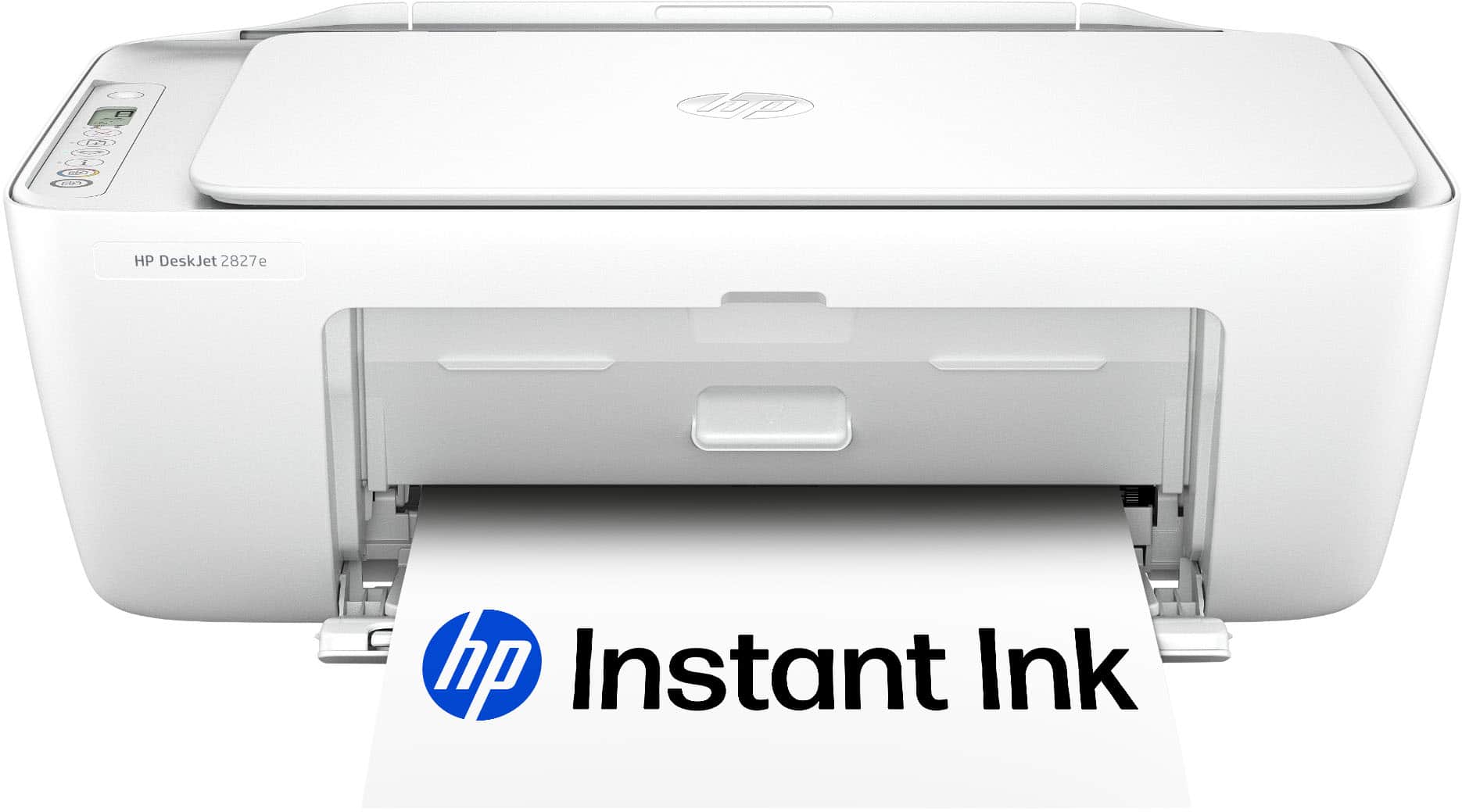
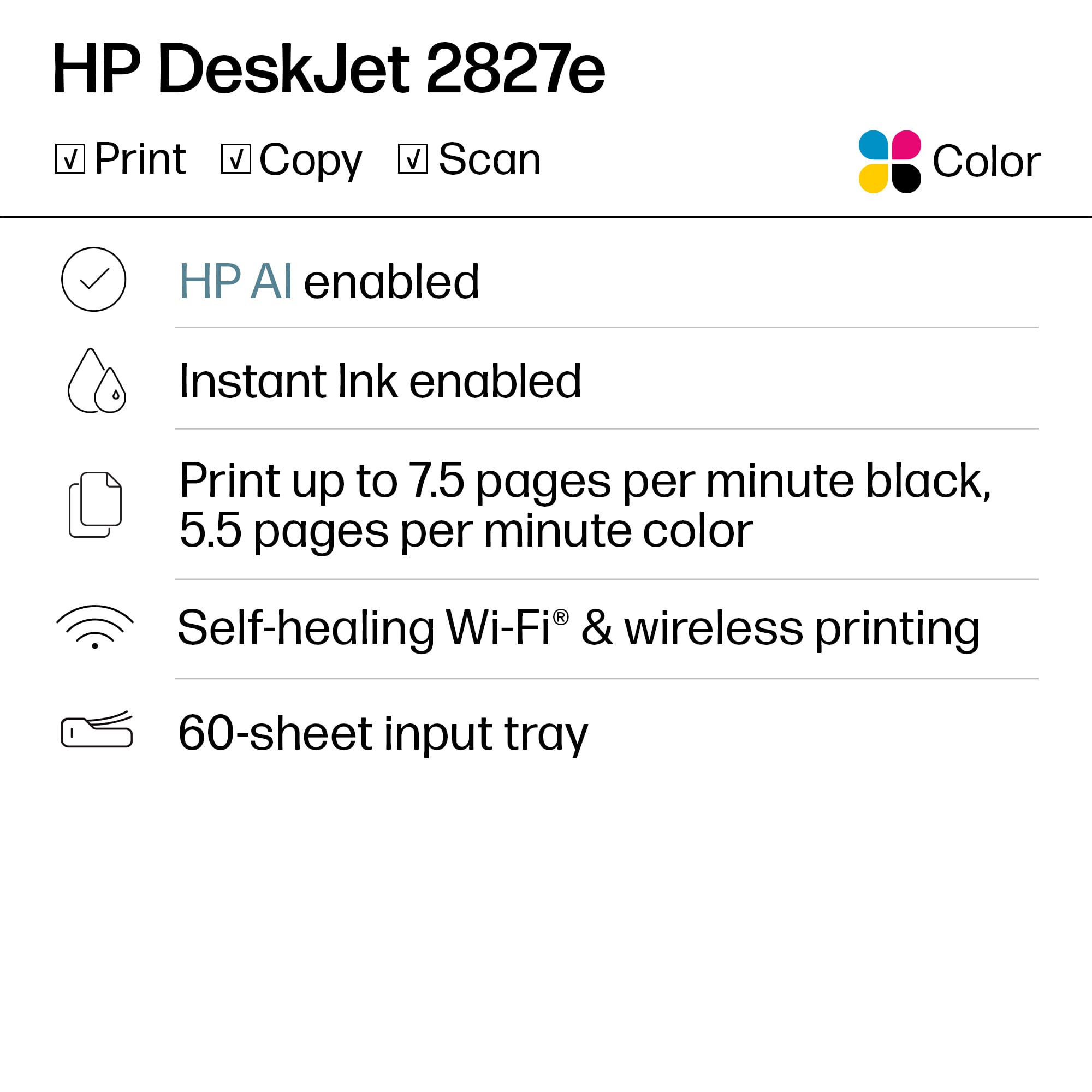
|Posted .This reviewer received promo considerations or sweepstakes entry for writing a review.[Employee of bestbuy] The HP DeskJet 2827e Wireless AI‑Enabled All‑in‑One Inkjet Printer is easy to set up and works well for everyday printing, scanning, and copying. Wireless setup with the HP Smart app is smooth and printing quality is clear for documents and casual use. It’s compact, doesn’t take up much space, and the included 3-month Instant Ink trial is a nice bonus. Just be aware that replacement ink can get pricey once the trial ends and some features are tied to HP’s subscription service.
I would recommend this to a friendInexpensive quality printer
||Posted . Owned for 5 months when reviewed.This reviewer received promo considerations or sweepstakes entry for writing a review.Inexpensive quality printer. Does a great job on black and white prints. Color prints not bad either. Easy to set up and connect to wi-fi. Instant ink is available if you do a lot of printing.
I would recommend this to a friend- Pros mentioned:Print quality
Printer
||Posted . Owned for 2 weeks when reviewed.This reviewer received promo considerations or sweepstakes entry for writing a review.Sit on my shelf underneath my workbench great printed a couple pieces of paper out of it and it adjusted itself well and printed well a really great deal for the money
I would recommend this to a friend - Pros mentioned:Print quality
Great colored printer
||Posted .This reviewer received promo considerations or sweepstakes entry for writing a review.It's perfect for a small office or home use. The colors are great!
I would recommend this to a friend - Pros mentioned:Connectivity
Printer y
||Posted .This reviewer received promo considerations or sweepstakes entry for writing a review.I don't have internet or wifi in my area, but with this printer i can transfer from my files and also make regular copies. I can also, copy from my photos. The down side is on the color it takes alot for like one photo? Also, it kinda takes a long time to make a copy. About a minute or longer. Also, I wish they would of provided a better instruction manual. That would be better than u-tube videos.
I would recommend this to a friend - Pros mentioned:Connectivity
HP - DeskJet 2827e Wireless printer review
||Posted .This reviewer received promo considerations or sweepstakes entry for writing a review.excellent product for this price, works seamlessly with all our devices and connects to the home wifi just fine, highly recommend for home usage
I would recommend this to a friend - Pros mentioned:Setup ease
We are extremely happy with this printer.
||Posted .This reviewer received promo considerations or sweepstakes entry for writing a review.The printer is perfect for our needs. My wife does work at home and need not print at work via the net or she can, at work, print at home for reference later. Easy to set up as well.
I would recommend this to a friend - Pros mentioned:Setup ease
HP deskjet 2827e
||Posted .This reviewer received promo considerations or sweepstakes entry for writing a review.The HP deskjet 2827e was simple to set up. Works as expected! Happy with the product. Bought it for my 93 year old mother and was able to teach her how to use it within minutes.
I would recommend this to a friend - Pros mentioned:Setup ease
Printing made easy
||Posted .This reviewer received promo considerations or sweepstakes entry for writing a review.Set up was incredibly easy, which is what I have always experienced with the HP printers as I have I had three actually four now in the past 20 years.
I would recommend this to a friend