Customer Ratings & Reviews




- Model:
- DeskJet 4355/AJ4Y0A#B1H
- SKU:
- 6673262
to a friend
Customers are saying
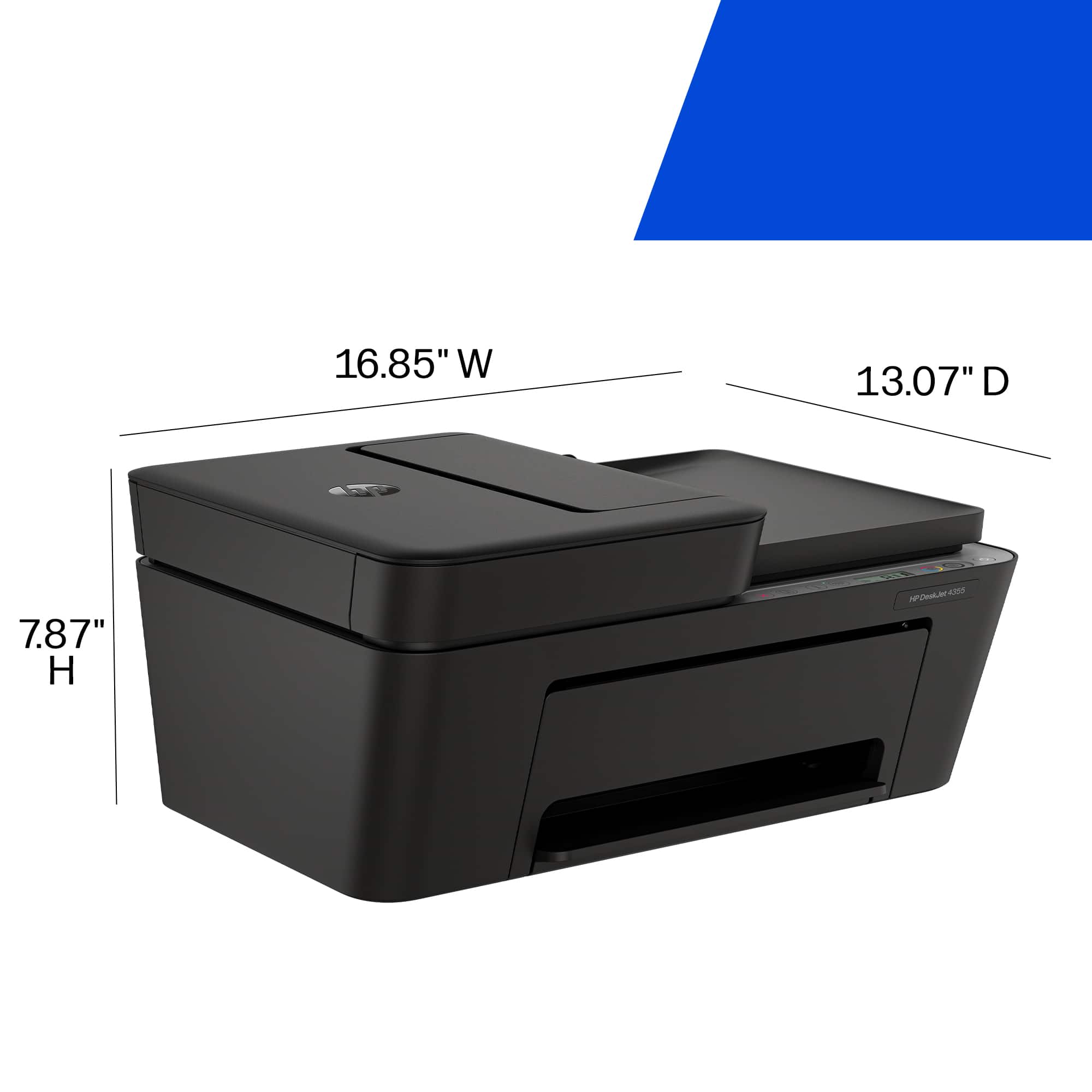
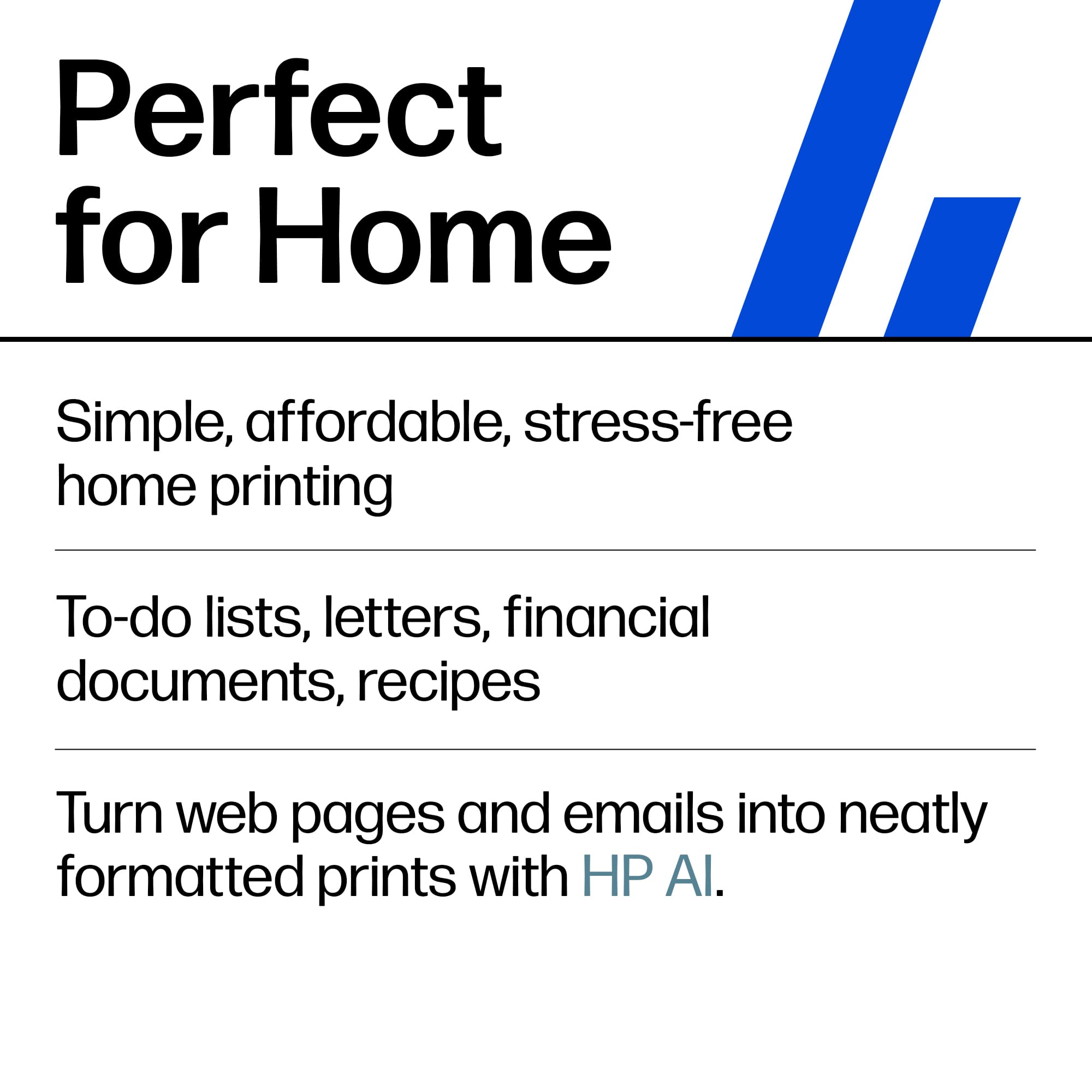
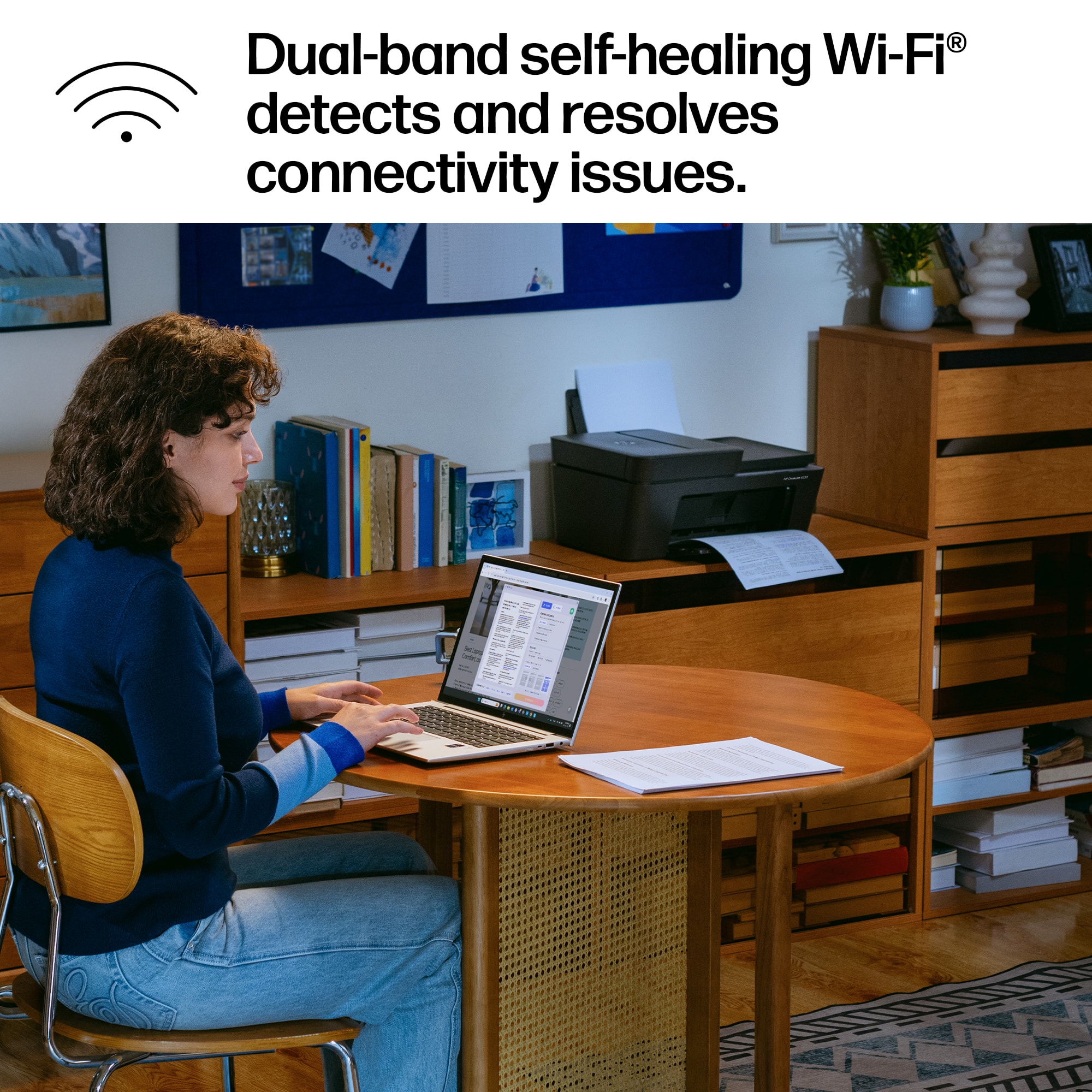
Customers regard this printer as an exceptionally user-friendly device, with many highlighting how simple the initial setup process is. Users are also highly satisfied with the impressive print quality and the reliable wireless connectivity. Additionally, the printer is frequently praised for its quiet operation and compact design, making it a convenient choice for those with limited space.
This summary was generated by AI based on customer reviews.

Fast and Innovative
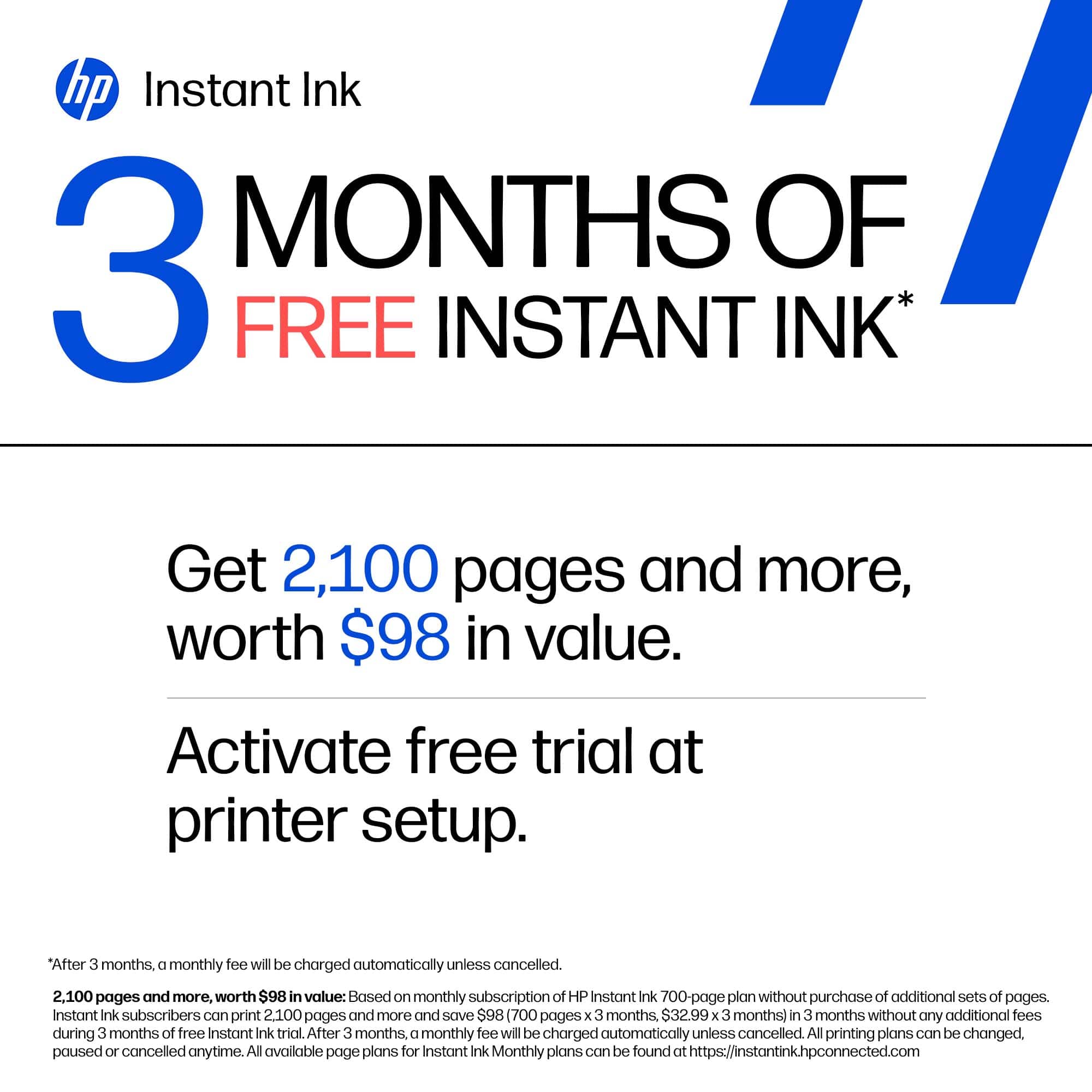
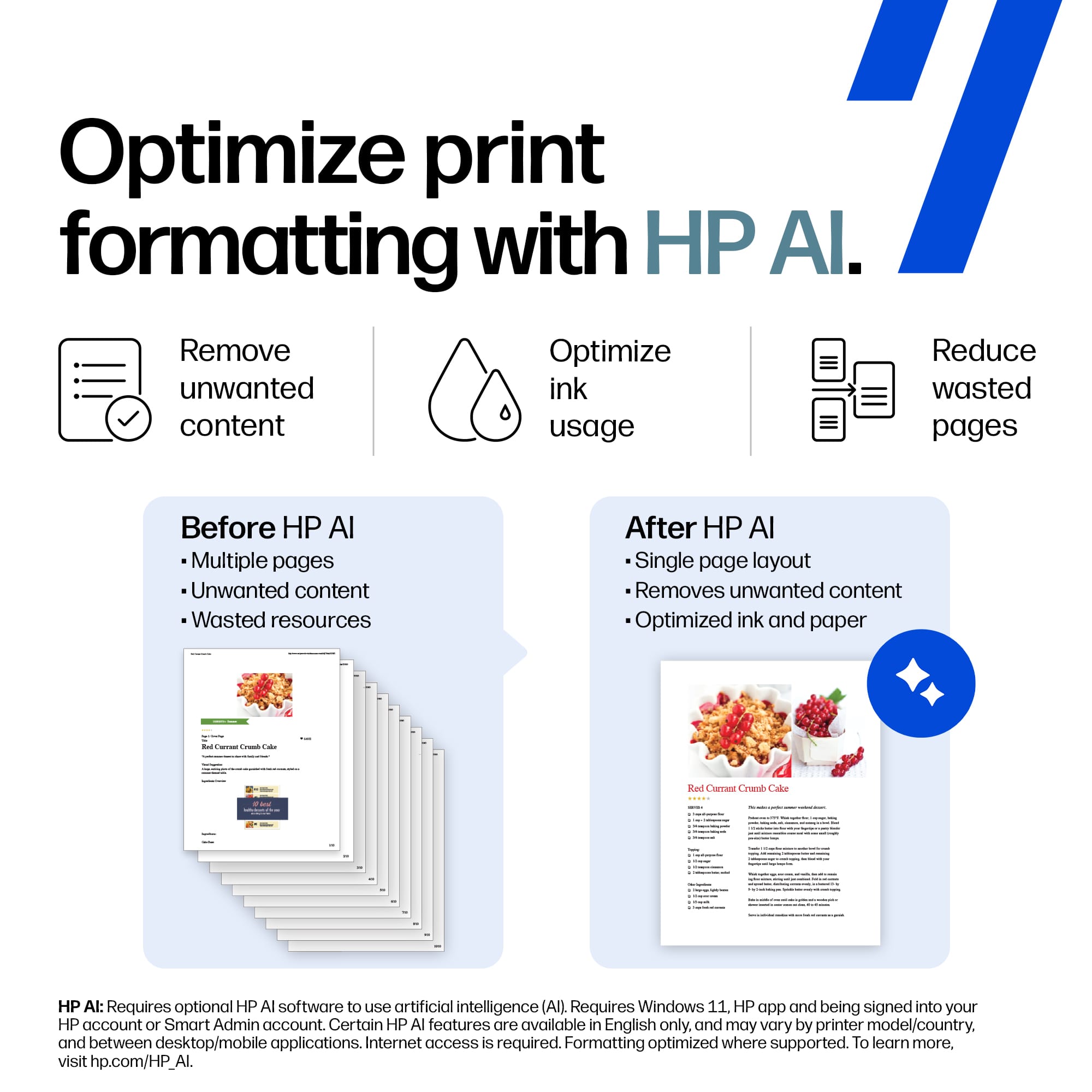
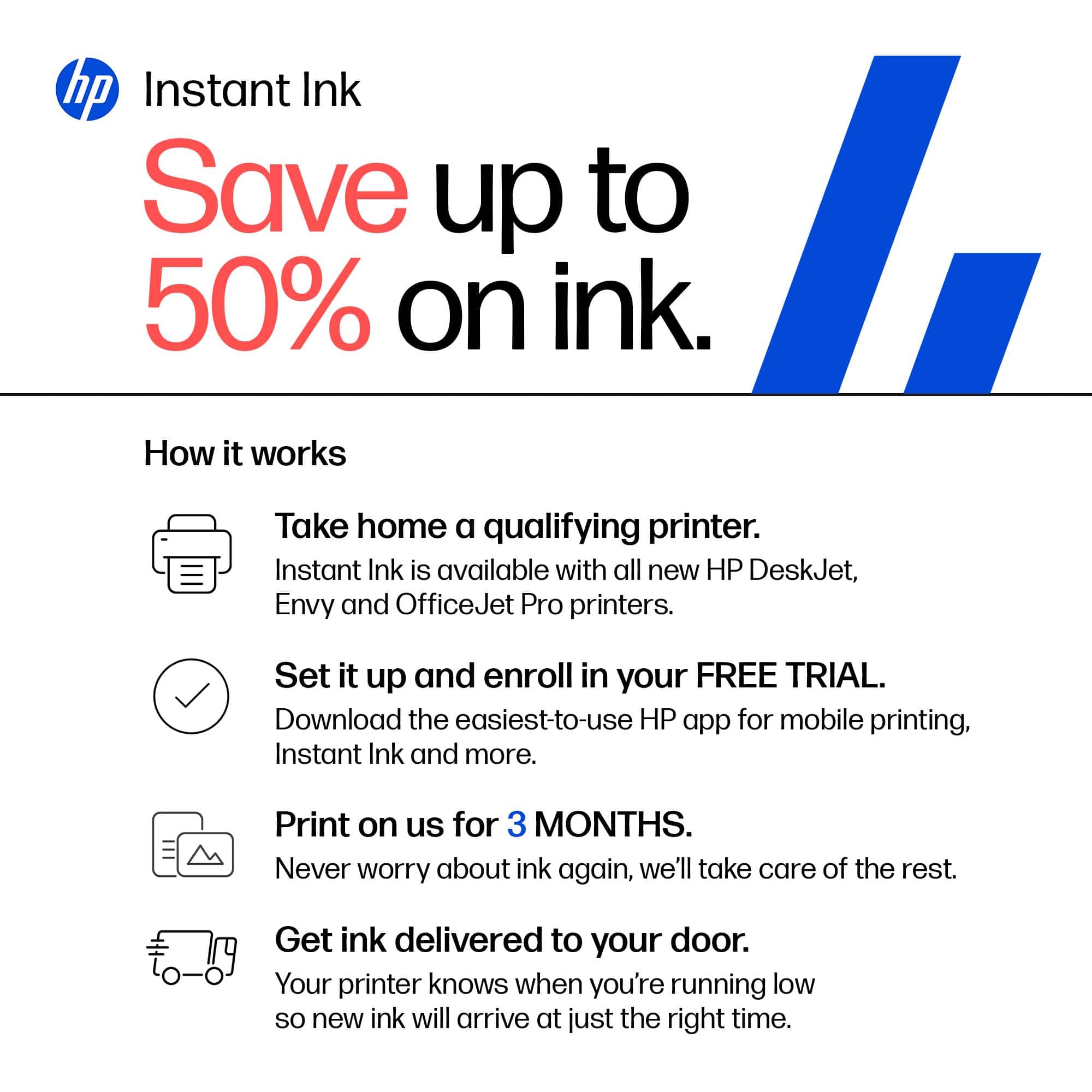
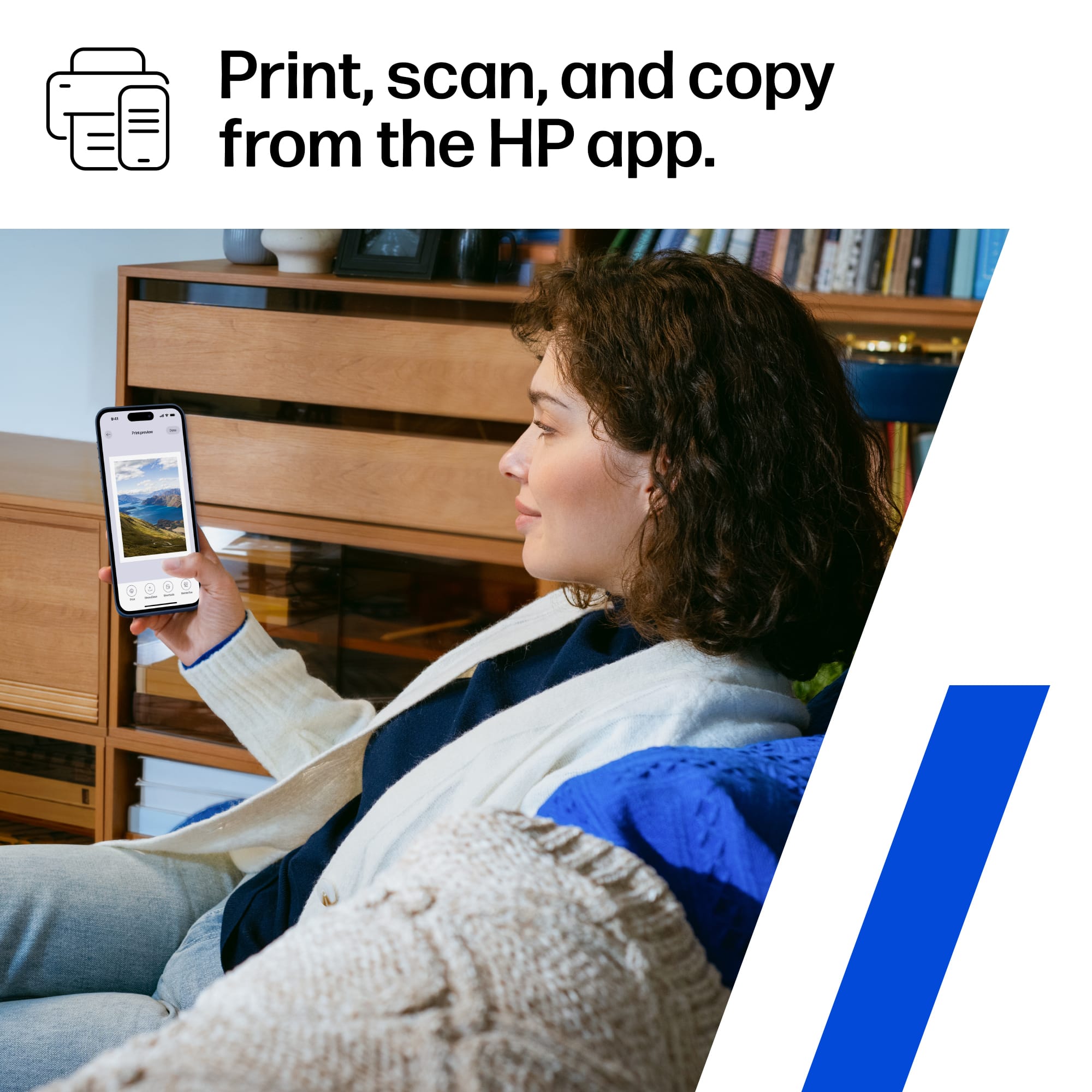
|Posted .This reviewer received promo considerations or sweepstakes entry for writing a review.The HP Deskjet 4355 is a a printer by HP that builds upon the previous version with some AI incorporated into it. To review this product i used it it in my normal workflow as the AI enabled aspect has a workflow to help with printing tasks. I hooked it up and took me about 10 minutes as it recognized everything and then asked me to sign into my HPP ink account basically its their subscription service. It does come with 3 months free ink. The printer printed out word documents quickly and clearly. I tested it on mailing labels and they were clean and clear, then i tested it making stickers and foil stickers and they turned out perfect no smudging and quick dried. One feature I did enjoy was the ability to print from my phones while I was away from the house and connected through the app. I was able to send the document and have it printed out and available for the person at the office. This was a breeze and just allowed me to ensure what page I wanted printed while not having to expose the rest of the document. Overall if you are looking for a printer that does everything you need from a small home office printer scanning, printing that's clear and produces high quality this is great./ i will say i still am not a fan of a subscription based ink system.
I would recommend this to a friendHP Deskjet 4355 Wireless inkjet printer
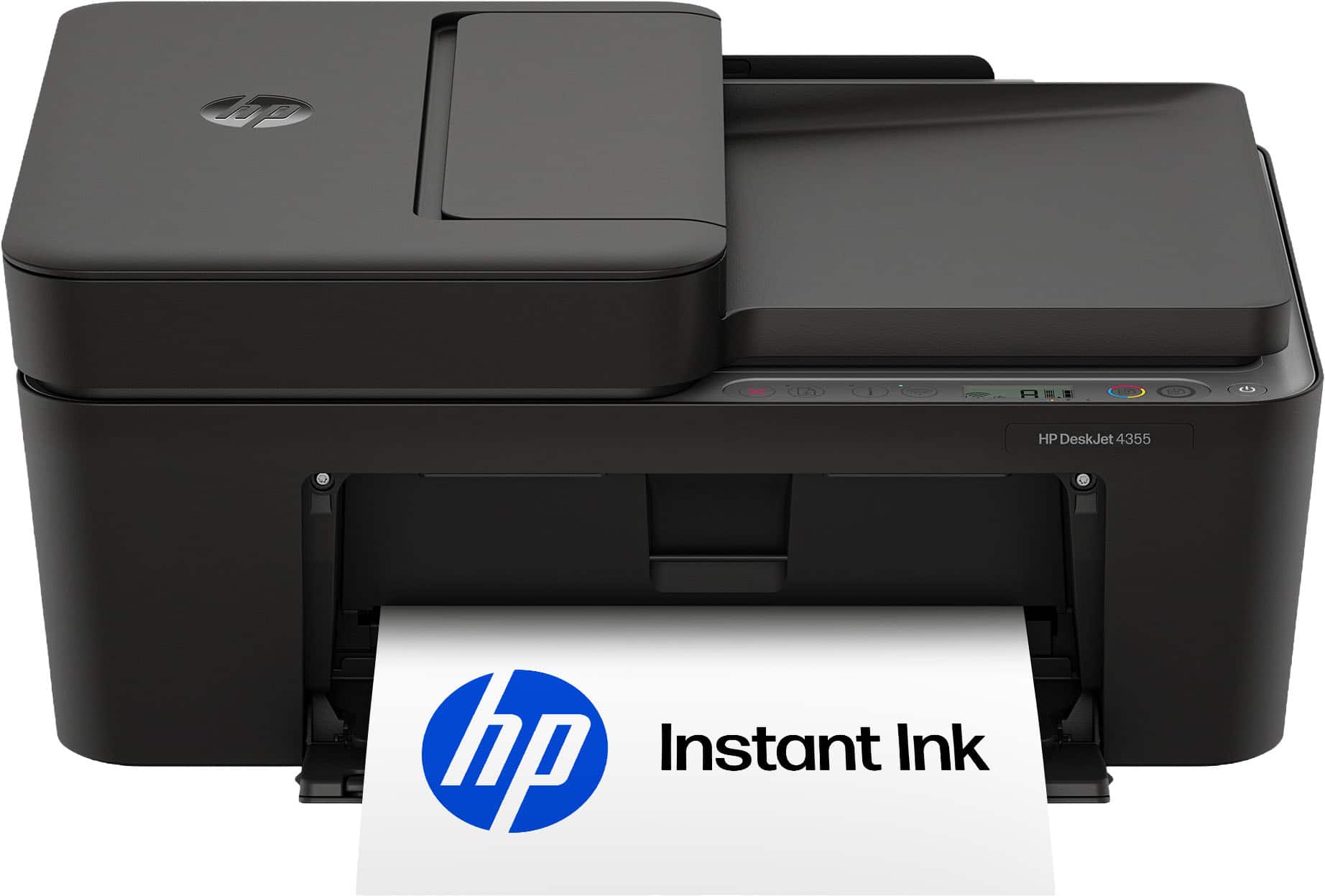
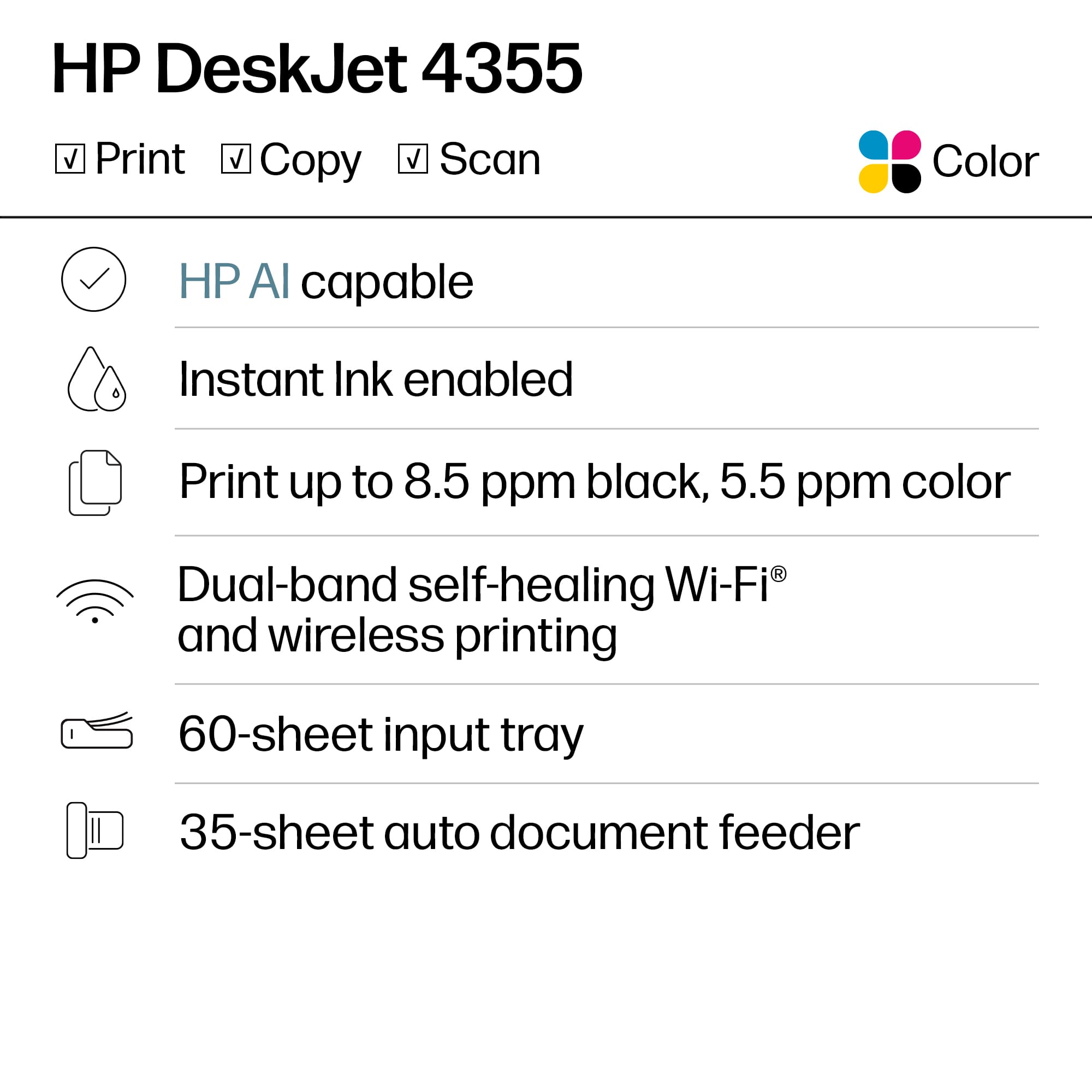
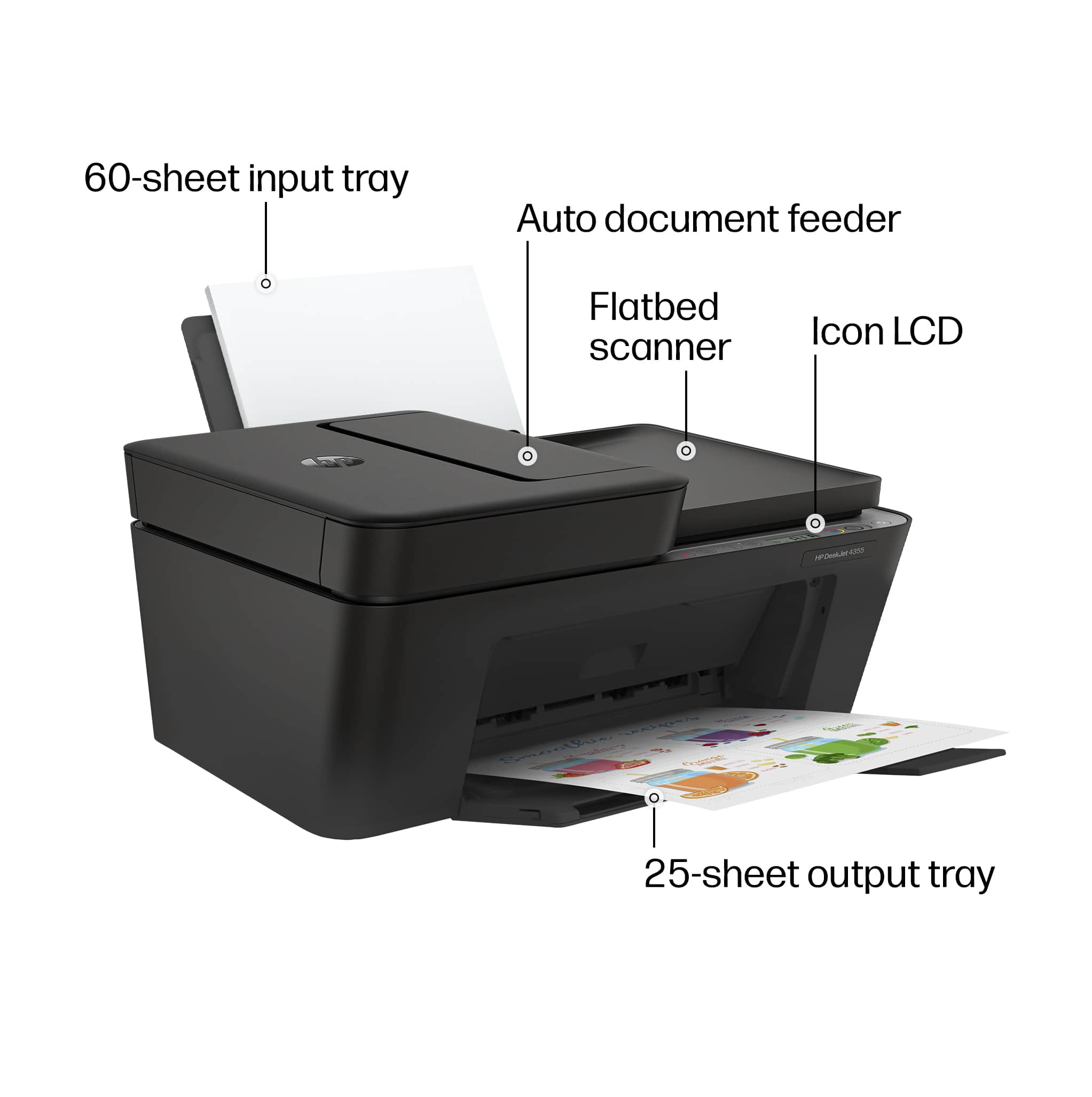
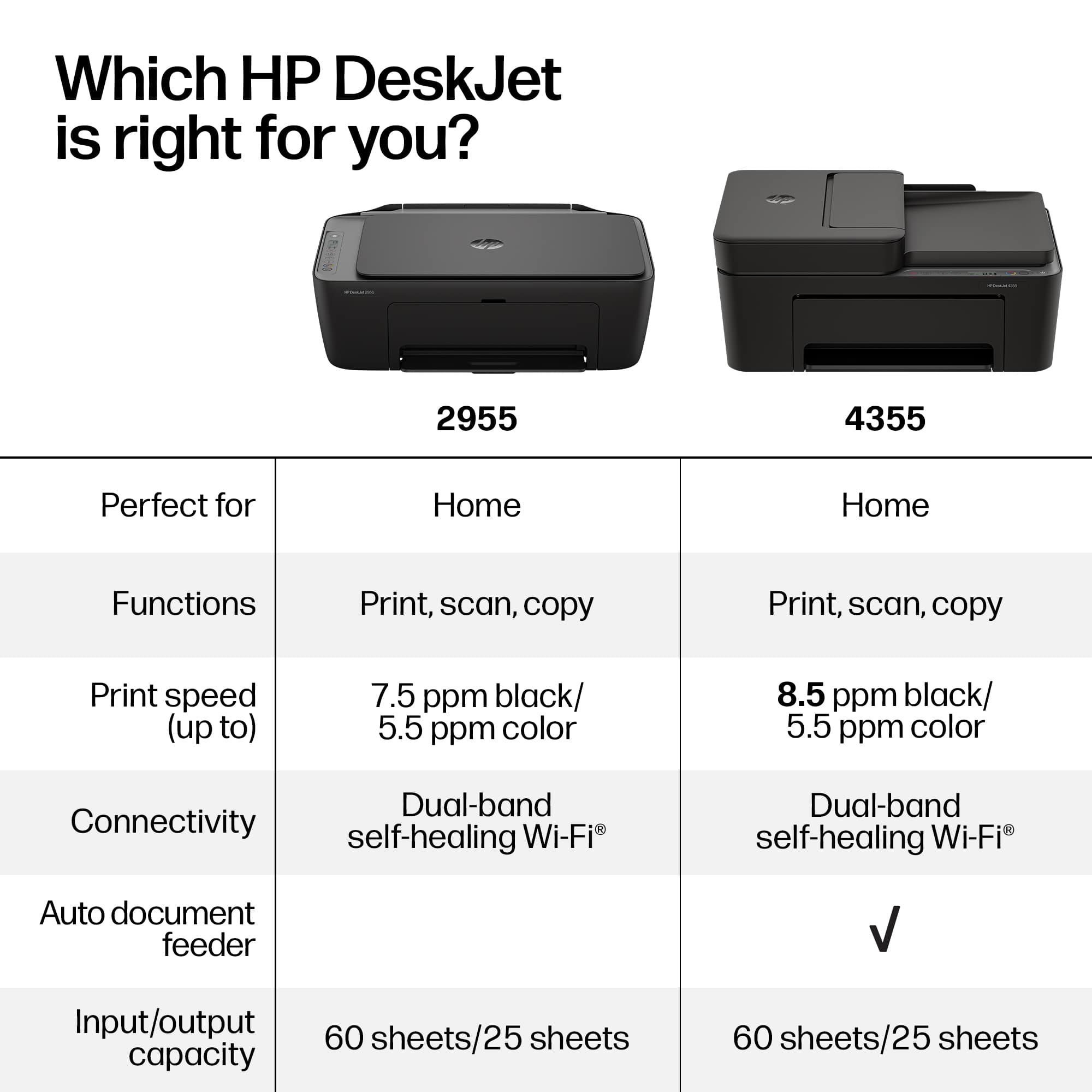
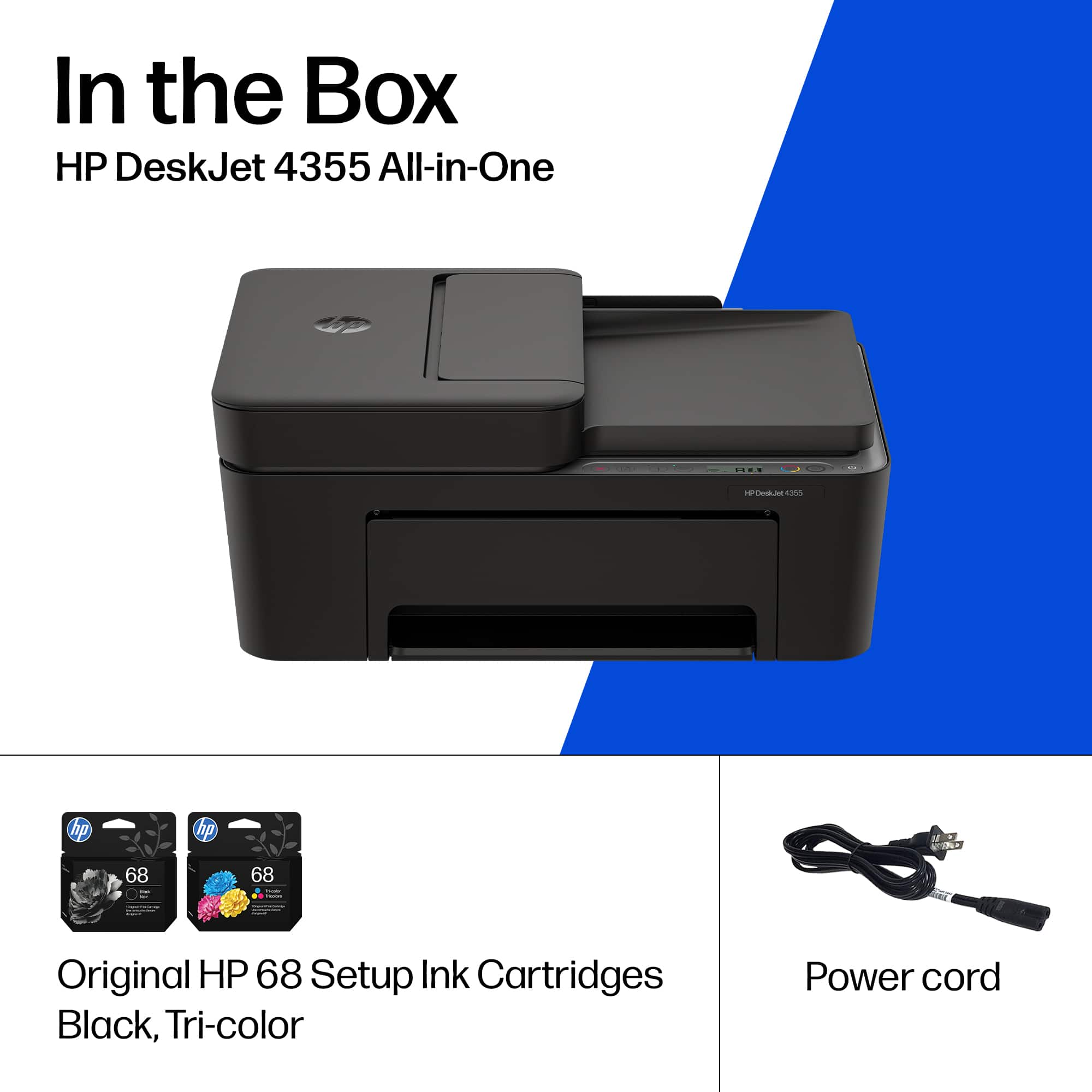
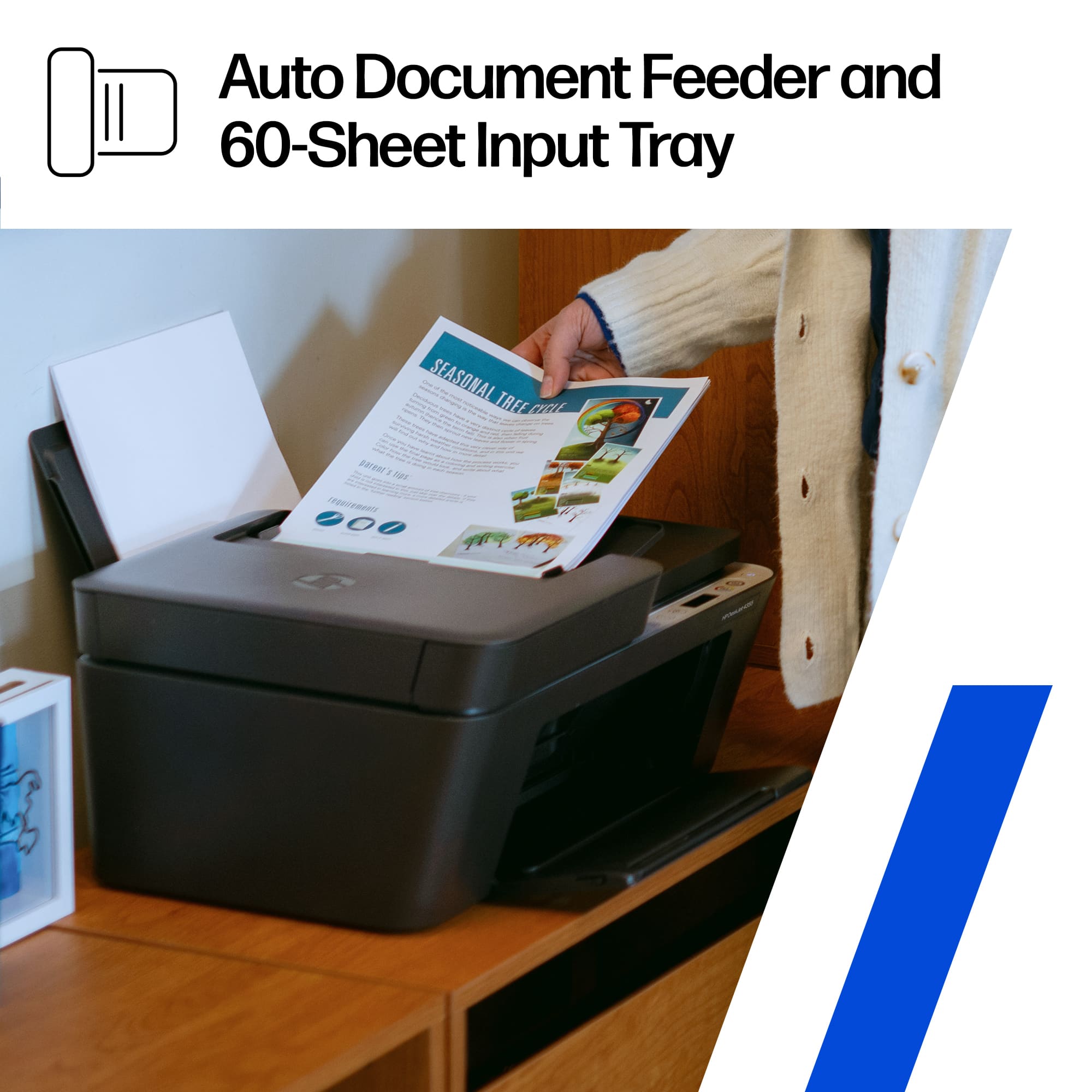
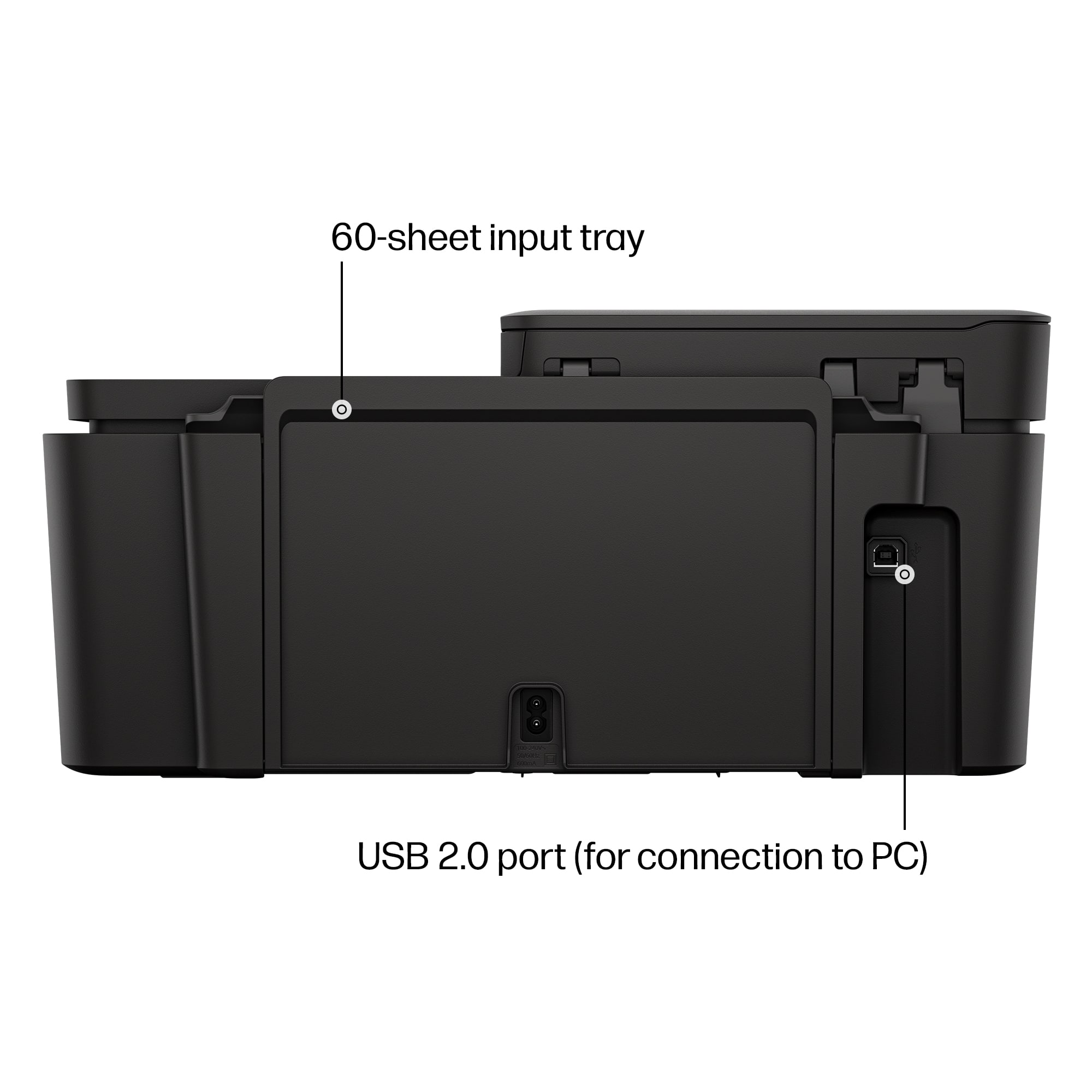
|Posted .This reviewer received promo considerations or sweepstakes entry for writing a review.The HP Deskjet 4355 has a paper capacity if 60 sheets in the input tray, 35 sheets in the automatic document feeder and 25 sheets in the output tray. This printer is designed for light home/home office use. You can expect to reach print speeds of 8 pages per minute black and 5 pages per minute in color. You can expect to get about 200 to 300 pages per cartridge with the standard HP 68 cartridge and up to 600 pages with the 68XL cartridge. The Deskjet 4355 does not do automatic duplexing. The HP Deskjet 4355 is a multifunctional printer. It can print, scan and copy. There is digital faxing feature available through the HP app. The printer is controlled through an ICON liquid crystal display. While the printer does have a USB-B connector, it was designed for a wireless setup and should be easy to set up. If you decide to try the wired route you must also purchase a USB-B printer cable. This cable looks like a capital D. This printer is also quieter than most large printers and will fit into your home/office quite well. As with all HP DeskJet printers, there is also a subscription service for instant ink. It comes with a 3 month trial included.
I would recommend this to a friendOK Printer, But With Defined Limitation
|Posted .This reviewer received promo considerations or sweepstakes entry for writing a review.As a printer? It's fine. As a scanner? It's fine. I've set up countless Hewlet Packer printers, and this is just as most of the rest were. My three biggest complaints with HP printers, (and this fallls in line with the rest), is: 1) The drivers can be flaky. Shortly after setup, I set this printer as one of four household network printers. The first couple print-jobs from my wifes laptop were no problem. All good. Later the same day, she tried a third time, and it looked from her end like it should have printed, but it didn't. Having had this problem earlier this year with another HP printer, I knew to remove the old driver from her PC, and load a fresh one. No biggie if you're a tech-savvy person, but I can imagine the never-eding frustration from a grandma and grandpa who just want to to print a simple recipe. Just word to the wise. 2) HP ink is generally on the more expensive side. This is by design. The HP business model, (to create higher margins), is to prvide relatively small yield cartridges, and make the bulk of profit, not from the printer themselves, but from the captured audience. I'm in the medical field, and this is more expensive than human blood. 3) Most HP printers require HP cartridges, and may not work with less expensive non-HP cartridges. See number two above. In all, is it a decent printer? Sure. But beware above.