Customer Ratings & Reviews
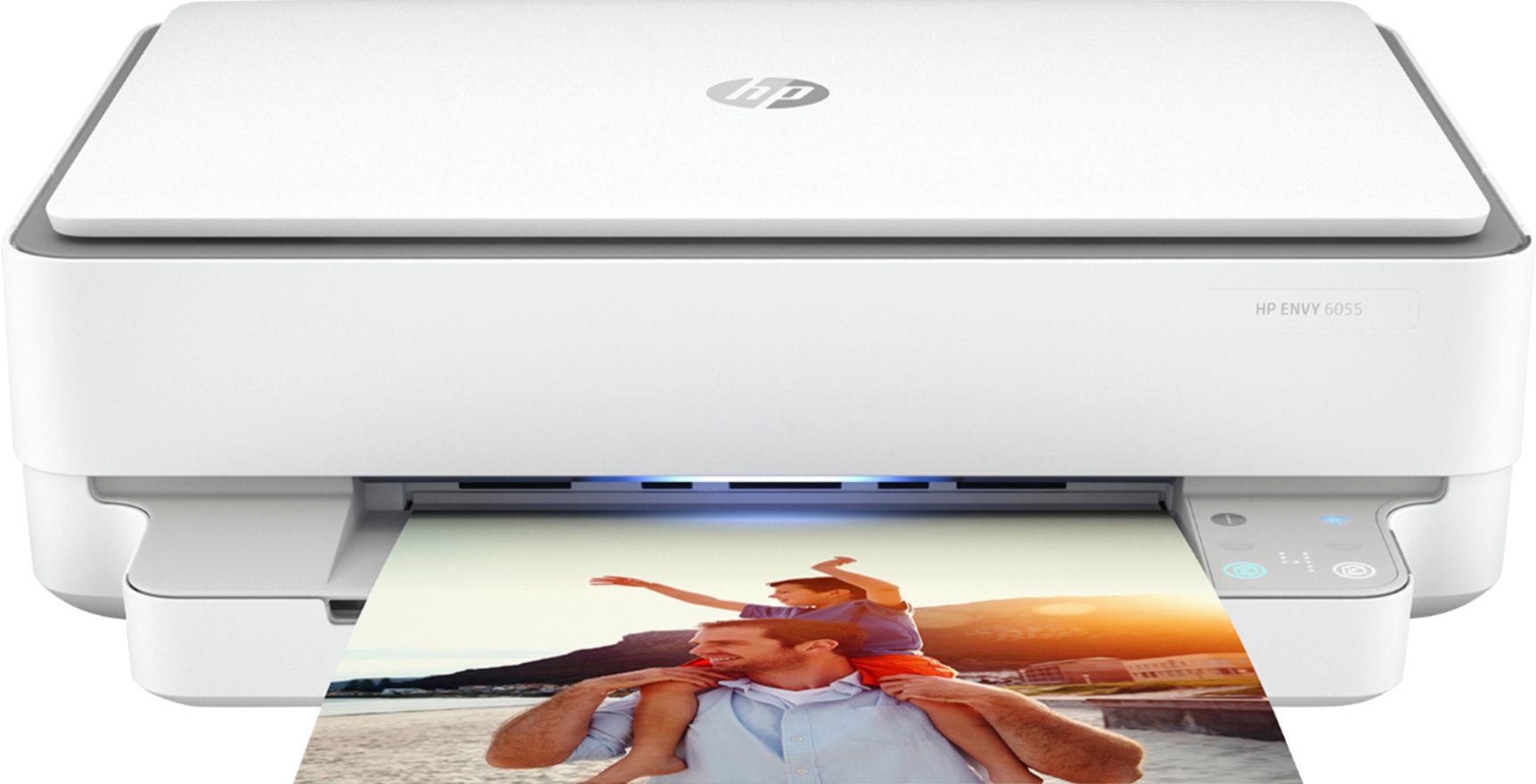
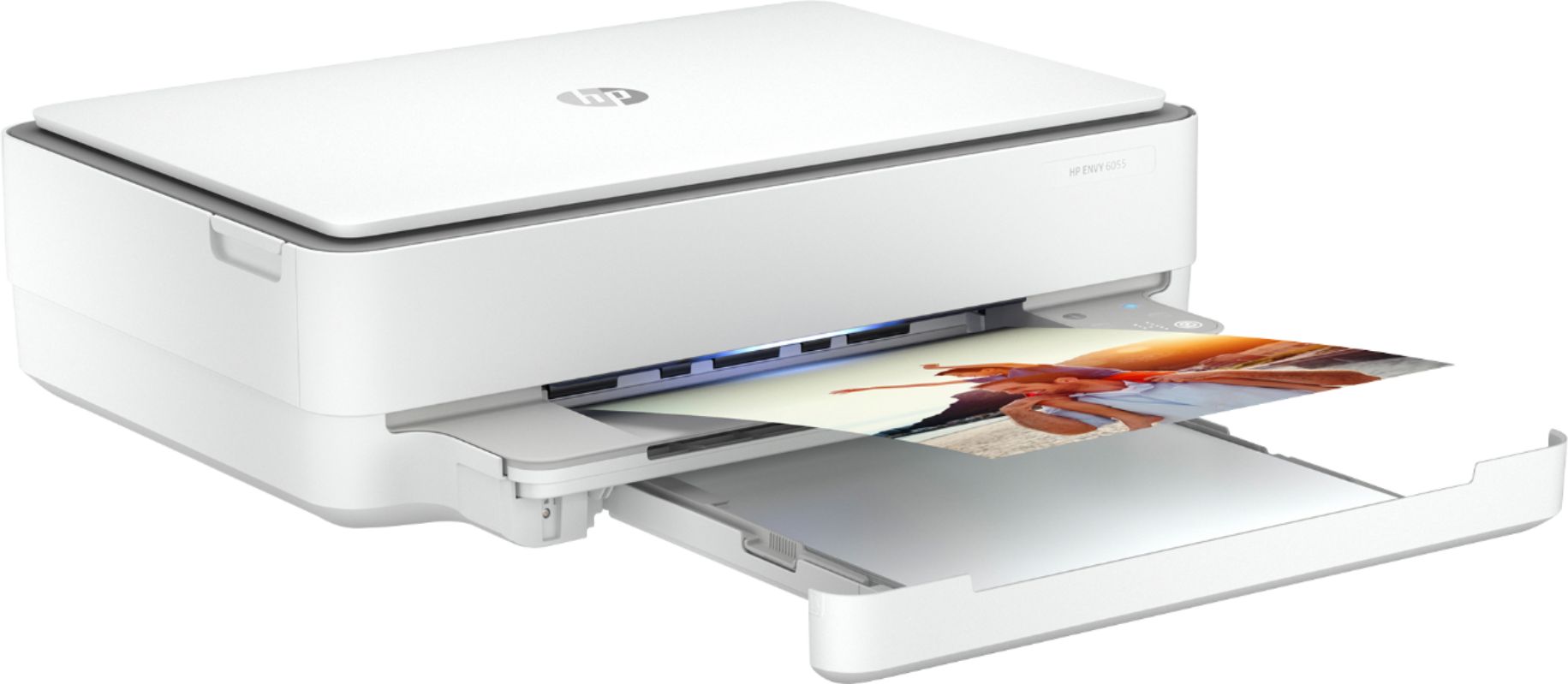
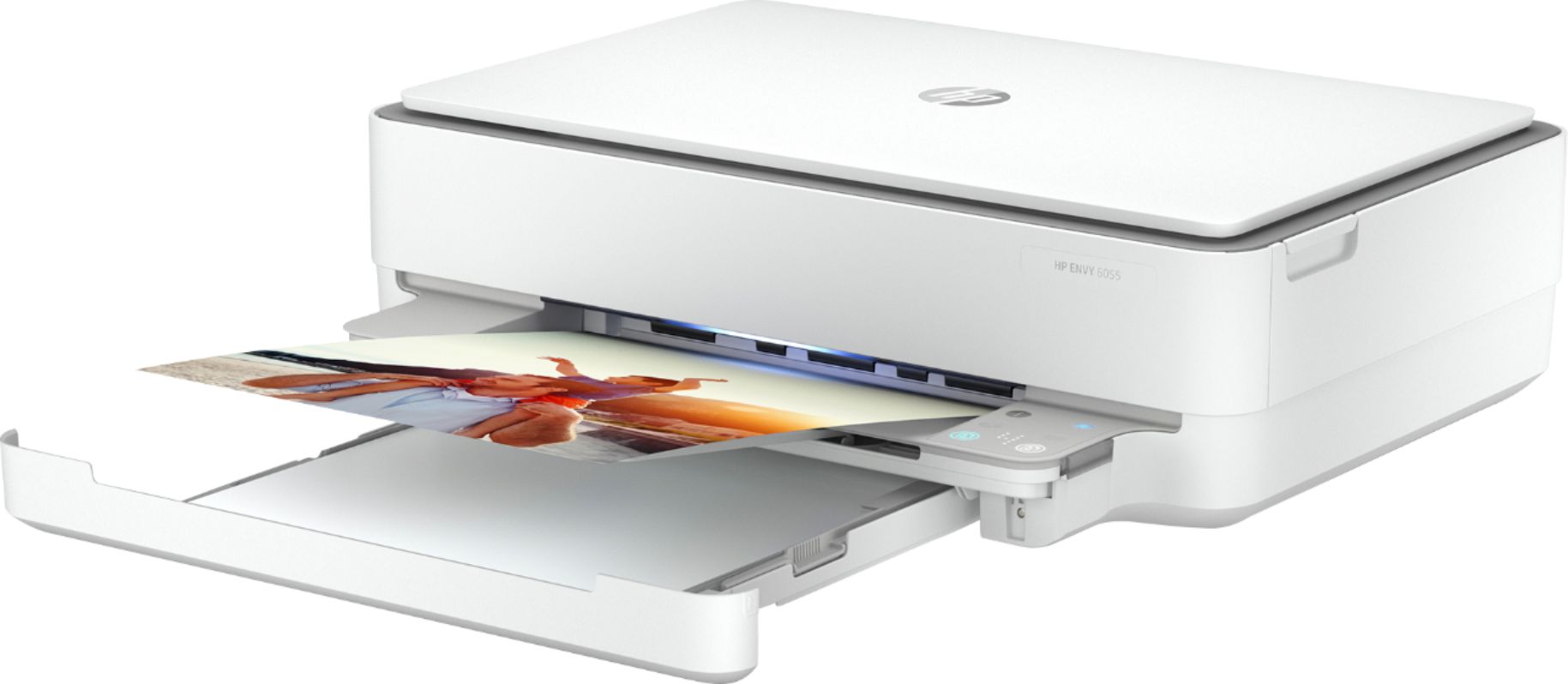
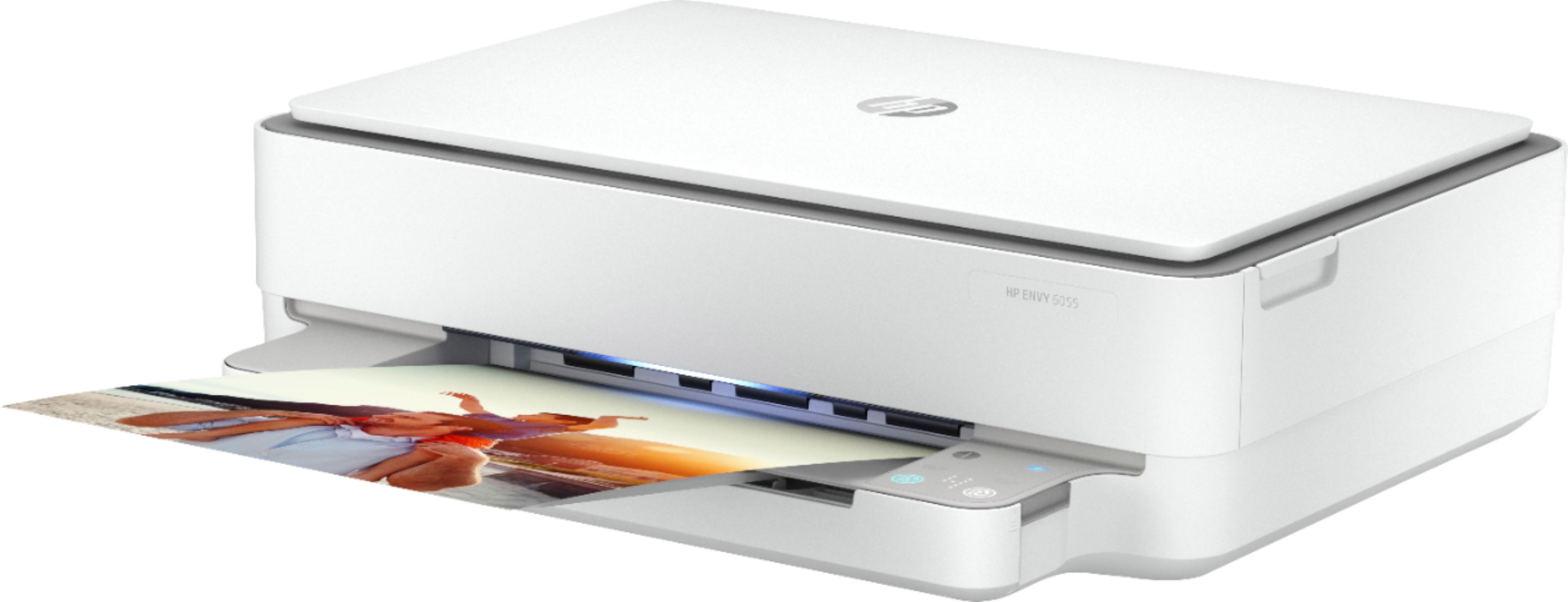



- Model:
- 5SE45A#1BH/5SE45A#A2L
- SKU:
- 6404827
Rating by feature
- Value
Rating 4.3 out of 5 stars
- Quality
Rating 4.3 out of 5 stars
- Ease of Use
Rating 4.1 out of 5 stars
Customers are saying
Customers are satisfied with the ENVY 6055e's ease of use, print quality, and compact size. Many appreciate its affordable price and straightforward setup process. Positive feedback also highlights the printer's sleek design and quiet operation. However, some users experienced challenges with maintaining a stable Wi-Fi connection.
This summary was generated by AI based on customer reviews.
- Pros mentioned:Print quality
Great quality!
||Posted .This reviewer received promo considerations or sweepstakes entry for writing a review.This is a high quality printer and the ink is very affordable with the HP instant ink plan. I love that I never run out of ink!
I would recommend this to a friend - Pros mentioned:Print quality
Dynamite product
||Posted . Owned for 3 weeks when reviewed.This reviewer received promo considerations or sweepstakes entry for writing a review.Very happy with my ne HP Envy 6000 printer; it came highly rated by the Best Buy employee with whom I did business
I would recommend this to a friend - Pros mentioned:Ease of use
Very easy to install and operate!
||Posted . Owned for 1 month when reviewed.This reviewer received promo considerations or sweepstakes entry for writing a review.I needed a printer that can also scan. This printer does it all and is very easy to use. I am very pleased with my selection.
I would recommend this to a friend - Pros mentioned:Print quality
Buy extra ink
||Posted . Owned for 3 weeks when reviewed.This reviewer received promo considerations or sweepstakes entry for writing a review.This was the only reasonable priced one on the show room floor at Best Buy. Needed something fast used all the ink with in ten mins doing one task.
No, I would not recommend this to a friendBrand response from HP Team
Posted .Hi there.
I’m sorry to learn that your printer ran out of ink so quickly. I can certainly understand why seeing the cartridges depleted within 10 minutes of setting up the printer would be a jarring surprise and a poor start to owning a new printer. With that in mind, I’ll offer some clarifying information and helpful resources.
First, I can’t tell from your review how many prints you made or whether they were high-resolution images, so I can’t say for certain what happened with the ink supply in your case, but some printers come with what are known as setup cartridges, which have a lower capacity than regular or XL cartridges, and less still than ones in our Instant Ink program. For example, the regular size cartridges designed for your printer have estimated yields of 100 to 120 pages, while the XL sizes have estimates of 200 to 240 pages.
Still, 10 minutes seems like a very short time for the cartridges to run out, so I recommend that you contact us directly at +1 800-474-6836 so we can help you assess the situation and determine the best course of action. (Please note that because of restrictions on personal movement and workplace attendance associated with the COVID-19 pandemic, wait times for agents can be longer than normal. Thanks in advance for your understanding.) To expedite the process, I recommend gathering the following information before the call:
- Model number
- Serial number
- Your location
- Case number (from any previous contact with HP support)
Keith
HP Care
hp.com/support
This HP is not the quality I`m used to from HP
||Posted . Owned for 3 weeks when reviewed.This reviewer received promo considerations or sweepstakes entry for writing a review.All I wanted to do is print. Have to go download app, and then trouble with app. Printer works sometimes when I want to print. Other times it will print something on its on.
No, I would not recommend this to a friendTerrible printer. Wish I could return it.
||Posted . Owned for 2 months when reviewed.This reviewer received promo considerations or sweepstakes entry for writing a review.Absolutely awful. Got through about 50 pages before cartridge needed to be changed for color photos. Now after the change the print jobs are coming out faded halfway through. Terrible printer. At this point just avoid HP and do not ask Best buy employees about what printers are good for photos because they do not seem to know. In order to print good photos on this printer you need to change all settings to highest quality and one page takes 10 minutes to print. Was fine at first as we could just let it run while we did other things, but we did not expect the cartridge to run out so quickly or for the new cartridge to somehow cause fading issues.
No, I would not recommend this to a friendBrand response from HP Team
Posted .Hi there.
I’m sorry to learn that your printer has begun to render photo prints of poor quality and slow speed. I can wholly understand why this would be quite an unwelcome surprise. I want to help you improve the device’s performance. I hope the resources and information below guide you to that end.
First, I recommend following the steps listed in a guide on our support site to improving print quality, including faded or streaked prints, color or black ink not printing properly or at all, and blurred or fuzzy text. Find that guide here:
- support.hp.com/us-en/document/c06543527
You might also gain useful information from a guide that covers improving print speed; it contains sections on Windows as well as Mac OS. Find that here:
- support.hp.com/gb-en/document/ish_2817150-2408088-16
If any problem persists, I suggest you contact us directly so we can help you assess what’s happening and find the best course of action. HP+ printers such as yours come with exclusive concierge support. To call and reach live HP+ experts, visit the following URL and enter your HP+ serial number:
- hp.com/plus-help
I'll also mention that HP printers have a one-year warranty from their purchase date that covers hardware as well as ink supplies – and that warranty extends to two years with an HP+ account – so if it comes to that, you might consider making use of it. You can verify the warranty using the following link:
- support.hp.com/us-en/checkwarranty
Keith
HP Care
hp.com/support
Good
||Posted . Owned for 1 week when reviewed.This reviewer received promo considerations or sweepstakes entry for writing a review.Is my first printer I’ve ever purchased is pretty good. I just wish the cord was longer it’s very inconvenient that it’s a short cord but I’ll have to purchase an extension cord so that it will connect so I won’t have to disconnect and connect every time I have to use it.
No, I would not recommend this to a friendFunction as expected
||Posted . Owned for 1 month when reviewed.This reviewer received promo considerations or sweepstakes entry for writing a review.Unlike my other printer HP 4520, its wireless connection can easily and conveniently be setup on printer itself. This printer need HP Smart to set up for wireless connection. The printing speed is slower than my other printer HP 4520. Otherwise, the machine functions as expected.
I would recommend this to a friend- Pros mentioned:Ease of use
Great piece of equipment.
||Posted . Owned for 1 month when reviewed.This reviewer received promo considerations or sweepstakes entry for writing a review.This has proven to be a great purchase. The ease of connection and no wires needed makes it the ideal printer.
I would recommend this to a friend - Pros mentioned:Print quality
Great printer
||Posted .This reviewer received promo considerations or sweepstakes entry for writing a review.So far so good I’ve only used it a few times and I can tell you one thing it prints your pictures or documents fast.
I would recommend this to a friend - Pros mentioned:Ease of use
Fantastic Printer.....
||Posted . Owned for 1 month when reviewed.This reviewer received promo considerations or sweepstakes entry for writing a review.Best printer I have ever owned. Love the user friendly functionality and setup
I would recommend this to a friend - Pros mentioned:Ease of use
Easy to use
||Posted . Owned for 1 month when reviewed.This reviewer received promo considerations or sweepstakes entry for writing a review.Easy to set up Sometimes gets disconnected from my WiFi but that is not the printers fault... I blame Verizon
I would recommend this to a friend - Pros mentioned:Ease of use
Gift for Non Techy Person
||Posted . Owned for 2 weeks when reviewed.This reviewer received promo considerations or sweepstakes entry for writing a review.purchased for an older lady who prints very few pages each day. Perfect for this application. Easy to operate and install.
I would recommend this to a friend Wrong printer
||Posted . Owned for 1 month when reviewed.This reviewer received promo considerations or sweepstakes entry for writing a review.It turned out to be incompatible with my computer. I wish the salesman would have schooled me more on it to make sure that it was compatible. It's too much of a hassle to return it.
No, I would not recommend this to a friend- Pros mentioned:Print quality
Printer
||Posted . Owned for 1 month when reviewed.This reviewer received promo considerations or sweepstakes entry for writing a review.Works amazing, have no problem printing pictures, love how it works.
I would recommend this to a friend - Cons mentioned:Connectivity
ZERO instructions
||Posted . Owned for 2 weeks when reviewed.This reviewer received promo considerations or sweepstakes entry for writing a review.This printer was absolutely horrible to set up. There are zero instructions that come with this printer. They want you to download an app and go from there. It would not stay connected to wifi. It would connect, I’d print from phone, computers and it would be fine. Fifteen minutes later it was offline and would not reconnect. Every light on it would flash. I eventually got it to reset, though I’m not sure how. Got it connected to wifi again...same thing happened again. I tried to get assistance from hp, the geek squad...which were both awful. We returned this printer. Don’t buy this printer.
No, I would not recommend this to a friend - Pros mentioned:Setup
Great Printer
||Posted . Owned for 1 month when reviewed.This reviewer received promo considerations or sweepstakes entry for writing a review.Easy set up and works great from iPhone. I love that it’s wireless and we can print from any room of the house
I would recommend this to a friend - Pros mentioned:Ease of use
Good Everyday Printer
||Posted . Owned for 1 month when reviewed.This reviewer received promo considerations or sweepstakes entry for writing a review.Seems to be a good everyday printer. I haven't tried to print out a picture yet. Works very well and easy to use
I would recommend this to a friend Not Good For Now
||Posted . Owned for 3 weeks when reviewed.This reviewer received promo considerations or sweepstakes entry for writing a review.It prints too slow, and I do not like waiting for the page to print, I also have it on fast draft and tried everything. I might try to get a better one after the holiday's. I just wanted something cheap for printing and it didn't work out!
No, I would not recommend this to a friendBrand response from HP Team
Posted .Hi there.
I’m sorry to learn that your printer has rendered prints so slowly. I can easily see why you’re disappointed, considering you’ve done a lot of troubleshooting yet the problem persists. I want to help you remedy this situation, so I’ll direct you to some resources I hope will help.
First, if you’ve not done so already, I recommend that you follow a guide on our support site that covers improving print speed; choose whichever of the following two links matches your operating system:
- Windows: support.hp.com/us-en/document/bud03409
- Mac OS: support.hp.com/us-en/document/c01928898
Also, often just updating the firmware can help improve print speed. You can find out how to do that here:
- support.hp.com/us-en/document/c02919168
If the print speed does not improve, I suggest you contact us directly so we can help you assess the situation and find a solution. HP+ printers such as yours come with exclusive concierge support. To call and reach live HP+ experts, visit the following URL and enter your HP+ serial number:
- hp.com/plus-help
Keith
HP Care
hp.com/support
- Pros mentioned:Print quality
Great printer
||Posted . Owned for 8 months when reviewed.This reviewer received promo considerations or sweepstakes entry for writing a review.Great printer for a great price. We dont print a lot but when we do the pictures come out perfect.
I would recommend this to a friend