Customer Ratings & Reviews
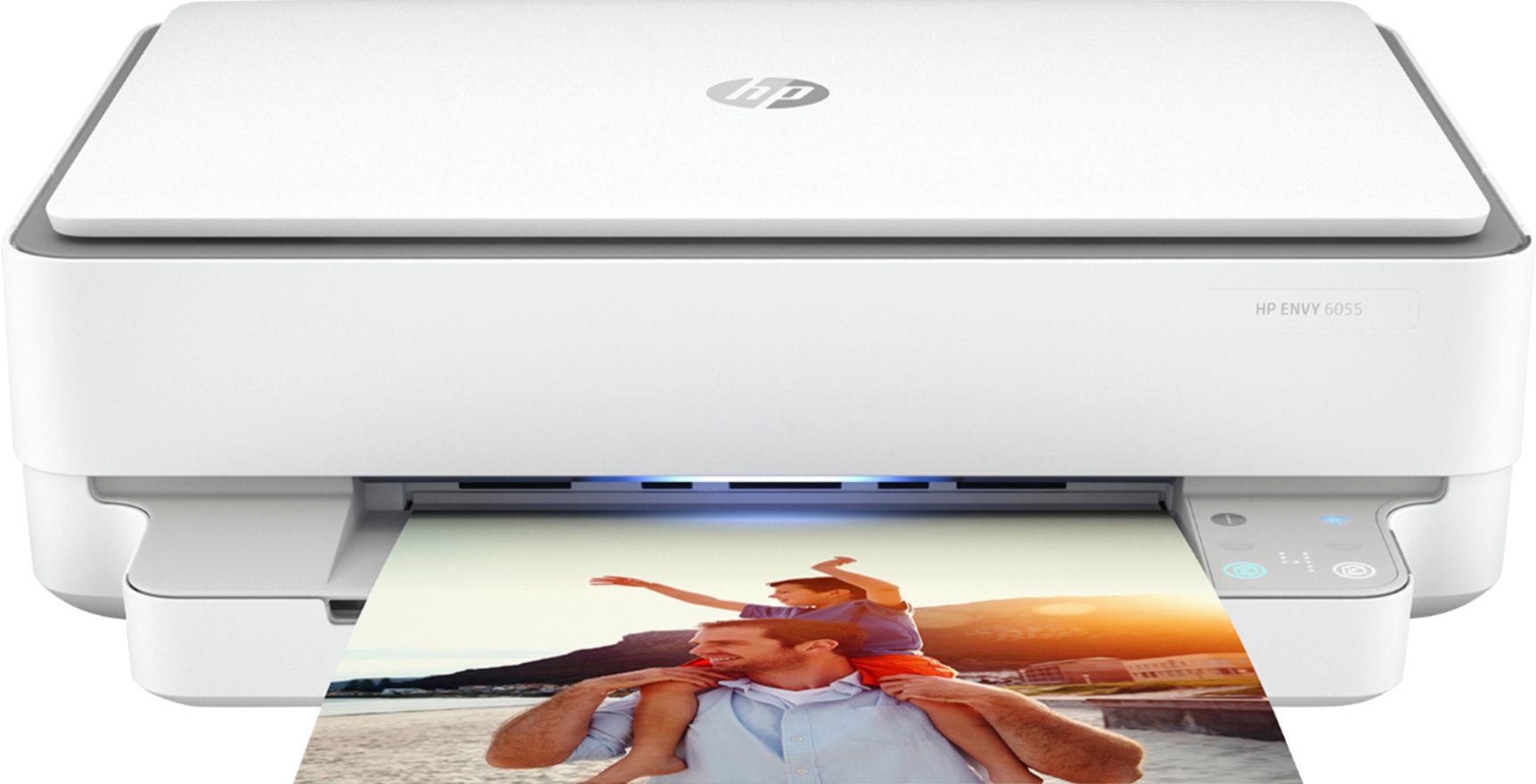
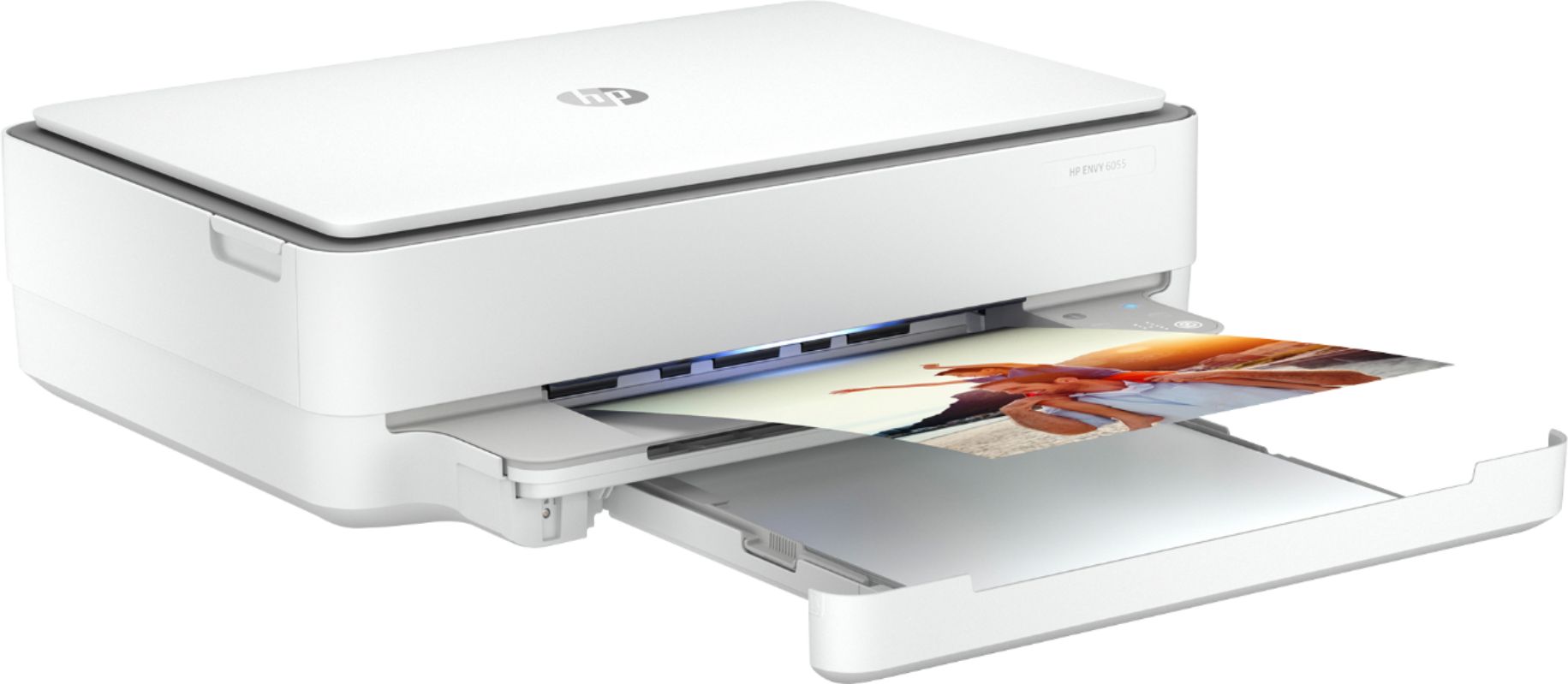
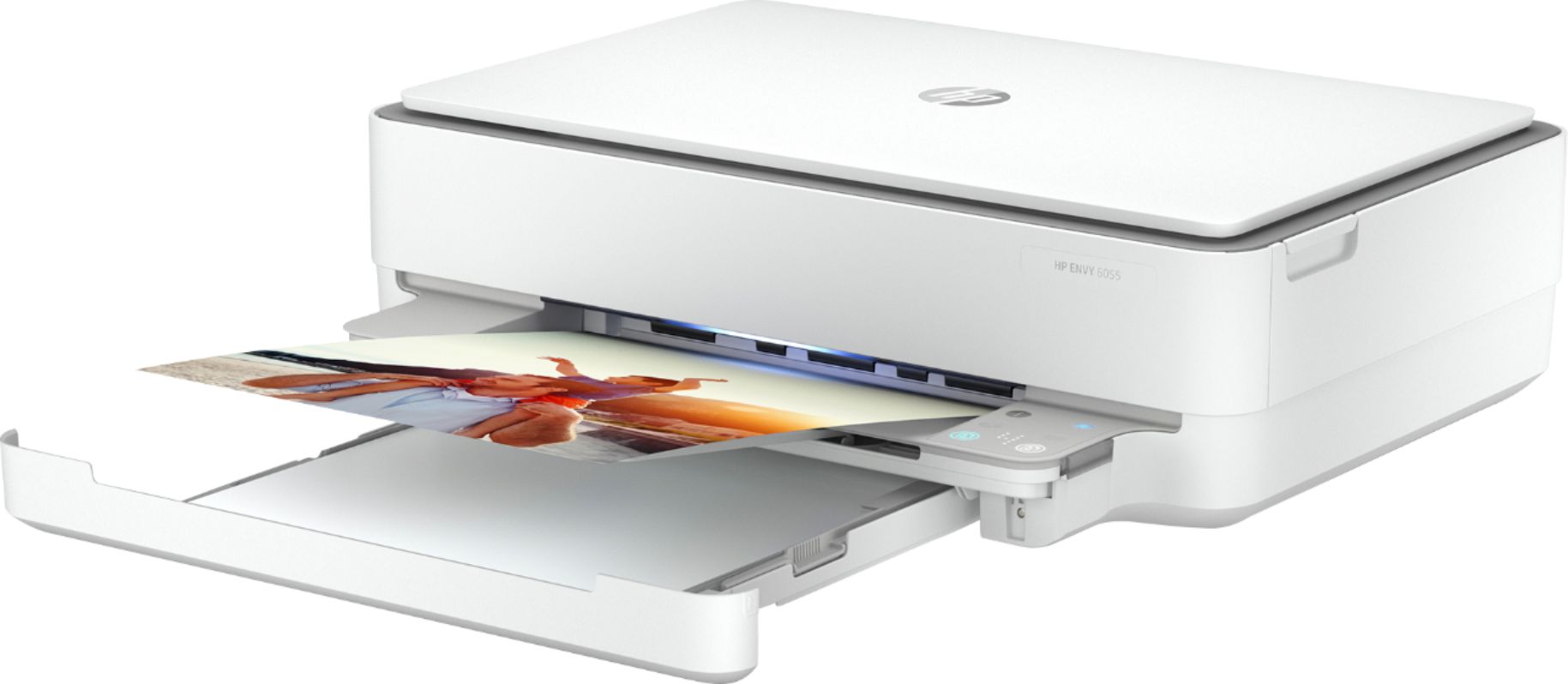
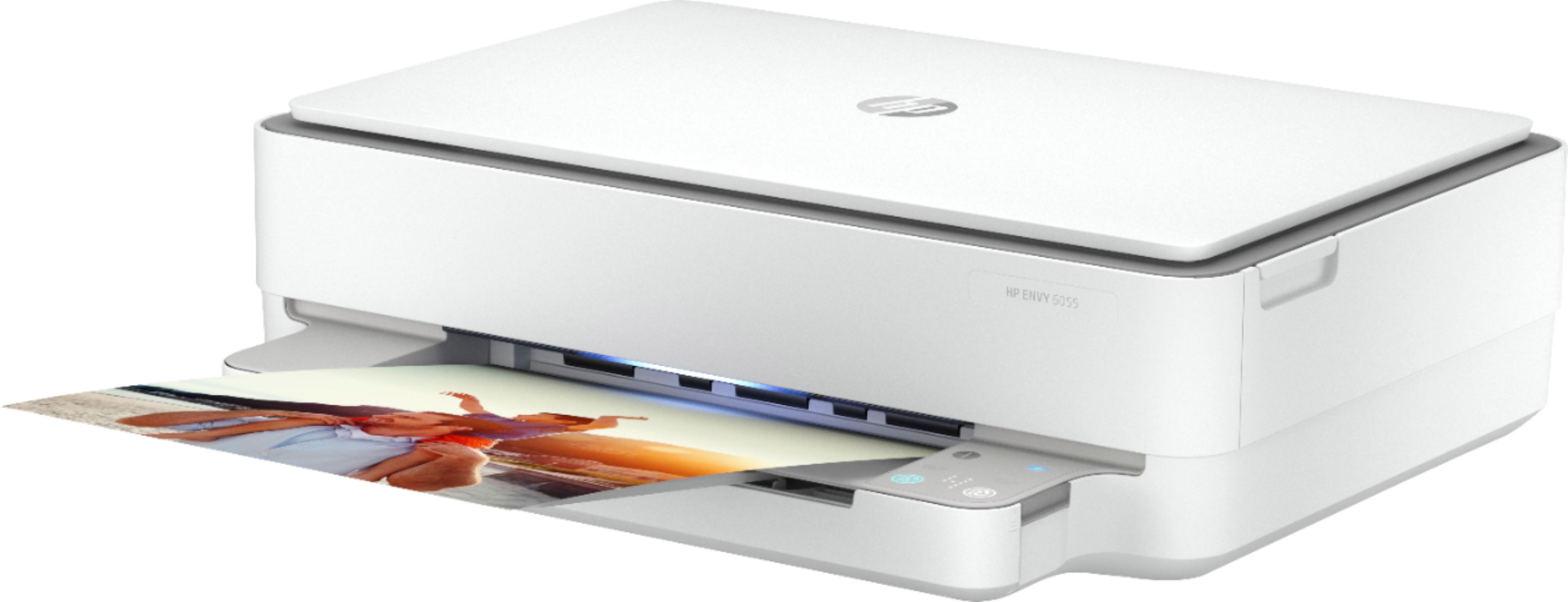
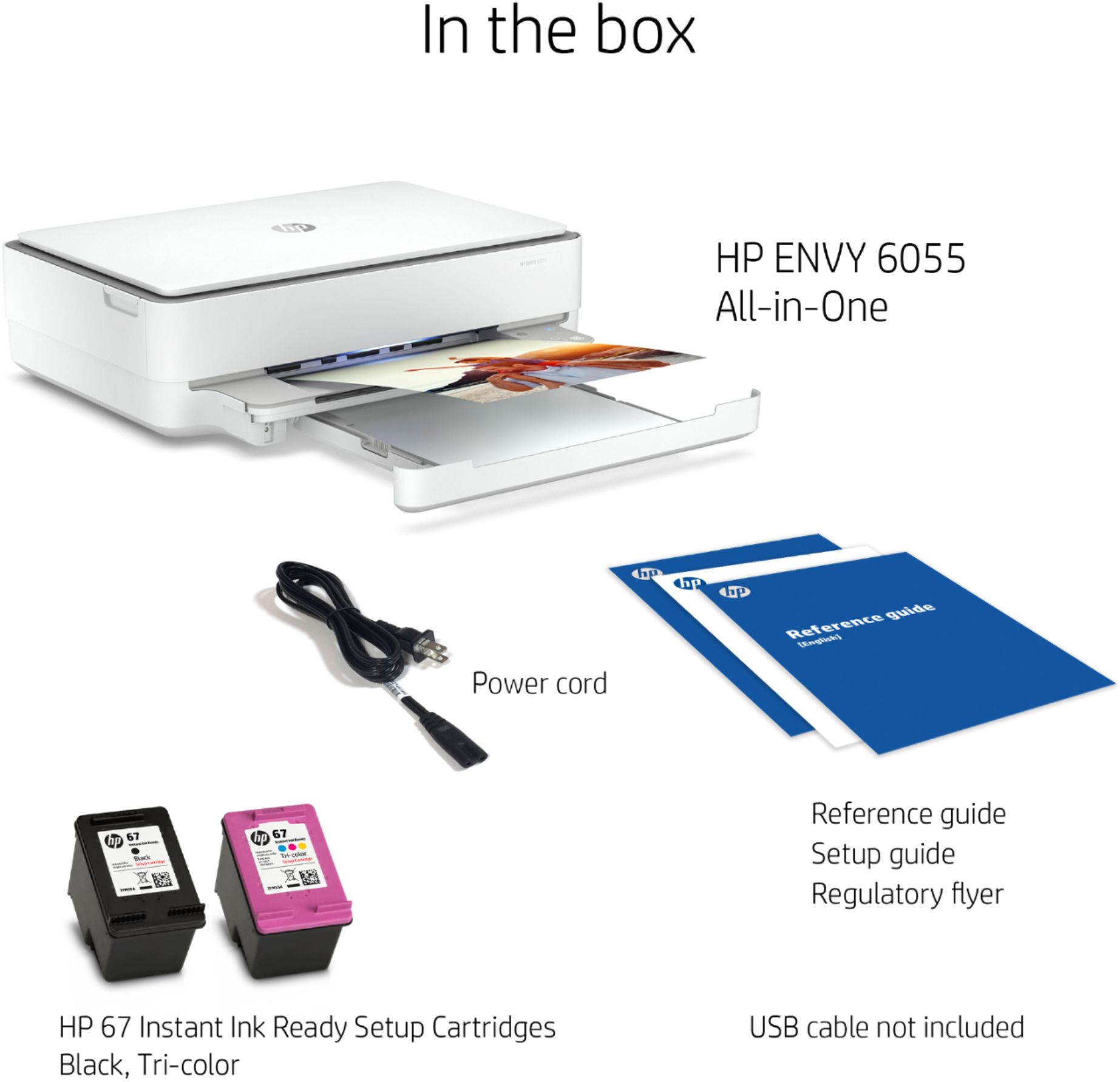

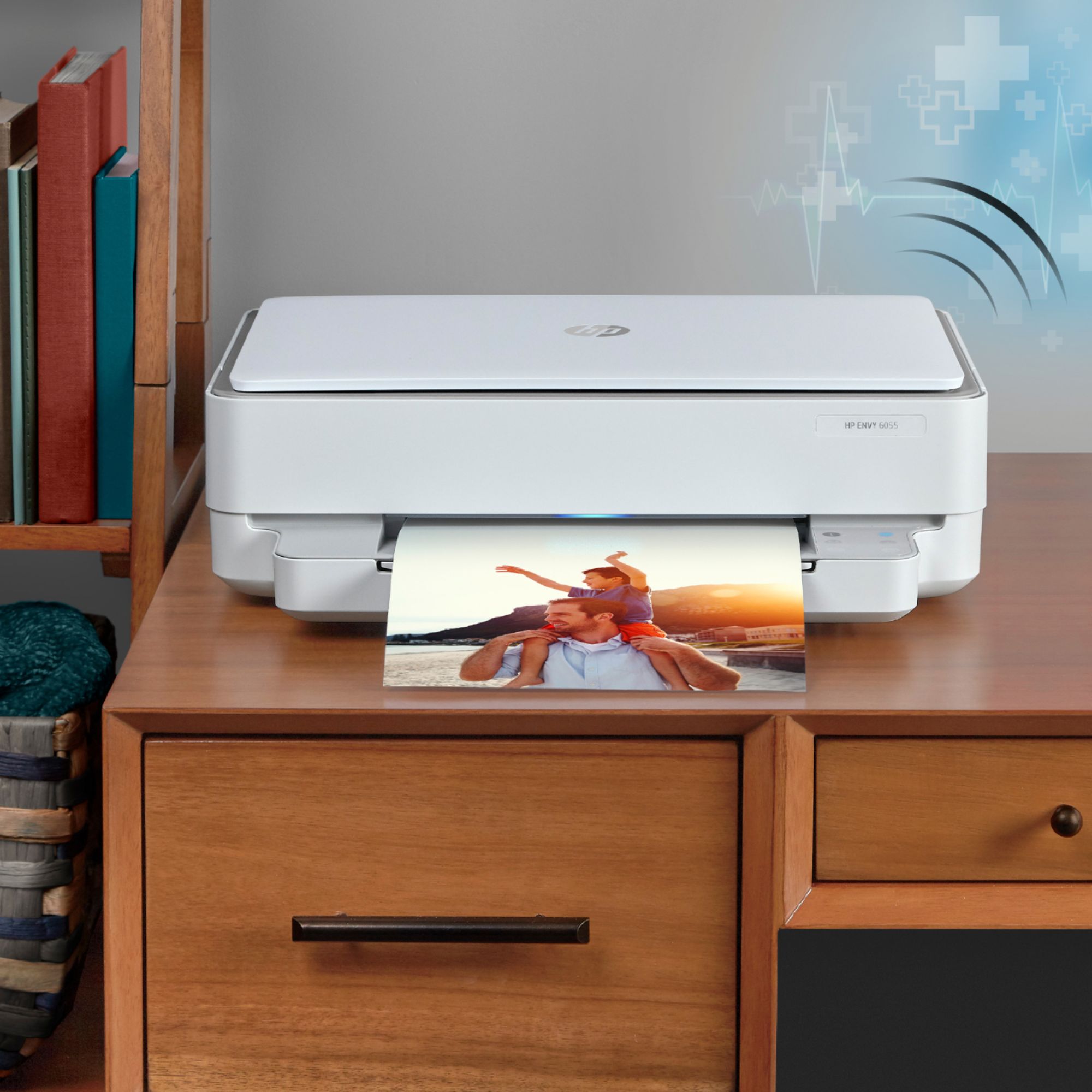


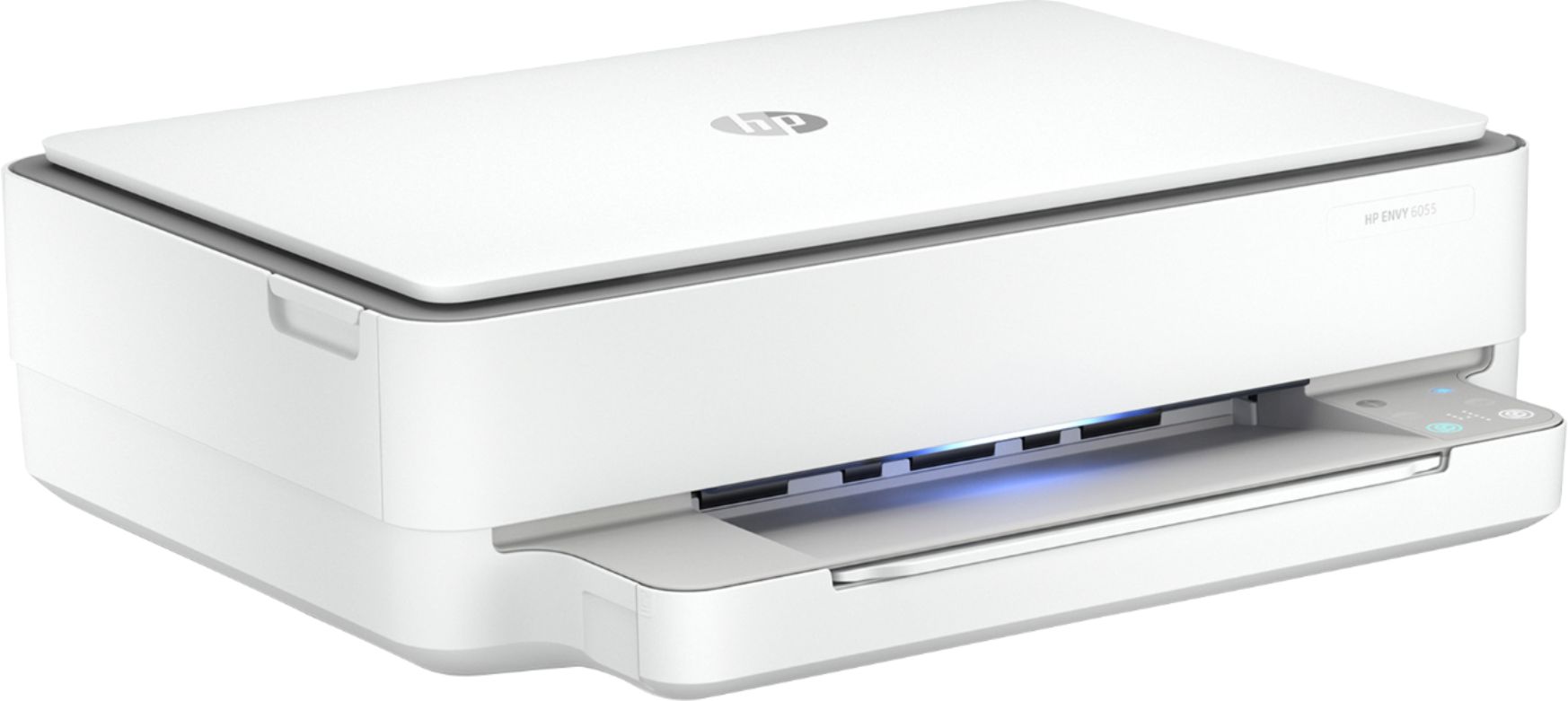

- Model:
- 5SE45A#1BH/5SE45A#A2L
- SKU:
- 6404827
Rating by feature
- Value
Rating 4.3 out of 5 stars
- Quality
Rating 4.3 out of 5 stars
- Ease of Use
Rating 4.1 out of 5 stars
Customers are saying
Customers are satisfied with the ENVY 6055e's ease of use, print quality, and compact size. Many appreciate its affordable price and straightforward setup process. Positive feedback also highlights the printer's sleek design and quiet operation. However, some users experienced challenges with maintaining a stable Wi-Fi connection.
This summary was generated by AI based on customer reviews.
- Pros mentioned:Price
Economical workhorse
||Posted . Owned for 3 weeks when reviewed.This reviewer received promo considerations or sweepstakes entry for writing a review.Good deal for a reasonable price. A perfect fit for a home office. Functional without breaking the bank.
I would recommend this to a friend - Pros mentioned:Ease of use
GREAT PRINTER
||Posted . Owned for 3 weeks when reviewed.This reviewer received promo considerations or sweepstakes entry for writing a review.Looking for just a simple printer and this has been perfect. Easy setup, no issues LOVE IT!!!!
I would recommend this to a friend - Pros mentioned:Size
Good printer
||Posted . Owned for 1 month when reviewed.This reviewer received promo considerations or sweepstakes entry for writing a review.I love it. I hadn’t bought a printer in so long and def worth it. It’s slim and fits in my desk.
I would recommend this to a friend - Pros mentioned:Size
good small printer
||Posted . Owned for 3 weeks when reviewed.This reviewer received promo considerations or sweepstakes entry for writing a review.small printer can take it anywhere room thanks
I would recommend this to a friend - Pros mentioned:Size
Perfect for home printing
||Posted .This reviewer received promo considerations or sweepstakes entry for writing a review.I like that it is enough for printing things here and there at home. Size is good and lightweight.
I would recommend this to a friend - Pros mentioned:Ease of use
Easy to use, not too large for personal use
||Posted . Owned for 1 month when reviewed.This reviewer received promo considerations or sweepstakes entry for writing a review.Works well, easy to use. Prints easily once it was set up on various devices, (tablet, computer and phone)
I would recommend this to a friend - Pros mentioned:Ease of use
HP Envy
||Posted . Owned for 3 weeks when reviewed.This reviewer received promo considerations or sweepstakes entry for writing a review.This is an awesome printer! It looks great with my new computer and is easy to operate and hook up.
I would recommend this to a friend - Cons mentioned:Connectivity
Do not buy this
||Posted . Owned for 2 months when reviewed.This reviewer received promo considerations or sweepstakes entry for writing a review.I have never been able to get this printer to work beyond the first time I used it. You have to keep reconnecting it , redownloading drivers, and it won’t work Never again
No, I would not recommend this to a friendBrand response from HP Team
Posted .Hi, Ashley.
I’m so sorry to hear that your printer has not worked after the first time you used it. I can certainly understand why repeated attempts to reconnect and reinstall the device without success would quickly become exasperating. I want to help you resolve this situation, so I’ll provide a resource and some information aimed at making that happen.
I can’t tell from your review what issue your printer faces or why it stopped working. I recommend that you contact us directly so we can help you assess the situation and determine the best course of action. HP+ printers such as yours come with exclusive concierge support. To call and reach live HP+ experts, visit the following URL and enter your HP+ serial number:
- hp.com/plus-help
I'll also mention that HP printers have a one-year warranty from their purchase date that covers hardware as well as ink supplies – and that warranty extends to two years with an HP+ account – so if it comes to that, you might consider making use of it. You can verify the warranty using the following link:
- support.hp.com/us-en/checkwarranty
Keith
HP Care
hp.com/support
- Pros mentioned:Print quality
Meh, okay at best but wouldn't buy it again
||Posted . Owned for 2 months when reviewed.This reviewer received promo considerations or sweepstakes entry for writing a review.Worked well for the first month. Print quality is pretty good. Now it constantly has connection errors. Anytime you want to print it has to be turned off and back on. Then it will reconnect and be ready to print. It has also given some paper size mismatch errors on multiple occasions when there was no mismatch between document sent to the printer and the paper in it. I'll never buy another screenless printer again. It's a pain in the neck to figure out what's wrong with it through the app and having to print error pages to tell you how to fix it.
No, I would not recommend this to a friendBrand response from HP Team
Posted .Hi, Andy.
Thanks for taking the time to write a review and describe your experience so far. While I’m glad that your printer worked well for a month and you’re happy with print quality, I’m sorry to hear that errors related to connectivity and paper mismatches have appeared. I would love to help you get your printer working to your satisfaction again, so I’ll point you toward some resources aimed at getting you there.
First, I recommend that you visit a page on our support site that has diagnostic tools for various issues, including wireless connectivity and printer-offline difficulties. You can find the page here:
- support.hp.com/us-en/topic/diagnostics
I also suggest that you follow a troubleshooting guide that covers paper mismatch errors. Find the guide by following whichever of the following links applies to your operating system:
- Windows: support.hp.com/us-en/document/c03275134
- Mac OS: support.hp.com/us-en/document/c01824353
If you need further assistance, I hope you’ll contact us directly at +1 800-474-6836 so we can help you assess the situation and find a solution. (Please note that because of restrictions on personal movement and workplace attendance associated with the COVID-19 pandemic, wait times for agents are longer than normal. Thanks in advance for your understanding.) To expedite the process, I recommend gathering the following information before the call:
- Model number
- Serial number
- Your location
- Case number (from any previous contact with HP support)
Keith
HP Care
hp.com/support
- Pros mentioned:Print quality
Good practice Printet
||Posted . Owned for 3 weeks when reviewed.This reviewer received promo considerations or sweepstakes entry for writing a review.Working great after easy setup and configuration. Nice printing with HP Smart from multiple devices.
I would recommend this to a friend pretty good
||Posted . Owned for 3 weeks when reviewed.This reviewer received promo considerations or sweepstakes entry for writing a review.it keeps losing network connection, sometimes troubleshooter fixes it or I have to turn it off and on again. upgrading from old HP that was supposed to be wireless but never worked right, and trying to learn windows 10, haven't tried printing from phone yet.
I would recommend this to a friend- Pros mentioned:Print quality
Printer and scanner
||Posted . Owned for 1 week when reviewed.This reviewer received promo considerations or sweepstakes entry for writing a review.Best item I could have brought. It matches my computer and word very well show clear when print
I would recommend this to a friend New HP printer and laptop
||Posted . Owned for 2 months when reviewed.This reviewer received promo considerations or sweepstakes entry for writing a review.No instructions. Booklet useless. This is my 3rd HP printer. If I call HP I have to pay. I bought an HP laptop also. The keyboard letters are impossible to read. No keyboard light.
No, I would not recommend this to a friendBrand response from HP Team
Posted .Hi there.
I’m sorry that you’ve had a troublesome start to owning your printer. I can wholly understand why inadequate instructional materials, challenging functionality and not receiving the support you need would be exasperating. I want to help you out of this dilemma. I hope the resources listed below serve that end.
First, to learn more about your printer and all its features, or for help solving problems, you can access user manuals, how-to documents, software updates and troubleshooting guides here:
- support.hp.com/us-en/product/model/2100187510
You can also visit a page on our support site that has diagnostic tools for various tasks and issues, including setup, cartridge installation, print quality and connectivity. There you’ll also find a general-purpose tool called the HP Print and Scan Doctor. If you use Windows, the tool will help identify and guide you through solutions to a wide range of common printing and scanning issues. Visit that page here:
- support.hp.com/us-en/topic/diagnostics
Finally, if you need support, you needn’t pay. Basic support is covered under the standard one-year warranty, which extends to two years with an HP+ account. If you need further assistance, I suggest you contact us directly so we can help you assess what’s happening and find the proper course of action. HP+ printers such as yours come with exclusive concierge support. To call and reach live HP+ experts, visit the following URL and enter your HP+ serial number:
- hp.com/plus-help
Keith
HP Care
hp.com/support
- Pros mentioned:Setup
Good deal
||Posted . Owned for 3 weeks when reviewed.This reviewer received promo considerations or sweepstakes entry for writing a review.Received the unit very quickly after ordering! Easy set-up. works perfectly with our HP computers!
I would recommend this to a friend - Pros mentioned:Ease of use
Satisfied
||Posted . Owned for 3 weeks when reviewed.This reviewer received promo considerations or sweepstakes entry for writing a review.This is a good product. It is light, portable, and very user friendly. I am a very happy customer.
I would recommend this to a friend - Pros mentioned:Ease of use
Love this printer
||Posted . Owned for 2 months when reviewed.This reviewer received promo considerations or sweepstakes entry for writing a review.After much frustration dealing with a Canon printer constantly going off line, this printer just works.
I would recommend this to a friend - Pros mentioned:Print quality
Nice compact
||Posted . Owned for 1 month when reviewed.This reviewer received promo considerations or sweepstakes entry for writing a review.Very compact and prints really good. I wish the ink were cheaper. But overall great quality material .
I would recommend this to a friend - Pros mentioned:Ease of use
REALLY Like My Printer
||Posted .This reviewer received promo considerations or sweepstakes entry for writing a review.I like everything about the printer I purchased. Great investment! Easy Installation for use
I would recommend this to a friend Have to restart before every print job
||Posted . Owned for 1 month when reviewed.This reviewer received promo considerations or sweepstakes entry for writing a review.Light compact printer. Does the basic job. You have to download the HP app and log in initially which is fine that's what a lot of components are moving to. My only gripe is that if the printer is asleep, simply going to print on Word doesn't wake it up to being printing. I have walk over and manually restart it and then hit print again. I've even had to unplug it and plug it back in, clear the que, and then start the printing process again. For this reason, I shut the whole thing down after printing and then turn it on when I need to use it.
No, I would not recommend this to a friend- Pros mentioned:Ease of use
Easy space saver printer
||Posted . Owned for 1 month when reviewed.This reviewer received promo considerations or sweepstakes entry for writing a review.Easy to use for my family for quick print jobs especially for my son since remote schooling at home.
I would recommend this to a friend